Gmail is the best email app for Android for most people, with a clean inbox, Gemini summaries and 15 GB of free storage. Pick Outlook if you live in Microsoft 365, or Proton Mail if you want an encrypted inbox with no ads.
How we make this list: we compare pricing pages, product documentation and public user reviews, then re-check every price before each update. No product paid for a place. Disclosure.
Gmail leads for Android, with a 4.6 G2 rating from 45,693 reviews, Gemini summaries and 15 GB of free storage.
Outlook is the best choice for Microsoft 365 work, with Exchange and Teams built in from $1.99 a month.
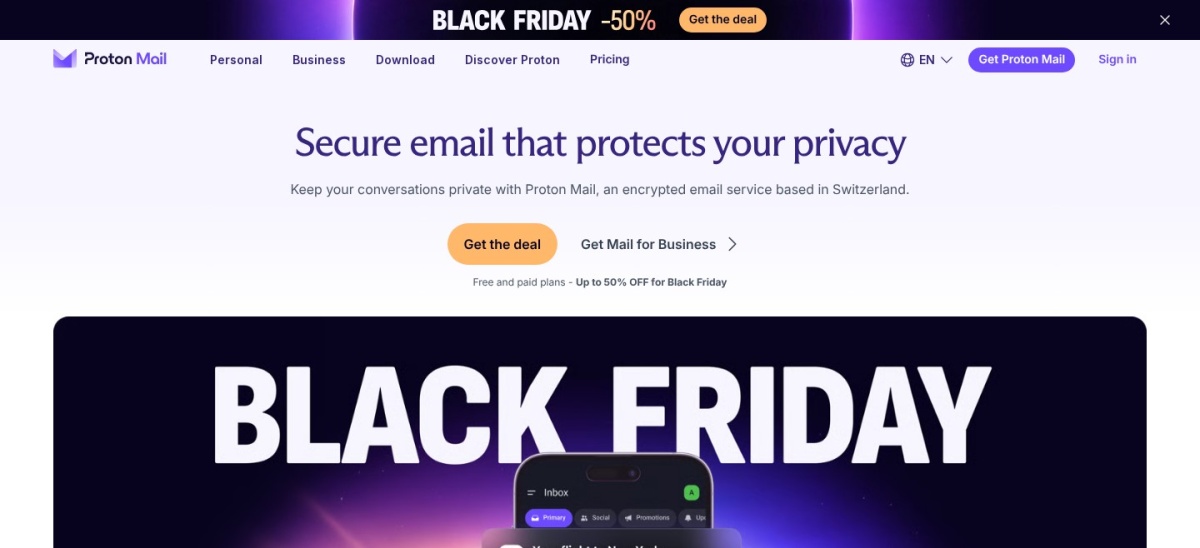
Proton Mail is the most private option, with encryption, no ads and Mail Plus at $4.99 a month.
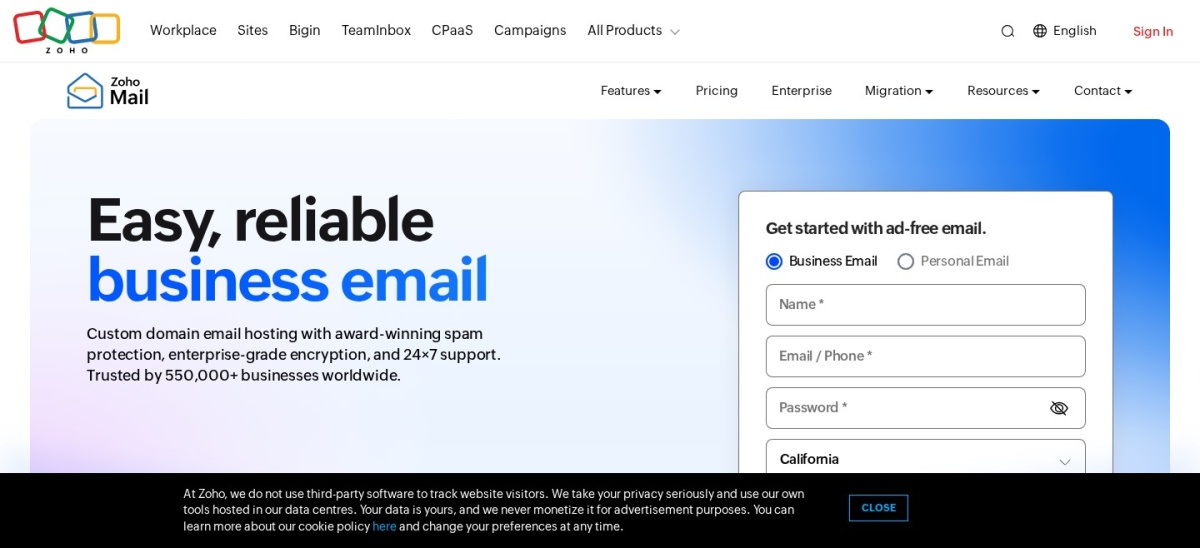
Zoho Mail is the cheapest paid plan at $1 a user a month, with a clean ad-free inbox.
Thunderbird is free and open source, with no ads and no data collection at all.
What an Android email app should cover
An email app for Android needs to handle Gmail, Outlook and other accounts in one inbox, with fast search and reliable notifications. Every app here does that, and most add AI triage or encryption.
Free plans differ most on ads and storage. Gmail gives 15 GB shared with Drive and Photos, Outlook is free with ads on personal accounts, and Proton Mail gives 1 GB with no ads. Our email management guide compares the AI triage side.
Privacy is the second split. Proton Mail and Thunderbird keep your mail away from ad targeting, while Gmail and Outlook fund their free tiers with ads and data. Check the privacy policy before you move a decade of mail.
Price follows the bundle. Most paid plans cost $1 to $10 a month, and the money usually buys storage, no ads or an office suite. Check the cheapest paid plan in the ladder below before you compare features.
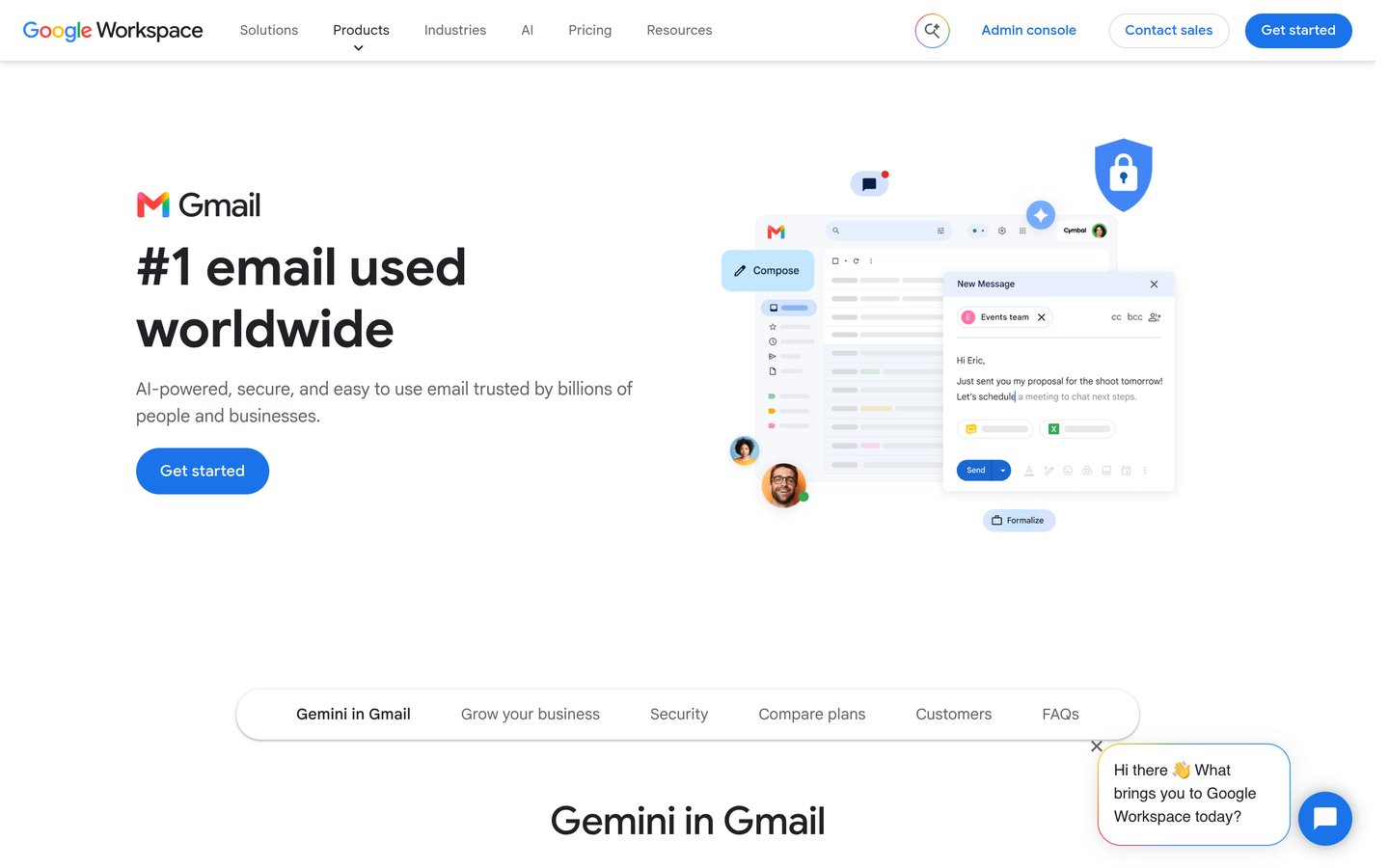
Gmail is Google's email app for Android, with a clean inbox, smart categories, Gemini summaries and 15 GB of free storage shared with Drive and Photos. It handles Gmail natively and other accounts over IMAP, and Google Workspace Business Starter at $7 a user a month adds a custom domain and more storage.
The trade off is ads and data. The free plan shows ads and funds itself with data, and storage is shared across Google services. It suits most people, especially anyone already in Google's apps.
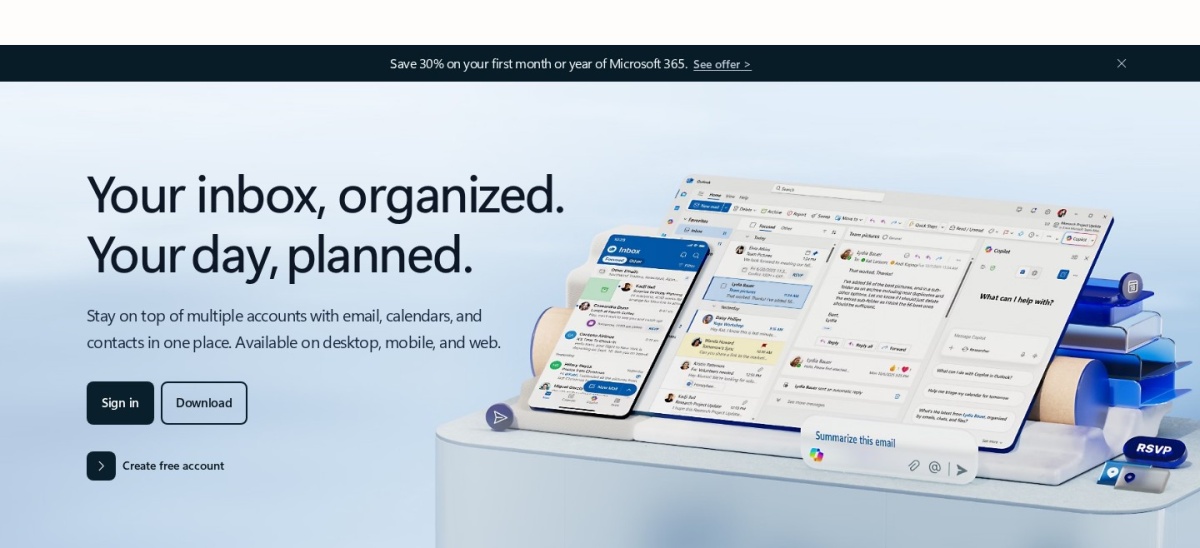
Outlook is Microsoft's email app for Android, with Exchange, Microsoft 365, Teams and calendar built in, plus a focused inbox that sorts important mail first. It is free with ads on personal accounts, and Microsoft 365 Basic at $1.99 a month removes ads and adds 100 GB of storage.
The trade off is the upsell. Copilot and the full Office apps need the dearer Personal plan at $9.99 a month. It suits anyone whose work runs on Microsoft 365 and Exchange.
Proton Mail is an encrypted email app for Android, with end-to-end encryption, no ads and no tracking. The free plan gives 1 GB of storage and one address, and Mail Plus at $4.99 a month adds 15 GB, 10 addresses and a custom domain.
The trade off is storage and search. The free plan is small, and encrypted search is slower than Gmail. It suits anyone who wants a private inbox with no ads.
Zoho Mail is a clean, ad-free business email app for Android, with calendar, tasks and notes built in and a custom domain on paid plans. The free plan covers 5 users with webmail, and Mail Lite at $1 a user a month adds 5 GB per user and IMAP access.
The trade off is the ecosystem. Zoho Mail works best with other Zoho apps, and support is slower on cheaper plans. It suits small businesses that want a professional address for $1 a user a month.
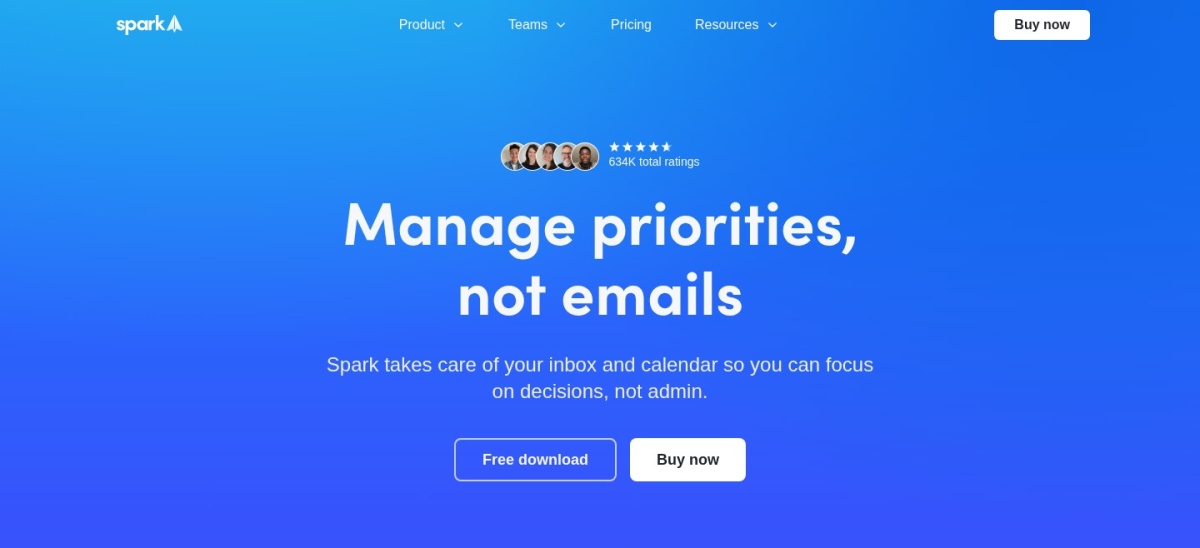
Spark is a smart email app for Android, iPhone, Windows and Mac, with a smart inbox that triages mail, snooze, send later and shared inboxes for teams. The free plan covers unlimited accounts, and Plus at $99 a year adds Spark AI, unlimited templates and priority support.
The trade off is price. At $99 a year it costs more than Proton Mail or BlueMail, and the G2 review base is only 22 reviews. It suits small teams that share an inbox and want AI triage.
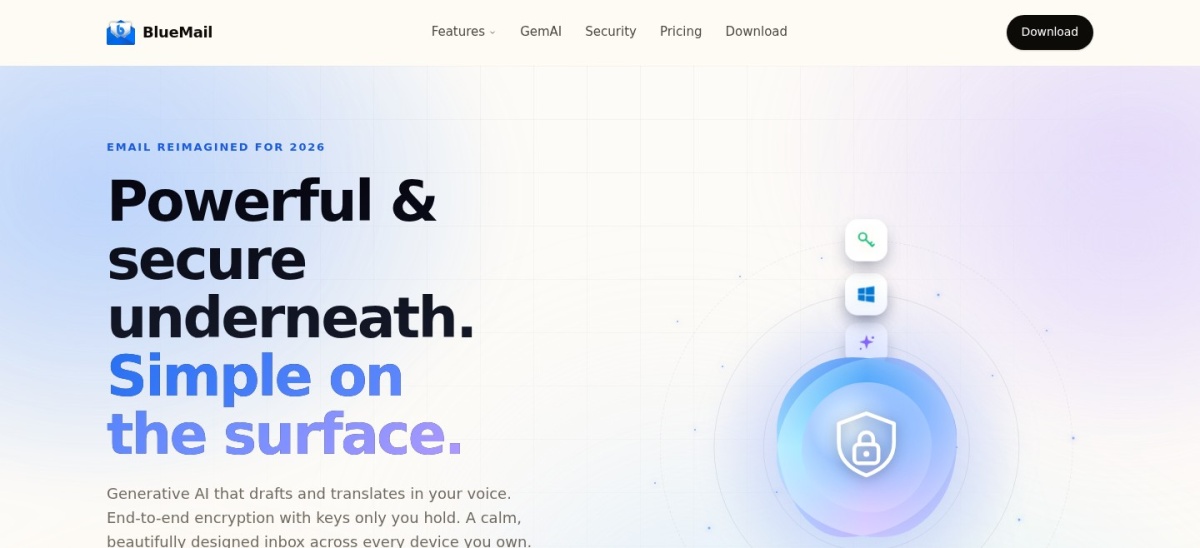
BlueMail is a multi-account email app for Android, with a unified inbox, people-centric views, clusters and snooze. The free plan covers unlimited accounts, and Plus at $35.99 a year adds an AI writer, more storage and no ads.
The trade off is the small review base. Only 50 G2 reviews back its 4.3 rating, and the AI writer is basic next to Gemini. It suits people who juggle many accounts in one inbox.
Thunderbird is a free, open source email app for Android, built from the K-9 Mail code, with a unified inbox, no ads and no data collection. There is no paid plan at all, and donations fund development.
The trade off is polish. Thunderbird is plainer than Gmail or Outlook, and setup takes more steps for some accounts. It suits anyone who wants a free inbox with no ads and no tracking.
Free plans cover the basics well. Gmail, Outlook, Proton Mail, Zoho Mail, Spark, BlueMail and Thunderbird all let you read, send and search mail for free.
Paid plans mostly remove ads and add storage. Outlook drops ads with Microsoft 365, Proton Mail adds storage and addresses, and Spark adds AI triage.
The AI features are often paid. Gemini summaries in Gmail, Copilot in Outlook and Spark AI all sit behind paid plans.
For a mailbox you open fifty times a day, the first year of a paid plan often costs less than the time lost to ads and a full inbox.
How we chose
We started from the email apps most used on Android, then kept the seven with published prices and a verifiable rating on G2.
Prices are the regular prices from each vendor's pricing page and November 2026 comparison reads, as read on 25 November 2026. Ratings and review counts come from G2 on the same day, and download figures come from Google Play listings.
We left out Edison Mail, Aqua Mail, Nine and Yahoo Mail because none has a verifiable rating on G2, Capterra or Trustpilot. No vendor paid for a place, and we do not claim hands-on testing for this list.
How to choose an email app for Android
Start with who provides your email, then match the app to that account.
Check your main account first. Gmail users get the most from the Gmail app, Outlook users from Outlook, and Zoho users from Zoho Mail. The native app always syncs best.
Test notifications for a day. Install the app, send yourself a test mail and check the notification arrives fast. Slow sync is the most common complaint in reviews.
Count your accounts. Most apps here handle unlimited accounts, but some free plans cap devices or addresses. Add every account before you judge the inbox.
Try the free plan with real mail. Import your busiest account and run a real week of mail through it before you pay for AI triage or extra storage.
FAQ
What is the best email app for Android?
Gmail is the best pick for most people. It is free, fast, handles every account type, holds a 4.6 out of 5 G2 rating from 45,693 reviews, and includes Gemini summaries and 15 GB of free storage.
Is there a free email app for Android with no ads?
Yes. Proton Mail is free with no ads and 1 GB of storage, and Thunderbird is free and open source with no ads at all. Gmail and Outlook show ads on their free plans.
Which Android email app is best for work?
Outlook is the best choice for Microsoft 365 work, with Exchange, Teams and calendar built in. Gmail suits Google Workspace teams, and Zoho Mail is the cheapest business option at $1 a user a month.
Which email app is most private on Android?
Proton Mail leads on privacy, with end-to-end encryption and no ad tracking. Thunderbird is the best open source option, with no data collection at all.
How much does an email app for Android cost?
Paid plans in this list run from $1 a user a month for Zoho Mail Lite to $10 a month for Spark Plus. Most people pay nothing, and Gmail is free.
Can I use Gmail and Outlook in one Android app?
Yes. Gmail, Outlook, Spark, BlueMail and Thunderbird all handle Gmail, Outlook, Yahoo and IMAP accounts in one unified inbox, so you can read and reply to every account without switching apps.
SaaS SEO and WordPress specialist with about 8 years of experience. Rakib compares WordPress plugins, themes, hosting and software using public pricing, documentation and user reviews. See how we rank.