Best Doc Processing Automation Tools in 2026: 8 Tools Compared
WLWPLegible EditorsLast verified 23 Nov 2026How we rank12 min read
★ Short answer
UiPath Document Understanding is the best doc processing automation tool for most teams: Basic costs $25 a month and extraction plugs straight into UiPath robots. Pick Microsoft AI Builder at $15 a user a month if your team already lives in Microsoft 365, or Docsumo for finance documents with a 14-day trial.
How we make this list: we compare pricing pages, product documentation and public user reviews, then re-check every price before each update. No product paid for a place. Disclosure.
UiPath Document Understanding is the cheapest entry: $25 a month Basic with a free plan, and the only published price in the top three.
Docsumo is the best-rated tool here at 4.7 on G2, but its pricing page now shows custom quotes only; the old $500 a month Growth plan is gone.
Dedicated IDP platforms mostly price by volume and quote, so the $800 to $2,000 a month figures for Ephesoft, Infrrd, Rossum and Indico Data are reported, not vendor-published.
Microsoft AI Builder at $15 a user a month is the cheapest route for teams already on Microsoft 365, with 1,057 G2 reviews behind its 4.4 rating.
ABBYY, the accuracy benchmark in document capture, is missing from this list because no verifiable G2, Capterra or Trustpilot rating with a review count was found in time.
What doc processing automation actually does
Document processing automation, often called intelligent document processing or IDP, reads a document and returns structured data. It classifies the file, pulls out the fields that matter, checks them against rules and routes exceptions to a person. Unlike plain OCR, it understands what it is looking at, so an invoice from a new supplier still extracts cleanly.
The market splits three ways: dedicated IDP platforms such as Rossum, Docsumo and Hyperscience; extraction inside automation suites such as UiPath and Microsoft Power Automate; and cloud AI services that charge per page. The right pick depends on whether documents are the whole job or one step in a bigger workflow, so check our best AI automation tools list if the wider automation matters more than extraction alone.
Pricing is the hardest part of this category. Only UiPath publishes a clear entry price at $25 a month, and Microsoft publishes $15 a user a month for AI Builder. Most dedicated platforms quote by volume, and the reported figures in this list come from third-party analyses, not vendor pages, so treat them as starting points for a sales conversation.
Accuracy matters more than speed here. A tool that extracts 98% of invoice fields correctly saves more time than a fast one that needs every document re-checked. Check the review queues, the audit trail and how the tool handles the documents it cannot read before you commit to a volume contract.
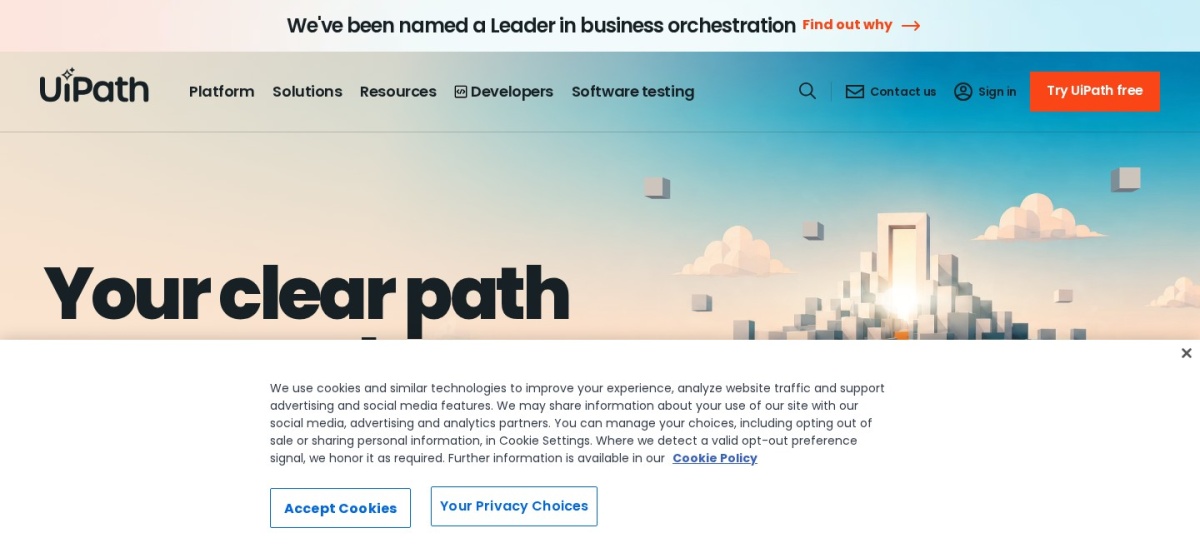
UiPath Document Understanding homepage, captured Nov 2026.
UiPath Document Understanding is the document AI inside UiPath's automation platform. The Basic plan costs $25 a month on the vendor's pricing page and covers classification and extraction from invoices, receipts, forms and contracts, with a free plan for testing. Extracted fields flow straight into robots that post the data to an ERP or CRM.
The trade off is scope. Document Understanding shines when extraction is one step in a bigger automated process, and its value drops outside the UiPath ecosystem. Basic caps at 2 robots, and production volumes consume AI units that scale the price beyond the headline $25.
What we like
$25/mo Basic is the cheapest entry here
Extraction plugs into UiPath robots and workflows
Free plan for testing
Classifies and extracts without per-document templates
Watch out for
Basic caps at 2 robots
Real volumes consume AI units that raise the price
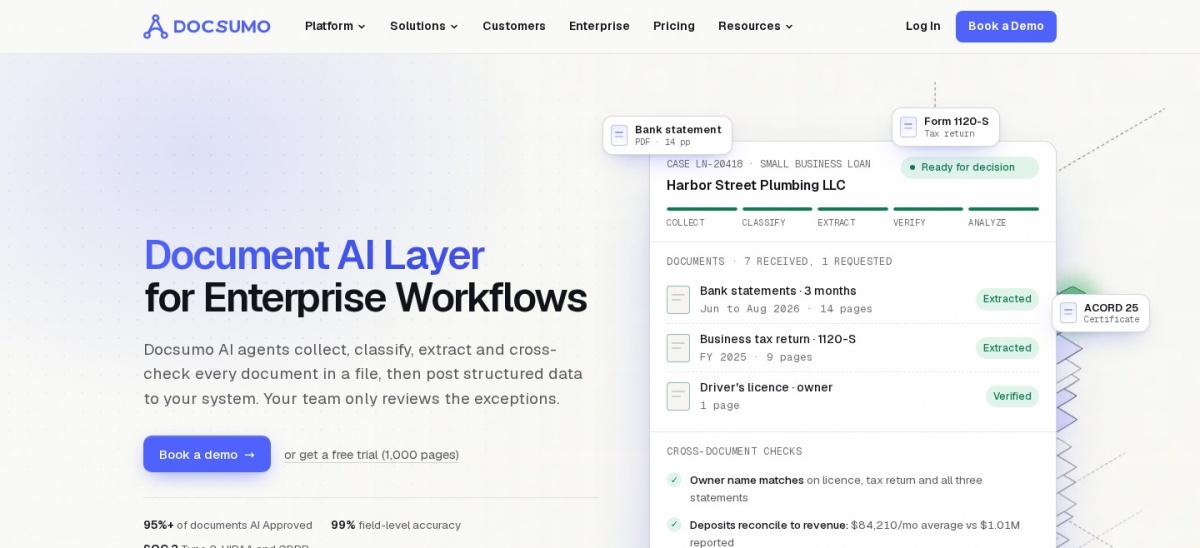
Docsumo is a mid-market document processing platform built for finance teams. It extracts data from invoices, bank statements and identity documents without enterprise implementation, and the free trial covers 14 days and 1,000 pages. Classification, splitting and validation run in the cloud, with results exported as JSON or Excel.
The trade off is pricing transparency. Docsumo's current pricing page lists Business and Enterprise as custom quotes priced on volume, so the $500 a month Growth plan quoted in older comparisons no longer exists. Setup fees also apply, which makes the true first-year cost harder to pin down before a sales call.
What we like
Purpose-built for invoices, statements and ID documents
14-day trial with 1,000 free pages
Auto-classification and splitting on Business
SOC 2 Type 2, ISO 27001 and HIPAA on every plan
Watch out for
No published price since the $500/mo Growth plan was retired
Hyperscience is the enterprise end of document processing. It handles high volumes and many document types, with review queues that route low-confidence extractions to people and audit trails that satisfy regulated industries. Insurance, banking and government teams use it where extraction errors cost real money.
The trade off is scale and sales process. Everything is quote-based with an enterprise evaluation, so smaller teams should look at Docsumo or the cloud AI services instead. It is infrastructure, not a quick tool, and it only pays off at volumes most teams never reach.
What we like
Built for millions of pages a year
Human-in-the-loop review queues keep accuracy high
Model training tools and audit trails for regulated industries
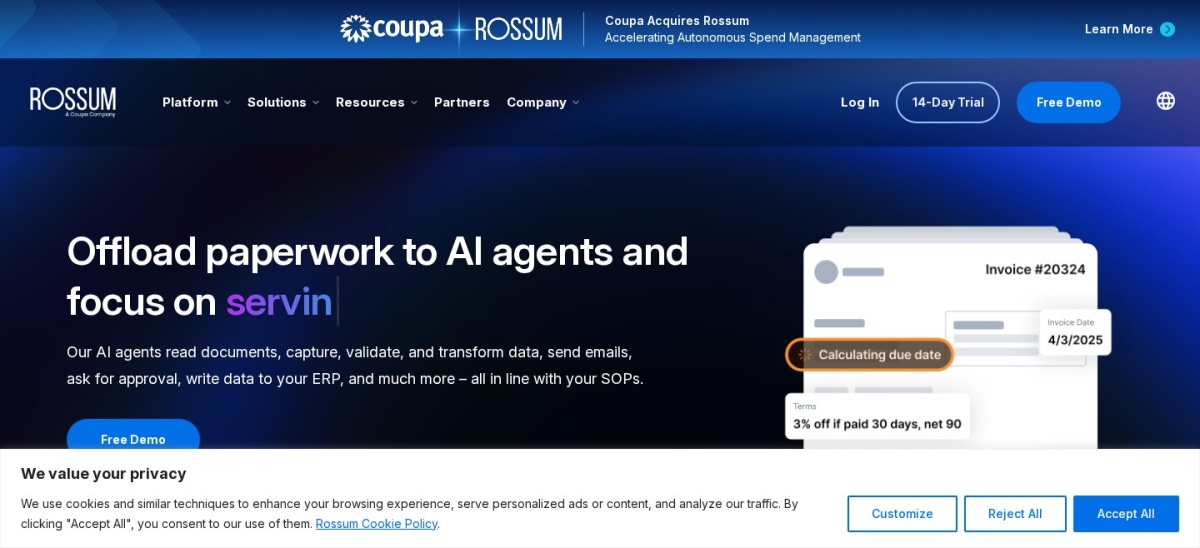
Rossum built its reputation on transactional documents: invoices, purchase orders and shipping paperwork processed without building templates for each supplier layout. The AI engine receives documents across channels, understands them, resolves exceptions through two-way communication and acts on the data through integrations.
The trade off is price. Third-party analyses report starting subscriptions around $1,500 a month, which only makes sense where invoice and order volumes justify dedicated document AI. Coupa announced its acquisition of Rossum in May 2026, so buyers should ask about the standalone product roadmap.
What we like
Zero-template setup learns layouts without manual work
Strong transactional accuracy on invoices and orders
Handles receipt-to-exception flow end to end
Watch out for
Reported $1,500/mo entry is steep for small volumes
Enterprise pricing is quote-based
Coupa's May 2026 acquisition raises roadmap questions
Free trial covers 14 days and 300 page extractionsVisit rossum.ai
05
Ephesoft (Tungsten Automation)
4.5/5on G2 (86 reviews, checked Nov 2026)
Starts at$800/mo
Best doc processing for batch capture
Starting price$800/mo (reported)
Free trial30 days
Document typesMulti-page batches, forms
DeploymentCloud or on-premise
ephesoft.com
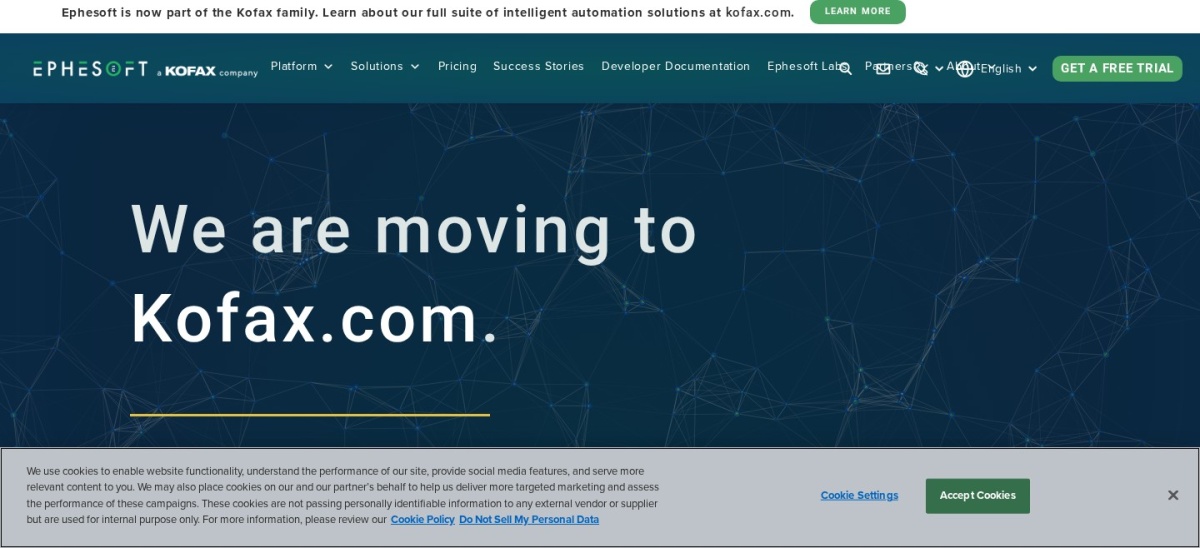
Ephesoft (Tungsten Automation) homepage, captured Nov 2026.
Ephesoft, now under Tungsten Automation after the Kofax acquisition, specialises in intelligent capture: separating multi-page batches, classifying documents and extracting structured data. The reported $800 a month base licensing and 30-day trial make it accessible for mid-market batch processing jobs.
The trade off is age. The interface shows its years next to AI-native competitors, and the acquisition history means buyers should confirm the product roadmap. For scan-heavy operations processing batches of mixed documents, the capture-first design still earns its place.
What we like
Strong at separating multi-page batches and classifying documents
On-premise and cloud deployment
30-day trial licence
Watch out for
Reported $800/mo base before volume scaling
Interface feels dated next to AI-native rivals
Now part of Tungsten Automation, so roadmap questions apply
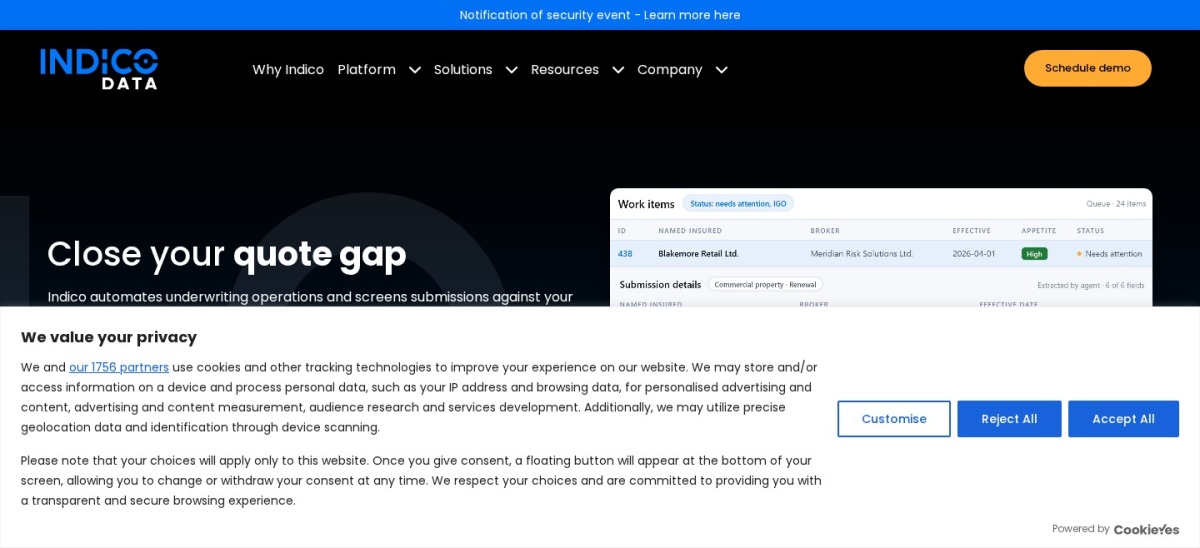
Indico Data targets unstructured documents inside complex enterprise workflows, with a focus on insurance, banking and finance. It classifies documents and extracts data where template tools fail, and its 4.6 out of 5 Capterra rating comes from 11 reviews.
The trade off is size and price. Third-party analyses report an enterprise entry around $2,000 a month, and the vendor is smaller than ABBYY or Hyperscience with less third-party review history. For organisations whose documents defeat simpler tools, the specialisation justifies the evaluation.
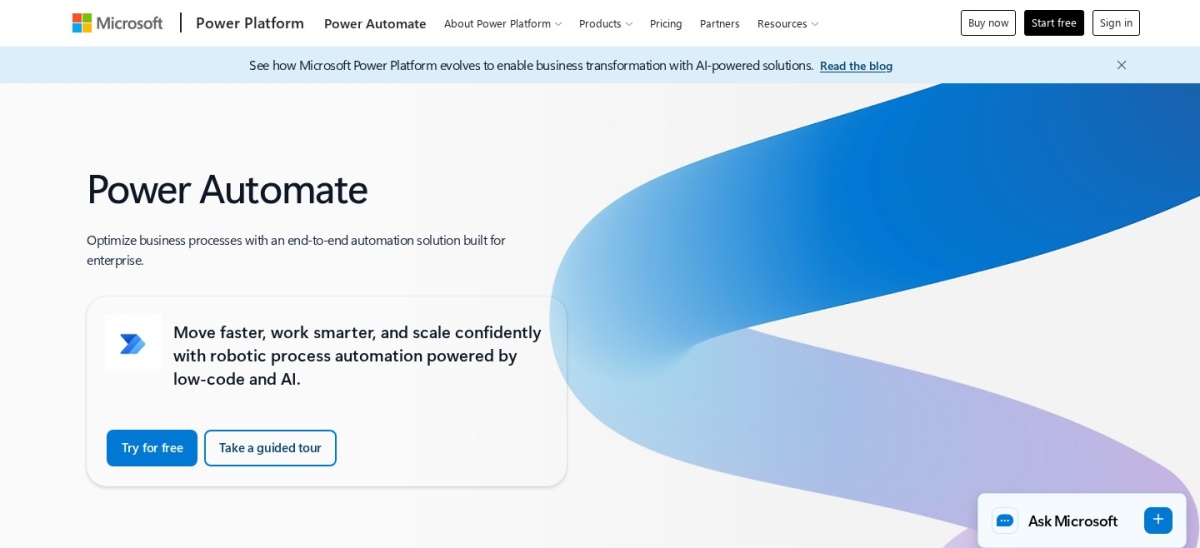
Microsoft Power Automate AI Builder homepage, captured Nov 2026.
Microsoft Power Automate AI Builder brings document processing into Power Automate: extract data from invoices, receipts and forms as one step in flows that already move through SharePoint, Teams or Dynamics. At $15 a user a month on annual billing, it is the cheapest way for Microsoft shops to add document AI without a new vendor.
The trade off is depth. The models handle common documents well but lack the training depth of dedicated platforms for unusual layouts, and AI credit consumption scales with volume. For Microsoft 365 teams automating document-adjacent workflows, the native fit beats a standalone tool.
What we like
$15/user/mo adds document processing inside Power Automate flows
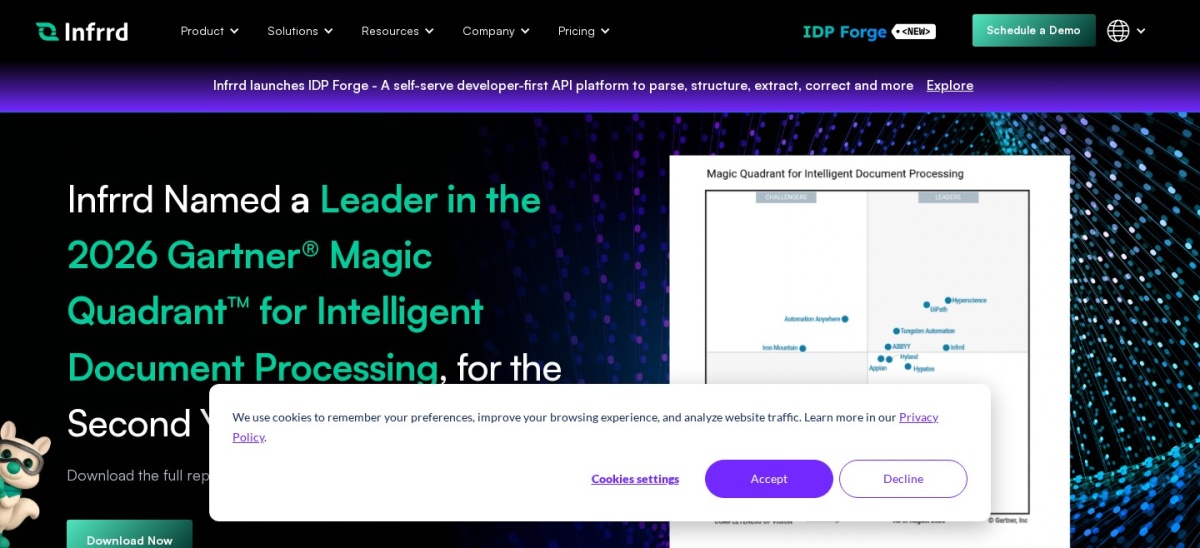
Infrrd focuses on the hard documents: variable layouts, dense tables and mixed content where template-based tools fail. The platform classifies documents and extracts data with minimal human touch, aimed at enterprises with messy real-world paperwork.
The trade off is vendor size. Infrrd is smaller than ABBYY or Hyperscience, with only 18 G2 reviews, and enterprise features need a consultation. For organisations whose documents defeat simpler tools, the specialisation justifies the evaluation.
What we like
Specialises in no-touch extraction from complex, variable layouts
Document classification plus extraction in one platform
Headline prices in this category rarely survive contact with a sales call. UiPath Basic at $25 a month is the clearest entry price, but production volumes consume AI units that scale the bill, and Docsumo charges setup fees on top of its volume-priced plans.
Ask for a quote at your actual monthly page volume, and ask what happens when you exceed it. Per-page overages, AI credit packs and annual prepayment discounts all change the effective price, and most vendors will not publish these numbers.
Check the exit terms too. Model training data, stored documents and integration work all make switching costly, so confirm who owns the trained models and how you export your data before you sign.
How we chose
We compared dedicated document processing platforms and extraction inside automation suites, and kept only tools with a verifiable rating on G2 or Capterra. Every tool here has a published price, a reported starting price or a vendor-confirmed custom quote.
Prices come from each vendor's pricing page, checked on 23 November 2026, or from published third-party analyses where the vendor page shows no price. Ratings come from G2 or Capterra on the same day. Where a vendor shows a sale, the list shows the regular price.
We left out tools with no verifiable rating, including ABBYY, the accuracy benchmark in this category, and cloud AI services that charge per page with no product rating. No vendor paid for a place, and we do not claim hands-on testing for this list.
How to choose doc processing automation tools
Start with whether documents are the job or one step in a workflow, then test on your own files.
Work out whether documents are the job or one step. If extraction feeds a bigger automation, UiPath or Microsoft AI Builder wins. If documents are the whole job, a dedicated platform such as Docsumo or Rossum fits better.
Test on your own documents. Use the free plan or trial on real invoices, forms and contracts from your own suppliers. Accuracy on your documents matters more than any demo or benchmark.
Ask how volume pricing works. Most vendors price by pages processed, and credits, AI units and setup fees all change the bill. Get a quote for your actual monthly volume before comparing headline prices.
Check the exception workflow. Every tool fails on some documents. Ask how low-confidence extractions reach a reviewer, what the audit trail looks like, and how the tool learns from corrections.
FAQ
What is the best doc processing automation tool?
UiPath Document Understanding is the best pick for most teams because Basic costs $25 a month, there is a free plan, and extraction plugs straight into UiPath robots. Teams already on Microsoft 365 should look at AI Builder at $15 a user a month instead.
How much does doc processing automation cost?
Entry prices run from $15 a user a month for Microsoft AI Builder and $25 a month for UiPath Basic up to reported $800 to $2,000 a month for dedicated platforms such as Ephesoft, Infrrd, Rossum and Indico Data. Most enterprise tools price by page or document volume, so the final bill depends on how much you process.
What is intelligent document processing?
Intelligent document processing, or IDP, reads a document and returns structured data. It classifies the file, extracts the fields that matter, validates them against rules and routes exceptions to a person. Unlike plain OCR, it understands the document, so a new supplier layout still extracts cleanly.
Is there a free doc processing automation tool?
UiPath Document Understanding has a free plan, and Docsumo offers a 14-day trial with 1,000 pages. Microsoft AI Builder has a 30-day trial, and Rossum and Infrrd also offer 14-day trials. No dedicated IDP platform in this list has a free tier for production use.
What is the difference between OCR and IDP?
OCR only reads text off a page. IDP adds classification, field extraction, validation and routing, so it knows an invoice from a purchase order and can check totals before sending data on. OCR is a component inside IDP, not a replacement for it.
Which doc processing tool is best for invoices?
Rossum is built for invoices and purchase orders with zero-template setup, and Docsumo is purpose-built for invoices, bank statements and identity documents. Both handle new supplier layouts without manual templates. UiPath is the cheaper pick if invoice extraction is one step in a wider automation.