WLWPLegible EditorsLast verified 23 Nov 2026How we rank11 min read
★ Short answer
PowerDMARC is the best DMARC software for most teams. Paid plans start at $8 a month for the full authentication stack, and it is rated 4.9 out of 5 on G2 from 270 reviews. Pick EasyDMARC for guided onboarding at $35.99 a month, or DMARC Report for forensic reporting with a generous free tier.
How we make this list: we compare pricing pages, product documentation and public user reviews, then re-check every price before each update. No product paid for a place. Disclosure.
PowerDMARC is the value pick: the full stack from $8 a month, rated 4.9 out of 5 on G2 from 270 reviews.
EasyDMARC is the most guided option at $35.99 a month billed annually, with onboarding built for non-specialists.
DMARC Report has the strongest free tier: one domain and 10,000 reports a month, with Guard at $25 a month for five domains.
dmarcian remains the pioneer with the deepest educational content, though its multi-domain pricing has crept up.
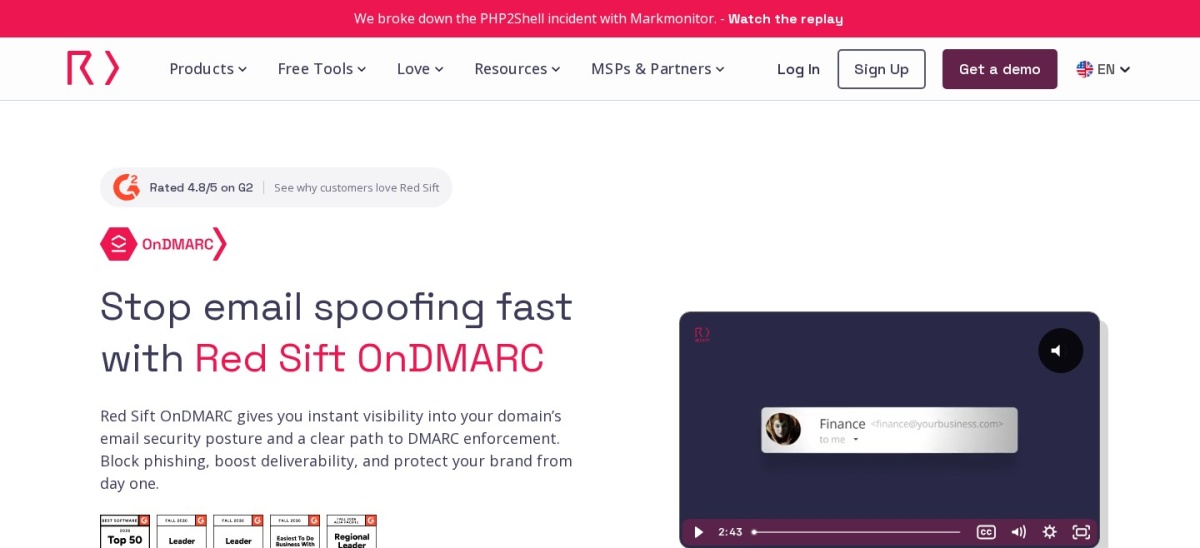
Red Sift OnDMARC is the MSP favorite with Dynamic SPF, from $9 a month billed annually and no free tier.
Valimail automates enforcement for enterprises, with a free Monitor tier and paid Enforce plans starting around $5,000 a year.
What DMARC software actually does
DMARC stops other people from sending email as you. It tells receiving servers what to do with mail that fails SPF and DKIM checks, and every tool here turns unreadable XML reports into something a human can act on.
Google and Yahoo's bulk sender rules made DMARC effectively mandatory for anyone sending volume. Without a DMARC policy, your mail is more likely to land in spam or be rejected outright.
The tools split into reporters and full-stack platforms. Reporters such as DMARC Report and dmarcian show you what is happening. Full-stack tools such as PowerDMARC and EasyDMARC also manage SPF, DKIM, BIMI and MTA-STS in the same dashboard.
Start free, reach a monitoring policy, and only pay once you have enough domains or senders to need automation. Our best AI automation tools guide covers the automation platforms many teams pair with email security.
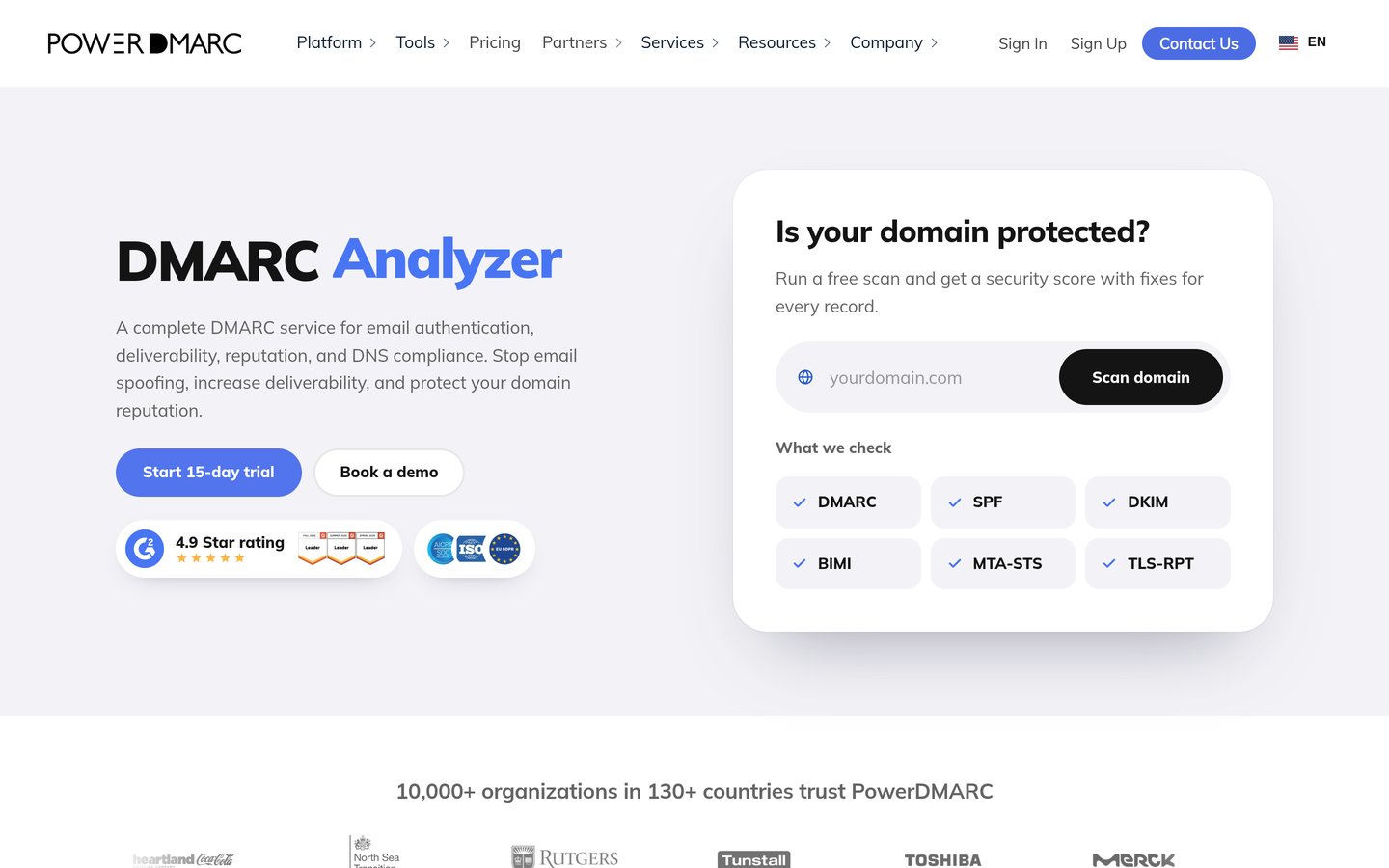
PowerDMARC is the value play in the full-stack segment. Paid plans start at $8 a month, and the platform includes DMARC analysis, a live threat map, AI-driven threat intelligence, DNS change monitoring and an email header analyzer. It also manages SPF, DKIM, BIMI, MTA-STS and TLS-RPT in one dashboard.
The trade off is polish for beginners. The dashboard throws a lot at you, and first-time users sometimes find the simpler per-domain tools easier to act on. It suits teams managing many domains or high email volumes that want the full stack at the lowest price.
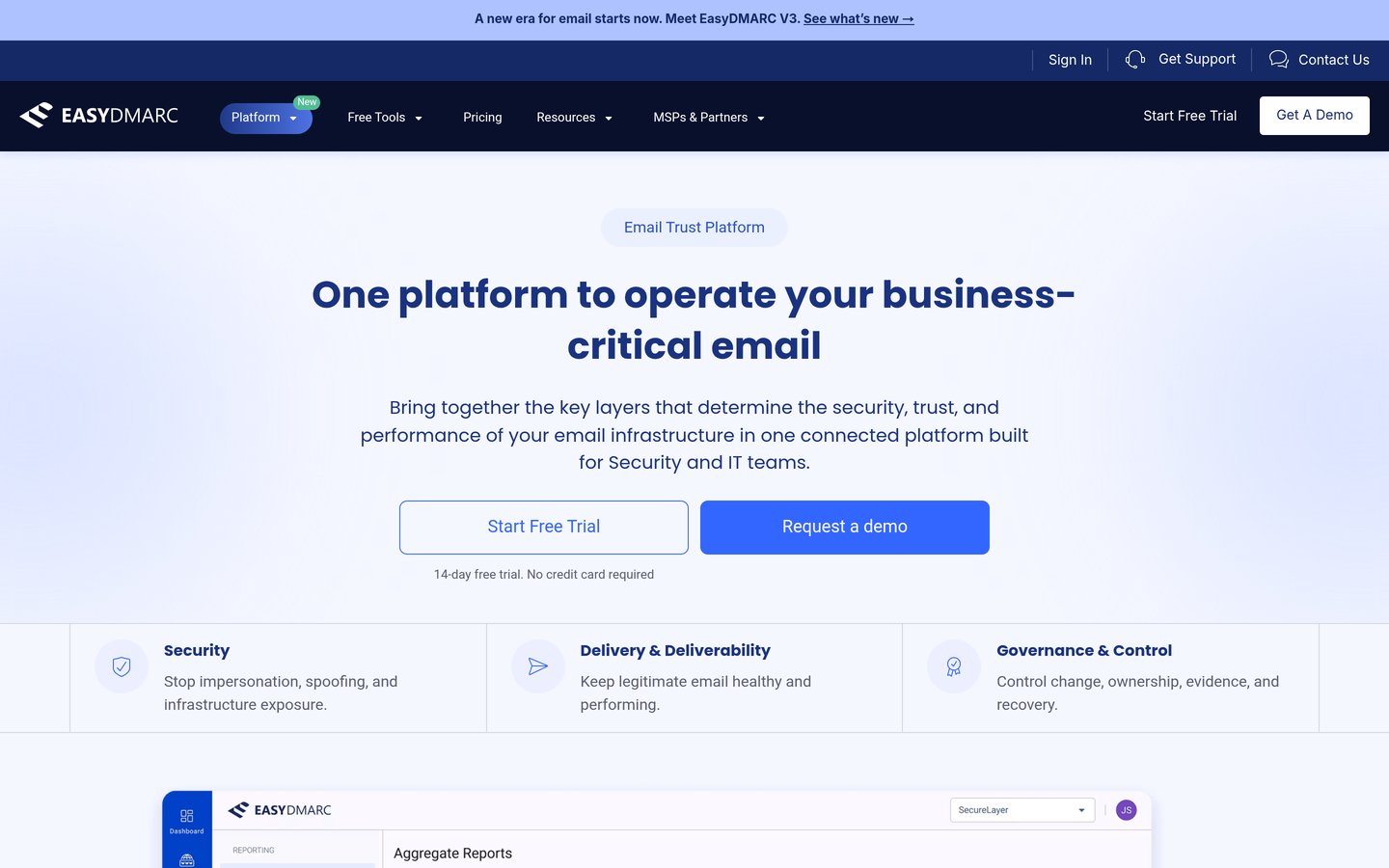
EasyDMARC positions itself as the whole email authentication department rather than just a DMARC reporter. The Plus plan costs $35.99 a month billed annually, confirmed on its own pricing page, and bundles DMARC monitoring with forensic reports, a geographic map of senders, managed BIMI tools, and SPF and DKIM record checkers and generators.
The trade off is scale pricing. Two domains and 100,000 emails a month on the entry plan is fine for a small business, but a company with real email volume or a dozen domains moves into higher tiers quickly. It suits marketing teams that inherited email authentication from someone who left.
What we like
DMARC plus SPF, DKIM, BIMI and MTA-STS in one place
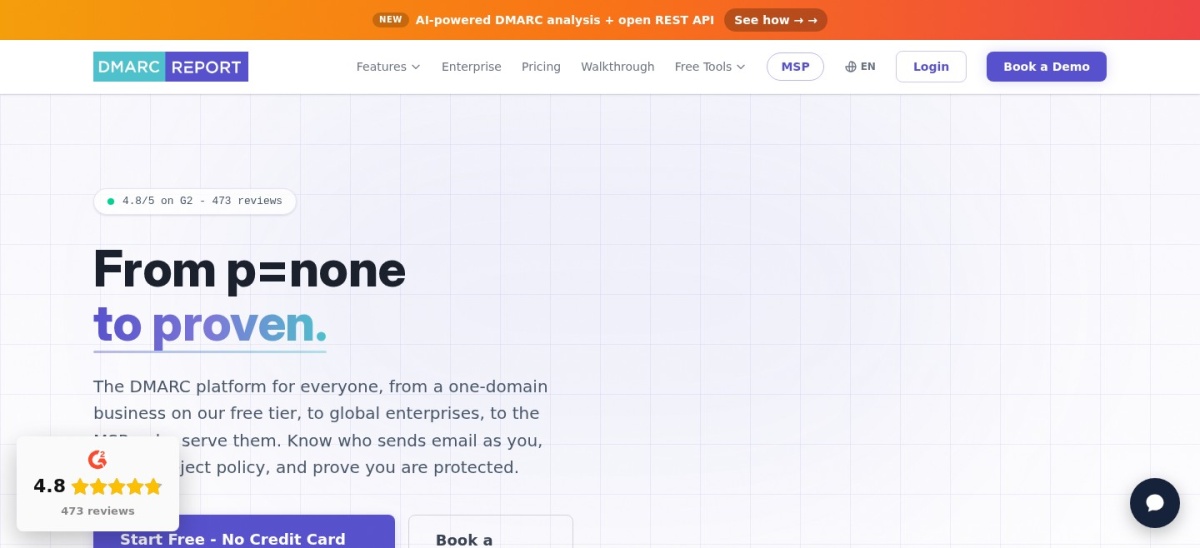
DMARC Report has quietly become one of the highest-rated tools in the category, with a 4.8 out of 5 rating on G2 across 473 reviews. The free Core tier is genuinely useful: one domain, 10,000 reports a month, automated ingestion and a visual dashboard. The Guard plan costs $25 a month, confirmed on its own pricing page, and covers five domains with forensic reporting and audit-ready exports.
The trade off is the pricing curve. Paid plans jump quickly for larger portfolios, where the per-plan jumps are larger than the per-domain pricing of cheaper rivals. It suits small and mid-size businesses that want a free dashboard to start and a credible paid path.
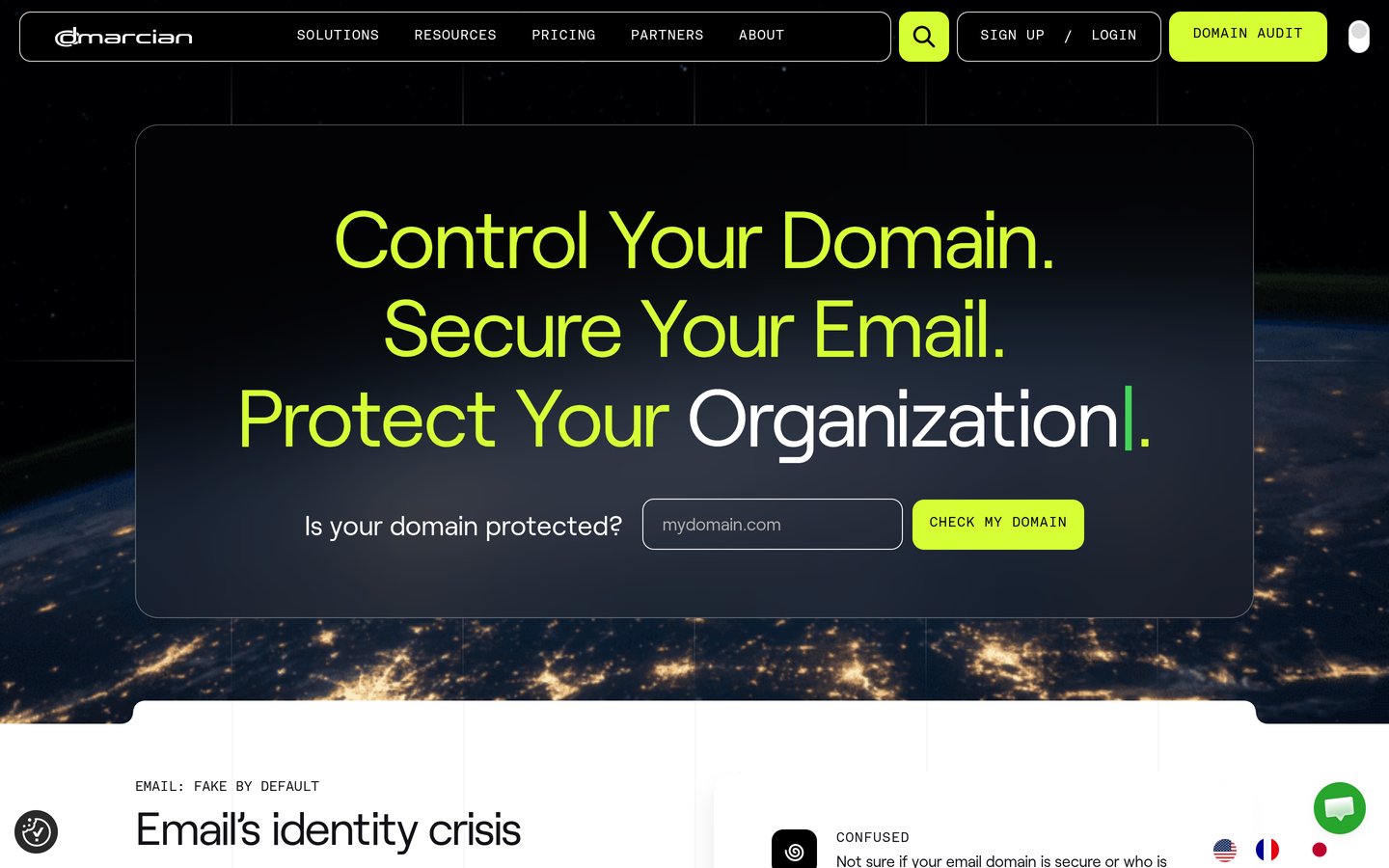
dmarcian was founded by one of the authors of the DMARC specification, and it still shows in the product's teaching DNA. The platform walks you through a visual DMARC journey, showing which senders pass, which fail, and what to fix before you move your policy from none to quarantine to reject. The Basic plan costs $24 a month for two domains.
The trade off is pricing creep. The Basic plan covers two domains, and portfolios pay significantly more, while newer rivals undercut it on per-domain cost. It suits teams that value depth of guidance and a vendor that has been in the category since the beginning.
Red Sift OnDMARC is the tool MSPs reach for, and the reason is Dynamic SPF: it automatically flattens your SPF record so you never hit the 10 DNS lookup limit that breaks authentication for companies with many email vendors. The platform adds forensic reporting, MTA-STS deployment and BIMI integration, with multi-tenant dashboards for managing many client domains.
The trade off is the on-ramp. There is no free tier, and the interface assumes you know what you are doing. It suits agencies and IT providers managing DMARC across dozens of client domains, where the automation pays for itself in avoided manual DNS work.
What we like
Dynamic SPF flattens records automatically
Multi-tenant dashboards built for MSPs
Quick path from monitoring to enforcement
Rated 4.8 out of 5 on G2 from 107 reviews
Watch out for
No free tier
Assumes more technical confidence than beginner tools
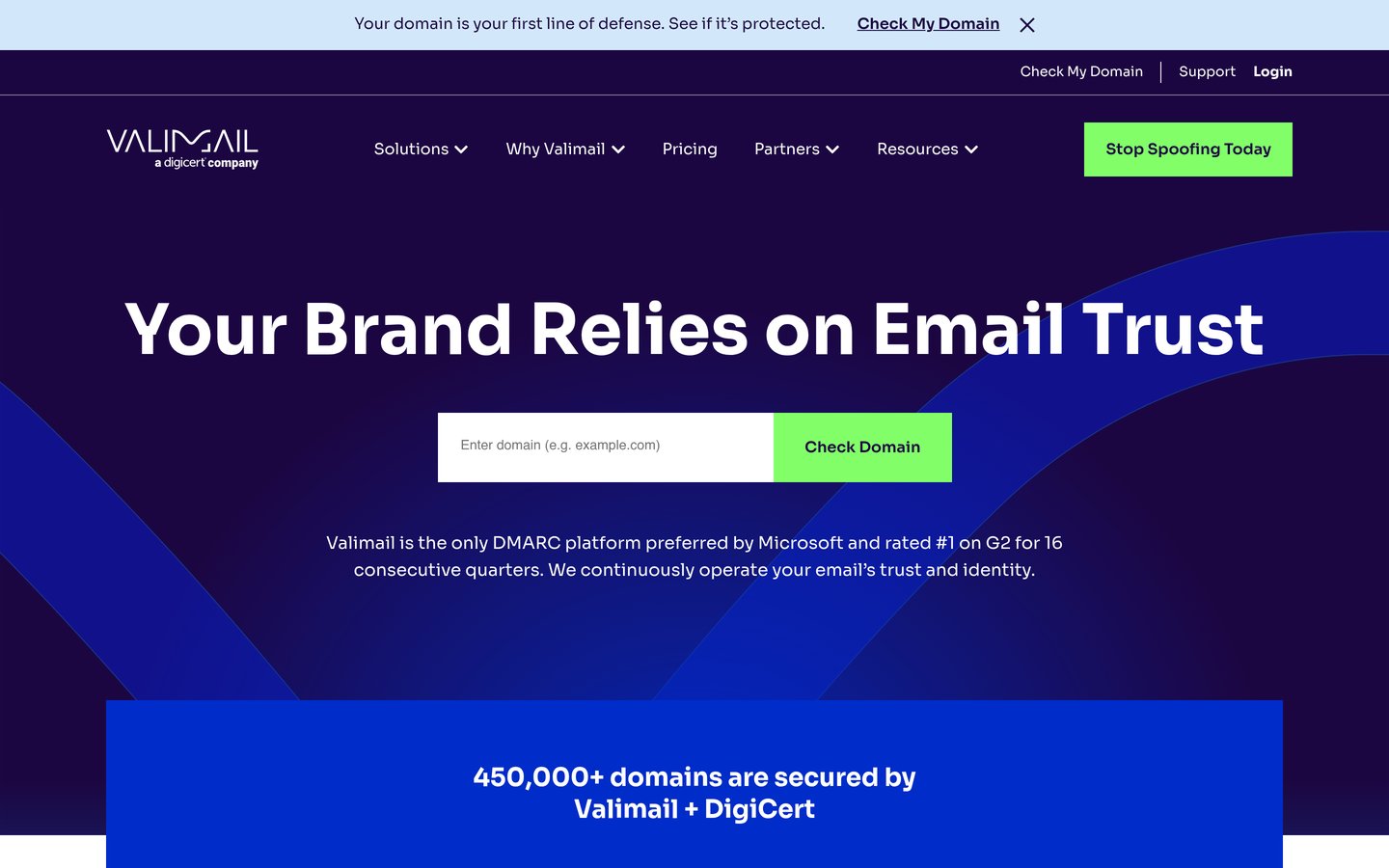
Valimail takes a different approach from everyone else here: instead of just reporting, its Enforce product automates the whole path to DMARC enforcement, authorizing new senders and managing DNS records so your team does not have to. The Monitor tier is free with unlimited email volume, which makes it a zero-cost way to get visibility.
The trade off is enterprise pricing. Enforce plans start around $5,000 a year with no public pricing, which puts it out of reach for small businesses. It suits large organizations with complex sender ecosystems and change management headaches, where the automation is the product.
Mimecast DMARC Analyzer homepage, captured Nov 2026.
Mimecast DMARC Analyzer brings DMARC into the broader Mimecast email security suite. It offers real-time DMARC insights and a recommendation engine that guides you toward enforcement, inside the same console teams already use for inbound filtering and threat protection.
The trade off is the bundle. DMARC Analyzer does not support BIMI or MTA-STS, and standalone pricing is not published, so it only makes sense if you already buy Mimecast. It suits organizations already using Mimecast for email security who want DMARC visibility without switching vendors.
What we like
Integrated with the Mimecast security console
Single vendor for inbound and outbound email security
From monitoring to enforcement without breaking mail
Never jump straight to p=reject. Start at p=none and watch the reports until every legitimate sender passes, then move to quarantine, then reject. A wrong jump silently breaks invoices, password resets and marketing mail.
Use the reports to find senders you forgot: old marketing tools, HR systems and third-party apps all send as your domain. Authorize them before you tighten the policy.
Keep the policy at quarantine for a full billing or campaign cycle before going to reject, so seasonal senders get caught in the reports first.
How we chose
We compared DMARC tools on reporting depth, enforcement workflow, protocol coverage and pricing transparency, keeping only tools with a published price or free tier and a verifiable rating.
Prices come from each vendor's pricing page, checked on 23 November 2026, or from the vendor's own published pages where the pricing page did not load. Ratings come from G2 on the same day.
We left out tools with no verifiable rating and pure consulting services. No vendor paid for a place, and we do not claim hands-on testing for this list.
How to choose DMARC software
Start with how many domains you send from, then match the tool to your technical comfort.
Count your domains and senders. A single-domain business can live on a free tier. A dozen domains or high volume needs per-domain or volume pricing, which is where PowerDMARC wins.
Start on a free tier at p=none. Watch the reports for two to four weeks and authorize every legitimate sender before you tighten anything.
Decide how much automation you need. If you want SPF, DKIM, BIMI and MTA-STS managed in one place, pick a full-stack tool. If you only need reporting, a cheaper reporter is enough.
Move to quarantine, then reject. Step the policy up only after a full cycle of reports shows no legitimate sender failing, and keep watching the reports after each step.
FAQ
What is DMARC software?
DMARC software reads the aggregate and forensic reports that receiving servers send back, shows which senders pass or fail SPF and DKIM checks, and guides you from a monitoring policy to full enforcement.
How much does DMARC software cost?
Paid plans start at $8 a month for PowerDMARC and $9 a month for Red Sift OnDMARC, while EasyDMARC starts at $35.99 a month billed annually. Valimail and Mimecast are enterprise-priced with no public numbers.
Is there free DMARC software?
Yes. PowerDMARC, EasyDMARC, DMARC Report, dmarcian and Valimail all have free tiers, and Postmark DMARC Digests sends a free weekly email summary for one domain. Free tiers usually cover one domain.
Do I need DMARC if I use Google Workspace or Microsoft 365?
Yes. Your mail provider authenticates your own mail, but DMARC is what stops others from spoofing your domain, and Google and Yahoo require it for bulk senders. These tools sit on top of your provider.
How long does it take to reach DMARC enforcement?
Most teams take 4 to 12 weeks: a few weeks at p=none to find every legitimate sender, then quarantine, then reject. Automated tools such as Valimail claim enforcement in 60 days or less.
What is the difference between DMARC, SPF and DKIM?
SPF lists the servers allowed to send as your domain, DKIM cryptographically signs your mail, and DMARC ties them together with a policy for what receivers should do when checks fail. You need all three for enforcement.