WLWPLegible EditorsLast verified 23 Nov 2026How we rank12 min read
★ Short answer
Safetica is the best DLP software for most mid-market companies. Its Standard plan starts at $72 per user per year, and it is rated 4.6 out of 5 on G2 from 203 reviews. Pick CurrentWare for USB and device control at $12 a user a month, or Microsoft Purview if you already run Microsoft 365.
How we make this list: we compare pricing pages, product documentation and public user reviews, then re-check every price before each update. No product paid for a place. Disclosure.
Safetica is the only serious DLP tool with a published price under $100 a user a year: Standard starts at $72, rated 4.6 out of 5 on G2 from 203 reviews.
CurrentWare AccessPatrol costs $12 a user a month for USB and device control, rated 4.8 out of 5 on Capterra from 306 reviews.
Microsoft Purview is the default for Microsoft 365 shops: DLP ships in E5 or as a $12 per user per month Purview Suite add-on.
Teramind pairs DLP with user activity monitoring, but its DLP tier is priced in euros at 30 per seat a month, with a $32 figure quoted for US buyers.
Symantec, Forcepoint, Fortra, Cyberhaven and CrowdStrike are quote-based enterprise platforms with deeper enforcement and analytics.
DLP pricing is the most opaque in security software: where no price is published, treat the absence as information about who the vendor sells to.
What DLP software actually does
Data loss prevention software discovers sensitive data, classifies it, and enforces policies that stop it from leaving through endpoints, email, web uploads or cloud apps. The best tools stop data from leaving; the rest only tell you it left.
DLP enforces at three places. Endpoint DLP watches data on the device: USB transfers, screenshots and local files. Network and email DLP watches data in motion. Cloud DLP watches SaaS apps and data flows through APIs.
Pricing is the most opaque in security software. Only Safetica, CurrentWare and Teramind publish entry prices here, and Microsoft publishes its $12 add-on. Symantec, Forcepoint, Fortra, Cyberhaven and CrowdStrike are quote-based enterprise platforms.
Start in monitor mode for 30 to 60 days before you turn on blocking. A new deployment with aggressive block rules generates thousands of alerts, users work around it, and the program dies discredited. Our best AI automation tools guide covers the automation platforms many teams pair with DLP.
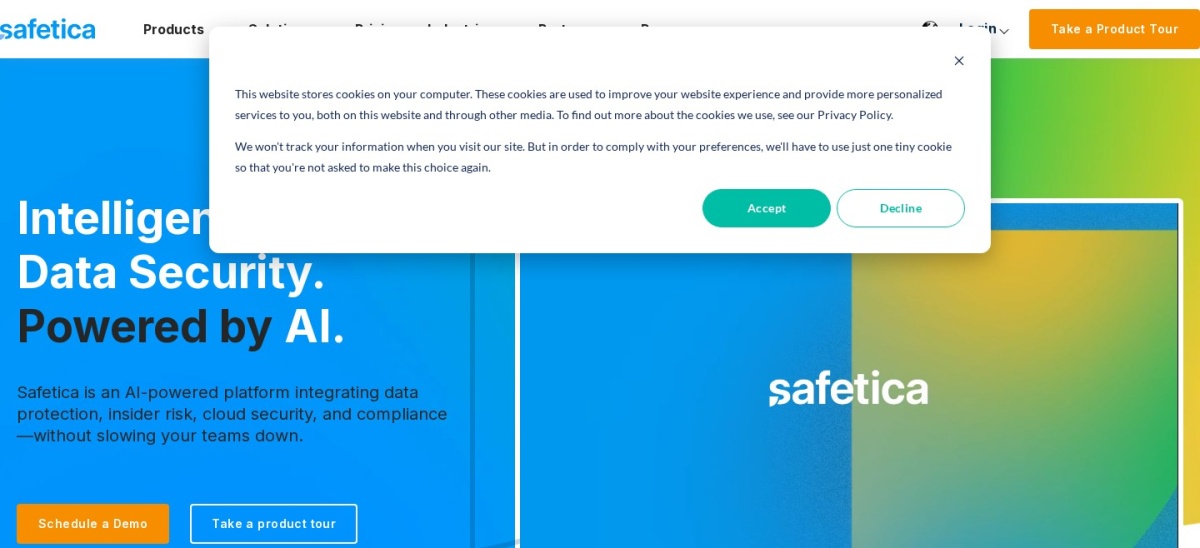
Safetica is the mid-market answer to a category that mostly sells to enterprises. Three cloud tiers start at $72, $96 and $144 per user per year, confirmed on its own pricing page, covering endpoint DLP, data classification and insider-risk monitoring from a SaaS console.
The trade off is depth at the top end. Advanced AI classification, shadow copies and SIEM integration need Premium or Enterprise, and the on-premises edition is priced through sales. It suits small and mid-size companies that want real DLP without an enterprise sales cycle.
What we like
Lowest published price in this list
Rated 4.6 out of 5 on G2 from 203 reviews
Endpoint, email and Microsoft 365 DLP in one product
OCR finds sensitive data in images
Watch out for
AI classification needs Premium or higher
On-premises edition is priced through sales
Smaller install base than the enterprise incumbents
Premium at $96 a user a year adds AI classification and SIEMVisit safetica.com
02
CurrentWare AccessPatrol
4.8/5on Capterra (306 reviews, checked Nov 2026)
Starts at$12/user/mo
Best for USB and device control
AccessPatrol$12/user/mo
Full suite$20/user/mo
DeploymentCloud or on-premises
Free trial14 days, up to 10 computers
currentware.com
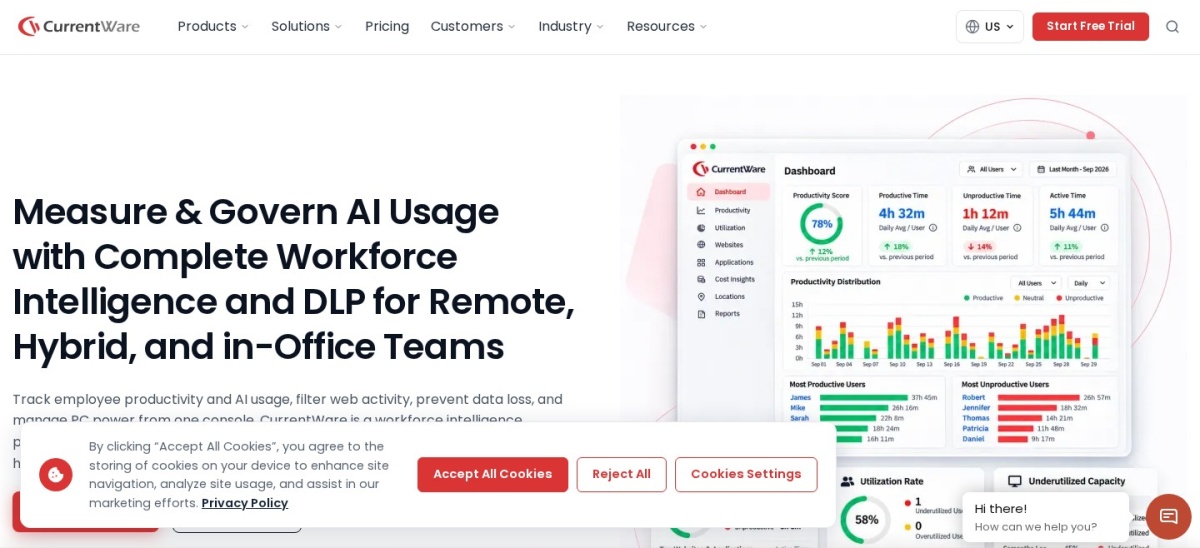
CurrentWare AccessPatrol homepage, captured Nov 2026.
CurrentWare AccessPatrol is endpoint DLP for small and mid-market teams, priced at $12 per user a month on its own pricing page. It blocks USB drives, peripherals and file transfers, redacts PII and PHI, and raises DLP alerts with a full activity log.
The trade off is scope. AccessPatrol is device control, not a full DLP suite: there is no cloud DLP or email inspection unless you buy the full CurrentWare Suite at $20 a user a month. It suits IT teams that need to stop data leaving on a stick.
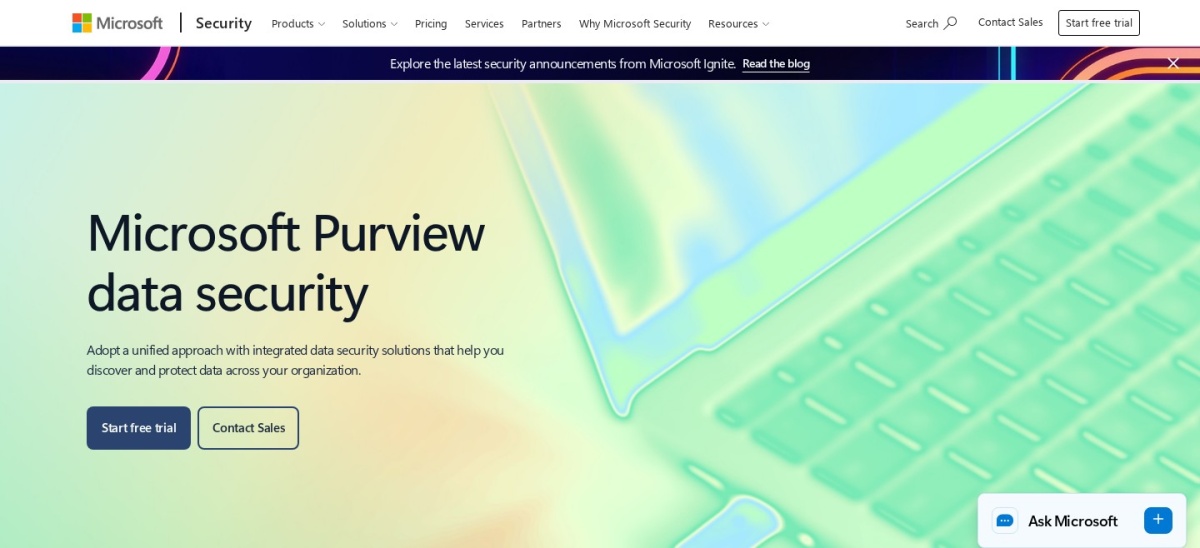
Microsoft Purview is the DLP most companies already own. Endpoint DLP, email DLP, Teams and SharePoint policies and sensitive information types all come from one console, and organizations on Microsoft 365 E5 have it included. Everyone else can add the Purview Suite at $12 per user per month billed yearly.
The trade off is the ecosystem. Purview is strongest inside Microsoft 365 and weakest outside it, and the Capterra rating of 4.5 rests on only 2 reviews. It suits any organization already running Microsoft 365 that wants DLP without a second vendor.
Teramind combines data loss prevention with user activity monitoring, which suits regulated firms that need to prove who moved what data and when. The DLP plan adds content-based rules, sensitive-data detection and automatic blocking on top of screen recording, keystroke logging, email and file monitoring and risk scoring.
The trade off is price and privacy. The DLP tier is listed at 30 euros per seat a month, with US sources quoting $32 a seat a month billed annually, and every plan has a five-seat minimum. It suits regulated businesses that want an incident to come with a recording, not just a log line.
What we like
DLP joined to forensic user monitoring
Rated 4.6 out of 5 on G2 from 183 reviews
Content inspection with automatic blocking
Risk scoring on every incident
Watch out for
DLP tier priced in euros for many buyers
Five-seat minimum on every plan
The level of monitoring needs a clear staff policy
Symantec DLP is the incumbent enterprise platform, now under Broadcom. It covers data at rest, in motion and in use across endpoints, network and cloud, with content inspection from pattern matching to exact data matching and fingerprinting, plus hundreds of policy templates.
The trade off is operational weight. Deployments are projects, not purchases, and tuning policies to avoid false positives takes dedicated staff. Pricing is quote-based and aimed at large enterprises. It suits organizations with sprawling data estates and compliance mandates that justify the investment.
Forcepoint DLP adjusts policies to user behavior instead of applying static block rules, so a trusted employee and a risky one face different controls. OCR detection, data fingerprinting and policy-based auto-encryption round out a platform that spans endpoints, network, email and CASB.
The trade off is the sales cycle. Pricing is quote-based, reviewers note annual increases, and professional support costs extra. It suits organizations with real insider-risk concerns and the security maturity to use behavioral analytics well.
Fortra DLP is the former Digital Guardian, and it keeps that product's endpoint depth: a kernel-level agent that sees data in use with unusual granularity, context-aware policies that understand applications and workflows, and support across Windows, macOS and Linux.
The trade off is cost and complexity. Everything is quote-based, the fully managed service adds a significant budget line, and setup takes time. It suits IP-heavy manufacturers and engineering firms where endpoint exfiltration is the threat model.
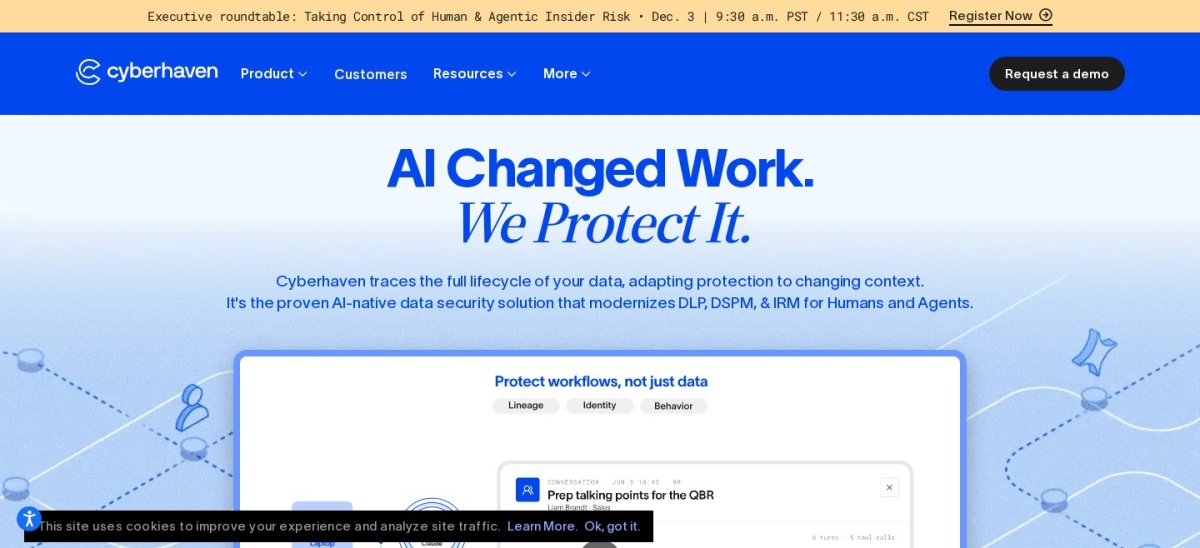
Cyberhaven represents the lineage generation of DLP. Instead of pattern-matching content at boundaries, it traces data lineage: where a sensitive file came from, how it was transformed, and where copies now live. That makes insider-risk investigations far more concrete than alert lists.
The trade off is youth. It is a newer vendor, so reference customers and the long-term roadmap carry more uncertainty than Symantec or Forcepoint, and pricing is quote-based. It suits security teams frustrated with regex-based DLP that drowns them in false positives.
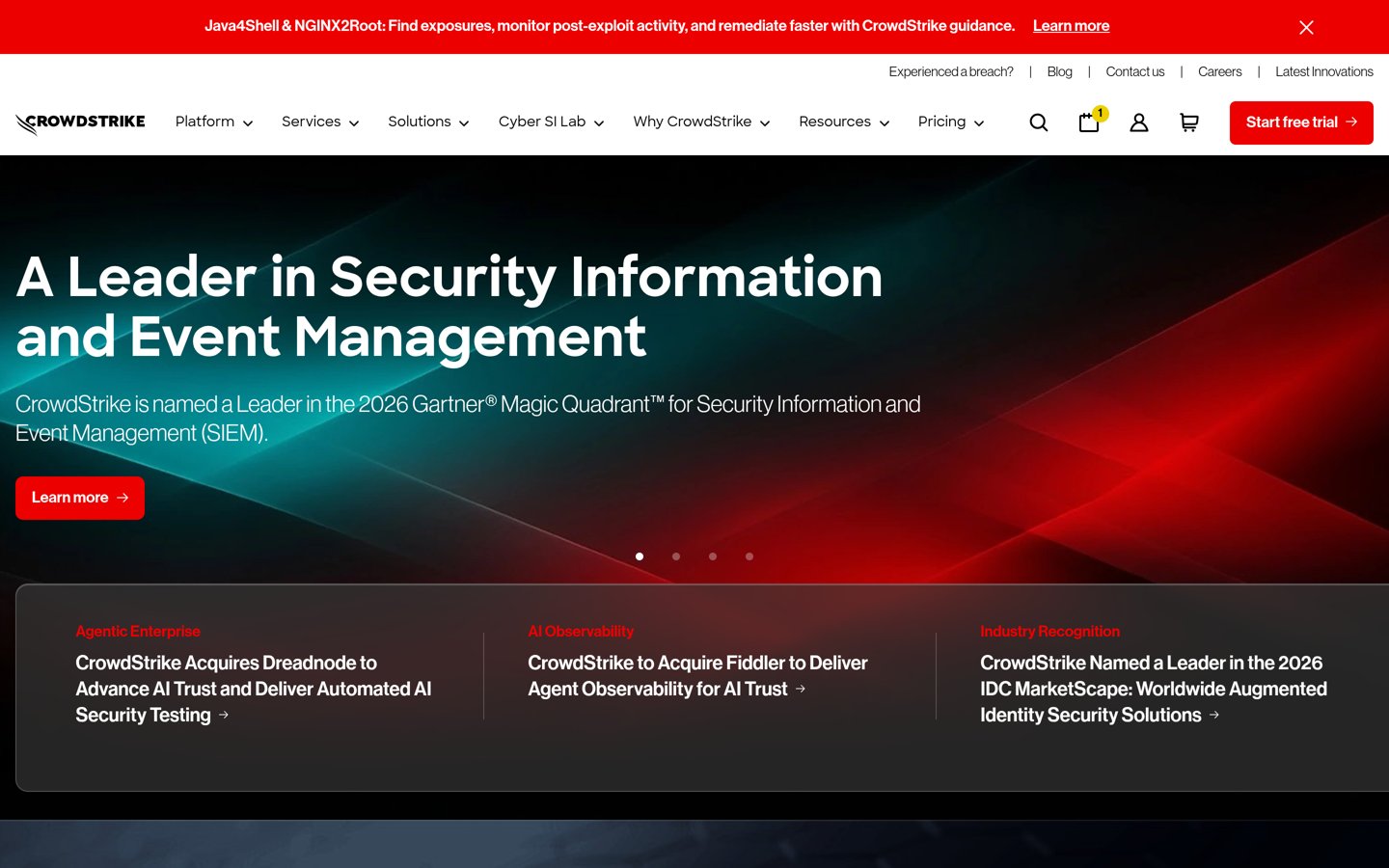
CrowdStrike Falcon DLP homepage, captured Nov 2026.
CrowdStrike Falcon DLP is the consolidation play. If the Falcon agent already runs on every endpoint, adding the DLP module avoids a second agent, a second console and a second vendor relationship. Policies benefit from Falcon's endpoint visibility, and incidents flow into the same XDR workflows as malware and intrusions.
The trade off is depth. As an add-on it will not match the depth of Symantec or Fortra on data discovery and classification, and module pricing is quote-based. It suits security-first teams that value one agent and one console over best-of-breed depth.
Endpoint, network or cloud: pick your enforcement point
Endpoint DLP watches data on the device. It is the right primary when intellectual property lives on laptops and engineers' workstations, which is why Safetica, Teramind, Fortra and CrowdStrike lead with an agent.
Network and email DLP watches data in motion: uploads, email attachments and web posts. It fits companies where exfiltration happens through sanctioned channels you control, and Symantec and Forcepoint are strongest here.
Cloud DLP watches SaaS apps through APIs. It is the right primary when the business runs in the browser, which is the case for Microsoft Purview and Cyberhaven buyers. Most mature programs end up with two of the three.
How we chose
We compared DLP tools across the three enforcement points that matter: endpoint, network and cloud. We led with the vendors that publish prices and marked the rest clearly as quote-based.
Prices come from each vendor's pricing page, checked on 23 November 2026, or from multiple published comparisons where the vendor page did not render a price. Ratings come from G2 or Capterra on the same day.
We left out tools with no verifiable rating and pure monitoring products that do not enforce policies. No vendor paid for a place, and we do not claim hands-on testing for this list.
How to choose DLP software
Start from where your sensitive data actually leaves, then match the tool to your size.
Find your real exfiltration risk. Check whether sensitive data leaves through USB and laptops, email and uploads, or SaaS apps, and buy for that channel first.
Audit what you already own. Microsoft 365 E5 includes Purview DLP and Business Premium includes basic DLP, so many companies already pay for DLP they have not turned on.
Shortlist by published price. If a vendor will not publish a price, expect an enterprise sales cycle and a six-figure contract, and budget the deployment project too.
Run in monitor mode first. Classify your data and tune policies against real traffic for 30 to 60 days before you turn on blocking.
FAQ
What is DLP software?
Data loss prevention software discovers sensitive data such as customer records, health data or source code, classifies it, and enforces policies that stop it from leaving the company through endpoints, email, web uploads or cloud apps.
How much does DLP software cost?
It ranges from $72 per user per year for Safetica Standard to $12 per user per month for the Microsoft Purview Suite add-on or CurrentWare AccessPatrol. Enterprise platforms such as Symantec, Forcepoint and Fortra are quote-based and typically run into six figures a year.
Is Microsoft Purview DLP enough for our company?
If you are on Microsoft 365 E5, Purview DLP covers email, Teams, SharePoint and endpoints well enough that many companies need nothing else. Its limits show outside the Microsoft ecosystem and in advanced insider-risk analytics.
Symantec versus Forcepoint DLP: which is better?
Symantec offers the broadest coverage across endpoint, network, cloud and discovery with mature fingerprinting. Forcepoint leads on risk-adaptive enforcement driven by behavioral analytics. G2 rates them equally at 4.4 out of 5.
Is there DLP software for small businesses?
Yes, and this is new. Safetica starts at $72 per user per year and CurrentWare AccessPatrol at $12 per user per month, both with published prices aimed at smaller teams. Microsoft 365 Business Premium also includes basic DLP capabilities.
Does DLP software slow down computers?
Modern endpoint agents are light, but poorly tuned DLP can cause noticeable lag when it inspects every file operation. The fix is policy tuning: scope inspection to sensitive data types and risky channels, and pilot on a representative set of machines first.