Best Digital Rights Management Software in 2026: 7 Tools Compared
WLWPLegible EditorsLast verified 24 Nov 2026How we rank10 min read
★ Short answer
Vitrium is the best digital rights management software for publishers, protecting documents, video, images and audio with AES-256 encryption, rated 4.8/5 on G2. Pick Digify for simple document sharing with tracking from $140 a month, and DoveRunner for multi-DRM video streaming.
How we make this list: we compare pricing pages, product documentation and public user reviews, then re-check every price before each update. No product paid for a place. Disclosure.
Vitrium is the broadest document DRM here, protecting PDFs, Office files, images, video and audio with 20+ controls, rated 4.8/5 on G2.
Digify is the only tool with a clearly published price: Pro at $140 a month billed yearly, with tracking on every open.
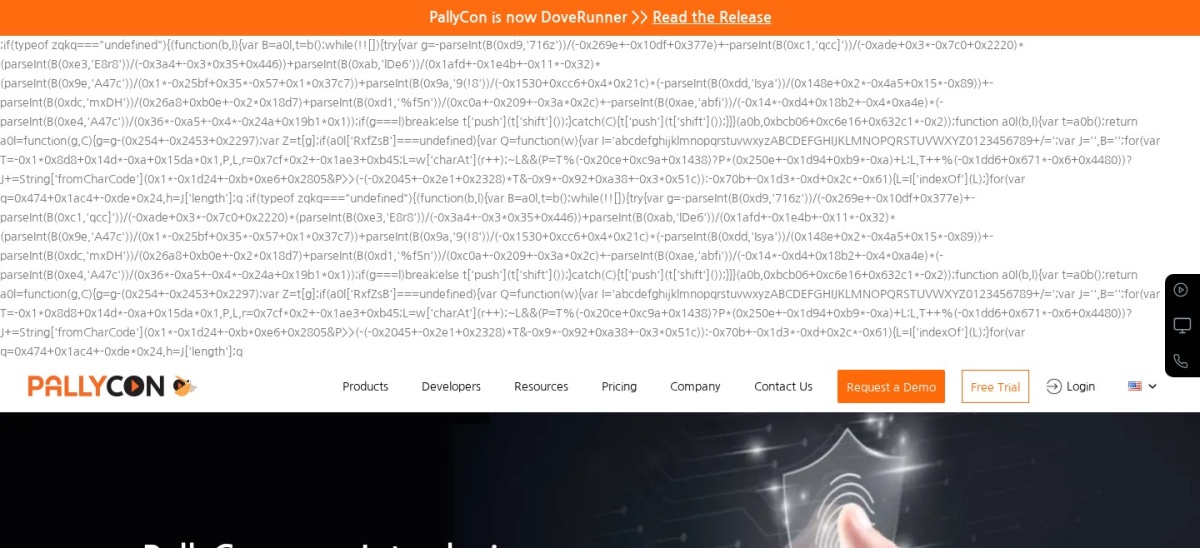
DoveRunner, formerly PallyCon, is the multi-DRM pick for video streaming, rated 4.7/5 on G2 from 52 reviews.
Seclore protects files wherever they travel, and Kiteworks governs them across email, sharing and transfer under one policy engine.
Locklizard, FileOpen and EditionGuard were left out: none has a verifiable G2, Capterra or Trustpilot rating.
What digital rights management software actually does
Digital rights management software controls who can open your content and what they can do with it: view, print, copy, share or download.
Document DRM protects PDFs and Office files from copying and redistribution. Video DRM protects streams with licence servers for Widevine, PlayReady and FairPlay. Data-centric tools protect files wherever they travel.
The key question is what you protect. Publishers protecting ebooks and course materials need document DRM. Streamers need multi-DRM video protection. Enterprises with sensitive files everywhere need data-centric security.
Prices are rarely public in this category. Only Digify publishes a clear price, so expect a sales call for the rest. Our guide to the best digital asset management software covers the DAM side of content protection.
The 7 best digital rights management software tools
01
Vitrium
4.8/5on G2 (37 reviews, checked Nov 2026)
PricingCustom/mo
Best DRM for publishers
EncryptionAES-256
Controls20+
Content typesPDF, Office, video, audio
Reader installNo, browser-based
vitrium.com
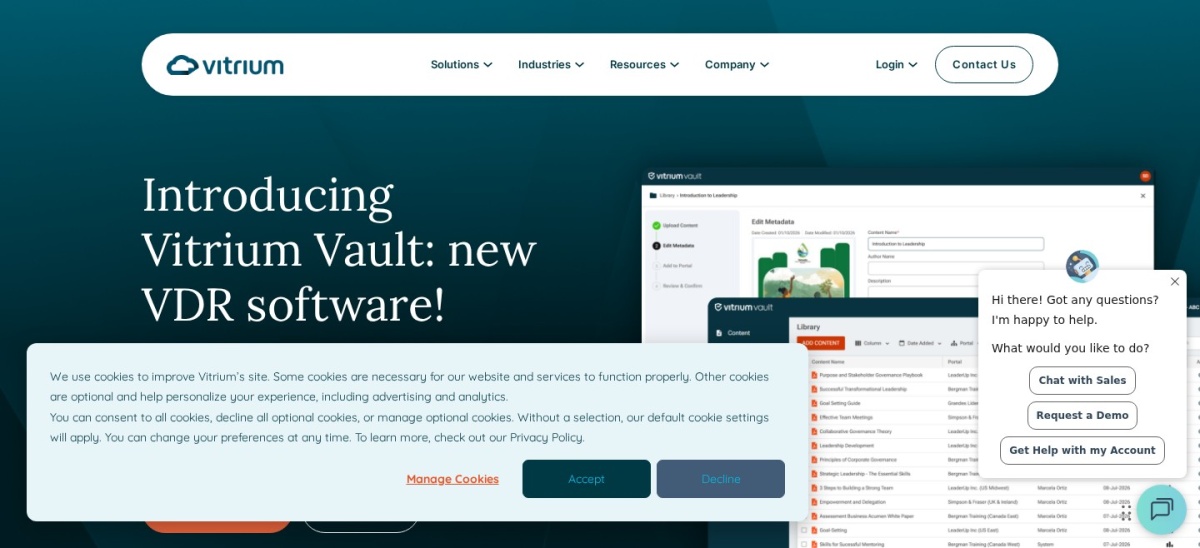
Vitrium homepage, captured Nov 2026.
Vitrium is the broadest document DRM in this list, for publishers protecting more than one kind of content. One platform encrypts PDF, Word and Excel files, images, video and audio with AES-256, and applies more than 20 controls: device and open limits, expiry dates, dynamic watermarks and restrictions by IP address or country.
The trade off is price opacity. Vitrium publishes no price list, and the $5,000-a-year figure comes from G2 vendor-supplied data, with one directory listing $500 a month instead. It suits publishers and associations protecting documents, video, images and audio.
Digify is document protection without the enterprise project. Upload a file, set permissions, share a secure link, and track who opened it, for how long, and whether they printed or forwarded it. Pro costs $140 a month billed yearly, or $190 billed monthly.
The trade off is headcount. Pro covers one user, so a team pays per person and the bill climbs fast. It suits teams sharing sensitive documents with investors, clients or partners who need to know exactly who opened what.
DoveRunner, formerly PallyCon, provides multi-DRM protection for video streaming services. It covers Widevine, PlayReady and FairPlay in one cloud service, with forensic watermarking and anti-piracy measures for media and entertainment.
The trade off is price clarity. Published figures conflict, with one guide listing from $129 a month and another listing $299 a month, so we show no price here. It suits OTT and streaming platforms protecting live and on-demand video.
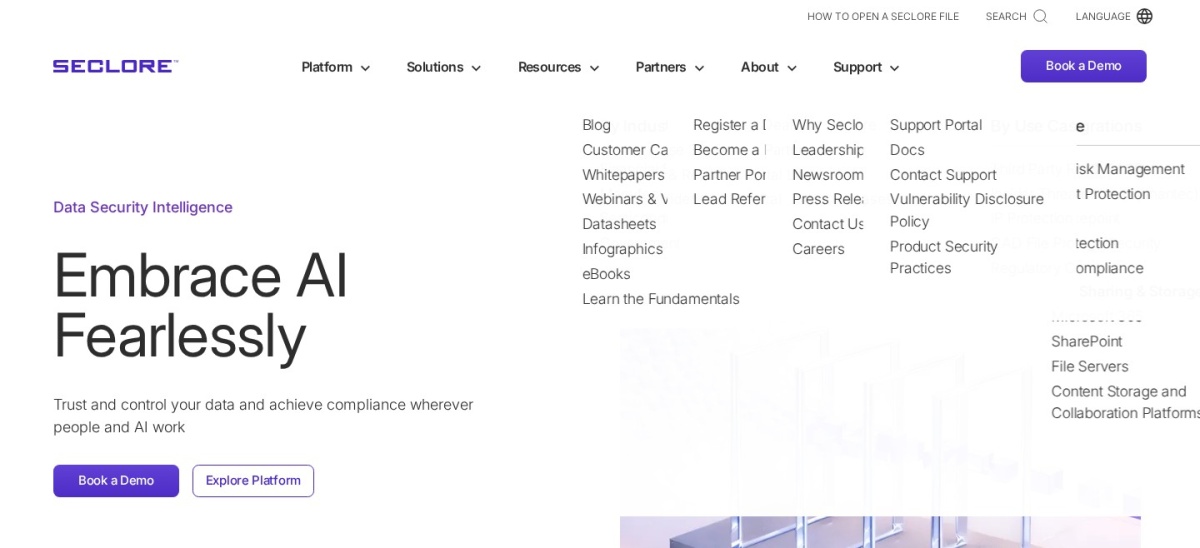
Seclore takes data-centric security seriously: protection is embedded in the file itself, so policies follow documents wherever they go, inside or outside the company. Access, printing and sharing rules travel with the file even after it leaves your network.
The trade off is enterprise fit. Seclore is built for large organisations with complex data flows, and pricing is custom. It suits enterprises that need persistent protection on files shared across companies.
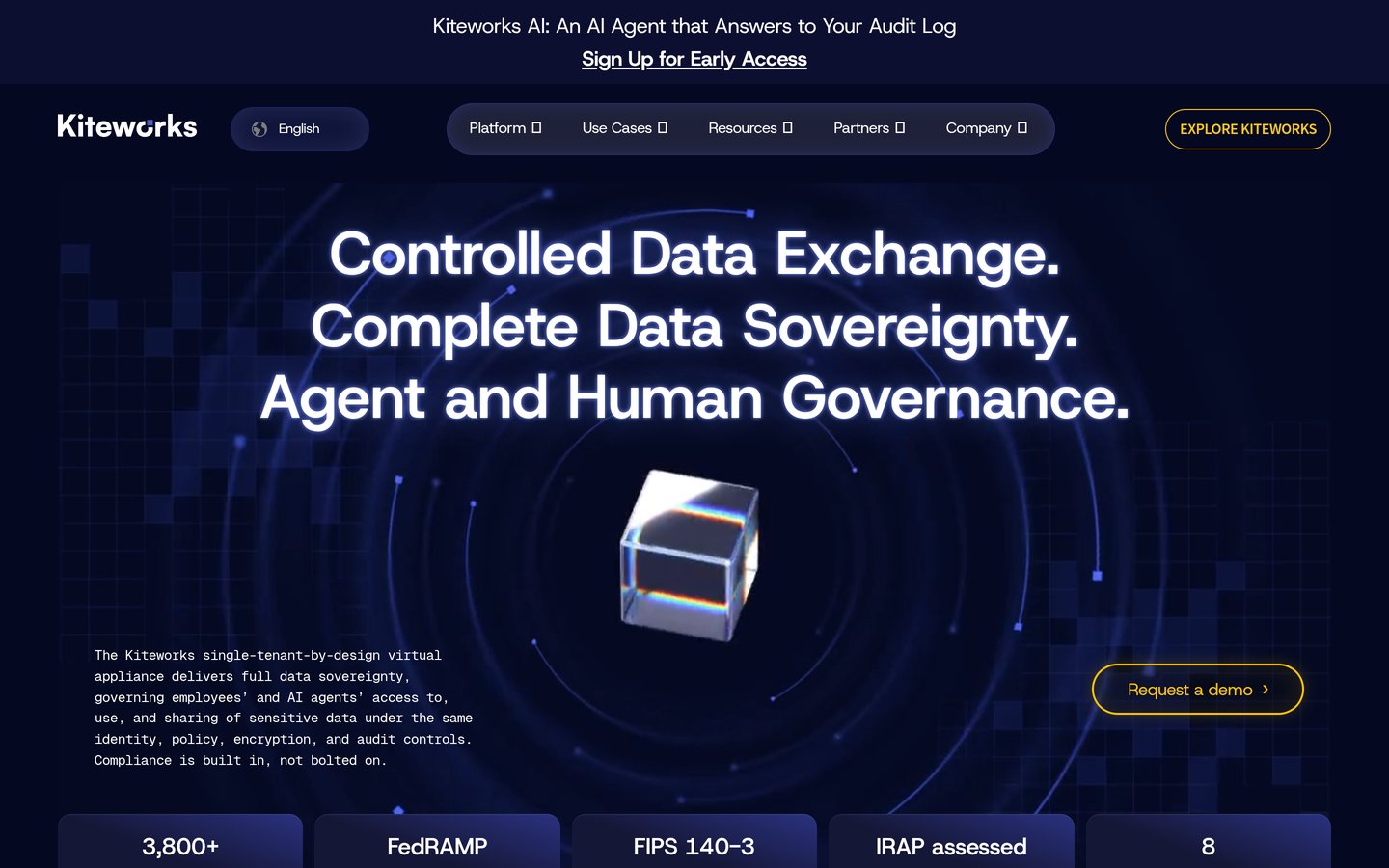
Kiteworks is governed data exchange for enterprises: one platform controls email, file sharing, managed file transfer and SFTP under a single policy engine, with AES-256 and FIPS 140-3 encryption. It serves 3,800+ enterprise customers and is FedRAMP certified, with a unified audit log that feeds straight into a SIEM.
The trade off is enterprise weight. Kiteworks is a single-tenant virtual appliance built for regulated organisations, so setup takes months and pricing is custom. It suits enterprises that must prove compliance across every file exchange.
What we like
One policy engine across email, sharing and transfer
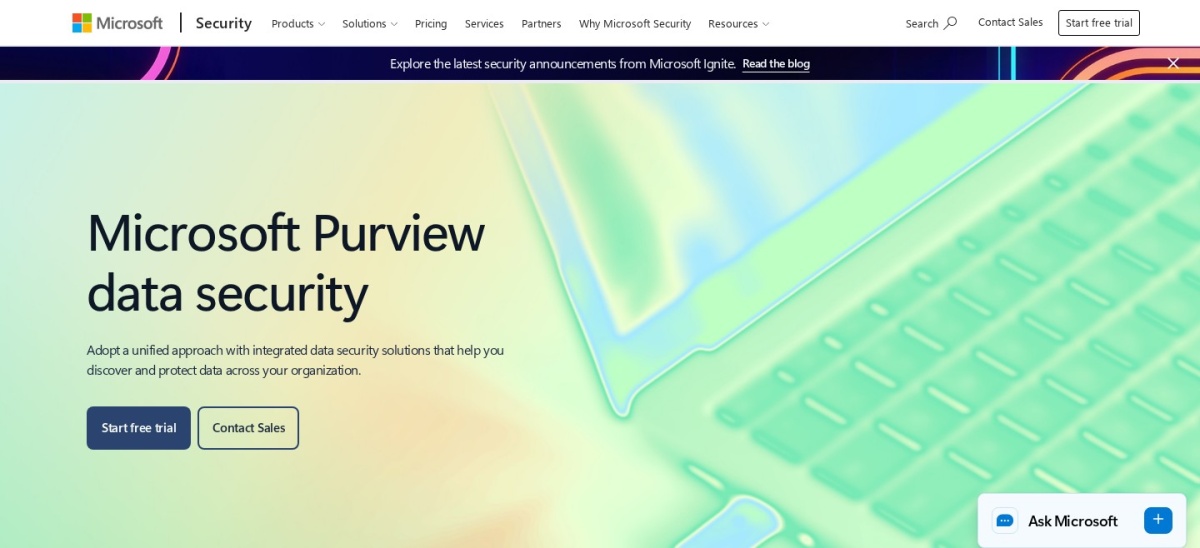
Microsoft Purview Information Protection brings DRM to organisations already on Microsoft 365. Sensitivity labels, data loss prevention and encryption travel with documents across Word, Excel, Outlook and Teams, with policies managed in one console.
The trade off is ecosystem lock-in. Purview works best inside Microsoft 365, usually on E5 licensing, and pricing depends on your Microsoft agreement. It suits enterprises standardised on Microsoft 365.
Virtru is a data protection platform for email and files, with encryption that works inside Gmail and Outlook. Teams share sensitive documents with persistent controls and audit trails, without asking recipients to install new software.
The trade off is scope. Virtru is encryption and sharing control rather than full DRM, so it lacks the deep copy and print controls of Vitrium or Seclore. It suits teams that need to protect email and shared files quickly.
Document DRM and video DRM solve different problems, and few tools do both well. Vitrium is the exception, covering documents, video, images and audio in one platform.
Document tools such as Digify and Seclore control PDFs and Office files: who opens them, for how long, on how many devices, and whether printing or copying is allowed. Kiteworks governs the same files across email, file sharing and managed transfer under one policy engine, with a unified audit log.
Video tools such as DoveRunner run licence servers for Widevine, PlayReady and FairPlay, so streams play only on authorized devices with forensic watermarks.
Buy the type that matches your content. A publisher with ebooks needs document DRM, while a streaming service needs multi-DRM video protection.
How we chose
We started from the DRM tools named most often in 2026 buying guides, then kept those with a verifiable G2 rating and a live product.
Prices and ratings come from vendor sites and G2, checked on 23-24 November 2026. Only Digify publishes a clear price; the rest use custom quotes, so the list shows Custom where no price could be confirmed.
We left out Locklizard, FileOpen and EditionGuard because none has a verifiable rating on G2, Capterra or Trustpilot, even though all three are widely used. No vendor paid for a place, and we do not claim hands-on testing for this list.
How to choose DRM software
Start with the content you protect, then check what the reader must install.
Name the content you protect. Documents, video and enterprise files each point to a different kind of DRM. Buying the wrong type wastes the budget.
Check what the reader must install. Browser-based tools are easiest for recipients, while viewer-based tools add friction but stronger controls.
Test revocation before you buy. Confirm you can revoke access and set expiry dates after a file has already been distributed.
Ask about the price in writing. Most vendors publish no prices, so get the quote for your volume and user count before you commit.
FAQ
What is the best digital rights management software?
Vitrium is the best pick for publishers, protecting documents, video, images and audio with AES-256 encryption and 20+ controls. Digify is the best simple option for teams sharing sensitive documents, and DoveRunner is the best choice for multi-DRM video streaming.
How much does DRM software cost?
Digify Pro is the only clearly published price here at $140 a month billed yearly. Vitrium is listed at $5,000 a year through G2 vendor data, while Locklizard, FileOpen and most enterprise tools publish no prices at all.
What is the difference between DRM and a password?
A password only controls the first open. DRM controls what happens after: printing, copying, screenshots, expiry dates, device limits and revocation, even after the file has been downloaded.
Can DRM stop screenshots?
Some tools can. Locklizard blocks screenshots and screen sharing on protected PDFs. Browser-based tools can only discourage screenshots with watermarks, not block them, so a determined reader can still capture the screen.
Do readers need to install anything?
It depends. Vitrium and Digify work in the browser with nothing to install, while Locklizard and FileOpen need a dedicated viewer or plugin on the reader's device.
Is DRM the same as encryption?
No. Encryption scrambles the file, while DRM adds the rules: who can open it, for how long, and what they can do. Most DRM tools encrypt the file and then enforce the rules on top.