Best Digital Experience Analytics Platforms in 2026: 7 Tools Compared
WLWPLegible EditorsLast verified 22 Nov 2026How we rank6 min read
★ Short answer
Contentsquare leads this lineup with a free plan covering up to 200,000 monthly sessions and Growth pricing starting at $39/month billed annually. Fullstory fits teams wanting automatic session capture and behavioral replay, while Mixpanel and PostHog suit product and engineering teams tracking event funnels and usage.
How we make this list: we compare pricing pages, product documentation and public user reviews, then re-check every price before each update. No product paid for a place. Disclosure.
Contentsquare offers a $0 plan up to 200,000 monthly sessions and a 4.6/5 rating across 748 G2 reviews.
PostHog includes 1,000,000 free monthly events and 5,000 free session recordings before pay-as-you-go billing.
Mixpanel provides a free plan up to 1,000,000 monthly events and 10,000 session replays with a 4.5/5 G2 rating.
Amplitude starts at $0 for up to 2,000,000 monthly events and 10,000 session replays across 2,997 G2 reviews.
Lucky Orange starts at $32/month billed annually on its Build plan for up to 3,500 monthly sessions.
What to look for in a digital experience analytics platform
Digital experience analytics combines quantitative behavioral metrics—such as funnels, retention, and conversion paths—with qualitative views like session replay, heatmaps, and error diagnostics. Seeing both the drop-off rate and the screen recording behind it helps teams spot broken flows faster than pageview counts alone.
Metering models vary widely across vendors. Some platforms cap monthly tracked sessions or recorded replays, while event-based tools meter tracked user actions or monthly active users. Check how traffic spikes are handled, whether overages are billed per unit or require a tier jump, and how long historical data is retained.
Data privacy and deployment scope also separate tools in this category. Teams in regulated sectors often look for client-side data masking, role-based access controls, or compliance documentation, whereas smaller web teams may prioritize fast script setup, heatmaps, and straightforward self-serve billing.
For straightforward heatmaps, recordings, and site chat
$32/mo
No free plan
4.6/5
Price ladder: cheapest paid plan per year
List prices, USD, checked Nov 2026
FullstoryFREECustom
AmplitudeFree
PostHogFree
Lucky Orange$384
ContentsquareFREE$468
LogRocketFREE$996
MixpanelFREE$1,200
The 7 best digital experience analytics platforms
01
Contentsquare
4.6/5on G2 (748 reviews, checked Nov 2026)
Paid from$39/mo
Best for journey mapping and zone-based heatmaps
Free tierUp to 200k sessions/mo
Entry paid planGrowth from $39/mo yearly
Core toolsReplays, heatmaps, funnels
G2 rating4.6/5 (748 reviews)
contentsquare.com
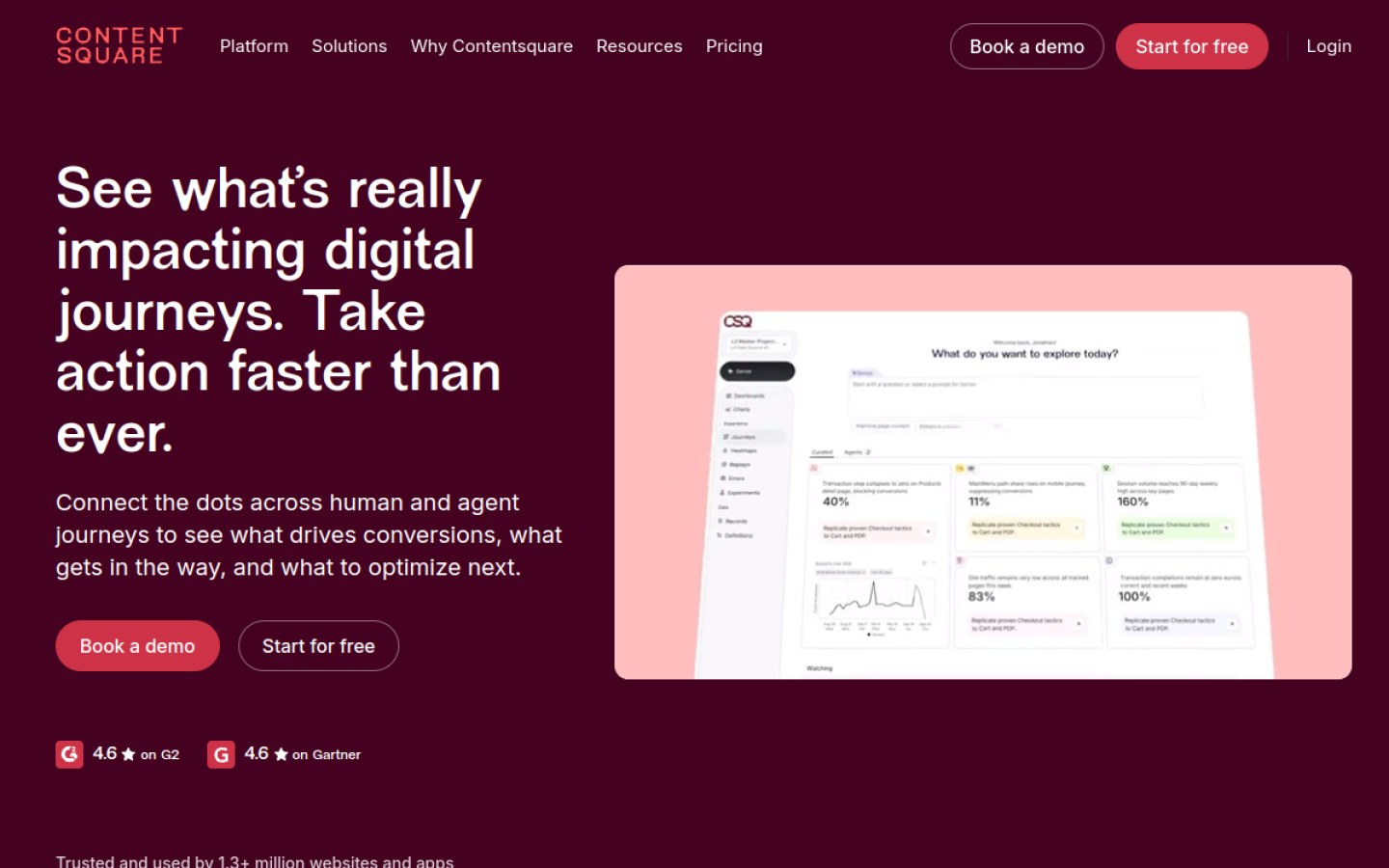
Contentsquare homepage, captured Nov 2026.
Contentsquare is a digital experience analytics platform combining session replays, heatmaps, funnels, and error monitoring across web and mobile properties. Its free plan covers up to 200,000 monthly sessions with 1 month of data access and 1 project.
The trade off is that the Growth plan starts at $39/month billed annually ($49/month billed monthly) and higher tiers require custom quotes. It suits marketing, product, and optimization teams focused on visual journeys and page element performance.
What we like
Free plan includes up to 200,000 monthly sessions and core behavioral tools
Zone-based heatmaps and journey analysis connect layout friction to user flow
Includes AI replay and heatmap summaries plus MCP connectivity
Watch out for
Free plan limits data access to 1 month and 1 project
Pro and Enterprise plans rely on custom sales quotes
Growth adds 13 months of data access, up to 3 projects, zone-based heatmaps, and journey analysis.Visit contentsquare.com
02
Fullstory
4.5/5on G2 (1,058 reviews, checked Nov 2026)
PricingCustom/yr
Best for automatic behavioral capture and session replay
Free tier30,000 sessions/mo, 12-mo retention
Paid tiersBusiness, Advanced, Enterprise
Seat cap (free)Up to 10 users
G2 rating4.5/5 (1,058 reviews)
fullstory.com
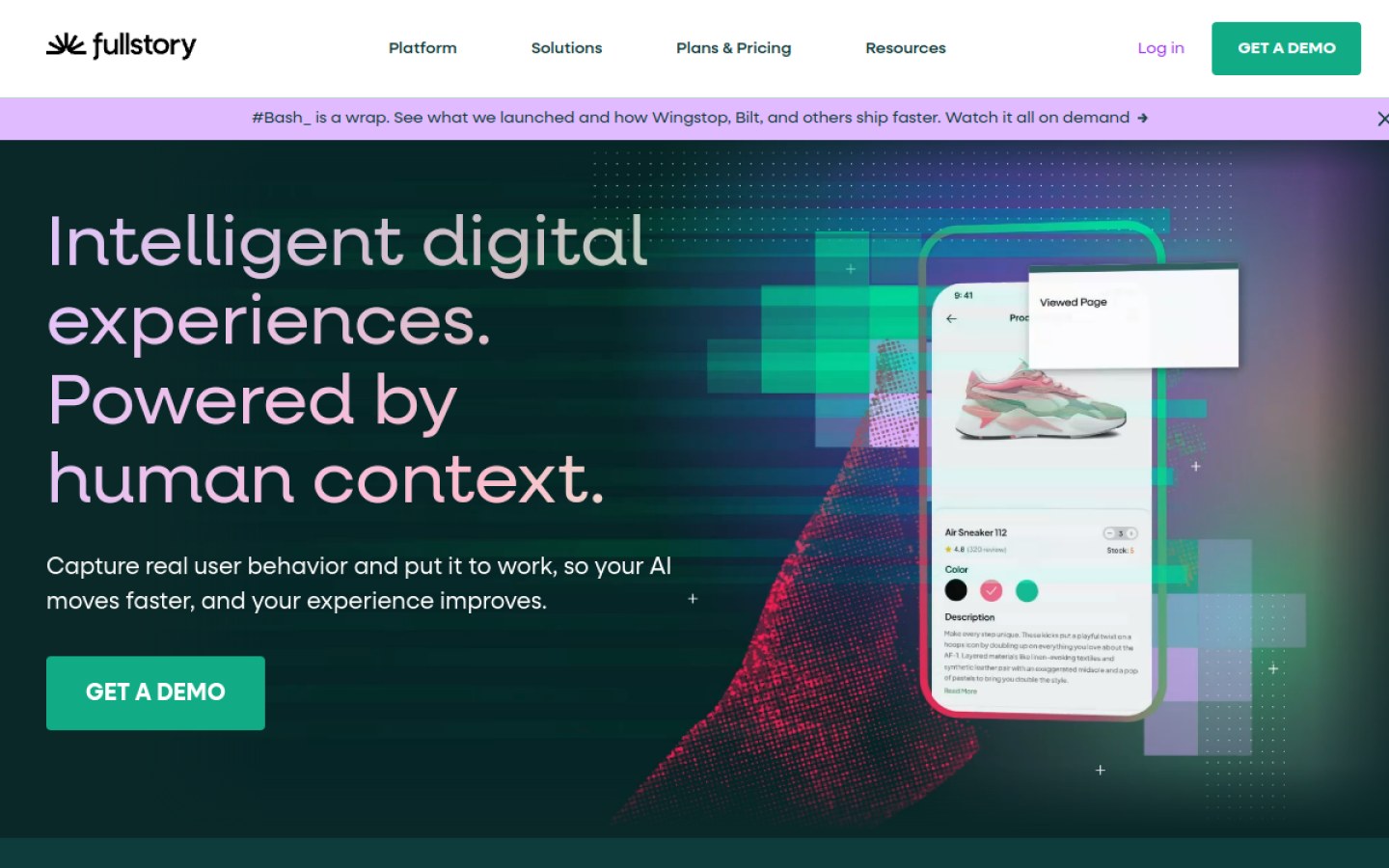
Fullstory homepage, captured Nov 2026.
Fullstory is a behavioral analytics platform that captures web and mobile interactions automatically with session replay, developer tools, and privacy controls. Its free tier includes 30,000 monthly sessions, 12 months of retention, and up to 10 user seats.
The trade off is that paid plans use custom quotes rather than public self-serve prices, and session capture stops once the monthly free cap is reached. It suits product and UX teams that want broad behavioral capture without manual event tagging.
What we like
Generous 12-month retention and up to 10 seats on the free plan
Captures interactions automatically with built-in privacy masking
Combines session replay with developer debugging and funnels
Watch out for
Paid plan pricing requires a sales quote
Monthly capture pauses when exceeding the free session limit
Paid plans expand analytics depth, journey and conversion tooling, and governance controls.Visit fullstory.com
03
Mixpanel
4.5/5on G2 (1,412 reviews, checked Nov 2026)
Paid from$100/mo
Best for self-serve funnel, retention, and event analysis
Free tier1M events & 10k replays/mo
Entry paid planGrowth from $100/mo
SeatsUnlimited seats on plans
G2 rating4.5/5 (1,412 reviews)
mixpanel.com
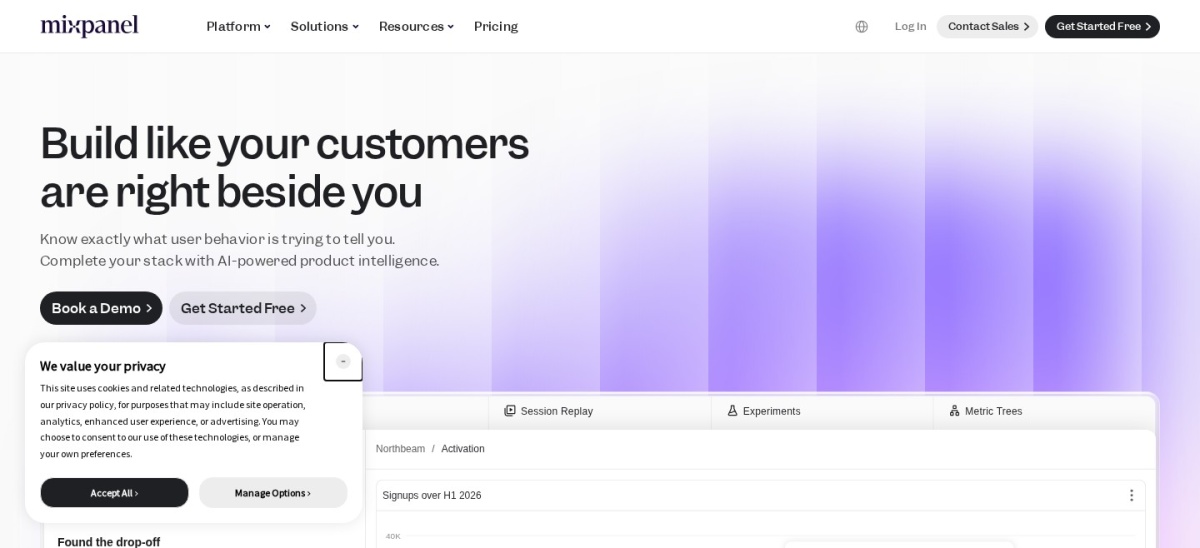
Mixpanel homepage, captured Nov 2026.
Mixpanel is a product and behavioral analytics platform built around event tracking, funnels, retention reports, cohorts, and session replays. Its free plan includes up to 1,000,000 monthly events, 10,000 session replays, and unlimited seats.
The trade off is that Growth pricing scales with event volume starting from $100/month, and experiments and feature flags have monthly user caps. It suits product and growth teams analyzing user journeys across web and mobile apps.
What we like
Includes both event analytics and 10,000 monthly session replays on the free plan
Unlimited user seats across plans
Strong funnel, retention, and flow reporting for product teams
Watch out for
Costs scale as monthly event and replay volume increases
Experimentation and feature flags are capped by monthly users
Growth raises event and replay allowances, unlocks unlimited saved cohorts and metrics, and adds causal impact reporting.Visit mixpanel.com
04
Amplitude
4.5/5on G2 (2,997 reviews, checked Nov 2026)
PriceFree
Best for event analytics paired with experimentation and replay
Free tier2M events & 10k replays/mo
Plus planStarts at $0 for first 2M events
Higher tiersGrowth and Enterprise custom
G2 rating4.5/5 (2,997 reviews)
amplitude.com
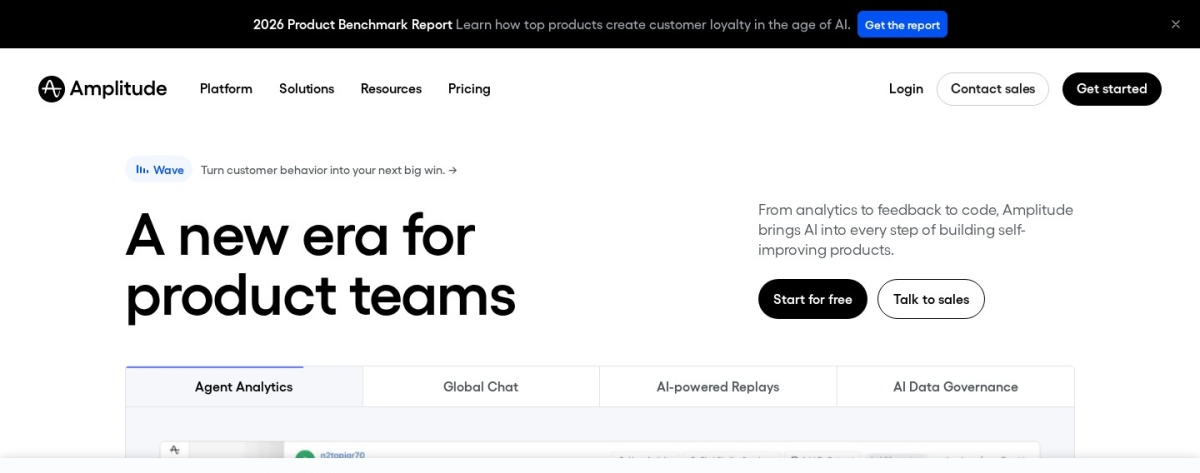
Amplitude homepage, captured Nov 2026.
Amplitude is a digital analytics platform offering event and web analytics, session replay, heatmaps, and feature flags in one workspace. Its free plan includes up to 2,000,000 monthly events, 10,000 monthly session replays, and unlimited seats.
The trade off is that Plus usage-based tiers scale with event volume beyond 2,000,000 monthly events, while Growth and Enterprise require custom quotes. It suits product teams connecting behavioral cohorts and feature flags to session replay.
What we like
2,000,000 free monthly events and 10,000 session replays to start
Unifies analytics, session replay, heatmaps, and feature flags
Includes unlimited seats on entry and free tiers
Watch out for
Event volume expansion and higher tiers increase costs quickly
A/B/n experimentation is not included on the base free tier
Plus scales event volume up to 70,000,000 monthly events with 2-year retention and behavioral cohorts.Visit amplitude.com
05
PostHog
4.5/5on G2 (1,057 reviews, checked Nov 2026)
PriceFree
Best for engineering teams wanting usage-based all-in-one tooling
Free tier1M events & 5k recordings/mo
Paid model$0 base plus metered usage
Retention1-yr free, 2-yr on paid
G2 rating4.5/5 (1,057 reviews)
posthog.com
PostHog homepage, captured Nov 2026.
PostHog combines product analytics, session replay, feature flags, experiments, and surveys in a developer-oriented platform. Each month includes 1,000,000 free analytics events and 5,000 free session recordings with unlimited team members.
The trade off is usage-based billing once you pass free allowances, where high event or replay volumes can add up without billing caps set. It suits engineering-led teams that want multiple experience tools under one roof.
What we like
Monthly free allowances across analytics events, session recordings, and feature flags
No per-seat charges on standard plans
Supports billing limits to control unexpected usage charges
Watch out for
Pay-per-use metering requires monitoring on high-traffic apps
Developer-focused workflows can feel dense for non-technical marketers
Paid usage unlocks unlimited metered volume, up to 6 projects, and 2-year data retention.Visit posthog.com
06
LogRocket
4.6/5on G2 (2,489 reviews, checked Nov 2026)
Paid from$83/mo
Best for pairing session replay with frontend error debugging
Free tier1,000 sessions/mo
Entry paid planCore from $83/mo at 10k sessions
Pro tierFrom $292/mo billed annually
G2 rating4.6/5 (2,489 reviews)
logrocket.com
LogRocket homepage, captured Nov 2026.
LogRocket pairs session replay with console logs, network activity, and error tracking to diagnose user experience issues. Its free plan covers up to 1,000 sessions per month, while Core starts at $83/month for 10,000 sessions.
The trade off is a small free session quota and higher monthly costs as recorded session volume rises, with Pro starting at $292/month billed annually. It suits product and engineering teams debugging broken UI flows.
What we like
Connects visual session replays directly to errors, logs, and network requests
Clear session-based plans from a 1,000-session free tier up to Core and Pro
Helpful for reproducing bugs without back-and-forth support tickets
Watch out for
Free tier cap of 1,000 monthly sessions fills quickly on active sites
Higher session volumes and Pro features raise monthly spend noticeably
Core and Pro tiers raise monthly session quotas and add deeper analytics and Galileo AI capabilities.Visit logrocket.com
07
Lucky Orange
4.6/5on G2 (400 reviews, checked Nov 2026)
Starts at$32/mo
Best for straightforward heatmaps, recordings, and site chat
Entry paid planBuild at $32/mo billed annually
Session allowanceUp to 3,500 sessions/mo on Build
Data storage60-day base storage
G2 rating4.6/5 (400 reviews)
luckyorange.com
Lucky Orange homepage, captured Nov 2026.
Lucky Orange provides dynamic heatmaps, session recordings, conversion funnels, form analytics, surveys, and live chat in one web suite. Its Build plan starts at $32/month billed annually for up to 3,500 monthly sessions with unlimited team members.
The trade off is wide session steps between tiers—such as jumping from Grow at $72/month for 10,000 sessions to Expand at $199/month for 50,000 sessions—plus add-on fees for Discovery AI. It suits small and mid-sized sites wanting visual CRO tools and visitor chat.
What we like
Includes heatmaps, session recordings, funnels, forms, surveys, and chat on Build
Unlimited team members across plans
Straightforward setup for CRO and conversion troubleshooting
Watch out for
Large jumps in session allowances and pricing between mid-sized tiers
Extended data retention and Discovery AI cost extra
Higher tiers increase monthly session caps and offer optional storage upgrades up to 365 days.Visit luckyorange.com
How session-based and event-based pricing differ
Platforms that meter sessions or session replays charge based on user visits or recorded walkthroughs. That structure is easy to budget when you know your monthly traffic, though a single visitor viewing many pages or triggering dozens of clicks still counts as one session.
Event-based tools meter tracked actions such as pageviews, clicks, signups, and custom events. They reward teams that keep tracking focused on meaningful actions, but unthrottled event capture or high-frequency interactions can push monthly event counts past free tiers quickly.
How we chose
We built this shortlist from established digital experience analytics platforms offering behavioral tracking, session replay, heatmaps, or product journey insights across websites and apps.
All pricing tiers, free allowances, and G2 ratings and review counts were checked on 22 Nov 2026 from vendor pricing pages and G2 listings.
We excluded discontinued or end-of-sale tools such as Smartlook (which ended new sales in May 2026) and products without verifiable public pricing or current rating data for this guide. No vendor paid for a place, and we do not claim testing for this list.
How to choose the right platform
Follow four practical steps to narrow down the right digital experience analytics platform for your team.
Match the tool to your primary workflow. Decide whether your team mainly needs visual heatmaps and conversion funnels, event-driven product analytics and feature flags, or error debugging alongside session replay.
Estimate real monthly sessions and events. Compare your current monthly visits and tracked actions against free quotas and entry tiers so a traffic spike does not force an immediate jump to a costly plan.
Check retention windows and team seat limits. Confirm how long historical session or event data stays accessible and whether seat limits or add-on fees apply as more teammates join.
Verify privacy masking and compliance fit. Review how sensitive form inputs, personal data, and access permissions are handled before deploying tracking scripts across production pages.
FAQ
What is a digital experience analytics platform?
It is software that helps teams understand how users interact with websites and applications by combining behavioral metrics like funnels and retention with qualitative tools such as session replay, heatmaps, and error logs.
Can I start with a free plan in digital experience analytics?
Yes. Contentsquare, Fullstory, Mixpanel, Amplitude, PostHog, and LogRocket all offer free tiers with monthly limits on tracked sessions, recordings, or events.
When should I pick event analytics over session replay?
Pick event analytics when you need quantitative cohort retention, multi-step conversion funnels, and feature adoption metrics across large user bases. Add session replay when you need to see why users dropped off.
Why do some platforms use custom pricing on higher tiers?
Enterprise and high-volume plans often depend on monthly session or event volume, custom data retention, security and compliance requirements, and multi-project or multi-app deployments.
How do session replays affect site privacy?
Reputable platforms provide data masking and privacy controls to hide sensitive fields and personal details, though teams should still configure masking rules and review compliance settings before launch.
Do I need separate tools for heatmaps and session replay?
Not necessarily. Several platforms in this list—including Contentsquare, Amplitude, PostHog, and Lucky Orange—include session recording and heatmap or journey features within their ecosystems.