Best Customer Analytics Software in 2026: 7 Tools Compared
WLWPLegible EditorsLast verified 22 Nov 2026How we rank6 min read
★ Short answer
Mixpanel leads for event-based product and customer analytics, trusted by 29,000+ companies with up to 1M monthly events free. For larger free event allowances, Amplitude includes 2M monthly events on its free plan, while PostHog bundles product analytics, session replay, and feature flags with 1M monthly events free.
How we make this list: we compare pricing pages, product documentation and public user reviews, then re-check every price before each update. No product paid for a place. Disclosure.
Mixpanel holds a 4.5/5 rating across 1,412 G2 reviews and includes up to 1M monthly events on its free plan.
Amplitude offers 2M free monthly events and holds a 4.4/5 rating across 3,116 G2 reviews.
PostHog gives 1M free monthly events with usage-based pay-as-you-go pricing starting at $0.00005 per event above that tier.
Contentsquare offers a free tier up to 200k monthly sessions and starts Growth at $39/mo billed yearly ($49/mo monthly).
Mouseflow starts paid plans at $25/mo billed annually for 5,000 sessions and holds a 4.6/5 rating across 695 G2 reviews.
What to look for in customer analytics software
Customer analytics platforms differ sharply in how they track users and price volume. Event-based product tools measure discrete actions like signups, feature clicks, and retention cohorts across web and mobile apps, while behavior and experience tools focus on heatmaps, session replays, funnels, and friction signals on web pages.
Pricing meters are where budgets diverge most. Some platforms charge by monthly events or monthly tracked users, whereas session-based tools bill by recorded visits or tracked pageviews. A high-traffic site with many short visits can cost far more on a session or pageview meter than an app with fewer users and rich event streams.
Data retention, data governance, and AI query tools also separate entry plans from higher tiers. Free plans often cap historical retention at 1 to 12 months and restrict saved cohorts or multi-project access, while paid tiers add longer history, exports, or natural-language query assistants.
Before committing to an annual contract, check how each tool handles usage spikes and overages. Several vendors pause tracking or charge per-unit overages once you pass your monthly allowance, while others let you cap spend or upgrade tiers.
Best for event-based product and customer journey analytics
Free tierUp to 1M events/mo
Entry paid plan$100/mo yearly ($140/mo monthly)
Replays (Free)10K monthly sessions
SeatsUnlimited on all plans
mixpanel.com
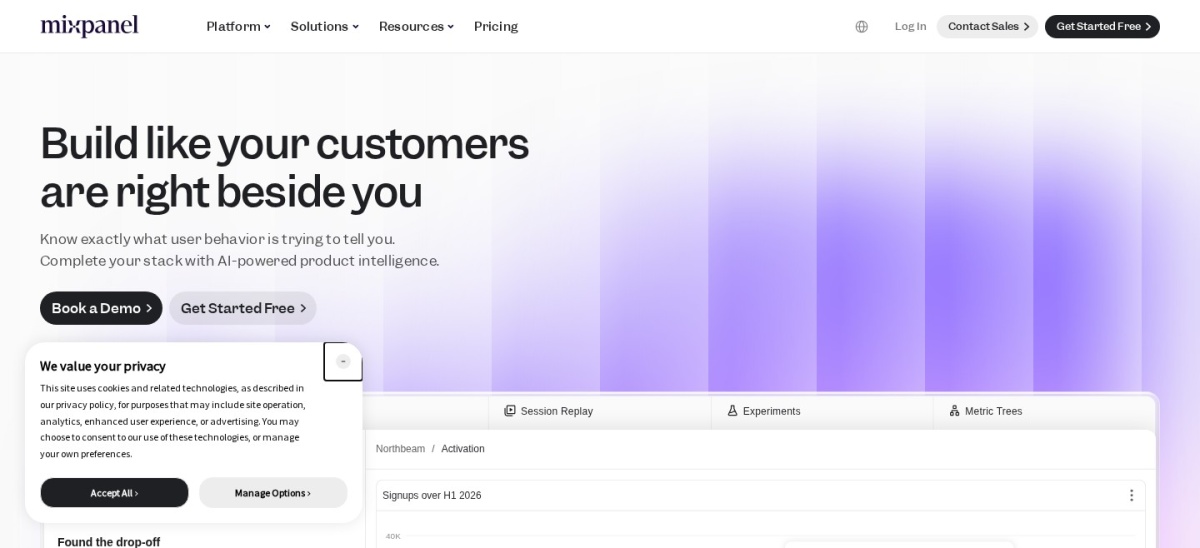
Mixpanel homepage, captured Nov 2026.
Mixpanel is an event-based product and customer analytics platform built to track funnels, retention, user flows, and behavioral cohorts across web and mobile apps. Its free plan includes up to 1M monthly events, 10K monthly session replays, up to 10 active feature flags, and unlimited seats.
The trade off is that Growth pricing scales with event and replay volume, listed at $100/month billed annually ($1,200/year) or $140/month billed monthly at the 18M annual events tier. It suits product and growth teams that want self-serve funnel and retention analysis without engineering bottlenecks.
What we like
Generous free tier with up to 1M monthly events and unlimited seats
Combines analytics, session replay, feature flags, and experiments
Strong self-serve funnels, retention curves, and user path reports
4.5/5 rating across 1,412 G2 reviews
Watch out for
Saved behavioral cohorts and custom properties are limited on the free plan
Costs rise as monthly event and session replay volumes scale
Group analytics is a paid add-on rather than included by default
Growth adds higher event and replay limits, up to 50 feature flags, and unlimited saved cohorts and metrics.Visit mixpanel.com
02
Amplitude
4.4/5on G2 (3,116 reviews, checked Nov 2026)
Paid from$900/yr
Best for large free event allowances and behavioral cohorts
Free tier2M events/mo forever
Entry paid planPlus pay-as-you-go (from $75/mo yearly at 3M events)
Replays (Free)10K monthly sessions
Data retention1 yr Free, 2 yrs Plus
amplitude.com
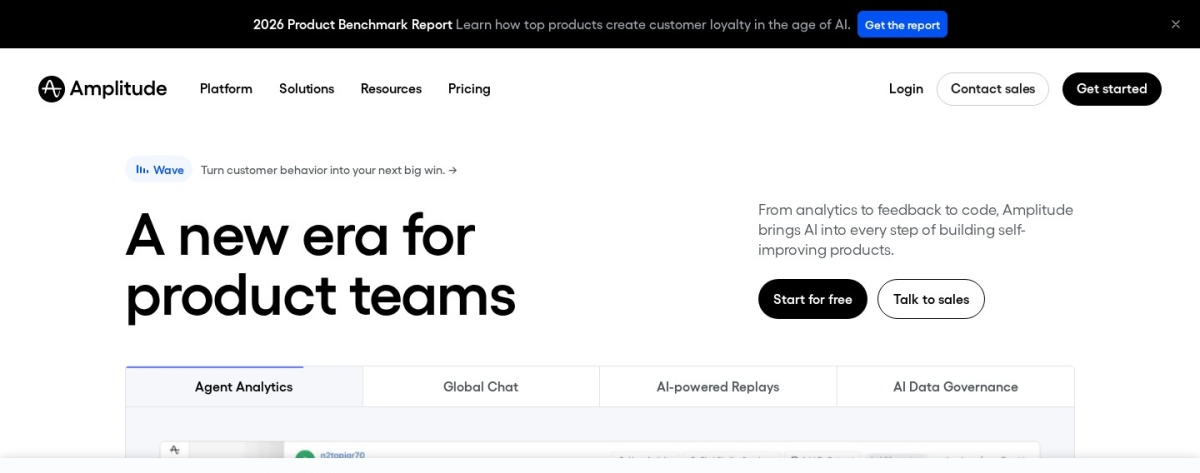
Amplitude homepage, captured Nov 2026.
Amplitude is a product and customer analytics suite covering funnel analysis, retention, behavioral cohorts, session replay, and experimentation. Its free plan includes up to 2M monthly events, 10K monthly session replays, unlimited feature flags, and unlimited seats.
The trade off is that custom behavioral cohorts, heatmaps, and 2-year retention require the usage-based Plus plan, which starts at $0 for the first 2M events and scales with volume (such as $75/month billed annually or $94/month monthly at 3M events). It suits teams needing high free event volume and cross-functional product telemetry.
What we like
2M monthly events on the free plan with no credit card required
Bundles analytics, session replay, heatmaps, and experimentation tools
4.4/5 rating across 3,116 G2 reviews
Watch out for
Plus add-ons like Guides and Surveys or B2B account tracking add extra cost
Growth and Enterprise tiers require custom sales quotes
Steeper learning curve when building complex behavioral analyses
Plus scales event volume up to 70M events/month and unlocks custom events, 20 behavioral cohorts, heatmaps, and 2-year data retention.Visit amplitude.com
03
PostHog
4.5/5on G2 (1,057 reviews, checked Nov 2026)
PricingUsage-based pricing
Best developer-friendly all-in-one suite with usage billing
Free tier1M events/mo + 5K replays
Paid ratePay-as-you-go from $0.00005/event above 1M
Data retention1 yr Free, 2 yrs pay-as-you-go
Team seatsUnlimited on all plans
posthog.com
PostHog homepage, captured Nov 2026.
PostHog is an all-in-one product and customer analytics platform combining event analytics, session replay, feature flags, error tracking, and surveys. Every month renews a free allowance that includes 1M analytics events, 5K session recordings, 1M feature flag requests, and unlimited team members.
The trade off is that usage-based pay-as-you-go billing can fluctuate if you do not set billing limits, with analytics starting at $0.00005 per event after the first 1M events ($0.05 per 1,000 events). It suits technical product teams that want unified tooling, SQL access, and granular spend controls.
What we like
Monthly free allowances across analytics, session replay, flags, and error tracking
Pay-as-you-go pricing with per-product billing limits and volume discounts
4.5/5 rating across 1,057 G2 reviews
Watch out for
Free tier limits usage to 1 project and 1-year data retention
Requires technical comfort to get the most out of events and SQL queries
Platform features like SSO and audit logs sit in separate platform packages
Pay-as-you-go raises limits to 6 projects and 2-year data retention while billing only for usage above monthly free tiers.Visit posthog.com
04
Contentsquare
4.6/5on G2 (748 reviews, checked Nov 2026)
Paid from$468/yr
Best for visual journey analysis, heatmaps, and session replay
Free tierUp to 200k monthly sessions
Entry paid planGrowth from $39/mo yearly ($49/mo monthly)
Data history1 mo Free, 13 mos Growth
Projects1 Free, 3 Growth
contentsquare.com
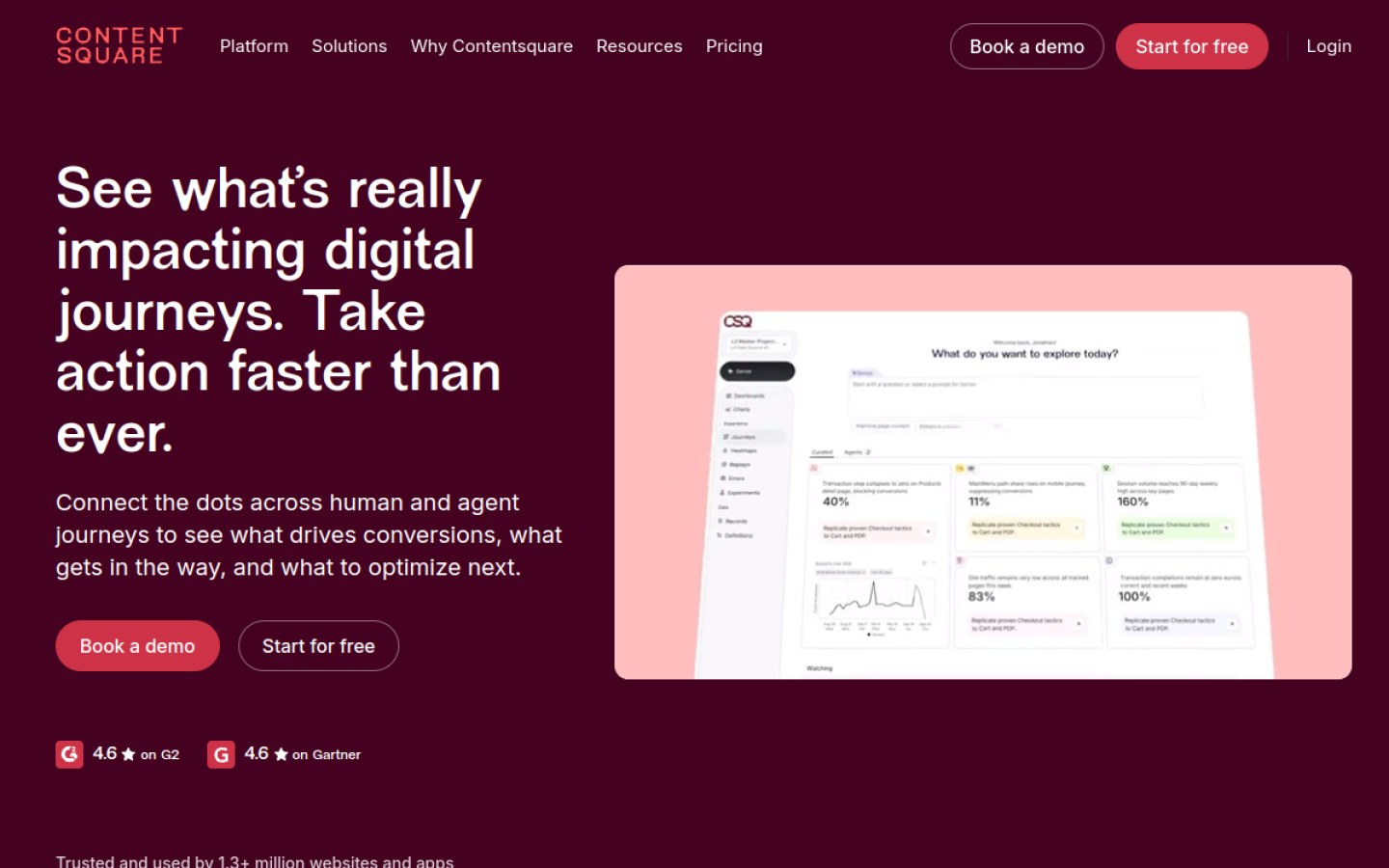
Contentsquare homepage, captured Nov 2026.
Contentsquare is a digital experience and customer analytics platform focused on session replays, heatmaps, funnels, user journeys, and friction detection. Its free Experience Analytics plan covers up to 200k monthly sessions, 1 project, and 1 month of data access.
The trade off is that free replay capture is capped at 5% of sessions (up to 10k/month) and Growth starts at $39/month billed yearly ($468/year) or $49/month billed monthly from 7k sessions. It suits e-commerce, marketing, and UX teams optimizing website journeys visually.
What we like
Free plan tracks up to 200k monthly sessions with heatmaps, funnels, and replays
Strong visual journey maps, frustration scoring, and AI replay summaries
4.6/5 rating across 748 G2 reviews
Watch out for
Free plan restricts data access to 1 month and caps replays at 10k/month
Session-based pricing rises quickly at higher traffic tiers and Pro is quote-only
Voice of Customer and Product Analytics are priced separately
Growth extends data access to 13 months across 3 projects and adds zone-based heatmaps, journey analysis, and AI summaries.Visit contentsquare.com
05
Mouseflow
4.6/5on G2 (695 reviews, checked Nov 2026)
Paid from$300/yr
Best budget paid entry for friction detection and replays
Free tier500 sessions/mo, 1 website
Entry paid planEssential from $25/mo billed annually
Data history1 mo Free, 3 mos Essential
Team usersUnlimited on all plans
mouseflow.com
Mouseflow homepage, captured Nov 2026.
Mouseflow is a website behavior analytics tool built around session replays, heatmaps, conversion funnels, and automated friction detection like rage and dead clicks. Its free plan covers 1 website and 500 monthly sessions with 1 month of data history and unlimited team users.
The trade off is that the free cap is small and Essential starts at $25/month billed annually ($300/year) for 5,000 monthly sessions on 1 website. It suits small businesses and conversion teams troubleshooting page friction without per-seat fees.
What we like
Low entry paid pricing at $25/month billed annually for 5,000 sessions
Automatic rage click, dead click, and JavaScript error detection out of the box
Unlimited team users across every plan
4.6/5 rating across 695 G2 reviews
Watch out for
Free plan is limited to 500 monthly sessions and 1 funnel
Form analytics, feedback surveys, and journey analytics require Advanced or higher
Higher session tiers climb to $109/mo and $319/mo billed annually
Essential expands coverage to 5,000 monthly sessions, 3 months of data history, and Ask Mina AI data chat.Visit mouseflow.com
06
Lucky Orange
4.6/5on G2 (400 reviews, checked Nov 2026)
Starts at$384/yr
Best for combining heatmaps, recordings, surveys, and live chat
Entry paid planBuild from $32/mo paid annually
Session allowance3,500 monthly sessions on Build
Data storage60 days base storage
Team membersUnlimited on paid plans
luckyorange.com
Lucky Orange homepage, captured Nov 2026.
Lucky Orange is a website conversion and visitor behavior platform combining dynamic heatmaps, session recordings, conversion funnels, form analytics, surveys, and live chat. All plans include unlimited team members and a 7-day free trial rather than a permanent free tier.
The trade off is that Build starts at $32/month paid annually ($384/year) for 3,500 monthly sessions and Discovery AI is an add-on. It suits e-commerce stores and marketers that want visitor recordings, surveys, and chat in one tool.
What we like
Bundles session recordings, dynamic heatmaps, surveys, and live chat
Unlimited team members included on paid plans
4.6/5 rating across 400 G2 reviews
Watch out for
No permanent free tier, only a 7-day free trial
Base storage is 60 days and Discovery AI costs extra as an add-on
Session limits scale up to $199/mo for 50k and $839/mo for 300k sessions annually
Build covers up to 3,500 monthly sessions with 60-day storage, dynamic heatmaps, recordings, funnels, surveys, and live chat.Visit luckyorange.com
07
Crazy Egg
4.2/5on G2 (128 reviews, checked Nov 2026)
Starts at$348/yr
Best for simple heatmaps and no-code A/B testing
Entry paid planStarter from $29/mo billed annually
Domains & seatsUnlimited websites and team members
Trial30-day free trial on all plans
crazyegg.com
Crazy Egg homepage, captured Nov 2026.
Crazy Egg is a web behavior and conversion tool offering snapshot heatmaps, scrollmaps, session recordings, surveys, and A/B testing. Every plan includes unlimited website domains and unlimited team members with a 30-day free trial.
The trade off is that Starter costs $29/month billed annually ($348/year) for 5,000 monthly pageviews and 50 recordings, while A/B testing requires Plus at $99/month. It suits small marketing teams that want straightforward heatmaps and page testing across multiple sites.
What we like
Unlimited website domains and team members on every plan
No overage charges when monthly tracking limits are reached
30-day free trial across all tiers
Watch out for
Starter caps tracking at 5,000 pageviews, 5 heatmap reports, and 50 recordings per month
A/B testing is not included on the entry Starter tier
4.2/5 rating across 128 G2 reviews is lower than several rivals
Starter includes 5,000 monthly pageviews, 5 heatmap reports, 50 recordings with 6-month storage, funnels, and surveys.Visit crazyegg.com
How event-based and session-based pricing compare
Event-based platforms such as Mixpanel, Amplitude, and PostHog count individual user actions like button clicks, screen views, and signups. That model fits web and mobile apps where teams track granular product behavior across cohorts and funnels.
Session-based and pageview-based platforms such as Contentsquare, Mouseflow, Lucky Orange, and Crazy Egg focus on visits, heatmaps, and recordings. They are often easier to read for landing-page and e-commerce optimization, though heavy traffic can push costs up quickly.
How we chose
We selected established customer and behavior analytics platforms with active public documentation and verified G2 review profiles.
All ratings, review counts, and regular entry paid prices were verified on 22 Nov 2026 from vendor pricing pages and G2 listings, using annual pricing where published for entry tiers and noting monthly equivalents or usage rates.
We excluded standalone tools that had no public pricing or were winding down standalone sales, including Smartlook following its May 2026 end-of-sale notice. No vendor paid for a place, and we do not claim testing for this list.
How to choose the right customer analytics tool
Follow four practical steps to match a platform to your product and budget.
Define your primary tracking goal. Choose an event and cohort platform like Mixpanel or Amplitude for product funnels and retention, or a heatmap and session replay tool like Contentsquare or Mouseflow for page UX.
Estimate monthly events, sessions, and replays. Check how many events or sessions your site or app generates each month so you do not outgrow a free tier or hit steep volume steps.
Check retention, seats, and add-on costs. Verify how long historical data is kept and whether surveys, experimentation, or extra projects cost extra.
Start on a free tier or trial first. Validate event tracking and data quality on real traffic before committing to an annual subscription.
FAQ
What is customer analytics software?
Customer analytics software tracks how users and visitors interact with a website, product, or app over time. Teams use it to measure conversions, retention, drop-offs, and usability friction rather than relying only on raw traffic counts.
Which customer analytics tool has the best free plan?
Amplitude offers up to 2M free monthly events, while Mixpanel and PostHog each include up to 1M free monthly events. Contentsquare offers up to 200k free monthly sessions with 1 month of data retention.
Should I pick event tracking or session replay?
Event analytics works best for measuring feature adoption, funnels, and retention across product journeys. Session replay and heatmaps are more direct when you want to watch how visitors click, scroll, or struggle on specific pages.
How does PostHog pricing work after the free tier?
PostHog renews monthly free allowances—including 1M analytics events—and bills pay-as-you-go for usage above those limits. Analytics starts at $0.00005 per event after the first 1M events, with volume discounts at higher scale.
Do all tools on this list offer a permanent free plan?
No. Mixpanel, Amplitude, PostHog, Contentsquare, and Mouseflow offer free tiers, while Lucky Orange and Crazy Egg offer time-limited free trials on paid plans.
What happens when you exceed a free plan limit?
Policies vary by vendor. PostHog drops additional events on the free plan unless you add a card for pay-as-you-go billing, while Amplitude warns that repeated overages on Free can block account access.