Best Cross Platform Calendar in 2026: 7 Tools Compared
WLWPLegible EditorsLast verified 22 Nov 2026How we rank6 min read
★ Short answer
Google Calendar is the best cross platform calendar for most people, offering a free tier across web, Android, and iOS with a 4.8 rating on Capterra. Pick Microsoft Outlook for business email and room booking, or Fantastical for fast natural-language scheduling across desktop and mobile.
How we make this list: we compare pricing pages, product documentation and public user reviews, then re-check every price before each update. No product paid for a place. Disclosure.
Google Calendar offers a free tier with cross-device sync and holds a 4.8 rating across 4,340 Capterra reviews.
Microsoft Outlook pairs email, tasks, and calendar scheduling across Windows, macOS, web, and mobile, rated 4.5 on G2.
Fantastical starts free and costs $4.75/mo billed annually ($57/yr) for Individual access across Apple devices and Windows.
Morgen starts at $15/mo billed yearly ($180/yr) after a 14-day trial, combining calendars, tasks, and time blocking on Linux, desktop, and mobile.
TimeTree starts free for shared group calendars and lists Premium at $44.99/yr ($4.49/mo).
What to look for in a cross platform calendar
A cross platform calendar needs consistent event syncing and reminders across the operating systems you actually use every day, such as web, Windows, macOS, Linux, iOS, and Android.
Check how each app handles external calendar providers like Google, Microsoft 365, iCloud, and CalDAV. Some apps read multiple calendars in one view without copying events back and forth across accounts.
Decide whether you want a pure calendar or a planner that mixes tasks, time blocks, and booking links. Adding task managers and scheduling links inside one tool can cut app switching, though it may add cost.
Watch billing rules before you commit. Several apps advertise a monthly rate while billing yearly upfront, and business plans often charge per user seat.
Google Calendar is a free cloud calendar available on web browsers, Android, iOS, and smartwatches, holding a 4.8/5 score from 4,340 Capterra reviews. Its free personal tier covers multiple calendars, color coding, shared schedules, Google Meet links, and native Google Tasks integration.
The trade off is that standalone Google Calendar has no paid plan of its own, while business features like custom domain email and shared team controls sit inside Google Workspace plans starting at $7/user/month on an annual plan ($84/yr). It suits individuals and teams who want reliable cross-device sync without paying for a separate calendar app.
What we like
Free personal access across web, Android, and iOS
Strong shared calendar permissions and event invites
Built-in Google Meet and Google Tasks connections
Watch out for
Managing many layered calendars can feel cluttered
Notification settings can feel rigid or noisy
Google Workspace plans add custom business email, shared team controls, and pooled storage.Visit workspace.google.com
02
Microsoft Outlook
4.5/5on G2 (3,596 reviews, checked Nov 2026)
Paid from$84/yr
Best for business email and room booking
PlatformsWindows, macOS, Web, iOS, Android
Free tierFree basic web/app access
Business Basic$7.00/user/mo paid yearly ($84/yr)
G2 rating4.5/5 (3,596 reviews)
microsoft.com
Microsoft Outlook homepage, captured Nov 2026.
Microsoft Outlook is an email, contacts, task, and calendar client across Windows, macOS, web, iOS, and Android, rated 4.5/5 across 3,596 G2 reviews. Users can use basic Outlook for free, while Microsoft 365 Business Basic starts at $7.00/user/month paid yearly ($84/yr) for custom business email and Microsoft Bookings.
The trade off is a heavier interface and occasional search or sync slowdowns in large mailboxes, plus higher tiers required for full desktop apps or Copilot. It suits organizations and professionals who already rely on Microsoft email and team scheduling.
What we like
Combines email, calendar invites, contacts, and tasks
Available across Windows, macOS, web, iOS, and Android
Supports meeting room booking and team availability checks
Watch out for
Interface can feel busy or slow with large inboxes
Business Basic web/mobile apps lack full desktop suite apps
Paid Microsoft 365 plans add custom business email, cloud storage, Bookings, and optional AI add-ons.Visit microsoft.com
03
TimeTree
4.5/5on Capterra (13 reviews, checked Nov 2026)
Paid from$44.99/yr
Best for shared family and group calendars
PlatformsiOS, Android, Web
Free tierFree shared calendars with ads
Premium$44.99/yr or $4.49/mo
Capterra rating4.5/5 (13 reviews)
timetreeapp.com
TimeTree homepage, captured Nov 2026.
TimeTree is a shared calendar app for families, couples, and groups across iOS, Android, and web, holding a 4.5/5 rating across 13 Capterra reviews. Its free plan supports shared calendars and event comments, while TimeTree Premium costs $44.99/year (or $4.49/month).
The trade off is ads on the free version and basic project tools compared with work planners, at a regular price of $44.99/year for Premium. It suits households and groups that coordinate shifts, plans, and notes around shared events.
What we like
Built around shared group calendars and per-event chat
Low-cost annual Premium tier at $44.99/year
Color coding makes group schedules easy to scan
Watch out for
Free plan includes advertisements
Less suited to complex project or work workflows
TimeTree Premium removes ads and adds file attachments, vertical view, and pinned events.Visit timetreeapp.com
04
Any.do
4.7/5on Capterra (1,176 reviews, checked Nov 2026)
Paid from$59.88/yr
Best for daily to-do lists and calendar sync
PlatformsiOS, Android, Web, Windows, macOS
Free tierPersonal tasks, lists, and sync
Premium$4.99/mo billed annually ($59.88/yr)
Capterra rating4.7/5 (1,176 reviews)
any.do
Any.do homepage, captured Nov 2026.
Any.do is a task and daily planning app with calendar sync across iOS, Android, web, Windows, and macOS, rated 4.7/5 across 1,176 Capterra reviews. Its free plan includes personal tasks, reminders, daily planner views, and device sync, while Premium costs $4.99/month billed annually ($7.99/month monthly).
The trade off is that recurring tasks, color tags, and location reminders are restricted on the free tier, with Premium priced at $4.99/month billed annually ($59.88/yr). It suits people who organize their day around checklists and reminders alongside existing calendars.
What we like
Clean interface across mobile, desktop, and web
Permanent free personal plan with no credit card required
Under $60/year on the annual Premium plan
Watch out for
Some reviewers report inconsistent or missed notifications
Limited depth for complex project management
Any.do Premium adds recurring tasks, color tags, location reminders, and third-party integrations.Visit any.do
05
Fantastical
4.4/5on G2 (18 reviews, checked Nov 2026)
Paid from$57/yr
Best for natural-language event entry
PlatformsmacOS, iOS, iPadOS, watchOS, Windows
Free tierBasic calendar and task entry
Individual$4.75/mo billed annually ($6.99/mo)
G2 rating4.4/5 (18 reviews)
flexibits.com
Fantastical homepage, captured Nov 2026.
Fantastical is a calendar and task app from Flexibits across Mac, iPhone, iPad, Apple Watch, and Windows, holding a 4.4/5 rating across 18 G2 reviews. Its free tier covers basic calendar accounts and natural-language entry, while Individual starts at $4.75/month billed annually ($6.99/month monthly).
The trade off is that calendar sets, scheduling links, and push sync sit behind the paid plan at $4.75/month billed annually, and some features vary by platform. It suits users who want fast plain-text event creation and a unified view across devices.
What we like
Fast natural-language parsing for events and tasks
Single subscription covers supported desktop and mobile devices
Includes scheduling links and meeting proposals on paid plans
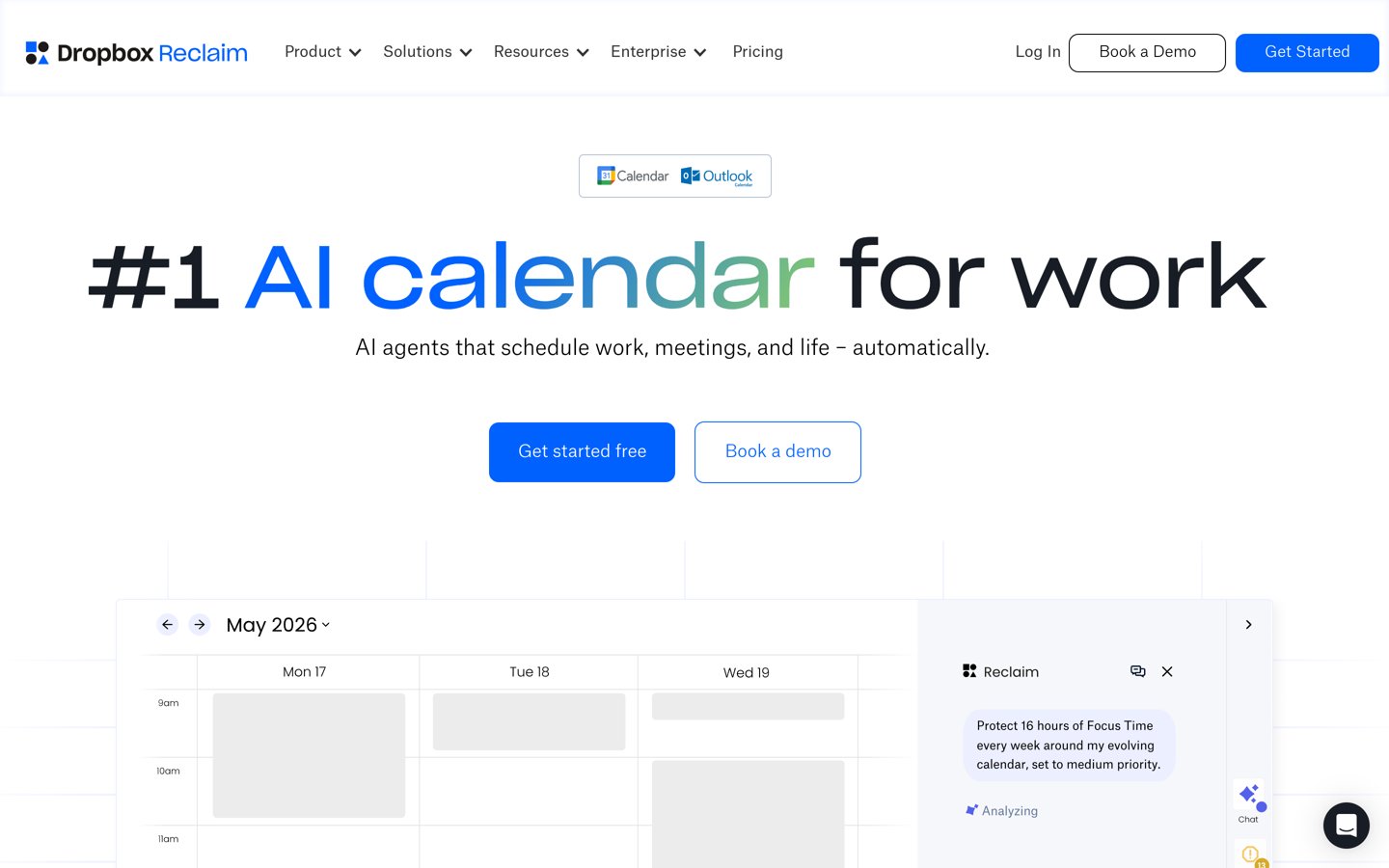
Reclaim.ai is a scheduling and time-blocking tool that connects with Google Calendar and Outlook, holding a 4.7/5 rating across 10 Capterra reviews. Its free Lite plan includes 1 calendar sync and 1 scheduling link, while Starter starts at $10/seat/month billed yearly ($120/seat/yr).
The trade off is a 1-sync and 1-link cap on the free Lite plan and paid pricing starting at $10/seat/month billed yearly. It suits busy professionals and teams that want automated focus blocks, habits, and meeting buffers around existing calendars.
What we like
Automated focus time, habits, and buffer scheduling
Free Lite plan available to test core scheduling
Syncs availability across connected calendars
Watch out for
Free Lite plan restricts calendar syncs and scheduling links
Initial habit and priority rules can take tuning
Paid plans expand calendar syncs, scheduling links, team size, and task tool integrations.Visit reclaim.ai
07
Morgen
4.8/5on G2 (30 reviews, checked Nov 2026)
Starts at$180/yr
Best for time blocking and Linux support
PlatformsmacOS, Windows, Linux, iOS, Android, Web
Free tier14-day trial (no free plan)
Morgen Pro$15/mo billed yearly ($30/mo)
G2 rating4.8/5 (30 reviews)
morgen.so
Morgen homepage, captured Nov 2026.
Morgen is a calendar, task, and time-blocking planner across macOS, Windows, Linux, iOS, Android, and web, rated 4.8/5 across 30 G2 reviews. It offers a 14-day free trial with no credit card required, and Morgen Pro costs $15/month billed yearly ($180/yr) or $30/month.
The trade off is no free tier after the 14-day trial and a $15/month annual price ($180/yr) for a single planner subscription. It suits people who combine multiple calendars and task apps like Notion or Todoist into daily time blocks, including on Linux.
What we like
Native support across macOS, Windows, Linux, iOS, Android, and web
Connects calendars with tasks from tools like Notion and Todoist
Includes time blocking and booking links on Pro
Watch out for
No free plan after the 14-day trial ends
Higher annual cost than basic calendar apps
Morgen Pro includes time blocking, calendar sets, scheduling links, and task integrations.Visit morgen.so
How we chose
This shortlist comes from established cross platform calendar and daily planning tools that sync events or schedules across desktop, web, and mobile devices.
We checked pricing pages, plan terms, and public review ratings on Capterra and G2 on 22 Nov 2026, using regular listed prices and annual billing rates where shown.
We excluded discontinued apps, single-platform calendars limited to one operating system, and tools without verified pricing or public ratings. No vendor paid for a place, and we do not claim testing for this list.
How to pick the right cross platform calendar
Follow four practical checks before committing to a calendar app:
List every device and calendar account you rely on. Confirm native or web access across your phones, computers, and work or personal calendar providers.
Decide between a pure calendar and a task planner. Choose a straightforward calendar for invites and availability, or pick a planner if you want to-dos and time blocks alongside events.
Compare free limits against your daily habits. Check caps on shared calendars, scheduling links, reminders, or ads on the free tier before paying.
Calculate the full annual or per-seat cost. Multiply monthly rates by twelve or check annual billing and seat counts so renewal bills match your budget.
FAQ
What is the best free cross platform calendar?
Google Calendar is the strongest free option for most users because it runs on web, Android, and iOS with shared calendars, reminders, and Google Meet support. Free tiers from Microsoft Outlook, TimeTree, and Any.do also work well depending on your workflow.
Do I need a paid calendar app if I already use Google Calendar or Outlook?
Many people only need a paid calendar app if they want time blocking, task app sync, custom booking workflows, or a cleaner desktop interface. Otherwise, free calendar tiers cover basic scheduling and reminders.
How does annual billing change calendar app pricing?
Several tools charge a lower monthly rate when billed annually, such as Morgen at $15/month billed yearly versus $30/month monthly, or Fantastical at $4.75/month billed annually versus $6.99/month. Check whether the annual fee is billed all at once.
What is the difference between viewing multiple calendars and syncing them?
Viewing multiple calendars lets you see work and personal events together in one interface. True calendar sync copies availability or events between accounts so colleagues or booking links see conflicts accurately.
Which calendar works best if I use Linux as well as mobile?
Morgen supports macOS, Windows, Linux, iOS, Android, and the web, making it a practical fit for Linux users who want calendar and task planning on mobile too. Web-based tools like Google Calendar and Outlook also run in Linux browsers.
Are team or business calendars priced differently from personal plans?
Yes, team and business plans often bill per user seat and add shared workspaces, admin controls, or business email. Personal plans usually cover one individual or a fixed household group.