Karbon is the best CPA practice management software for most accounting firms, earning 4.7/5 from 1,227 G2 reviews and combining integrated email, workflow management and billing. Financial Cents suits budget-conscious practices, while TaxDome is a good alternative for firms prioritizing client portals and digital document collection.
How we make this list: we compare pricing pages, product documentation and public user reviews, then re-check every price before each update. No product paid for a place. Disclosure.
Karbon earns 4.7/5 from 1,227 G2 reviews, with its Team subscription starting at $708 per user annually.
Financial Cents offers a Solo subscription for $228 annually and a Team plan for $588 per user annually.
TaxDome now starts at $1,500 annually for 150 active clients and includes 20 staff seats.
Canopy Standard costs $888 per user annually and includes client portals, document management and electronic signatures.
Uku offers an affordable $228 annual Solo subscription covering 20 active clients.
Firm360 Basic starts at $588 per user annually, but project management requires the $79 monthly Standard plan.
What CPA practice management software should cover
CPA practice management software helps accounting firms organize client engagements, assign responsibilities, monitor deadlines and manage administrative work. It provides a shared workspace for accountants, managers and administrative employees.
Recurring workflow templates are particularly important for firms handling bookkeeping, financial reporting, payroll administration and tax preparation. Automated scheduling reduces the need to manually recreate similar tasks for every client.
Client portals provide a controlled environment for collecting financial documents, requesting information and sharing completed work. Look for document permissions, electronic signatures and automatic reminders when evaluating client-facing features.
Time tracking, invoicing and profitability reporting help firm owners understand the cost of individual engagements. These features are valuable when determining whether fixed-fee services generate sufficient revenue.
Compare subscription structures carefully. Some products charge per employee, while others use active client counts or minimum subscription commitments. The cheapest advertised subscription may not cover every feature your practice needs.
For client billing and integrated firm administration
$49/mo
No free plan
4.7/5
Price ladder: cheapest paid plan per year
List prices, USD, checked Nov 2026
Fin. Cents$228
Uku$228
Jetpack$588
Firm360$588
Karbon$708
Canopy$888
TaxDome$1,500
The 7 best CPA practice management software tools
01
Karbon
4.7/5on G2 (1,227 reviews, checked Nov 2026)
Starts at$59/mo
Best for overall CPA practice management
Work templates40 on Team
Client portalIncluded
Contact allowance1,000 on Team
Paid planTeam, per user
karbonhq.com
Karbon homepage, captured Nov 2026.
Karbon is an accounting practice management platform that combines shared email, engagement workflows, client records and billing. Its Team subscription supports 40 work templates and 1,000 contacts, alongside time tracking, document management and client collaboration.
The trade off is that automatic client reminders and advanced task automation require Business at $89 per user monthly with annual billing, compared with $59 for Team. Monthly subscriptions also require at least 4 users. It suits established CPA firms that want centralized communication and engagement management.
What we like
Integrated email and client communication
Accounting-specific workflow templates
Built-in time tracking and billing
Client portal and document management
Established public review history
Watch out for
Higher starting price than budget alternatives
Advanced task automation requires Business
Contact and template limits on Team
Team includes email collaboration, engagement management, time tracking and billingVisit karbonhq.com
02
Financial Cents
4.7/5on G2 (259 reviews, checked Nov 2026)
Starts at$19/mo
Best for affordable small CPA firm management
Client portalIncluded on Solo
Workflow automationIncluded
Team subscription$49/user/mo, billed annually
Paid planSolo, single practitioner
financial-cents.com
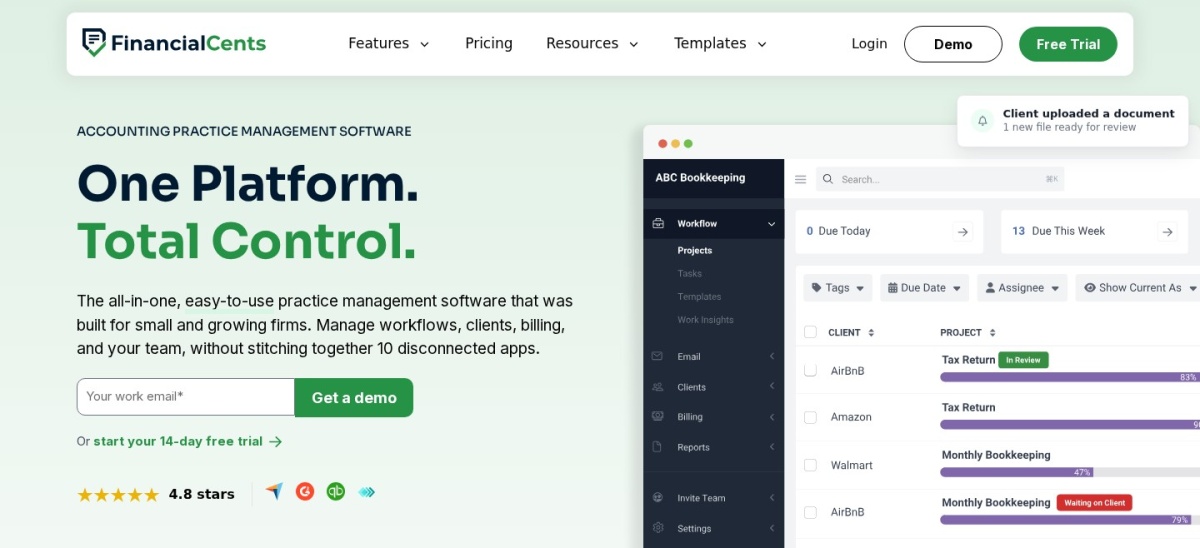
Financial Cents homepage, captured Nov 2026.
Financial Cents is a practice management platform designed for accounting, bookkeeping and tax professionals. Its Solo subscription costs $19 monthly with annual billing and includes workflow automation, client records, document sharing, time tracking and billing.
The trade off is that growing firms need Team at $49 per user monthly or Scale at $69 per user monthly with annual billing. Monthly billing also carries a minimum employee requirement. It suits independent accountants and small CPA practices that need organized workflows at a manageable cost.
What we like
Affordable subscription for solo accountants
Client portal included on the entry plan
Recurring workflows and client requests
Integrated time tracking and billing
Accounting-specific workflow templates
Watch out for
Solo pricing does not extend to multiple employees
Advanced firm management requires higher plans
Monthly billing requires at least 5 users
Solo includes workflow automation, client records, document sharing and billingVisit financial-cents.com
03
TaxDome
4.7/5on G2 (742 reviews, checked Nov 2026)
Starts at$1,500/yr
Best for client portals and document collection
Entry client allowance150 active clients
Staff seats20 included
Document storageUnlimited
Paid planAnnual active-client subscription
taxdome.com
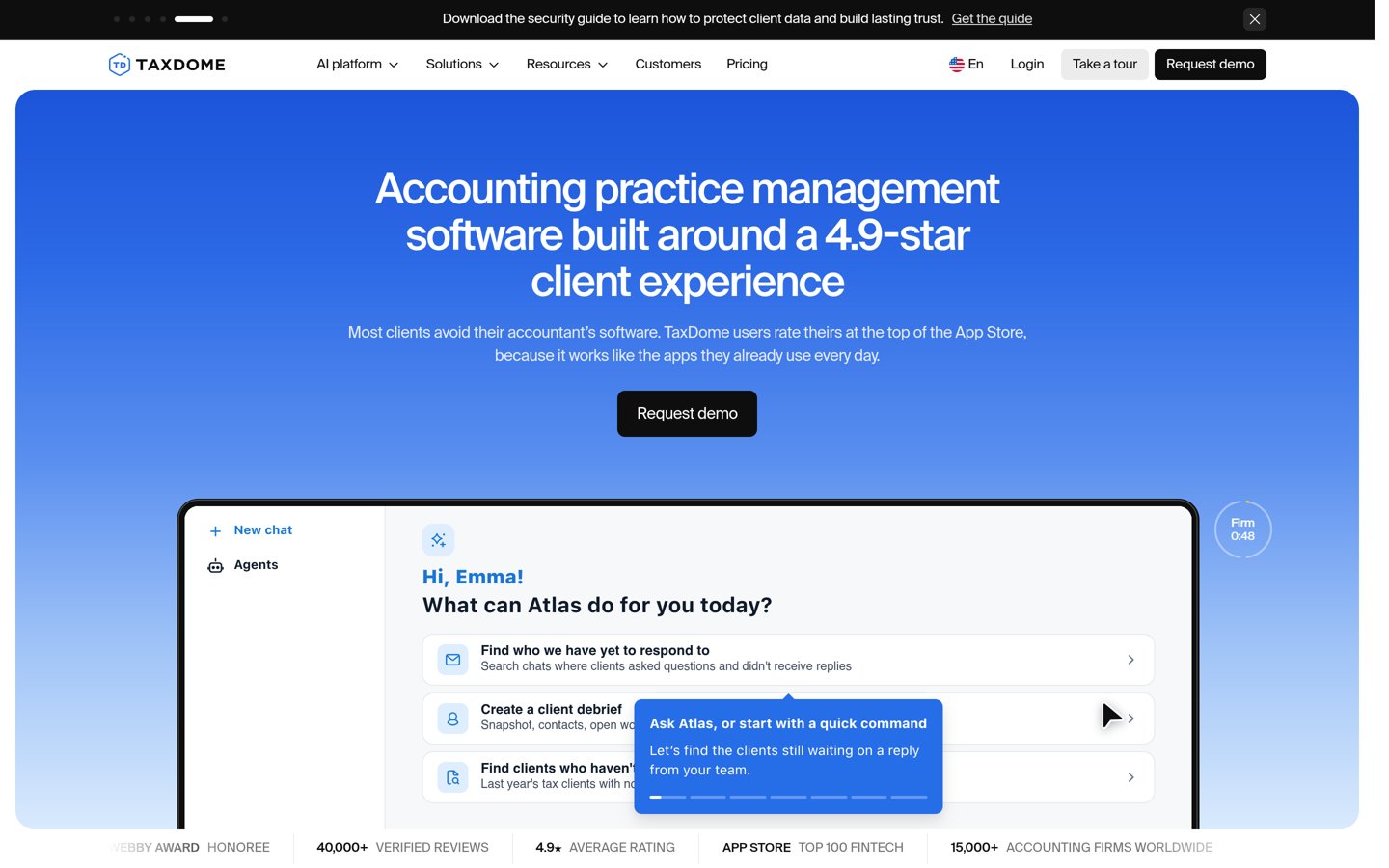
TaxDome homepage, captured Nov 2026.
TaxDome is an accounting practice management platform that combines client onboarding, document storage, electronic signatures, engagement workflows and payments. Its current entry subscription includes 150 active clients and 20 staff seats, with unlimited document storage and electronic signatures.
The trade off is that the new pricing structure starts at $1,500 annually even for firms with fewer than 150 active clients, and additional clients increase subscription costs. Existing customers may remain on previous pricing until renewal. It suits client-facing practices that want document collection, communication and billing in one platform.
What we like
Integrated client portal and mobile app
Unlimited document storage
Electronic signatures included
Multiple staff seats without separate seat charges
Client onboarding and engagement automation
Watch out for
Minimum annual subscription is relatively high
Additional active clients increase costs
Optional AI functionality costs extra
The annual subscription includes client portals, workflow automation, electronic signatures and paymentsVisit taxdome.com
04
Canopy
4.6/5on G2 (959 reviews, checked Nov 2026)
Starts at$74/mo
Best for document management and client administration
Client portalIncluded on Standard
Electronic signaturesIncluded
Capacity planningPlus and above
Paid planStandard, per user
getcanopy.com
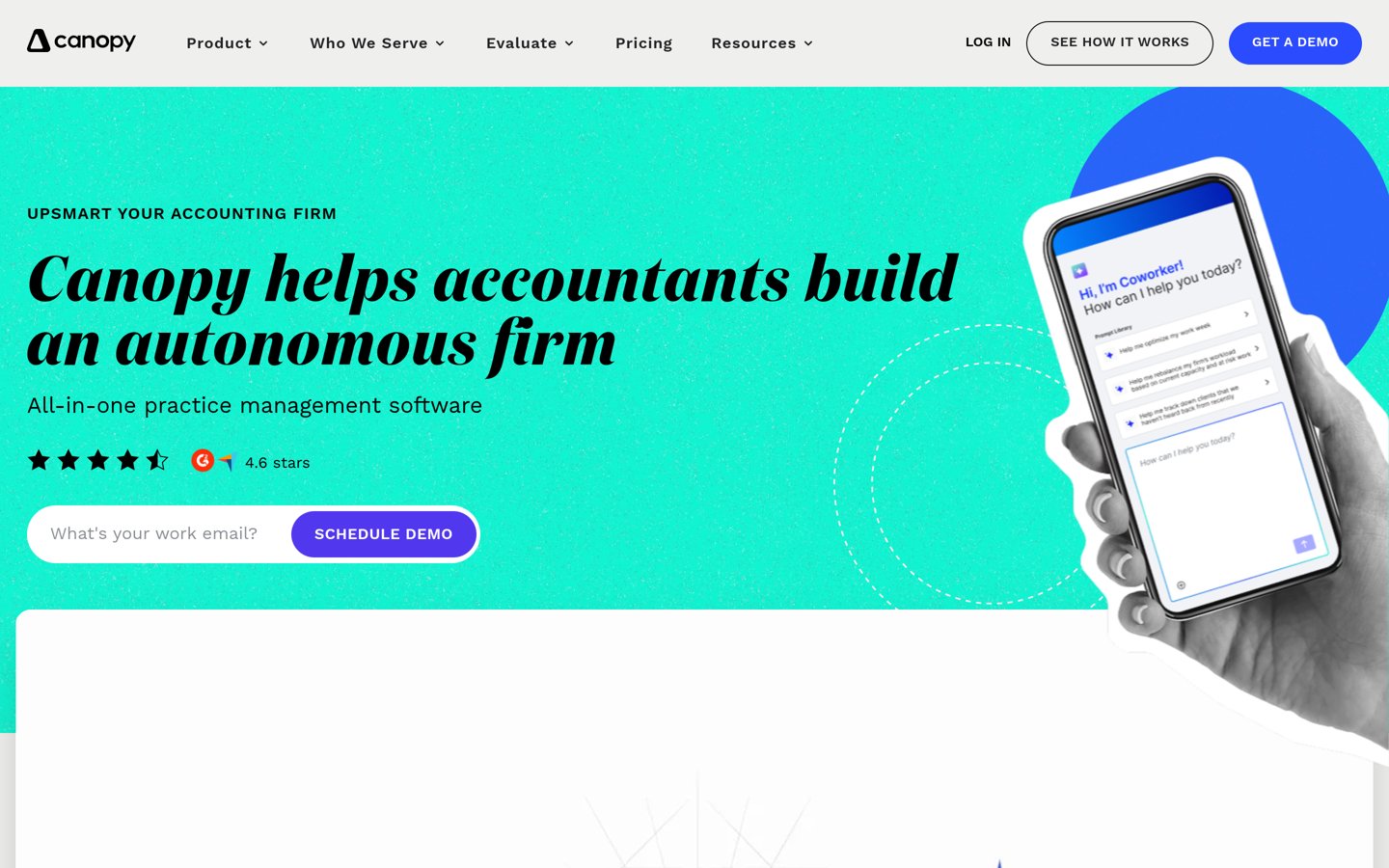
Canopy homepage, captured Nov 2026.
Canopy is a practice management platform for accounting firms that combines client records, document storage, recurring tasks and invoicing. Its Standard subscription costs $74 per user monthly with annual billing and includes electronic signatures, secure messaging and client portals.
The trade off is that capacity planning, additional access controls and custom reporting require Plus at $109 per user monthly with annual billing. Specialized tax management capabilities can involve separate charges. It suits established CPA firms looking to consolidate document administration, client communication and engagement workflows.
What we like
Integrated client portal and secure messaging
Document management and electronic signatures
Recurring accounting workflows
Built-in invoicing and payment functionality
Additional capacity planning on higher plans
Watch out for
Higher entry price than several competitors
Advanced reporting requires Plus
Specialized tax features may cost extra
Standard includes client management, documents, electronic signatures, workflows and invoicingVisit getcanopy.com
05
Uku
4.8/5on Capterra (80 reviews, checked Nov 2026)
Starts at$19/mo
Best for solo accountants and time management
Solo client allowance20 active clients
Time trackingIncluded
Client portalIncluded
Paid planSolo, single user
getuku.com
Uku homepage, captured Nov 2026.
Uku is an accounting practice management platform that combines recurring tasks, time tracking, billing and client administration. Its Solo subscription costs $19 monthly with annual billing and supports 20 active clients, including document management, workflow automation and electronic signatures.
The trade off is that the Solo subscription is limited to a single practitioner and 20 active clients, while Team pricing starts at $38 per user monthly with annual billing. Managing a larger client portfolio therefore increases costs. It suits independent accountants and practices focused on workload visibility and engagement profitability.
What we like
Affordable entry subscription
Integrated time tracking and billing
Client portal and document management
Recurring accounting task automation
Electronic signatures available on Solo
Watch out for
Solo subscription has an active client limit
Additional staff require a team subscription
Smaller public review base than leading competitors
Solo includes client management, time tracking, workflow automation and billingVisit getuku.com
06
Jetpack Workflow
4.8/5on Capterra (56 reviews, checked Nov 2026)
Starts at$49/mo
Best for recurring accounting tasks and deadlines
Project allowanceUnlimited
Client allowanceUnlimited
Workflow templatesUnlimited
Paid planStarter, per seat
jetpackworkflow.com
Jetpack Workflow homepage, captured Nov 2026.
Jetpack Workflow is an accounting workflow platform focused on recurring client jobs, task assignments and deadline management. Its Starter subscription lists at $49 per seat monthly and includes unlimited projects, clients and workflow templates alongside customizable automation.
The trade off is that time tracking, budget reporting and capacity management require Premium at $59 per seat monthly. The platform is less comprehensive for client portals and integrated billing than full practice management suites. It suits firms replacing spreadsheets with repeatable accounting workflows and shared deadline tracking.
What we like
Unlimited projects and clients
Customizable recurring workflow templates
Accounting-specific deadline management
Multifactor authentication for every user
Focused approach to internal task management
Watch out for
Time tracking requires Premium
No comprehensive built-in client portal
Separate billing software may be necessary
Starter includes unlimited jobs, clients, templates and recurring workflow automationVisit jetpackworkflow.com
07
Firm360
4.7/5on Capterra (175 reviews, checked Nov 2026)
Starts at$49/mo
Best for client billing and integrated firm administration
Basic minimum seatsNo minimum
Client portalIncluded on Basic
Project managementStandard and above
Paid planBasic, per user
myfirm360.com
Firm360 homepage, captured Nov 2026.
Firm360 is an accounting practice management platform that combines client administration, financial document management, time tracking and billing. Its Basic subscription starts at $49 per user monthly with annual billing and has no minimum user requirement.
The trade off is that full project management requires Standard at $79 per user monthly with annual billing and a minimum of 3 users. Electronic signatures also involve an extra fee on Basic. It suits CPA firms seeking consolidated billing, client records and document administration.
What we like
Client portal included on Basic
Integrated time tracking and billing
Centralized financial document management
No minimum user requirement on Basic
Project management available on higher plans
Watch out for
Project management requires Standard
Electronic signatures cost extra on Basic
Standard requires at least 3 users
Basic includes client records, document management, a client portal and billingVisit myfirm360.com
How much does CPA practice management software cost?
Financial Cents and Uku have the lowest confirmed entry prices in this comparison, both starting at $228 annually for solo practitioners. Firm360 Basic costs $588 per user annually, while Karbon Team costs $708 per user annually.
TaxDome uses a different pricing structure. Its current subscription starts at $1,500 annually for 150 active clients and includes 20 staff seats. This can make direct price comparisons with per-user subscriptions misleading.
The price ladder represents the cheapest confirmed regular paid subscription for each product. Monthly subscriptions are annualized, and standard annual billing rates are used where confirmed. Jetpack Workflow's published monthly rate is used because a lower annual rate was not confirmed from its pricing page.
Calculate the cost of the subscription that includes your required features rather than assuming the entry plan is sufficient. Firm360, for example, reserves project management for Standard, which requires at least 3 users and costs $2,844 annually at the minimum seat count.
CPA practice management software vs. accounting software
Accounting software manages financial transactions, general ledgers, reconciliations and financial statements. CPA practice management software manages the work accountants perform for their clients, including engagement deadlines, employee assignments, document requests and client communication.
Most CPA firms need both software categories. Practice management platforms help employees organize service delivery, while accounting applications remain responsible for maintaining financial records and preparing financial reports.
Look for integrations that transfer client information, invoices and time records between applications. A suitable integration reduces duplicate data entry and helps accountants maintain consistent information across their financial and administrative systems.
How we chose
We shortlisted established accounting practice management products from G2's accounting software category and reviewed Capterra profiles for additional specialist tools. We compared accounting workflows, client communication, document management, time tracking, billing and subscription structures.
The requested editorial verification date is 22 Nov 2026. Official pricing pages and public ratings were actually checked on 24 Nov 2026. Prices reflect confirmed regular subscription rates, with annual billing where available. TaxDome's updated active-client pricing replaces older per-seat figures in this comparison.
We excluded general accounting applications without sufficient practice management features and products without established public review histories or confirmed official subscription prices. Rankings reflect editorial comparisons rather than direct product use. No vendor paid for a place, and we do not claim testing for this list.
How to choose the best CPA practice management software
Evaluate your firm's service mix, client communication requirements, employee workload and subscription budget before choosing a practice management platform.
Identify your firm's recurring workflows. List the bookkeeping, tax, payroll, reporting and advisory engagements your firm manages regularly. Choose software with configurable workflow templates, deadline tracking and employee assignments that match these existing processes.
Decide how clients should communicate with your firm. Determine whether you need a dedicated client portal, secure document uploads, electronic signatures and automated information requests. Firms handling extensive client documentation should prioritize these capabilities over basic task management.
Check billing and accounting integrations. Review whether the platform supports your existing billing model, time tracking requirements and accounting applications. Confirm that invoices, client records and engagement information can be transferred without unnecessary manual work.
Calculate subscription costs for your actual firm size. Compare employee-based subscriptions with active-client pricing and minimum seat requirements. Include onboarding expenses, optional modules and necessary upgrades when estimating the annual cost of your preferred configuration.
FAQ
What is the best CPA practice management software?
Karbon is our top overall pick because it combines accounting workflows, shared email, client management and billing. Financial Cents is a more affordable alternative for small practices, while TaxDome is suitable for firms prioritizing client portals and document collection.
What is CPA practice management software?
CPA practice management software helps accounting professionals organize client engagements, assign work, track deadlines and manage administrative activities. Many platforms also include secure client communication, document management, electronic signatures, time tracking, invoicing and reporting functionality.
Which CPA practice management software is cheapest?
Financial Cents and Uku share the lowest confirmed entry price in this comparison at $19 monthly with annual billing. Both prices apply to solo practitioners, so firms with multiple employees should compare the relevant team subscriptions instead.
How much does TaxDome cost in 2026?
TaxDome's current pricing starts at $1,500 annually for 150 active clients, with 20 staff seats included. Additional active clients increase the annual cost. Existing customers may temporarily remain on previous subscription arrangements until the relevant renewal date.
Which practice management software is best for solo CPAs?
Financial Cents and Uku are suitable options for independent accountants because both offer affordable Solo subscriptions with client management, workflow automation and billing. Uku limits its entry subscription to 20 active clients, which should be considered when comparing plans.
Do CPA practice management platforms include client portals?
Many do. Karbon, Financial Cents, TaxDome, Canopy, Uku and Firm360 include client portal capabilities in their entry subscriptions. Jetpack Workflow is more focused on internal task management, making separate client communication software potentially necessary.
Can practice management software automate recurring accounting work?
Yes. Accounting-specific practice management platforms typically support recurring task schedules, workflow templates and employee assignments. These features help firms standardize monthly bookkeeping, periodic reporting and recurring tax engagements without manually recreating every task.
Does CPA practice management software replace accounting software?
No. Practice management software organizes client engagements, employee workloads, deadlines and administrative processes. Accounting software maintains financial transactions and produces financial records. Most accounting firms use both categories and connect them through supported integrations.
Which CPA practice management software is best for larger firms?
Karbon and Canopy are suitable starting points for larger accounting firms requiring collaboration, workflow automation and administrative reporting. TaxDome is also worth comparing because its active-client pricing includes multiple staff seats and offers custom arrangements for larger organizations.
SaaS SEO and WordPress specialist with about 8 years of experience. Rakib compares WordPress plugins, themes, hosting and software using public pricing, documentation and user reviews. See how we rank.