Best Contact Center Analytics Platforms in 2026: 7 Tools Compared
WLWPLegible EditorsLast verified 22 Nov 2026How we rank13 min read
★ Short answer
Genesys Cloud CX is our top contact center analytics platform, starting at $75 per user per month with reporting and speech and text analytics listed in its entry package. NICE CXone is better for enterprise workforce and quality analytics, while Dialpad Support suits teams needing real-time AI transcripts and sentiment insights.
How we make this list: we compare pricing pages, product documentation and public user reviews, then re-check every price before each update. No product paid for a place. Disclosure.
Genesys Cloud CX 1 starts at $75/user/month billed annually and includes analytics, reporting, and speech and text analytics capabilities.
NICE CXone starts at $110/agent/month, with broader workforce and interaction analytics capabilities available through its higher suites.
Dialpad Support starts at $89/user/month and holds a 4.4/5 G2 rating from 731 reviews.
RingCX Standard starts at $65/user/month billed annually; Elite at $145 adds AI Interaction Analytics.
Talkdesk starts at $85/user/month for Digital Essentials, while Voice Essentials costs $105 and includes speech recognition and business intelligence.
Aircall starts at $30/license/month billed annually, with advanced Analytics+ available for another $15/seat/month.
What a contact center analytics platform should measure
Contact center analytics software turns customer interactions into data that supervisors can use to improve service quality, agent performance and staffing decisions. The most useful platforms combine operational reporting with information about what customers actually say.
Start with operational analytics. Look for live dashboards showing call volume, average handle time, queue activity, abandoned calls and agent availability. Historical reporting should make it easy to compare teams and identify recurring service delays.
Speech and text analytics go further by analyzing conversations for topics, sentiment, customer intent and potential compliance issues. Automated quality management can reduce the need to manually review individual recordings, but it may require an additional subscription.
Pricing deserves close attention because contact center vendors often separate basic reporting, AI analytics, workforce management and quality monitoring. Compare the cheapest paid subscription with the actual plan required for the analytics features your organization needs.
Finally, check whether the platform can analyze your existing contact center data. A complete cloud contact center may require replacing your current phone and routing system, whereas a dedicated analytics layer can sometimes work with existing infrastructure.
For small teams needing call analytics and CRM integration
$30/mo
No free plan
4.2/5
Price ladder: cheapest paid plan per year
List prices, USD, checked Nov 2026
RingCX$780
Genesys$900
Talkdesk$1,020
Dialpad$1,068
Aircall$1,080
NICE$1,320
Five9$1,428
The 7 best contact center analytics platforms
01
Genesys Cloud CX
4.3/5on Capterra (276 reviews, checked Nov 2026)
Starts at$75/mo
Best overall for omnichannel contact center analytics
Entry planCloud CX 1
Starting price$75/user/month, billed annually
AnalyticsReporting, speech and text
Advanced suiteCloud CX 2, $115/user/month
genesys.com
Genesys Cloud CX homepage, captured Nov 2026.
Genesys Cloud CX is a cloud contact center platform combining customer interaction management with operational reporting, speech analytics and AI-assisted workflows. Cloud CX 1 starts at $75 per user per month billed annually and lists call routing, outbound campaigns, interaction recording, analytics, reporting and speech and text analytics among its capabilities.
The trade off is that advanced quality assurance, compliance and omnichannel management may require Cloud CX 2 at $115 per user per month, while some AI services can involve usage-based costs. It suits established contact centers that want to connect customer conversations, agent activity and operational performance in one environment.
What we like
Speech and text analytics listed among entry-package capabilities
Unified operational reporting and interaction history
Supports voice and digital customer journeys
Advanced workforce optimization ecosystem
Multiple license models for different staffing arrangements
Watch out for
Implementation and reporting configuration require planning
Advanced quality management may require higher tiers
AI-related consumption charges need separate review
Best for enterprise quality and workforce analytics
Entry planOmnichannel Suite
Starting price$110/agent/month
Advanced analyticsInteraction analytics and QA
Higher suites$135 to $249/agent/month
nice.com
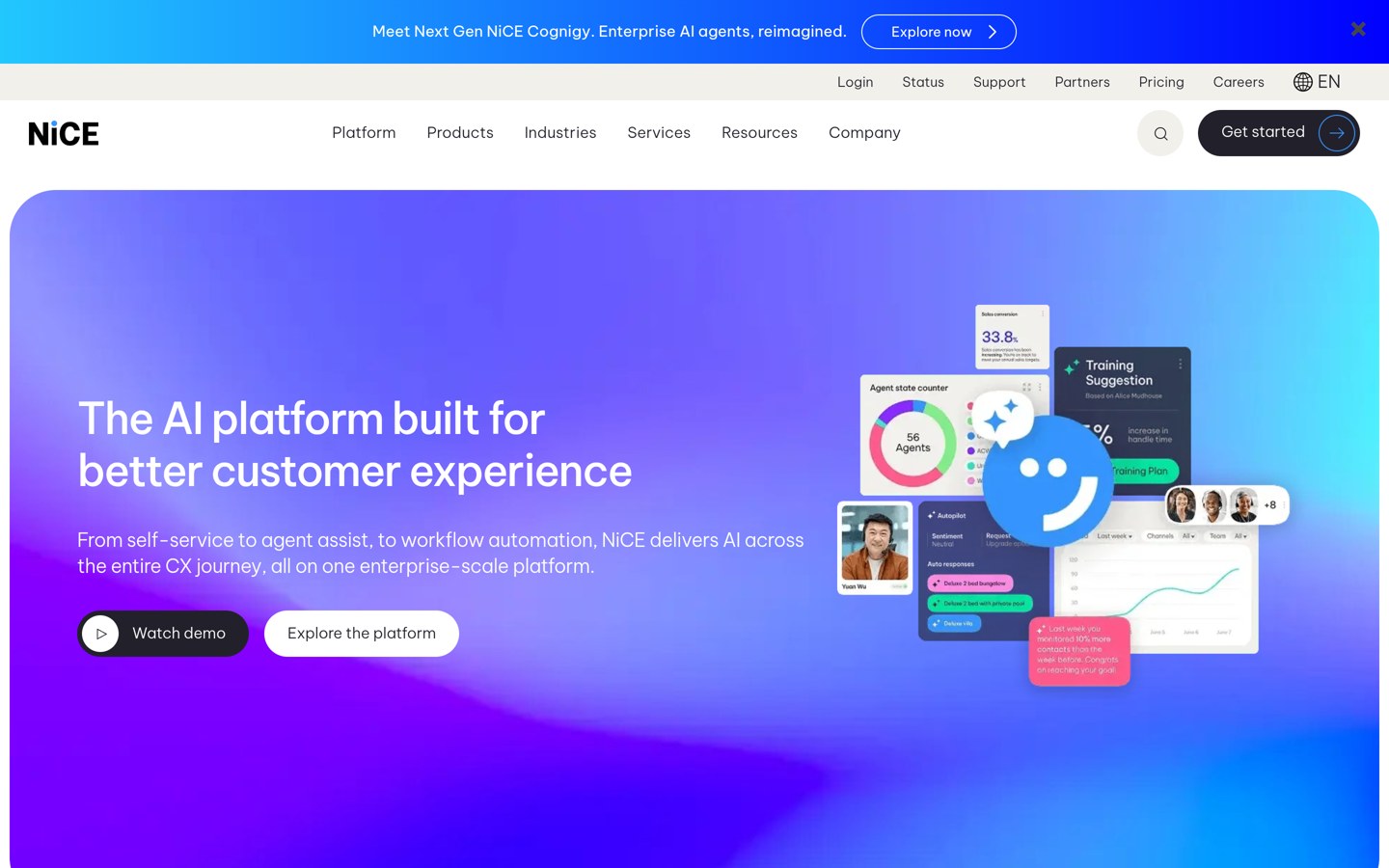
NICE CXone homepage, captured Nov 2026.
NICE CXone is an enterprise contact center platform combining omnichannel routing, reporting, workforce engagement and AI-driven interaction analysis. Its Omnichannel Suite starts at $110 per agent per month, while the platform also offers quality management, workforce management, interaction analytics and AI assistance across its broader subscription lineup.
The trade off is that interaction analytics and advanced workforce capabilities can require higher packages, add-ons or usage-based charges. Essential Suite starts at $135 per agent per month, with more extensive tiers priced above that. It suits large contact centers needing detailed operational oversight, agent evaluations and workforce planning.
What we like
Broad enterprise contact center analytics ecosystem
Combines operational data with workforce management
Quality management and interaction analysis capabilities
Supports omnichannel customer engagement
Multiple packages for different operational requirements
Watch out for
Advanced analytics are not all included in the entry package
Usage-based AI charges can complicate budgeting
Enterprise configuration and administration can be complex
Higher suites expand workforce engagement, quality management and AI analytics options.Visit nice.com
03
Dialpad Support
4.4/5on G2 (731 reviews, checked Nov 2026)
Starts at$89/mo
Best for real-time AI conversation analytics
Entry planEssentials
Published price$89/user/month
AI analysisTranscripts, recaps and sentiment
ReportingContact center analytics
dialpad.com
Dialpad Support homepage, captured Nov 2026.
Dialpad Support is an AI-enabled contact center platform focused on real-time conversation intelligence and supervisor visibility. Essentials is listed at $89 per user per month and includes omnichannel routing, AI transcripts, conversation recaps, sentiment analysis, contact center analytics, screen recording and advanced routing capabilities.
The trade off is that the published entry subscription does not include every advanced coaching or quality management capability. Additional AI and enterprise features can raise the overall cost beyond $89 per user per month. It suits customer support teams that want searchable conversations, immediate sentiment information and easier supervisor coaching.
What we like
Real-time AI transcripts and conversation summaries
Sentiment analysis included in the entry feature list
Contact center dashboards and screen recording
Omnichannel routing for voice and digital support
Large body of G2 reviews for the specific product
Watch out for
Advanced coaching capabilities may require higher plans
Per-user pricing can become expensive for larger teams
Detailed reporting customization may not suit every workflow
Higher subscriptions expand coaching, quality management and enterprise capabilities.Visit dialpad.com
04
RingCX
4.3/5on Capterra (288 reviews, checked Nov 2026)
Starts at$65/mo
Best for combining contact center reporting with AI upgrades
Entry planStandard
Annual billing$65/user/month
AI Interaction AnalyticsElite or paid add-on
Elite plan$145/user/month annually
ringcentral.com
RingCX homepage, captured Nov 2026.
RingCX is an omnichannel contact center platform combining customer interaction handling, reporting and optional AI analytics. Standard starts at $65 per user per month billed annually and supports voice, more than 20 digital channels, skills-based routing and agent screen recording. Professional adds AI Quality Management and AI Agent Assist.
The trade off is that advanced interaction analytics is not included in Standard. Elite costs $145 per user per month billed annually and includes AI Interaction Analytics, while the analytics add-on starts at $25 per user per month. It suits teams wanting a contact center foundation with a clear upgrade path toward conversation intelligence.
What we like
Lower entry price than many enterprise contact center suites
Voice and digital channels in one agent workspace
Published pricing for advanced AI analytics tiers
AI quality management and interaction analytics options
Annual and monthly billing choices
Watch out for
Interaction Analytics requires Elite or an add-on
Advanced reporting customization may take extra work
AI features increase the effective subscription cost
Professional adds AI Quality Management; Elite adds AI Interaction Analytics and workforce tools.Visit ringcentral.com
05
Talkdesk
4.5/5on Capterra (735 reviews, checked Nov 2026)
Starts at$85/mo
Best for customizable contact center dashboards and reports
Entry planDigital Essentials
Starting price$85/user/month
Voice analytics plan$105/user/month
Custom reporting tierElite, $165/user/month
talkdesk.com
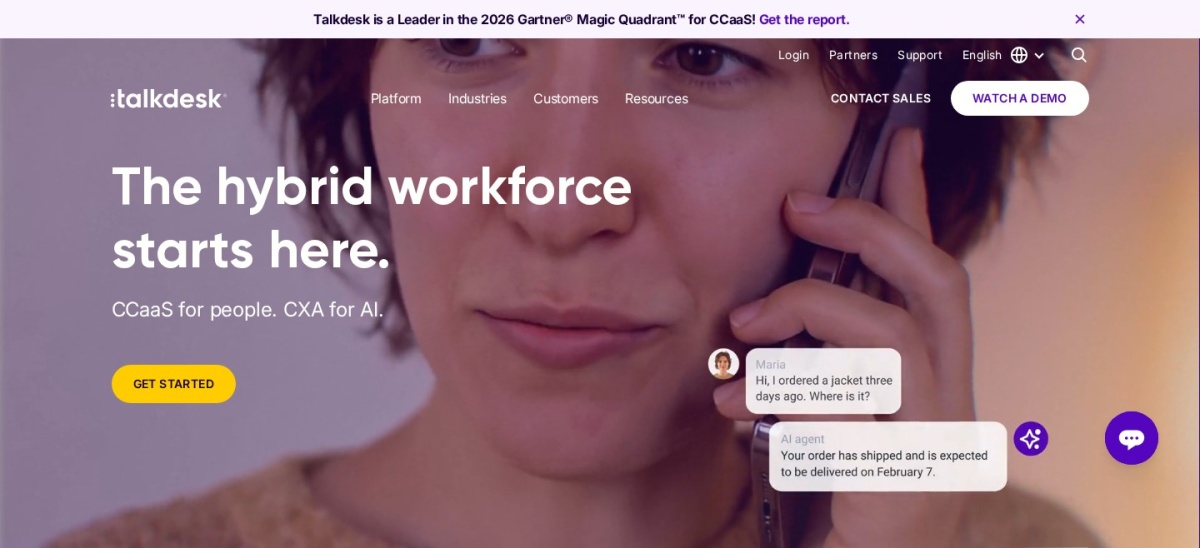
Talkdesk homepage, captured Nov 2026.
Talkdesk is a cloud contact center platform offering customer engagement, operational reporting and business intelligence tools. Digital Essentials starts at $85 per user per month and includes digital engagement, live dashboards and reports. Voice Essentials costs $105 per user per month and adds voice engagement, speech recognition, voicemail transcription and Explore business intelligence.
The trade off is that the cheapest subscription focuses on digital channels rather than voice contact center analytics. Elite costs $165 per user per month and adds custom reporting, performance management and workforce management capabilities. It suits organizations that want structured reporting across customer service operations and may later need deeper analysis.
What we like
Live dashboards available in the digital entry plan
Dedicated business intelligence capabilities for voice operations
Speech recognition and voicemail transcription options
Custom reporting in the Elite subscription
Wide range of customer service integrations
Watch out for
Digital Essentials does not cover the full voice analytics use case
Custom reporting requires a higher-priced plan
Advanced AI analytics may involve additional products
AI capabilitiesTranscription, summaries and insights
five9.com
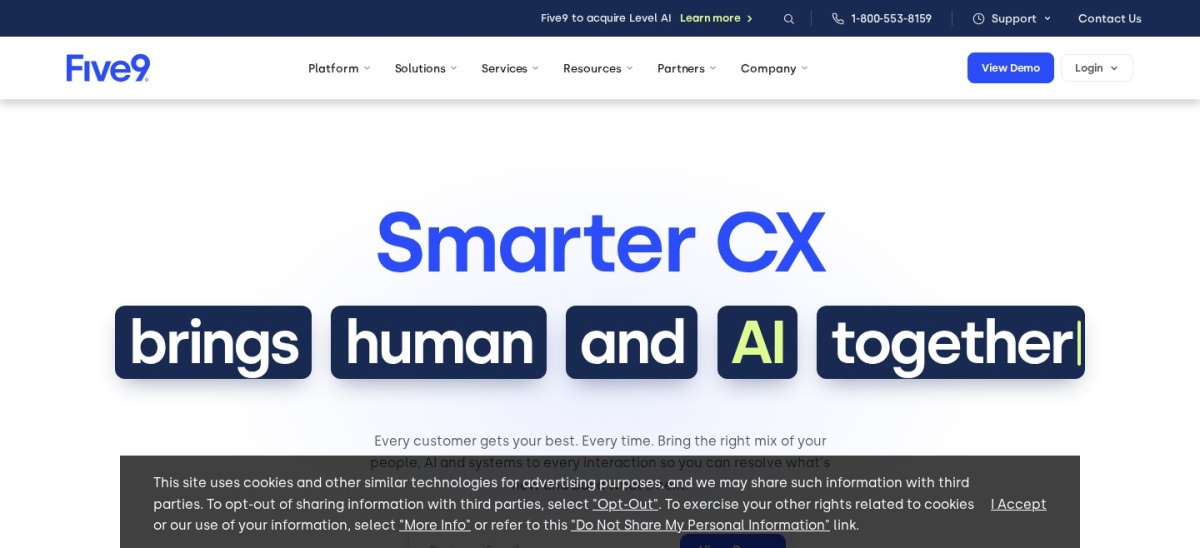
Five9 homepage, captured Nov 2026.
Five9 is a cloud contact center platform designed for high-volume customer interactions, offering analytics alongside routing, recording and AI-assisted agent workflows. Its Digital package starts at $119 per seat per month, while Core costs $159 and combines voice with digital channels, AI summaries, live transcription and AI Insights.
The trade off is that the cheapest Digital package is not a substitute for the voice-enabled Core subscription, and more specialized analytics or workforce features can require additional products. Core starts at $159 per seat per month before applicable extras. It suits established contact centers managing substantial inbound and outbound activity.
What we like
AI summaries and live transcription capabilities
Supports blended inbound and outbound operations
Connects reporting with dialing and agent workflows
Voice and digital channels available in Core
Workforce engagement and analytics expansion options
Watch out for
Voice-enabled Core costs more than Digital
Some specialized capabilities require custom quotations
Advanced reporting setup may need administrator support
Core adds voice and broader contact center functionality; higher packages expand AI and workforce options.Visit five9.com
07
Aircall
4.2/5on Capterra (478 reviews, checked Nov 2026)
Starts at$30/mo
Best for small teams needing call analytics and CRM integration
Entry planEssentials
Starting price$30/license/month annually
Minimum licenses3
Analytics upgradeAnalytics+, $15/seat/month
aircall.io
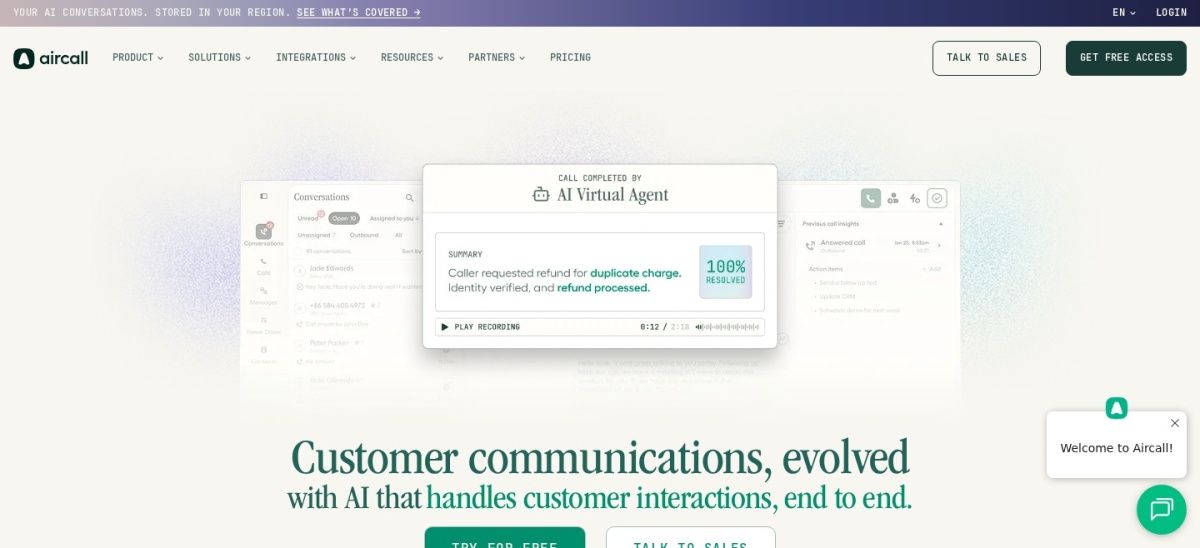
Aircall homepage, captured Nov 2026.
Aircall is a cloud business phone and customer communications platform with built-in call reporting and CRM integrations. Essentials starts at $30 per license per month billed annually, requires three licenses and includes basic dashboards, call recordings, AI transcripts, core call KPIs and access to more than 250 integrations.
The trade off is that Essentials provides basic rather than extensive analytics, with its dashboard history limited to six months. Analytics+ costs another $15 per seat per month, while Professional starts at $50 per license per month and includes advanced analytics. It suits smaller sales and support teams that primarily need clear call activity reporting.
What we like
Accessible subscription price for small teams
Basic call analytics included with Essentials
Call recordings and AI transcripts
More than 250 advertised integrations
Dedicated Analytics+ add-on for deeper reporting
Watch out for
Three-license minimum increases actual starting cost
Basic analytics have limited historical coverage
Advanced reporting and conversation intelligence cost extra
Professional adds advanced analytics; Analytics+ adds custom dashboards and longer history.Visit aircall.io
Operational reporting vs. conversation analytics
Operational reporting measures what happens in the contact center. It tracks queue volumes, agent availability, average handle time, abandoned calls and service levels. These metrics help managers identify staffing problems and operational delays.
Conversation analytics examines what customers and agents say. Speech recognition, transcription, sentiment analysis and topic detection help teams find recurring complaints and opportunities for better service.
Quality analytics evaluates agent interactions against performance criteria. Some platforms automate parts of this process with AI-generated scorecards, while others rely on manually selected recordings and supervisor assessments.
The most appropriate platform depends on which information drives your decisions. Teams focused on staffing may prioritize operational dashboards, while customer experience leaders often need conversation and quality analytics.
Why entry-level pricing can be misleading
Contact center software often advertises the price of the core communications platform rather than the full analytics package. RingCX Standard starts at $65 per user per month annually, but its Elite tier with AI Interaction Analytics costs $145.
Aircall demonstrates a different model. Essentials starts at $30 per license per month annually, while Analytics+ costs another $15 per seat per month. The minimum license requirement also affects the amount a team must actually pay.
Compare total cost using agent licenses, required analytics tiers, AI usage, implementation and data retention requirements. Ask whether the subscription includes real-time reporting, historical exports, speech analytics and automated quality evaluations before committing.
How we chose
We reviewed established contact center platforms offering operational reporting, conversation intelligence, quality analytics or workforce performance insights. Products were selected for relevant functionality, accessible pricing information, documented capabilities and public customer reviews. We considered both enterprise suites and simpler analytics options for smaller teams.
The comparison uses a reference date of 22 Nov 2026, with vendor pricing pages and Capterra or G2 review listings opened during research on 23 Nov 2026. Prices represent published regular entry subscriptions rather than temporary promotional offers. We distinguish the cheapest available package from higher plans required for specific analytics capabilities.
We excluded platforms whose paid entry price could not be confirmed from an accessible official pricing page, including several quote-only analytics specialists. We also avoided assigning ratings from unrelated products and treated free trials separately from permanently free plans. No vendor paid for a place, and we do not claim testing for this list.
How to choose a contact center analytics platform
Identify the performance questions your team needs answered, then compare reporting depth, conversation analysis, integrations and total ownership costs.
Define your analytics priorities. Decide whether you mainly need queue monitoring, agent productivity reports, customer sentiment analysis or automated quality assurance. Create a shortlist of required metrics before comparing vendor feature lists.
Check the depth of conversation analysis. Determine whether the platform supports speech transcription, topic detection, sentiment analysis, searchable recordings and quality scorecards. Verify which capabilities are included in the entry plan and which require separate AI products or usage fees.
Verify compatibility with your existing systems. Check integrations with your contact center infrastructure, CRM, help desk and reporting tools. Make sure customer conversations can be associated with relevant customer records and that analytics data can be exported for further analysis.
Calculate the full subscription cost. Include all agents, supervisors and administrators who need access. Add the appropriate analytics tier, optional speech processing, data retention, implementation and training charges. Evaluate the actual working package rather than comparing advertised starting prices alone.
FAQ
What is the best contact center analytics platform in 2026?
Genesys Cloud CX is our overall recommendation because its published entry package includes operational reporting and lists speech and text analytics among its capabilities. NICE CXone is a strong alternative for enterprise workforce and quality management, while Dialpad Support focuses on real-time AI conversation insights.
What is contact center analytics software?
Contact center analytics software collects and analyzes information from customer interactions and support operations. It measures metrics such as call volume, waiting time, agent performance and customer sentiment. More advanced platforms analyze transcripts, identify recurring issues and help managers evaluate service quality.
How much does contact center analytics software cost?
Prices vary by subscription and analytics depth. Aircall Essentials starts at $30 per license per month billed annually with a three-license minimum, RingCX starts at $65 per user per month annually, and Genesys Cloud CX starts at $75. Advanced speech analytics and automated quality management can increase total costs.
What is the difference between call center reporting and speech analytics?
Call center reporting measures operational activity such as call volume, response time, queue performance and agent availability. Speech analytics examines conversation content using transcription and language analysis. It helps identify customer concerns, common topics, sentiment patterns and potential service quality issues that operational metrics alone cannot explain.
Can contact center analytics platforms analyze every customer interaction?
Some platforms offer automated analysis across recorded interactions, but coverage depends on the subscription, supported channels and enabled features. Recording permissions, transcription languages, processing limits and data retention settings may also affect coverage. Confirm these details with the vendor rather than assuming every conversation is analyzed automatically.
Which contact center analytics platform is best for small businesses?
Aircall is a practical option for smaller teams because it provides basic call reporting and CRM integrations through Essentials, starting at $30 per license per month billed annually. However, its three-license minimum and separate Analytics+ subscription should be included when calculating the total cost.
Does AI contact center analytics replace manual quality reviews?
AI analytics can automate transcription, categorize interactions and help score conversations against predefined criteria. However, automated evaluations may misunderstand context, sentiment or unusual customer situations. Supervisors should review important findings and maintain human oversight, particularly when results affect coaching, compliance or employee performance decisions.
Can contact center analytics integrate with CRM software?
Yes. Many contact center platforms connect with CRM systems so managers can associate calls, conversations and service outcomes with customer records. Integration depth varies, including whether call logs, transcripts, dispositions and analytics summaries synchronize automatically. Confirm the supported CRM and required subscription before purchasing.
What metrics should a contact center dashboard track?
Useful operational metrics include average handle time, first contact resolution, abandonment rate, service level, queue waiting time and agent availability. Conversation analytics can add sentiment trends, recurring topics and quality scores. Choose metrics that reflect customer outcomes as well as team efficiency, rather than tracking call duration alone.