Best Complaint Management Software in 2026: 7 Tools Compared
WLWPLegible EditorsLast verified 22 Nov 2026How we rank10 min read
★ Short answer
Zendesk is the best complaint management software for most customer support teams, with automated ticket routing and reporting from $19 per agent per month on annual billing. Freshdesk is a good alternative for growing support departments, while LiveAgent suits businesses handling complaints through email and live chat.
How we make this list: we compare pricing pages, product documentation and public user reviews, then re-check every price before each update. No product paid for a place. Disclosure.
Zendesk starts at $19 per agent per month and offers ticket routing, automation and complaint reporting.
Freshdesk has a 4.5/5 Capterra rating and includes a customer portal and knowledge base in its $19 Growth plan.
LiveAgent earns 4.7/5 on Capterra and starts at a regular price of $15 per agent per month.
Front starts at $25 per seat per month and supports up to 10 seats on its Starter plan.
Issuetrak costs $75 per agent per month and includes audit trails and multiple SLA policies without separate feature tiers.
What good complaint management software should include
Complaint management software gives businesses a central place to receive, investigate, assign and resolve customer complaints. It replaces disconnected spreadsheets, email threads and manual follow-ups with structured records.
Look for automated ticket assignment, priority settings and service-level agreement tracking. These features help managers identify urgent complaints and prevent unresolved cases from being overlooked.
Reporting matters because closing a complaint does not necessarily fix its underlying cause. Custom categories and complaint reports help teams identify recurring product defects, delivery problems and service failures.
Consider whether your business needs general customer support software or formal complaint investigation tools. Organizations with strict documentation requirements should prioritize audit trails, approval workflows and configurable complaint records.
4.4/5on Capterra (4,112 reviews, checked Nov 2026)
Starts at$19/mo
Best for overall customer complaint management
Complaint intakeEmail and ticketing
Ticket assignmentAutomated routing
ReportingPrebuilt dashboards
Entry planSupport Team, per agent
zendesk.com
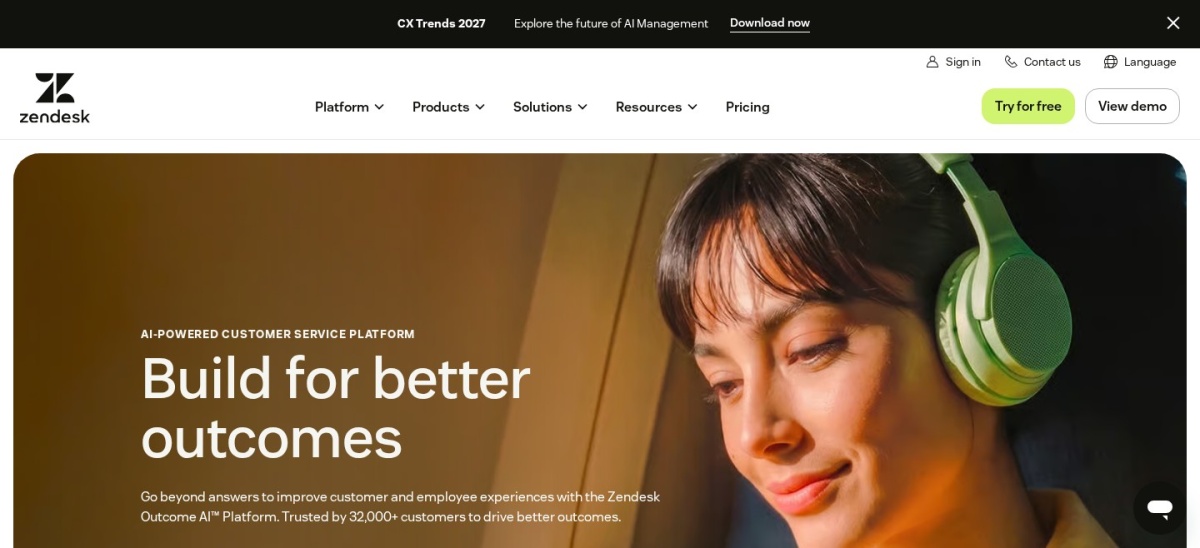
Zendesk homepage, captured Nov 2026.
Zendesk is a customer service platform for organizing complaints, assigning responsibility and tracking resolution. Its Support Team plan costs $19 per agent per month on annual billing and includes ticket routing, customer information, response templates and automated triggers.
The trade off is that broader communication channels and advanced service management require more expensive plans beyond the $19 entry tier. It suits established customer service departments that need consistent complaint handling and room to expand their support operations.
What we like
Centralized complaint and customer records
Automated ticket assignment
Preconfigured reporting dashboards
Reusable complaint response templates
Extensive integration options
Watch out for
No permanent free plan
Additional channels can increase subscription costs
Complex workflows require configuration
Support Team adds structured ticketing, routing and reporting.Visit zendesk.com
02
Freshdesk
4.5/5on Capterra (3,709 reviews, checked Nov 2026)
Starts at$19/mo
Best for growing customer support teams
Complaint intakeEmail and customer portal
Self-serviceKnowledge base
ReportingStandard analytics
Entry planGrowth, per agent
freshworks.com
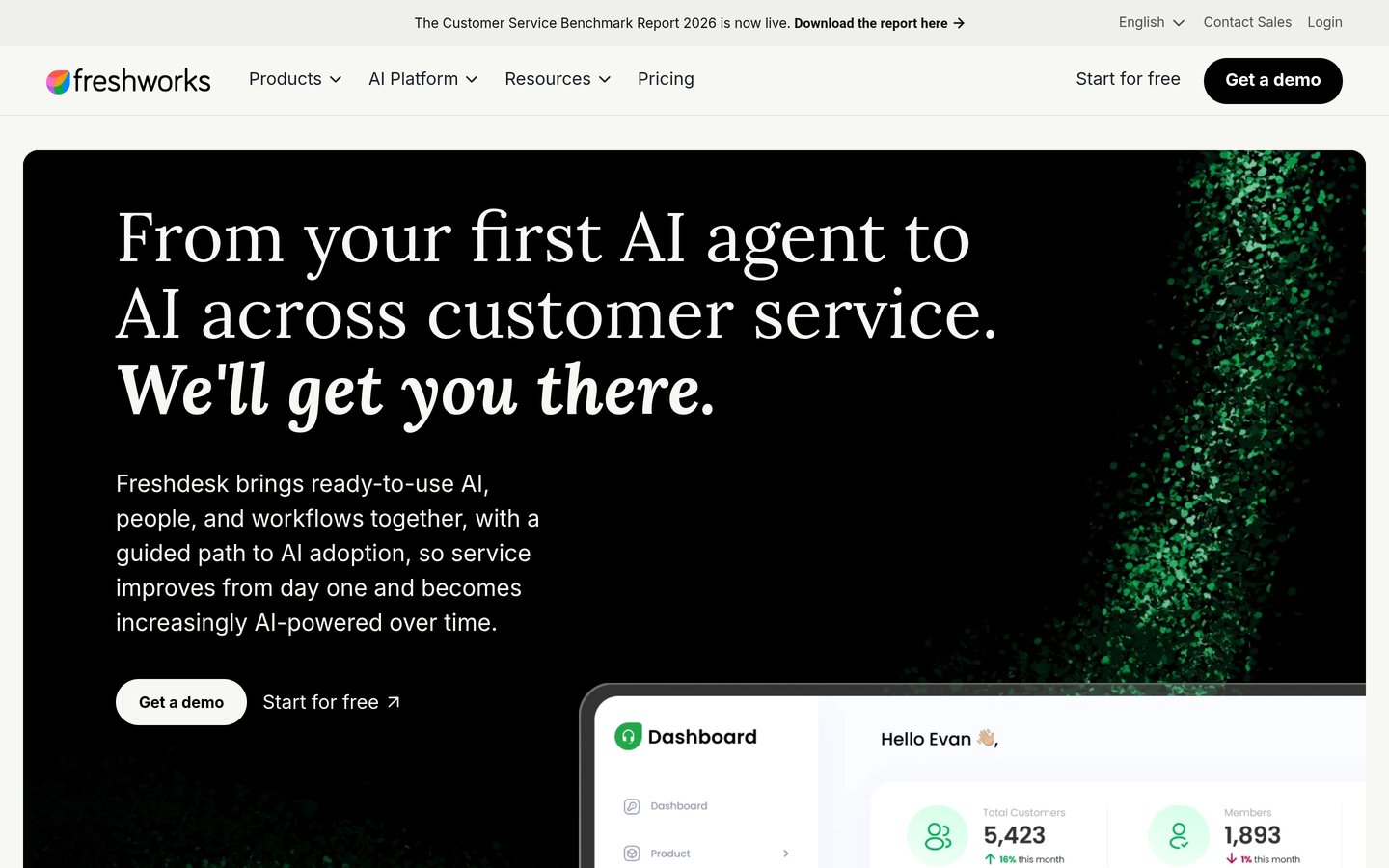
Freshdesk homepage, captured Nov 2026.
Freshdesk is a help desk platform that combines complaint records, customer correspondence and internal tasks. Its Growth subscription starts at $19 per agent per month on annual billing, with a shared inbox, self-service portal, knowledge base and standard reporting.
The trade off is that the $19 Growth plan does not include the custom dashboards and multiple SLA policies available on the $55 Pro plan. It suits growing businesses that want customers to submit and monitor complaints without relying entirely on email.
What we like
Dedicated customer portal
Internal tasks attached to tickets
Standard complaint reporting
Self-service documentation
Agent access controls
Watch out for
Advanced reporting requires Pro
Additional AI usage incurs charges
Multiple SLA policies require an upgrade
Growth provides ticketing, collaboration and customer self-service.Visit freshworks.com
03
LiveAgent
4.7/5on Capterra (1,781 reviews, checked Nov 2026)
Starts at$15/mo
Best for affordable email and live chat complaints
Complaint intakeEmail, forms and live chat
Email accounts3 on Starter
Departments10 on Starter
Entry planStarter, per agent
liveagent.com
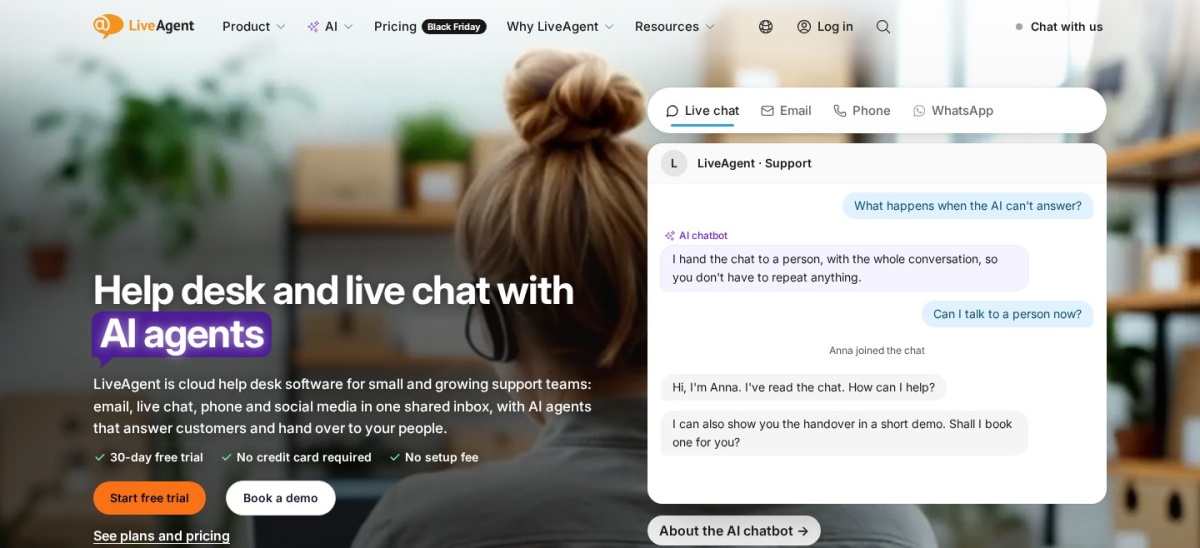
LiveAgent homepage, captured Nov 2026.
LiveAgent is a customer support platform for managing complaints through email, web forms and live conversations. Its Starter plan includes 3 connected email accounts, 10 departments and 2 live chat buttons for $15 per agent per month on annual billing.
The trade off is that Starter excludes call center functionality, social channels and reporting, which require the $29 Team plan. A temporary Black Friday offer reduces Starter to $9 per month with annual billing, but the regular price applies afterward. It suits smaller teams focused on email and chat.
What we like
Lowest verified annual entry price in this comparison
Email and live chat included
Department-based complaint organization
Integrated customer knowledge base
Watch out for
Starter supports a maximum of 15 agents
Complaint reporting requires an upgrade
Phone and social support cost extra
Starter includes ticket management, live chat and AI-assisted responses.Visit liveagent.com
04
Front
4.5/5on Capterra (319 reviews, checked Nov 2026)
Starts at$25/mo
Best for collaborative complaint resolution
Complaint intakeShared inbox and tickets
Automation10 rules on Starter
Starter capacityUp to 10 seats
Entry planStarter, per seat
front.com
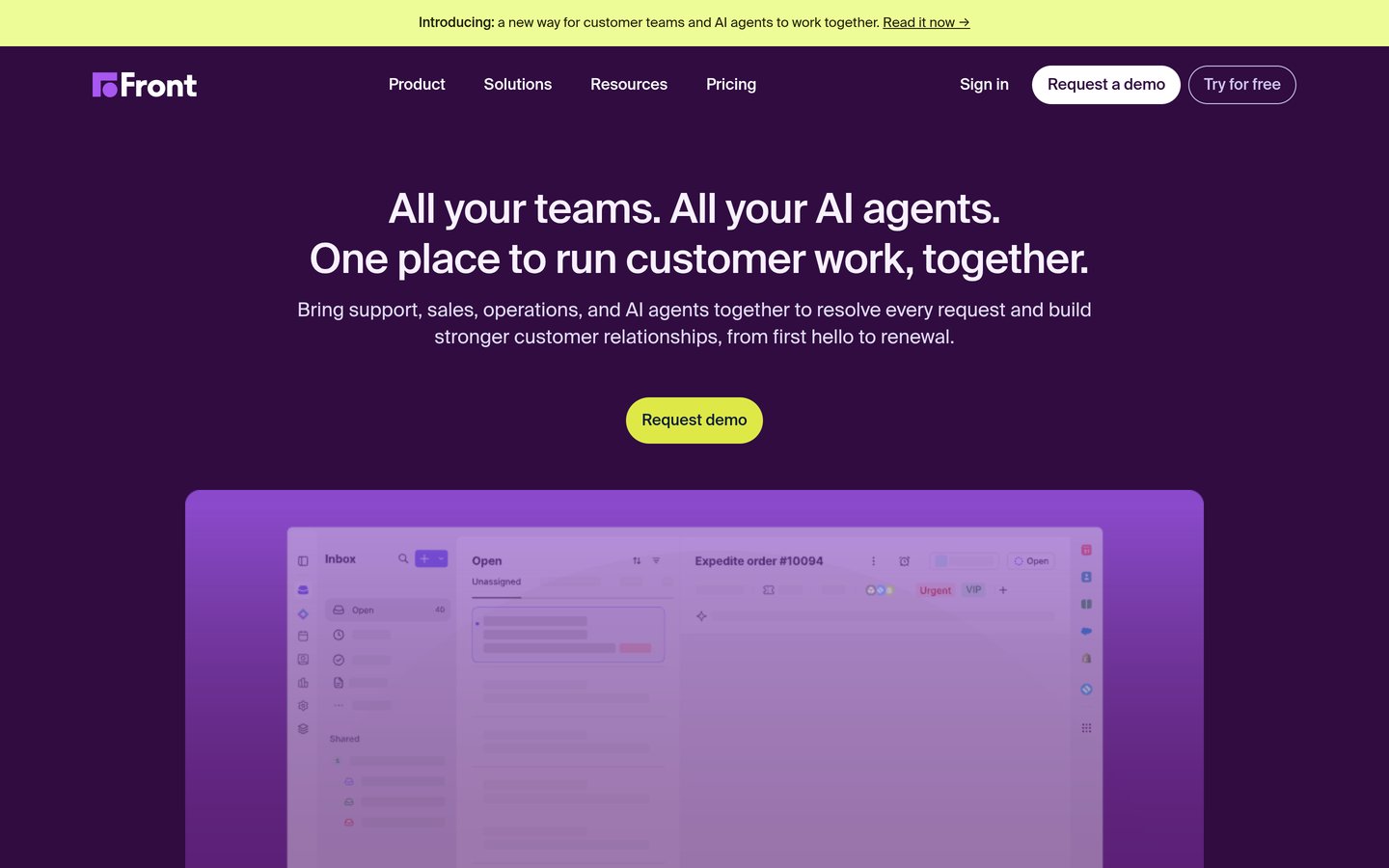
Front homepage, captured Nov 2026.
Front is a collaborative customer communication platform that helps departments resolve complaints without forwarding long email threads. Its Starter plan costs $25 per seat per month on annual billing and includes ticket management, a public knowledge base, basic analytics and up to 10 automation rules.
The trade off is that the $25 Starter plan supports only a single communication channel and limits team size to 10 seats. Omnichannel support and advanced analytics require Professional at $65 per seat per month. It suits service businesses where complaints frequently involve several employees.
What we like
Shared access to customer correspondence
Clear conversation ownership
Configurable automation rules
Customer-facing knowledge base
Watch out for
Starter has a seat limit
Omnichannel support requires Professional
AI add-ons can increase costs
Starter introduces collaborative ticketing, analytics and automation.Visit front.com
05
Salesforce Service Cloud
4.5/5on Capterra (832 reviews, checked Nov 2026)
Starts at$25/mo
Best for CRM-connected complaint management
Complaint trackingCustomer service cases
Customer recordsIntegrated CRM
Billing optionsMonthly or annual
Entry planStarter Suite, per user
salesforce.com
Salesforce Service Cloud homepage, captured Nov 2026.
Salesforce Service Cloud is a customer service platform that connects complaint cases with customer relationship records. Salesforce lists its Starter Suite at $25 per user per month, combining essential service functionality with sales, marketing and commerce capabilities.
The trade off is that the $25 Starter Suite provides a starting point rather than the full range of enterprise service features. Advanced complaint routing and specialized processes can require additional configuration and subscriptions. It suits businesses that want service teams to work from shared customer records.
What we like
Complaint cases connected to CRM records
Shared customer information across departments
Options for more complex service workflows
Broad software ecosystem
Watch out for
Advanced functionality increases costs
Implementation can require specialist assistance
Entry plan may be restrictive for complex investigations
Starter Suite combines basic customer service with CRM functionality.Visit salesforce.com
06
TeamSupport
4.5/5on Capterra (849 reviews, checked Nov 2026)
Starts at$45/mo
Best for B2B customer complaints
Primary audienceB2B customer service
Complaint trackingSupport ticketing
Starter capacityMaximum 5 users
Entry planStarter, annual billing
teamsupport.com
TeamSupport homepage, captured Nov 2026.
TeamSupport is a B2B customer service platform that helps support departments manage complaints alongside ongoing customer relationships. Its Starter plan is advertised at $45 per month with annual billing and supports a maximum of 5 users.
The trade off is that the $45 Starter plan has a user limit, and messaging and live chat are advertised separately at $15 per agent per month. Confirm the complete subscription quote before purchasing. It suits B2B software companies and account-based service businesses managing recurring customer issues.
What we like
Designed around B2B customer relationships
Centralized support ticket records
Customer intelligence capabilities
Options for tracking customer dissatisfaction
Watch out for
Starter has a limited user allowance
Messaging and live chat carry additional costs
Some analytics capabilities require additional spending
Issuetrak is an issue management platform for recording complaints, assigning investigations and maintaining resolution histories. Its cloud subscription costs $75 per agent per month on annual billing and includes configurable workflows, audit records, reporting and multiple SLA policies.
The trade off is the higher entry cost and mandatory 3-agent minimum, bringing the minimum cloud subscription to $2,700 per year. An on-premises license is also available. It suits organizations that prioritize formal complaint documentation, internal accountability and traceable investigation processes.
What we like
Audit records included without a feature upgrade
Unlimited complaint submitters
Configurable investigation workflows
Multiple SLA policies
On-premises deployment option
Watch out for
Highest annual per-agent subscription in this comparison
Cloud includes the complete core feature set, hosting and software maintenance.Visit issuetrak.com
Complaint management software vs. help desk software
Help desk software focuses on receiving customer inquiries and organizing responses. Complaint management software places additional emphasis on dissatisfaction, investigation, accountability and corrective action.
Zendesk, Freshdesk and LiveAgent are suitable when most complaints arrive through ordinary customer support channels. Their ticketing features provide the foundation for recording issues and monitoring customer responses.
Businesses that need formal investigations should assess whether their chosen software can record evidence, assign corrective actions and preserve historical changes. Issuetrak is worth considering for these requirements because audit trails and configurable workflows are included in its cloud subscription.
General customer service software should not automatically be treated as a complete regulatory complaint management system. Verify the relevant documentation, retention and compliance requirements before purchasing.
How much does complaint management software cost?
The regular entry subscriptions in this comparison range from $180 per year for LiveAgent to $900 per year per agent for Issuetrak. These figures represent annualized starting rates rather than complete implementation budgets.
Zendesk and Freshdesk each advertise entry subscriptions equivalent to $228 per agent per year. Front and Salesforce Starter Suite each start at an annualized rate of $300 per seat or user.
Check minimum purchases, feature restrictions, communication channels and additional usage fees. Issuetrak requires at least 3 agents, so its minimum annual cloud subscription is $2,700 rather than the individual agent rate.
Request a written quote that includes onboarding, integrations, additional communication channels and renewal pricing. A low advertised entry rate can become expensive if the required complaint management features sit outside that plan.
How we chose
We started with established products featured in Capterra's complaint management software directory. We prioritized tools that support structured complaint records, ticket ownership, customer communication, workflow automation or formal issue investigations.
The guide carries a publication date of 22 Nov 2026. Official pricing pages and Capterra review pages were accessed on 24 Nov 2026. Annualized prices use regular advertised rates, excluding temporary promotions, optional add-ons and implementation charges. Review counts use the displayed overall rating totals on individual review pages.
We excluded products without sufficiently verifiable pricing or established independent review histories. Rankings reflect complaint management suitability, entry costs, workflow features and customer support requirements rather than review scores alone. No vendor paid for a place, and we do not claim testing for this list.
How to choose complaint management software
Choose a platform that matches your complaint volume, investigation requirements, communication channels and available support budget.
Identify your complaint intake channels. Determine whether customers primarily complain through email, phone calls, website forms, live chat or social media. Choose a subscription that supports the required channels without relying on unnecessary upgrades.
Define your complaint resolution workflow. Map how complaints are received, categorized, investigated, escalated and closed. Confirm that the platform supports your preferred assignment rules, priority levels, internal notes and management approvals.
Calculate the complete annual cost. Multiply the regular subscription rate by your required agent count. Include minimum purchases, AI usage, additional communication channels, implementation services and any features reserved for higher subscription tiers.
Verify reporting and documentation requirements. Check whether managers can identify overdue complaints, analyze recurring issues and review resolution histories. Organizations with formal investigation requirements should also confirm audit trail functionality, access permissions and record retention options.
FAQ
What is complaint management software?
Complaint management software helps businesses record, organize, assign, investigate and resolve complaints. It creates a centralized history of customer concerns and resolution activities, allowing employees to track responsibilities and managers to identify outstanding issues or recurring service problems.
What is the best complaint management software in 2026?
Zendesk is our top overall choice because its entry plan combines complaint ticketing, automated routing and reporting at $19 per agent per month on annual billing. Freshdesk is a suitable alternative for growing support teams that prioritize customer self-service.
What is the cheapest complaint management software?
LiveAgent has the lowest verified regular entry rate in this comparison at $15 per agent per month on annual billing. Its Starter plan covers email and live chat, although reporting, phone support and additional communication channels require a higher subscription.
Can small businesses use complaint management software?
Yes. Small businesses can use complaint management platforms to replace shared email accounts and manually maintained spreadsheets. Choosing an affordable entry plan with ticket ownership and customer communication features can provide structure without introducing unnecessary administrative complexity.
Can complaint management software automate escalations?
Many complaint management platforms support automation that assigns complaints, changes priorities or alerts employees when predefined conditions are met. Available escalation features vary by subscription, so check whether deadline-based notifications and SLA rules are included before purchasing.
What is the difference between complaint management and CRM software?
CRM software primarily organizes customer information and commercial relationships. Complaint management software focuses on recording dissatisfaction, assigning investigations and tracking resolution. Integrated platforms such as Salesforce can connect both functions, giving service employees access to broader customer information.
Which complaint management software includes audit trails?
Issuetrak includes a full audit trail within its standard feature set, alongside configurable workflows and multiple SLA policies. Businesses with formal investigation requirements should also confirm whether record retention, permissions and reporting capabilities meet their specific operational and compliance needs.
What should a customer complaint record contain?
A useful complaint record should include the customer's details, complaint category, description, supporting evidence, assigned employee, priority, investigation notes and final resolution. Recording important status changes and corrective actions also helps managers review historical complaints and prevent repeated problems.