Best Community Engagement Software in 2026: 7 Tools Compared
WLWPLegible EditorsLast verified 22 Nov 2026How we rank8 min read
★ Short answer
Circle leads for structured member spaces, live events, and courses, backed by a 4.5 out of 5 rating across 564 G2 reviews. Bettermode fits B2B customer hubs with custom domains and no transaction fees, while Slack suits real-time chat communities with a free tier.
How we make this list: we compare pricing pages, product documentation and public user reviews, then re-check every price before each update. No product paid for a place. Disclosure.
Circle Professional starts at $89/mo billed annually with a 2% transaction fee and 4.5/5 from 564 G2 reviews.
Bettermode Starter starts at $149/mo billed annually ($199/mo monthly) for up to 10,000 members with 4.7/5 from 117 G2 reviews.
Mighty Networks Starter starts at $79/mo billed annually with unlimited members and a 2% revenue share.
Skool Hobby starts at $9/mo with a 14-day trial, courses, events, and a 10% plus $0.30 transaction fee.
Discourse Pro starts at $100/mo billed monthly, while self-hosted open-source software is free.
Connecteam offers a free plan for up to 10 users and Basic plans starting at $29/mo per hub for up to 30 users.
What to look for in community engagement software
Choosing community software starts with how members interact day to day. Threaded discussions, events, and structured spaces work well for courses and member directories, while real-time channels fit fast chat and peer Q&A.
Check how a platform handles monetization before committing. Some tools charge a percentage transaction fee or revenue share on paid memberships on top of payment processing fees, whereas others take zero cut.
Pay close attention to member, contact, and admin seat limits. A low entry price can rise quickly once you add extra moderators, cross over a contact cap, or need single sign-on and custom branding.
Decide whether your group needs a branded web and mobile hub or a chat workspace members already open daily. Internal staff or field teams often need communications paired with scheduling or training rather than a public forum.
For internal team updates, mobile chat, and training
$29/mo
Free plan
4.6/5
Price ladder: cheapest paid plan per year
List prices, USD, checked Nov 2026
SlackFREE$87
Skool$108
ConnecteamFREE$348
Mighty Netw.$948
Circle$1,068
DiscourseFREE$1,200
Bettermode$1,788
The 7 best community engagement software
01
Circle
4.5/5on G2 (564 reviews, checked Nov 2026)
Starts at$89/mo
Best for structured communities, courses, and live events
Entry planProfessional ($89/mo annual)
Transaction fee2% on Professional
G2 rating4.5 / 5 (564)
Free trial14 days
circle.so
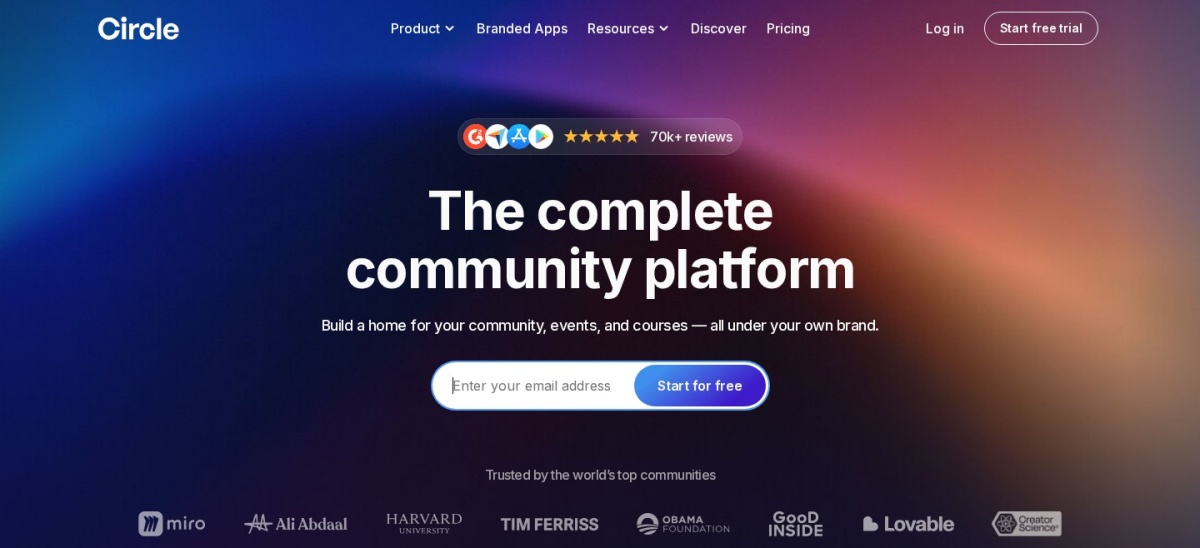
Circle homepage, captured Nov 2026.
Circle is a community platform combining discussion spaces, live streams, events, and courses under one roof. The entry Professional plan includes unlimited members, 3 admins, 10 moderators, and 2,500 monthly AI credits after a 14-day trial.
The trade off is paying $89/mo billed annually ($1,068/yr) plus a 2% transaction fee on paid sales while keeping Circle branding. It suits creators, coaches, and membership leaders who want organized spaces and built-in events.
What we like
Combines spaces, events, live streams, and courses in one interface
Includes unlimited members and 2,500 monthly AI credits on Professional
Offers a 14-day free trial without requiring a credit card
Watch out for
Charges a 2% transaction fee on Professional plus payment processor fees
Workflows and API access start on Business at $199/mo
Business ($199/mo) adds 20 automations, API access, and lower 1% transaction fees.Visit circle.so
02
Bettermode
4.7/5on G2 (117 reviews, checked Nov 2026)
Starts at$149/mo
Best for branded B2B customer hubs with no transaction fees
Entry planStarter ($149/mo annual)
Member capUp to 10,000 on Starter
G2 rating4.7 / 5 (117)
Transaction feeNone
bettermode.com
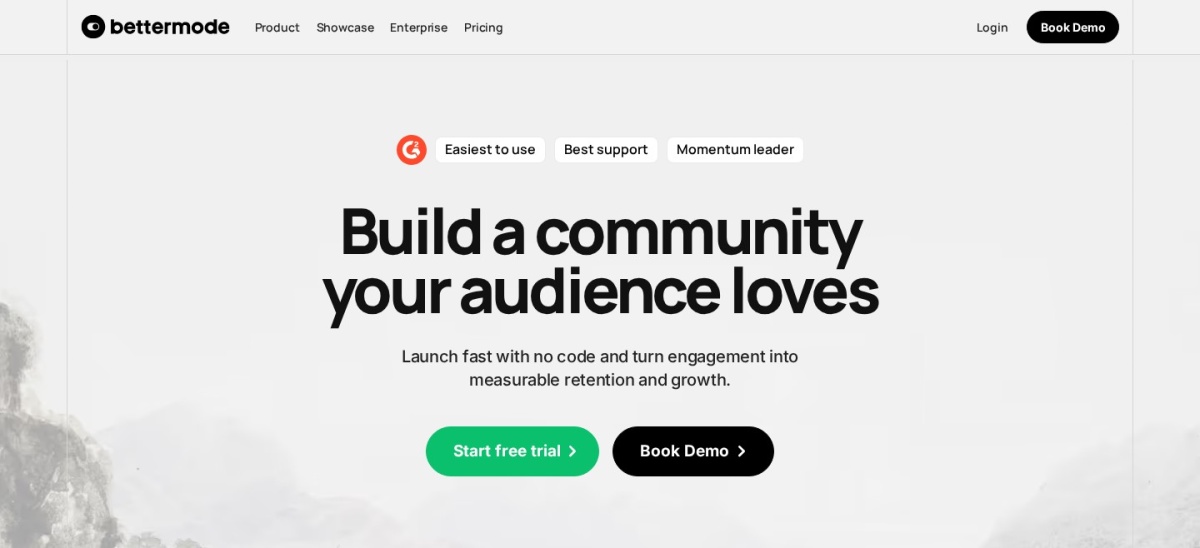
Bettermode homepage, captured Nov 2026.
Bettermode is a customizable community platform built for Q&A, discussions, events, and polls on your own domain. The entry Starter plan supports up to 10,000 members, 5 collaborators, custom domains, and basic analytics after a 14-day trial.
The trade off is starting at $149/mo billed annually ($1,788/yr) or $199/mo monthly, with no native payment checkout or native mobile app. It suits B2B teams running customer support or product communities on a custom site.
What we like
Removes platform branding and supports custom domains on Starter
Charges no platform cut on member transactions
Holds a 4.7 out of 5 score across 117 G2 reviews
Watch out for
Starter caps members at 10,000 and includes limited API access
Growth jumps to $1,500/mo billed annually for Ask AI and deeper integrations
Growth ($1,500/mo annual) raises the limit to 25,000 members and adds Ask AI and webhooks.Visit bettermode.com
03
Mighty Networks
4.6/5on G2 (784 reviews, checked Nov 2026)
Starts at$79/mo
Best for unlimited members and AI-assisted community workflows
Entry planStarter ($79/mo annual)
Member limitUnlimited on all plans
G2 rating4.6 / 5 (784)
Revenue share2% on Starter
mightynetworks.com
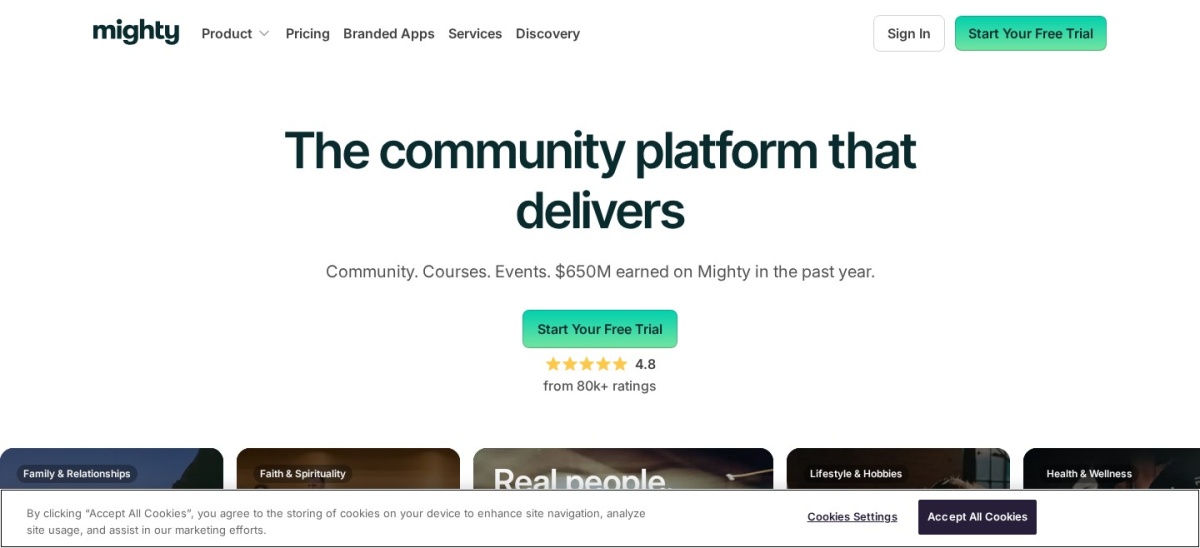
Mighty Networks homepage, captured Nov 2026.
Mighty Networks is a community platform for hosting member profiles, courses, events, and paid memberships with built-in AI tools. The entry Starter plan includes unlimited members, unlimited Spaces, free migration, and 2,500 monthly Mighty Credits after a 14-day trial.
The trade off is $79/mo billed annually ($948/yr) plus a 2% revenue share on sales, with unlimited automations gated to higher tiers. It suits hosts growing large paid or free networks that want courses and events in one place.
What we like
Includes unlimited members and unlimited Spaces from the entry tier
Provides free migration and 2,500 monthly Mighty Credits on Starter
Rated 4.6 out of 5 across 784 G2 reviews
Watch out for
Takes a 2% revenue share on successful sales on Starter
Unlimited automations and API access require Momentum at $209/mo annual
Momentum ($209/mo annual) unlocks unlimited automations, API access, and 5,000 monthly credits.Visit mightynetworks.com
04
Skool
4/5on G2 (68 reviews, checked Nov 2026)
Starts at$9/mo
Best for simple course-and-community groups at a low entry price
Entry planHobby ($9/mo)
Member limitUnlimited members
Transaction fee10% + $0.30 on Hobby
Free trial14 days
skool.com
Skool homepage, captured Nov 2026.
Skool is a streamlined community platform pairing a discussion feed with courses, a shared calendar, and member leaderboards. The entry Hobby plan costs $9/mo with a 14-day trial, unlimited members, and core community and course tools.
The trade off is a 10% plus $0.30 transaction fee on paid sales and a single-admin cap on the $9/mo Hobby plan ($108/yr). It suits solo creators testing a paid or free group without complex setup.
What we like
Low $9/mo Hobby entry price with a 14-day free trial
Bundles courses, events, and gamification in a simple layout
Supports unlimited members per community
Watch out for
Hobby charges a 10% plus $0.30 fee per paid transaction
Each community is billed separately with no multi-community bundle
Pro ($99/mo) lowers the transaction fee to 2.9% plus $0.30 and adds AutoDM welcome messages.Visit skool.com
05
Discourse
4/5on G2 (68 reviews, checked Nov 2026)
Paid from$100/mo
Best for structured long-form forums and open-source hosting
Entry hosted planPro ($100/mo)
Open-source optionFree self-hosted
G2 rating4.0 / 5 (68)
Staff seats on Pro5 staff seats
discourse.org
Discourse homepage, captured Nov 2026.
Discourse is a discussion forum platform built around nested topics, trust levels, moderation queues, and searchable archives. Teams can self-host the open-source software for free or start a hosted Pro plan at $100/mo with unlimited members and 5 staff seats.
The trade off is $100/mo ($1,200/yr) for hosted Pro or server maintenance if you self-host, with advanced analytics and SSO on higher tiers. It suits technical, product, and open-source communities that value searchable threads over chat.
What we like
Open-source core can be self-hosted for free with full data control
Strong moderation tools, trust levels, and topic organization
Holds a 4.0 out of 5 rating across 68 G2 reviews
Watch out for
Self-hosting requires server setup and ongoing maintenance
Custom SSO and advanced analytics sit on Business at $500/mo
Business ($500/mo) adds single sign-on, advanced analytics, events, and extra plugins.Visit discourse.org
06
Slack
4.5/5on G2 (40,595 reviews, checked Nov 2026)
Paid from$7.25/mo
Best for real-time channel chat and external partner threads
Free plan$0 (90-day history)
Entry paid planPro ($7.25/user/mo annual)
G2 rating4.5 / 5 (40,595)
Integrations2,600+ directory apps
slack.com
Slack homepage, captured Nov 2026.
Slack is a channel-based messaging workspace used for real-time discussions, audio huddles, and external partner collaboration. The free plan includes 90 days of message history, up to 10 app integrations, and 1:1 external messages.
The trade off is $7.25 per user per month billed annually ($87/user/yr) on Pro for unlimited history and apps, which adds up with per-seat billing. It suits professional cohorts, alumni groups, and partner networks that prefer fast chat.
What we like
Free plan covers 90 days of message history and up to 10 apps
Massive review base with 4.5 out of 5 across 40,595 G2 reviews
Supports channels, threads, huddles, and over 2,600 apps
Watch out for
Per-user pricing scales costs as active member counts grow
Lacks built-in courses, member directories, and paid subscriptions
Business+ ($15/user/mo annual) adds SAML SSO, SCIM provisioning, and broader AI tools.Visit slack.com
07
Connecteam
4.6/5on G2 (3,506 reviews, checked Nov 2026)
Paid from$29/mo
Best for internal team updates, mobile chat, and training
Free planFree for up to 10 users
Entry paid planBasic ($29/mo up to 30 users)
G2 rating4.6 / 5 (3,506)
Billing modelPer hub, billed annually
connecteam.com
Connecteam homepage, captured Nov 2026.
Connecteam is a mobile-first workforce platform that combines a company news feed, group chat, surveys, and training courses. Its free Small Business plan covers up to 10 users, while Basic starts at $29/mo per hub for up to 30 users billed annually.
The trade off is $29/mo per hub ($348/yr) for up to 30 users on Basic, with extra fees per user above 30 or when adding multiple hubs. It suits organizations engaging employees or field staff rather than public members.
What we like
Free for up to 10 users with mobile chat, updates, and training
Rated 4.6 out of 5 across 3,506 G2 reviews
Flat base rate on Basic covers up to 30 users per hub
Watch out for
Designed for internal staff and teams rather than public communities
Separate hubs and seat add-ons above 30 users increase total cost
Advanced ($49/mo per hub annual) adds scheduled messages, quizzes, and extra admin controls.Visit connecteam.com
How we chose
We compiled this list from established community engagement platforms across member hubs, discussion forums, chat workspaces, and team communication tools, checking public product pages and G2 review listings.
All prices, review counts, and ratings were checked on 22 Nov 2026 using annual or entry-level list pricing where published, noting free tiers, free trials, and transaction or revenue-share fees.
We excluded unverified tools, products without public pricing or clear engagement features, and platforms whose entry plans required custom sales quotes rather than published rates. No vendor paid for a place, and we do not claim testing for this list.
How to pick the right platform for your community
Follow four practical checks before signing up for an annual plan:
Match the format to how members talk. Pick a structured hub or forum if members need searchable topics and courses, or choose a chat workspace if quick daily messages matter most.
Calculate real monetization and seat costs. Compare base subscription fees against transaction cuts, revenue shares, and per-user or per-contact upgrades as your roster grows.
Check branding and access controls early. Confirm whether custom domains, white-label removal, SSO, or extra moderator seats are included on the plan you plan to buy.
Test with real members during a trial. Run a pilot group during a free trial or free tier to see if members post regularly and moderators can keep threads organized.
FAQ
What is the difference between community software and a chat app?
Community platforms organize discussions into structured spaces, events, member directories, or courses for ongoing engagement. Chat apps focus on fast, real-time channel messages and direct threads, which can move too quickly for long-form answers or searchable resources.
Do community engagement tools charge fees on paid memberships?
Many platforms charge a percentage transaction fee or revenue share on top of payment processor fees when you sell memberships or courses. Always check whether a plan takes a cut of sales or charges a flat monthly subscription.
Is a free plan enough to launch a community?
A free plan or free trial can work well for testing whether members show up and participate. Once you need custom domains, extra moderators, automation, or higher member limits, paid plans usually become necessary.
Should we pick a forum layout or a feed layout?
Forum and space layouts help members find past answers and browse topics by category. Feed layouts feel more like social updates and can keep casual activity high, though older posts are easier to miss.
How do per-member and per-admin limits affect pricing?
Some tools allow unlimited members while charging extra for additional admins, moderators, or automations. Others cap total members or contacts on lower tiers, so check growth limits before migrating a large list.
Can we use internal team software for an external community?
Internal team tools work best for employees, volunteers, or structured cohorts with clear boundaries. External communities often need public or gated spaces, member directories, or event tools that internal apps do not prioritize.