Best Attendance Tracker App in 2026: 9 Tools Compared
WLWPLegible EditorsLast verified 24 Nov 2026How we rank13 min read
★ Short answer
Buddy Punch is the best attendance tracker app for most hourly teams, rated 4.8/5 on G2 from 408 reviews, with GPS-verified punches from $4.99 per user a month. Pick Jibble if you want a free plan for unlimited users, or Homebase if you want scheduling and a time clock free for up to 10 staff.
How we make this list: we compare pricing pages, product documentation and public user reviews, then re-check every price before each update. No product paid for a place. Disclosure.
Buddy Punch is the highest rated here at 4.8/5 on G2, with GPS checks on punches from its $4.99 per user Starter plan.
Jibble is the best free pick: unlimited users, facial recognition and GPS tracking at no cost, with Premium at $4.49 per user a month.
Homebase and Connecteam both start free for up to 10 users, and Homebase charges per location so the bill stays flat as you hire.
The cheapest paid plan is When I Work at $2.50 per user a month, though some sources list time tracking as a separate add-on.
Clockify's free plan now covers only 5 users, and its attendance tools need the $5.49 Standard plan, not the $3.99 Basic plan.
Time Doctor's Basic price has moved: G2 now lists $6.70 per user a month, while older listings show $5.90.
What an attendance tracker should cover
An attendance tracker records who worked, when they clocked in and out, and where they were. The best apps replace paper timesheets and shared spreadsheets with a phone or kiosk clock-in, then turn punches into timesheets.
Look for GPS or geofence checks if staff work away from one site, and for leave tracking if you also manage holidays and sick days. Scheduling in the same app saves copying shifts into a separate tool.
Free plans can cover a small team well, but check the caps first: user limits, location limits and geofence limits are where free tiers differ most. If you also publish on a schedule, our guide on scheduling posts in WordPress covers timed publishing in WordPress.
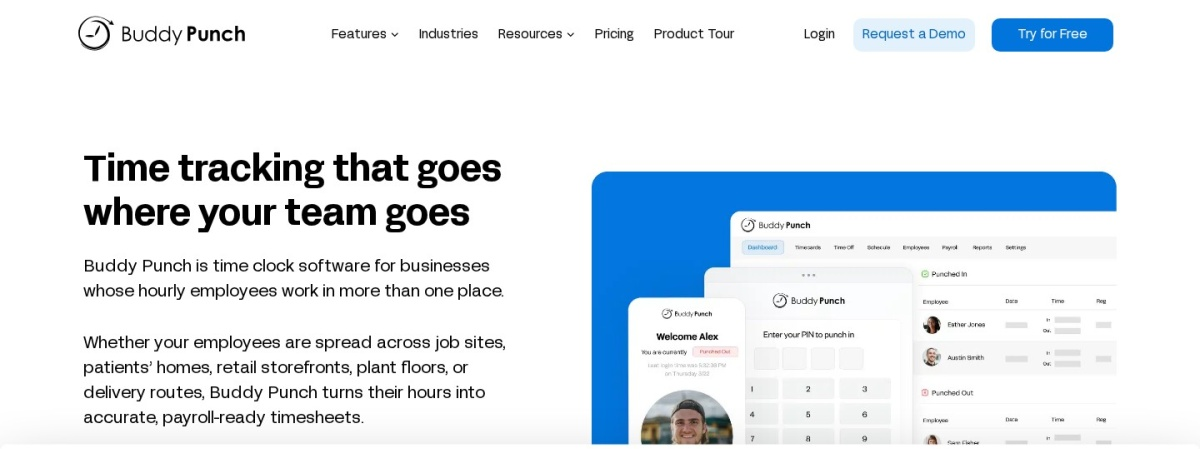
Buddy Punch is a time clock app for hourly teams whose staff work in more than one place. The Starter plan costs $4.99 per user per month billed yearly, plus a $19 monthly base fee, and includes GPS checks on punches, PTO tracking, job costing and payroll integrations. Staff clock in by PIN, QR code, facial recognition or group punch.
The trade off is the base fee. A very small team pays $19 a month before any per-user charge, and scheduling and geofencing need the Pro plan at $6.99 per user per month. It suits hourly teams that want proof of where and when each punch happened.
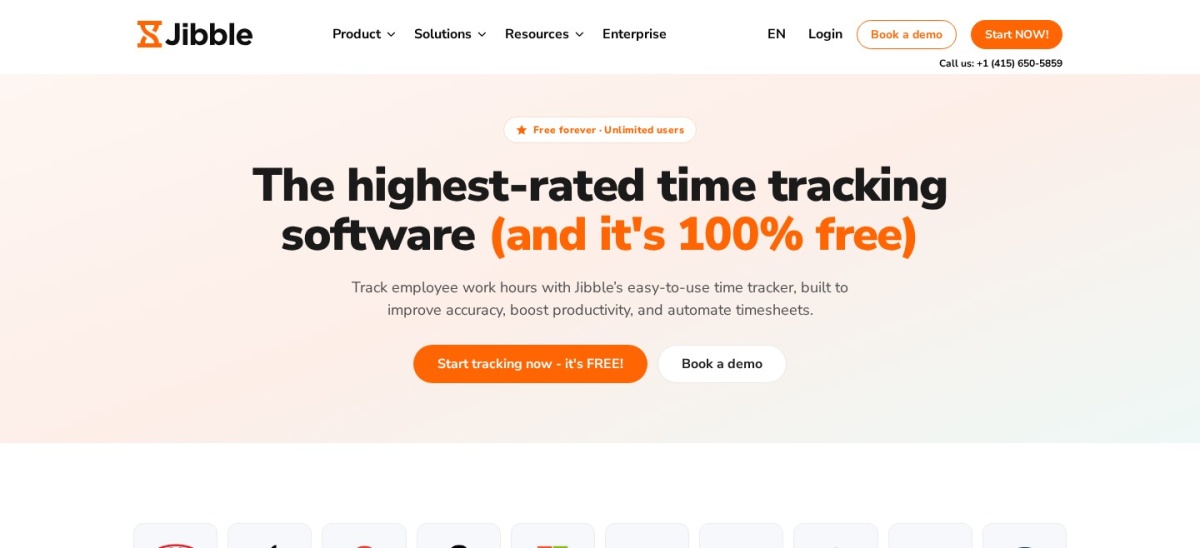
Jibble is a time tracking and attendance app with a free plan for unlimited users. The free plan includes GPS time tracking, facial recognition clock-in, two geofences and automated timesheets. Paid plans add leave accruals, custom schedules and unlimited geofences.
The trade off is price confusion. Premium lists at $4.49 per user per month billed yearly, while monthly billing costs $5.99, so the yearly total depends on how you pay. It suits small teams that want a strong free attendance app and can grow into paid plans.
What we like
Free plan covers unlimited users
Facial recognition and GPS included free
Automated timesheets on the free plan
Rated 4.6/5 on G2 and 4.8/5 on Capterra
Watch out for
Leave accruals need a paid plan
Only two geofences on the free plan
Monthly billing costs more than yearly billing
Premium adds leave accruals and unlimited geofencesVisit jibble.io
03
Homebase
4.6/5on G2 (586 reviews, checked Nov 2026)
Paid from$24/mo
Best free start for hourly teams
Free planYes, 1 location, 10 staff
GPS time clockEssentials and up
PayrollAdd-on, $49/mo + $6
Paid planEssentials, $24/location/mo
joinhomebase.com
Homebase homepage, captured Nov 2026.
Homebase is an all-in-one app for hourly teams that combines scheduling, a time clock, team messaging and hiring. The free Basic plan covers one location and up to 10 employees with scheduling and time tracking. Paid plans charge per location, not per person, so the bill stays flat as headcount grows.
The trade off is the per-location model. Essentials costs $24 a month billed yearly, or $30 monthly, and GPS clock-in and late arrival alerts need that paid tier. Payroll is a separate add-on at $49 a month plus $6 per employee. It suits single-location restaurants, shops and clinics.
Connecteam is a mobile-first workforce app for deskless teams that combines scheduling, a GPS time clock, team chat, forms and HR tools. The free Small Business plan covers up to 10 users with scheduling and time tracking. Each hub is sold separately, so teams can buy only the parts they need.
The trade off is hub pricing. The Operations Basic plan costs $29 a month billed yearly for the first 30 users, and adding the Communications or HR hub costs $29 a month each. It suits field and frontline teams that want scheduling, attendance and chat in one mobile app.
Deputy is a scheduling and time tracking platform for shift-based teams in retail, hospitality and healthcare. The Lite plan costs $5 per user per month and covers scheduling, time clocking, timesheets and leave management. A 31-day free trial is available, and there is no free plan.
The trade off is the minimum spend. Deputy charges at least $30 a month, which makes it pricey for a five-person team, and auto-scheduling needs the Core plan at $6.50 per user per month. It suits shift-heavy teams that need scheduling rules and compliance checks.
Clockify is a time tracker and timesheet app from CAKE.com. The free plan covers up to 5 users with unlimited time tracking, timesheets and projects. The Basic plan costs $3.99 per seat per month billed yearly and adds kiosk clock-in, breaks and exports.
The trade off is that attendance features sit higher up. Time off and attendance tools come with the Standard plan at $5.49 per seat per month, not Basic, and the free plan was cut to 5 users in April 2026. It suits tiny teams that mainly need a simple timer and timesheets.
When I Work is a scheduling, time tracking and team messaging app for hourly teams. The single-location plan costs $2.50 per user per month and includes auto-scheduling, shift swaps and payroll integrations. Staff clock in from a phone, the web or a terminal.
The trade off is plan scope. The $2.50 plan covers one location, multi-location teams pay $5 per user per month, and some sources list time tracking as a separate add-on with no published price. It suits single-site hourly teams that want auto-scheduling at a low per-user price.
Hubstaff is a time tracking and workforce app for remote and field teams. The Starter plan costs $4.99 per seat per month billed yearly and covers time tracking, timesheets, activity levels and limited screenshots. GPS tracking, budgets and payroll tools are included on higher plans.
The trade off is monitoring. Screenshots and activity tracking are central to Hubstaff, which some teams find too intrusive, and there is a two-seat minimum on Starter. It suits remote teams that want proof of work tied to hours and contractor payments.
What we like
GPS tracking for field and remote teams
Timesheets link to budgets and payroll
Large review base: 4.4/5 from 2,300+ G2 reviews
Invoicing and contractor payments included
Watch out for
Screenshots and activity tracking feel intrusive to some teams
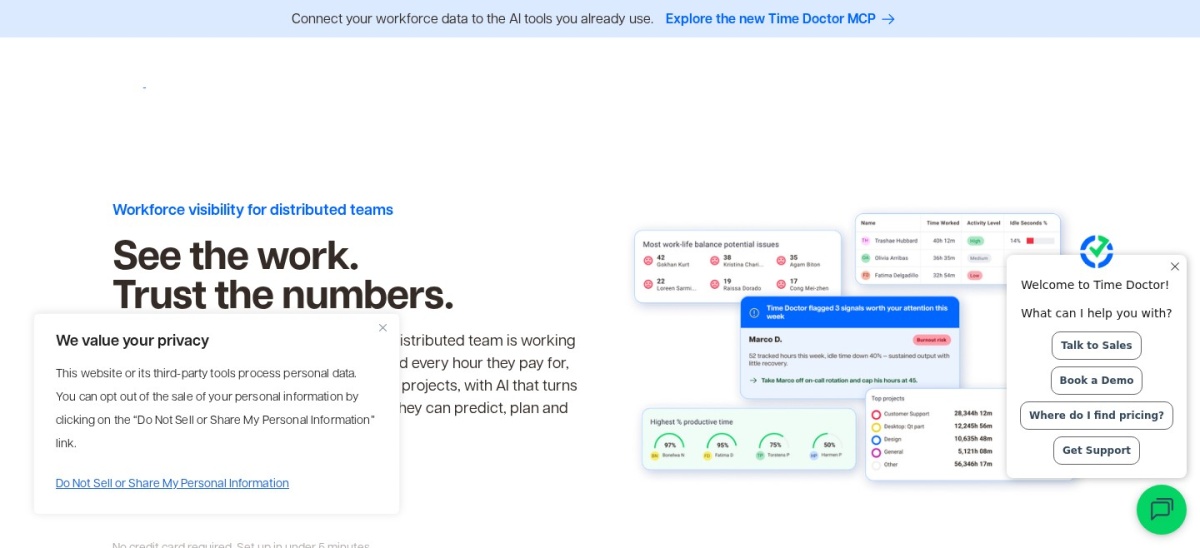
Time Doctor is a time tracking app for remote teams that records work hours, attendance and activity. The Basic plan costs $6.70 per user per month billed yearly and includes silent tracking, unlimited screenshots, projects and basic reports. A 14-day free trial is available.
The trade off is price and monitoring. Older listings show Basic at $5.90, so check the current price before budgeting, and screenshots and activity tracking will not suit every team. It suits remote teams that want detailed attendance and productivity reports.
What we like
Detailed attendance and activity reports
Unlimited screenshots on the Basic plan
Work schedules and absence tracking included
60+ integrations on the Standard plan
Watch out for
Basic price rose from $5.90 to $6.70 in recent listings
Free plans cover clock-in, timesheets and basic reports. Jibble, Homebase, Connecteam and Clockify all let a small team start without paying.
Paid plans mostly add proof and control: GPS checks, geofences, facial recognition, leave accruals and payroll exports. The cheapest paid plans in this list run from $2.50 to $6.70 per user per month.
Check the billing unit before you compare prices. Some tools charge per user, Connecteam charges per hub for the first 30 users, and Homebase charges per location with unlimited employees.
If attendance feeds payroll, check the export first. A clean timesheet export matters more than a long feature list when payday depends on it.
How we chose
We started from the attendance and time clock tools with the largest review counts on G2, then kept nine with published prices and a clear attendance feature set.
Prices were checked against vendor pricing pages and G2 pricing listings on 24 November 2026. Ratings and review counts come from G2 on the same day. Where a vendor shows a sale, the list shows the regular price.
We left out tools with quote-only pricing and tools built only for one industry. No vendor paid for a place, and we do not claim to have used these tools ourselves.
How to choose an attendance tracker app
Start with where your team works, then match the clock-in method to that.
Count your team and locations. Free plans cap users or locations, so a 12-person team already outgrows a 10-user free plan. Per-location pricing stays flat as you hire.
Pick the clock-in method first. Phone GPS suits field staff, a shared kiosk suits a shop floor, and facial recognition stops buddy punching. Choose the method before the feature list.
Check leave and payroll exports. If attendance feeds payroll, confirm the export format and the payroll tools it connects to. A clean export matters more than extra reports.
Trial the top two with real shifts. Run a two-week trial with real clock-ins, late arrivals and time-off requests. The app your staff actually use is the right one.
FAQ
What is the best attendance tracker app?
Buddy Punch is the best pick for most hourly teams. It is rated 4.8 out of 5 on G2 from 408 reviews, with GPS-verified punches, PTO tracking and payroll integrations from $4.99 per user a month.
Is there a free attendance tracker app?
Yes. Jibble is free for unlimited users with GPS tracking and facial recognition. Homebase and Connecteam are free for up to 10 users, and Clockify is free for up to 5 users.
Do attendance apps track location?
Most do. Jibble, Buddy Punch, Connecteam, Homebase and Hubstaff offer GPS clock-in, and several add geofences that limit clock-ins to set sites. Geofencing usually needs a paid plan.
What is the cheapest attendance tracker app?
When I Work is cheapest at $2.50 per user a month for one location. Jibble is free for unlimited users, and Clockify Basic costs $3.99 a seat, though its attendance tools need the $5.49 Standard plan.
Can an attendance tracker replace a paper timesheet?
Yes. Staff clock in on a phone or kiosk, the app builds timesheets from the punches, and managers approve hours before payroll. Most tools in this list export timesheets to payroll software.
Do I need facial recognition or GPS?
It depends on where your team works. GPS and facial checks help when staff work off-site or share devices, and they stop buddy punching. Office teams on one site can usually manage with PIN or QR clock-ins.