Best Code Security Tools for Cloud in 2026: 8 Tools Compared
WLWPLegible EditorsLast verified 22 Nov 2026How we rank12 min read
★ Short answer
Snyk is the best code security tool for most cloud development teams, combining SAST, dependency, container and infrastructure-as-code scanning, with Team pricing starting at $25 monthly. Semgrep suits teams needing customizable security rules, while Aikido Security combines code scanning with cloud posture monitoring.
How we make this list: we compare pricing pages, product documentation and public user reviews, then re-check every price before each update. No product paid for a place. Disclosure.
Snyk offers SAST, SCA, container and IaC scanning, with a Team plan starting at $25/month and 1,000 SAST tests monthly.
Semgrep Teams starts at $15 per contributor monthly for Secrets, while its Code SAST product costs $30 per contributor monthly.
Aikido Security combines code, dependency, container and cloud posture scanning, with Basic priced at $300/month including 10 users.
GitHub Code Security costs $30 per active committer monthly and integrates CodeQL findings into repository workflows.
Codacy Team starts at $18 per developer monthly on annual billing and supports up to 100 private repositories.
SonarQube starts at $34/month, while DeepSource Team costs $24 per user monthly on annual billing.
What cloud code security tools should protect
Cloud applications can introduce vulnerabilities through source code, third-party libraries, containers, deployment configurations and exposed credentials. A code scanner that checks only application files may overlook important risks elsewhere in the deployment pipeline.
Static application security testing (SAST) examines source code for insecure patterns before the application runs. It can identify potential vulnerabilities during development and report findings through pull requests or CI/CD pipelines.
Software composition analysis (SCA) checks dependencies for known vulnerabilities. Secrets scanning looks for exposed credentials, while infrastructure-as-code scanning examines configuration files such as Terraform and Kubernetes manifests.
For cloud-native development, integration matters as much as detection. Look for automated pull request feedback, CI/CD checks, actionable remediation guidance and support for the languages, repositories and cloud resources your team uses.
Compare coverage and pricing separately. Some vendors bundle multiple scanners into a subscription, while others charge per developer, active committer, analyzed code volume or enabled security module.
Snyk is a developer security platform that scans source code, open-source dependencies, containers and infrastructure-as-code configurations. Its free plan includes 5 projects and 100 SAST tests monthly, while Team increases these allowances to 100 projects and 1,000 SAST tests monthly. IDE, CLI and source control integrations bring findings into development workflows.
The trade off is that scanning limits and developer-based billing can increase costs as teams grow, with Team starting at $25 monthly. It suits cloud application teams that need several types of application security scanning without managing separate products.
What we like
Covers source code, dependencies, containers and IaC
Team raises test limits and adds Jira integration and business-day supportVisit snyk.io
02
Semgrep
4.6/5on G2 (56 reviews, checked Nov 2026)
Paid from$15/mo
Best for customizable SAST rules
Free contributorsUp to 10
Free repositoriesUp to 10
Security modulesCode, Supply Chain, Secrets
Cheapest paid moduleSecrets, $15/contributor/mo
semgrep.dev
Semgrep homepage, captured Nov 2026.
Semgrep is an application security platform for finding source code vulnerabilities, insecure dependencies and exposed secrets. Its free tier supports up to 10 contributors and 10 repositories, with cross-file analysis and AI-assisted detection features. Teams can choose separate paid modules for SAST, software supply chain security and secrets detection.
The trade off is modular pricing: Secrets starts at $15 per contributor monthly, but the Code SAST module costs $30 per contributor monthly. It suits security teams that want configurable rules, AI-assisted triage and control over which scanning capabilities they purchase.
What we like
Customizable security rules
Free tier supports private repositories
Cross-file analysis and AI-assisted triage
CI/CD integration for automated scanning
Separate modules for code, dependencies and secrets
Paid modules add expanded scanning, SSO, AI credits and supportVisit semgrep.dev
03
Aikido
4.5/5on G2 (273 reviews, checked Nov 2026)
Paid from$300/mo
Best for combining code and cloud security
Free users2
Free repositories10
Cloud coverageCSPM, containers, IaC
Paid planBasic, $300/mo for 10 users
aikido.dev
Aikido homepage, captured Nov 2026.
Aikido is an application and cloud security platform combining source code analysis, dependency scanning, secrets detection, container checks and cloud posture monitoring. Its free plan supports 2 users, 10 repositories and 1 cloud account. It also includes infrastructure scanning and limited automated fixes.
The trade off is a higher starting subscription of $300 monthly for Basic, including 10 users, although it replaces several separate security categories. It suits cloud-native startups and SaaS teams that want code and infrastructure findings in a shared security dashboard.
What we like
Combines code and cloud security monitoring
Includes dependency, secrets and container scanning
Free plan supports limited cloud resources
Pull request security reviews on Basic
Integrations with development and compliance tools
Watch out for
Higher starting price than developer-only scanners
Free plan limits users and monitored resources
Some advanced capabilities require higher subscriptions
GitHub Code Security is a repository-integrated security product that identifies vulnerabilities using CodeQL and AI-assisted analysis. GitHub provides code scanning for public repositories at no charge, while the paid add-on extends advanced security capabilities to private development workflows. Findings appear alongside code review and repository security alerts.
The trade off is an additional $30 per active committer monthly for Code Security, with GitHub subscription costs and some AI usage potentially charged separately. It suits development teams already using GitHub that want security feedback without adopting another repository platform.
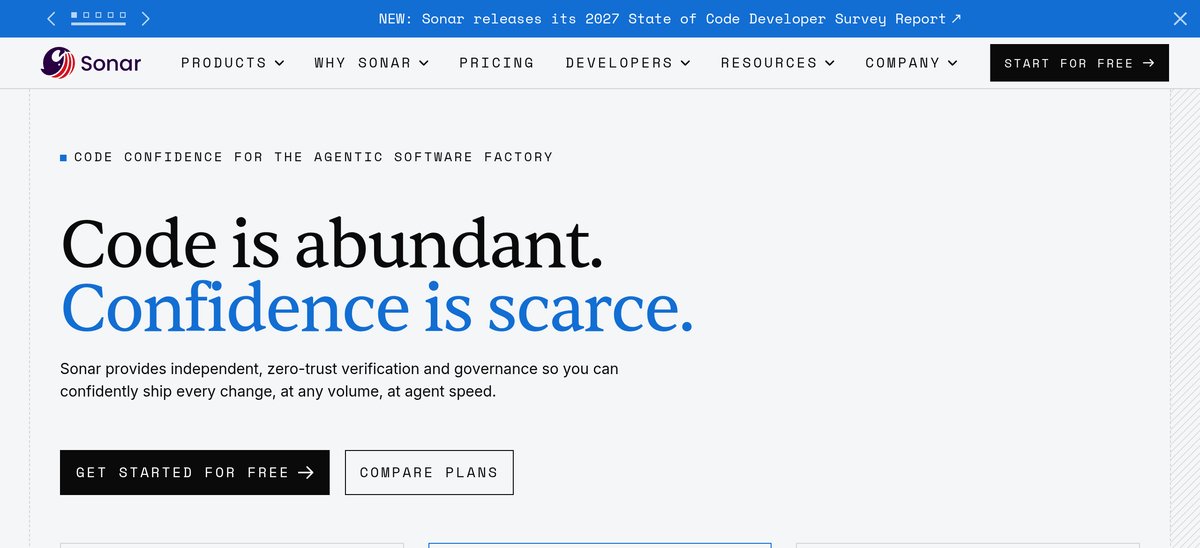
SonarQube is a code analysis platform that identifies potential bugs, security vulnerabilities and maintainability problems. It supports more than 35 languages and technologies, including cloud configuration formats, and provides automated findings during pull request review. Its cloud service offers a free tier and paid plans with additional analysis capacity.
The trade off is that SonarQube focuses primarily on code verification rather than full cloud posture monitoring, while Cloud Team starts at $34 monthly. It suits engineering teams that want consistent security and quality gates inside their development pipelines.
What we like
Combines code quality and security analysis
Supports many languages and configuration formats
Integrates findings with pull requests
Free cloud and developer IDE options
Useful quality gates for CI/CD
Watch out for
Not a complete cloud security platform
Pricing grows with analysis requirements
Advanced security capabilities may require additional licensing
Cloud Team adds paid analysis capacity and expanded project controlsVisit sonarsource.com
06
Codacy
4.6/5on G2 (31 reviews, checked Nov 2026)
Paid from$18/mo
Best for affordable automated code checks
Developer toolsCLI and IDE integrations
Local checksSAST, SCA, secrets
Team repositoriesUp to 100 private
Paid planTeam, $18/dev/mo annually
codacy.com
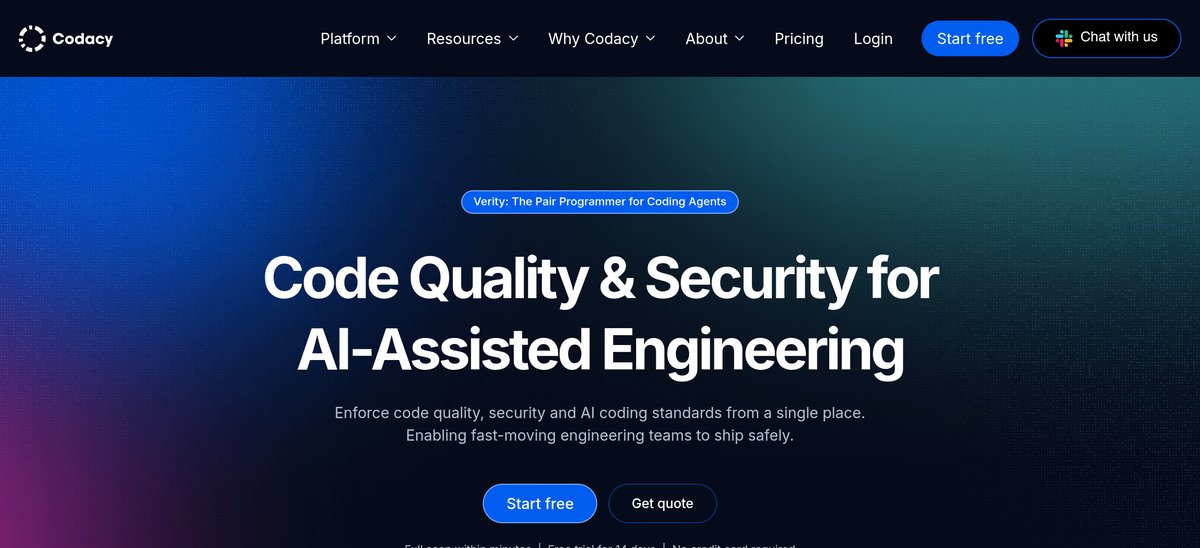
Codacy homepage, captured Nov 2026.
Codacy is a code quality and security platform offering static analysis, dependency scanning, secrets detection and automated pull request checks. Its free Developer offering includes local IDE and CLI analysis, while Team adds cloud-hosted scanning, integrations and support for up to 100 private repositories. Team also includes AI review and merge gates.
The trade off is that repository-level cloud workflows require Team, starting at $18 per developer monthly with annual billing, while the monthly option costs $21. It suits smaller engineering teams looking for code security and quality automation without paying for a broader enterprise AppSec platform.
What we like
Free local security and quality checks
SAST, dependency and secrets scanning
AI reviewer and merge gates
Supports GitHub, GitLab and Bitbucket
Published pricing for small teams
Watch out for
Free Developer tier does not include Team cloud workflows
Team is designed for smaller engineering groups
Advanced organizational features require higher tiers
Team adds cloud scans, AI reviews, merge gates and private repository supportVisit codacy.com
07
DeepSource
4.6/5on G2 (22 reviews, checked Nov 2026)
Paid from$24/mo
Best for security issues and automated fixes
Open-source allowance1,000 PR reviews/mo
Paid repositoriesUnlimited
Security featuresSAST, IaC, dependency checks
Paid planTeam, $24/user/mo annually
deepsource.com
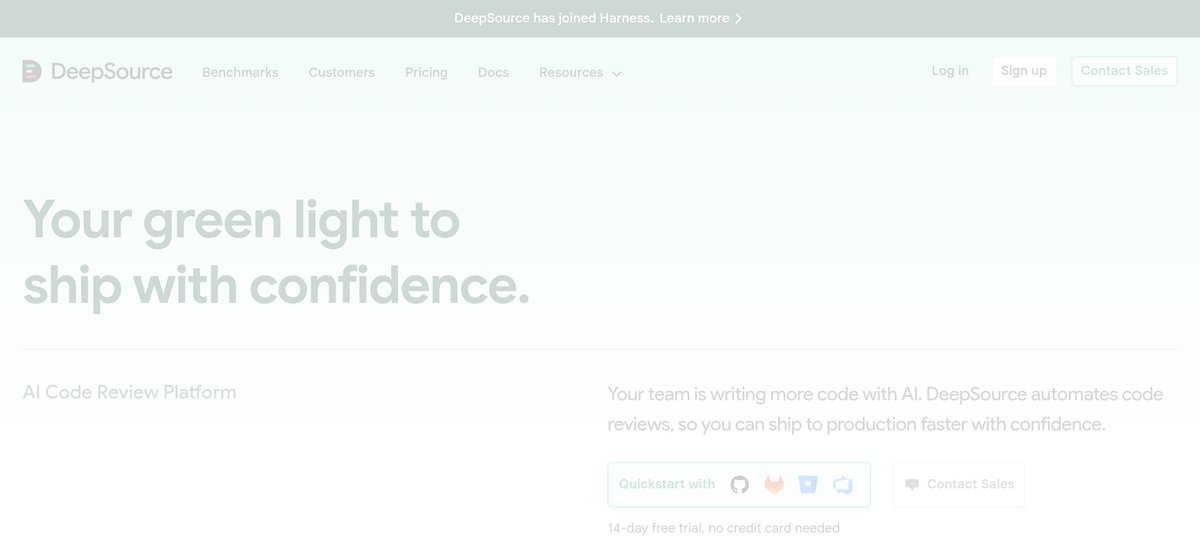
DeepSource homepage, captured Nov 2026.
DeepSource is a code analysis platform that identifies bug risks, security vulnerabilities and maintainability issues during development. Its open-source offering includes 1,000 pull request reviews monthly, while Team provides unlimited repositories, unlimited pull request reviews and automated formatting. Security analysis and optional AI review help developers address findings before deployment.
The trade off is that AI Review and additional dependency scanning usage can increase the cost beyond the $24 per user monthly Team subscription billed annually. It suits teams that want static analysis combined with automated pull request feedback and suggested fixes.
What we like
Unlimited repositories on Team
Static analysis includes security checks
AI-assisted review and Autofix options
Monorepository support
Integrates with existing pull request workflows
Watch out for
AI Review has separate usage charges
Dependency scanning may incur additional fees
Free offering focuses on open-source repositories
Team adds private repositories, unlimited PR reviews and included AI creditsVisit deepsource.com
08
GitLab
4.5/5on G2 (905 reviews, checked Nov 2026)
Paid from$29/mo
Best for integrated DevSecOps pipelines
Free group users5
Free CI compute400 minutes/mo
Security workflowBasic SAST and secret scans
Paid planPremium, $29/user/mo annually
gitlab.com
GitLab homepage, captured Nov 2026.
GitLab is a DevSecOps platform combining source code management, CI/CD and application security scanning. Its free hosted plan supports 5 users per private top-level group and includes 400 compute minutes monthly, with basic SAST and other scanning options. Premium increases compute capacity to 10,000 minutes monthly and adds advanced development management features.
The trade off is that Premium costs $29 per user monthly on annual billing but does not include the full vulnerability management interface, advanced security scanning and security approval capabilities reserved for quote-priced Ultimate. It suits teams that want source control and basic security scans in one CI/CD environment.
The main types of code security scanning for cloud applications
SAST analyzes source code without executing an application. Snyk Code, Semgrep, SonarQube and GitHub CodeQL provide this type of analysis, although their detection methods and supported languages differ.
SCA evaluates third-party dependencies for known vulnerabilities. It is particularly relevant when cloud applications rely on large open-source package ecosystems.
Secrets scanning finds exposed tokens, credentials and private keys. This can reduce the risk of accidentally committing sensitive information to a shared repository.
Infrastructure-as-code scanning checks deployment definitions for insecure configurations. Cloud-focused platforms may also include container scanning and cloud security posture management.
No individual scanner eliminates every risk. Teams should choose coverage based on their actual application architecture, then combine automated detection with review, patch management and runtime monitoring.
Why cloud code security pricing can be difficult to compare
Developer-based products such as Codacy, DeepSource and Semgrep generally charge according to the people using their paid capabilities. GitHub Code Security instead uses active committer billing.
SonarQube Cloud uses analysis capacity in its pricing, while Aikido bundles coverage into plans with included users and resources. Snyk combines developer eligibility with scanning allowances.
The annual figures in this guide normalize each advertised entry price over twelve months. They are not estimates for an entire engineering organization, and certain tools require separate add-ons for comprehensive security coverage.
Before purchasing, compare your repository count, contributors, dependency targets, scanning frequency and required integrations. A lower entry price does not necessarily mean a lower total security budget.
How we chose
We shortlisted established cloud application security products with public customer review records and published pricing. The comparison covers source code analysis, dependencies, secrets, containers, infrastructure security, CI/CD integration and developer remediation workflows.
Vendor pricing pages and G2 reviews were consulted during the November 2026 research cycle for this article, using 22 Nov 2026 as the requested comparison date. Monthly entry prices were multiplied by twelve for the annual price ladder, with per-user and organization-level subscriptions identified separately.
We excluded quote-only security platforms, discontinued products and offerings without adequate public review evidence or a verifiable paid entry plan. Advanced security editions without published prices were not assigned estimated costs. No vendor paid for a place, and we do not claim testing for this list.
How to choose code security tools for cloud development
Identify your application risks and existing development workflow before selecting a security subscription.
Map the assets you need to protect. List your source code languages, package managers, container images and deployment configuration formats. Decide whether you need only SAST or broader dependency, secrets and cloud infrastructure coverage.
Check repository and CI/CD compatibility. Choose a tool that integrates with your existing Git provider and automation pipeline. Pull request alerts, build checks and developer notifications make security findings easier to address before deployment.
Evaluate remediation and reporting. Compare vulnerability descriptions, prioritization, suggested fixes and exception management. Security teams may also need audit logs, policy enforcement and evidence for compliance reviews.
Calculate the complete paid cost. Include developer seats, active committers, repository counts, scanning allowances and optional modules. Compare the actual bundle required for your security policies rather than selecting the lowest advertised starting price.
FAQ
What is the best code security tool for cloud applications?
Snyk is a strong general choice because it combines source code, dependency, container and infrastructure-as-code scanning. Its Team plan starts at $25 monthly. Semgrep is suitable for customizable SAST policies, while Aikido provides broader coverage that includes cloud posture monitoring.
What is the difference between SAST and cloud security scanning?
SAST examines application source code for insecure patterns without executing the software. Cloud security scanning can include infrastructure configurations, running cloud resources, containers and permissions. Applications deployed to the cloud may need both approaches because secure application code does not automatically guarantee secure infrastructure.
Are there free cloud code security tools?
Yes. Snyk offers a free tier with limited projects and security scans. Semgrep has a free offering for small teams, GitLab includes basic scanning, and GitHub provides code scanning for public repositories. Free allowances and supported workflows differ, so compare them against your expected development activity.
Which tool is best for scanning infrastructure-as-code?
Snyk, Aikido and DeepSource include infrastructure-as-code analysis capabilities. Aikido is especially relevant when teams also want cloud posture monitoring alongside repository checks. The best choice depends on your configuration formats, cloud integrations and whether you need findings during development, after deployment or both.
Does GitHub include code security scanning?
GitHub provides security scanning for public repositories, including CodeQL analysis. For private repositories, GitHub Code Security is a paid add-on listed at $30 per active committer monthly. GitHub Secret Protection is a separate product, so organizations needing both capabilities should budget for the appropriate licenses.
Can code security tools detect vulnerable dependencies?
Yes. Products with software composition analysis, such as Snyk and Semgrep Supply Chain, inspect application dependencies against vulnerability information. This is different from static source code analysis. Teams should also maintain dependency updates and review the exploitability of reported issues before prioritizing fixes.
How much do cloud code security tools cost?
Published entry prices range from $15 per contributor monthly for Semgrep Secrets to $300 monthly for Aikido Basic. Snyk Team starts at $25 monthly, Codacy Team starts at $18 per developer monthly on annual billing, and SonarQube starts at $34 monthly. Costs depend on the required coverage.
Can AI replace manual application security reviews?
No. AI can help explain findings, suggest fixes and prioritize suspicious code, but it may miss vulnerabilities or produce incorrect recommendations. Human security review remains important for architecture, authorization logic, threat modeling and complex business rules. Automated tools are most useful as part of a broader security process.