Best Client Management Apps in 2026: 7 Tools Compared
WLWPLegible EditorsLast verified 22 Nov 2026How we rank15 min read
★ Short answer
Zoho CRM is our top client management app for businesses needing contact records, sales pipelines and automation, with a free edition for 3 users and Standard starting at $14 per user monthly with annual billing. Capsule CRM suits small service businesses managing client relationships and projects, while Less Annoying CRM offers simpler administration for $15 per user monthly.
How we make this list: we compare pricing pages, product documentation and public user reviews, then re-check every price before each update. No product paid for a place. Disclosure.
Zoho CRM offers a free edition for 3 users, while Standard starts at $14/user/month with annual billing.
Capsule CRM has a free plan for 2 users and 250 contacts; Starter costs $18/user/month annually or $22 monthly.
Less Annoying CRM costs $15/user/month with unlimited pipelines, 25GB storage per user and a 4.9/5 G2 rating from 674 reviews.
HubSpot Sales Hub offers free CRM tools and a standard Starter catalog price of $20/month per seat, although promotional offers may be lower.
Freshsales Growth costs $9/user/month billed annually and includes email, chat, phone and basic workflows.
Copper Basic costs $29/seat/month on monthly billing and includes 2,500 contacts, task automation and project management.
What a client management app should actually do
A client management app keeps customer records, conversations, tasks, appointments and business opportunities organized in one place. Instead of searching through spreadsheets and inboxes, teams can see who owns a relationship and what needs to happen next.
Start with contact management and activity history. A useful app should connect emails, calls, notes and upcoming tasks to the correct client record. Mobile access matters when employees need information outside the office.
Next, consider the difference between sales CRM and client delivery software. Sales-focused platforms prioritize leads and deal pipelines, while service-oriented tools may also manage onboarding, client projects, documents and ongoing relationships.
Automation can reduce repetitive work, but advanced workflows are often restricted to higher plans. Check whether the entry subscription includes reminders, email integration, customizable fields and the reporting your team needs.
Finally, calculate the full cost for your team. Most CRMs charge per user, and annual billing can be cheaper than monthly subscriptions. Contact limits, storage, integrations and paid add-ons can also affect the long-term cost.
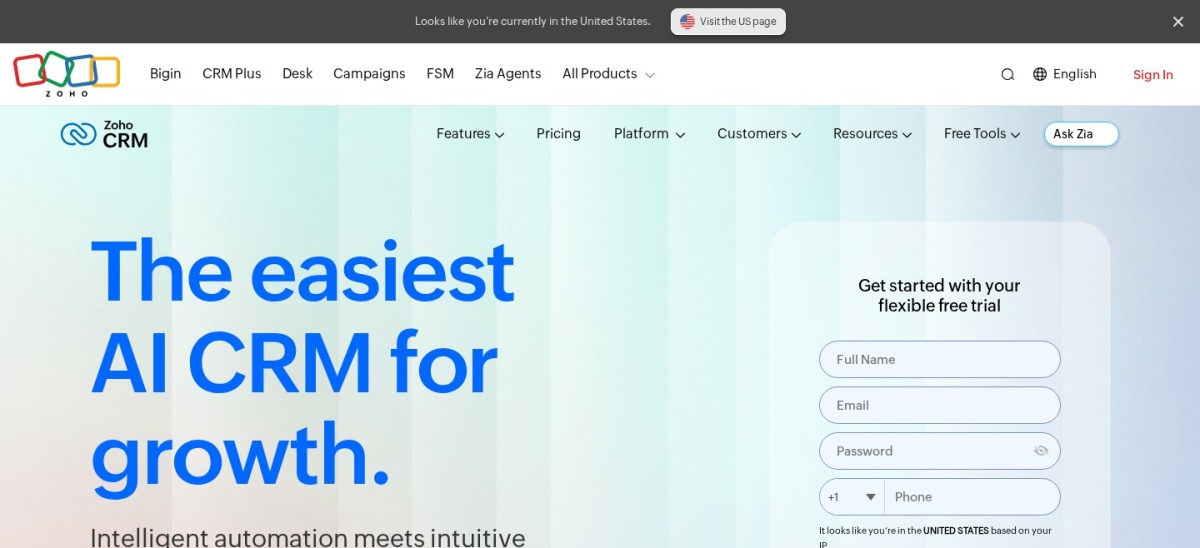
Zoho CRM is a cloud-based client relationship platform that combines contacts, leads, accounts, tasks and sales opportunities. Its free edition supports up to 3 users, while Standard starts at $14 per user monthly with annual billing and adds features such as multiple pipelines, email integration, built-in calling and reporting.
The trade off is the learning curve when configuring custom fields, modules and workflows. Standard costs $20 per user on monthly billing, and more advanced automation and AI capabilities require higher editions. It suits growing businesses that want to manage client relationships alongside sales processes.
What we like
Free CRM for up to 3 users
Customizable contact and account records
Multiple sales pipelines on Standard
Email, calendar and calling integrations
Broad ecosystem of related business applications
Watch out for
Configuration can feel complex for beginners
Advanced automation requires higher plans
Some integrations need additional setup
Standard adds multiple pipelines, email integration, workflows and expanded reporting.Visit zoho.com
02
Capsule CRM
4.7/5on G2 (533 reviews, checked Nov 2026)
Paid from$18/mo
Best for small businesses managing clients and projects
Free users2
Free contacts250
Starter contacts30,000
Paid entry$18/user/month annually
capsulecrm.com
Capsule CRM homepage, captured Nov 2026.
Capsule CRM is a client relationship platform that organizes contacts, communication history, sales opportunities and tasks. Its free plan supports 2 users, 250 contacts and 1 sales pipeline. Starter increases the contact allowance to 30,000 and adds expanded CRM capabilities for growing teams.
The trade off is that Starter costs $22 per user on monthly billing, compared with $18 monthly when paid annually. More advanced reporting and automation sit in higher plans. It suits consultants, agencies and small service businesses that need accessible client records with basic project coordination.
What we like
Simple contact and company management
Free plan for small teams
Project tracking alongside client relationships
30,000 contacts on Starter
Integrations with email and business applications
Watch out for
Free plan has a 250-contact limit
Advanced automation requires upgrades
Reporting features vary by plan
Starter increases contact capacity and adds features beyond the limited free edition.Visit capsulecrm.com
03
Less Annoying CRM
4.9/5on G2 (674 reviews, checked Nov 2026)
Starts at$15/mo
Best for straightforward client follow-ups
Pricing$15/user/month
ContactsNo strict limit
Storage25GB/user
Free trial30 days
lessannoyingcrm.com
Less Annoying CRM homepage, captured Nov 2026.
Less Annoying CRM is a client management system designed for small teams that prefer straightforward contact records and follow-up reminders. Its single $15 per user monthly plan includes unlimited pipelines, task management, email logging, 25GB storage per user, custom fields and mobile access.
The trade off is that it offers fewer advanced sales and marketing functions than larger CRM platforms. The vendor recommends keeping the total contact database below approximately 50,000 records despite having no strict contact cap. It suits freelancers, consultants and small businesses primarily managing relationships and recurring follow-ups.
What we like
One transparent monthly subscription
Unlimited pipelines and custom fields
Email logging and task reminders
30-day trial without a credit card
Phone and email customer support
Watch out for
No permanent free plan
Fewer sophisticated marketing capabilities
Limited advanced analytics compared with enterprise CRMs
The paid subscription includes all available features without separate upgrade tiers.Visit lessannoyingcrm.com
04
HubSpot Sales Hub
4.4/5on G2 (14,407 reviews, checked Nov 2026)
Paid from$20/mo
Best for connecting client management with sales
Free CRMAvailable
Paid entrySales Hub Starter
Standard catalog price$20/month per seat
Review rating4.4/5 on G2
hubspot.com
HubSpot Sales Hub homepage, captured Nov 2026.
HubSpot Sales Hub is a sales and client relationship platform built around HubSpot Smart CRM. The free tools provide contact and deal management, while Sales Hub adds email tracking, meeting scheduling, templates and additional sales functionality. HubSpot's product catalog lists Starter from $20 per month per Core Seat.
The trade off is pricing complexity, with promotional Starter offers displayed below the standard catalog rate and substantial price increases for Professional features. Multiple HubSpot products can also increase the total subscription cost. It suits businesses connecting client records with marketing, sales and customer support.
What we like
Free contact and deal management tools
Shared customer information across teams
Email tracking and meeting scheduling
Large integration ecosystem
Extensive public documentation
Watch out for
Promotional and standard prices can differ
Advanced automation requires higher subscriptions
Costs can increase when adding other HubSpot products
Best for managing client calls, emails and sales activity
Entry planGrowth
Annual billing$9/user/month
CommunicationChat, email, phone
Free trial21 days
freshworks.com
Freshsales homepage, captured Nov 2026.
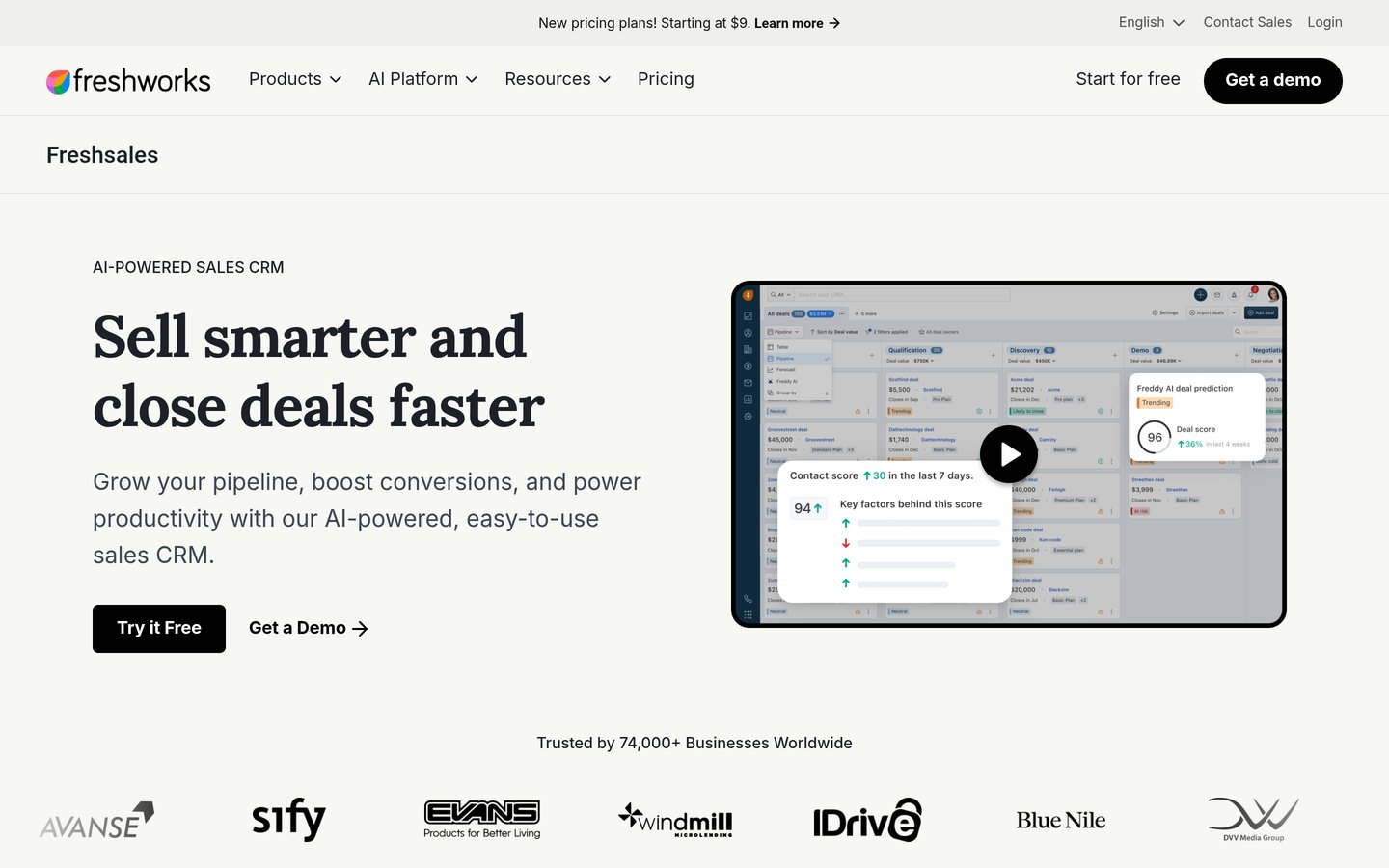
Freshsales is a sales CRM that combines contact management, deal pipelines and customer communication tools. Growth starts at $9 per user monthly when billed annually and includes Kanban views, contact lifecycle stages, chat, email, phone, email templates, custom fields and basic workflows.
The trade off is that advanced functions such as contact scoring, territory management and sales sequences require Pro at $39 per user monthly with annual billing. Some AI and document tools are separately priced add-ons. It suits service businesses that want to handle client conversations inside their CRM.
What we like
Built-in email, chat and phone capabilities
Affordable published annual entry price
Contact lifecycle and pipeline management
Basic workflows on Growth
21-day trial
Watch out for
Advanced sales sequences require Pro
Some AI tools cost extra
Published entry pricing assumes annual billing
Pro adds contact scoring, sales sequences, territory management and more sales automation.Visit freshworks.com
06
Copper
4.5/5on G2 (1,158 reviews, checked Nov 2026)
Starts at$29/mo
Best for client management with Google Workspace
Entry planBasic
Contact allowance2,500
Monthly billing$29/seat
Annual billing$23/seat/month
copper.com
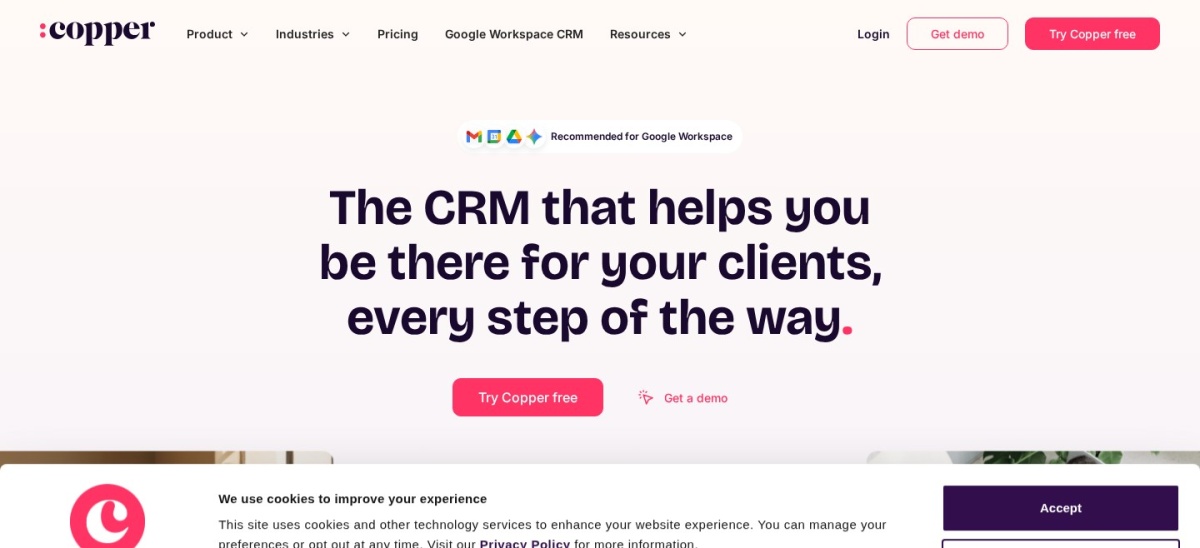
Copper homepage, captured Nov 2026.
Copper is a client relationship and project management platform designed around Google Workspace. Its Basic plan costs $29 per seat monthly and includes up to 2,500 contacts, flexible pipelines, task automation, project management and contact enrichment. Gmail and Calendar integrations help teams maintain client context.
The trade off is the entry plan's contact cap and restricted advanced marketing functions. Professional costs $69 per seat monthly and expands contact capacity to 15,000 while adding workflow automation, bulk email and reporting. It suits agencies and consultants already organizing client work through Google Workspace.
What we like
Integration with Gmail and Google Calendar
Project management inside the CRM
Task automation on Basic
Contact enrichment
Suitable for professional services workflows
Watch out for
Basic limits contacts to 2,500
Advanced reporting requires Professional
Less appealing outside Google Workspace
Professional adds workflow automation, bulk email, reporting and a higher contact limit.Visit copper.com
07
Insightly
4.2/5on G2 (950 reviews, checked Nov 2026)
Starts at$29/mo
Best for managing clients from sales through delivery
Entry planPlus
Annual billing$29/user/month
Project managementIncluded
Free trial14 days
insightly.com
Insightly homepage, captured Nov 2026.
Insightly is a CRM that connects lead and contact records with projects, tasks and business reporting. Its Plus plan starts at $29 per user monthly with annual billing and includes lead management, project management, advanced reports and prebuilt dashboards.
The trade off is that sophisticated workflow automation, lead routing and AI assistance require Professional at $49 per user monthly with annual billing. Separate marketing and support products can also add cost. It suits consulting firms and service teams that need to follow client work beyond the initial sale.
What we like
Client records and project management together
Advanced reports included on Plus
Prebuilt business dashboards
14-day trial
Separate marketing and support integrations available
Watch out for
Annual billing required for advertised entry price
Workflow automation requires Professional
Additional products increase costs
Professional adds lead routing, workflow automation and AI Copilot.Visit insightly.com
Client management software vs. CRM: what's the difference?
A CRM typically focuses on leads, contacts, sales opportunities and relationship history. Client management software may cover the same information while also organizing onboarding, tasks, recurring services and project delivery.
For sales-driven businesses, Zoho CRM, HubSpot and Freshsales provide structured pipelines and communication tracking. These tools are useful when moving prospective customers toward a completed sale.
For ongoing professional services, Capsule, Copper and Insightly include project-oriented functions alongside relationship records. This can reduce the need to maintain completely separate systems for client information and delivery tasks.
Less Annoying CRM takes a simpler approach. It concentrates on client notes, reminders, calendars and pipelines, which can be sufficient when a business does not require advanced marketing or project automation.
How to keep client information organized and secure
Before importing client information, decide which fields are essential. Names, company details, communication history, relationship owners and next steps are often enough to build a useful starting database.
Define who can view and edit sensitive records. Check whether the subscription includes role-based permissions, access controls and activity history appropriate for the information your business handles.
Avoid entering confidential information into unrestricted notes or fields without checking the vendor's data handling capabilities. Businesses processing regulated information should verify the provider's contractual and security documentation.
Finally, establish an export and cleanup process. Duplicate records and outdated information make automated reminders and reporting less reliable, even when the software itself is configured correctly.
How we chose
We selected established CRM and client management platforms with published product documentation, public review histories and features relevant to contact tracking, follow-ups, sales pipelines or client delivery. The shortlist balances general-purpose CRMs with simpler products and project-oriented alternatives.
Official pricing pages and G2 ratings were reviewed for the November 2026 comparison, using 22 Nov 2026 as the publication reference date. Annual-billing prices are identified where applicable, and the standard published rate is preferred over temporary promotional offers. Review counts and scores reflect the accessible public review listings.
We excluded tools without independently accessible pricing and products that primarily handle project tasks without meaningful client records or relationship tracking. We also considered plan limits, usability and the distinction between entry-level features and upgrades. No vendor paid for a place, and we do not claim testing for this list.
How to choose the best client management app
Identify how your business manages customer information today, then compare the apps against the tasks your team performs most often.
Map your client relationship workflow. Write down how new inquiries arrive, how follow-ups are assigned and what happens after a client agrees to work with you. Choose a sales-focused CRM or a project-oriented app based on where your current process breaks down.
Prioritize essential client records. Check for contacts, companies, notes, email history, reminders and customizable fields. If employees work remotely or travel frequently, verify that the mobile app provides access to the information they need.
Calculate the actual subscription cost. Multiply the per-user rate by the number of people needing access. Account for annual commitments, storage limits, contact allowances and additional charges for workflow automation, reporting or integrations.
Validate the workflow during a trial. Import a small sample of contact records, create a pipeline and assign follow-up tasks. Check how easily staff can retrieve information and whether the app connects to your existing email, calendar and accounting tools.
FAQ
What is the best client management app for small businesses?
Zoho CRM is a flexible choice for growing businesses because it combines contact management, sales pipelines and workflow features. Capsule CRM is particularly suitable for small service teams, while Less Annoying CRM works well when straightforward client notes, tasks and reminders matter more than advanced sales functions.
Is there a free client management app?
Yes. Zoho CRM offers a free edition supporting up to 3 users, while Capsule CRM provides a free plan for 2 users and 250 contacts. HubSpot also provides free CRM tools. These options are useful for getting started, although paid subscriptions unlock additional capacity and functionality.
What is the difference between CRM and client management software?
CRM software generally emphasizes customer data, sales leads, opportunities and relationship history. Client management software may also cover onboarding, project delivery, documents and recurring service work. The categories overlap significantly, so comparing specific features is more useful than relying on the product label.
Which client management app is easiest to use?
Less Annoying CRM is designed specifically for small businesses seeking a simple contact and follow-up system. It has a 4.9/5 rating from 674 G2 reviews and charges $15 per user monthly. Capsule CRM is another option for teams wanting straightforward contact management with additional project capabilities.
Which app is best for managing clients and projects together?
Capsule CRM, Copper and Insightly are relevant choices because they combine CRM records with project-oriented functions. Copper Basic includes project management at $29 per seat monthly, while Insightly Plus includes project tracking from $29 per user monthly with annual billing. Compare task dependencies and reporting before choosing.
Can client management software track emails and calls?
Yes, although the capabilities vary. Freshsales Growth includes built-in email, chat and phone functions, while Zoho CRM Standard includes email integration and calling features. Copper is designed to work closely with Gmail and Google Calendar. Some products log interactions automatically, while others need additional configuration.
How much does client management software cost?
Pricing in this comparison starts at $9 per user monthly for Freshsales Growth when billed annually. Less Annoying CRM costs $15 per user monthly, and Copper Basic costs $29 per seat on monthly billing. Actual expenses depend on team size, billing frequency and the features included in the selected plan.
Can freelancers use client management apps?
Yes. Freelancers can use client management apps to record client details, schedule follow-ups, track proposals and monitor active work. Less Annoying CRM is suitable for simple relationship tracking, while Capsule offers project-oriented features. A free CRM may be sufficient when the contact database and workflow are small.
Can I move client information from spreadsheets into a CRM?
Most established CRM platforms support importing customer records from spreadsheets or similar files. Before importing, remove duplicates and standardize contact fields. Test a small set of records first, then confirm that names, email addresses, company associations and ownership assignments appear correctly.