Best ChatGPT Automations in 2026: 7 Tools Compared
WLWPLegible EditorsLast verified 22 Nov 2026How we rank6 min read
★ Short answer
Zapier is the top pick for ChatGPT automations thanks to its 9,000+ app integrations and two-way chat or MCP workflow triggers. Make suits visual multi-branch scenarios at a lower entry price, while n8n fits technical teams that want self-hosting or per-run execution billing.
How we make this list: we compare pricing pages, product documentation and public user reviews, then re-check every price before each update. No product paid for a place. Disclosure.
Zapier connects 9,000+ apps and offers a permanent free plan with 100 tasks per month.
Make includes 1,000 free credits per month and visual scenarios with routers and filters on every plan.
n8n bills per full workflow execution rather than per step, starting at €20 per month billed annually for 2,500 executions.
Activepieces provides an open-source MIT core, 1,000 free monthly credits, and a $20 per month Plus plan.
IFTTT starts paid plans at $2.09 per month billed annually ($25.08 per year) for 5,000 monthly credits.
What to look for in ChatGPT automation tools
ChatGPT can draft text, summarize threads, and call tools in a conversation, but running multi-app background workflows usually requires an automation platform. Look closely at how each tool connects to OpenAI models or ChatGPT via webhooks, MCP servers, API keys, or native chat actions.
Billing meters vary widely across automation tools. Some charge per action step or task, others charge per credit or module, and platforms like n8n charge per complete workflow run regardless of step count.
Polling intervals and error handling also shape reliability. Free tiers often check triggers every 15 to 60 minutes, whereas paid plans shorten check intervals and add retries, logs, or custom code steps.
Zapier is a no-code workflow platform that connects ChatGPT and AI steps to 9,000+ apps through Zaps, MCP, and actions. Its permanent free plan includes 100 tasks per month, one user, and two-step workflows with 15-minute polling.
The trade off is that task costs rise quickly on multi-step or AI-heavy runs, starting at $19.99 per month billed annually ($29.99 monthly) for 750 tasks on Professional. It suits non-technical teams that want fast setup across many business apps.
What we like
Huge catalog of 9,000+ app integrations
Permanent free tier with 100 monthly tasks and no card required
Supports MCP connections and multi-step Zaps on paid tiers
Watch out for
AI steps and longer workflows can consume tasks fast
Best for visual multi-branch workflows on a budget
App catalog3,500+ apps
Free quota1,000 credits/mo
Entry paid plan$9/mo yearly
G2 rating4.6/5 (477)
make.com
Make homepage, captured Nov 2026.
Make is a visual automation builder that links OpenAI modules, AI agents, and 3,500+ apps on a drag-and-drop scenario canvas. Its free plan provides 1,000 credits per month, routers, filters, and up to two active scenarios.
The trade off is a steeper learning curve and per-module credit billing, with Core starting at $9 per month billed annually ($10.59 monthly) for 10,000 credits. It suits builders who want visual branching logic without paying Zapier entry rates.
What we like
Visual canvas makes branching routers and data mapping easy to inspect
Free plan includes 1,000 monthly credits plus routers and filters
Lower starting paid price than Zapier for 10,000 monthly credits
Watch out for
Steeper initial setup and debugging curve than linear builders
Module-based credit usage can climb on large loops or high-step scenarios
Core unlocks unlimited active scenarios, 1-minute scheduling intervals, and Make API access.Visit make.com
03
n8n
4.7/5on G2 (327 reviews, checked Nov 2026)
Starts at$276/yr
Best for per-execution pricing, AI nodes, and self-hosting
Billing modelPer execution
Self-hostingCommunity Edition
Cloud Starter€20/mo yearly
G2 rating4.7/5 (327)
n8n.io
n8n homepage, captured Nov 2026.
n8n is a workflow automation platform with AI agent nodes, MCP support, and custom JavaScript or Python code steps. It offers a self-hosted Community Edition alongside managed cloud plans that bill per full workflow execution.
The trade off is no free cloud tier and higher technical upkeep, with Cloud Starter at €20 per month billed annually (€24 monthly) for 2,500 executions. It suits technical teams running multi-step AI flows or self-hosting.
What we like
Counts one workflow execution per run regardless of step count
Supports self-hosting and custom code nodes alongside AI agent tools
Includes AI nodes and MCP support for agentic workflows
Watch out for
No free hosted cloud plan beyond a free trial
Requires more technical setup and maintenance than simple no-code tools
Cloud Starter provides 2,500 monthly workflow executions, one shared project, and AI nodes.Visit n8n.io
04
Activepieces
4.8/5on G2 (142 reviews, checked Nov 2026)
Paid from$240/yr
Best open-source option with a generous free tier
LicenseMIT open core
Free quota1,000 credits/mo
Entry paid plan$20/mo Plus
G2 rating4.8/5 (142)
activepieces.com
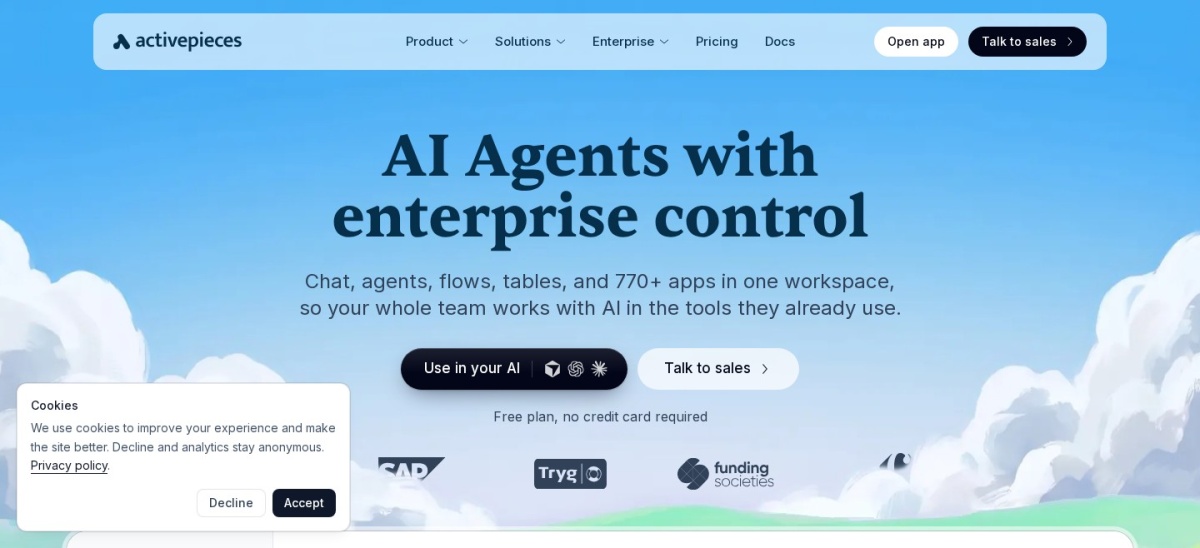
Activepieces homepage, captured Nov 2026.
Activepieces is an open-source automation platform with an MIT-licensed core, AI steps, MCP support, and 770+ integrations. Its cloud free plan includes 1,000 monthly credits, unlimited flows, and up to five users.
The trade off is a smaller connector library than Zapier and higher credit costs on AI steps, with Plus at $20 per month for 10,000 credits. It suits teams that want open-source flexibility or per-run credit efficiency.
Free cloud tier includes 1,000 monthly credits and up to five users
Includes AI agents, MCPs, and code steps in a clean visual builder
Watch out for
Smaller integration catalog than Zapier or Make
AI steps consume multiple credits per run compared to basic steps
Plus raises usage to 10,000 monthly credits with pay-as-you-go overages and bring-your-own AI keys.Visit activepieces.com
05
Integrately
4.7/5on G2 (713 reviews, checked Nov 2026)
Paid from$240/yr
Best for ready-made templates and straightforward setup
Workflow style1-click templates
Free quota100 tasks/mo
Entry paid plan$19.99/mo Starter
G2 rating4.7/5 (713)
integrately.com
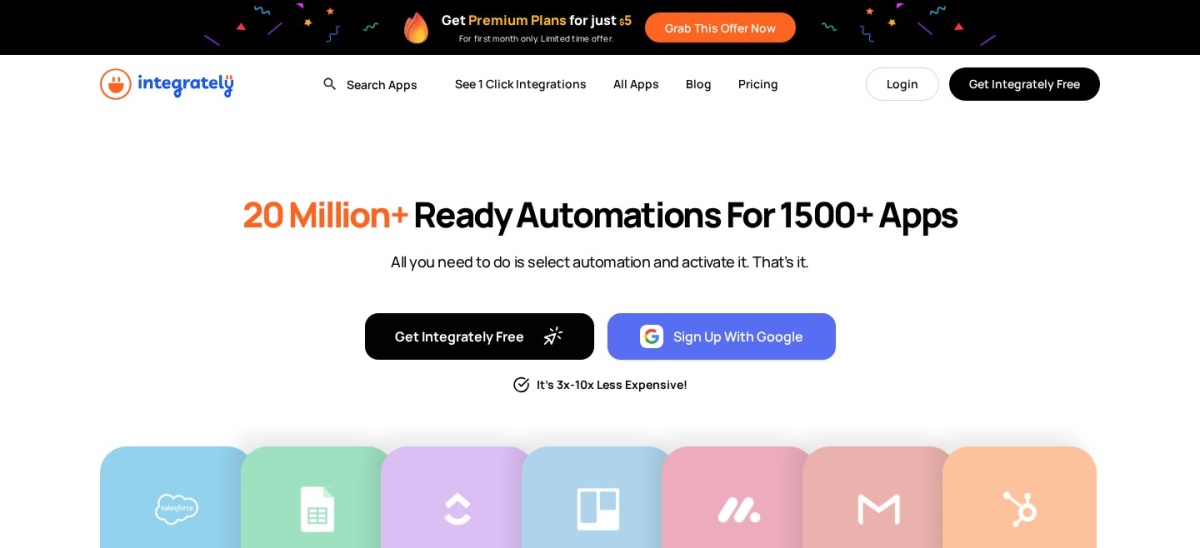
Integrately homepage, captured Nov 2026.
Integrately is a no-code automation tool focused on pre-built workflow templates, webhooks, and multi-step app connections. Its free plan provides 100 tasks per month across up to five single-step automations with 15-minute polling.
The trade off is a less modern interface for complex logic, with Starter priced at $19.99 per month for 2,000 tasks and 20 automations. It suits small teams that want quick template setup and responsive support.
What we like
Large library of pre-built automation templates speeds up initial setup
Starter plan adds multi-step workflows, webhooks, and branching filters
Reviewers frequently highlight helpful onboarding and customer support
Watch out for
Free plan caps workflows at five single-step automations
Less suited to intricate custom logic than visual canvas platforms
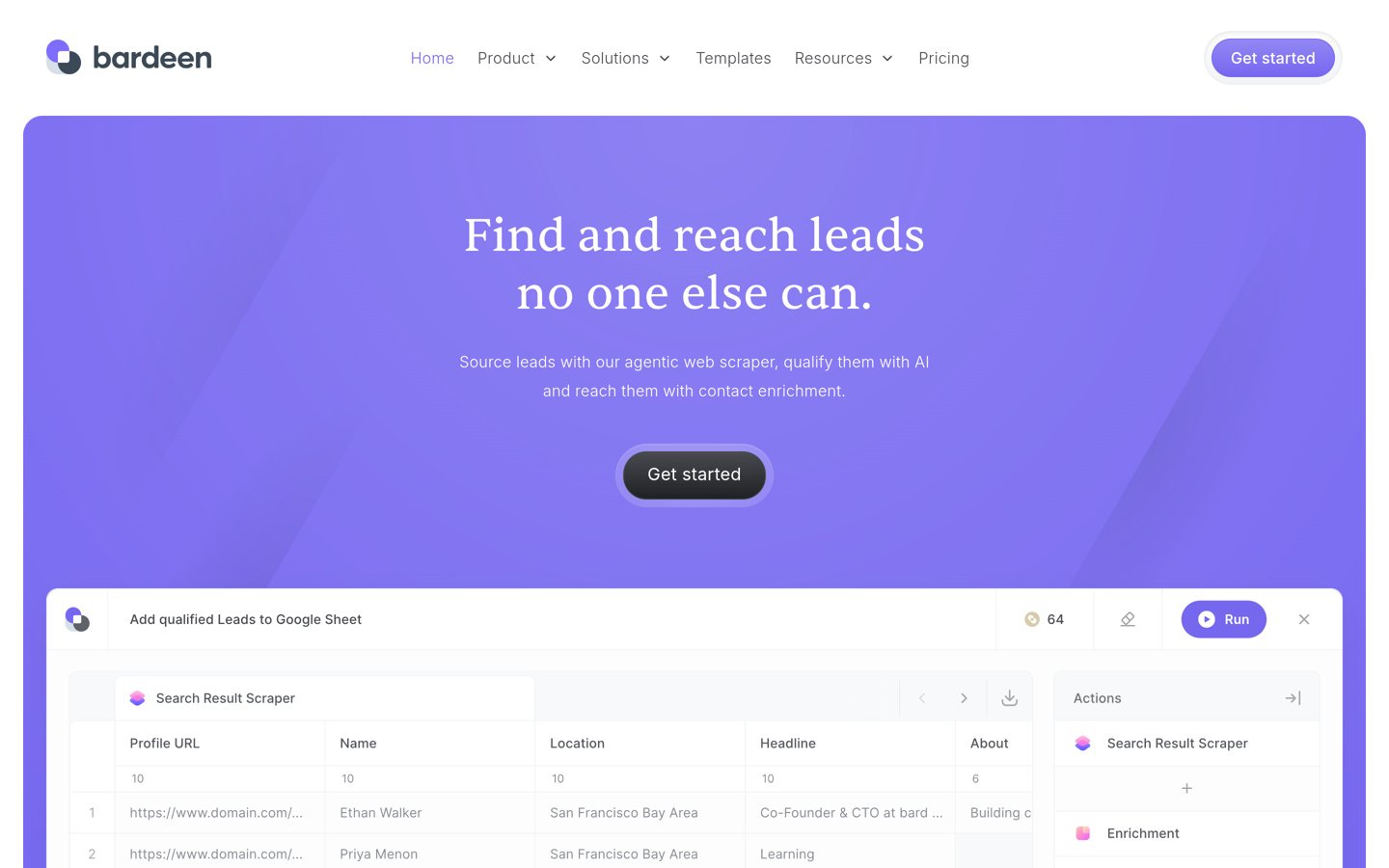
Bardeen runs browser automations and AI playbooks that extract page data and move it into spreadsheets, CRMs, and apps. It offers a free starter tier alongside pre-built playbooks for repetitive browser tasks.
The trade off is credit consumption and browser reliance, with paid plans starting at $10 per month on Basic. It suits sales, research, and operations users automating work directly inside their browser.
What we like
Strong browser scraping and playbook library for web data tasks
Low entry paid tier starting at $10 per month on Basic
Combines Chrome extension workflows with Bardeen Studio
Watch out for
Credit limits can run down quickly on heavy extraction tasks
Smaller review footprint on G2 than older backend automation tools
Paid plans expand monthly credit allowances and workflow options beyond the free starter tier.Visit bardeen.ai
07
IFTTT
4.5/5on G2 (117 reviews, checked Nov 2026)
Paid from$25/yr
Best low-cost entry plan for simple triggers and AI
Services1,000+ apps/IoT
Free quota1,000 credits/mo
Entry paid plan$2.09/mo yearly
G2 rating4.5/5 (117)
ifttt.com
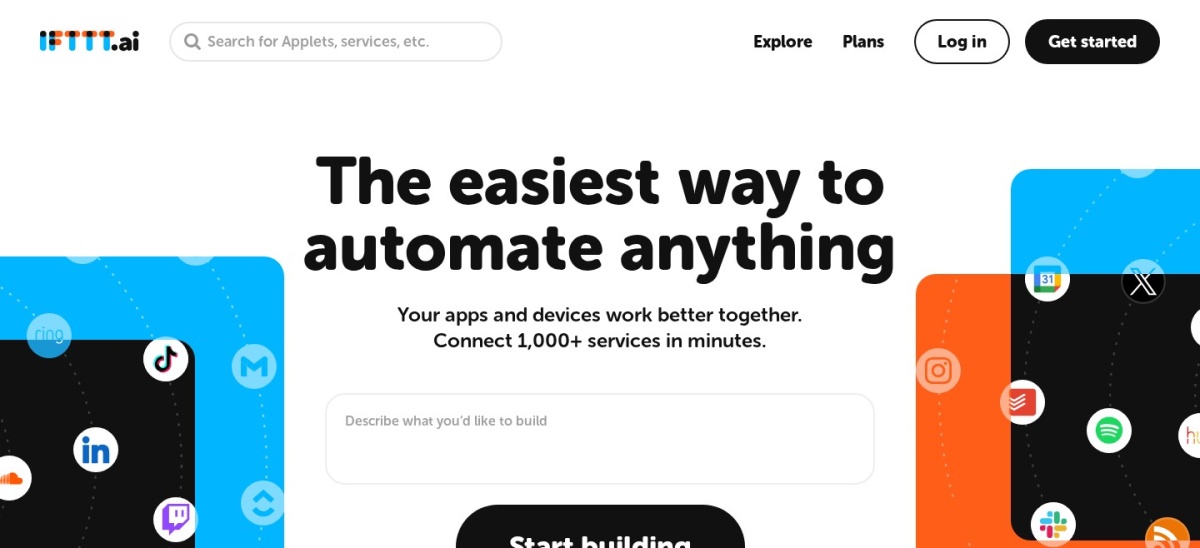
IFTTT homepage, captured Nov 2026.
IFTTT connects 1,000+ apps, devices, and AI features using simple trigger-action Applets and MCP access. Its free plan includes 1,000 monthly credits and unlimited Applets with hourly polling.
The trade off is simpler workflow logic and slower polling on lower tiers, with Starter at $2.09 per month billed annually ($25.08 per year). It suits personal workflows, simple alerts, and budget-conscious users.
What we like
Lowest paid starting price on this list at $25.08 per year billed annually
Free plan includes 1,000 monthly credits and access to all 1,000+ services
Fast setup for straightforward trigger-to-action Applets and notifications
Watch out for
Hourly polling on the free tier delays time-sensitive triggers
Less suited to complex multi-branch business logic than Make or n8n
Starter increases monthly allowance to 5,000 credits, speeds up polling to 15 minutes, and adds basic support.Visit ifttt.com
How automation billing differs for AI workflows
ChatGPT steps often run inside workflows that call external APIs, spreadsheets, or messaging apps, so small differences in metering add up. Task-based tools count each action step, credit-based tools count each module or AI step, and execution-based tools like n8n count one run per workflow execution.
Before choosing an annual plan, estimate how many steps each workflow runs per day and whether AI prompts or web calls multiply usage. A five-step workflow running 200 times a month behaves very differently under per-run versus per-step billing.
How we chose
This list covers established workflow and automation tools that connect with ChatGPT, OpenAI models, or AI agent steps across web apps, browsers, and custom endpoints.
Ratings, review counts, and regular entry pricing were checked on 22 Nov 2026 using G2 listings and vendor pricing pages, focusing on regular annual or entry paid tiers.
Tools without clear public pricing or verified active status were left out so every entry reflects current figures. No vendor paid for a place, and we do not claim testing for this list.
How to pick the right ChatGPT automation tool
Start with your workflow shape and run volume before comparing monthly prices.
Map your core apps and triggers first. Check whether the platform connects directly to your CRM, inbox, spreadsheet, or chat tools natively or via webhooks and MCP.
Match the billing unit to your workflow length. Short, occasional workflows often fit step or credit plans, while longer multi-step runs can favor per-execution billing.
Test on a free tier before paying annually. Verify polling speed, error logs, and AI credit burn on real sample data before committing to an annual subscription.
Decide between cloud convenience and self-hosting. Hosted plans save server upkeep, while self-hostable options give technical teams more control over runtime and data.
FAQ
Can ChatGPT trigger automations in other apps automatically?
Yes, automation platforms connect ChatGPT or OpenAI steps to external apps using native integrations, webhooks, API keys, or MCP servers. You can start workflows from events like new messages, form entries, or scheduled runs.
Do I need a paid automation plan to try ChatGPT workflows?
No, several platforms on this list offer free tiers with monthly task or credit allowances. Free plans usually cap active workflows, monthly runs, or polling speed, so they work best for testing.
What is the difference between per-task and per-execution pricing?
Per-task or per-credit billing generally charges for each action or module that runs inside a workflow. Per-execution billing, such as n8n Cloud, counts one execution per workflow run regardless of how many steps execute.
Why do AI steps cost more than standard automation steps?
AI actions invoke language models or agent reasoning, which can consume extra tokens, credits, or multiple tool calls per run. Always check how a platform meters AI steps before scaling automated runs.
When should I choose a visual builder like Make over Zapier?
Make is helpful when you want to see branching paths, routers, and filters laid out on a visual canvas at a lower starting price. Zapier often appeals when you want a large app directory and straightforward setup.
Are self-hosted automation tools free to run?
Self-hosted software like n8n Community Edition or Activepieces has no license fee for its base self-hosted edition, though you still pay for your server or hosting infrastructure. Self-hosting also requires ongoing updates and uptime monitoring.