Best AI Video Generation Tools from Image in 2026: 7 Tools Compared
WLWPLegible EditorsLast verified 22 Nov 2026How we rank9 min read
★ Short answer
Runway is the best AI video generation tool from images, offering 625 monthly credits and access to multiple generation models for $12 per month with annual billing. Adobe Firefly suits commercial creative workflows, while PixVerse offers affordable photo animation with 1,200 recurring membership credits.
How we make this list: we compare pricing pages, product documentation and public user reviews, then re-check every price before each update. No product paid for a place. Disclosure.
Runway earns 4.2/5 from 153 G2 reviews and starts at $144 per year with annual billing.
Adobe Firefly Standard costs $9.99 per month and includes 2,000 monthly generative credits.
PixVerse Standard regularly costs $10 per month and includes 1,200 membership credits every 30 days.
Leonardo.Ai Essential includes 8,500 monthly fast tokens for $12 per month with annual billing.
Pika Starter provides 600 monthly credits for $8 per month with annual billing.
Luma Plus includes 10,000 credits for $25 per month with annual billing, but its Trustpilot rating is only 1.4/5.
What to look for in AI image-to-video generation tools
AI image-to-video generators transform still photographs, illustrations and digital artwork into moving scenes. Users generally upload an image and provide instructions describing subject movement, camera motion or changes within the environment.
Image consistency is an important consideration. A useful generator should preserve recognizable faces, product shapes, clothing and background details while introducing natural movement.
Look for motion controls that match your creative requirements. Camera movements, reference frames and subject animation settings can help guide the output beyond what a simple written prompt provides.
Compare generation credits alongside subscription prices. Video duration, resolution, selected model and repeated generation attempts can substantially affect how much usable footage a subscription produces.
Review commercial usage permissions, image privacy settings and watermark restrictions before using generated videos in paid advertising or client projects. Access to a generation model does not automatically guarantee unrestricted usage rights.
Runway is an AI creative platform that converts reference images into animated footage and provides additional video generation and editing capabilities. Its Standard subscription provides 625 monthly credits, equivalent to approximately 52 seconds of Gen-4.5 footage or 104 seconds using Gen-4 Turbo.
The trade off is that repeated generation attempts can consume credits quickly, particularly when refining detailed movements. Standard costs $12 per month with annual billing or $15 on monthly billing. It suits filmmakers, advertising teams and creators producing controlled visual sequences from still images.
What we like
Access to multiple image and video generation models
Supports controlled image-based video generation
Integrated creative production tools
Watermark-free output on Standard
Includes video upscaling functionality
Watch out for
Higher-quality models consume credits quickly
Generated subjects can change unexpectedly between frames
Free credits are provided only once
Standard adds recurring generation credits, broader model access and watermark-free output.Visit runway.com
02
Adobe Firefly
4.3/5on G2 (593 reviews, checked Nov 2026)
Paid from$9.99/mo
Best for commercial creative production workflows
Entry planFirefly Standard
Monthly generative credits2,000
Video generation allowanceUp to 20 five-second videos
Creative workspaceFirefly image and video editors
adobe.com
Adobe Firefly homepage, captured Nov 2026.
Adobe Firefly is a generative AI platform that creates images, videos and other creative assets from prompts and visual references. Its Standard subscription includes 2,000 monthly credits, enough for up to twenty five-second video generations under the published allowance.
The trade off is the limited video generation capacity when producing frequent variations. Standard costs $9.99 per month, while Pro regularly costs $19.99 and currently has a temporary 50% discount for the first six months. It suits designers and marketing teams working within Adobe's creative ecosystem.
What we like
Connects with Adobe creative workflows
Supports reference-based video generation
Includes image and video editing tools
Clear published entry-level generation allowance
Adobe publishes information about model training practices
Watch out for
Entry-plan video generation capacity is limited
Advanced models may consume more credits
Commercial usage conditions can differ between models
Standard expands generative credit allowances and access to premium creation features.Visit adobe.com
03
PixVerse
4.8/5on G2 (31 reviews, checked Nov 2026)
Paid from$10/mo
Best for social media animations and visual effects
Entry planStandard
Recurring membership credits1,200 every 30 days
Daily Standard credits60
Standard resolutionUp to 720p
pixverse.ai
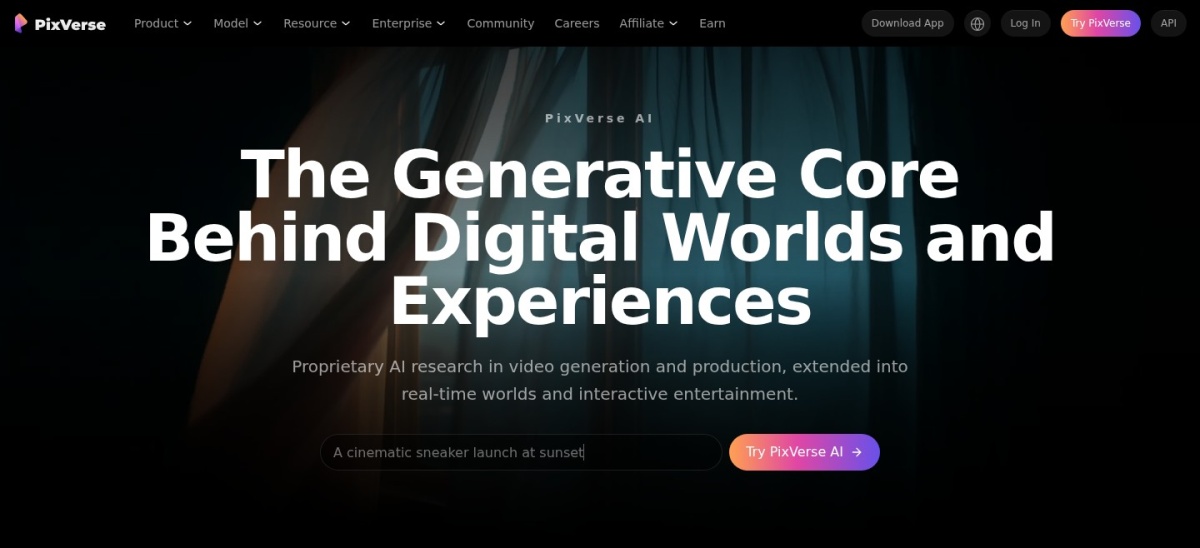
PixVerse homepage, captured Nov 2026.
PixVerse is an AI video generation platform that animates photographs and illustrations through motion prompts, effects and creative templates. Its Standard subscription includes 1,200 membership credits every 30 days, 60 daily credits and watermark-free generation up to 720p.
The trade off is that higher-resolution output and broader third-party video model access require upgraded subscriptions. Standard regularly costs $10 per month, with a discounted annual offer of $86.40 currently displayed. It suits social media creators producing short animations and promotional videos.
What we like
Free plan with recurring daily credits
Supports image animation and creative effects
Affordable entry-level subscription
Watermark-free paid video generation
Supports concurrent generation tasks
Watch out for
Standard resolution is limited to 720p
Smaller G2 review sample than Runway and Firefly
Trustpilot feedback is considerably less favorable
Premium model access requires higher subscriptions
Standard adds recurring membership credits, higher resolution and watermark-free generation.Visit pixverse.ai
04
Leonardo.Ai
4.5/5on G2 (34 reviews, checked Nov 2026)
Paid from$12/mo
Best for creating original images and animating them
Entry planEssential, billed annually
Monthly fast tokens8,500
Available models80+
Token bank25,500
leonardo.ai
Leonardo.Ai homepage, captured Nov 2026.
Leonardo.Ai is an AI creative platform that combines image generation, visual editing and motion creation in a shared workspace. Its Essential subscription includes 8,500 monthly fast tokens, access to more than 80 models across its creative tools and private generation options.
The trade off is that video generation shares subscription resources with other creative activities, and token consumption varies by model. Essential costs $12 per month with annual billing. It suits illustrators, designers and creators who generate original artwork before converting it into animated footage.
What we like
Combines image generation and video creation
Broad selection of creative AI models
Private creation options on Essential
Supports reusable visual styles
Includes a token bank for additional flexibility
Watch out for
Video generation competes with other token-based tasks
Essential adds expanded model access, private creations and monthly fast tokens.Visit leonardo.ai
05
Pika
2.3/5on Trustpilot (81 reviews, checked Nov 2026)
Paid from$8/mo
Best for stylized image animation and creative transformations
Entry planStarter, billed annually
Monthly credits600
Pika 2.5 generation20 credits for 5 seconds at 720p
Parallel video generations2
pika.art
Pika homepage, captured Nov 2026.
Pika is an AI video creation platform offering image animation, motion transfer, visual transformations and access to several video models. Its Starter subscription includes 600 monthly credits, with a five-second Pika 2.5 generation at 720p consuming 20 credits.
The trade off is that premium models can consume substantially more credits, and its Trustpilot rating indicates customer satisfaction concerns. Starter costs $8 per month with annual billing or $10 monthly. It suits creators experimenting with stylized animations and short visual effects rather than predictable long-form production.
What we like
Affordable annual entry-level subscription
Supports creative image transformations
Access to several video generation models
Commercial license included on Starter
Supports motion transfer and video extension
Watch out for
Low Trustpilot customer rating
Free account has no recurring monthly credits
Priority generation queue requires a higher subscription
Premium models consume credits more quickly
Starter adds recurring generation credits and commercial usage permissions.Visit pika.art
06
Luma
1.4/5on Trustpilot (72 reviews, checked Nov 2026)
Starts at$25/mo
Best for cinematic creative workflows
Entry planPlus, billed annually
Included credits10,000
Commercial useIncluded on Plus
Model selectionLuma and third-party models
lumalabs.ai
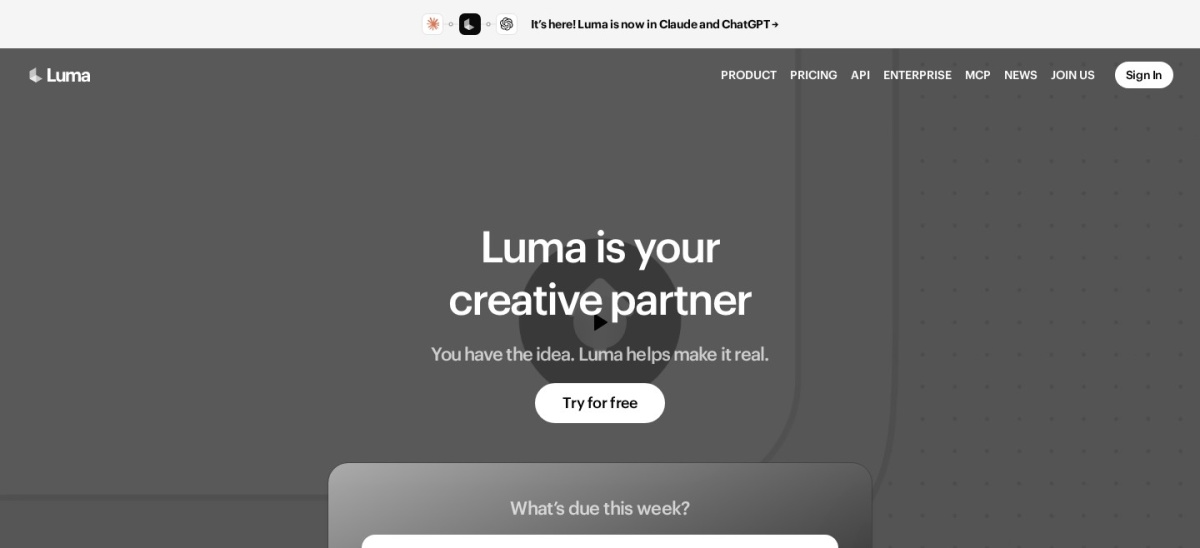
Luma homepage, captured Nov 2026.
Luma is an AI creative platform that supports reference-based video generation, image creation and cinematic production workflows. Its Plus subscription includes 10,000 credits, commercial usage permissions and access to both proprietary and third-party creative models.
The trade off is its higher entry cost and particularly low Trustpilot rating, with reviewers reporting concerns about generation consistency and credit consumption. Plus costs $25 per month with annual billing or $30 monthly. It suits experienced creators exploring cinematic sequences who can carefully evaluate generation costs before committing.
What we like
Supports cinematic image-based video generation
Access to multiple creative models
Includes commercial usage permissions
Supports collaborative creative workflows
Watch out for
Higher entry subscription than several competitors
Very low Trustpilot customer rating
Repeated generations can increase processing costs
No permanent free subscription listed on the current pricing page
Plus includes generation credits, commercial use and guest collaborator editing access.Visit lumalabs.ai
07
Pollo AI
4.7/5on G2 (139 reviews, checked Nov 2026)
Paid from$15/mo
Best for comparing multiple image-to-video models
Entry planLite
Monthly billing allowance400 credits
Parallel tasks2
Model selectionKling, Seedance, Hailuo and others
pollo.ai
Pollo AI homepage, captured Nov 2026.
Pollo AI is a multi-model creative platform that converts still images into videos using different generation engines. Its official monthly pricing comparison describes Lite as a $15 subscription with 400 credits, two parallel tasks and watermark-free output.
The trade off is pricing transparency, since its main subscription page did not expose individual plan prices during our review and separate vendor comparisons advertise lower starting rates. The documented monthly Lite rate is $15. It suits creators comparing different animation engines without maintaining separate subscriptions.
What we like
Access to several image-to-video generation engines
Includes image animation and video editing tools
Supports motion imitation and video extension
Positive aggregate G2 customer rating
Free entry option
Watch out for
Subscription prices differ across official vendor pages
Model-specific credit consumption varies
Subscription credits do not roll over
Individual plan pricing requires confirmation at checkout
Lite expands generation credits and removes video export watermarks.Visit pollo.ai
Image-to-video AI vs. text-to-video AI
Image-to-video generation uses an existing visual reference as the starting point. This makes it useful when preserving a product design, character appearance or specific photographic composition matters.
Text-to-video generation creates a scene from written instructions without requiring an initial image. It offers greater flexibility for developing entirely new environments but may provide less control over the initial visual composition.
Image-based generation is particularly useful for businesses that already have product photographs, illustrations or branded assets. Existing visuals provide a starting reference that can help maintain creative consistency.
How to get better results from AI image-to-video generators
Start with a clear image containing a recognizable subject and an uncluttered composition. Blurry source images and complicated backgrounds can make consistent animation more difficult.
Describe the movement you want rather than repeating everything visible in the source image. Explain whether the subject should move, the camera should move or the environment should change.
Keep initial motion instructions simple. A gentle camera movement or subtle subject animation is often easier to guide than several simultaneous actions involving multiple subjects.
Inspect generated footage for changes in facial appearance, product details, text and background objects. Refine the prompt when necessary, while monitoring how repeated generations affect your remaining credit balance.
How we chose
We selected established AI video generation platforms with documented image animation capabilities and public reviews on G2 or Trustpilot. The comparison considers model selection, motion workflows, subscription allowances, commercial usage conditions and customer feedback.
The requested editorial verification date is 22 Nov 2026, while the pricing and review pages were accessed on 24 Nov 2026. Prices use regular published rates or standard annual billing where available. Pollo AI's monthly price comes from an official vendor comparison because its main pricing page did not expose individual rates. Trustpilot ratings represent company-level customer feedback.
We excluded products without accessible review evidence or sufficient official pricing information. Lower-rated products remain included for their specialized capabilities, with customer satisfaction concerns explicitly identified. Rankings reflect documented purchasing considerations rather than independently measured video quality. No vendor paid for a place, and we do not claim testing for this list.
How to choose the best AI video generation tool from images
Identify your intended video style, required generation volume, source image characteristics and commercial usage requirements before comparing subscriptions.
Choose the type of motion you need. Determine whether your projects require realistic subject movement, cinematic camera motion, stylized effects or simple animated photographs. Select a generator with documented features supporting your intended visual style.
Compare generation costs rather than credit totals. Check how many credits your preferred model consumes for a particular video duration and resolution. Include potential regeneration attempts when estimating monthly costs because credit systems are not directly comparable between platforms.
Review output quality and usage permissions. Confirm supported video resolutions, watermark restrictions, commercial licenses and image privacy conditions. Check whether third-party generation models have different usage terms from the platform's proprietary models.
Evaluate representative source images before subscribing. Use available free credits or trial access to generate footage from your own photographs. Examine subject consistency, motion quality and background stability before purchasing an annual subscription.
FAQ
What is the best AI video generation tool from an image?
Runway is our top recommendation because it combines reference-based video generation with multiple creative models and additional production tools. Adobe Firefly suits Adobe users, while PixVerse provides an affordable option for short social media animations.
Can AI turn a single image into a video?
Yes. Image-to-video AI generates a sequence of moving frames using a still image as its visual reference. Written motion instructions can guide subject movement, camera direction and environmental changes within the generated scene.
What is the best free AI image-to-video generator?
PixVerse offers a free account with 30 recurring daily credits, making it useful for occasional image animation. Runway provides 125 one-time free credits, while Adobe Firefly and Leonardo.Ai offer limited free creative generation.
How much do AI image-to-video generators cost?
Regular entry prices include $8 per month for Pika with annual billing, $9.99 monthly for Adobe Firefly and $12 per month for Runway with annual billing. Actual generation costs depend on model selection, duration and resolution.
Can AI animate old photographs?
Yes. Image-to-video tools can introduce facial movements, environmental motion and camera effects into old photographs. However, generated movements are synthetic interpretations and may introduce details that were not present in the original image.
Can I use AI-generated videos commercially?
Commercial usage depends on the platform, subscription, selected generation model and rights associated with the uploaded image. Review the applicable licensing terms before publishing generated content in paid advertisements, client projects or commercial productions.
Which AI image-to-video tool is best for product photos?
Adobe Firefly is a practical choice for established creative workflows, while Runway provides broader generation and editing capabilities. For product videos, carefully inspect generated footage to ensure that logos, packaging and product characteristics remain accurate.
Why do AI image-to-video generators change faces?
AI video models generate new frames by estimating movement and visual details from the reference image. They can introduce unintended changes in facial features, particularly during complex movements, occlusion or significant changes in camera perspective.