Best AI Workflow Automation Tools in 2026: 8 Tools Compared
WLWPLegible EditorsLast verified 22 Nov 2026How we rank14 min read
★ Short answer
n8n is the strongest overall AI workflow automation tool, combining native AI agent nodes, MCP support, and a free self-hosted Community Edition alongside cloud hosting from about $276/yr (€240). Non-technical teams connecting thousands of SaaS apps should look at Zapier, while WordPress site owners get direct plugin control from Uncanny Automator.
How we make this list: we compare pricing pages, product documentation and public user reviews, then re-check every price before each update. No product paid for a place. Disclosure.
n8n charges per full workflow execution rather than per step, starting at about $276/yr (€240) billed annually for 2,500 monthly runs or $0 self-hosted.
Zapier connects over 9,000 apps and includes 100 free monthly tasks, with multi-step workflows starting at $240/yr ($19.99/mo billed annually).
Make gives you 10,000 monthly credits for $144/yr ($12/mo billed annually), making complex branching scenarios far cheaper than Zapier at moderate volume.
Uncanny Automator acts as an MCP server for WordPress with 150 free daily AI tool uses, while Pro unlocks unlimited usage from $199/yr.
Bit Flows avoids recurring task fees inside WordPress by running unlimited workflows and AI agents on your own server for $59/yr.
What to look for in an AI workflow automation tool
Traditional automation tools move data from trigger A to action B using rigid rules. AI workflow automation adds large language models, autonomous agents, and Model Context Protocol (MCP) servers into those pipelines so workflows can classify text, draft replies, extract structured fields from messy documents, and decide which tool to call next.
Pricing models matter more here than in standard SaaS because AI steps multiply usage fast. Platforms that bill per step or per action—such as Zapier and Make—can burn through monthly allowances during multi-turn agent loops, whereas execution-based tools like n8n or self-hosted WordPress plugins like Bit Flows let complex multi-step flows run without per-step penalties.
You also need to decide where data lives and whether you bring your own API keys. Cloud platforms bundle model access behind proprietary credit meters, while self-hosted or WordPress-native tools let you plug in your own OpenAI, Anthropic, or Gemini keys directly and keep sensitive site records on your own infrastructure.
n8n is a source-available workflow automation platform that pairs a visual node canvas with JavaScript, Python, native AI Agent nodes, and MCP support. Its self-hosted Community Edition costs $0 to license with no execution cap from n8n, while n8n Cloud Starter includes 2,500 monthly workflow executions, unlimited users, and 1,600 Assistant credits.
The trade off is setup complexity and cloud entry cost: n8n Cloud has no permanent free tier after its 14-day trial, starting at €20/mo (about $23/mo) billed annually (about $276/yr, or €24/mo monthly), and self-hosting requires managing your own server. It suits technical teams and high-volume builders who want per-execution billing rather than per-step fees.
What we like
Bills per full workflow execution rather than individual steps
Free self-hosted Community Edition with no vendor run caps
Native AI Agent orchestration, MCP support, and custom code nodes
Unlimited users and workflows included on every cloud tier
Watch out for
Steeper learning curve than linear no-code builders
Zapier is the largest no-code automation platform, connecting more than 9,000 apps alongside built-in Tables, Forms, Zapier Copilot, and MCP support. Its Free forever plan covers 100 tasks per month on two-step Zaps, while Professional unlocks multi-step Zaps, filters, branching paths, and premium apps starting at 750 tasks per month.
The trade off is per-task pricing that climbs quickly: Professional starts at $19.99/mo billed annually ($240/yr, or $29.99/mo billed monthly), and AI or MCP calls consume multiple tasks from your shared allowance. It suits non-technical teams that prioritize instant connectors across niche SaaS tools over low high-volume unit costs.
What we like
Largest integration directory at 9,000+ supported apps
Includes Tables, Forms, and Copilot on every tier including Free
Filter, Formatter, Paths, and Delay steps do not consume tasks
Fastest setup for non-technical operators
Watch out for
Free plan restricts workflows to single-action two-step Zaps
Task tiers get expensive as multi-step and AI volume grows
Professional ($240/yr) unlocks multi-step Zaps, branching paths, and 750 tasks/mo.Visit zapier.com
03
Uncanny Automator
4.9/5on WordPress.org (157 reviews, checked Nov 2026)
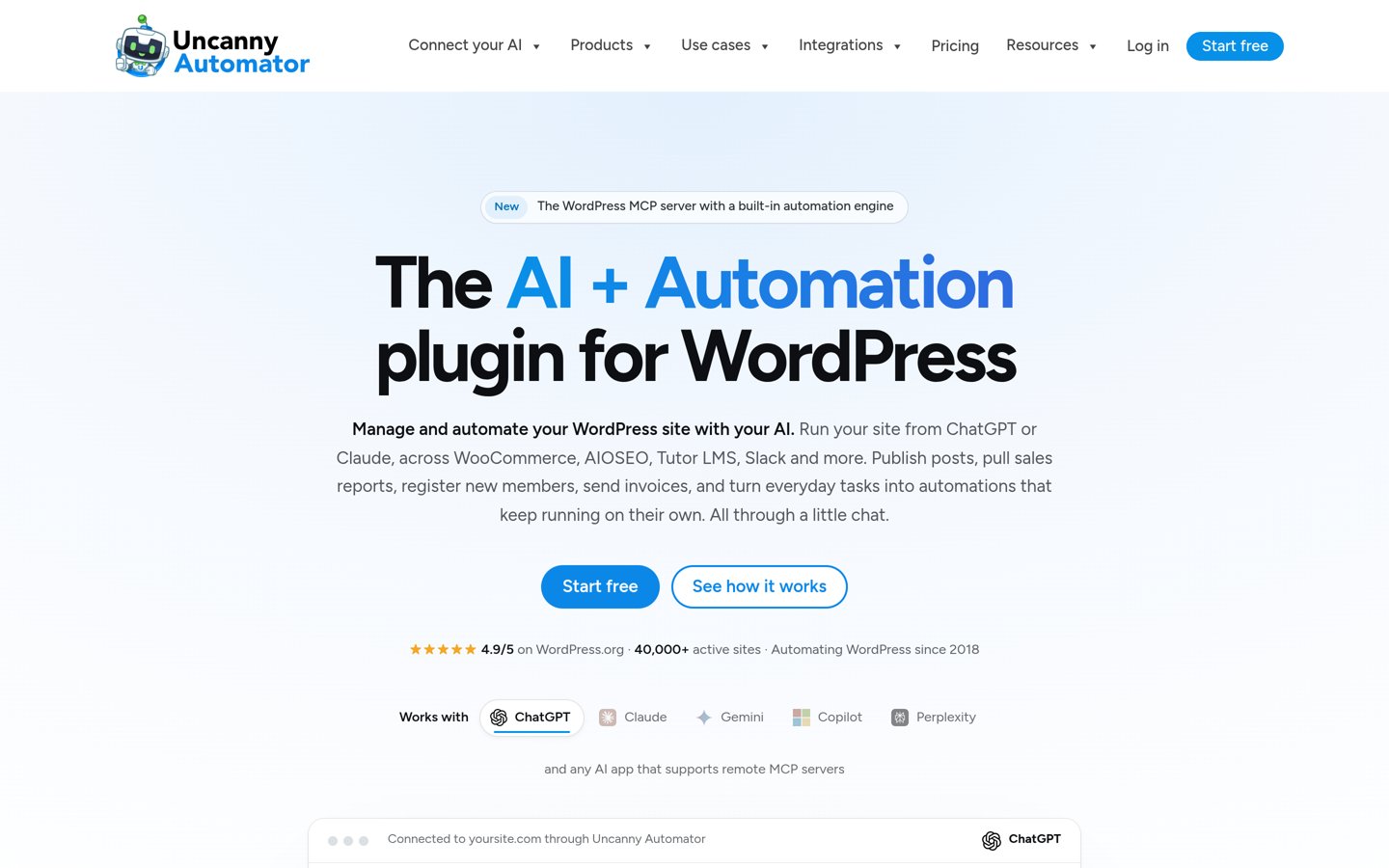
Uncanny Automator is a WordPress automation plugin and MCP server that lets Claude, ChatGPT, Gemini, or its built-in Uncanny Agent manage your site and build deterministic recipes. The free Lite plugin includes unlimited plugin-to-plugin automations across 420+ triggers and 440+ actions, 250 external app credits, and 150 AI tool uses per day.
The trade off is that external app automation and advanced recipe logic require upgrading: Basic renews at $199/yr (currently discounted to $120 for the first year with two sites) for unlimited AI tool usage, loops, schedules, and 240+ integrations. It suits WordPress site owners who want AI agents and plugins working together inside wp-admin.
What we like
Built-in MCP server connects Claude, ChatGPT, and Gemini to WordPress
Unlimited internal WordPress plugin-to-plugin recipes on the free tier
Built-in Uncanny Agent works without a separate AI subscription
Granular permission switches for database, file, and plugin actions
Watch out for
Free tier caps external app actions at 250 one-time credits
Salesforce and QuickBooks Online require the $599/yr Elite plan
Min schedule interval1 minute on Core (15 min on Free)
make.com
Make homepage, captured Nov 2026.
Make is a visual workflow platform built around a flowchart canvas with routers, iterators, aggregators, and modules for 3,500+ apps including OpenAI and Anthropic. Its Free plan includes 1,000 monthly credits with multi-step branching enabled, while Core bumps that allowance to 10,000 credits per month and removes the two-scenario cap.
The trade off is credit metering on every executed module, including triggers and test runs, plus no native self-hosting option. Core costs $12/mo billed annually ($144/yr, or $16/mo monthly). It suits visual thinkers and small teams running data-heavy multi-branch workflows who want lower entry pricing than Zapier.
What we like
10,000 monthly credits on Core for $144/yr undercuts Zapier on volume
Multi-step scenarios with routers and filters work on the Free plan
Unlimited users included across every plan tier
Strong JSON, array, and data transformation tools
Watch out for
Triggers and manual test runs consume monthly credits
Free plan limits you to 2 active scenarios and 15-minute intervals
Core ($144/yr) provides 10,000 credits/mo, Make API access, and 1-minute intervals.Visit make.com
05
Activepieces
4.8/5on G2 (142 reviews, checked Nov 2026)
Paid from$20/mo
Best open-source MIT alternative to Zapier
Entry paid price$20/mo ($240/yr; 2 months off annual)
Free tier1,000 cloud credits/mo + MIT self-host
Integrations770+ pieces plus MCPs and Tables
Overage rate$0.007 per extra credit on Plus
activepieces.com
Activepieces homepage, captured Nov 2026.
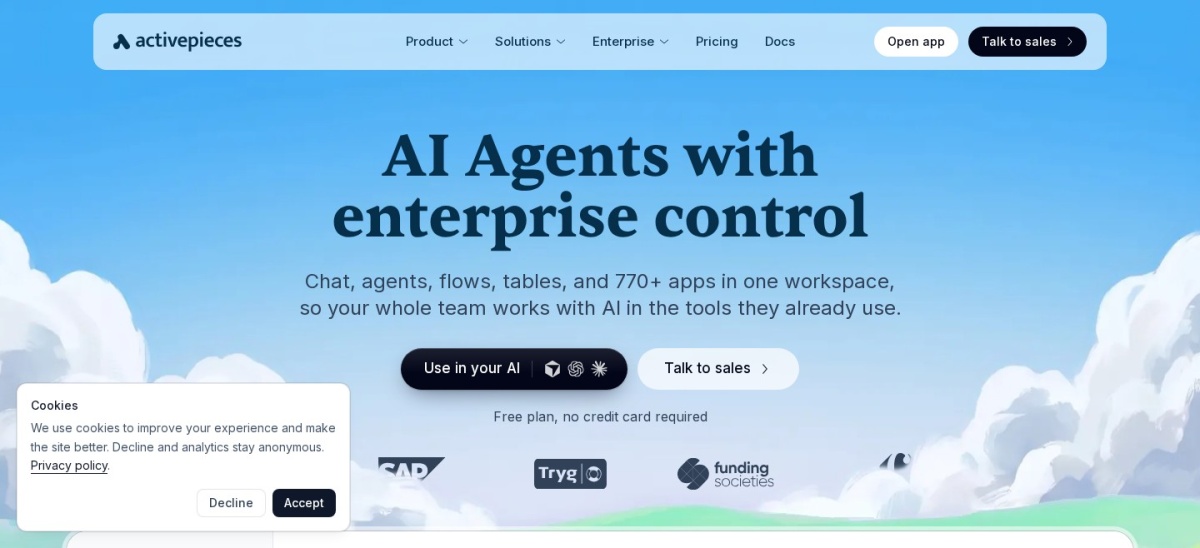
Activepieces is an open-source, MIT-licensed automation platform combining a clean flow builder with AI Agents, Tables, Chat-to-Automation, and MCP support. Its cloud Free tier gives up to 5 users 1,000 credits per month with unlimited flows, while Plus scales to 10,000 monthly credits, bring-your-own AI keys, and $0.007 per-credit overages.
The trade off is a smaller app catalog (770+ integrations) than Zapier or Make, and built-in AI model steps consume 2 to 20 credits depending on model tier unless you bring your own API keys. Plus costs $20/mo ($240/yr). It suits teams wanting permissive MIT open-source licensing with an approachable no-code interface.
What we like
Permissive MIT open-source license allows self-hosting and customization
Standard flow runs cost 1 credit regardless of how many steps they contain
Generous cloud Free plan includes 1,000 credits/mo and up to 5 users
Bring-your-own AI keys supported on the $20/mo Plus tier
Watch out for
Smaller library of 770+ integrations compared to Zapier or Make
SSO, global connections, and 25 seats jump to $200/mo on Team
Plus ($240/yr) includes 10,000 credits/mo, BYO AI keys, and pay-as-you-go overages.Visit activepieces.com
06
OttoKit
4.9/5on WordPress.org (125 reviews, checked Nov 2026)
Paid from$9/mo
Best budget task-based automation for WordPress & SaaS
Entry paid price$9/mo billed annually ($108/yr)
Free tier250 tasks/mo, up to 5 workflows
Integrations1,200+ SaaS apps and WordPress plugins
AI featuresAI Agents, MCP server & Human-in-Loop
ottokit.com
OttoKit homepage, captured Nov 2026.
OttoKit (formerly SureTriggers) is a cloud automation platform with deep WordPress integration, AI Agents, an MCP server, and Human-in-the-Loop approval steps across 1,200+ apps. Its Free plan includes 250 monthly tasks and up to 5 workflows, while the Pro subscription unlocks unlimited workflows, 5 WordPress site connections, and 5,000 tasks per month.
The trade off is that workflows execute on OttoKit's cloud infrastructure rather than self-hosted inside your server, and the free tier caps you at 250 tasks. Pro is $9/mo billed annually ($108/yr), with one-time lifetime licenses also sold from $499. It suits WordPress site owners and solo operators seeking low-cost Zapier-style task limits.
What we like
5,000 monthly tasks for $108/yr is among the lowest per-task rates
Includes AI Agents, MCP server, and Human-in-the-Loop on Pro
Optional one-time lifetime plans available starting at $499
Watch out for
Cloud-hosted execution means workflow data leaves your server
Free plan is limited to 250 tasks/mo and 5 active workflows
Pro ($108/yr) unlocks 5,000 tasks/mo, unlimited workflows, and 5 WordPress sites.Visit ottokit.com
07
Bit Flows
4.9/5on WordPress.org (160 reviews, checked Nov 2026)
Paid from$59/yr
Best unlimited-task WordPress automation plugin
Entry paid price$59/yr for 1 site (or $159 one-time)
Free tierFree WordPress.org plugin available
Billing unitUnlimited workflows, steps & tasks
AI & logicAI Agent, MCP Client, Router & Iterator
bit-flows.com
Bit Flows homepage, captured Nov 2026.
Bit Flows is a self-hosted WordPress workflow automation plugin from Bit Apps that runs multi-step visual flows, AI Agents, MCP Client nodes, routers, and iterators directly inside your site. Because workflows execute on your own WordPress hosting, every tier includes unlimited workflows, steps, and task runs across 334+ integrations with zero per-task surcharges.
The trade off is a smaller integration catalog (334+ apps) than cloud iPaaS giants and reliance on your own hosting resources and AI API keys. The 1-site annual license is $59/yr (with a $159 one-time lifetime option also listed). It suits WordPress users who want predictable flat-rate pricing without monthly task meters.
What we like
Zero task, step, or workflow execution limits on any plan
Keeps workflow logs and execution data on your own WordPress server
Includes AI Agent, MCP Client, Human-in-the-Loop, and JSON/CSV parsers
Lowest annual entry price on this list at $59/yr
Watch out for
334+ integrations is smaller than Zapier, Make, or OttoKit
Heavy scheduled loops depend on your WordPress hosting performance
1-Site Pro ($59/yr) includes all 334+ integrations, AI Agent, and unlimited runs.Visit bit-flows.com
08
Gumloop
4.8/5on G2 (7 reviews, checked Nov 2026)
Starts at$37/mo
Best for no-code multi-player AI agents with bundled models
Entry paid price$37/mo ($444/yr, monthly billing)
Free tier14-day Pro trial (no permanent free tier)
Seats & modelsUnlimited seats, 35+ built-in AI models
gumloop.com
Gumloop homepage, captured Nov 2026.
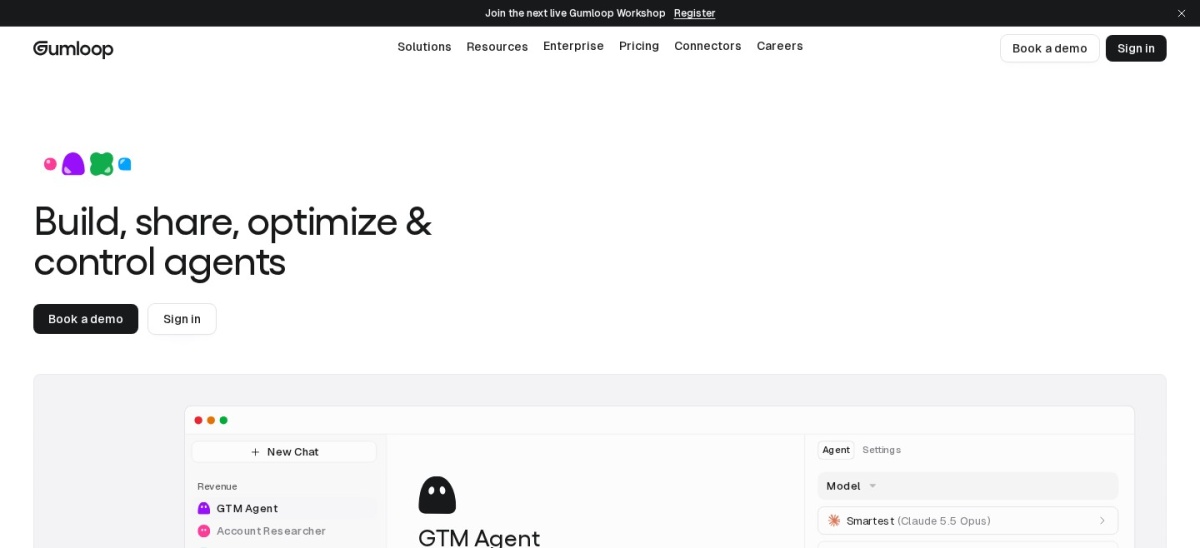
Gumloop is a no-code AI agent and automation platform that connects 250+ business apps and bundles 35+ AI models into a single subscription without requiring separate model API keys. Its Pro plan includes 20,000 monthly credits, unlimited seats and teams, 5 concurrent workflow runs, and a hosted MCP server.
The trade off is the lack of a permanent free plan and a higher starting price of $37/mo ($444/yr) with an 8% orchestration fee on model and compute usage (16% if you bring your own model keys). It suits collaborative business teams that want unlimited seat access to shared AI agents without managing API keys.
What we like
Unlimited workspace seats and teams included on the $37/mo Pro plan
35+ frontier and open-weight AI models included without separate API keys
Built-in hosted MCP server and Python sandbox execution
Strong connectors for HubSpot, Salesforce, Slack, and Google Workspace
Watch out for
No permanent free plan—only a 14-day trial requiring a credit card
8% orchestration fee and credit burn can add up on long agent runs
Pro ($444/yr) unlocks 20,000 credits/mo, unlimited seats, and 35+ AI models.Visit gumloop.com
Tasks vs. credits vs. executions: why AI changes the math
A five-step workflow that extracts lead details with an LLM, checks a CRM, and posts a summary to Slack costs one execution in n8n or Bit Flows, five credits in Make, and four or more tasks in Zapier. When you add an autonomous AI agent loop that retries a search or calls multiple MCP tools, per-step and per-action meters multiply fast.
Before committing to an annual plan, run one realistic workflow ten times on a free plan or trial and check the execution log. If each run burns dozens of credits or tasks, an execution-metered platform like n8n or a self-hosted WordPress plugin like Bit Flows will keep your annual bill predictable.
How we chose
We selected eight established AI workflow automation platforms spanning general-purpose cloud iPaaS tools, open-source self-hosted engines, and native WordPress automation plugins with MCP and AI agent support.
All prices, plan allowances, ratings, review counts, and active installation numbers were verified directly against official vendor pricing pages, WordPress.org plugin listings, and G2 product profiles on 22 Nov 2026.
We excluded legacy rule-only tools without AI agent or LLM workflow nodes, closed WordPress plugins, and enterprise-only platforms that hide entry pricing behind custom sales quotes. No vendor paid for a place, and we do not claim testing for this list.
How to choose an AI workflow automation tool
Match your team's technical comfort, data privacy rules, and monthly run volume to the right billing model before subscribing.
Check whether your workflows live inside WordPress or across SaaS apps. If most triggers involve WooCommerce orders, form submissions, or user roles, Uncanny Automator or Bit Flows keeps automations inside wp-admin without external task taxes.
Count steps per run to pick the right billing meter. High-step workflows and looping AI agents cost far less on per-execution tools like n8n or unlimited-run plugins like Bit Flows than on per-task platforms like Zapier.
Decide between bundled AI credits and bring-your-own API keys. Gumloop and Uncanny Agent include built-in model usage for fast setup, whereas n8n, Activepieces, and Bit Flows let you plug in your own OpenAI or Anthropic keys at raw token rates.
Verify data residency and self-hosting requirements. If customer records cannot pass through third-party cloud servers, choose self-hosted n8n, MIT-licensed Activepieces, or an on-site WordPress plugin.
FAQ
What is the best free AI workflow automation tool?
For technical users, n8n's self-hosted Community Edition is completely free with unlimited executions on your own server. For cloud no-code users, Make gives 1,000 free monthly credits with multi-step routers, while Activepieces offers 1,000 free cloud credits and an MIT-licensed self-hosted option.
What is the difference between AI workflow automation and standard automation?
Standard automation follows fixed if-this-then-that rules between apps. AI workflow automation embeds LLM prompts, autonomous agents, and MCP tool calls inside those flows so the system can summarize unstructured text, classify intent, and choose actions dynamically.
Which AI automation tool is best for WordPress sites?
Uncanny Automator is the strongest all-around choice for WordPress because it doubles as an MCP server for Claude, ChatGPT, and Gemini while connecting 240+ plugins. Bit Flows is the best alternative if you want unlimited runs on your own server for $59/yr.
Is Make cheaper than Zapier for AI workflows?
Yes, at moderate volumes Make is significantly cheaper: Core costs $144/yr for 10,000 monthly credits compared to Zapier Professional at $240/yr for 750 tasks. However, Make charges credits for triggers and test runs, so always measure actual credit burn per scenario.
What does MCP support mean in an automation tool?
Model Context Protocol (MCP) lets AI assistants like Claude or ChatGPT securely discover and trigger actions inside your automation platform or WordPress site. Tools like n8n, Zapier, Uncanny Automator, Activepieces, and OttoKit support MCP out of the box.
Do I need my own OpenAI or Anthropic API key?
Not always. Gumloop bundles 35+ AI models into its $37/mo Pro plan, and Uncanny Automator includes built-in Uncanny Agent usage on free and paid plans. Tools like n8n, Make, and Bit Flows let you connect your own API keys so you pay raw token prices.