Best WordPress Calendar Plugins for Ecommerce in 2026: 7 Tools Compared
WLWPLegible EditorsLast verified 22 Nov 2026How we rank8 min read
★ Short answer
Eventin is our top pick for ecommerce sites because its free plugin includes WooCommerce ticket sales without per-ticket cuts, backed by a 4.7 rating across 416 WordPress.org reviews. Choose Sugar Calendar for lightweight Stripe and WooCommerce events starting at $99/yr, or The Events Calendar when you need an established enterprise ecosystem.
How we make this list: we compare pricing pages, product documentation and public user reviews, then re-check every price before each update. No product paid for a place. Disclosure.
Eventin pairs a 4.7/5 rating (416 reviews) with free WooCommerce checkout and zero per-ticket fees.
Sugar Calendar offers recurring events and Stripe checkout at a $99/yr regular renewal rate.
The Events Calendar runs on 700,000+ active sites, with paid plans starting at $399/yr.
Bookly covers service appointments across 60,000+ active installs with a $99/yr regular Pro license.
FluentBooking starts at $79/yr regular pricing for team and service scheduling.
What matters in a WordPress ecommerce calendar plugin
An ecommerce calendar does more than display dates. Whether you sell event tickets, paid workshops, classes, or time-slot appointments, the calendar needs to connect directly to checkout, taxes, coupons, and customer accounts without creating duplicate databases.
Checkout architecture is the first decision. Plugins that route orders through WooCommerce let you keep your existing payment gateways, order emails, and refund workflows. Standalone calendars with built-in Stripe checkout work faster on lean stores that do not want full WooCommerce cart overhead.
Fee structure and recurring rules make the biggest difference in total cost. Some entry plans add a percentage fee per ticket sold, while others lock recurring schedules, QR check-in, or staff calendars behind higher annual tiers.
The 7 best WordPress calendar plugins for ecommerce
01
Eventin
4.7/5on WordPress.org (416 reviews, checked Nov 2026)
Paid from$99/yr
Best for WooCommerce ticketing on a budget
CheckoutWooCommerce, Stripe, PayPal
Calendar viewsMonth, Week, Day, List
Platform fees$0 per ticket
Virtual eventsFree Zoom integration
themewinter.com
Eventin homepage, captured Nov 2026.
Eventin is an event calendar and ticketing plugin that connects directly to WooCommerce in its free version. You get month, week, day, and list calendar views, attendee registration, speaker schedules, and free Zoom integration across 10,000+ active installations without paying a per-ticket cut.
The trade off is that recurring event rules, QR ticket scanning, and automated workflows require Eventin Pro at $99/yr regular pricing (frequently discounted to $69/yr during sales). It suits stores selling tickets to workshops, webinars, or conferences through an existing WooCommerce cart.
What we like
Free version sells tickets through WooCommerce checkout
States zero per-ticket commission fees on sales
Includes Zoom integration and AI event creation in core
High 4.7 out of 5 rating across 416 reviews
Watch out for
Recurring schedules require upgrading to Pro
Interface has many settings for simple single-day calendars
Paid plan adds recurring events, QR check-in, and direct Stripe/PayPal gateways.Visit themewinter.com
02
Sugar Calendar
4.5/5on WordPress.org (23 reviews, checked Nov 2026)
Paid from$99/yr
Best for fast, lightweight event stores
CheckoutStripe & WooCommerce
Calendar viewsMonth, Week, Day, List
SyncGoogle Calendar & ICS feeds
ArchitectureLightweight blocks & JSON-LD
sugarcalendar.com
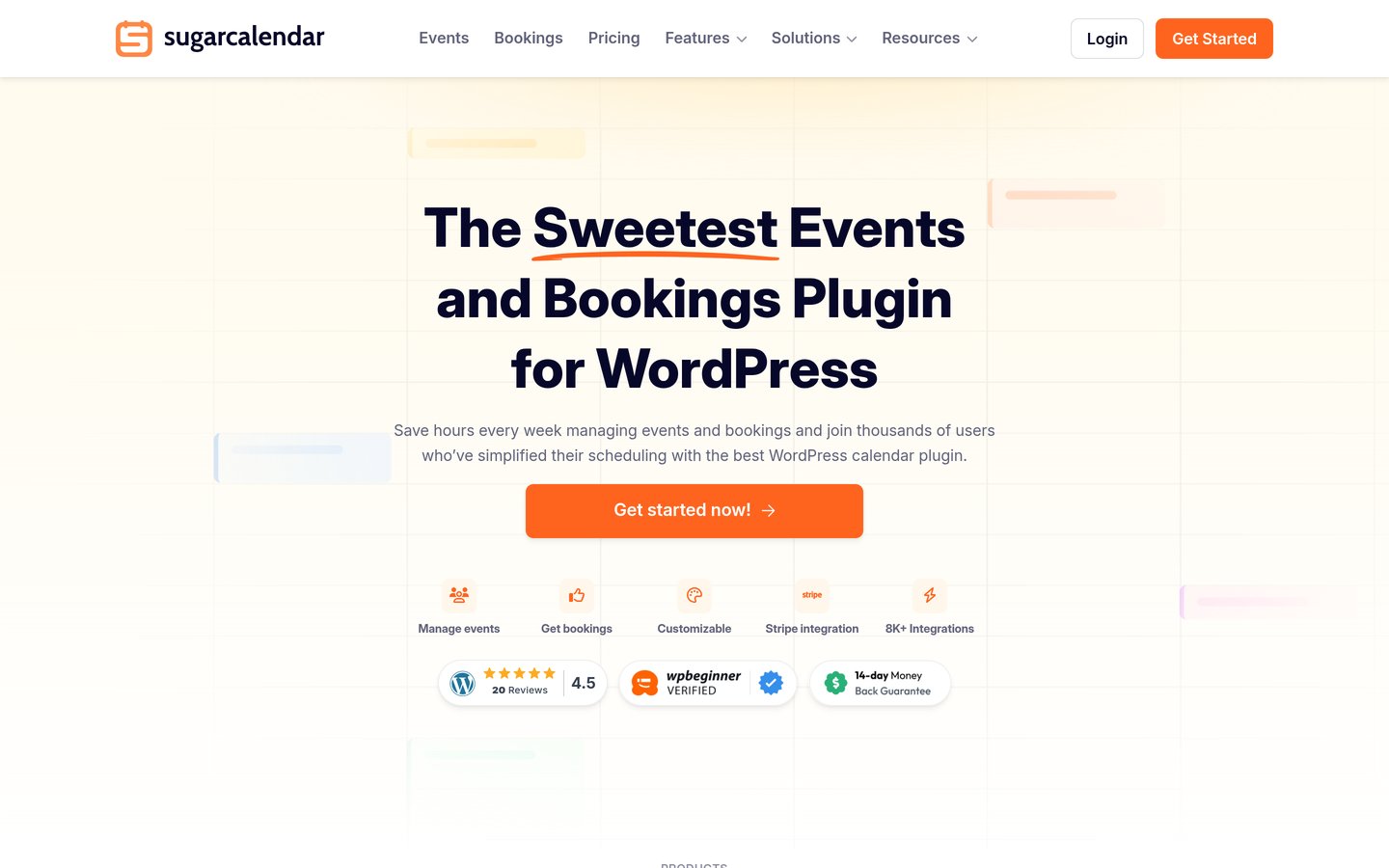
Sugar Calendar homepage, captured Nov 2026.
Sugar Calendar is a lightweight WordPress event plugin built for speed and clean theme inheritance across 10,000+ active installs. The free plugin handles basic calendars, JSON-LD event schema, and Google Calendar sync, while paid plans include recurring events and Stripe ticket checkout starting at $99/yr regular price ($49.50 intro).
The trade off is that the entry Basic tier charges a 3% fee on Stripe orders, and WooCommerce ticketing requires the Event Ticketing add-on on Plus and higher plans. It suits stores that want fast page loads without heavy front-end scripts.
What we like
Clean markup that inherits theme styles with dark mode
Recurring events included on every paid tier
Built-in Google Calendar sync and .ics feed downloads
Watch out for
3% per-order fee on the entry Basic Stripe tier
Fewer pre-built visual skins than layout-heavy rivals
4.3/5on WordPress.org (2,100+ reviews, checked Nov 2026)
Paid from$399/yr
Best for large catalogs and third-party add-ons
CheckoutTickets Commerce & WooCommerce
Calendar viewsMonth, List, Day (Photo in Pro)
Active installs700,000+ sites
EcosystemLargest add-on library
theeventscalendar.com
The Events Calendar homepage, captured Nov 2026.
The Events Calendar is the most widely deployed WordPress calendar plugin, powering 700,000+ active sites with month, list, and day views plus saved venues and organizers. You can sell tickets on the free tier using Event Tickets, though free sales carry a per-ticket fee.
The trade off is steep upgrade pricing: Essentials starts at $399/yr, and removing per-ticket commissions with full WooCommerce ticketing pushes costs to $399/yr on Pro. It suits established organizations that need mature recurrence handling and third-party builder extensions.
What we like
Massive 700,000+ install base and 15+ year track record
Mature recurring event engine with series exceptions
Broadest third-party theme and page builder support
Watch out for
Highest starting price at $399/yr
Default calendar templates look plain without extra styling
4.4/5on WordPress.org (570 reviews, checked Nov 2026)
Paid from$99/yr
Best for service and appointment storefronts
Booking type1-on-1 & group time slots
CheckoutWooCommerce, Stripe, PayPal
NotificationsEmail, SMS & WhatsApp Cloud
Active installs60,000+ sites
booking-wp-plugin.com
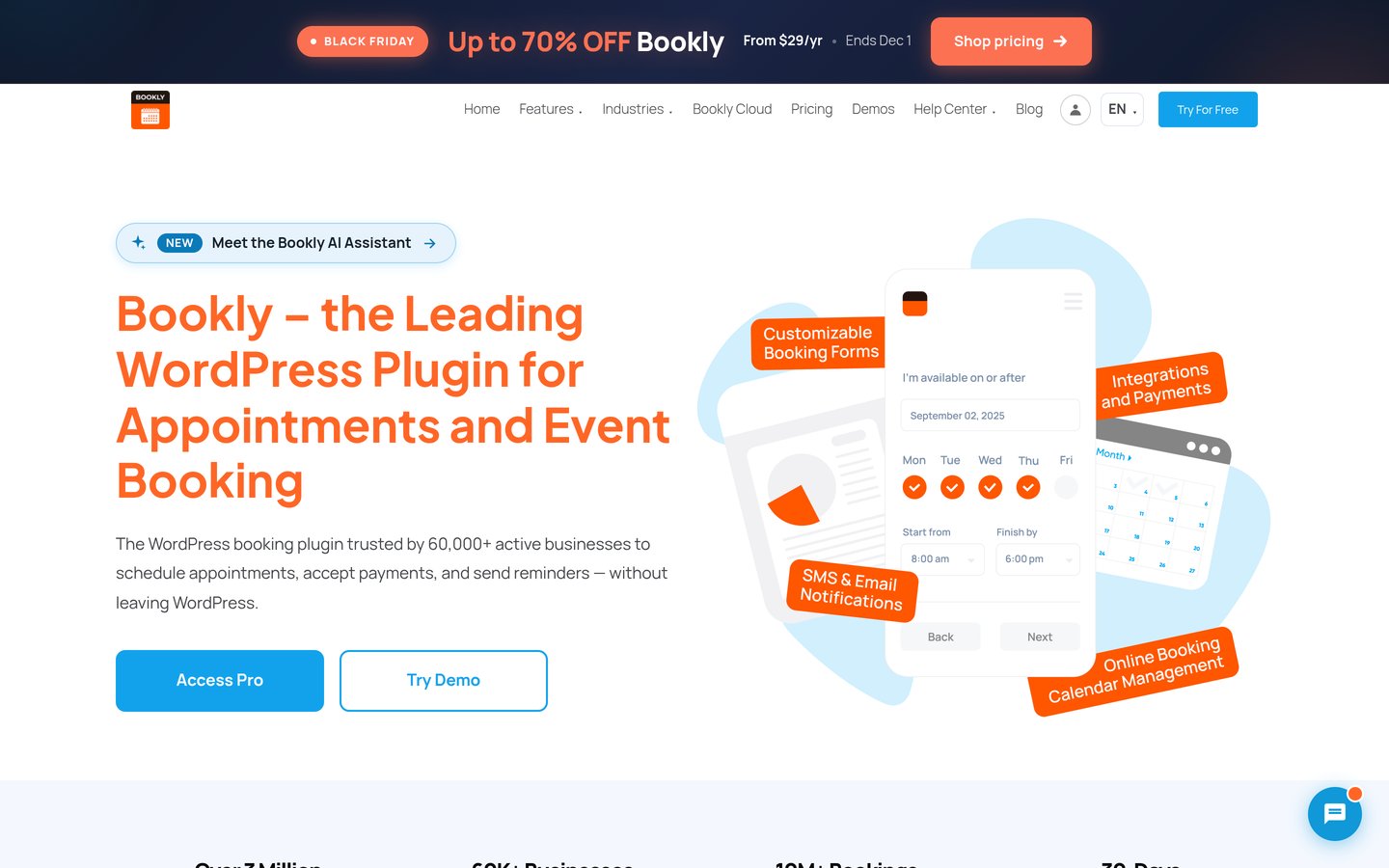
Bookly homepage, captured Nov 2026.
Bookly is an appointment scheduling calendar built for service-based WordPress stores across 60,000+ active installations. The free plugin validates basic booking workflows, while Bookly Pro ($99/yr regular, often $39/yr on promo) unlocks online payments, unlimited staff schedules, and WooCommerce cart integration.
The trade off is add-on sprawl: specialized features like group bookings, custom fields, or deposit payments are sold as separate paid add-ons rather than bundled into the base Pro license. It suits salons, clinics, and consultants selling time slots.
What we like
Proven at scale with 60,000+ active installs and 570 reviews
Step-by-step booking form converts well on mobile
Supports SMS and WhatsApp reminders via Bookly Cloud
Watch out for
Many advanced capabilities require separate paid add-ons
4.6/5on WordPress.org (650+ reviews, checked Nov 2026)
Paid from$49/yr
Best for polished appointment and class UI
Booking typeAppointments, classes & events
CheckoutWooCommerce, Stripe, PayPal, Mollie
Calendar syncGoogle, Outlook & Apple
PackagesMulti-session bundles in Pro
wpamelia.com
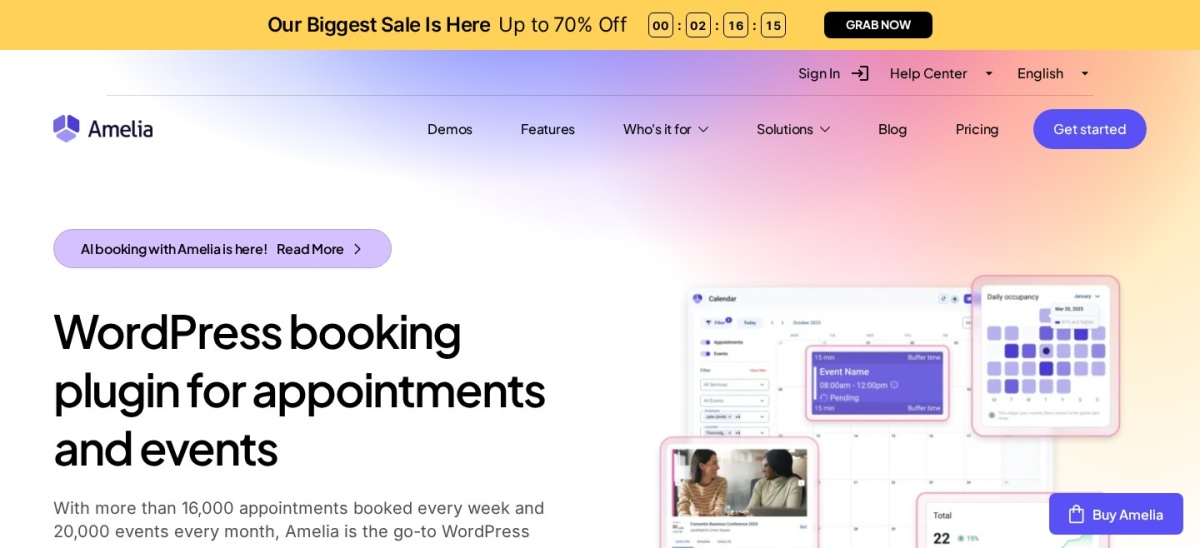
Amelia homepage, captured Nov 2026.
Amelia combines an appointment scheduler and an events calendar inside a modern booking interface, holding a 4.6 rating on WordPress.org. Its free Lite version handles basic appointments and events, while Starter starts at $49/yr regular and Standard ($99/yr regular) adds WooCommerce checkout, recurring appointments, and two-way Google Calendar sync.
The trade off is that service packages, resource sharing, and WhatsApp notifications sit on the Pro tier ($285/yr regular). It suits studios, gyms, and multi-location service brands that prioritize a clean customer booking flow.
What we like
Handles both 1-on-1 appointments and multi-day events
Modern booking interface requires minimal CSS tweaking
Native WooCommerce, Stripe, and PayPal support on Standard
Watch out for
Service bundles and shared resources require the $285/yr Pro tier
4.8/5on WordPress.org (90+ reviews, checked Nov 2026)
Paid from$79/yr
Best for fast Calendly-style store scheduling
Booking type1-on-1, round-robin & group
CheckoutWooCommerce, Stripe & PayPal
Meeting linksZoom, Google Meet, MS Teams
Regular price$79/yr single site
fluentbooking.com
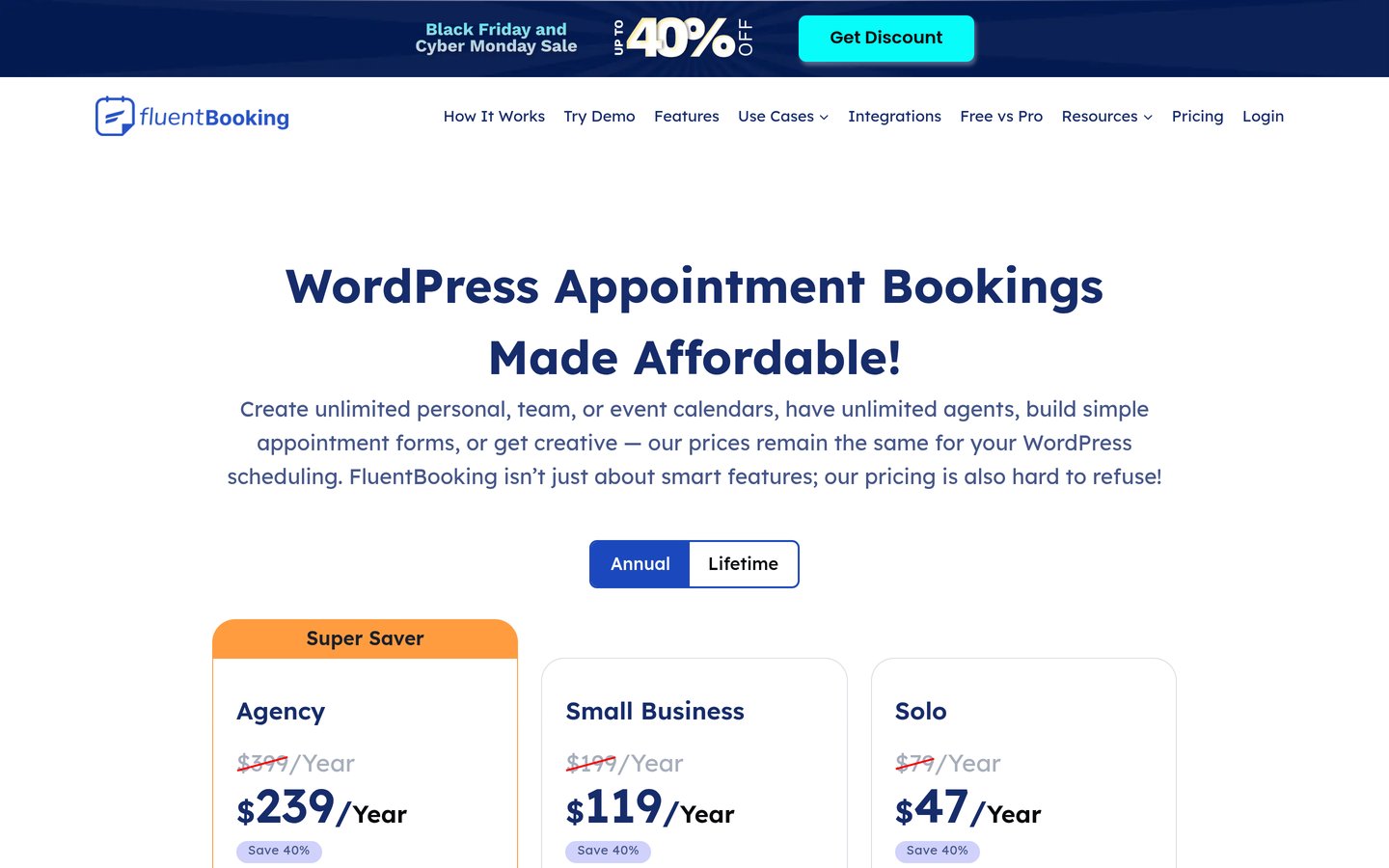
FluentBooking homepage, captured Nov 2026.
FluentBooking brings fast, Calendly-style availability calendars directly into WordPress with a $79/yr regular single-site license ($55/yr promo). You can sell paid consultations, coaching sessions, or group calls using WooCommerce checkout, Stripe, or PayPal, complete with automatic Zoom and Google Meet link generation.
The trade off is that it focuses on appointment slots and host availability rather than public multi-month festival or venue calendars. It suits store owners, coaches, and agencies selling paid time slots alongside digital or physical products.
What we like
Lowest regular annual price on this list at $79/yr
Fast single-page React interface with zero bloat
Native WooCommerce checkout and CRM integrations
Watch out for
Not built for public concert or multi-venue event directories
Round-robin team scheduling requires multi-site or higher tiers
Pro unlocks WooCommerce payments, Stripe/PayPal, and multi-host calendars.Visit fluentbooking.com
07
WP Event Manager
4/5on WordPress.org (230+ reviews, checked Nov 2026)
Paid from$99/yr
Best for frontend vendor and marketplace listings
Core focusEvent listings & frontend submission
CheckoutWooCommerce Sell Tickets add-on
Calendar viewsCalendar add-on & AJAX filters
Bundle entry$99/yr Event Manager Plus
wp-eventmanager.com
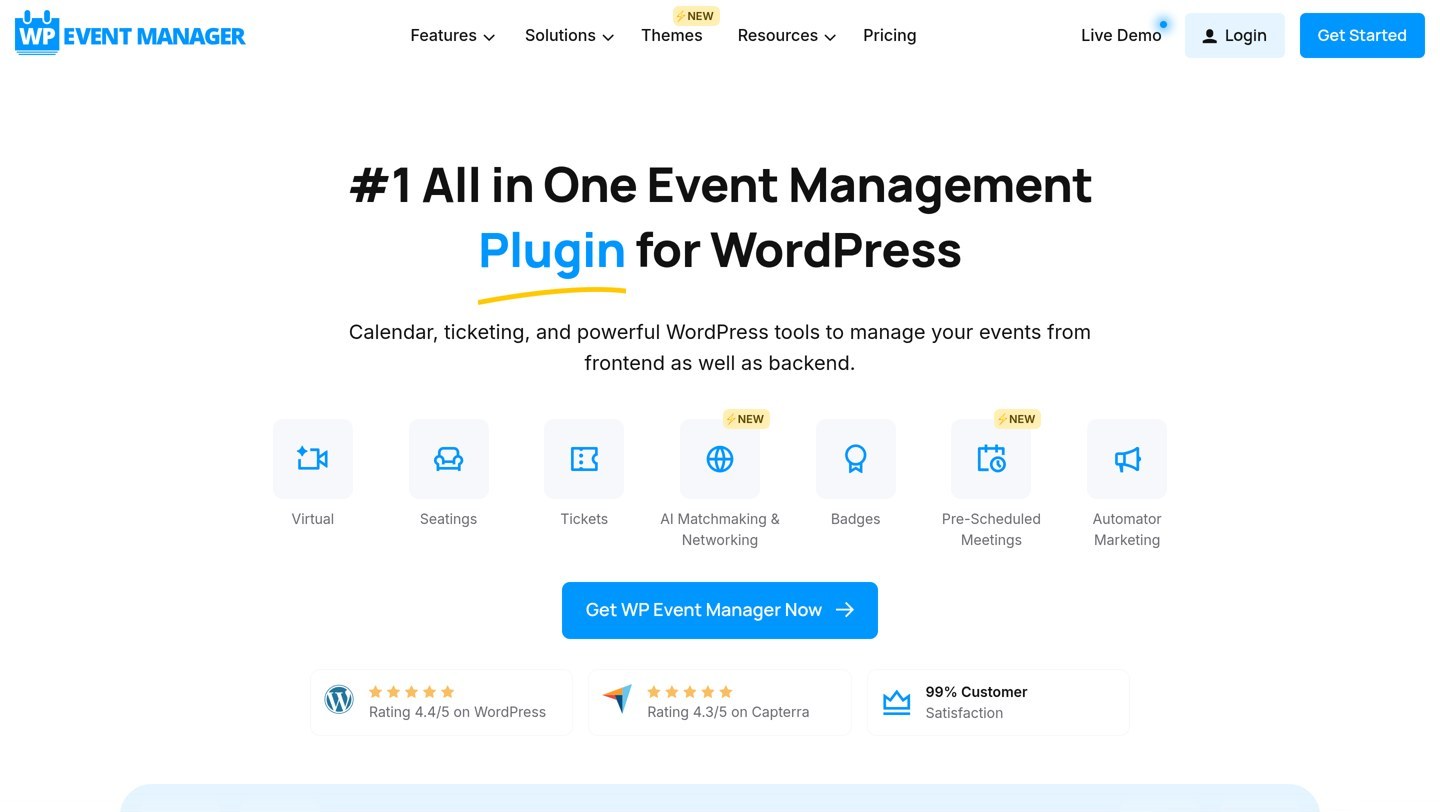
WP Event Manager homepage, captured Nov 2026.
WP Event Manager is a modular event listing plugin with 10,000+ active installations that lets organizers submit events from the frontend. The free core plugin provides AJAX search filters and custom event fields, while the Event Manager Plus bundle ($99/yr) adds the Calendar view, registrations, and WooCommerce ticket sales.
The trade off is its modular structure—even the visual grid calendar view and WooCommerce ticketing live in paid add-ons rather than the free plugin. It suits multi-vendor marketplaces and community portals where external hosts list paid events.
What we like
Built-in frontend event submission dashboard for organizers
Fast AJAX search and category/location filtering
Connects ticket inventory to WooCommerce products in Plus
Watch out for
Grid calendar view and WooCommerce tickets require paid add-ons
Lower 4.0/5 rating due to add-on dependency
Event Manager Plus bundle adds calendar views, registrations, and WooCommerce tickets.Visit wp-eventmanager.com
WooCommerce checkout vs. built-in Stripe
If you already run WooCommerce for physical or digital goods, choose a calendar that treats tickets or time slots as WooCommerce products. That keeps tax rules, discount coupons, customer accounts, and regional payment gateways in a single order ledger.
If your site only sells event registrations or appointments, a calendar with direct Stripe checkout like Sugar Calendar or FluentBooking avoids loading WooCommerce cart fragments and checkout scripts on every page.
How we chose
We selected seven actively maintained WordPress calendar plugins that support paid bookings, registrations, or ticket sales through WooCommerce or built-in payment gateways.
All ratings, review counts, active installation figures, and regular annual prices were verified on 22 Nov 2026 from WordPress.org plugin pages and official vendor pricing tables.
We excluded display-only calendars without ecommerce checkout, plugins with fewer than 1,000 active installs, and tools without verified regular pricing. No vendor paid for a place, and this list is based on pricing pages, documentation and public reviews.
How to pick the right ecommerce calendar plugin
Match the calendar's booking model to what your store actually sells before comparing prices.
Separate date-based events from time-slot appointments. Concerts, classes, and webinars need an event calendar with seat capacities and QR check-in (Eventin, Sugar Calendar, The Events Calendar), while consultations and services need staff availability buffers (Bookly, Amelia, FluentBooking).
Decide between WooCommerce cart or direct Stripe checkout. Pick native WooCommerce checkout if customers buy tickets alongside physical products or need local payment gateways; pick direct Stripe if you want a faster single-step checkout.
Calculate renewal prices and per-ticket fees. Check the regular renewal rate rather than first-year discounts, and verify whether the entry tier takes a percentage fee on every ticket sold.
Check recurring event and calendar sync limits. Confirm that repeating weekly schedules and two-way Google Calendar or iCal feeds are included in the tier you plan to buy.
FAQ
Which WordPress calendar plugin lets me sell tickets for free?
Eventin lets you sell event tickets through WooCommerce in its free plugin without charging per-ticket fees. The Events Calendar also allows free ticket sales via Tickets Commerce, though free sales carry a per-ticket fee.
Do I need WooCommerce to sell calendar bookings on WordPress?
No. Plugins like Sugar Calendar, FluentBooking, Amelia, and Eventin Pro include built-in Stripe or PayPal checkout so customers can pay directly on the booking form without installing WooCommerce.
What is the best calendar plugin for selling appointment time slots?
Bookly and Amelia are built specifically for service appointments with staff schedules and buffers, while FluentBooking offers a faster, lighter option at $79/yr regular pricing for 1-on-1 and group calls.
Which calendar plugin handles recurring events at the lowest regular price?
Sugar Calendar and Eventin Pro both include recurring event schedules on their $99/yr regular entry plans, compared to $399/yr for The Events Calendar Essentials.
Can customers add booked events to Google or Apple Calendar?
Yes. Eventin, Sugar Calendar, The Events Calendar, Events Manager, and Amelia all generate .ics calendar files or one-click Add to Calendar links for Google Calendar, Apple Calendar, and Outlook.