Best WooCommerce Image Plugins in 2026: 8 Tools Compared
WLWPLegible EditorsLast verified 22 Nov 2026How we test6 min read
★ Short answer
ShortPixel Image Optimizer is the best WooCommerce image plugin for stores with large product libraries, running compression off your server with 100 free monthly credits and 300,000+ active installs. Choose EWWW Image Optimizer for unlimited local compression or Converter for Media for server-side WebP conversion.
How we make this list: we compare pricing pages, product documentation and public user reviews, then re-check every price before each update. No product paid for a place. Disclosure.
ShortPixel Image Optimizer offloads compression to the cloud and includes 100 free credits per month for 300,000+ active installs.
EWWW Image Optimizer offers unlimited local compression on compatible servers with a 4.8/5 rating across 1,846 reviews.
Converter for Media holds a 4.9/5 rating across 1,110 reviews and converts existing libraries to WebP for free.
Smush pairs a 4.8/5 rating and 6,053 reviews with a $50/yr single-site Pro plan.
reSmush.it is completely free with no paid plans and a 5MB per-image limit across 100,000+ active installs.
What to look for in a WooCommerce image plugin
Product galleries generate several image sizes for every item you upload, so unoptimized photos quickly bloat store pages and slow down mobile shoppers.
Look for automatic compression on upload, bulk processing for existing product libraries, and next-gen format output like WebP and AVIF.
Decide whether you want cloud processing that keeps CPU load off your store host or local processing that keeps files on your own server.
Check how a tool meters usage—by image credits, monthly megabytes, site licenses, or monthly visits—so growing catalogs do not surprise your budget.
4.5/5on WordPress.org (832 reviews, checked Nov 2026)
Paid from$100/yr
Best for large WooCommerce product catalogs
Free tier100 credits/month
FormatsJPG, PNG, GIF, PDF, WebP, AVIF
ProcessingImage Optimization Cloud
Active installs300,000+
shortpixel.com
ShortPixel Image Optimizer homepage, captured Nov 2026.
ShortPixel Image Optimizer compresses product images and PDFs in the cloud and starts with 100 free credits per month across 300,000+ active installations. It supports lossy, glossy, and lossless compression alongside WebP and AVIF conversion and original image backups.
The trade off is tracking credit consumption across thumbnail sizes, with paid Unlimited subscriptions starting around $8.33/mo billed yearly ($100/yr) and one-time credit packs starting at $19.99. It suits stores with big media libraries that want cloud offloading without locking into a single site.
What we like
Offloads compression to ShortPixel cloud servers
Supports lossy, glossy, and lossless compression plus WebP and AVIF
Includes one-click original backup restoration
Works across multisite networks and custom media folders
Watch out for
Free plan caps usage at 100 credits per month
Credit rules require planning for multi-size product thumbnails
Paid plans add unlimited monthly credits, AI SEO tools, and 500GB CDN traffic.Visit shortpixel.com
02
EWWW Image Optimizer
4.8/5on WordPress.org (1,846 reviews, checked Nov 2026)
Paid from$80/yr
Best for unlimited local compression
Free tierUnlimited local optimization
Rating4.8/5 (1,846 reviews)
Active installs1+ million
Regular paid start$80/year (Standard)
ewww.io
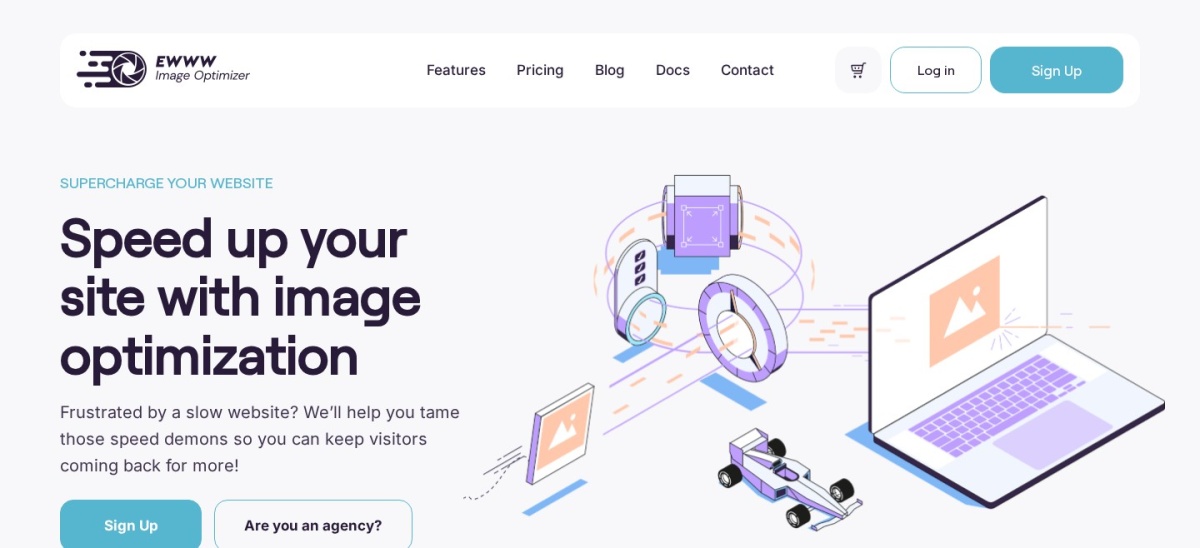
EWWW Image Optimizer homepage, captured Nov 2026.
EWWW Image Optimizer lets stores with compatible server tools compress images locally with no monthly image cap across 1+ million active installations. It holds a 4.8 out of 5 rating across 1,846 reviews and removes EXIF metadata by default.
The trade off is a busier settings screen and a regular Standard plan price of $80/year when you add Easy IO CDN and SWIS Performance tools. It suits budget-minded store owners who prefer local control over third-party upload queues.
What we like
Unlimited local image optimization on compatible hosting
High 4.8/5 rating across 1,846 WordPress.org reviews
Supports WP-CLI batch optimization for large libraries
Watch out for
Interface has more technical options than simpler plugins
Cloud CDN and AVIF delivery require paid plans
The $80/yr Standard plan adds Easy IO CDN delivery, auto-WebP/AVIF, and SWIS Performance tools.Visit ewww.io
03
Converter for Media
4.9/5on WordPress.org (1,110 reviews, checked Nov 2026)
Paid from$60/yr
Best for free local WebP conversion
Free tierUnlimited local WebP conversion
Rating4.9/5 (1,110 reviews)
Active installs500,000+
Regular paid start$60/year (120k images/yr)
mattplugins.com
Converter for Media homepage, captured Nov 2026.
Converter for Media converts JPEG, PNG, and GIF uploads into WebP on your server without altering original files across 500,000+ active installations. It holds a 4.9 out of 5 rating across 1,110 reviews and supports WP-CLI regeneration.
The trade off is that AVIF conversion and remote server processing require PRO, priced at a regular $60/year for 120,000 conversions across unlimited sites (with a $50/year sale listed). It suits stores on capable hosting that want free WebP delivery first.
What we like
Top 4.9/5 rating across 1,110 WordPress.org reviews
Unlimited local WebP conversion without touching original files
Single PRO license works across unlimited websites
Watch out for
AVIF format conversion is locked to paid PRO tiers
Nginx servers require manual rewrite rules
PRO plans add AVIF conversion and remote server processing starting at 120,000 conversions per year.Visit mattplugins.com
04
Smush
4.8/5on WordPress.org (6,053 reviews, checked Nov 2026)
Paid from$50/yr
Best for straightforward dashboard workflows
Free tierCompression and lazy load
Rating4.8/5 (6,053 reviews)
Active installs1+ million
Regular paid start$50/year (Pro Basic)
wpmudev.com
Smush homepage, captured Nov 2026.
Smush is a widely used image plugin with 1+ million active installations, a 4.8/5 rating, and 6,053 reviews. Its free version covers image compression, bulk optimization, and lazy loading with a clear setup flow.
The trade off is that next-gen WebP and AVIF serving and CDN delivery require upgrading, starting at $50/year for one site on Pro Basic. It suits store owners who want a clean interface and predictable annual site pricing.
What we like
6,053 reviews and 4.8/5 rating across 1+ million active sites
Straightforward setup for bulk optimization and lazy loading
Pro Basic starts at $50/year for a single site
Watch out for
Automatic WebP/AVIF delivery and CDN are reserved for Pro
Free plan caps individual uploads at 5MB
Smush Pro adds next-gen WebP and AVIF conversion, 119-point CDN delivery, and Ultra 5X compression.Visit wpmudev.com
05
Imagify
4.3/5on WordPress.org (1,657 reviews, checked Nov 2026)
Paid from$60/yr
Best for simple WebP and AVIF conversion
Free tier20MB/month (~200 images)
Rating4.3/5 (1,657 reviews)
Active installs900,000+
Regular paid start$4.99/mo yearly ($60/yr)
imagify.io
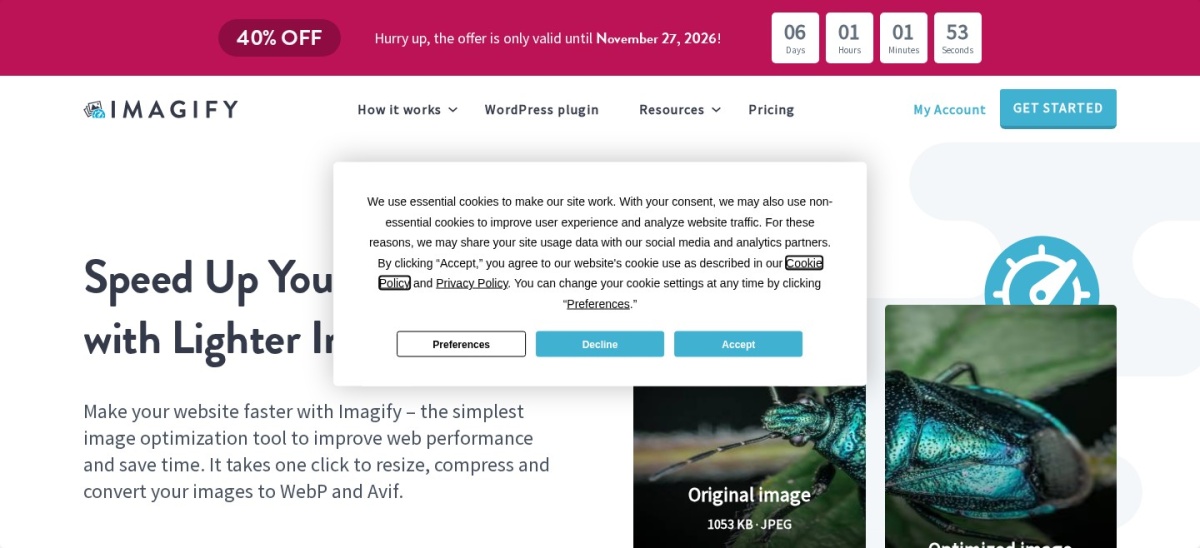
Imagify homepage, captured Nov 2026.
Imagify is a cloud-based image optimizer with 900,000+ active installations and a free Starter tier offering 20MB per month across unlimited sites. It supports Smart Compression alongside WebP and AVIF conversion with automatic browser fallbacks.
The trade off is a small free monthly quota and a regular Growth plan price of $4.99/month billed yearly ($60/year), though a 40% off sale is listed on its pricing page. It suits stores that want straightforward WebP and AVIF output without complex settings.
What we like
Includes WebP and AVIF conversion with automatic fallbacks
Clean interface with background bulk optimization
900,000+ active installations and 1,657 reviews
Watch out for
Free plan is capped at 20MB per month with a 2MB upload limit
4.6/5on WordPress.org (183 reviews, checked Nov 2026)
PricingUsage-based ($0.009/image)
Best for pay-as-you-go PNG and JPG compression
Free tier500 compressions/month
Rating4.6/5 (183 reviews)
Active installs100,000+
Pay-as-you-go rate$0.009/compression after 500
tinify.com
TinyPNG homepage, captured Nov 2026.
TinyPNG connects WordPress and WooCommerce stores to the Tinify API with 500 free compressions per month across 100,000+ active installations. It supports JPEG, PNG, WebP, and AVIF optimization with no subscription fee and files up to 500MB.
The trade off is metered usage where each thumbnail and next-gen format conversion counts as a compression, costing $0.009 per extra compression (about $108/year if adding 1,000 paid compressions monthly). It suits stores with seasonal upload bursts rather than constant daily additions.
What we like
500 free monthly compressions with no recurring subscription required
Supports large files up to 500MB and multi-site API keys
4.6/5 rating across 183 WordPress.org reviews
Watch out for
WebP and AVIF conversions double credit consumption per thumbnail
No built-in CDN for serving optimized assets
Adding payment details removes the 500-compression monthly cap at $0.009 per image up to 10,000.Visit tinify.com
07
Robin Image Optimizer
4.4/5on WordPress.org (132 reviews, checked Nov 2026)
Paid from$49/yr
Best for free unlimited WebP conversion
Free tierUnlimited compression & WebP
Rating4.4/5 (132 reviews)
Active installs100,000+
Regular paid start$49/year (Essential)
robinoptimizer.com
Robin Image Optimizer homepage, captured Nov 2026.
Robin Image Optimizer provides unlimited image compression and WebP conversion in its free version without requiring an API key or external CDN. It holds a 4.4/5 rating across 132 reviews and runs batch optimization on existing media libraries.
The trade off is a smaller review footprint than major competitors and a $49/year Essential plan for AVIF support and 50-site updates. It suits stores on a tight budget that want free WebP conversion before paying for AVIF.
What we like
Unlimited image compression and WebP conversion on the free tier
No API key or external CDN required to get started
Essential plan starts at $49/year for up to 50 sites
Watch out for
AVIF format support requires a paid Pro plan
Smaller user review count (132 reviews) than top-ranked plugins
Pro plans add AVIF support, custom folder optimization, and background bulk processing.Visit robinoptimizer.com
08
reSmush.it
4.3/5on WordPress.org (166 reviews, checked Nov 2026)
PriceFree
Best completely free basic compressor
Free tier100% free (5MB max/file)
Rating4.3/5 (166 reviews)
Active installs100,000+
FormatsJPG, PNG, GIF only
resmush.it
reSmush.it homepage, captured Nov 2026.
reSmush.it is an entirely free cloud image compressor with no paid tiers, holding a 4.3/5 rating across 166 reviews and 100,000+ active installations. It compresses JPG, PNG, and GIF uploads up to 5MB via CRON or bulk runs while keeping original backups.
The trade off is a 5MB per-image ceiling and no WebP or AVIF conversion in its free API. It suits small stores that want basic JPEG and PNG file-size reduction at zero cost.
What we like
Completely free with no credit limits or paid upgrades
Supports bulk optimization, CRON jobs, and original image backups
Simple two-click configuration with five quality levels
Watch out for
Does not convert images to WebP or AVIF formats
Rejects individual image uploads larger than 5MB
No paid tiers exist; all compression features and API usage are free.Visit resmush.it
Back up product images before bulk runs
WooCommerce stores often hold thousands of product photos plus theme and gallery thumbnails, so bulk compression affects many files at once.
Keep original backups enabled during your first batch and check product pages and zoom galleries before deleting backup copies.
How we chose
We built this shortlist by comparing established WordPress image optimization plugins that work on WooCommerce stores, looking at compression modes, next-gen formats, and billing models.
All plugin ratings, review counts, active install ranges, and regular starting prices were checked on 22 Nov 2026 from WordPress.org listings and official vendor pricing pages.
We excluded plugins with low adoption, stale maintenance, or unconfirmed pricing pages during our check. No vendor paid for a place, and we do not claim hands-on testing for this list.
How to pick the right image plugin for your store
Start with your product photo count, server headroom, and monthly traffic before choosing a plan.
Count your active product images and thumbnails. Multiply product photos by extra gallery and theme sizes so you know whether a free quota or credit pack will cover your library.
Decide between cloud and local processing. Cloud optimizers keep CPU load off your store server, while local tools keep files on your own host without external uploads.
Check WebP and AVIF support. Pick a tool that outputs WebP and AVIF with browser fallbacks so modern browsers get smaller files without broken images.
Match billing to how your store grows. Compare site licenses, image credits, megabyte allowances, and pay-as-you-go rates against your upload pace.
FAQ
Do WooCommerce stores need a dedicated image plugin?
A dedicated image plugin helps automate compression on upload, convert product photos to WebP or AVIF, and bulk-optimize existing media libraries so store pages load faster without manual resizing.
Is lossy or lossless compression better for product photos?
Lossless compression keeps pixel data intact with smaller file size savings, while lossy or glossy modes cut file weight further; check a sample of product shots before running bulk jobs.
Should I convert WooCommerce images to WebP and AVIF?
Converting images to WebP and AVIF reduces file sizes compared with JPEG and PNG for supported browsers, provided your setup includes safe fallbacks for older browsers or specific gallery scripts.
How does cloud compression differ from local compression?
Cloud compression processes images on external servers so your WordPress host does not spend CPU and memory during bulk jobs, whereas local compression runs directly on your own server.
Can I restore original images if compression looks too aggressive?
Many image plugins let you back up original files or restore originals from the media library, so keep backups turned on while testing quality levels on your store.
Why do image plugin prices vary so much across tools?
Vendors price by monthly image credits, upload megabytes, number of sites, or pay-as-you-go API calls, and some bundle CDN bandwidth or page speed tools into paid tiers.