Cloudflare is the best overall bot detection software because its free tier stops automated threats at the network edge and includes unlimited Turnstile form challenges. Teams needing device-level browser identification should pick Fingerprint, while high-volume sites facing API scraping should look at DataDome.
How we make this list: we compare pricing pages, product documentation and public user reviews, then re-check every price before each update. No product paid for a place. Disclosure.
Cloudflare includes basic edge bot mitigation and unlimited Turnstile challenges on its $0 plan, with Pro starting at $240/yr billed annually.
Fingerprint identifies browsers and mobile devices across sessions, starting at $99/mo ($1,188/yr) for 20,000 web and iOS API calls.
Google reCAPTCHA offers 10,000 free monthly assessments before moving to a flat $8/mo ($96/yr) tier up to 100,000 assessments.
CleanTalk blocks form and comment bots without visual puzzles for a flat $12/yr per site with unlimited spam checks.
Enterprise edge platforms like DataDome start at $3,830/mo ($45,960/yr) for sub-2ms AI detection across 100 million monthly requests.
What to look for in bot detection software
Automated traffic splits into two problems: edge-level volumetric attacks like credential stuffing and scraping, and form-level abuse like fake signups and card testing. A CAPTCHA widget protects a login box, while an edge proxy blocks bad actors before they ever touch your origin server.
Detection accuracy depends on how signals are collected. Older tools rely on static IP blocklists and visual puzzles that frustrate real visitors. Modern platforms combine passive browser fingerprinting, TLS handshakes, behavioral telemetry, and proof-of-work challenges to separate humans from headless browsers.
Pricing models vary sharply across vendors. Edge and device-intelligence tools meter usage by monthly API calls or millions of HTTP requests, whereas form-focused filters charge per site or per monthly evaluation quota. Always check what happens when a spike hits so legitimate traffic is not dropped.
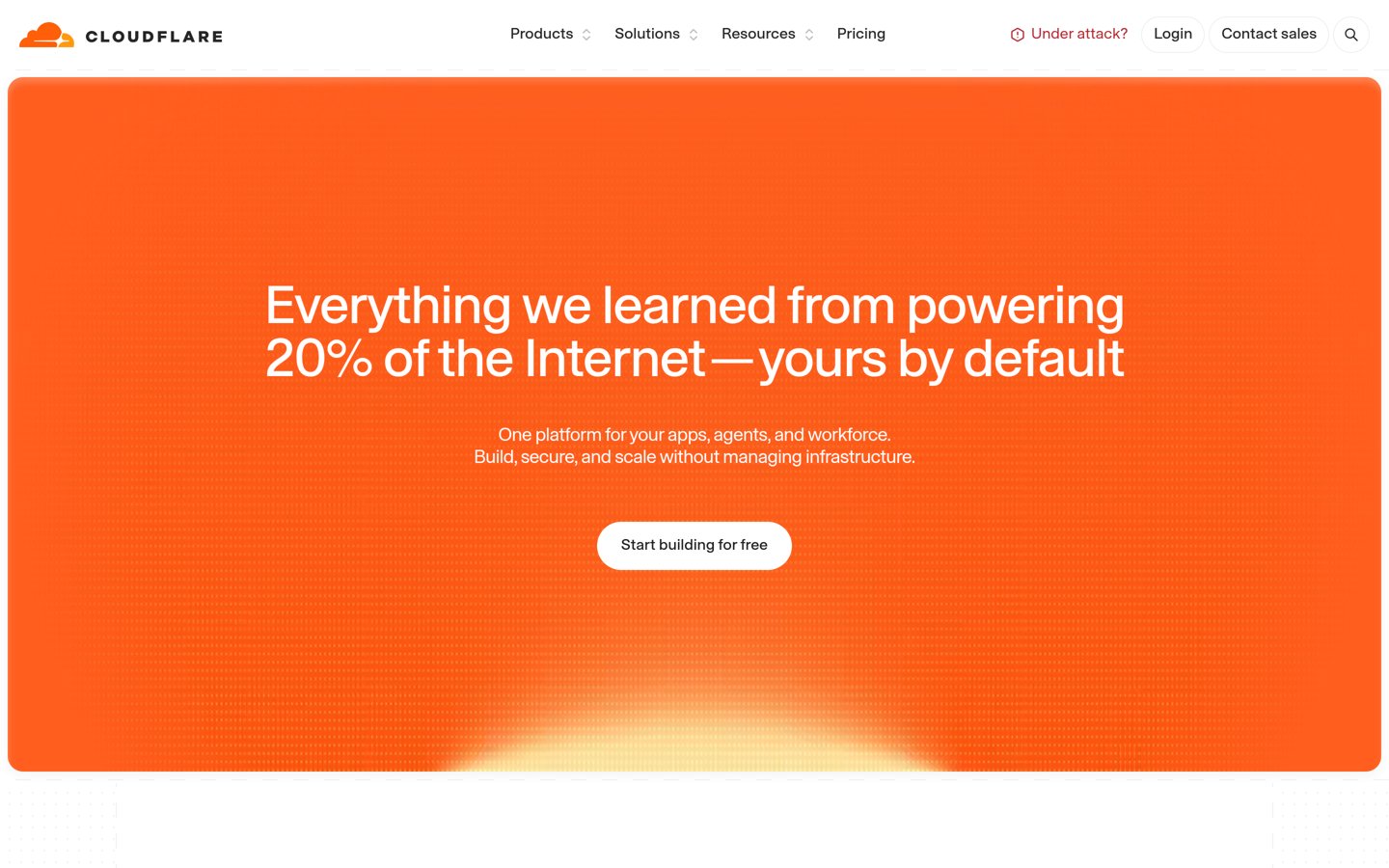
Cloudflare is a global edge network that filters automated traffic before requests reach your server. Its free plan includes unmetered DDoS mitigation, Bot Fight Mode, and Turnstile with unlimited challenges across up to 20 widgets.
The trade off is that granular bot scoring and custom WAF rules require paid tiers, starting with Pro at $240/yr billed annually ($25/mo monthly) and scaling into custom enterprise contracts for full Bot Management. It suits sites wanting DNS-level protection alongside invisible form verification.
What we like
Blocks malicious bots at the network edge before origin server load spikes
Turnstile provides unlimited free challenges without image-labeling puzzles
Pro plan is predictable at $20/mo billed annually with no per-request overages
Watch out for
Free Bot Fight Mode offers only a single on/off toggle without rule tuning
Advanced machine-learning bot scores require an Enterprise contract
Pro ($240/yr) adds a fuller managed WAF ruleset and Super Bot Fight Mode controls.Visit cloudflare.com
02
Fingerprint
4.7/5on G2 (460 reviews, checked Nov 2026)
Paid from$99/mo
Best for persistent device and browser identification
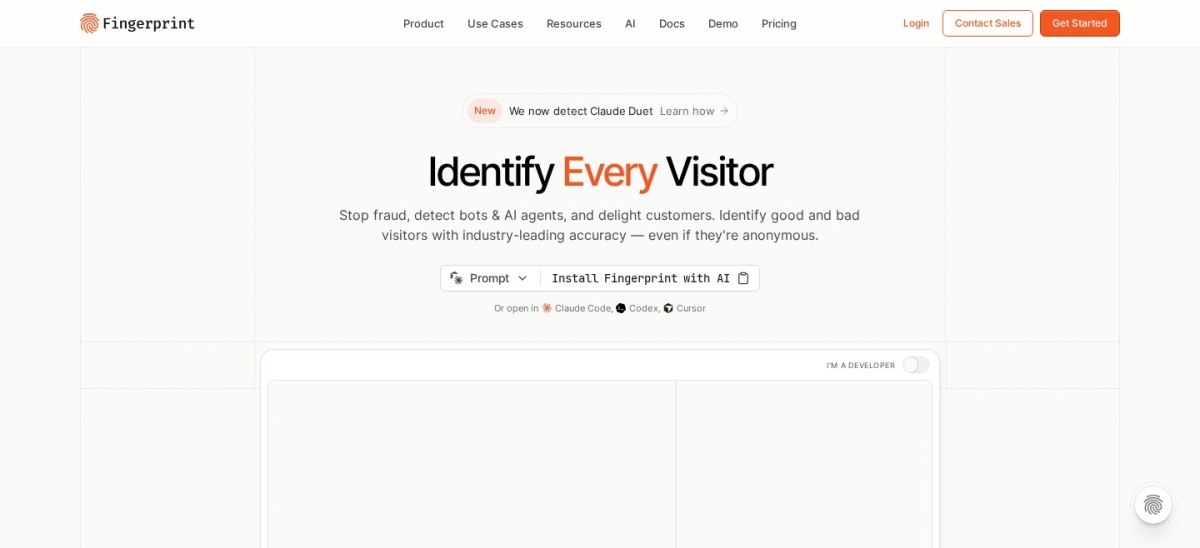
Fingerprint is a device intelligence platform that assigns a persistent visitor identifier even when users clear cookies or switch to incognito mode. The free tier includes 1,000 web and iOS API calls per month plus 500,000 Android calls.
The trade off is usage-based cost once traffic grows, as Pro Plus starts at $99/mo ($1,188/yr) for 20,000 web and iOS identifications and charges $4 per additional 1,000 calls. It suits engineering teams stopping account takeover, payment fraud, and repeat scrapers.
What we like
Identifies returning bots across incognito sessions, cleared cookies, and VPNs
Smart Signals detect headless browsers, tampering, and virtual machines
Includes 500,000 free Android API calls per month
Watch out for
Overages at $4 per 1,000 calls add up quickly on high-traffic pages
Requires developer integration to act on risk scores in your backend
Pro Plus ($1,188/yr) unlocks Smart Signals for bot, VPN, and browser-tampering detection.Visit fingerprint.com
03
Google reCAPTCHA
4.6/5on G2 (14 reviews, checked Nov 2026)
Paid from$8/mo
Best for adaptive risk scoring on web forms
Detection layerBehavioral JS + risk API
Free allowance10,000 assessments/mo
Entry paid tier$8/mo up to 100,000 assessments
Overage rate$1 per 1,000 assessments
cloud.google.com
Google reCAPTCHA homepage, captured Nov 2026.
Google reCAPTCHA is an adaptive bot-filtering service that scores user interactions from 0.0 to 1.0 in the background. Its Essentials tier is free up to 10,000 monthly assessments across an organization.
The trade off is that exceeding 10,000 assessments requires a Google Cloud billing account starting at a flat $8/mo ($96/yr) up to 100,000 assessments, then $1 per 1,000. It suits teams already on Google Cloud needing password-leak and account-defense signals.
What we like
Flat $8/mo pricing covers up to 100,000 monthly assessments
Premium tier adds leaked-credential checks and mobile SDKs
Supported natively by almost every major CMS and form builder
Watch out for
Free tier dropped to 10,000 assessments per month per organization
Sets tracking cookies and routes telemetry through Google infrastructure
Premium ($96/yr) raises the cap to 100,000 assessments/mo and adds account defense.Visit cloud.google.com
hCaptcha is a privacy-first bot mitigation service built as a drop-in replacement for reCAPTCHA. Its Basic plan is free and complies with GDPR, CCPA, LGPD, and PIPL without selling personal visitor data.
The trade off is a steep jump to paid plans, as Pro starts at $99/mo billed yearly ($1,188/yr, or $139/mo month-to-month) for 100,000 evaluations and 99.9% passive mode. It suits privacy-conscious organizations that want minimal data retention.
What we like
Free Basic tier works globally with strict data-minimization rules
Pro unlocks 99.9% passive mode so fewer than 0.1% of humans see puzzles
Includes 100,000 monthly evaluations on Pro before $0.99/1K overages
Watch out for
Free tier relies on visual image puzzles that can slow down mobile users
Big price gap between the $0 Basic plan and the $99/mo Pro plan
Pro ($1,188/yr) unlocks 99.9% passive invisible mode, custom themes, and analytics.Visit hcaptcha.com
05
OOPSpam
4.9/5on WordPress.org (51 reviews, checked Nov 2026)
Paid from$19.17/mo
Best for agencies protecting unlimited client websites
Detection layerServer-side ML API
Free allowance40 checks/mo
Entry paid tier$230/yr ($19.17/mo billed yearly)
Site limitUnlimited websites on all plans
oopspam.com
OOPSpam homepage, captured Nov 2026.
OOPSpam is a server-side anti-spam and bot-filtering API that blocks card testing, fake signups, and form abuse with no client-side JavaScript or puzzles. Every account starts with 40 free checks per month and stores no logs by default.
The trade off is that the free allowance is strictly for testing, and paid Starter plans cost $230/yr billed annually ($23/mo monthly) for 25,000 monthly API calls. It suits agencies and multi-site owners because every tier covers unlimited websites.
What we like
Covers unlimited websites under a single API key on every plan
Requires zero frontend JavaScript or visitor puzzles
Includes country filtering, language rules, and no-log privacy defaults
Watch out for
Free tier is capped at 40 checks per month
Hard-blocks requests with HTTP 429 once the 30-day rolling quota runs out
Starter ($230/yr) includes 25,000 monthly checks across unlimited sites.Visit oopspam.com
06
CleanTalk
4.8/5on WordPress.org (2,700+ reviews, checked Nov 2026)
Starts at$12/yr
Best budget invisible filter for forms and comments
Detection layerCloud reputation DB + IP firewall
Free allowance7-day free trial only
Entry paid tier$12/yr for 1 website
Check limitUnlimited spam checks
cleantalk.org
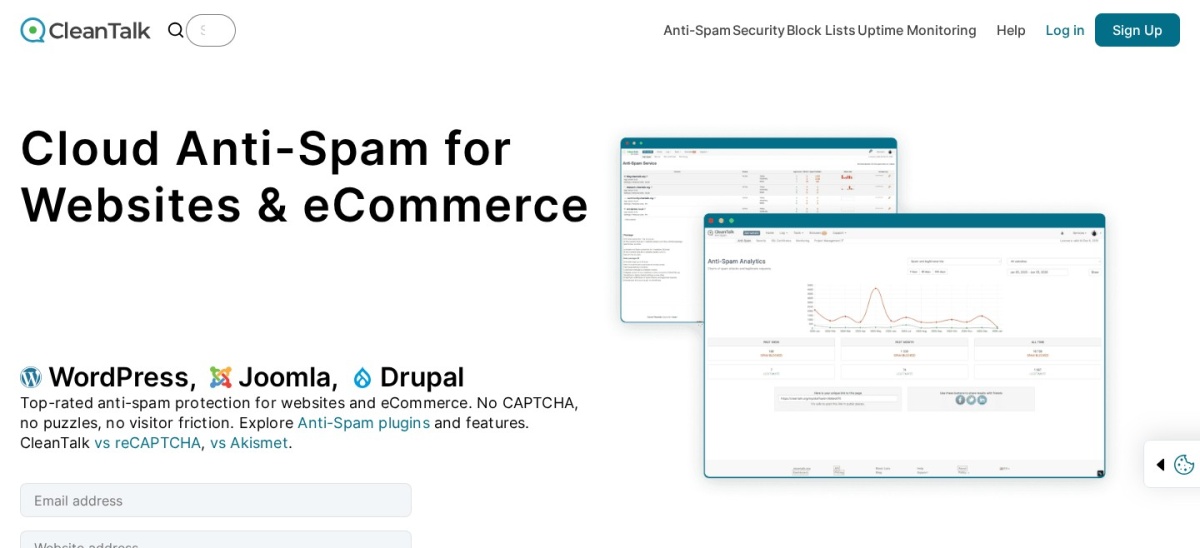
CleanTalk homepage, captured Nov 2026.
CleanTalk is a cloud-based anti-spam and bot-filtering service that checks form submissions, registrations, and WooCommerce orders against a database of over 20 billion spam records. Its Spam FireWall blocks known malicious IPs before pages even load.
The trade off is that there is no permanent free tier after the 7-day trial, though a single-site license costs just $12/yr with unlimited spam checks. It suits small businesses and stores wanting invisible protection at a fixed annual price.
What we like
Flat $12/yr single-site pricing with zero per-check overage fees
Includes real-time disposable email validation and Spam FireWall IP blocking
Multi-site packs drop per-site costs to $6.90/yr on 10-site plans
Watch out for
No permanent free tier beyond the initial 7-day trial
Standard plans keep anti-spam logs for only 7 days without the Extra add-on
Best for enterprise real-time bot and AI agent defense
Detection layerEdge ML across 35+ PoPs
Decision speedUnder 2 milliseconds
Entry paid tier$3,830/mo for <100M requests
Uptime SLA99.9% guaranteed
datadome.co
DataDome homepage, captured Nov 2026.
DataDome is an enterprise cyberfraud and bot management platform that inspects web, mobile, and API traffic in under 2 milliseconds across 35+ edge locations. It uses real-time machine learning to stop credential stuffing, scraping, and malicious AI agents.
The trade off is enterprise pricing, starting at $3,830/mo ($45,960/yr) on Essentials for up to 100 million monthly requests with no free tier. It suits high-traffic e-commerce, ticketing, and SaaS platforms losing revenue to automated abuse.
What we like
Evaluates every request in under 2 milliseconds with a 99.9% uptime SLA
Dedicated protection against malicious AI crawlers, scalpers, and ATOs
Integrates directly with Cloudflare, Fastly, CloudFront, NGINX, and HAProxy
Watch out for
Starts at $3,830/mo, putting it out of reach for small websites
Mobile app and M2M API protection require upgrading to the $8,670/mo Advanced tier
Essentials ($45,960/yr) covers websites and web APIs up to 100M monthly requests.Visit datadome.co
Edge bot management vs. form-level anti-bot filters
Edge bot platforms like Cloudflare and DataDome sit in front of your web server via DNS or CDN integration. They inspect every HTTP request, blocking DDoS floods, price scrapers, and brute-force login attempts before PHP or database queries ever execute.
Form-level tools like OOPSpam, CleanTalk, and reCAPTCHA run only when a visitor loads or submits a specific form, login, or checkout page. If your main headache is fake user registrations or contact form spam rather than server-crashing scraper traffic, a form-level filter costs a fraction of an edge suite.
How we chose
We selected seven established bot detection tools spanning edge network protection, device fingerprinting, and form-level anti-bot filtering. Each product was evaluated for public pricing transparency, detection methodology, user friction, and verified user review volume.
All regular plan prices, monthly quotas, review counts, and star ratings were verified directly against official vendor pricing pages, WordPress.org listings, and G2 profiles on 22 Nov 2026.
We excluded enterprise-only vendors that hide all pricing behind mandatory sales calls (such as Akamai, Imperva, and Kasada) as well as abandoned plugins without updates in the past 12 months. No vendor paid for a place, and we do not claim testing for this list.
How to choose the right bot detection software
Match your protection layer to the exact type of automated traffic hitting your site before committing to a monthly request quota.
Identify where bots hit your stack. If scrapers or credential-stuffing scripts overload your server, start with an edge proxy like Cloudflare. If bots only submit spam through forms or checkouts, a lighter API filter like OOPSpam or CleanTalk is enough.
Decide between invisible checks and visual challenges. Image puzzles hurt mobile conversion rates and accessibility. Prioritize passive behavioral tools like Cloudflare Turnstile, OOPSpam, or Fingerprint whenever user friction affects signups or sales.
Calculate your monthly request or form volume. Edge tools bill by millions of HTTP requests, while APIs bill per form check or identification call. Measure peak monthly traffic so overage fees at $1 to $4 per 1,000 calls do not surprise you.
Check data retention and privacy rules. If you operate under strict GDPR rules, verify whether the vendor sets third-party cookies or stores visitor IPs. Tools like OOPSpam, hCaptcha, and Cloudflare Turnstile minimize personal data collection.
FAQ
What is the best free bot detection software?
Cloudflare offers the strongest free tier because it combines unmetered edge DDoS mitigation, basic Bot Fight Mode, and Turnstile with unlimited challenges across up to 20 widgets. For form-only scoring, Google reCAPTCHA provides 10,000 free assessments per month.
How does bot detection work without CAPTCHA puzzles?
Modern tools inspect TLS handshakes, browser rendering signals, mouse and typing cadence, and proof-of-work crypto puzzles in the background. Legitimate visitors pass automatically, while headless browsers and scripts get blocked or challenged.
Can I use Cloudflare Turnstile without moving my DNS to Cloudflare?
Yes. Cloudflare Turnstile runs as a standalone JavaScript widget that you can embed on any website or form regardless of where your DNS or hosting lives, with up to 20 free widgets per account.
What is the difference between bot detection and a WAF?
A Web Application Firewall (WAF) blocks known exploit payloads like SQL injection and cross-site scripting. Bot detection analyzes behavioral and device signals to stop automated abuse that uses valid-looking requests, such as credential stuffing and scraping.
How much does enterprise bot detection cost?
Dedicated enterprise bot mitigation platforms typically start between $3,000 and $4,000 per month for 100 million monthly requests. DataDome publishes its Essentials plan at $3,830 per month, while Cloudflare and Akamai negotiate custom annual contracts.
SaaS SEO and WordPress specialist with about 8 years of experience. Rakib compares WordPress plugins, themes, hosting and software using public pricing, documentation and user reviews. See how we rank.