Google Calendar is the best Android calendar app for most people, free with a Google account, syncing across Android, web and iOS, and rated 4.8 out of 5 on Capterra. Pick TimeTree for shared family calendars and Proton Calendar if privacy matters most.
How we make this list: we compare pricing pages, product documentation and public user reviews, then re-check every price before each update. No product paid for a place. Disclosure.
Google Calendar is free, rated 4.8 out of 5 on Capterra across 4,340 reviews, and already on most Android phones.
Microsoft Outlook pairs email, tasks and calendar in one free app, with paid plans from $7 a month.
TimeTree is the shared-calendar pick for families and groups, with Premium at $44.99 a year.
Any.do, TickTick and Todoist mix tasks with calendar views, with paid plans from $35.99 to $59.88 a year.
Morgen is the only pick with no free plan, at $15 a month billed yearly, and it is built around time blocking.
What to look for in an Android calendar app
An Android calendar app should sync events across your phone, tablet and computer without manual exports. Check whether it reads Google, Microsoft 365, iCloud or CalDAV calendars in one view.
Widgets matter more on Android than on other phones. A good month or agenda widget should show the next few events at a glance without opening the app.
Decide whether you want a plain calendar or a planner that mixes tasks, habits and time blocks. Planner apps cost more, but they can replace a separate to-do app.
Sharing is the other split. Our guide on creating a content calendar shows how shared dates keep a household or a small team on the same page.
Watch billing rules before you commit. Several apps show a monthly rate while billing yearly upfront, and some paid features sit inside a wider subscription rather than a calendar-only plan.
4.8/5on Capterra (4,340 reviews, checked Nov 2026)
Paid from$7/mo
Best Android calendar app overall
PlatformsAndroid, iOS, web
Free planYes, with Google account
Shared calendarsYes
Paid planWorkspace from $7/user/mo
calendar.google.com
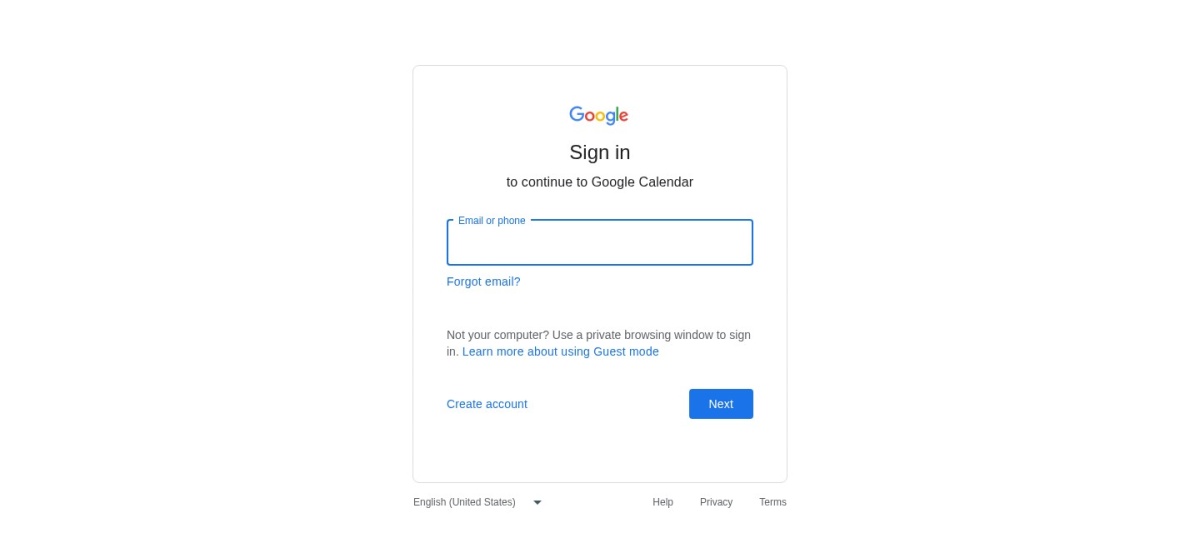
Google Calendar homepage, captured Nov 2026.
Google Calendar is the free calendar that comes with a Google account, and it is already on most Android phones. The free version covers multiple calendars, colour coding, shared schedules, event invites, reminders, Google Meet links and Google Tasks, with widgets for the home screen.
The trade off is depth. It has no built-in time blocking, habit tracking or task lists beyond Google Tasks, and some settings are only on the web version. It suits most Android users who want a plain, reliable calendar that syncs everywhere at no cost.
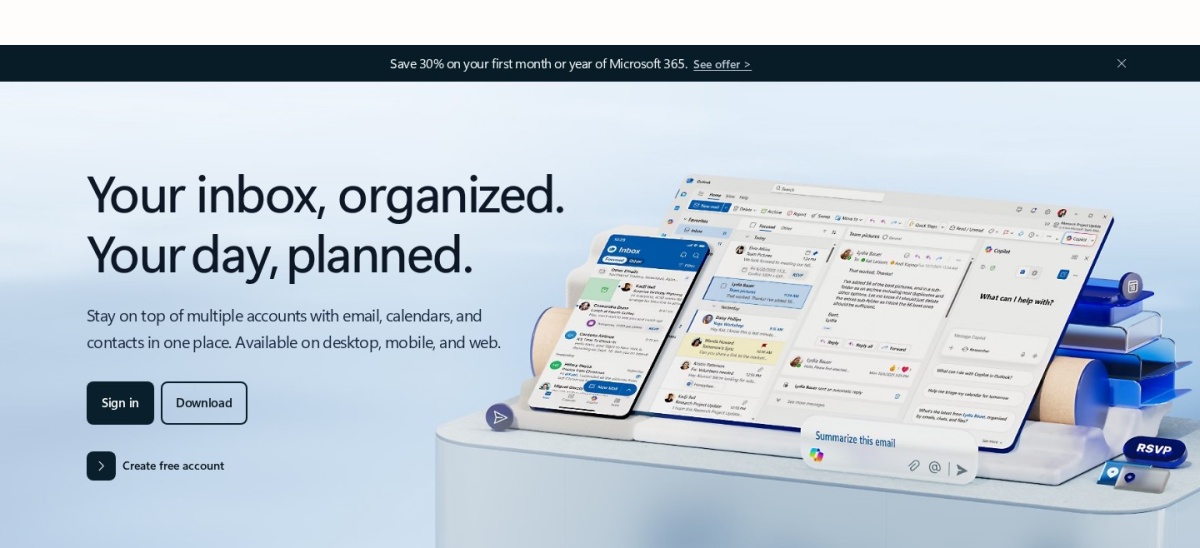
Microsoft Outlook is an email, contacts, task and calendar app in one place on Android, rated 4.5 out of 5 across 3,596 G2 reviews. The free version covers mail, calendar invites, colleague availability and tasks, and it can also open Google and Yahoo calendars.
The trade off is weight. The interface can feel busy, and large mailboxes can slow search or sync, while full desktop apps need a higher Microsoft 365 tier. It suits people whose work already runs on Microsoft email and team scheduling.
What we like
Mail, calendar, contacts and tasks in one app
Reads Google and Microsoft calendars together
Room booking and availability checks on paid plans
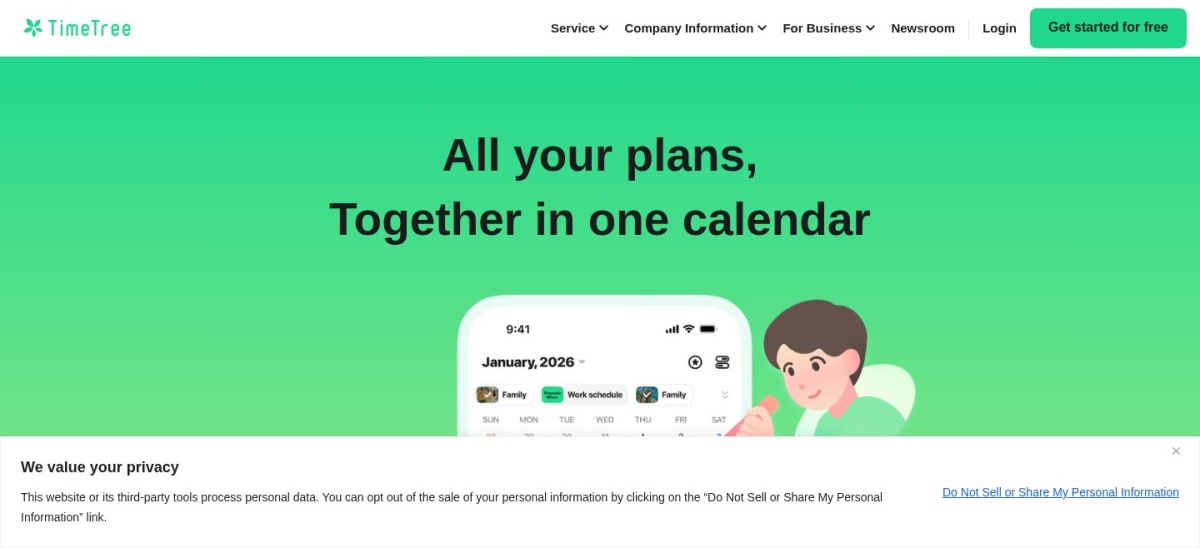
TimeTree is a shared calendar app for families, couples and groups on Android, iOS and web, rated 4.5 out of 5 across 13 Capterra reviews. Every event carries its own comment thread, so plans, notes and questions stay on the event itself instead of in a separate chat app.
The trade off is ads on the free version and a narrow focus on personal plans, with no two-way sync to a work Google or Outlook calendar. It suits households and small groups that coordinate shifts, school runs and trips around shared events.
4.7/5on Capterra (1,176 reviews, checked Nov 2026)
Paid from$4.99/mo
Best for daily planning with tasks
PlatformsAndroid, iOS, web, Windows
Free planYes, personal tasks and sync
Calendar syncYes, with Google and Outlook
Paid planPremium $4.99/mo billed yearly
any.do
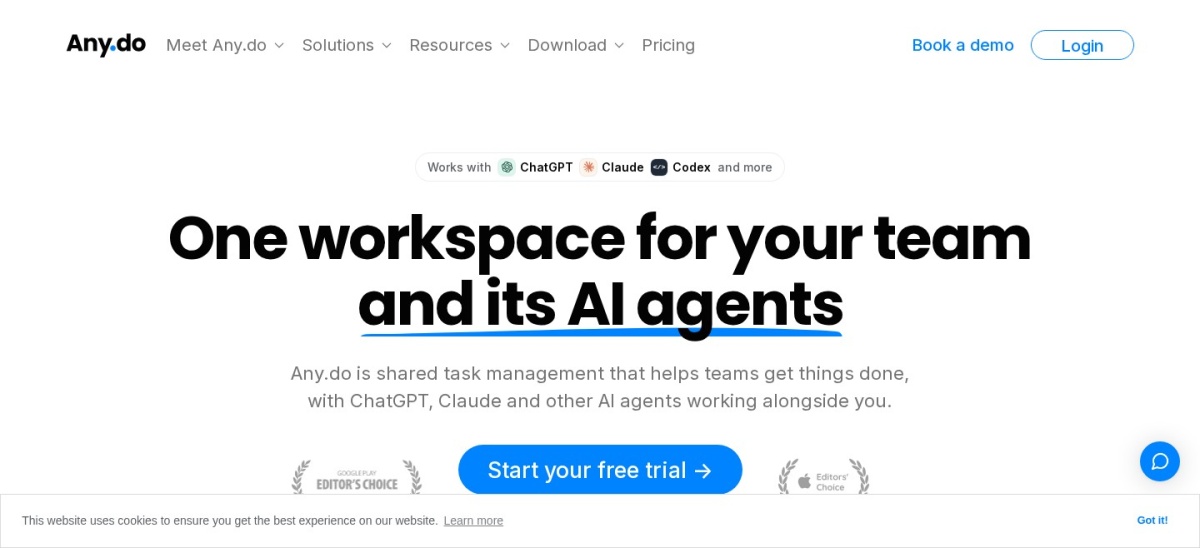
Any.do homepage, captured Nov 2026.
Any.do is a task and daily planning app with calendar sync across Android, iOS, web, Windows and macOS, rated 4.7 out of 5 across 1,176 Capterra reviews. The free plan includes personal tasks, reminders, daily planner views and device sync, with a calendar view that sits beside the task list.
The trade off is that recurring tasks, colour tags and location reminders sit behind Premium at $4.99 a month billed yearly, or $7.99 a month billed monthly. It suits people who plan each day around checklists and reminders rather than a plain calendar grid.
What we like
Clean daily planner view with tasks
Free personal plan with device sync
Under $60 a year on the annual plan
Watch out for
Recurring tasks need Premium
Limited depth for complex projects
Some reviewers report missed reminders
Premium adds recurring tasks, colour tags and location remindersVisit any.do
05
Proton Calendar
4.4/5on G2 (132 reviews, checked Nov 2026)
Paid from$3.99/mo
Best for private calendars
PlatformsAndroid, iOS, web
Free planYes, 3 personal calendars
EncryptionEnd-to-end encrypted events
Paid planMail Plus $3.99/mo billed yearly
proton.me
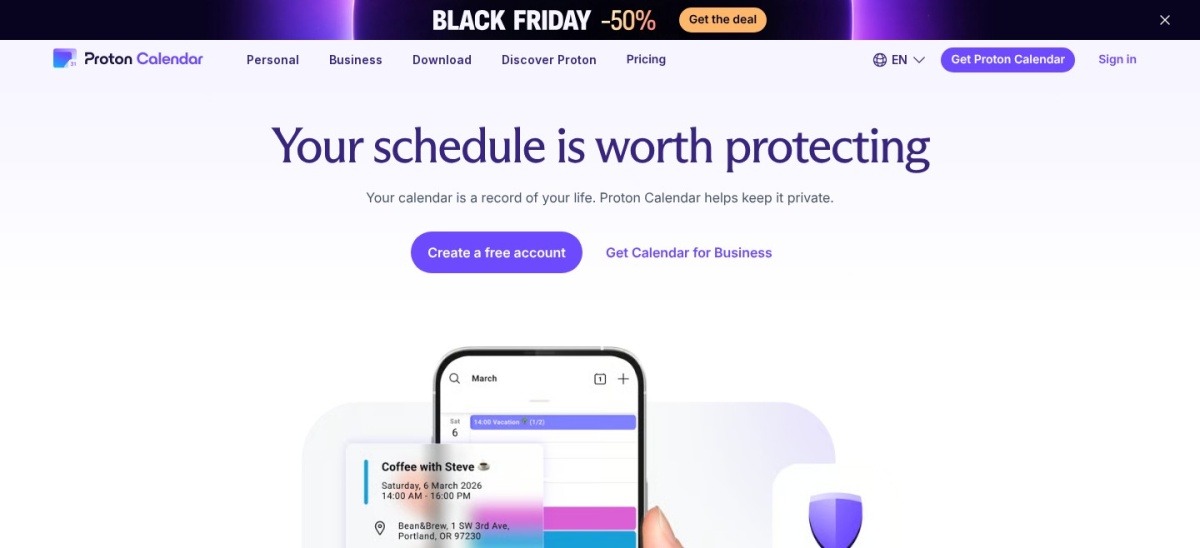
Proton Calendar homepage, captured Nov 2026.
Proton Calendar is a privacy-first calendar for Android, iOS and web, with end-to-end encryption on events and no ads. The free plan covers 3 personal calendars, and paid access comes through Proton Mail Plus at $3.99 a month billed yearly, which raises the limit to 25 calendars with sharing.
The trade off is scope. It is a plain calendar without task lists, time blocking or booking links, and sharing is limited on the free plan. It suits people who want to leave Google and keep their schedule encrypted.
What we like
End-to-end encryption on calendar events
Free plan with no ads
No Google account needed
Watch out for
Plain calendar with no task tools
Only 3 calendars on the free plan
Paid features come via Mail Plus
Mail Plus adds 25 calendars, sharing and more storageVisit proton.me
06
Notion Calendar
4.6/5on G2 (13,835 reviews, checked Nov 2026)
PriceFree
Best for Notion users
PlatformsAndroid, iOS, web, desktop
Free planYes, no paid calendar tier
Calendar sourcesGoogle, iCloud, Outlook
Paid planNone for the calendar itself
notion.com
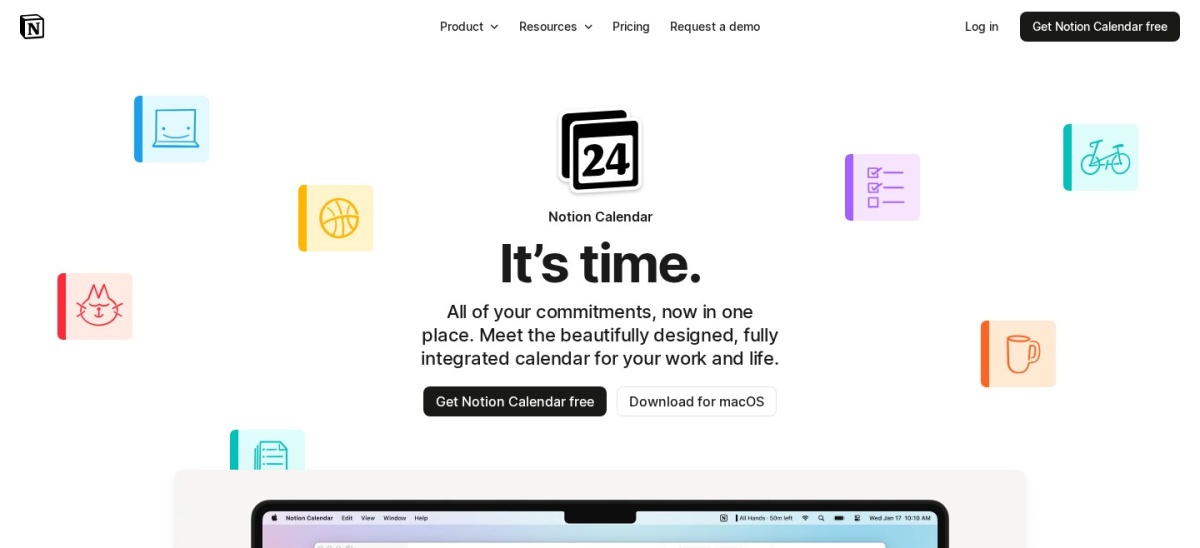
Notion Calendar homepage, captured Nov 2026.
Notion Calendar is a free calendar app for Android, iOS, web and desktop that pulls Google, iCloud and Outlook calendars into one view. It also shows dated items from linked Notion databases beside meetings, which suits people who already plan projects and notes in Notion.
The trade off is the phone app. It leaves out week and month views, event search and scheduling links, which are only on desktop and web. It suits Notion users who want their meetings and dated work in one free view.
What we like
Completely free with no ads
Links meetings to Notion database items
Connects Google, iCloud and Outlook calendars
Watch out for
No week or month view on the phone app
No event search on the phone app
Needs a Notion account to use
Paid Notion workspace plans add AI meeting notes and more capacityVisit notion.com
07
TickTick
4.5/5on G2 (113 reviews, checked Nov 2026)
Paid from$35.99/yr
Best for calendar views and habits
PlatformsAndroid, iOS, web, desktop
Free planYes, tasks and calendar views
Calendar viewsYear, month, week, day, agenda
Paid planPremium $35.99/yr
ticktick.com
TickTick homepage, captured Nov 2026.
TickTick is a to-do list and calendar app for Android with year, month, week, day and agenda views, plus a Pomodoro timer and a habit tracker. The free plan covers tasks, lists, calendar views and device sync, and it can subscribe to other calendars and connect with Notion.
The trade off is that the full feature set, including some calendar and reminder options, sits behind Premium at $35.99 a year. It suits people who want one app for tasks, habits and a dense calendar view.
Todoist is a to-do list app for Android with a calendar view, natural-language dates and recurring tasks, rated 4.5 out of 5 across 866 G2 reviews. The free plan covers tasks, projects, due dates and the calendar view, and it runs on phone, tablet, watch, desktop and web.
The trade off is that it is a task app first. It has no shared family calendar or native month-planning tools, and Pro costs $4 a month billed yearly, or $5 a month billed monthly. It suits people who schedule their day as dated tasks.
What we like
Fast natural-language task entry
Calendar view with recurring tasks
Runs on phone, watch, desktop and web
Watch out for
A task app first, not a full calendar
No shared family calendar
Reminders need the Pro plan
Pro adds reminders, filters and longer activity historyVisit todoist.com
09
Morgen
4.8/5on G2 (30 reviews, checked Nov 2026)
Starts at$15/mo
Best for time blocking
PlatformsAndroid, iOS, web, desktop
Free planNo, 14-day trial only
Time blockingYes, with task apps
Paid planPro $15/mo billed yearly
morgen.so
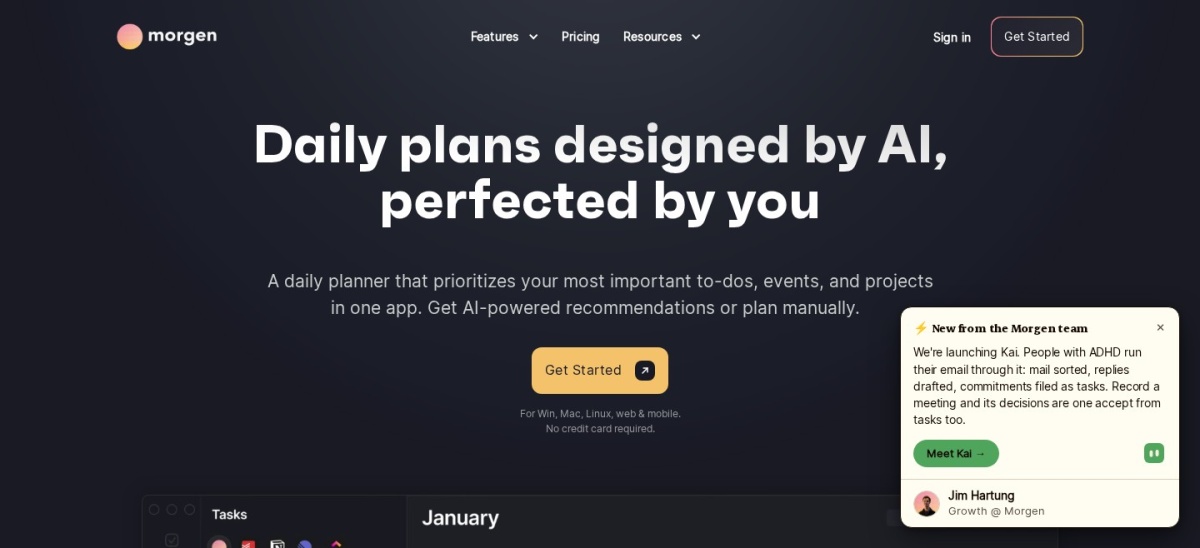
Morgen homepage, captured Nov 2026.
Morgen is a calendar, task and time-blocking planner for Android, iOS, web and desktop, rated 4.8 out of 5 across 30 G2 reviews. It combines multiple calendars with tasks from tools such as Notion and Todoist into daily time blocks, and Pro includes scheduling links.
The trade off is price and the lack of a free plan. After a 14-day trial, Pro costs $15 a month billed yearly, or $30 a month billed monthly. It suits people who plan each day in blocks and already use a task app.
What we like
Time blocking across calendars and tasks
Connects Notion, Todoist and other task apps
Includes scheduling links on Pro
Watch out for
No free plan after the trial
Highest annual cost in this list
More setup than a plain calendar
Pro adds time blocking, scheduling links and task integrationsVisit morgen.so
Free vs paid: what you give up
Free plans cover the basics well. Most include shared calendars, reminders, widgets and sync across devices.
Paid plans mostly add depth and limits. You get more calendars, recurring tasks, location reminders, time blocking and help with scheduling.
Two picks in this list have no calendar-only paid tier at all. Google Calendar is free for personal use, and Notion Calendar is free as a standalone app.
If you only need to see dates and share them with a household, a free plan is enough. Pay when you need tasks, time blocking or privacy features every day.
How we chose
We started from the Android calendar apps named most often in current roundups, then kept those with a real Android app and a public rating on G2 or Capterra.
Prices come from each vendor pricing page or a published listicle checked on 25 November 2026, using regular prices and annual billing rates where shown. Ratings and review counts come from G2 or Capterra on the same day.
We left out Apple-only calendars and booking-link tools. No vendor paid for a place, and we do not claim to have used these tools ourselves.
How to choose an Android calendar app
Start with the calendar your events already live in, then check sharing, widgets and price.
Check where your events already live. If they sit in Google, start with Google Calendar. If they sit in Microsoft 365, start with Outlook.
Decide who shares the calendar. Pick TimeTree for a household, Google Calendar or Outlook for work, and Proton Calendar if privacy comes first.
Test the widget on your home screen. A month or agenda widget should show the next few events without opening the app. If it does not, try another app.
Pay only for a feature you will use daily. Time blocking, recurring tasks and extra calendars are the usual paid reasons. A free plan covers dates and sharing for most people.
FAQ
What is the best Android calendar app?
Google Calendar is the best Android calendar app for most people. It is free with a Google account, syncs across Android, web and iOS, and is rated 4.8 out of 5 on Capterra across 4,340 reviews.
Is Google Calendar free on Android?
Yes. Google Calendar is free for personal use with any Google account, with no ads on the personal plan. Paid features sit inside Google Workspace plans, which start at $7 per user a month on an annual plan.
Which Android calendar app is best for families?
TimeTree is the best pick for families and groups. It is built around shared calendars, and every event carries its own comment thread, so plans and notes stay on the event itself.
Can I use Outlook calendar on Android for free?
Yes. The Outlook app is free on Android with basic mail, calendar, contacts and tasks. Paid Microsoft 365 plans start at $7 per user a month and add custom business email and booking tools.
Which Android calendar app is best for privacy?
Proton Calendar is the best pick for privacy. It encrypts calendar events end to end, has no ads, and its free plan covers 3 personal calendars without a Google account.
Do I need a paid calendar app on Android?
No, not for most people. Free plans cover dates, reminders, widgets, sharing and sync. Pay only if you need time blocking, recurring tasks, extra calendars or privacy features every day.
SaaS SEO and WordPress specialist with about 8 years of experience. Rakib compares WordPress plugins, themes, hosting and software using public pricing, documentation and user reviews. See how we rank.