Best AI Video Enhancement Tools in 2026: 9 Tools Compared
WLWPLegible EditorsLast verified 24 Nov 2026How we rank12 min read
★ Short answer
Topaz Video AI is the best AI video enhancement tool for serious restoration, with more than 20 specialist models and local rendering at $299 a year. Pick VideoProc for the cheapest desktop route, TensorPix for cloud enhancement without a graphics card, and Remini when the footage lives on a phone.
How we make this list: we compare pricing pages, product documentation and public user reviews, then re-check every price before each update. No product paid for a place. Disclosure.
Topaz Video AI is the professional reference, 4.7 on G2 from 6 reviews, at $299 a year with no trial.
VideoProc is the cheapest desktop route at $34.95 a year, with a free version that exports five videos without a watermark.
TensorPix is the cheapest cloud route at $5.50 a month, and it needs no graphics card.
Remini is the only mobile-first enhancer here, but its Trustpilot score is 1.4 over billing complaints.
Pixop charges about $0.10 per processed second, which beats a subscription for one archive project but not for weekly use.
Where the work happens
AI video enhancement tools split into three kinds: desktop apps that render on your own graphics card, cloud services that process footage on rented servers, and mobile apps that fix clips on a phone. Where the work happens matters more than the brand, because it decides the hardware you need and who holds your footage.
This list covers all three. Topaz, VikPea, UniFab, AVCLabs, VideoProc and Nero render locally, TensorPix and Pixop work in the cloud, and Remini runs on a phone. Our guide on choosing AI tools for business explains how to weigh ratings against price.
Prices run from $5.50 a month for TensorPix Standard to $299 a year for Topaz Personal, with VideoProc at $34.95 a year the cheapest desktop route. Three tools here offer a free tier, and the rest offer a trial, but Topaz has no trial for its current desktop version.
Ratings need care here. G2 scores run high but rest on tiny bases, with Topaz at 4.7 from 6 reviews and Nero at 3.8 from 2, while Trustpilot scores for this category are dragged down by billing complaints. Check the review base and the refund terms before you pay.
Topaz Video AI is a professional desktop enhancer for upscaling, denoising, deinterlacing and restoring old footage, with more than 20 specialist AI models and local rendering on your own graphics card. Personal costs $299 a year and includes unlimited local rendering plus 25 cloud credits a month, while Pro at $699 a year adds full commercial rights.
The trade off is price, hardware and the end of perpetual licences. Topaz moved to subscription-only in October 2025, so a lapsed subscription locks you out, and serious models want a serious graphics card, with renders measured in hours on modest machines. It suits editors and archivists restoring footage every week.
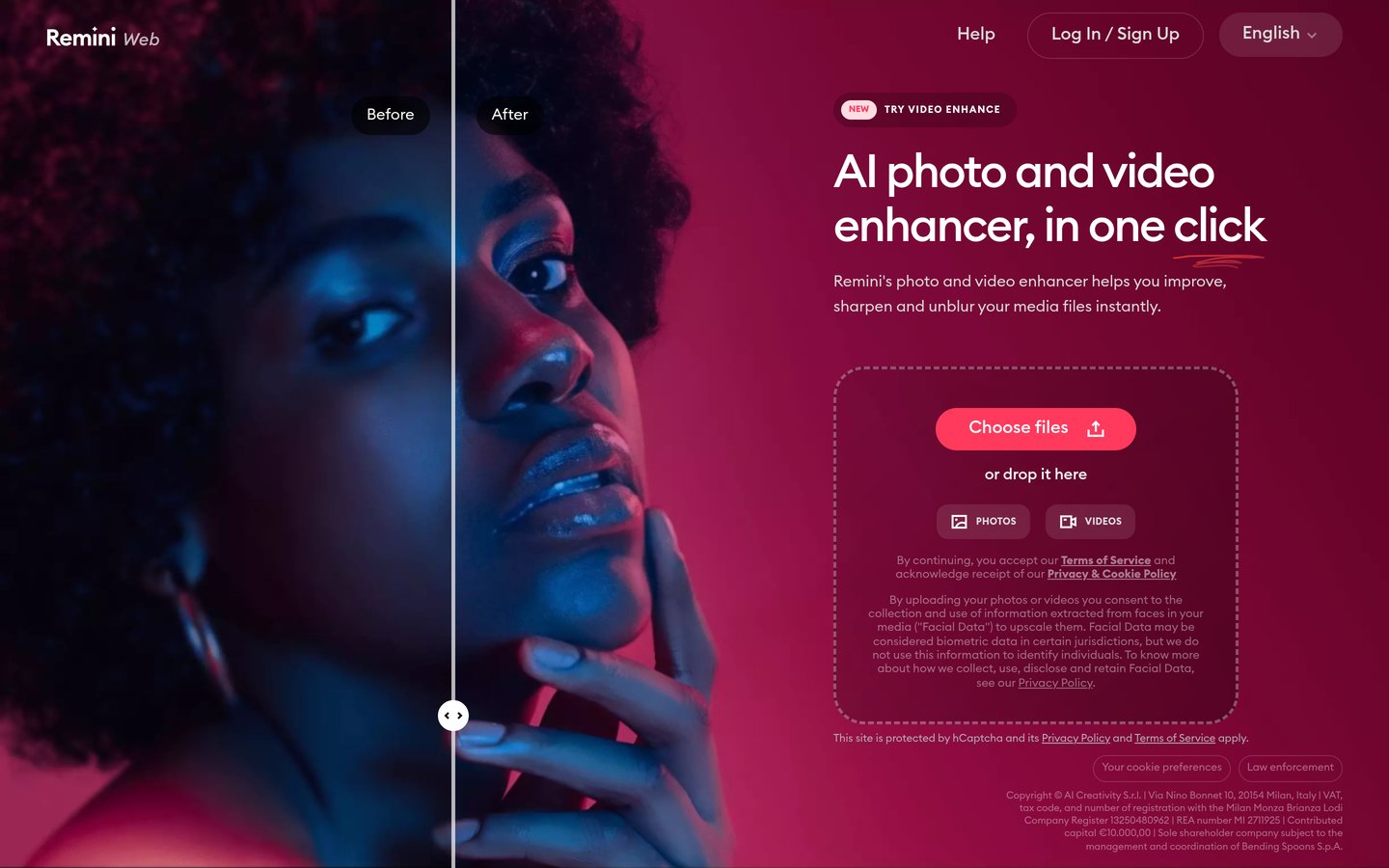
Remini is a mobile-first enhancer that rebuilds faces and sharpens old photos and short video clips with one tap, and it holds 4.6 on the App Store from about 339,000 reviews. The free tier covers about five enhances a day behind forced video ads with a watermark, and Personal costs $6.99 a week for 20 enhancements a week.
The trade off is billing trust. Trustpilot shows 1.4 from the remini.me profile, with reviewers reporting charges continuing after cancellation and advertised prices differing from the charge, and the profile is unclaimed with no company replies. It suits phone users restoring old family portraits, not anyone wanting a predictable bill.
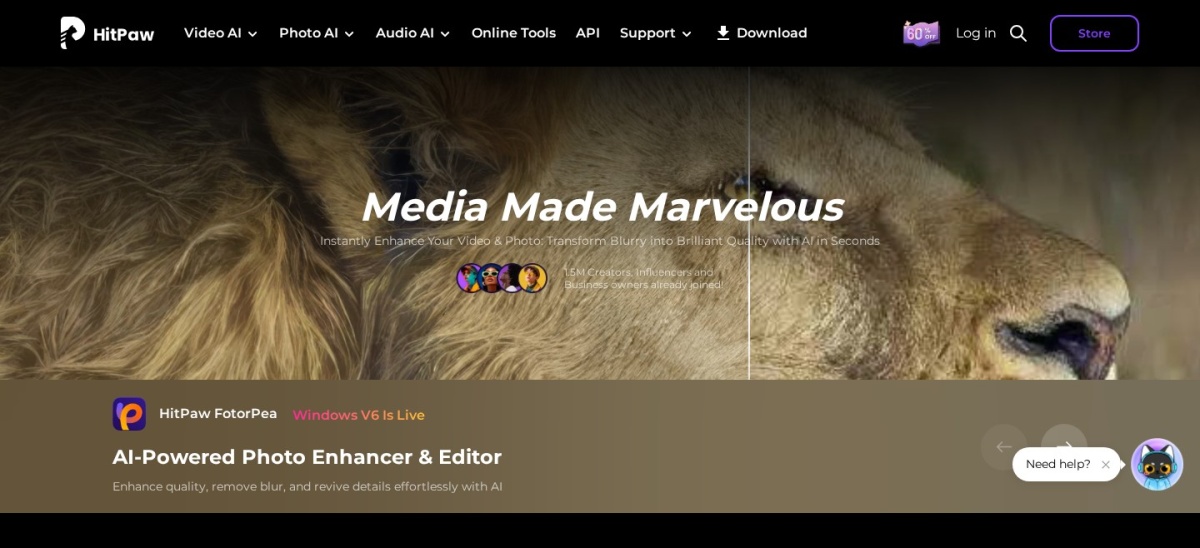
HitPaw VikPea is a guided desktop enhancer that upscales video to 4K or 8K with a model picker covering portraits, anime, denoise and colour, and it needs no technical setup. The Windows Standard plan costs $43.19 a month or $99.99 a year, with a perpetual licence at $350.39, and the free trial previews enhancements but watermarks exports.
The trade off is cost transparency and trust. Some cloud models and exports need separate credits on top of the licence, and Trustpilot withholds the HitPaw company rating after a guideline breach, with reviewers reporting auto-renewal and refund problems. It suits creators who want desktop quality without learning a restoration suite.
4.3/5on Trustpilot (516 reviews, checked Nov 2026)
Paid from$34.95/yr
Best budget desktop enhancer
Free planYes, 5 exports free
Cheapest paidPremium 365, $34.95/yr
Trustpilot4.3 from 516 reviews
Devices3 devices on Premium 365
videoproc.com
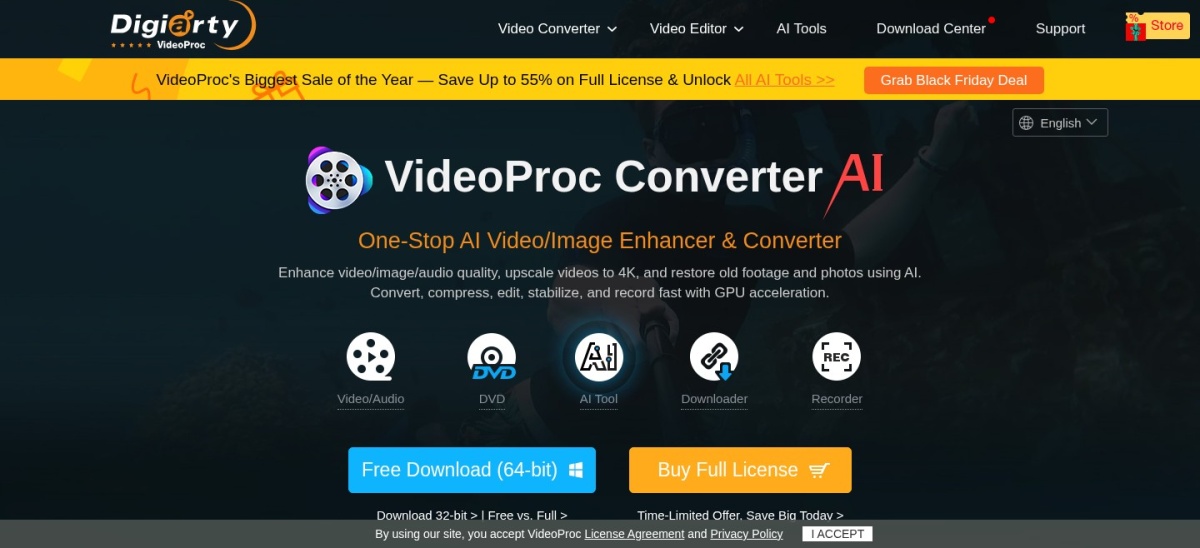
VideoProc Converter AI homepage, captured Nov 2026.
VideoProc Converter AI is a converter first, with an AI Super Resolution module that upscales old and compressed video to 4K while reducing noise and blur. The free version exports five videos without a watermark, and Premium 365 costs $34.95 a year for three devices, with a lifetime licence at $54.95 for one device.
The trade off is that enhancement is one feature among many. Super Resolution is a module inside a converter, not a specialist restoration suite, and Trustpilot reviewers report slow renders on long clips and a strict refund policy. It suits creators who convert and compress video anyway and want enhancement thrown in.
4.3/5on Trustpilot (123 reviews, checked Nov 2026)
Paid from$5.50/mo
Best cloud enhancer
Free planYes, credits for 3 videos
Cheapest paidStandard, $5.50/mo
Trustpilot4.3 from 123 reviews
OutputUp to 4K
tensorpix.ai
TensorPix homepage, captured Nov 2026.
TensorPix is a cloud enhancer that upscales video up to 4K, stabilises footage and raises frame rates on its own servers, so any laptop can do work that desktop tools need a gaming graphics card for. New accounts get free credits for up to three videos with no card, and Standard costs $5.50 a month billed yearly with 10 credits a month.
The trade off is custody and credit math. Your footage sits on third-party servers under their retention terms, failed generations do not always refund credits, and ProRes output is locked behind the Enterprise plan. It suits creators enhancing short clips without buying a graphics card.
4.1/5on Trustpilot (192 reviews, checked Nov 2026)
Starts at$99.99/yr
Best for upscaling plus audio
Free planNo, 30-day trial
Cheapest paid1-year, $99.99/yr
Trustpilot4.1 from 192 reviews
ExtrasAudio upmixing included
unifab.ai
UniFab homepage, captured Nov 2026.
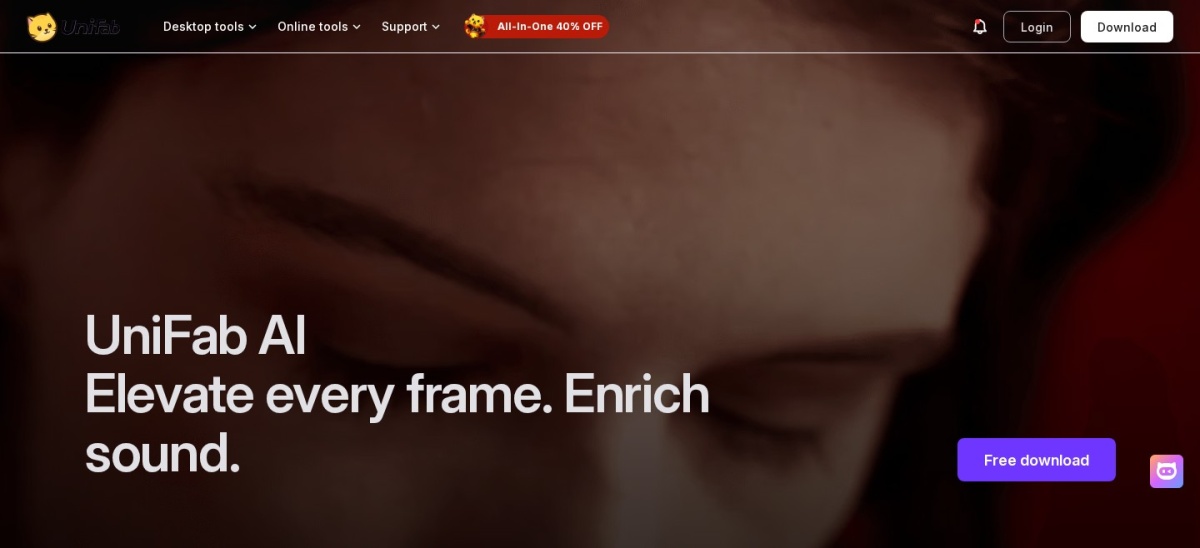
UniFab is an all-in-one media suite whose Video Upscaler AI upscales footage to 4K alongside conversion, editing and audio upmixing, which expands old stereo tracks for modern systems. The 1-year licence costs $99.99, the lifetime Video Enhancer licence is $129.99, and a 30-day trial covers three videos with no watermark.
The trade off is pricing confusion. Lifetime prices reported across sources range from $84.99 to $319.99 for the full suite, and the vendor's own comparisons rank UniFab first, which is a reason to trial rather than trust. It suits archivists whose problem is the whole tape, picture and sound together.
AVCLabs Video Enhancer AI homepage, captured Nov 2026.
AVCLabs Video Enhancer AI is a desktop all-rounder for upscaling to 8K, denoising, face refinement, anime sharpening and colourisation, with batch handling for folders of clips. It costs $39.95 a month, $95.96 for a 1-year plan or $149.90 for a perpetual licence, and the trial exports 30 seconds with a watermark.
The trade off is model depth and render time. It has fewer fine-grained controls than Topaz, and its own documentation concedes conversion times of 8 to 30 hours on longer clips. Trustpilot shows 4.0 from 556 reviews, with complaints about refunds and trial limits. It suits archivists digitising whole tape collections overnight.
Pixop is a cloud platform for broadcast-grade enhancement, where you upload footage and its machine-learning pipeline handles deinterlacing, denoising, super-resolution and frame-rate conversion. It charges about $0.10 per processed second with a $10 minimum deposit, and there is no subscription, so one archive project costs a few dozen dollars.
The trade off is price opacity and a broadcast focus. Pixop publishes no prices on its own site now and directs visitors to get in touch, and reviewers report costs far above the headline rate once a long clip is priced. It suits broadcasters and archives with occasional large jobs, not weekly creators.
Nero AI Video Upscaler homepage, captured Nov 2026.
Nero AI Video Upscaler is a Windows enhancer with six specialised models, including an Animation model reviewers praise for cartoon content, plus frame interpolation up to 120 frames per second. It upscales to 4K, offers a 7-day free trial with no credit card and no watermark, and costs $84.95 a year.
The trade off is a thin review base. The upscaler itself holds 3.8 on G2 from only 2 reviews, so the real signals are the broader Nero AI profile at 4.5 from 40 G2 reviews and about 4.6 on Trustpilot. It suits Windows users upscaling animation and everyday footage without a steep learning curve.
Billing complaints and invented detail: read before you pay
Three tools here carry serious billing complaints. Remini sits at 1.4 on Trustpilot with reviewers reporting charges after cancellation, HitPaw's Trustpilot company rating is withheld after a guideline breach, and VideoProc, UniFab and AVCLabs all draw refund complaints. Read the renewal and refund terms before checkout.
Enhancement can invent detail. Upscaling models rebuild texture from patterns, so a damaged face can gain features the real person never had, and an old photo can gain a stranger's skin texture. Preview faces at full size, use the gentlest model that works, and keep the original file.
Adobe agreed to buy Topaz Labs in June 2026, and Topaz moved to subscription-only pricing in October 2025, ending perpetual licences. The $299 Personal plan is now a yearly subscription, and a lapsed subscription locks you out of the app entirely.
When in doubt, start free. VideoProc gives five watermark-free exports, TensorPix gives free credits for three videos, and UniFab gives a 30-day trial with three videos, so you can compare results on your own footage before paying anything.
How we chose
We started from the most-mentioned AI video enhancement tools in 2026 buying guides, then kept those with a verifiable rating on G2, Capterra or Trustpilot and a published price or a clear free model. Aiarty was left out because its Trustpilot score is 3.6 from 23 reviews and it shares a vendor with VideoProc, which is already in the list.
Prices come from each vendor's pricing page or a November 2026 read of it, checked on 24 November 2026. Ratings come from G2, Capterra or Trustpilot on the same day. Where sources disagree on a price, the list uses the most recent dated read and flags the conflict.
No vendor paid for a place, and we do not claim hands-on testing for this list. Enhancement can invent detail that was never in the original footage, especially faces, so the list notes where that risk matters most and tells you to keep the original file.
How to choose AI video enhancement tools
Start with where the work happens and how much footage you have, then match the tool to it.
Run your worst clip first. A tool that rescues clean footage can still fail on damaged tape. Test the trial on your hardest clip, faces included, before paying for a year.
Check the hardware before the price. Desktop enhancers need a real graphics card, and render times on modest machines run into hours. Cloud tools skip the hardware but charge per clip or per credit.
Read the refund and renewal terms. Several tools here draw billing complaints on Trustpilot, and some subscriptions renew automatically. Note the renewal date and the refund window before checkout.
Keep the original file untouched. Enhancement creates a derivative, not a replacement. Store the enhanced copy beside the original, clearly labelled, so no future viewer mistakes it for the record.
FAQ
What is the best AI video enhancement tool?
Topaz Video AI is the best for serious restoration, with more than 20 specialist models, local rendering and 4K-plus output at $299 a year. VideoProc suits tight budgets at $34.95 a year, and TensorPix suits anyone without a graphics card at $5.50 a month.
How much does AI video enhancement cost?
Cheapest paid plans here run from $5.50 a month for TensorPix Standard to $299 a year for Topaz Personal, with VideoProc at $34.95 a year and UniFab at $99.99 a year in between. Pixop charges about $0.10 per processed second instead of a subscription.
Is there a free AI video enhancer?
Yes. VideoProc exports five videos free without a watermark, TensorPix gives free credits for up to three videos, and Remini enhances about five photos a day free with ads and a watermark. Topaz has no trial for its current desktop version, so test the others first.
Can AI enhancement invent detail that was never there?
Yes, and faces are the known risk. Upscaling models rebuild texture from patterns, so a blurry face can gain features the real person never had. Preview faces at full size, use the gentlest model that fixes the problem, and keep the original file labelled.
Do I need a powerful computer to enhance video?
For desktop tools, yes. Topaz, VikPea, UniFab, AVCLabs, VideoProc and Nero render on your graphics card, and slow machines can take hours per clip. TensorPix and Pixop run in the cloud, so any laptop works, and Remini runs entirely on a phone.
Why is Remini rated so badly on Trustpilot?
Remini scores 1.4 on Trustpilot from billing and cancellation complaints, with reviewers reporting charges continuing after cancellation and prices differing from what was advertised. Its G2 score is 4.6 from 13 reviews, which rates the app itself rather than the billing.