Best AI Video Animation Tools in 2026: 8 Tools Compared
WLWPLegible EditorsLast verified 24 Nov 2026How we rank11 min read
★ Short answer
Animaker is the best AI video animation tool for most buyers, with a free plan, the largest review base here and plans from $25 a month. Pick Vyond for corporate training, Renderforest for the lowest price and Doodly or VideoScribe when whiteboard is the style you need.
How we make this list: we compare pricing pages, product documentation and public user reviews, then re-check every price before each update. No product paid for a place. Disclosure.
Animaker is the best all-round pick, 4.7 on G2 from 1,082 reviews, with a free plan and Starter at $25 a month.
Vyond is the best corporate training tool at 4.7 from 556 reviews, but Starter costs $58 a user a month.
Renderforest is the cheapest paid plan here at $13.09 a month, though sources disagree on whether Lite is $9 or $13.09.
Doodly and Toonly now sell only inside Voomly Cloud at $49 a month, so their old standalone prices no longer apply.
VideoScribe is the cheapest whiteboard specialist on an annual plan at $185 a year.
What AI adds to animation
AI video animation tools split into three kinds: character studios that animate people and scenes, whiteboard tools that draw your message by hand, and template makers that turn text into a finished video. The style you need matters more than the brand, because each tool does one of these well.
This list covers all three. Animaker, Vyond and Toonly animate characters, Doodly and VideoScribe draw whiteboards, and Renderforest, Powtoon and Biteable build from templates and stock footage. Our guide on choosing AI tools for business explains how to weigh ratings against price.
Prices run from free to $58 a month for the cheapest paid plans, and three tools here offer a free plan while the rest offer a trial. Animaker holds the largest review base at 4.7 from 1,082 G2 reviews, while Biteable and Toonly rest on far thinner bases.
Ratings need care here. G2 scores run high across the list, but several tools carry thin review bases, and prices changed during 2026 as Doodly and Toonly moved into the Voomly Cloud bundle. Check the current price on the vendor page before you pay.
Animaker is a drag-and-drop animation studio that turns a script into a finished video with characters, props, scenes and AI voiceovers, all in a browser. The free plan covers three watermarked downloads a month with 10 AI assets and five AI video generations, and Starter at $25 a month removes the watermark and adds premium assets.
The trade off is price and polish. G2 reviewers cite pricing as the top complaint, with 80 mentions of expensive and 86 of not free, and the best characters and AI features sit on the $43-a-month Pro plan. It suits marketers and trainers who want a full animation studio without hiring an animator.
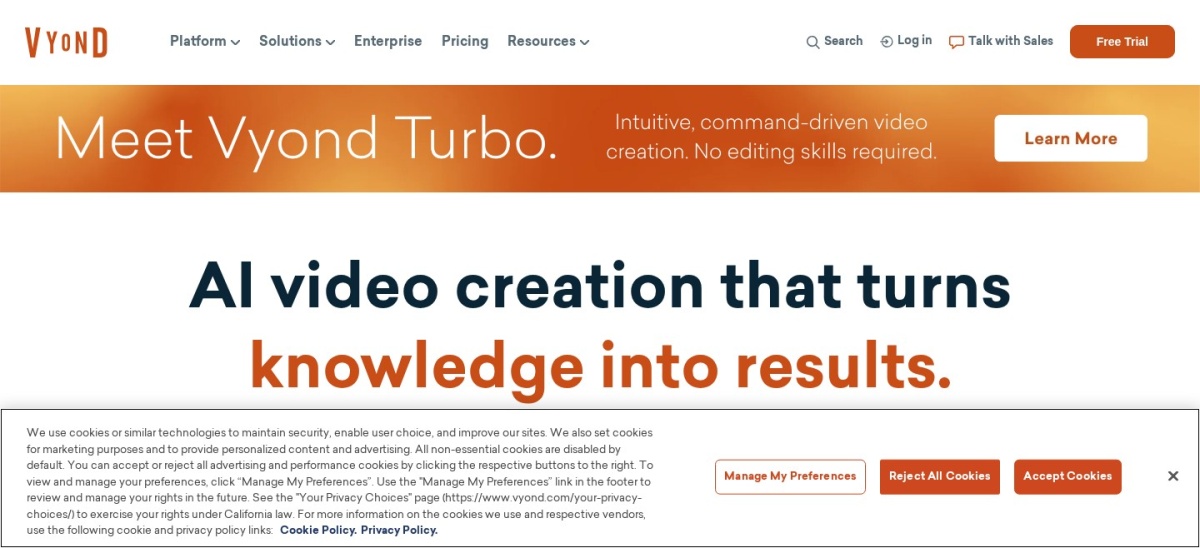
Vyond is a character animation platform built for corporate training and internal communication, with 40-plus character styles, AI avatars, 650-plus text-to-speech voices and text-to-video from a script or document. Starter costs $58 a user a month and includes AI avatars, screen recording and 10,000 credits a month.
The trade off is the enterprise price tag. There is no free plan, only a watermarked trial, and G2 reviewers from small businesses call the price steep, while enterprise reviewers dominate the base. One G2 pricing passage even cites $99 a month for Starter, against the $58 in the pricing table. It suits learning and development teams making training at scale.
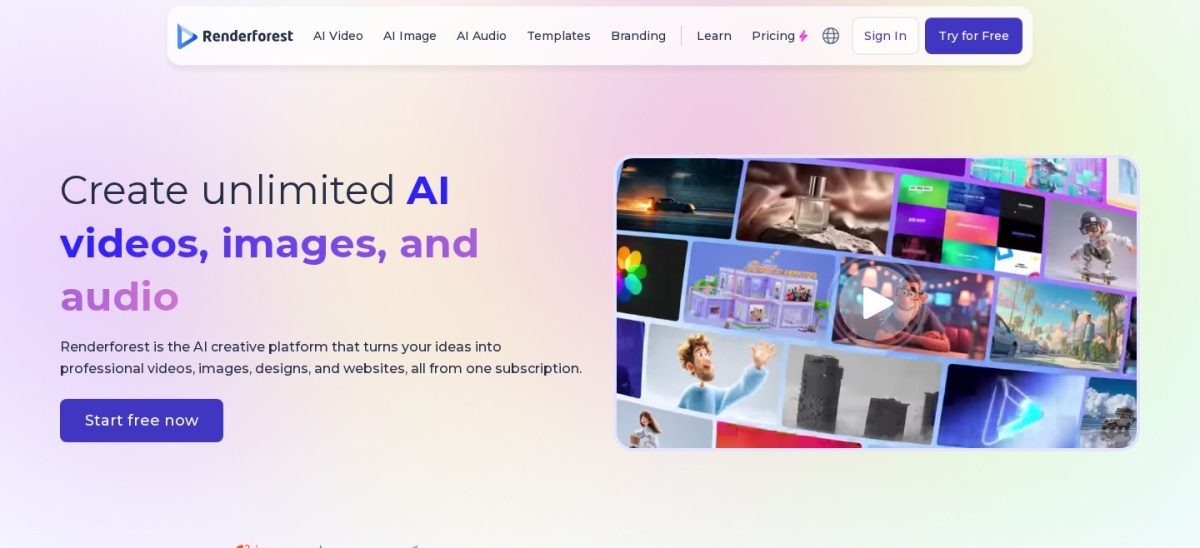
Renderforest is an all-in-one video, logo and website maker built on templates, with AI video generation, a large stock library and a free Forever Free tier. The free tier makes 720p videos up to three minutes with a watermark, five AI image credits and 500MB of storage, and Lite at $13.09 a month removes the watermark.
The trade off is conflicting prices and generic looks. G2's current pricing page lists Lite at $13.09 a month, while an older G2 page and its own summary text still say $9, so confirm before you buy. Template-based output can also look generic next to custom animation. It suits small businesses that need video, a logo and a site from one subscription.
Powtoon is a presentation-friendly animation platform that turns slides and scripts into short explainer videos for marketing, sales and training. The free plan builds 720p videos up to three minutes with a watermark and no MP4 download, and Lite at $15 a month billed yearly removes the watermark and adds HD downloads.
The trade off is the export cap and the monthly price. Lite allows only five watermark-free exports a month, and paying monthly instead of yearly pushes Lite to $49 a month, while Professional costs $40 a month billed yearly. It suits teams making short training and sales explainers on a regular rhythm.
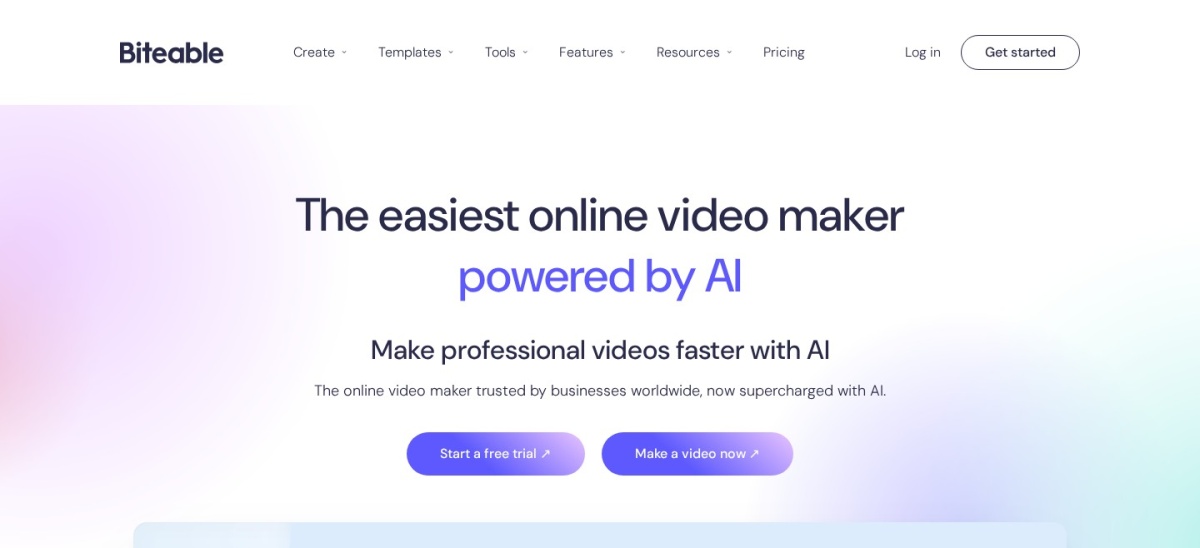
Biteable is a template-first video maker built on millions of stock clips and animations, with an AI builder, screen recording and video analytics. Pro at $29 a month gives unlimited HD exports, 20 AI avatar clips a month and one brand profile, while Premium at $49 a month billed yearly adds 4K, captions and translation.
The trade off is price and a thin review base. G2 holds only 26 reviews, and G2 reviewers call Biteable expensive for small startups, with the $29 monthly rate feeling steep for one user. G2 still lists a free $0 tier, but November 2026 reads of the pricing page show only a 7-day trial. It suits teams that live on stock footage.
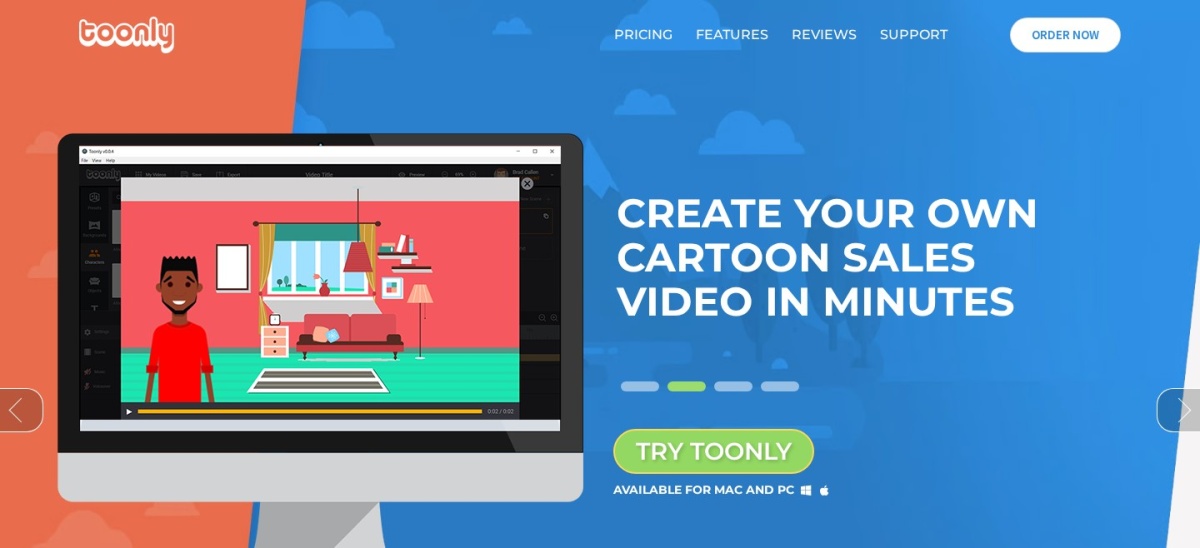
Toonly is a desktop cartoon explainer maker from Bryxen that builds 2D character scenes by drag and drop, with 200 character images, 81 backgrounds and lip-sync. It no longer sells standalone: access comes through Voomly Cloud at $49 a month, bundled with Doodly, Talkia voiceovers, People Builder and video hosting.
The trade off is dated art and the bundle lock-in. Capterra reviewers praise the ease of use but note the character art looks dated and the editor slows on longer, element-heavy projects. The cheapest Voomly plan does not include Toonly, so $49 a month is the real entry price. It suits marketers making simple cartoon explainers.
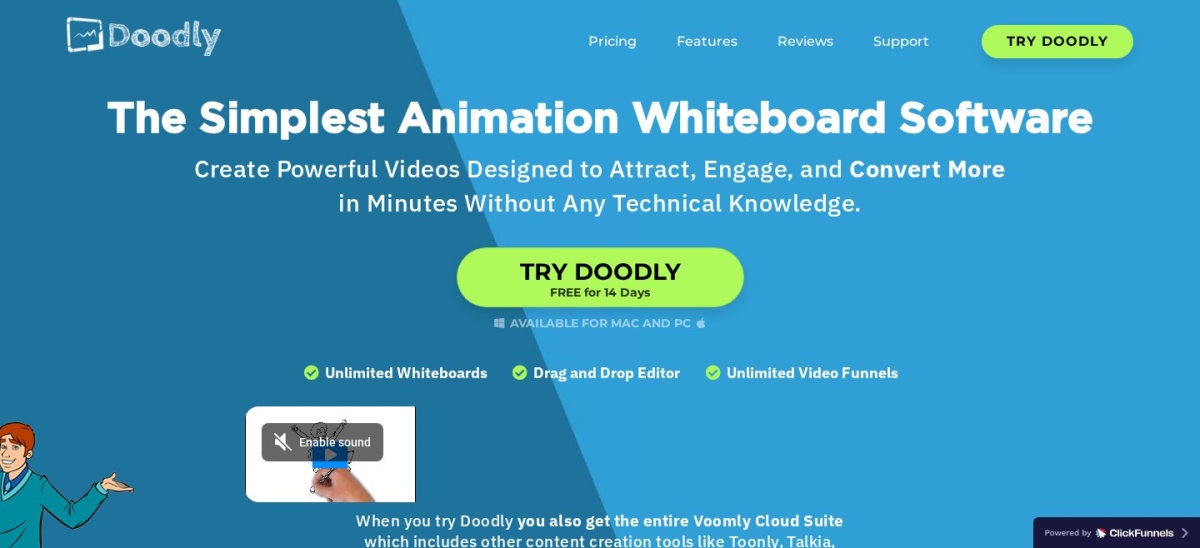
Doodly is a whiteboard animation app for Windows and Mac that draws your message on screen with a hand, using Smart Draw to define custom draw paths for your own images. It exports up to 1080p with royalty-free music, and like Toonly it now comes through Voomly Cloud at $49 a month after a 14-day trial.
The trade off is one style and a higher price. Doodly does whiteboard and nothing else, and the move into Voomly Cloud pushed its entry price from $39 a month standalone to $49 a month bundled. Trustpilot shows 3.8 from about 2,300 reviews, with complaints about upsells and slow support. It suits marketers who want whiteboard explainers plus the bundle.
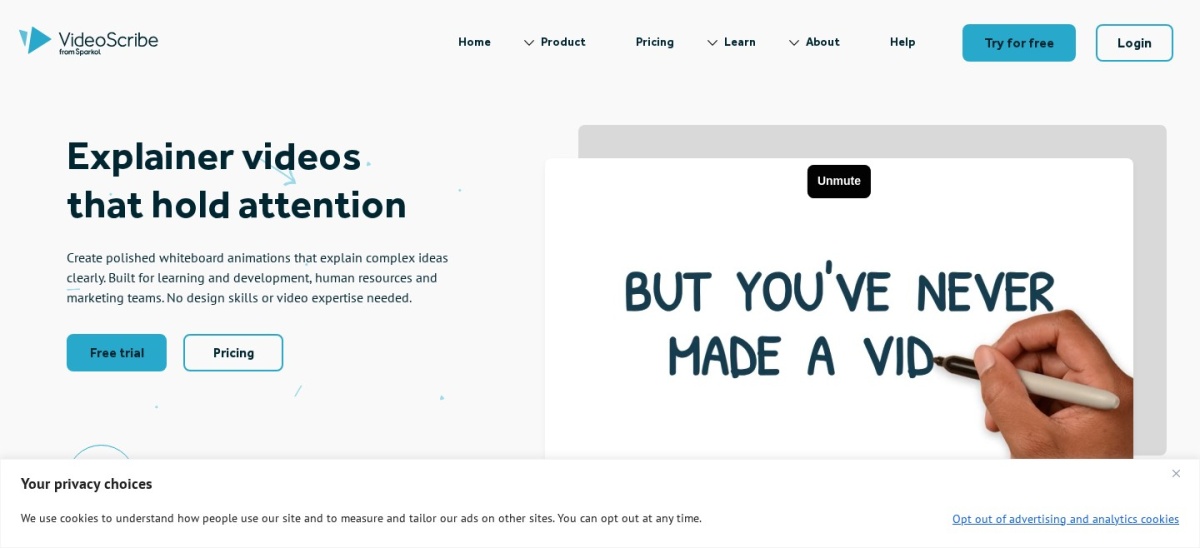
VideoScribe is a dedicated whiteboard animation tool with the deepest whiteboard asset library here, built for educators and marketers who want the hand-drawn style done well. The monthly plan costs $43 a month, while the annual plan at $185 a year works out near $15 a month, and a free trial lets you test it first.
The trade off is a single style and a dated library. VideoScribe does whiteboard only, and reviewers note the asset library feels dated next to newer tools, with occasional crashes reported. It suits teachers and trainers who make whiteboard explainers regularly and can commit to the annual plan.
Doodly and Toonly no longer sell as standalone products. Both moved into Voomly Cloud during 2026, so the $49-a-month bundle now covers Doodly, Toonly, Talkia voiceovers, People Builder and video hosting, and their old $39-a-month standalone prices no longer apply.
Renderforest and Vyond both carry conflicting prices across G2 pages. Renderforest Lite is $13.09 a month on the current G2 pricing page but $9 on an older page, and Vyond Starter is $58 a user a month in the pricing table but $99 in one G2 pricing passage. The list uses the current pricing-table figures.
Moovly was left out of this list on purpose. Its parent received a failure-to-file cease-trade order in February 2025, its Belgian unit entered insolvency in May 2025, and Capterra reviewers report stranded accounts, so recommending it would be a risk.
When in doubt, start with a free plan or trial. Animaker, Renderforest and Powtoon give free access, and the other five offer trials of 7 to 14 days, so you can compare exported videos before paying.
How we chose
We started from the most-mentioned AI video animation tools in 2026 buying guides, then kept those with a verifiable rating on G2, Capterra or Trustpilot and a published price or a clear free model. Moovly was left out because its parent faces a cease-trade order and its Belgian unit entered insolvency in 2025, with customers reporting stranded accounts.
Prices come from each vendor's pricing page or a November 2026 read of it, checked on 24 November 2026. Ratings come from G2, Capterra or Trustpilot on the same day. Where sources disagree on a price, the list uses the most recent dated read and flags the conflict.
No vendor paid for a place, and we do not claim hands-on testing for this list. Where a tool moved into a bundle or changed its pricing model during 2026, the list says so instead of repeating old standalone prices.
How to choose AI video animation tools
Start with the animation style and the way your audience learns, then match the tool to it.
Pick the animation style first. Character, whiteboard and template videos serve different audiences. Choose the style your viewers expect, then compare tools inside that style.
Check the free tier before paying. Three tools here give a free plan and the rest offer trials. Run a real script through two of them and compare the exported video before committing to a subscription.
Check the review base, not just the score. A 4.7 from 1,082 reviews means far more than a 4.4 from 26, and bundled tools can hide their real price inside a suite. Read the one-star reviews for billing patterns.
Watch the export limits. Watermarks, resolution caps and download limits sit on the cheapest plans. Confirm the export you need is included before you build a whole video.
FAQ
What is the best AI video animation tool?
Animaker is the best all-round pick. It holds 4.7 on G2 from 1,082 reviews, the largest base here, offers a free plan with three downloads a month, and starts at $25 a month. Vyond suits corporate training better, and Renderforest suits the tightest budgets.
How much do AI video animation tools cost?
Cheapest paid plans here run from $13.09 a month for Renderforest Lite to $58 a month for Vyond Starter, with Animaker at $25 and Powtoon at $15 in between. Doodly and Toonly cost $49 a month inside the Voomly Cloud bundle, and three tools offer free plans.
Is there a free AI video animation tool?
Yes. Animaker, Renderforest and Powtoon all offer free plans with watermarks and export limits, and Vyond, Biteable, Toonly, Doodly and VideoScribe offer free trials from 7 to 14 days. The free plans suit short tests, but watermarked exports limit professional use.
Which tool is best for whiteboard animation?
Doodly is the best whiteboard tool for marketers, with Smart Draw custom paths and a 4.2 on G2 from 132 reviews. VideoScribe is the dedicated specialist with the deepest whiteboard library, and its annual plan at $185 a year is the cheaper way in.
Why are Doodly and Toonly sold together now?
Both tools come from Bryxen and moved into the Voomly Cloud bundle during 2026, so one $49-a-month subscription now covers Doodly, Toonly, Talkia voiceovers and video hosting. Their old standalone prices of $39 a month no longer apply.
Do these tools make videos from text automatically?
Partly. Animaker, Renderforest, Powtoon and Biteable offer AI builders that turn a prompt or script into a draft video, but every tool here still needs a human to pick scenes, fix timing and polish the result. Expect a starting point, not a finished video.