Best AI Tools to Convert Photo to Video in 2026: 9 Tools Compared
WLWPLegible EditorsLast verified 24 Nov 2026How we rank12 min read
★ Short answer
PixVerse is the best AI tool to convert a photo to video for most creators, with free daily credits and paid plans from $10 a month. Pick Pollo AI when you want many video models on one subscription, and Kling when realistic motion matters most.
How we make this list: we compare pricing pages, product documentation and public user reviews, then re-check every price before each update. No product paid for a place. Disclosure.
PixVerse leads on G2 at 4.9 from 24 reviews, with free daily credits and paid plans from $10 a month.
Pollo AI is the rare tool that scores well on both G2 and Trustpilot, at 4.7 from 99 reviews and 4.3 from 5,589.
Kling gives the most realistic motion at $8.80 a month, though its G2 base is only 5 reviews.
Vidu keeps characters consistent across clips at $10 a month, but Trustpilot scores it 2.1 from 19 reviews.
DeeVid bundles many models from $14 a month, and its Trustpilot score rose from 1.5 to 3.4 during 2026.
What AI adds to converting photos to video
Photo-to-video tools take one still image and return a short clip: a product photo that turns on a table, a portrait that starts talking, or a landscape with moving water. The input is simple, but the tools split by what the photo becomes.
This list splits into realistic motion, talking photos and multi-model aggregators. Kling, Vidu and Runway chase realistic physics, D-ID and Vidnoz animate faces into speech, and Pollo AI and DeeVid route one photo to many engines on a single credit balance.
Ratings need care here. Four tools hold fewer than 25 reviews on G2, and Trustpilot scores run from 1.2 to 4.3 across the category. Our guide on choosing AI tools for business explains how to weigh ratings against price.
Prices are credit-based almost everywhere. Cheapest paid plans run from $5.90 to $26.99 a month, credits expire monthly, and a failed generation can still spend them, so test the free tier on your own photo before paying.
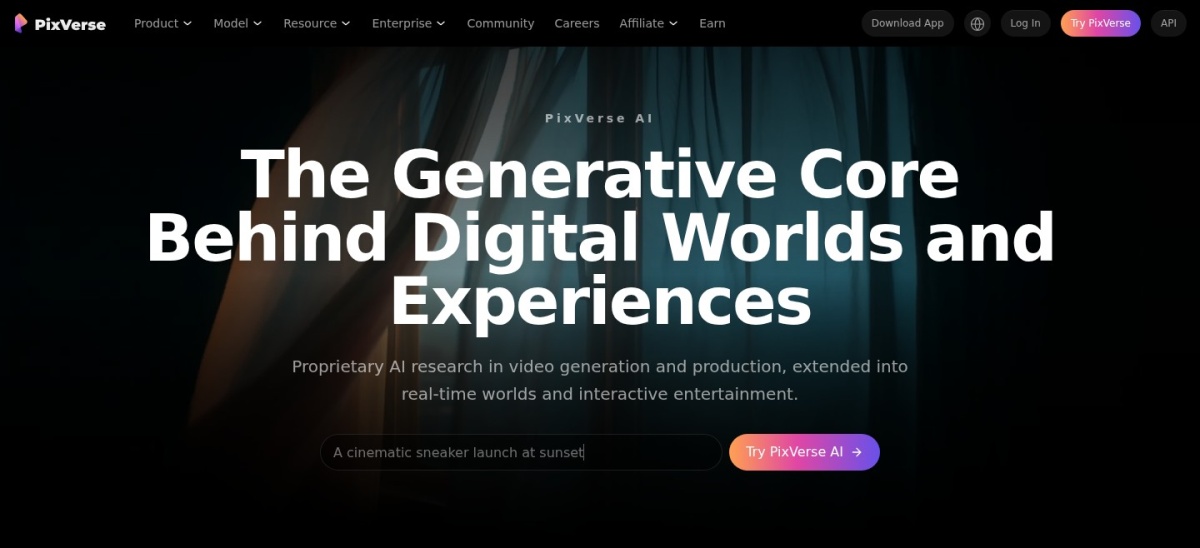
PixVerse is an AI video generator that turns a photo or a text prompt into a short clip, with its own V6 model plus third-party engines such as Seedance and Kling on higher plans. The free Basic plan gives 60 credits at sign-up and 30 a day, and Standard at $10 a month adds 1,200 credits, no watermark and 720p output.
The trade off is trust. Trustpilot shows 2.1 out of 5 from 133 reviews, mostly about credits spent on blocked or failed generations and hard cancellations, so test the free daily credits hard before paying. It suits creators who want cheap photo-to-video clips for social feeds.
Vidnoz is an AI video platform built around talking avatars, with a separate image-to-video mode that turns a still into a short clip using its own models or third-party engines including Kling, Seedance and Hailuo. The free plan gives daily minutes, and Starter at $26.99 a month removes the watermark and lifts exports to 1080p.
The trade off is polish and reputation. Trustpilot shows 2.3 out of 5 from 83 reviews, with failed generations the main complaint, and avatar quality sits below the pricier specialists. It suits small businesses and trainers who want cheap talking-photo videos without a camera.
Pollo AI is a multi-model video platform that turns a photo into a short clip with its own Pollo 2.5 engine or third-party models including Kling, Veo, Seedance and Runway, all on one credit balance. The free plan gives 20 credits once, and Lite at $15 a month adds 400 credits and product-video templates.
The trade off is the refund rule. Refunds are possible only within 3 days of purchase with 50 credits or fewer used, and unused credits do not roll over. It suits creators who want to try many video models without paying for five separate subscriptions.
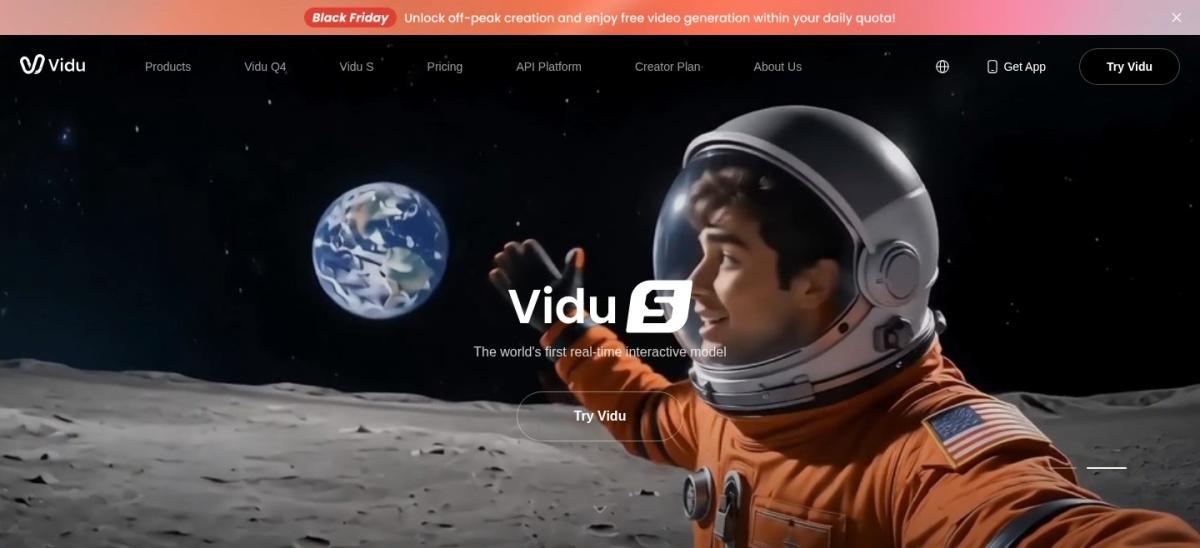
Vidu is an AI video model built around image-to-video and reference-to-video generation, and it is strongest at keeping the same character, outfit and prop consistent across a clip. The free plan gives sign-up credits plus unlimited off-peak generation, and Standard at $10 a month adds 800 credits and watermark-free output.
The trade off is billing trust. Trustpilot shows 2.1 out of 5 from 19 reviews, with credits used on failed clips and no reply from support, and the pricing page states plainly that refunds are not available. It suits creators who need consistent characters in anime or stylised clips.
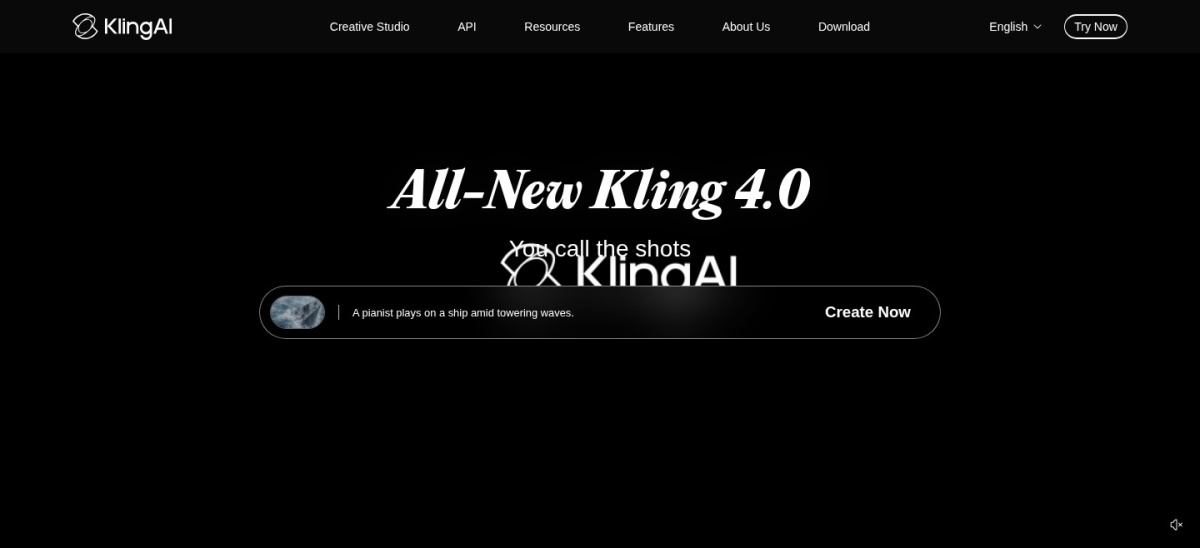
Kling AI is Kuaishou's video model, and its image-to-video mode is the strongest in this list for realistic motion, with fluid physics, believable weight and hair and fabric that respond to movement. The free Basic plan makes watermarked clips, and Standard at $8.80 a month adds 660 credits, no watermark and commercial use.
The trade off is moderation and billing friction. Reviewers report false-positive blocks on swimwear, dance and fashion photos, and Trustpilot shows 1.2 out of 5 from 442 reviews, mostly about credits and payment problems. It suits creators who want the most convincing motion per dollar.
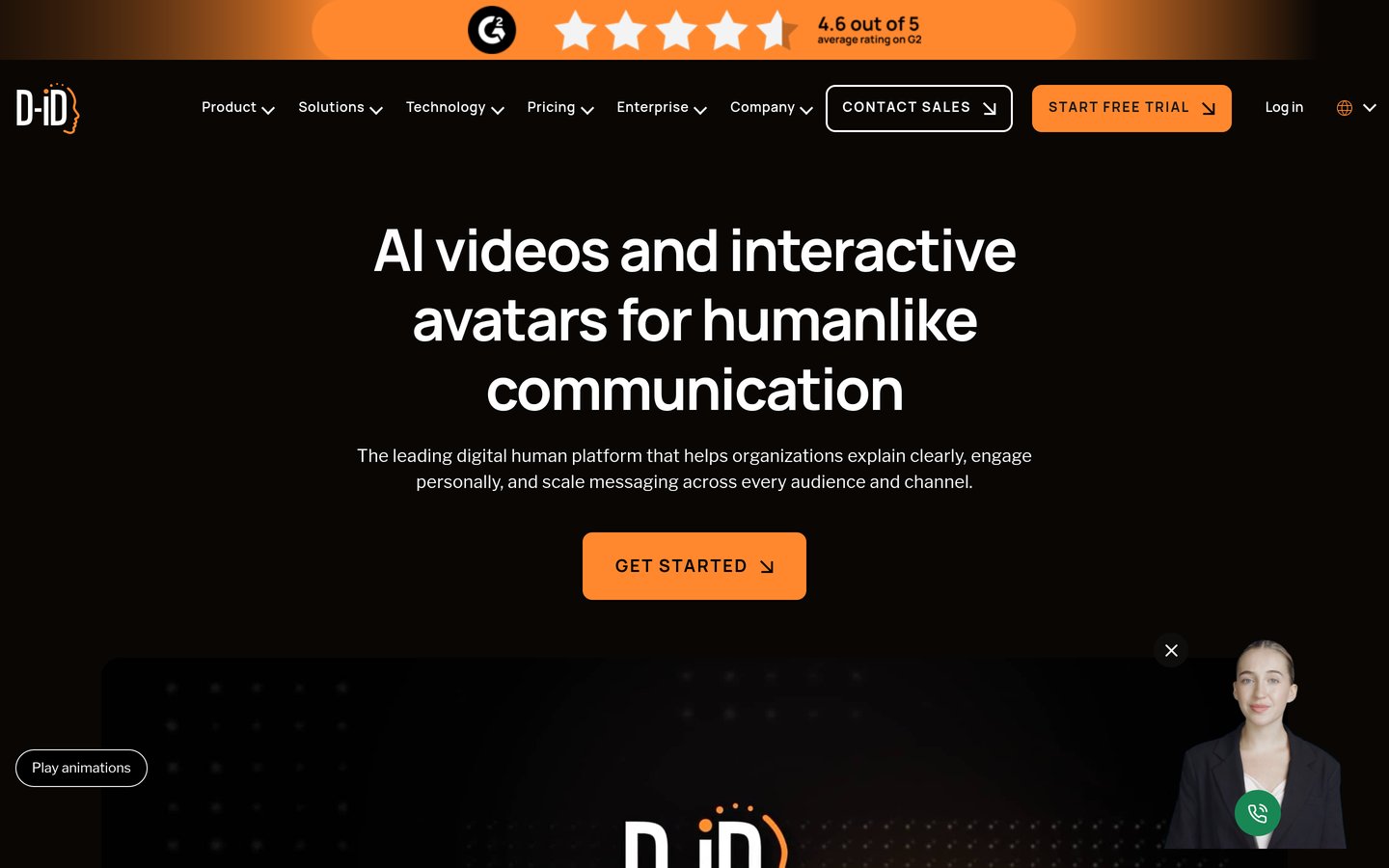
D-ID is an AI avatar platform that animates a still photo into a talking portrait, with lip sync, sentiment control and voices in many languages. A 14-day trial gives 3 minutes of video, and Lite at $5.90 a month adds 10 minutes a month, though outputs stay watermarked and licensed for personal use only.
The trade off is the minute budget. Ten minutes a month covers short clips only, commercial use starts on Pro at $29 a month, and Trustpilot shows 1.5 out of 5 from 27 reviews over billing. It suits anyone who needs a photo to speak rather than a full scene to move.
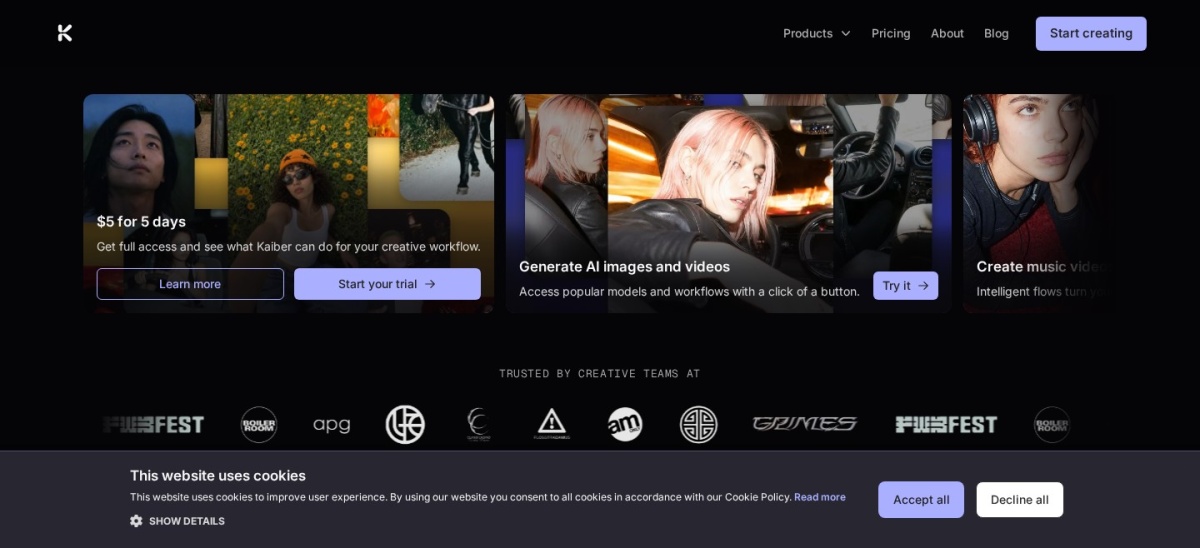
Kaiber is a browser studio that runs several outside video models on one canvas, with a Beat Sync tool that cuts visuals to a music track and a timeline editor for finishing clips. There is no free plan, only a $5 five-day trial, and Starter at $10 a month gives 500 credits a month.
The trade off is credit burn and billing trust. Credits run out fast on Starter, Beat Sync needs Creator at $29 a month, and Trustpilot shows 3.2 out of 5 from 152 reviews with billing complaints. It suits musicians and visual artists who want music-synced animation.
Runway is a video platform built around its own Gen-4.5 model, with image-to-video generation, camera controls and an editor that trims, extends and restyles clips in one workspace. The free plan gives 125 one-time credits, and Standard at $15 a month adds 625 credits a month and watermark-free output.
The trade off is credit cost. Gen-4.5 burns about 12 credits a second, so Standard makes under a minute of flagship video a month, and the free credits never refill. It suits agencies and serious creators who generate and finish a shot in one place.
3.4/5on Trustpilot (836 reviews, checked Nov 2026)
Paid from$14/mo
Best all-in-one video studio
Free planYes, 20 credits once
Cheapest paidLite, $14/mo
Trustpilot3.4 from 836 reviews
Credits200 a month on Lite
deevid.ai
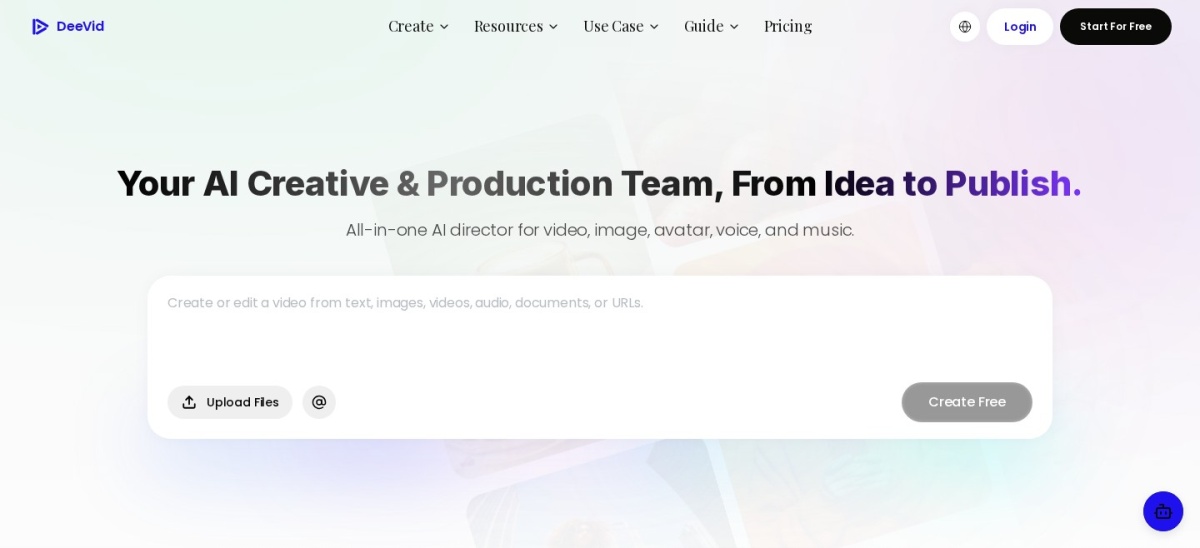
DeeVid homepage, captured Nov 2026.
DeeVid is a credit-based video generator that turns a photo into a short clip using third-party models such as Veo, Sora and Kling, wrapped in an agent, canvas and editor workflow. New users get 20 free credits once, and Lite at $14 a month adds 200 credits a month and 720p output.
The trade off is credit cost and refunds. One 15-second 720p clip can cost 120 credits, so Lite covers few clips a month, and the terms rule out refunds once anything is generated. It suits social creators who want many models and templates on one subscription.
Thin ratings and conflicting scores: how to read them
Four tools in this list hold thin G2 bases. Kling holds 4.7 from only 5 reviews, Kaiber 4.5 from 12, Vidnoz 4.9 from 16 and PixVerse 4.9 from 24, so one unhappy buyer moves the score a long way. Treat those scores as a hint, not a verdict.
G2 and Trustpilot disagree sharply in this category. Vidu scores 4.7 on G2 but 2.1 on Trustpilot from 19 reviews, Kling 4.7 on G2 but 1.2 on Trustpilot from 442, while Pollo AI scores well on both, with 4.7 on G2 from 99 reviews and 4.3 on Trustpilot from 5,589.
DeeVid shows why a single score can mislead. Its Trustpilot score was 1.5 from 196 reviews in July 2026 and 3.4 from 836 reviews by 30 October 2026, with the newer reviews split almost evenly between praise for ease of use and complaints about credit cost.
When in doubt, spend a week on the free tier. PixVerse, Kling, Vidu, Vidnoz and Runway all give free credits, and a real photo run through each one tells you more than any score. Pollo AI and DeeVid give 20 free credits once, and Kaiber and D-ID offer trials only.
How we chose
We started from the most-mentioned AI photo-to-video tools in 2026 buying guides, then kept those with a verifiable rating on G2, Capterra or Trustpilot and a published price. Haiper was left out because its consumer platform shut down in February 2025, and Genmo and LeiaPix have no verifiable rating.
Prices come from each vendor's pricing page or a November 2026 read of it, checked on 24 November 2026. Ratings come from G2 or Trustpilot on the same day. Where a vendor shows a first-month discount, the list shows the regular monthly price.
No vendor paid for a place, and we do not claim hands-on testing for this list. Trustpilot scores are reported alongside G2 scores because the two sources disagree sharply in this category.
How to choose an AI tool to convert photo to video
Start with what the photo should become, then match the tool to it.
Start with what the photo should become. Realistic scene motion, a talking portrait and a stylised social clip are different jobs. Pick the tool built for your output first, not the one with the longest model list.
Check the review base, not just the score. A 4.9 from 24 reviews means far less than a 4.9 from 255, and Trustpilot scores here run far below G2 for most tools. Read the one-star reviews for billing and credit patterns.
Test the free tier on your own photo. Five tools here give free credits. Run your actual product shot or portrait through two or three of them before paying, and check the output against the brief.
Confirm the price before you commit. Several vendors repriced during 2026 and sources disagree on some figures. Check the vendor pricing page, and avoid first-month discounts that hide the renewal rate.
FAQ
What is the best AI tool to convert a photo to video?
PixVerse is the best all-round pick for most creators. It holds 4.9 out of 5 on G2 from 24 reviews, gives 30 free credits a day, and Standard costs $10 a month for 1,200 credits with no watermark. Pollo AI suits creators who want many models, and Kling suits realistic motion.
How much do photo-to-video tools cost?
Cheapest paid plans in this list run from $5.90 a month for D-ID Lite to $26.99 a month for Vidnoz Starter, with most tools at $10 to $15 a month. All of them sell credits, not unlimited video, and unused credits expire at the end of each month on every plan here.
Can I convert a photo to video for free?
Yes, on five tools here. PixVerse gives 30 credits a day, Kling gives free monthly credits, Vidu gives sign-up credits plus unlimited off-peak generation, Vidnoz gives daily free minutes, and Runway gives 125 one-time credits. Pollo AI and DeeVid give 20 credits once, and Kaiber and D-ID offer trials only.
Which tool gives the most realistic motion from a photo?
Kling gives the most realistic motion per dollar, with fluid physics and believable weight on people, hair and fabric, at $8.80 a month. Vidu is the rival for keeping the same character consistent across a clip, and Runway is the production pick with camera controls. All three still struggle with hands and crowded scenes.
Can I turn a product photo into a video ad?
Yes. PixVerse is the cheapest route at $10 a month, with effects and templates for social ads. Pollo AI and DeeVid bundle product-video templates with many models on one subscription, from $15 and $14 a month. Test the free credits on your own product shot first, since quality varies by photo.
Why do G2 and Trustpilot disagree on these tools?
G2 surveys business buyers about the product, while Trustpilot collects complaints from subscribers about billing: credits spent on failed generations, subscriptions that were hard to cancel, and refunds refused. A tool can score 4.7 on G2 and 1.2 on Trustpilot at the same time. Read both before paying.