Best AI Tools for Product Design in 2026: 9 Tools Compared
WLWPLegible EditorsLast verified 24 Nov 2026How we rank12 min read
★ Short answer
Figma is the best AI tool for product design for most teams, with built-in AI, 3,000 AI credits a month on the Professional plan and more than 1,200 G2 reviews. Pick Framer to publish AI-designed sites and Uizard for fast text-to-UI mockups.
How we make this list: we compare pricing pages, product documentation and public user reviews, then re-check every price before each update. No product paid for a place. Disclosure.
Figma leads with built-in AI, 3,000 monthly AI credits on Professional and a 4.7 G2 score from 1,201 reviews.
Framer publishes AI-designed sites for $10 a month per site, with an on-canvas AI agent.
Uizard and UX Pilot both start at $12 a month for fast text-to-UI mockups and flows.
Sketch is the cheapest native Mac option at $12 an editor a month, but has the fewest AI features here.
Relume is the structure-first pick, but its 3.3 G2 score rests on only 8 reviews.
What AI actually does in product design
AI product design tools do three jobs: they generate screens from a prompt, they convert sketches or screenshots into editable UI, and they speed up handoff to developers.
The best tools keep the output editable. A generated screen you cannot change is a picture, not a design, so Figma export matters more than the demo.
Prices here run from $10 a month for Framer Basic to $24 a month for Relume Pro, mostly per editor or per seat, so team size decides the real bill.
Check the review base before you pay. Our guide on choosing AI tools for business explains how to weigh ratings against price.
Figma is the design platform most product teams already use, and its built-in AI now generates UI, rewrites copy and builds sites from prompts. The free Starter plan covers 3 design files, while Professional at $20 a month per Full seat adds unlimited files, team libraries and 3,000 AI credits a month.
The trade off is the seat model. Each editor needs a paid seat, so a team of five pays for five Full seats, and heavy AI use can burn through the monthly credits. It suits teams that want AI inside the tool they already design in.
Canva is a design platform with Magic Studio AI tools that generate images, rewrite text and resize designs for every format. The free plan covers a large template library, while Pro at $18 a month per user adds the full Magic Studio suite and premium templates and content.
The trade off is depth. Canva is fast for marketing and product visuals but lacks the component systems and developer handoff that Figma or Sketch offer. It suits founders and small teams who need good-looking product visuals without learning a pro tool.
Framer is a website builder with an on-canvas AI agent that generates pages, sections and copy, then publishes the result as a live site. The free plan includes 500 AI credits and a Framer subdomain, while Basic at $10 a month per site adds a custom domain, hosting and 1,000 credits a month.
The trade off is lock-in. Framer does not support HTML export for self-hosting, and pricing is per site, so several client sites multiply the bill. It suits designers who want to ship a marketing or product site the same day they design it.
What we like
AI agent works on the canvas
Publishes fast, good-looking sites
Free plan to try
CMS and SEO tools included
Watch out for
No HTML export for self-hosting
Priced per site, not per account
Monthly billing costs nearly twice the annual rate
Sketch is a native Mac app for interface design with real-time collaboration, unlimited documents and free viewers for stakeholders. The Standard plan at $12 per editor a month billed yearly includes version history, shared libraries and developer handoff.
The trade off is AI depth. Sketch has far fewer AI features than Figma or Framer, and there is no free plan, only a 30-day trial. It suits Mac-based teams who want a fast native app and will skip the AI extras.
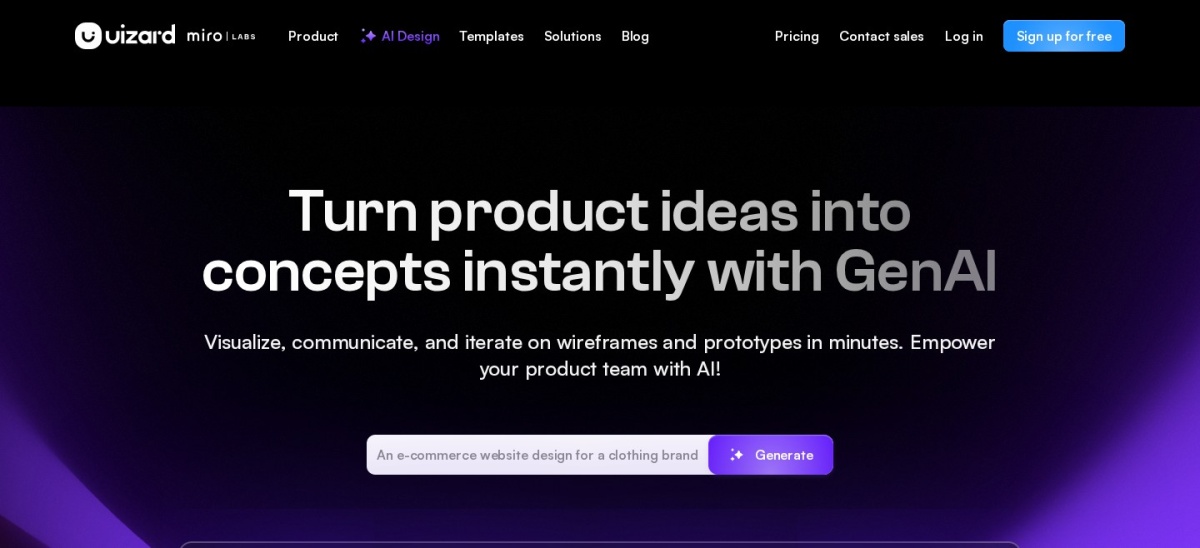
Uizard is a text-to-UI tool that turns text prompts and hand-drawn wireframes into editable UI mockups, with templates for web and mobile apps. The free plan covers 3 AI generations a month, while Pro at $12 a month adds 500 generations, Figma export and brand consistency tools.
The trade off is polish. Uizard output is a strong first draft that still needs refinement in Figma, and the review base is small at 45 G2 reviews. It suits founders and PMs who need believable screens for feedback fast.
Visily is an AI UI design tool built for non-designers, turning text prompts and screenshots into wireframes, prototypes and diagrams. The free Starter plan includes 300 AI credits a month, while Pro at $14 per editor a month adds 3,000 credits, Figma export and import, and exports with no watermark.
The trade off is editing. AI edits tend to regenerate a screen instead of changing one element, and diagram logic can be unreliable. It suits small teams that want AI-drafted screens and Figma import without a steep learning curve.
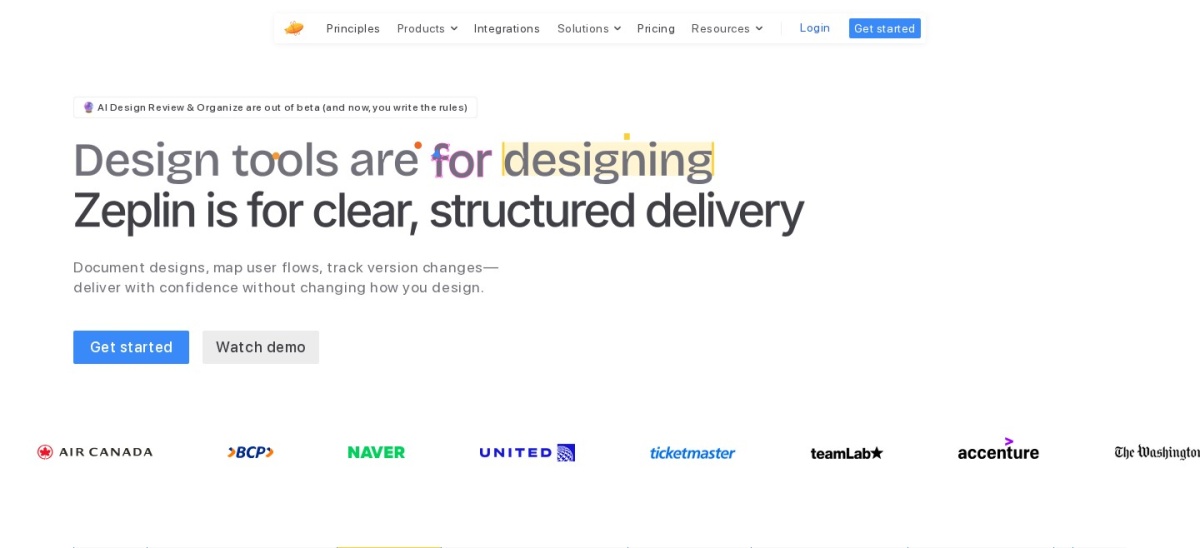
Zeplin is a handoff tool that turns Figma and Sketch designs into organized specs, assets and styleguides that developers can build from, with AI features that speed up handoff. The free plan covers basic handoff, while Advanced at $12 a month per seat adds more projects and team controls.
The trade off is scope. Zeplin is a handoff tool, not a design canvas, so it cannot generate screens the way Figma AI or Uizard can. It suits teams whose bottleneck is getting designs into developers' hands cleanly.
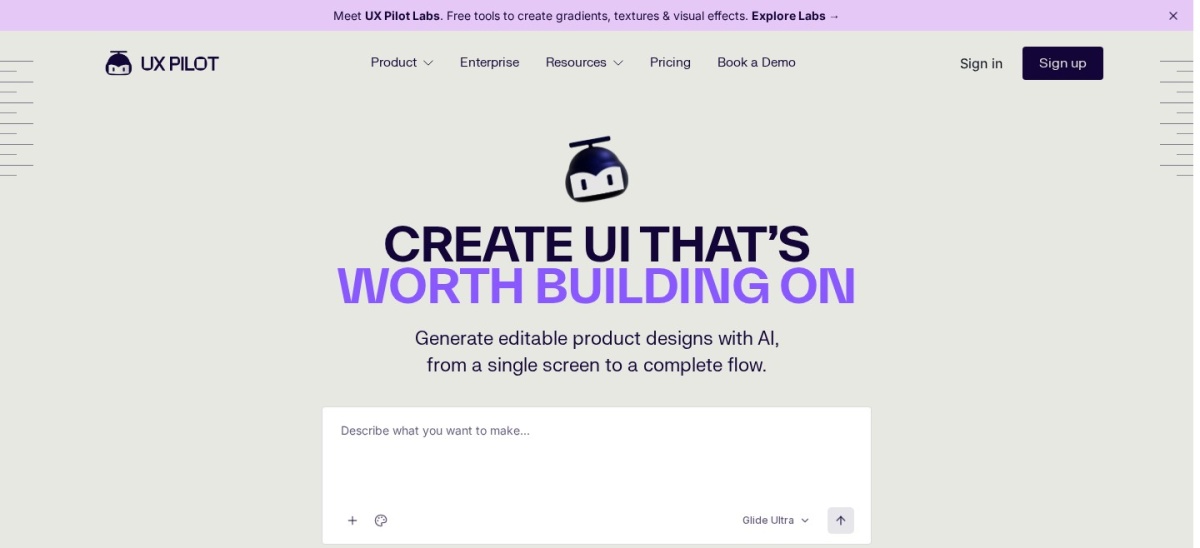
UX Pilot AI is a flow generator that turns a feature brief into cohesive user flows and screens, with structured wireframes from simple prompts. The free trial includes 90 credits, while Standard at $12 a month adds 420 credits a month and Pro at $22 a month adds 1,200 credits.
The trade off is version limits. Reviewers note limits on design versions, and the free trial is a one-time credit pack rather than a free plan. It suits UX designers who want fast, structured prototypes before backend work starts.
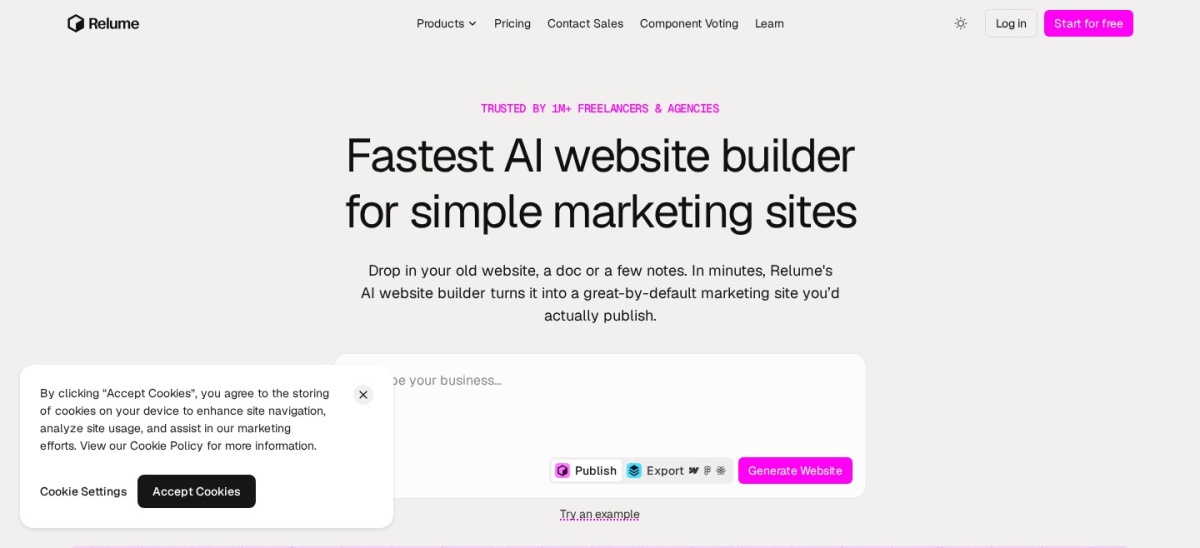
Relume is a structure-first design tool that plans a website before anyone designs a screen, turning a brief into a sitemap, wireframes and a style guide from a library of more than 1,000 components. The free plan covers unlimited websites, while Pro from $24 a month adds higher AI usage and the premium AI model.
The trade off is price clarity and proof. Prices are sold in pieces across AI, hosting and exports, and the G2 score is 3.3 from only 8 reviews. It suits agencies that plan many marketing sites and export to Figma or Webflow.
Free plans cover trying the AI well. Figma, Framer, Uizard, Visily and Relume all let you generate before you pay.
Paid plans mostly add credits and exports. You get more generations a month, Figma export without watermarks and team libraries.
Seats are the hidden cost. Most tools here charge per editor, so a team of five pays five times the headline price.
If you design alone, a $10 to $14 plan usually covers the job until you need team features or heavy AI use.
How we chose
We started from the most-mentioned AI product design tools in 2026 comparisons, then kept those with a verifiable rating on G2 or Trustpilot and a published price.
Prices come from each vendor's pricing page or a November 2026 read of it, checked on 24 November 2026. Ratings come from G2 on the same day. Where a vendor shows a sale, the list shows the regular price.
We left out Galileo AI, which Google acquired and relaunched as the free Stitch beta, and v0, which has no standalone G2 rating. No vendor paid for a place, and we do not claim hands-on testing for this list.
How to choose an AI tool for product design
Start with the output you need, then match the tool to it.
Decide whether you need screens or sites. Uizard and Visily generate screens for feedback; Framer and Relume turn them into sites. Pick the output first.
Check Figma export before you pay. If your team works in Figma, the tool must export cleanly. Uizard, Visily and Relume all do; Framer does not export HTML.
Count seats, not just the headline price. A $12 plan for five editors is $60 a month. Multiply before you compare tools.
Use the free plan to test the AI. Generate the same screen in two tools and compare. Free plans here are generous enough for a real test.
FAQ
What is the best AI tool for product design?
Figma is the best pick for most teams, with built-in AI, 3,000 AI credits a month on the Professional plan and a 4.7 G2 score from more than 1,200 reviews. Framer is better if you want to publish sites, and Uizard is faster for quick mockups.
How much do AI product design tools cost?
Cheapest paid plans here run from $10 a month for Framer to $24 a month for Relume, mostly per editor or per seat. Figma Professional is $20 a month per Full seat, or $16 a month billed annually.
Can AI design tools replace Figma?
Not yet. AI tools generate strong first drafts, but teams still refine screens, build component systems and hand off work in Figma. Most tools here export to Figma rather than replacing it.
Which AI design tool is best for non-designers?
Visily and Canva are the friendliest for non-designers, with text-to-UI generation and templates that need no design skill. Visily is better for product screens, while Canva is better for marketing visuals.
Do these tools export to Figma?
Most do. Uizard, Visily, Relume and UX Pilot all export to Figma, and Zeplin is built around Figma handoff. Framer is the exception: it publishes sites but does not export HTML or Figma files.
Is there a free AI product design tool?
Yes. Figma, Canva, Framer, Uizard, Visily, Zeplin and Relume all offer free plans with limited AI credits or files. Free plans are enough to test the AI, but regular work usually needs a paid plan.