Best AI Tools for DevOps in 2026: 7 Tools Compared
WLWPLegible EditorsLast verified 22 Nov 2026How we rank11 min read
★ Short answer
GitHub Copilot is the best AI tool for DevOps workflows overall, offering a free tier plus Pro at $10 per month with a 4.4/5 rating across 2,698 G2 reviews. Pick Grafana for open observability and dashboards or Site24x7 for budget full-stack monitoring.
How we make this list: we compare pricing pages, product documentation and public user reviews, then re-check every price before each update. No product paid for a place. Disclosure.
GitHub Copilot offers a free plan and a $10/month Pro plan with IDE, CLI, and agentic workflow tools.
Grafana starts free and steps up to Pro at $19/month plus usage for metrics, logs, and AI features.
Site24x7 starts at $9/month billed annually for all-in-one infrastructure and application monitoring.
New Relic includes 100 GB/month of free data ingest and starts paid users at $10/month on Standard.
Every tool listed offers a free plan or free tier, with entry paid plans ranging from $9/month to $25/month.
What AI tools for DevOps actually do
DevOps teams use AI tools to write infrastructure code, trace production incidents, review pull requests, and manage alerts across cloud environments. Some sit inside code editors and repositories, while others watch telemetry and incident streams.
Free tiers are common across coding assistants, observability platforms, and incident tools, but usage caps or seat limits apply quickly once teams scale. Per-seat pricing and consumption add-ons can change your monthly bill as clusters and log volumes grow.
Matching the tool to your bottleneck matters more than chasing every AI label. A code assistant helps draft Terraform or CI workflows, whereas observability and incident platforms help diagnose live outages.
Always verify model permissions, data retention, and human review steps before letting any agent modify production infrastructure.
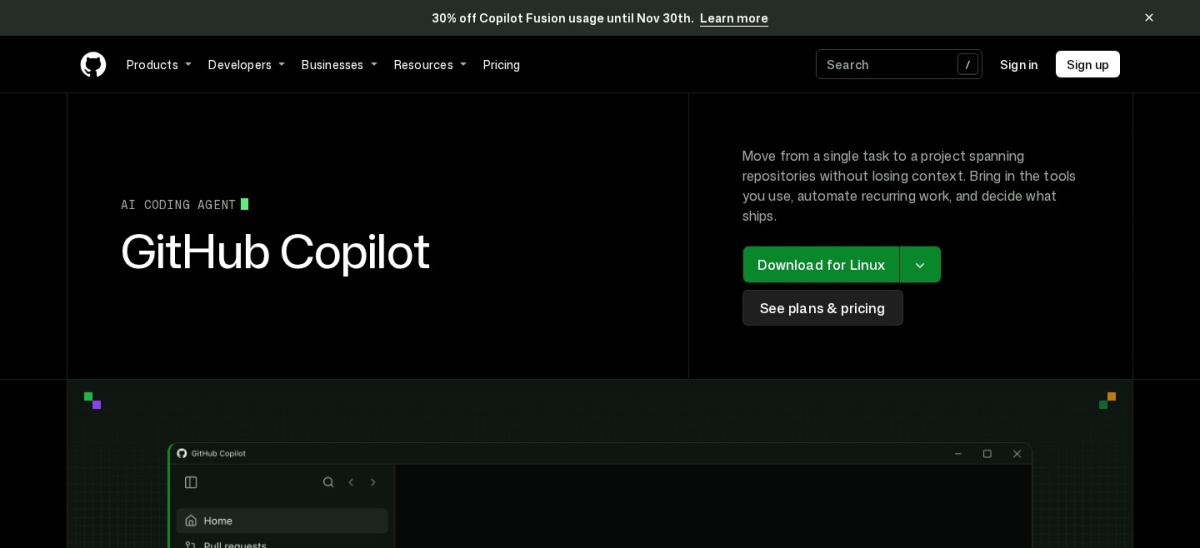
GitHub Copilot is a coding and agent assistant that runs in editors, the terminal, and GitHub repositories. The free plan gives individual users limited completions, chat, and agent usage.
The trade off is usage credits on heavier agent and chat tasks, with Pro starting at $10 per month. It suits engineers writing scripts, CI pipelines, and infrastructure templates who want help inside their daily workflow.
What we like
Free plan available for individual developers
Works across IDEs, CLI, and GitHub pull requests
Strong adoption with 2,698 G2 reviews
Watch out for
Agent and chat usage is metered by credits
Requires human review on generated infrastructure code
Pro adds higher usage limits, code review, and model choiceVisit github.com
02
Grafana
4.5/5on G2 (228 reviews, checked Nov 2026)
Paid from$19/mo
Best for open observability and dashboards
Free planYes, up to 50 GB logs
Entry paid planPro, $19/mo + usage
Data modelMetrics, logs, traces
G2 rating4.5/5 (228)
grafana.com
Grafana homepage, captured Nov 2026.
Grafana brings together metrics, logs, traces, and dashboards across cloud and open-source stacks. Its free plan supports personal and early-stage setups with up to 50 GB of monthly log ingestion.
The trade off is variable overage billing once you exceed base allowances, starting on Pro at $19 per month plus usage. It suits teams that want flexible dashboards without locking into a single vendor.
What we like
Always-free tier for smaller workloads
Connects metrics, logs, and traces in one view
Broad open-source and cloud data source support
Watch out for
Usage charges scale with series, logs, and retention
Query setup takes time for complex panels
Pro adds longer retention, 8x5 support, and higher usage poolsVisit grafana.com
03
Site24x7
4.6/5on G2 (486 reviews, checked Nov 2026)
Paid from$9/mo
Best budget full-stack monitoring
Free planFree tools available
Entry paid planLite, $9/mo annual
CoverageServers, cloud, APM, logs
G2 rating4.6/5 (486)
site24x7.com
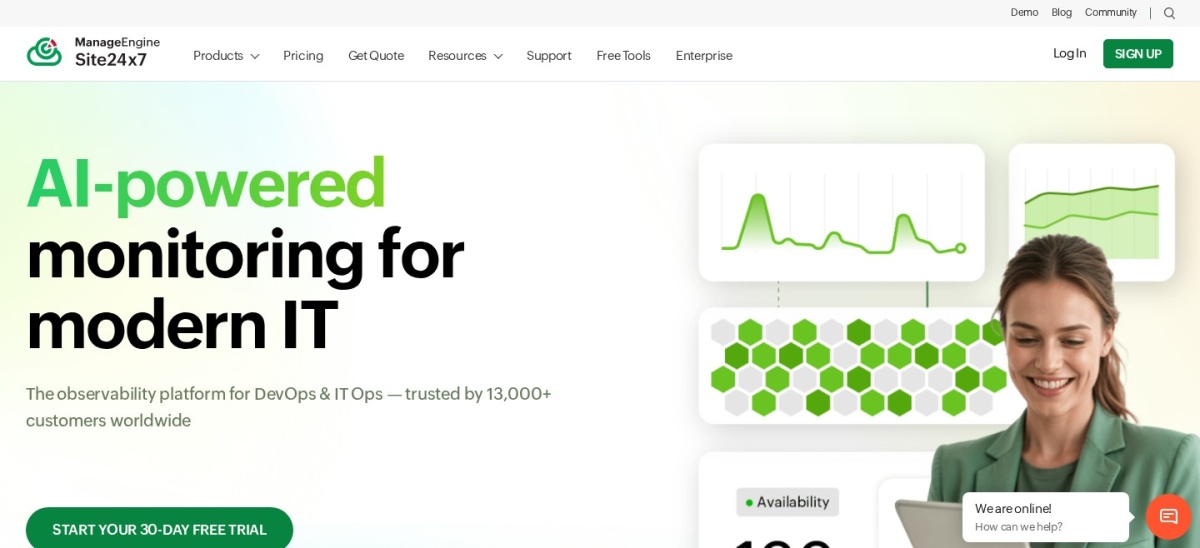
Site24x7 homepage, captured Nov 2026.
Site24x7 monitors websites, servers, cloud resources, applications, and logs with anomaly detection and alerting. It offers free monitoring tools and entry plans starting at $9 per month billed annually.
The trade off is add-on pricing as you expand monitor types, log volume, or higher tiers. It suits lean DevOps teams that want broad monitoring at a low starting price.
What we like
Low entry price starting at $9 per month annually
Covers servers, cloud, applications, and logs
4.6/5 rating across 486 G2 reviews
Watch out for
Costs add up with extra monitor packs and log storage
Dense settings menus can take time to learn
Higher plans expand monitor counts, retention, and enterprise featuresVisit site24x7.com
04
New Relic
4.4/5on G2 (595 reviews, checked Nov 2026)
Paid from$10/mo
Best for generous free telemetry ingest
Free plan100 GB/mo ingest
Entry paid planStandard, $10/first user
Host billingNo per-host charge
G2 rating4.4/5 (595)
newrelic.com
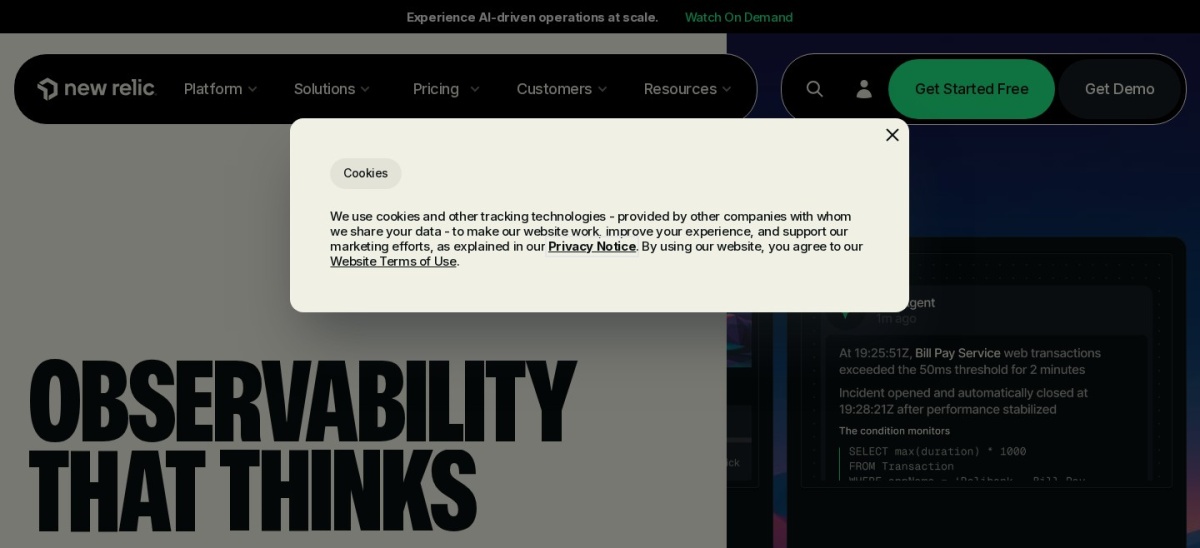
New Relic homepage, captured Nov 2026.
New Relic unifies application performance monitoring, infrastructure metrics, logs, and troubleshooting workflows in one platform. Its free tier includes 100 GB of monthly data ingest and one full platform user.
The trade off is seat and ingest growth, with Standard starting at $10 for the first full user plus usage above free limits. It suits teams that want strong APM visibility without per-host fees.
What we like
100 GB per month of free data ingest included
No separate per-host charge on usage pricing
Detailed application tracing and query tools
Watch out for
Additional users and data volume raise monthly bills
Navigation can feel heavy for new users
Paid tiers add more full users, higher limits, and enterprise controlsVisit newrelic.com
05
GitLab
4.5/5on G2 (905 reviews, checked Nov 2026)
Paid from$29/user/mo
Best for all-in-one CI/CD and code
Free planYes, core DevOps
Paid tierPremium, $29/user/mo
AI layerGitLab Duo & Credits
G2 rating4.5/5 (905)
gitlab.com
GitLab homepage, captured Nov 2026.
GitLab combines repositories, issue tracking, CI/CD pipelines, and GitLab Duo AI workflows in one DevSecOps platform. It offers a Free tier and lets teams use GitLab Credits for AI features.
The trade off is per-user seat cost and credit tracking, with GitLab Premium at $29 per user per month. It suits teams that already run repos and pipelines inside GitLab.
What we like
Keeps code, CI/CD, and AI workflows in one place
Supports cloud and self-managed deployments
4.5/5 rating across 905 G2 reviews
Watch out for
Higher per-user price than standalone code assistants
Large interface can feel busy for smaller teams
Paid tiers expand DevOps workflows, governance, and AI capabilitiesVisit gitlab.com
06
Snyk
4.5/5on G2 (500+ reviews, checked Nov 2026)
Paid from$25/mo
Best for developer security and IaC scans
Free planYes, limited tests
Entry paid planStarts at $25/mo
FocusCode, dependencies, IaC
G2 rating4.5/5
snyk.io
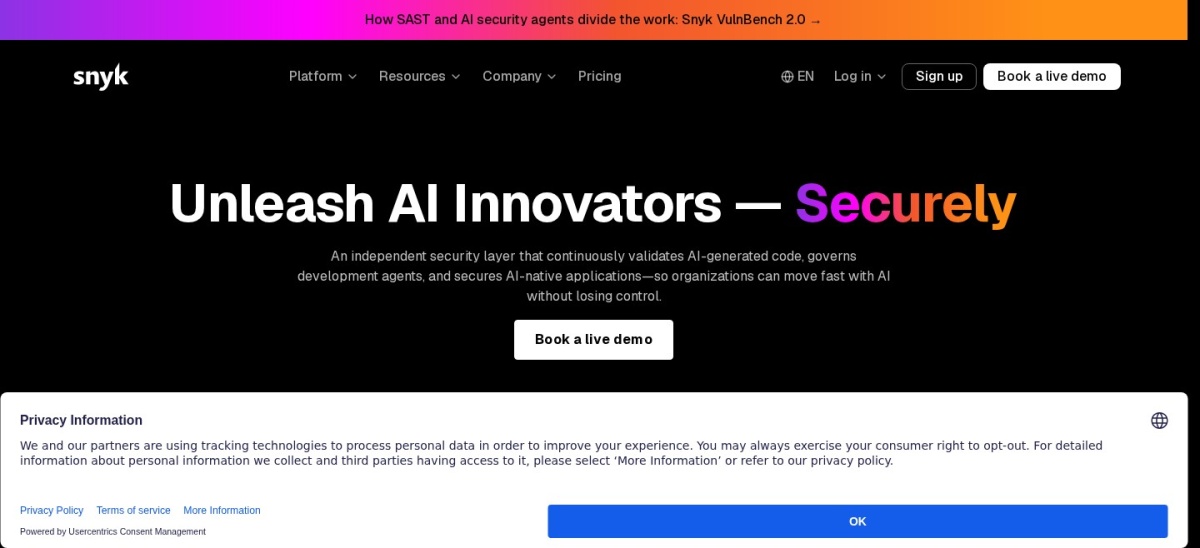
Snyk homepage, captured Nov 2026.
Snyk helps developers find and fix vulnerabilities across application code, open-source dependencies, containers, and infrastructure as code. Its free tier lets teams start scanning repositories and workflows at no cost.
The trade off is cost as you scale teams and scan breadth, starting from $25 per month. It suits DevSecOps teams catching dependency and configuration issues before release.
What we like
Free plan available to test security workflows
Covers dependencies, code, containers, and IaC
Integrates with IDEs and CI/CD pipelines
Watch out for
Paid plans get expensive for larger engineering teams
Alert volume needs tuning on big codebases
Paid plans add higher test limits, reporting, and team controlsVisit snyk.io
07
PagerDuty
4.5/5on G2 (1,000+ reviews, checked Nov 2026)
Paid from$21/user/mo
Best for on-call routing and incident response
Free planYes, up to 5 users
Entry paid planProfessional, $21/user/mo
Core roleOn-call & incident response
G2 rating4.5/5
pagerduty.com
PagerDuty homepage, captured Nov 2026.
PagerDuty routes alerts, manages on-call schedules, and coordinates incident response across monitoring tools and chat apps. It offers a free plan for up to five users.
The trade off is per-user pricing and add-ons for advanced automation, with Professional at $21 per user per month billed annually. It suits on-call teams that need dependable escalation and mobile paging.
An AI coding assistant speeds up writing Terraform, Dockerfiles, and pipeline scripts, but it does not see live cluster health on its own.
Observability and incident platforms watch live telemetry, group noisy alerts, and help responders trace outages faster.
Most DevOps stacks pair a code or pipeline tool with a monitoring and alerting tool rather than relying on one category alone.
How we chose
We selected established DevOps, CI/CD, security, observability, and incident tools that offer AI features and active public documentation.
Pricing and G2 review figures were checked on 22 November 2026 from official pricing pages and G2 review listings, showing regular entry pricing rather than temporary discounts.
We left out tools without verifiable public pricing or active review profiles. No vendor paid for a place, and we do not claim testing for this list.
How to choose an AI tool for DevOps
Start by pinpointing where your team loses the most time between code, deployment, and incident response.
Pick your primary workflow bottleneck first. Choose a coding or pipeline assistant if authoring config and CI takes longer, or an observability and incident tool if triage is slow.
Check free limits against real team usage. Test free tiers with real repositories, log volumes, or on-call rotations before committing seats.
Model monthly costs as traffic and headcount grow. Watch seat fees, log ingestion rates, and AI credit or usage overages so bills stay predictable.
Keep human review on production changes. Require pull request checks, least-privilege access, and clear rollback paths for AI-suggested actions.
FAQ
What is the best AI tool for DevOps?
GitHub Copilot is the strongest general pick for DevOps coding and agent tasks, rated 4.4/5 on G2 across 2,698 reviews. If you focus on live telemetry and alerts, Grafana, Site24x7, New Relic, and PagerDuty fit operations workflows better.
Are there free AI tools for DevOps?
Yes. GitHub Copilot, Grafana, Site24x7, New Relic, GitLab, Snyk, and PagerDuty all offer free tiers or free entry options with usage or seat limits.
Should I pick an all-in-one platform or specialized tools?
All-in-one platforms like GitLab reduce tool switching when your repo and CI already live there. Specialized tools often fit better when you already have preferred monitoring or security systems.
How do AI usage credits affect DevOps pricing?
Some plans bundle a base allowance of AI credits or data ingest and charge extra above that limit. Track agent runs, log volume, and seat counts early to avoid surprise overages.
Can AI tools safely run production infrastructure changes?
They can draft code and suggest fixes, but teams should still review changes, run tests, and enforce permissions. Automated actions work best behind clear guardrails and approval steps.
Which tool is best for monitoring logs and metrics on a budget?
Site24x7 starts at $9 per month billed annually for broad monitoring, while New Relic includes 100 GB of monthly free data ingest and Grafana offers a free tier with up to 50 GB of logs.