Best AI Powered Presentation Tools No Coding in 2026: 9 Tools Compared
WLWPLegible EditorsLast verified 24 Nov 2026How we rank10 min read
★ Short answer
Canva is the best no-code AI presentation tool for most people, with 600,000+ templates and a Pro plan at $144 a year, rated 4.7/5 on G2. Gamma is the quickest way to a first draft, and Beautiful.ai has the smartest auto-formatting templates.
How we make this list: we compare pricing pages, product documentation and public user reviews, then re-check every price before each update. No product paid for a place. Disclosure.
Canva Pro costs $144 a year and includes AI presentation tools, Magic Write and 600,000+ templates.
Gamma's Plus plan costs $9 a month, but its G2 rating rests on just 8 reviews and the price is second-hand.
Beautiful.ai Pro costs $14.50 a month billed annually, confirmed on the official pricing page on 24 November 2026.
Visme Starter costs $12.25 a month billed annually, also confirmed on the official pricing page.
Prezi Standard costs $9 a month, but its billing reputation is poor, so read the renewal terms before paying.
What to look for in a no-code AI presentation tool
No-code presentation tools let you build decks without touching a design tool. The AI writes the outline, picks the layout and generates the visuals from a prompt or a document.
Most of these tools charge per user, per month, with the annual rate much cheaper than monthly. Canva Pro is $144 a year, while Gamma Plus is $9 a month and Beautiful.ai Pro $14.50 a month billed annually.
Free plans vary a lot. Canva, Gamma, Visme, Pitch, Prezi and SlidesAI all have one, but Slidebean and Decktopus need a paid plan to share or download. Our guide to the best AI productivity tools covers more AI tools for everyday work.
Two prices here are second-hand. Gamma's $9 a month and Pitch's $13 a seat a month both come from secondary reads, since the official pages rendered no prices when opened on 24 November 2026.
The 9 best ai powered presentation tools no coding
01
Canva
4.7/5on G2 (7,762 reviews, checked Nov 2026)
Paid from$144/yr
Best no-code AI presentation tool overall
Templates600,000+ templates
Free planYes, with limits
AI featuresMagic Studio, Magic Write
Paid planPro, $144/yr
canva.com
Canva homepage, captured Nov 2026.
Canva is a design platform with more than 600,000 templates, including thousands of presentation layouts. Its Magic Studio AI writes text, generates images and turns a prompt into a full deck in minutes.
The trade off is that Canva is a general tool, not a presentation specialist. Its AI decks need more editing than Gamma or Beautiful.ai, and the best presentation features sit behind the Pro plan.
Gamma is an AI presentation tool that turns a prompt, an outline or a document into a finished deck. It writes the copy, picks the layout and generates images, so a first draft takes minutes rather than hours.
The trade off is the evidence. Its G2 rating of 4.6 rests on just 8 reviews, and the $9 a month price comes from a secondary audit, since the official pricing page shows no prices. It suits fast first drafts, not polished final decks.
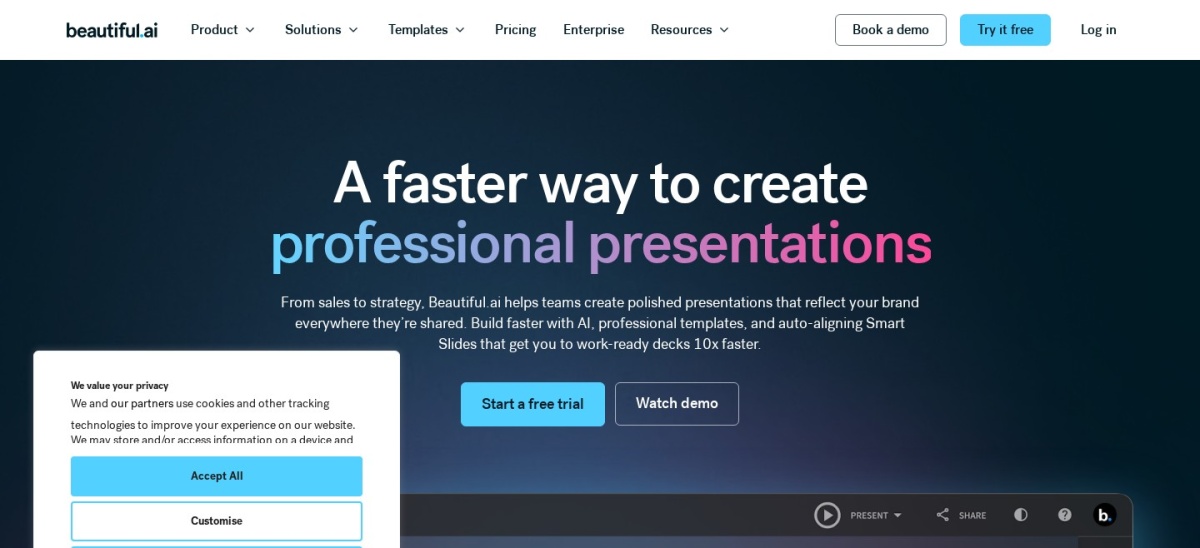
Beautiful.ai is a presentation tool built around smart templates that format themselves as you type. Add a chart or an image and the layout adjusts, so slides stay consistent without manual design work.
The trade off is control. The auto-formatting that makes it fast also makes it hard to break out of the template, and there is no free plan, only a 14-day trial. It suits teams that want consistent decks quickly.
Visme is a visual content platform with thousands of presentation templates, data widgets and charts. Its AI writer drafts slide text and its image tools generate and edit visuals inside the editor.
The trade off is the free plan. Basic is free but blocks downloads, and the AI features sit on paid plans. It suits teams that want presentations, infographics and reports in one tool.
Pitch is a presentation tool built for teams, with real-time co-editing, shared templates and analytics on who viewed each deck. Its AI generates decks from a prompt and writes slide copy.
The trade off is price clarity. Plus costs $13 a seat a month after a rise from $10 in November 2026, and G2 lists the price in euros, so confirm the dollar price before paying. It suits teams that present together.
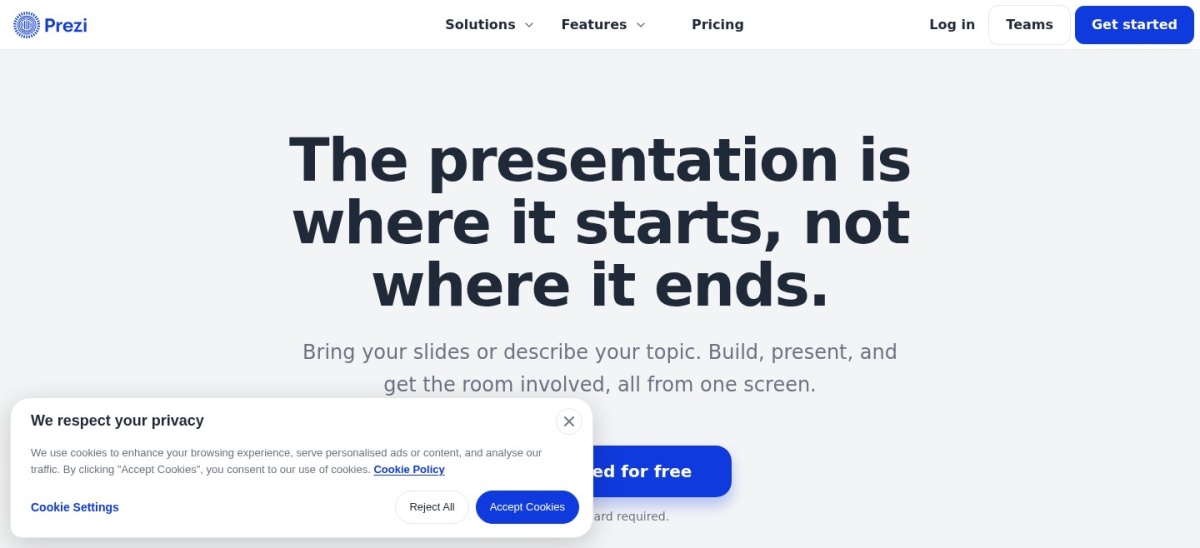
Prezi is a presentation tool built on a zooming canvas instead of linear slides. You place ideas on one big canvas and zoom between them, which suits stories and pitches better than a straight slide run.
The trade off is billing. Prezi's G2 rating is 4.2 from 5,726 reviews, but its billing reputation is poor, with complaints about renewals and refunds. Read the renewal terms before paying.
Slidebean is a presentation tool aimed at startups, with AI that builds pitch decks from your company details. It arranges the content, picks the design and writes the copy for investor-ready slides.
The trade off is the free plan, or rather the lack of one. You can create decks for free but cannot share or download them without paying, and its G2 rating rests on just 26 reviews. It suits founders building a pitch.
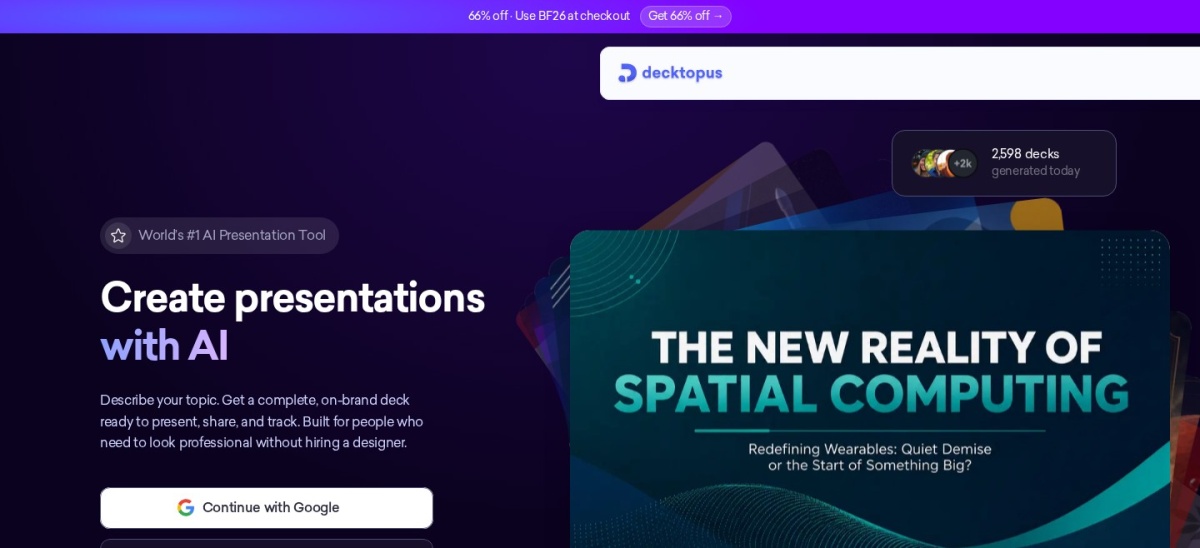
Decktopus is an AI presentation tool that builds decks from a prompt, a file or a URL. It writes the outline, generates the visuals and formats the slides, so a deck takes minutes to draft.
The trade off is the free plan. There is no permanent free plan on the pricing page, and G2's listing wrongly calls Pro $9.99 a year instead of a month. It suits fast drafts from existing documents.
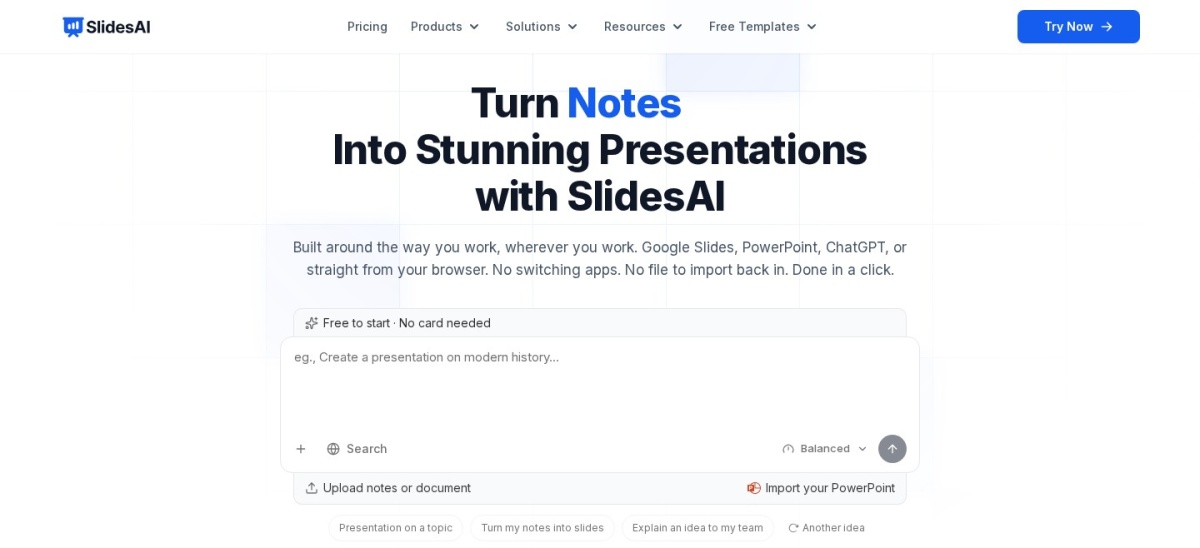
SlidesAI is a Google Slides add-on that turns text into slides. Paste a paragraph or an outline and it builds the deck inside Google Slides, with themes and layouts you can change afterwards.
The trade off is the evidence. Its G2 rating of 4.4 rests on just 8 reviews, and it only works inside Google Slides, so PowerPoint users are out of luck. It suits Google Workspace users who want quick decks.
AI decks often invent facts and figures. Every tool here can write a slide that looks right and says something wrong, so check every number against your own sources.
Template lock-in is real. Beautiful.ai auto-formats every slide, which is fast but hard to escape, and Prezi's zooming canvas does not export well to PowerPoint.
Billing traps appear in reviews. Prezi has a poor billing reputation, and several tools renew at the monthly rate if you cancel mid-year, so read the renewal terms first.
How we chose
We started from the no-code presentation tools with a G2 profile and a real user base, then kept nine with a verifiable rating and a published price.
Prices come from each vendor's pricing page or a recent read of it, checked on 24 November 2026. Ratings come from G2 on the same day. Where a vendor shows a sale, the list shows the regular price.
We left out Tome, whose site returned a 404 in November 2026, and Presentations.ai, whose price and review counts conflict. No vendor paid for a place, and we do not claim hands-on testing for this list.
How to choose a no-code AI presentation tool
Start with your audience and your output, then check what the free plan actually lets you do.
Decide how much control you want. Canva and Visme give you full design control, while Gamma and Decktopus hand most of it to the AI.
Check the free plan limits. Slidebean and Decktopus block sharing and downloads until you pay. Canva and Gamma let you present for free.
Test the AI with your own content. Paste a real outline or document and see what the AI produces. The output quality varies more than the marketing suggests.
Read the renewal terms. Prezi has a poor billing reputation, and several tools renew at the monthly rate. Check the price and the cancellation terms before paying.
FAQ
What is the best no-code AI presentation tool?
Canva is the best no-code AI presentation tool for most people, with 600,000+ templates and a Pro plan at $144 a year, rated 4.7 out of 5 on G2. Gamma is the quickest way to a first draft, and Beautiful.ai has the smartest auto-formatting templates.
Is there a free AI presentation tool?
Yes. Canva, Gamma, Visme, Pitch, Prezi and SlidesAI all have free plans, though most limit exports or AI credits. Slidebean and Decktopus need a paid plan to share or download decks, and Beautiful.ai offers only a 14-day trial.
How much does Gamma cost?
Gamma Plus costs $9 a month, which works out to $108 a year. That price comes from a secondary audit of the pricing page in October 2026, since the official page showed no prices when opened on 24 November 2026, and older reads put it at $10 or $12 a month.
Can AI make a whole presentation?
Yes, most of these tools can turn a prompt or a document into a full deck, including the outline, layouts and images. Gamma and Decktopus are the fastest at it, but you should still check every fact and figure, since AI decks often invent details.
What is the difference between Canva and Beautiful.ai?
Canva is a general design platform with 600,000+ templates, while Beautiful.ai focuses on presentations with smart templates that auto-format as you type. Canva Pro costs $144 a year; Beautiful.ai Pro costs $14.50 a month billed annually.
Is Prezi still a good choice?
Prezi still works well for non-linear, zooming presentations, and Standard costs $9 a month. Its G2 rating is 4.2 from 5,726 reviews, but its billing reputation is poor, so read the renewal terms and the cancellation policy before paying.