Best AI Notetaking Software in 2026: 7 Tools Compared
WLWPLegible EditorsLast verified 22 Nov 2026How we rank6 min read
★ Short answer
Fireflies.ai is the top overall pick for AI notetaking software, combining transcription in 100+ languages with 4.7/5 on G2 across 756 reviews. Fathom fits teams wanting unlimited free call recordings, while Fellow suits structured meeting agendas and task tracking.
How we make this list: we compare pricing pages, product documentation and public user reviews, then re-check every price before each update. No product paid for a place. Disclosure.
Fireflies.ai holds 4.7/5 from 756 G2 reviews and starts at $10/mo billed annually ($120/yr) on Pro.
Fathom offers unlimited recordings and transcriptions on its free tier, with paid plans starting at $16/mo billed annually ($192/yr).
Fellow starts at $7/user/mo billed annually ($84/yr) on Team and holds 4.7/5 across 2,444 G2 reviews.
Krisp pairs bot-free note-taking with noise cancellation starting at $8/user/mo billed annually ($96/yr) on Core.
Granola captures device audio without a meeting bot and starts at $14/user/mo billed annually ($168/yr) on Business.
Otter.ai includes 300 free monthly minutes and starts at $8.33/user/mo billed annually ($100/yr) on Pro.
What to look for in AI notetaking software
Most AI notetakers fall into two camps: meeting bots that join video calls as a participant, and bot-free desktop or browser tools that capture audio locally. Bot-free capture avoids extra participant tiles on client calls, while meeting bots often handle cloud video recording and speaker separation automatically.
Check how each tool meters usage before committing. Some platforms cap monthly recording minutes or lifetime AI notes on free tiers, while others limit historical search, video playback, or AI chat credits even when transcription minutes are generous.
Pricing is usually quoted per user per month with a discount for annual billing. Watch out for minimum seat counts on team tiers, credit-based AI add-ons, and whether CRM sync or SSO requires jumping to a higher tier.
Review data retention, model training opt-outs, and participant consent rules with your team. Several vendors offer SOC 2 Type II or opt-out controls, but defaults and admin permissions vary across plans.
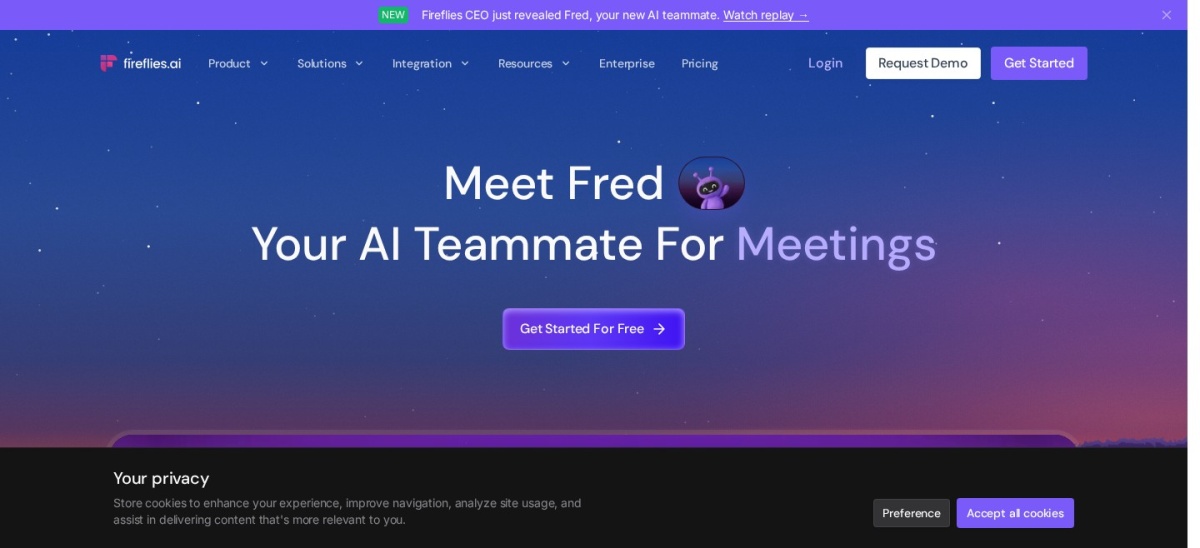
Fireflies.ai is an AI meeting assistant for Zoom, Google Meet, Microsoft Teams, and other conferencing tools, with a free tier that includes 400 minutes of storage per team and 20 AI credits. It supports transcription in 100+ languages, live transcripts, meeting search, and audio or video file uploads.
The trade off is that AI summaries are limited on the free plan and paid Pro starts at $10 per seat per month billed annually ($120/yr) or $18 billed monthly. It suits teams that want searchable transcripts, clips, and CRM integrations across many meeting apps.
What we like
Transcribes across 100+ languages with live notes and search
Supports both meeting bot capture and a Chrome extension
Offers desktop, mobile, and web apps plus file uploads
Includes a free forever tier for initial testing
Watch out for
Free plan caps storage at 400 minutes per team and limits AI summaries
Advanced AI assistant requests rely on AI credit allocations
Video recording and downloads sit on paid tiers
Pro adds unlimited transcription and summaries, 8,000 mins storage/seat, video recording, and downloads.Visit fireflies.ai
02
Fathom
5/5on G2 (7,192 reviews, checked Nov 2026)
Paid from$16/mo
Best for unlimited free call recordings
Entry paid planPremium at $16/user/mo (annual)
Free tierUnlimited recordings & transcripts
Languages38 languages
Capture modesBot capture & bot-free (Mac beta)
fathom.video
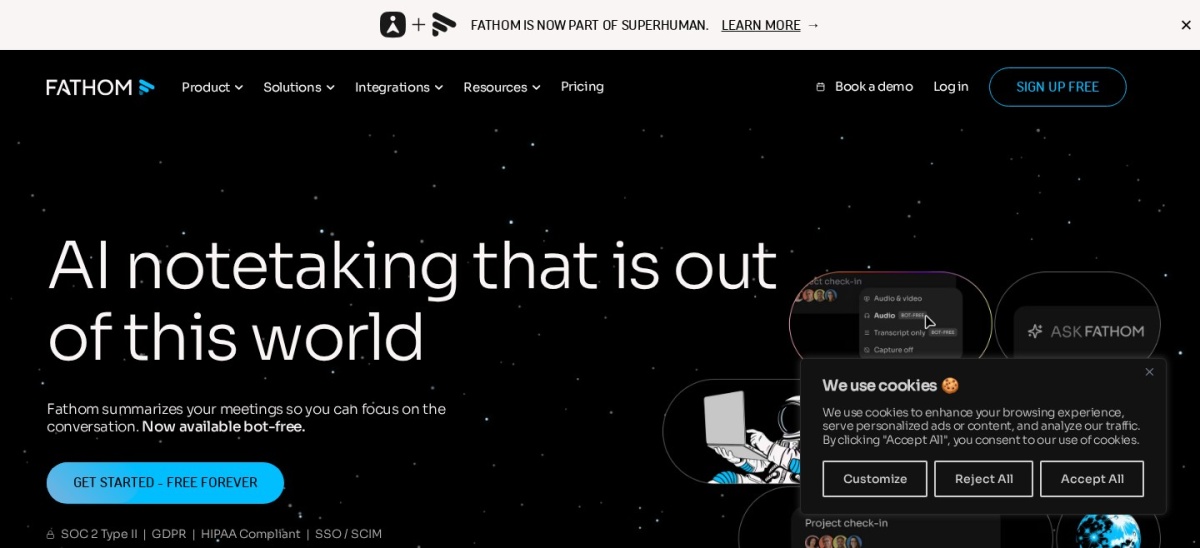
Fathom homepage, captured Nov 2026.
Fathom is an AI meeting recorder and note taker for Zoom, Google Meet, Microsoft Teams, and Slack huddles, with a free plan that includes unlimited recordings and transcriptions in 38 languages. It generates instant AI call summaries and clips without charging per call.
The trade off is that the free plan includes advanced AI summaries on only your first 5 calls each month, while Premium starts at $16 per user per month billed annually ($192/yr) or $20 monthly. It suits individuals and small teams who want generous free recording before upgrading.
What we like
Unlimited recordings and storage on the free tier
Instant AI call summaries and clips across major call apps
Bot-free capture available in beta on Mac
High rating across thousands of G2 reviews
Watch out for
Free tier limits advanced AI summaries to 5 calls per month
Team plan requires a 2-user minimum
Bot-free mode is still in beta on Mac
Premium unlocks unlimited advanced AI summaries, AI action items, follow-up emails, and Ask Fathom.Visit fathom.video
03
Fellow
4.7/5on G2 (2,444 reviews, checked Nov 2026)
Paid from$7/mo
Best for structured meeting agendas and tasks
Entry paid planTeam at $7/user/mo (annual)
Free tier5 AI notes & recordings lifetime/user
IntegrationsMeet, Zoom, Teams, Slack, Jira, Asana
Trial14-day paid feature trial
fellow.app
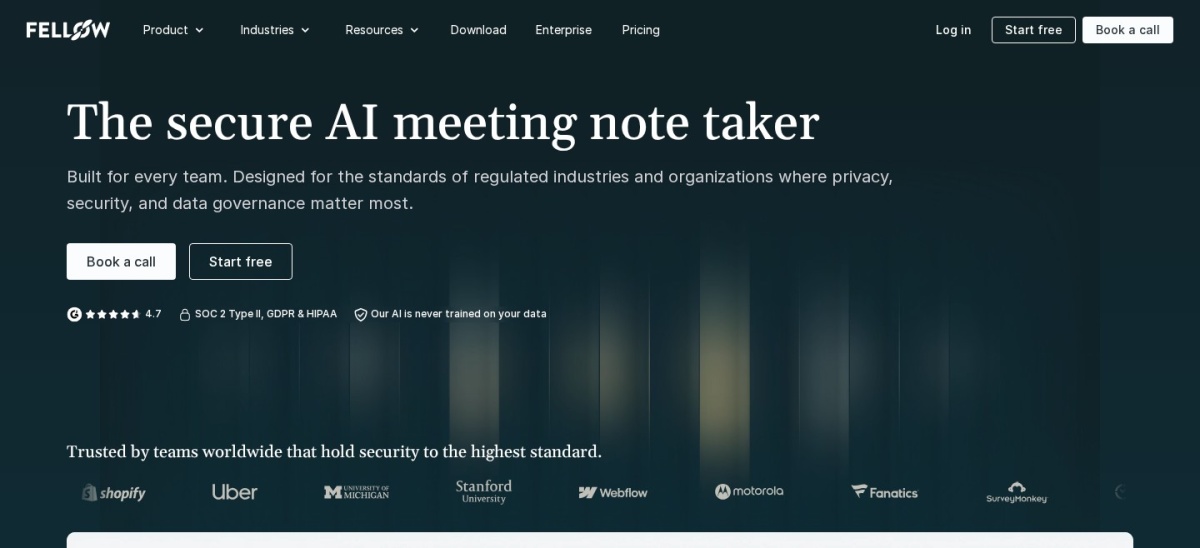
Fellow homepage, captured Nov 2026.
Fellow is an AI meeting note taker and meeting workflow platform for Google Meet, Zoom, and Microsoft Teams, with a free plan offering 5 lifetime AI notes and 5 lifetime AI recordings per user. It provides AI transcription, summaries, action items, audio/video uploads, and Ask Fellow across workspaces.
The trade off is that the free tier caps AI notes and recordings at 5 per user rather than refreshing monthly, while the paid Team plan costs $7 per user per month billed annually ($84/yr) or $11 monthly. It suits teams that want meeting notes tied directly to agendas, tasks, and project tools.
What we like
Low entry price at $7 per user per month billed annually
Connects meeting notes and action items with Jira, Asana, Notion, and Slack
Supports audio and video file uploads plus Ask Fellow
Strong review volume on G2 with a 4.7/5 score
Watch out for
Free tier is limited to 5 lifetime AI notes and recordings per user
Team plan caps AI notes and recordings at 10 per user per month
Unlimited AI notes and recordings require the Business tier
Team raises usage to 10 AI notes and 10 recordings per user per month and adds meeting automations and API access.Visit fellow.app
04
Krisp
4.6/5on G2 (1,100+ reviews, checked Nov 2026)
Starts at$8/mo
Best for bot-free notes and noise cancellation
Entry paid planCore at $8/user/mo (annual)
Billing options$8/mo annual or $16/mo monthly
Capture modeBot-free AI note-taker
PlatformsWindows, Mac, Linux, Web, iOS, Android
krisp.ai
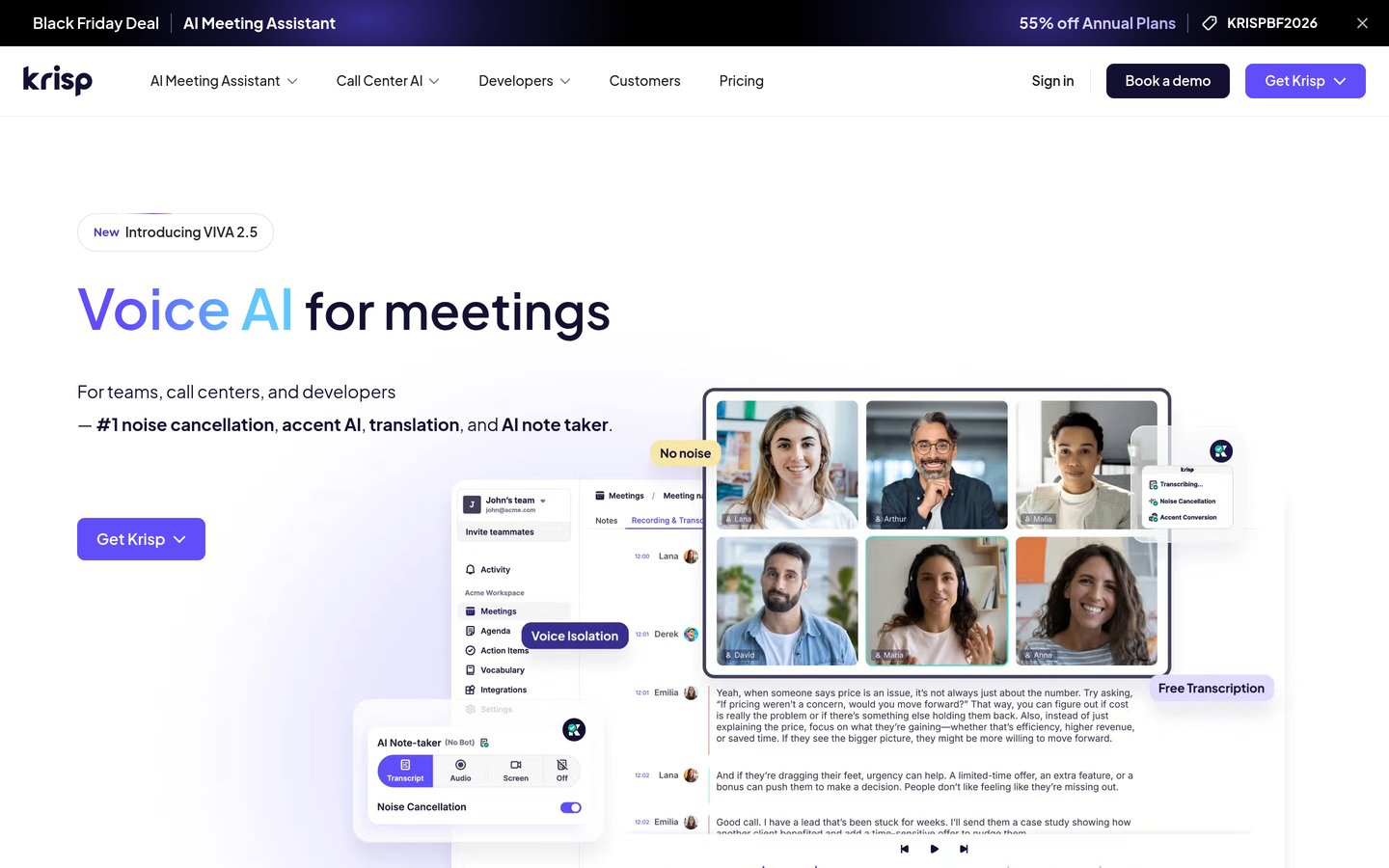
Krisp homepage, captured Nov 2026.
Krisp is a bot-free AI note-taking and voice audio tool that combines meeting transcription, recording, and AI notes with background noise cancellation. It works across online meetings, in-person sessions, and outbound phone calls on desktop and mobile apps.
The trade off is that its Core paid plan starts at $8 per user per month billed annually ($96/yr) or $16 billed monthly, rather than offering a permanent free tier. It suits remote workers and callers who want bot-free notes and cleaner call audio in one app.
What we like
Captures AI notes and action items without sending a bot into calls
Pairs meeting notes with noise cancellation and in-person/mobile recording
Available across Windows, Mac, Linux, web, iOS, and Android
Under $100 per year when billed annually on Core
Watch out for
No free forever tier listed on the main pricing plan
Monthly billing doubles the per-user rate to $16/mo
Advanced enterprise governance and add-ons sit on higher tiers
Core provides unlimited bot-free AI note-taking, transcription, audio/video recording, and integrations with Slack and Notion.Visit krisp.ai
05
Granola
4.6/5on G2 (197 reviews, checked Nov 2026)
Paid from$14/mo
Best for bot-free hybrid manual and AI notes
Entry paid planBusiness at $14/user/mo
Free tierBasic with limited meeting history
Capture modeDevice audio without a meeting bot
ComplianceSOC 2 Type II across tiers
granola.ai
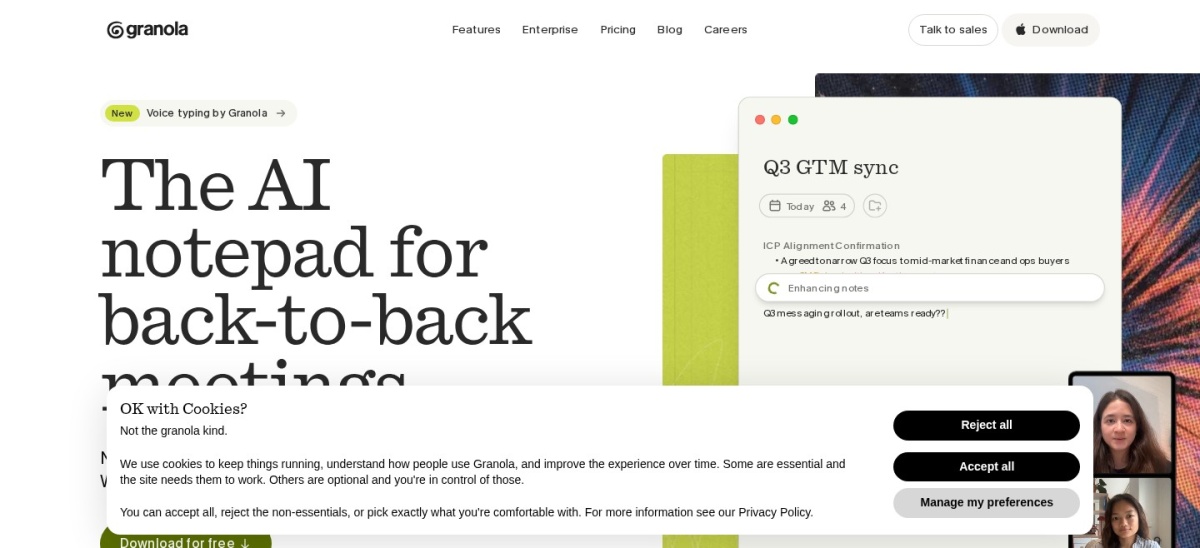
Granola homepage, captured Nov 2026.
Granola is a bot-free AI notepad that listens to your computer audio and combines your live notes with the transcript, starting with a free Basic plan with limited history. It includes AI chat within and across meetings, custom templates, shared folders, and voice typing.
The trade off is that paid Business starts at $14 per user per month ($168/yr) for unlimited history and integrations, while Basic restricts older meeting history. It suits people who jot their own points during calls and want structured AI cleanup without a call bot.
What we like
No meeting bot joins your calls as a visible participant
Blends notes you write yourself with AI transcript cleanup
Includes AI chat across meetings and custom note templates
Offers SOC 2 Type II compliance and training opt-out controls
Watch out for
Free Basic plan limits accessible meeting history
Costs $14/user/mo on the entry Business plan
Less suited to teams wanting shared call video recordings
Business unlocks unlimited meeting notes and history, advanced AI thinking models, MCP, API access, and CRM integrations.Visit granola.ai
06
Otter.ai
4.4/5on G2 (553 reviews, checked Nov 2026)
Paid from$8.33/mo
Best for live transcription and 300 free monthly minutes
Entry paid planPro at $8.33/user/mo (annual)
Free tierBasic with 300 mins/mo (30 mins/call)
Paid minutes1,200 in-app mins/mo (up to 90 mins/call)
AppsMac, Windows, iOS, Android, Zoom, Meet, Teams
otter.ai
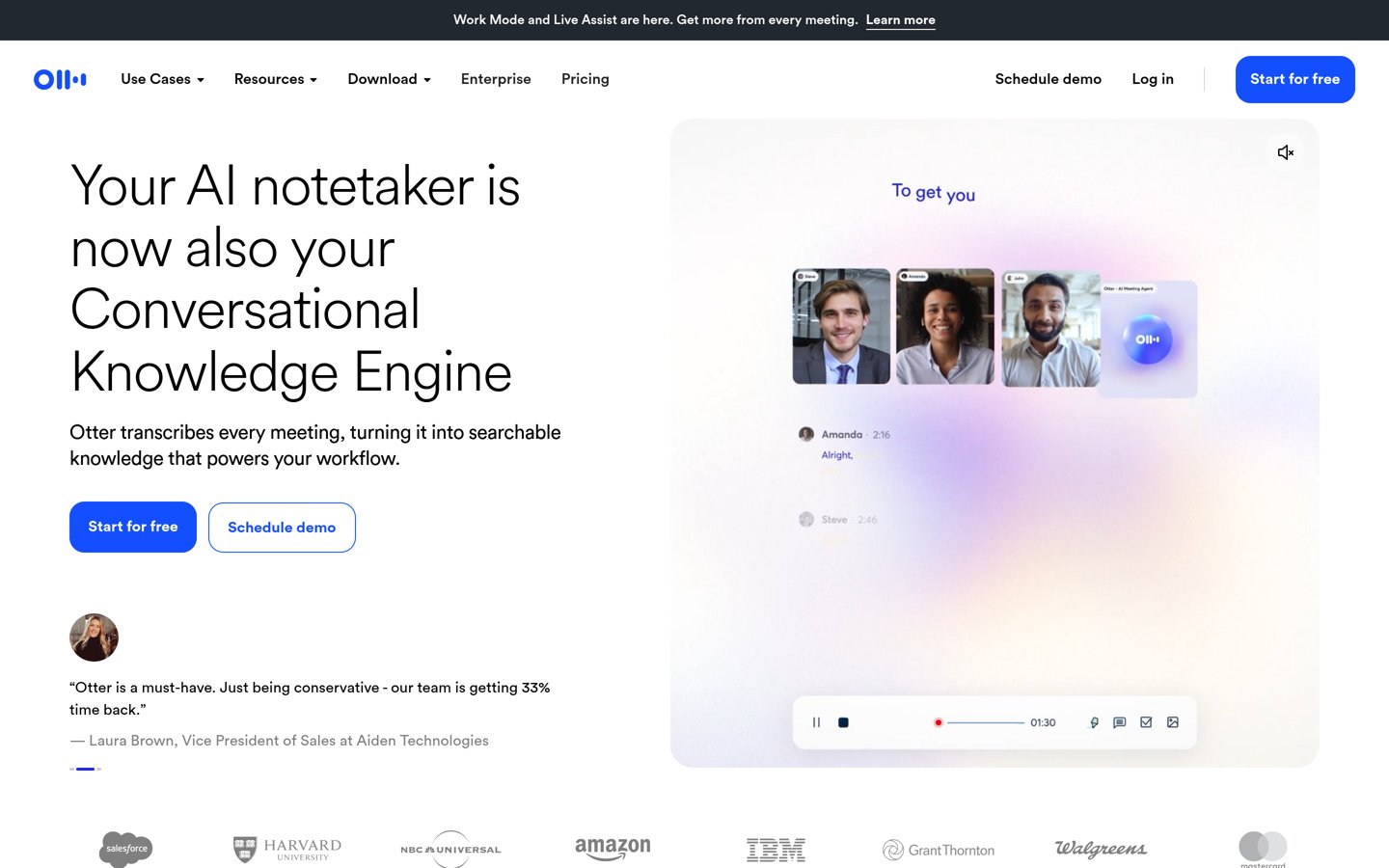
Otter.ai homepage, captured Nov 2026.
Otter.ai is a live transcription and AI meeting note assistant for Zoom, Microsoft Teams, and Google Meet, with a free Basic plan that includes 300 monthly minutes capped at 30 minutes per conversation. It offers live transcripts, AI chat within and across meetings, and desktop and mobile apps.
The trade off is that free users face per-conversation length caps and limited file imports, while Pro starts at $8.33 per user per month billed annually ($100/yr) or $16.99 monthly. It suits individuals and small teams who want live transcripts and up to 1,200 monthly minutes on Pro.
What we like
Free Basic plan includes 300 minutes per month across up to 5 members
Pro raises limits to 1,200 in-app minutes per month and 90 minutes per call
Provides live transcription and AI chat across meetings
Available on Mac, Windows, iOS, and Android
Watch out for
Free plan caps individual conversations at 30 minutes and 3 lifetime file imports
Pro caps monthly in-app recording minutes at 1,200 and call length at 90 minutes
Monthly billing is $16.99/user/mo compared to $8.33/user/mo annually
Pro expands recording to 1,200 minutes per month, 90-minute calls, 10 monthly file imports, and advanced templates.Visit otter.ai
07
Read AI
4/5on G2 (44 reviews, checked Nov 2026)
Paid from$15/mo
Best for meeting recaps plus email and chat search
Entry paid planPro at $15/user/mo (annual)
Monthly price$19.75/user/mo billed monthly
Free tier5 meetings/mo (up to 1 hour each)
PlatformsZoom, Google Meet, Teams, Windows, Mac, iOS, Android
read.ai
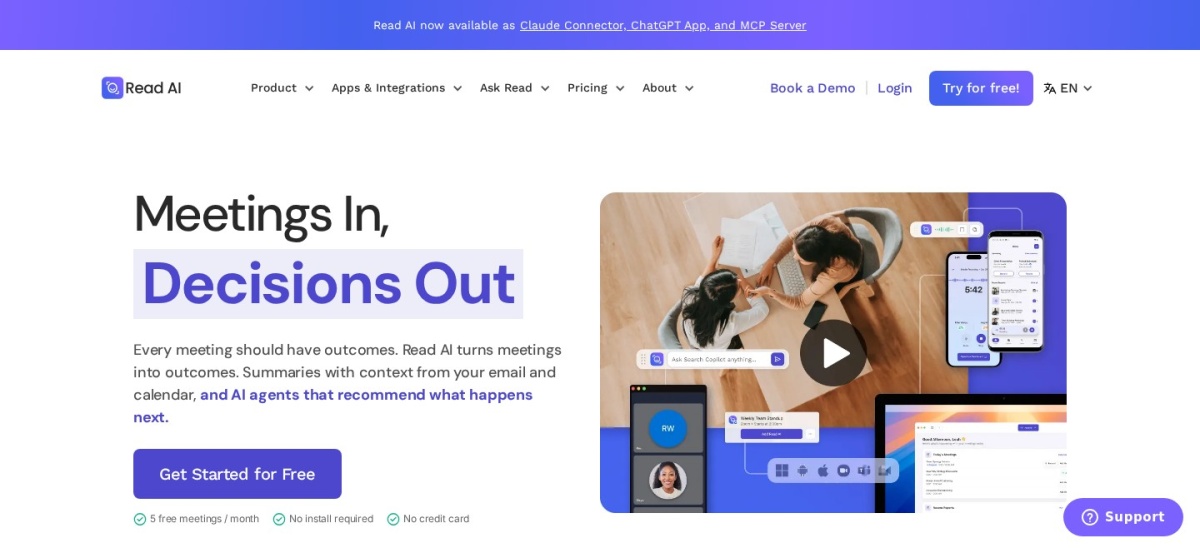
Read AI homepage, captured Nov 2026.
Read AI is a meeting assistant and workplace recap tool for Zoom, Google Meet, and Microsoft Teams, with a free tier covering 5 meetings per month of up to 1 hour each. Beyond meeting notes and action items, it connects meeting recaps with email and messaging context.
The trade off is that the free plan runs out quickly at 5 meetings per month, while Pro costs $15 per user per month billed annually ($180/yr) or $19.75 monthly. It suits teams that want meeting summaries alongside broader email and chat search.
What we like
Combines meeting summaries with email and chat search context
Works across Zoom, Google Meet, Microsoft Teams, desktop, and mobile
Offers a free tier to test meeting summaries before subscribing
Includes search and recaps across meetings
Watch out for
Free plan is tight at 5 meetings per month with a 1-hour cap
Entry Pro pricing is higher than several competing note takers
Pro expands beyond the 5-meeting free cap to support ongoing team meeting transcription and recaps.Visit read.ai
Bot vs. bot-free capture
Bot-based assistants join your video call as a calendar-invited participant to record audio and video. That approach makes cloud video capture and speaker labeling straightforward, though some guests find an extra bot participant distracting.
Bot-free tools capture audio directly from your computer or browser instead of adding a bot to the participant list. Before choosing one, confirm your organization's recording disclosure rules so everyone on the call knows notes are being taken.
How we chose
We compiled this list from established AI notetaking tools active in 2026 across vendor documentation, pricing pages, and public software review directories. All pricing, plan allowances, and G2 ratings and review counts were checked on 22 Nov 2026 using the regular annual or listed entry paid rate rather than temporary discounts.
Tools without a verifiable public pricing page or rating source, or those focused narrowly on enterprise call centers rather than general meeting notes, were left out. No vendor paid for a place, and we do not claim testing for this list.
How to choose the right AI notetaker
Follow four practical steps to narrow down a note taker that fits your calls and budget.
Match the capture method to your meetings. Decide whether you prefer a meeting bot that records cloud video or a bot-free tool that captures device or browser audio.
Check free limits against your weekly call load. Compare monthly minute caps, lifetime note limits, and history locks so a free tier does not stall mid-month.
Calculate the true annual cost per seat. Multiply the regular entry paid rate by 12 months and check seat minimums or AI credit add-ons before buying.
Verify integrations and data controls. Make sure the tool connects to your calendar, chat, or project tracker and aligns with your privacy and retention policies.
FAQ
What is the best AI notetaking software overall?
Fireflies.ai stands out for broad conferencing support, transcription in 100+ languages, and a 4.7/5 rating across 756 G2 reviews. If you want unlimited free video recording first, Fathom is a strong alternative.
Which AI notetaker has the best free plan?
Fathom includes unlimited recordings and transcriptions on its free plan, though advanced AI summaries are limited to 5 calls per month. Otter.ai offers 300 free monthly minutes, while Fellow provides 5 lifetime AI notes and recordings per user.
Are there bot-free AI note takers?
Yes. Granola captures device audio without sending a bot into calls, Krisp runs bot-free note-taking alongside noise cancellation, and Fathom offers bot-free capture in beta on Mac.
What is the cheapest paid plan on this list?
Fellow Team starts at $7 per user per month billed annually ($84/yr), followed by Krisp Core at $8 per user per month billed annually ($96/yr) and Otter.ai Pro at $8.33 per user per month billed annually ($100/yr).
Why do prices differ between monthly and annual billing?
Most meeting AI tools discount per-seat rates when you pay upfront for a full year instead of month to month. For example, Fireflies.ai Pro is $10/seat/mo billed annually versus $18/seat/mo billed monthly.
Should I tell meeting participants when AI notes are taken?
Yes. Letting teammates, clients, and guests know a call is being recorded or transcribed supports transparency and helps your team follow consent and compliance rules.