Best AI Coding Assistants Software in 2026: 7 Tools Compared
WLWPLegible EditorsLast verified 22 Nov 2026How we rank13 min read
★ Short answer
GitHub Copilot is the best AI coding assistant for most developers, with a $10 monthly Pro plan offering unlimited code completions and $15 in monthly AI credits. Cursor is better for developers seeking an AI-first editor, while Claude Code suits complex repository changes and terminal-based coding workflows.
How we make this list: we compare pricing pages, product documentation and public user reviews, then re-check every price before each update. No product paid for a place. Disclosure.
GitHub Copilot offers 2,000 monthly completions on Free, while Pro costs $10 per month and includes unlimited completions.
Cursor starts at $8 per month for Plus with Grok-only models; Premium costs $30 per month and supports additional models billed separately.
Claude Code is included in Claude Pro at $20 monthly, with a discounted annual subscription costing $200 upfront.
Amazon Q Developer offers a free tier and a $19-per-user monthly Pro subscription for expanded development capabilities.
Replit Core costs $20 per month and includes $25 in monthly credits, collaboration and application deployment.
CodeRabbit Essentials costs $30 per developer monthly, with a $24-per-month annual-billing rate for AI code reviews.
What to look for in an AI coding assistant
AI coding assistants have moved beyond suggesting the next line of code. Modern products can explain unfamiliar functions, generate tests, investigate errors, review changes and coordinate coding tasks across multiple files.
The first decision is whether you want an assistant inside your existing editor or a dedicated AI development environment. GitHub Copilot integrates with established IDEs, while Cursor emphasizes agent-based development in its own coding environment.
Look closely at repository context. Tools that understand related files, project instructions and dependencies can help with larger changes. However, generated code still requires review, testing and validation before deployment.
Pricing varies between subscriptions, usage credits and consumption-based models. A low monthly subscription does not necessarily include unlimited model access or automated agent tasks.
Finally, consider privacy and collaboration. Check repository access requirements, retention policies, administrative controls and support for your team's existing Git workflows before allowing an assistant to work with proprietary code.
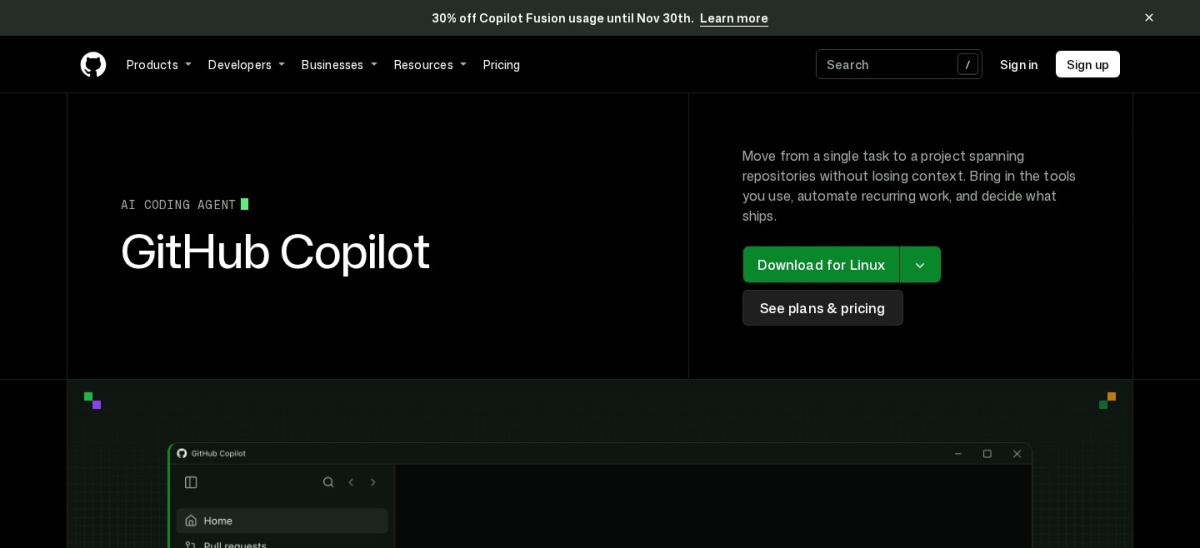
GitHub Copilot is an AI coding assistant that provides inline code suggestions, chat, editing assistance and coding agents within familiar development environments. Its free tier includes 2,000 monthly completions, while Pro adds unlimited completions, next-edit suggestions, model selection and $15 in monthly AI credits.
The trade off is that agent tasks, advanced models and cloud operations consume AI credits rather than offering unrestricted usage. Pro costs $10 monthly, while Pro+ costs $39 monthly and increases the included credit allowance to $70. It suits developers who want AI assistance without abandoning their existing IDE.
What we like
Works with VS Code, JetBrains and other established editors
Free tier includes 2,000 monthly completions
Pro includes unlimited code completion
Supports coding agents and pull-request reviews
Low monthly subscription price
Watch out for
Agent usage consumes monthly AI credits
Premium models can require higher plans
Generated code requires manual review and testing
Pro adds unlimited completions, model selection, cloud agents and $15 in monthly AI credits.Visit github.com
02
Cursor
4.6/5on G2 (334 reviews, checked Nov 2026)
Paid from$8/mo
Best AI-first coding editor
Free planLimited AI usage
Entry paid planPlus, $8/mo
Plus modelsGrok only
Premium plan$30/mo
cursor.com
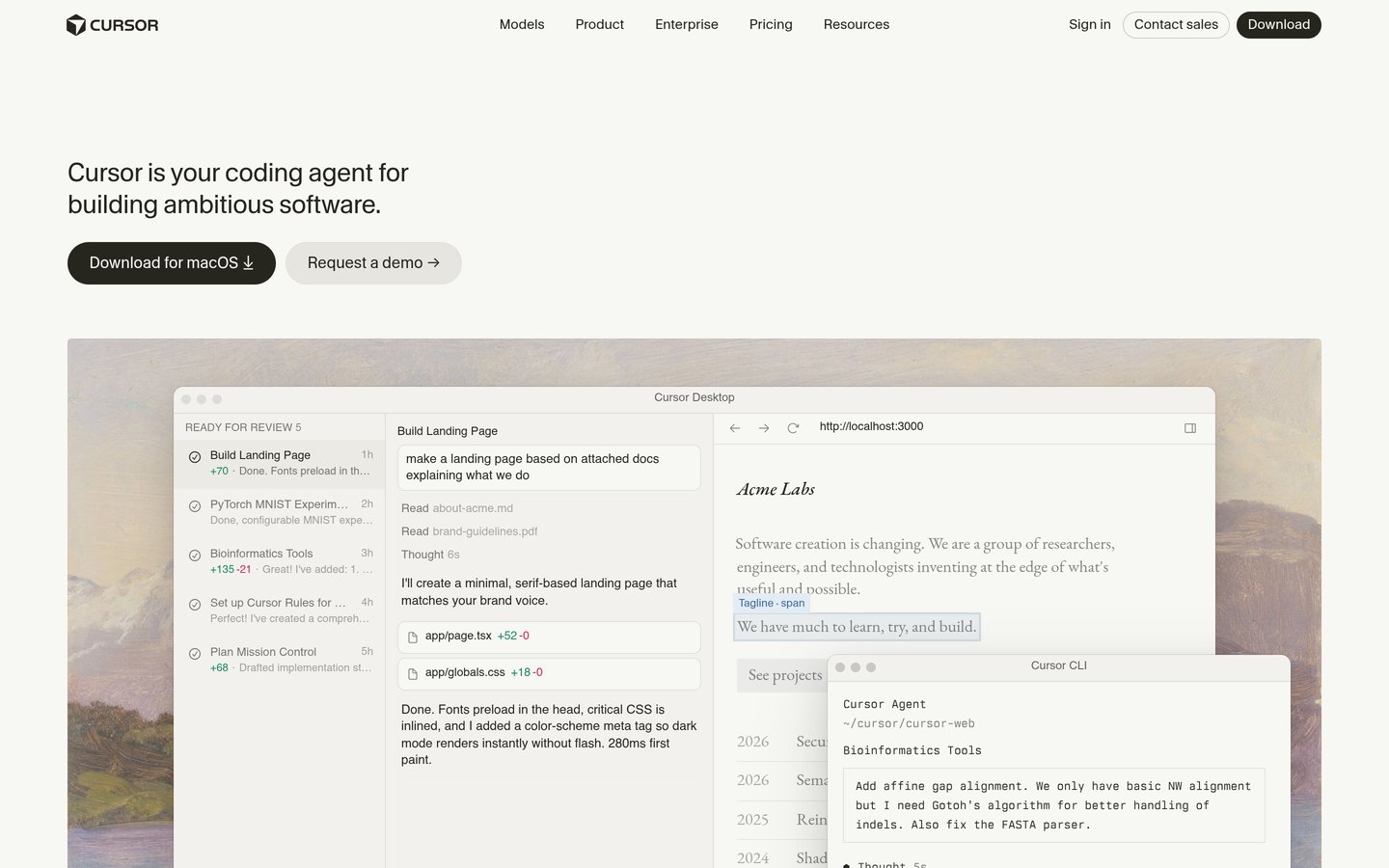
Cursor homepage, captured Nov 2026.
Cursor is an AI-native coding environment designed for editing codebases, assigning tasks to agents and reviewing changes. Its Free plan includes limited chat and agent requests, while the $8 monthly Plus plan provides an introductory shared AI usage pool with Grok model access.
The trade off is that Plus supports only Grok models, and broader model access requires Premium at $30 monthly with separate usage charges for third-party models. It suits developers who prefer an integrated coding workspace and want AI agents involved in implementation, debugging and review.
What we like
Dedicated AI development environment
Supports agent-driven coding tasks
Provides code review and repository workflows
Free plan available for initial evaluation
Watch out for
Cheapest paid plan limits model choice
Third-party model usage can cost extra
Requires adopting a dedicated coding environment
Usage allowances vary by subscription
Plus expands AI usage; Premium adds cloud agents and access to third-party models at separate usage rates.Visit cursor.com
03
Claude Code
4.7/5on G2 (482 reviews, checked Nov 2026)
Starts at$20/mo
Best for complex coding tasks and repository work
Entry subscriptionClaude Pro
Monthly price$20
Annual subscription$200 upfront
Coding interfaceTerminal and IDE
claude.com
Claude Code homepage, captured Nov 2026.
Claude Code is an agentic coding assistant that works with development projects through terminal and editor workflows. It can inspect repositories, explain code, propose changes and assist with multi-file implementation. Claude Pro includes Claude Code for $20 monthly, with a discounted annual subscription priced at $200 upfront.
The trade off is that subscription usage is limited by rolling and weekly allowances, so long agent sessions may reach limits before a billing period ends. Developers needing sustained higher usage may require another subscription tier or API billing. It suits experienced developers handling refactoring, debugging and complex repository changes.
What we like
Handles repository-level coding tasks
Works naturally with terminal-based workflows
Supports multi-file changes and debugging
Included with the Claude Pro subscription
Highly rated on G2
Watch out for
Subscription usage limits apply
Automated changes still require developer oversight
Higher-volume workflows can require additional spending
Claude Pro adds Claude Code access and expanded usage; higher tiers provide larger allowances.Visit claude.com
04
Amazon Q Developer
4.6/5on G2 (51 reviews, checked Nov 2026)
Paid from$19/mo
Best for cloud development and AWS workflows
Free tierAvailable
Paid planPro
Pro price$19/user/mo
Primary focusDevelopment and cloud operations
aws.amazon.com
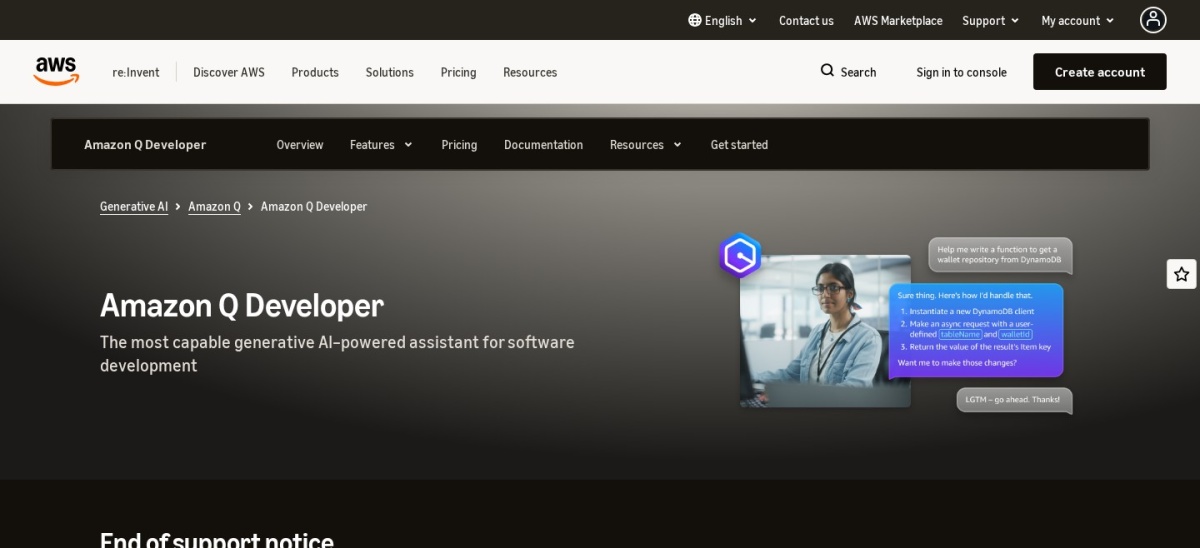
Amazon Q Developer homepage, captured Nov 2026.
Amazon Q Developer is an AI coding assistant designed for writing code, troubleshooting applications, reviewing security issues and working with AWS services. Its free tier provides coding assistance with usage limits, while Pro costs $19 per user monthly and expands access to developer capabilities.
The trade off is that its strongest integrations and specialized guidance center on AWS development and operations. The Pro subscription is charged per user, and cancellation timing can affect the final monthly charge. It suits teams building cloud applications or managing infrastructure within the AWS ecosystem.
What we like
Free coding assistance tier
Integrated guidance for AWS services
Supports security scanning and remediation
Helps with code transformation and modernization
Published per-user pricing
Watch out for
Most relevant to AWS-centered workflows
Free tier has lower usage allowances
Subscription management adds administrative work
Pro expands usage limits and access to advanced development and transformation capabilities.Visit aws.amazon.com
05
Replit
4.4/5on G2 (421 reviews, checked Nov 2026)
Paid from$20/mo
Best for building and deploying applications
Free planStarter
Entry paid planCore
Monthly credits$25 included
CollaboratorsUp to 5 on Core
replit.com
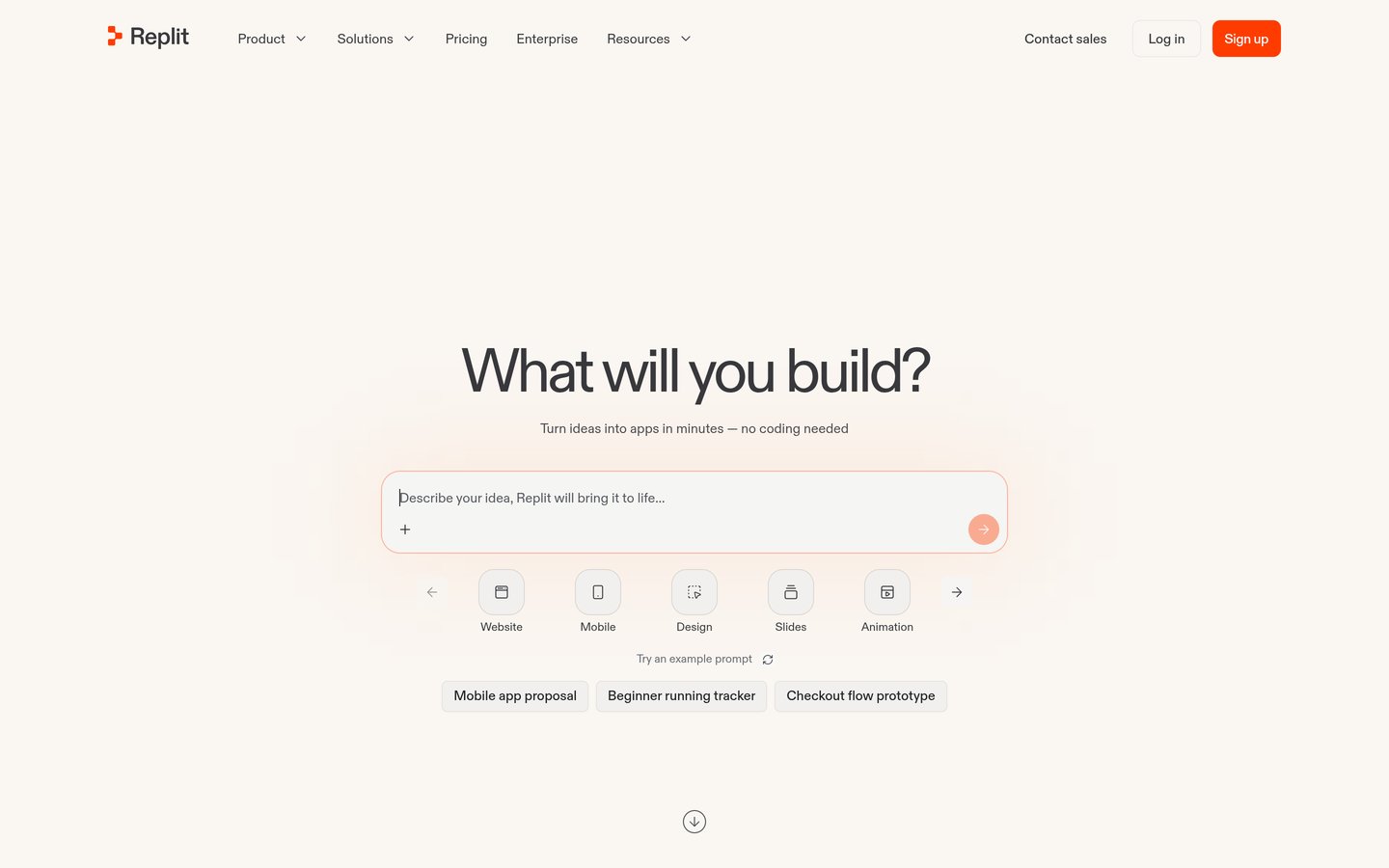
Replit homepage, captured Nov 2026.
Replit is a browser-based development platform that combines AI-assisted application building, code editing, hosting and deployment. Its free Starter plan provides limited Agent credits, while Core costs $20 monthly and includes $25 in monthly credits, unlimited workspaces and collaboration for up to five people.
The trade off is usage-based billing for AI Agent work beyond included credits, which makes total costs depend on task complexity and activity. Replit Pro starts at $100 monthly for more extensive development workflows. It suits founders, small development teams and creators who want to build and publish applications from one environment.
What we like
Development and deployment in one platform
Free plan for exploring AI app creation
Core includes monthly usage credits
Supports collaborative development
Useful for full-stack applications and prototypes
Watch out for
Agent usage beyond credits incurs charges
Browser-centered workflow may not suit every team
Complex applications require careful review and maintenance
Devin is an AI software development platform that combines desktop coding assistance with cloud-based agents for delegated engineering tasks. Its free plan includes limited agent usage, unlimited inline edits and unlimited Tab completions. Pro costs $20 monthly and adds cloud agents, expanded quotas and broader model availability.
The trade off is that agent usage remains subject to quotas, with additional consumption available at API-based rates. More extensive automation and collaboration require higher plans, including Teams at $80 monthly. It suits developers who want to assign implementation tasks to agents while maintaining control over code review.
What we like
Free desktop coding features
Cloud agents included with Pro
Access to models from multiple providers
Supports delegated engineering tasks
Team collaboration available on higher plans
Watch out for
Cloud agent usage can generate additional costs
Free plan limits model availability
Complex delegated tasks require review
Advanced team features require higher subscriptions
Pro adds cloud agents, expanded quotas, broader model access and optional additional usage.Visit devin.ai
07
CodeRabbit
4.4/5on G2 (197 reviews, checked Nov 2026)
Starts at$30/mo
Best for AI-assisted code reviews
Entry paid planEssentials
Monthly price$30/developer
Annual billing$24/developer/mo
Review interfacesPR, CLI and IDE
coderabbit.ai
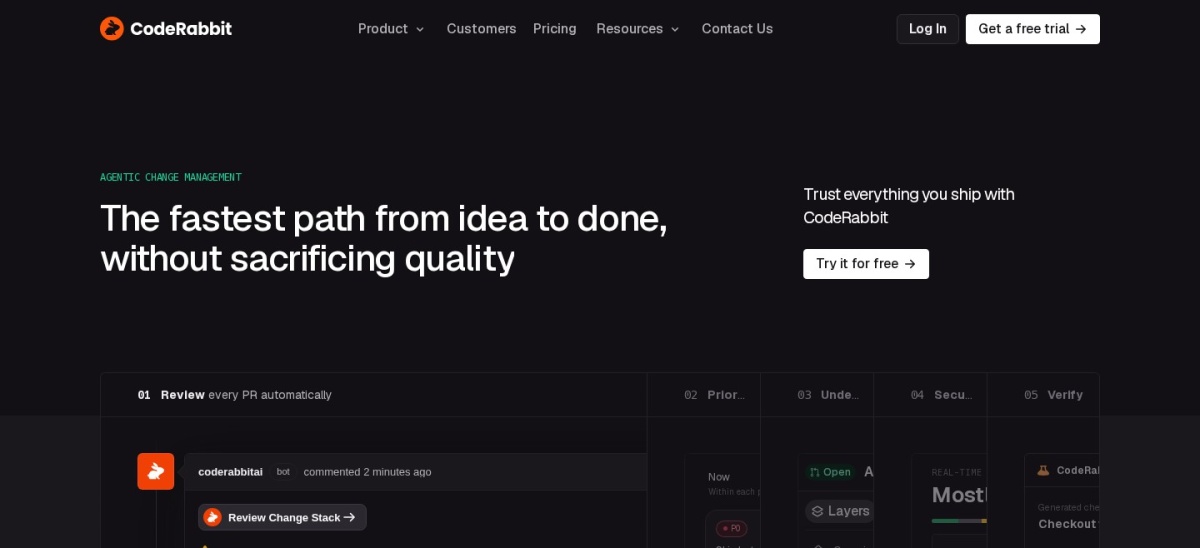
CodeRabbit homepage, captured Nov 2026.
CodeRabbit is an AI code review assistant that analyzes proposed changes, explains issues and recommends fixes during development. Its Essentials plan includes agentic reviews across pull requests, the command line and IDEs, along with pre-merge checks, feedback learning and one-click fixes.
The trade off is specialization: CodeRabbit focuses on reviewing and improving code rather than replacing a general coding assistant for application development. Essentials costs $30 per developer monthly, reduced to $24 per month with annual billing. It suits teams that need consistent review coverage before merging changes.
Inline coding assistants suggest functions, expressions and edits while you write code. GitHub Copilot is a practical example because it integrates into established editors rather than requiring a separate development environment.
AI-native editors place conversational coding and agent workflows closer to the center of development. Cursor is designed around these interactions, making it relevant for developers who frequently ask AI to modify related files or investigate project issues.
Agentic development tools take instructions for larger tasks and work through implementation steps. Claude Code and Devin support this approach, although developers must review changes, verify dependencies and run appropriate tests.
Application-building platforms combine AI code generation with supporting infrastructure. Replit provides an integrated environment for creating, running and deploying applications, making it useful when development setup is part of the challenge.
AI code review assistants focus on analyzing changes rather than generating an entire application. CodeRabbit examines pull requests and other development changes, helping teams identify potential problems before code is merged.
Why AI coding assistants can cost more than their subscription price
Subscription prices are only part of the comparison. Some assistants include a monthly allocation of model usage or AI credits, while others impose request limits or charge separately for premium models.
GitHub Copilot Pro includes monthly AI credits for agent features. Cursor offers different model access depending on the subscription, and third-party model usage can add separate charges.
Replit includes monthly credits for application development, but additional Agent work follows usage-based billing. Devin similarly provides subscription quotas with options for additional usage.
Before committing to an annual subscription, evaluate how many coding tasks you expect to delegate, which models you need and whether the tool offers spending controls. Frequent agent workflows may produce higher costs than basic autocomplete.
How we chose
We selected established AI coding products with recognizable developer workflows and public user feedback. The comparison covers IDE assistants, AI-native editors, terminal-based agents, cloud development platforms and specialized code review tools. Products were evaluated through vendor documentation, published capabilities and third-party reviews.
Official pricing pages and G2 review listings were consulted for the November 2026 comparison, using 22 Nov 2026 as the editorial reference date. Monthly subscription prices were converted to annual equivalents without applying annual-billing discounts. Usage allowances, model restrictions and optional consumption charges were considered separately.
We excluded products without confirmable public pricing, offerings lacking sufficient review evidence and outdated products or subscriptions unavailable to new customers. We also avoided treating usage-based features as unlimited when vendors publish quotas or separate model charges. No vendor paid for a place, and we do not claim testing for this list.
How to choose the right AI coding assistant
Identify the coding tasks you want to automate, then compare editor compatibility, repository awareness, pricing and security before choosing a subscription.
Match the assistant to your development workflow. Decide whether you primarily need inline completions, debugging help, code generation, autonomous agents or code reviews. Developers who want to keep their current IDE may prefer GitHub Copilot, while those seeking an AI-focused environment can evaluate Cursor.
Check repository understanding and integrations. Confirm that the assistant supports your preferred programming languages, editor and Git hosting workflow. Review how it accesses related files and project instructions. Multi-file awareness matters when modifying existing applications rather than generating isolated snippets.
Compare subscription limits and actual usage costs. Calculate the regular monthly subscription cost and review any separate model charges, AI credits or agent limits. Consider how frequently you expect to use complex reasoning, automated testing or cloud-based tasks. A low subscription price may not reflect sustained development usage.
Review security, privacy and validation requirements. Examine how the vendor handles repository data, permissions and retention. Keep secrets out of prompts, use appropriate access controls and require normal code review. Generated code should pass tests, dependency checks and security validation before entering production.
FAQ
What is the best AI coding assistant software in 2026?
GitHub Copilot is the best overall choice for developers who want AI coding assistance inside familiar editors. Pro costs $10 monthly and includes unlimited code completions. Cursor is a strong alternative for AI-native editing, while Claude Code is suited to developers handling complex repository and terminal workflows.
Which AI coding assistant is best for beginners?
GitHub Copilot is a practical starting point because it integrates with familiar development environments and provides a free completion allowance. Replit is another option for beginners who want to create and run applications without managing a separate local setup. Both still require users to review generated code.
Is GitHub Copilot free?
Yes. GitHub Copilot offers a free tier with 2,000 code completions per month and limited chat and agent usage. The Pro subscription costs $10 per month and adds unlimited completions, model selection and a monthly AI credit allowance for additional features.
Is Cursor better than GitHub Copilot?
It depends on your development workflow. Cursor emphasizes an AI-native coding environment with agent workflows, while GitHub Copilot integrates with established editors and GitHub services. Cursor's entry Plus plan costs $8 monthly but limits access to Grok models, making model requirements important when comparing subscriptions.
What is the difference between Claude Code and GitHub Copilot?
Claude Code focuses on conversational and agentic development workflows involving repositories, files and terminal commands. GitHub Copilot combines inline code completion with chat, editing and agent features across supported IDEs. Claude Code is included with Claude Pro at $20 monthly, while Copilot Pro starts at $10.
Can AI coding assistants build complete applications?
Some can generate and modify substantial application code, while platforms such as Replit also provide hosting and deployment tools. However, generated applications still need testing, security review, dependency management and maintenance. Complex production systems require clear requirements and developer supervision even when agents perform implementation work.
Are AI coding assistants safe for private repositories?
They can be used with private repositories when access permissions and vendor data-handling practices meet your requirements. Review retention policies, model providers, administrative controls and contractual terms. Avoid exposing credentials, customer information or other secrets, and continue using normal code review and security scanning procedures.
How much does an AI coding assistant cost?
The products compared here have published entry subscriptions ranging from Cursor Plus at $8 per month to CodeRabbit Essentials at $30 per developer monthly. GitHub Copilot Pro costs $10, while Claude Pro costs $20. Actual spending may increase when models, agents or other services use additional credits.
Can AI coding assistants replace software developers?
AI coding assistants can reduce repetitive work and help generate, explain, review or refactor code, but they do not eliminate the need for engineering judgment. Developers remain responsible for architecture, correctness, security, testing and maintenance. Their greatest value is usually supporting established development practices rather than replacing them.