Planner 5D is the best AI home design app for most people, pairing AI restyling with full floor planning and 3D views for under 60 dollars a year. Pick Homestyler for AI staging with real furniture and Interior AI for fast virtual staging.
How we make this list: we compare pricing pages, product documentation and public user reviews, then re-check every price before each update. No product paid for a place. Disclosure.
Planner 5D is the strongest all-rounder: AI restyling, floor plans and 3D views in one app.
Homestyler adds AI staging to a full 3D planner with a catalogue of real branded furniture.
Interior AI is the fastest way to restyle a photo, but its G2 rating rests on only 6 reviews.
Coohom and RoomSketcher suit professionals who need accurate plans and client-ready renders.
Free plans cover basic design; expect to pay 5 to 129 dollars a month for renders without limits.
What an AI home design app should do
Most AI home design apps start from a photo. You upload a room, pick a style, and the app returns a redesigned image in under a minute.
The best apps add more than a new image. They let you draw a floor plan to scale, move walls and furniture in 3D, and render the result well enough to show a client or a contractor.
Free plans are usually enough to try one room. Paid plans remove watermarks, raise render quality and add credits for more designs each month.
Ratings here come from G2, Capterra and Trustpilot, checked on 25 November 2026. Several tools have very few reviews, so treat high scores on tiny samples with care.
Planner 5D is a full home design app that pairs AI restyling with proper floor planning. You draw rooms to scale in 2D, furnish them from a large catalogue, then switch to 3D and render the result. The AI tools can restyle a photo of a room and suggest layouts from a sketch.
The trade off is that the best renders sit behind Premium. The free plan covers basic planning, while Premium at $59.99 a year adds AI design, high-resolution renders and a bigger catalogue. It suits homeowners planning a whole room or a whole home.
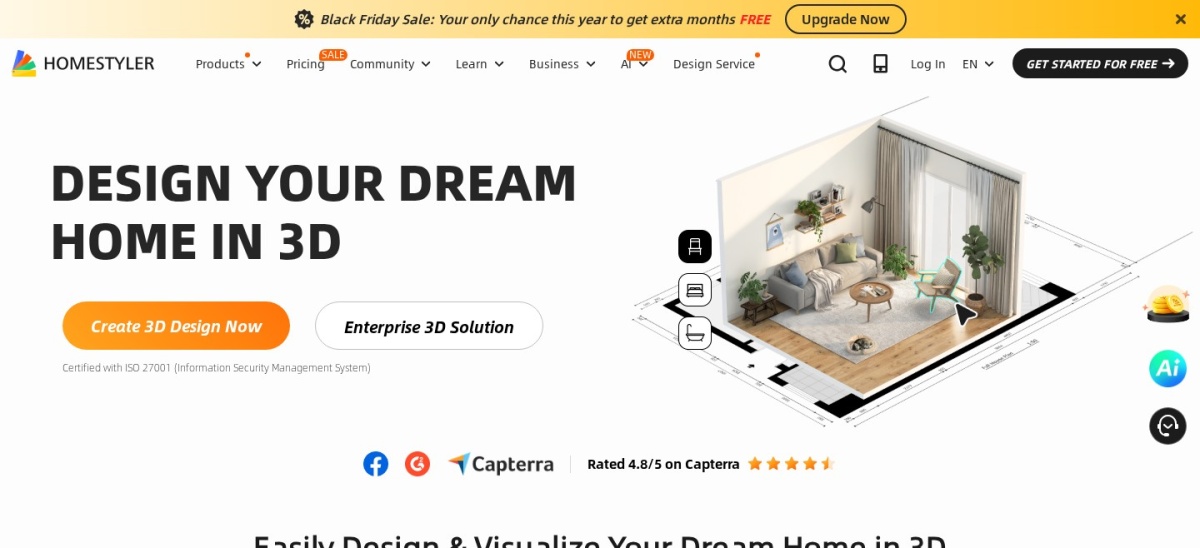
Homestyler is a 3D design suite from Alibaba that combines floor planning with AI staging. You build a room in 2D, place real branded furniture in 3D, then use the AI planner to restyle it and produce a render. It also makes virtual tours from a finished design.
The trade off is price clarity. Pro+ starts from $6.80 a month, but the vendor does not publish the billing term for that price, and the first month is discounted. It suits design students and professionals who want real furniture in their renders.
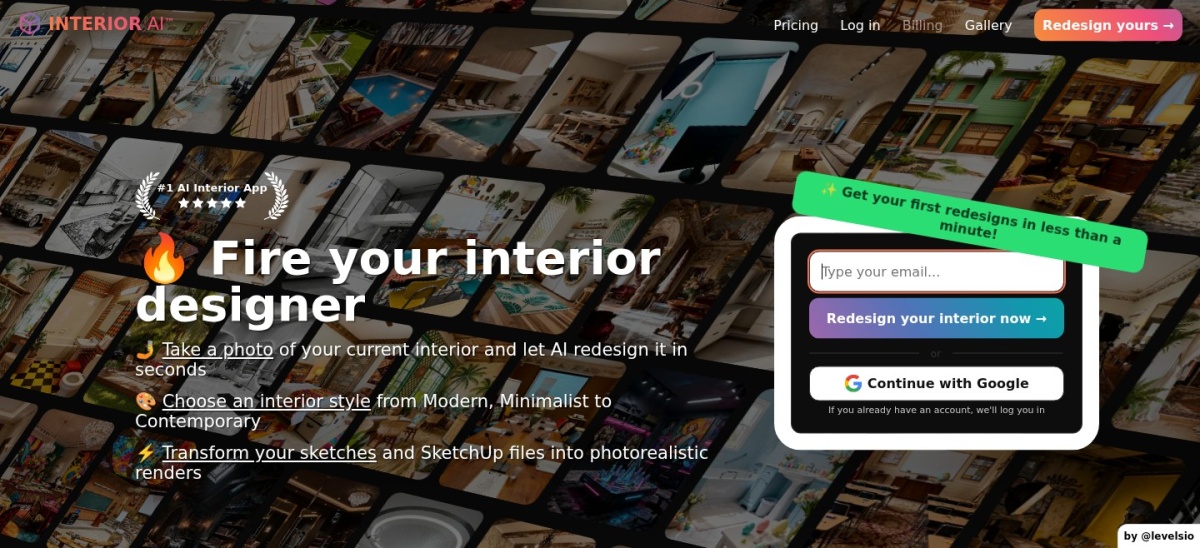
Interior AI is the fastest tool here for restyling a photo. You upload a room photo, pick a style such as modern or Scandinavian, and it returns a redesigned image in seconds. It also offers virtual staging for empty rooms, aimed at real estate agents and designers.
The trade off is evidence. Its G2 score of 4.6 rests on only 6 reviews, so the rating is thin. Pro costs $29 a month billed yearly, or $49 a month billed monthly. It suits agents who need quick staging images, not a full floor planner.
Coohom is a cloud 3D design platform built for professionals. You draw floor plans, furnish rooms from a large library and render photorealistic images in minutes. Its AI tools can generate design ideas and turn a 2D plan into a furnished 3D scene.
The trade off is cost. Pro is $25 a month billed yearly, which is $300 a year, and the free Basic plan limits render quality. It suits interior designers and furniture sellers who need client-ready images fast.
RoomSketcher is a floor plan tool that turns measured 2D plans into 3D views. You draw walls to exact dimensions, add doors and windows, furnish the rooms and export 2D plans or 3D images. It is built for accuracy rather than AI restyling.
The trade off is credits. Pro costs $144 a year and includes only 5 credits a month, so extra renders cost more. It suits homeowners and agents who need a dimensioned plan they can trust.
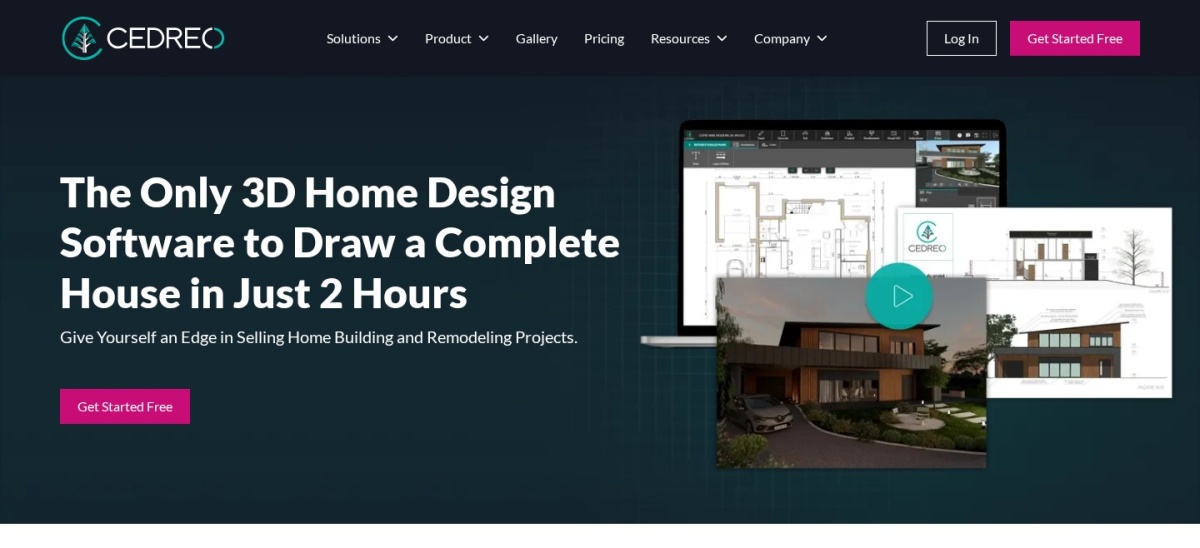
Cedreo is a 3D home design platform for housing professionals. You draw a house from scratch or import a floor plan, add roofing automatically, furnish it and produce 3D renderings for clients. It covers 2D plans, 3D views and a kitchen planner.
The trade off is price and proof. Pro is $129 a month, the highest starting price in this list, and its G2 rating rests on only 16 reviews. It suits builders and remodelers who present designs to clients every week.
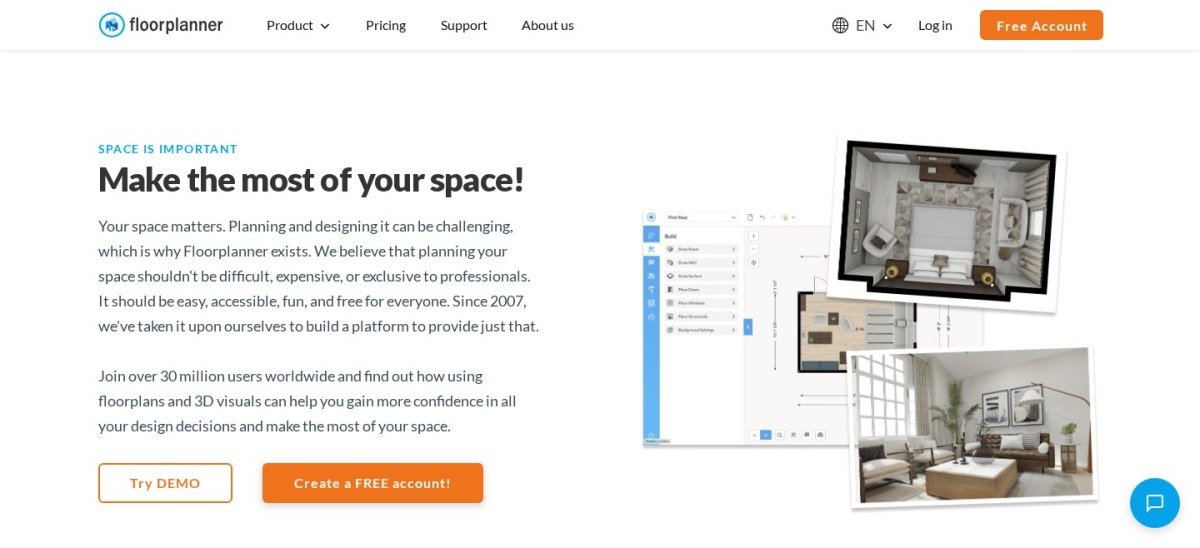
Floorplanner is a browser tool for drawing a 2D plan and turning it into a 3D view. The free Basic plan covers up to 5 projects with the full editor and a library of more than 150,000 3D items. Plus adds 4 credits a month and removes the export cooldown.
The trade off is exports. Plus at $5 a month includes only 4 credits, while one HD upgrade costs 5 credits, so the entry plan does not cover a single HD export. It suits homeowners who want a quick, accurate plan in a browser.
3.3/5on Trustpilot (1,386 reviews, checked Nov 2026)
Starts at$9/mo
Best for exterior redesigns
Free planLimited free trial
Cheapest paidStandard, $9/mo yearly
Trustpilot rating3.3 out of 5
PlatformsWeb, iOS, Android
homedesigns.ai
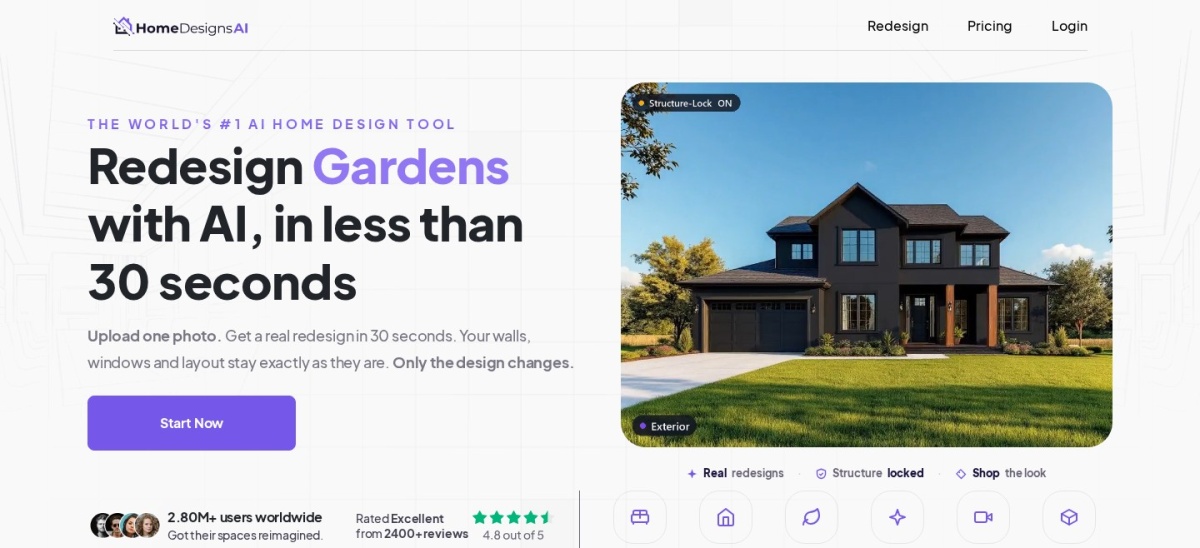
HomeDesignsAI homepage, captured Nov 2026.
HomeDesignsAI is an AI tool that redesigns photos of rooms, gardens and exteriors. You upload one photo and get a redesign in about 30 seconds, with walls, windows and layout kept in place. It also offers virtual staging and a shop-the-look feature for the furniture it shows.
The trade off is trust. Its Trustpilot score is 3.3 from 1,386 reviews, the lowest in this list, while the vendor claims 4.8 from 2,400 reviews on its own homepage. Standard costs $9 a month billed yearly. It suits homeowners testing exterior and garden ideas.
HomeByMe is a free 3D design tool from Dassault Systemes. You design a floor plan in 2D, decorate it in 3D with furniture from real brands, and produce 4K images of the finished room. It covers interiors and gardens in one project.
The trade off is evidence and limits. Its G2 score of 4.9 rests on only 5 reviews, and the free plan allows 2 projects and 5 Full HD images. It suits homeowners who want a free planner with real furniture.
RoomGPT has a Trustpilot score of 1.0 from 6 reviews, all one star, and sells credit packs instead of a subscription. It did not meet the rating bar for this list.
REimagineHome has no verifiable G2, Capterra or Trustpilot rating with a review count, so it was left out even though its AI staging is well regarded.
DecorMatters has no verifiable rating on the allowed sources and no screenshot we could capture, so it was left out as well.
How we chose
We started from the best-known AI home design apps, then kept those with a verifiable rating on G2, Capterra or Trustpilot. Every tool here has a rating from one of those sources, checked on 25 November 2026.
Prices come from each vendor's own pricing page, checked on 25 November 2026, except Floorplanner and HomeByMe, whose prices come from third-party reads of those pages, and Cedreo, whose price comes from vendor-supplied pricing on G2. Where a vendor shows a sale, the list shows the regular price.
We left out apps with no verifiable rating, such as REimagineHome and DecorMatters, and RoomGPT, whose Trustpilot score is 1.0. No vendor paid for a place, and we do not claim hands-on testing for this list.
How to choose an AI home design app
Start with what you need: a quick restyle of a photo, or a measured plan you can build from.
Decide photo restyle or floor plan. If you only need ideas, an AI restyler such as Interior AI or HomeDesignsAI is enough. If you need measurements, pick a planner such as RoomSketcher or Floorplanner.
Check the free plan first. Most tools here let you design at least one room free. Test the output quality before paying, because render styles vary a lot.
Count the credits. Paid plans meter renders with credits. Check how many renders you get each month and what one HD export costs before you subscribe.
Check the rating sample size. A 4.9 from 5 reviews means far less than a 4.4 from 139. Read a few recent reviews before trusting a high score.
FAQ
What is the best AI home design app?
Planner 5D is the best pick for most people. It combines AI restyling with full floor planning and 3D views, is rated 4.7 out of 5 on G2 from 142 reviews, and Premium costs 59.99 dollars a year.
Which AI home design app is free?
Planner 5D, Homestyler, Coohom, RoomSketcher, Cedreo, Floorplanner and HomeByMe all have free plans. Free plans usually cover basic design and a few renders, while paid plans remove watermarks and add credits. HomeByMe is the most generous free option for personal projects.
Can AI home design apps make accurate floor plans?
Some can. RoomSketcher and Floorplanner draw plans to exact dimensions and are built for accuracy. Photo restylers such as Interior AI and HomeDesignsAI only change how a room looks and do not measure anything. Use a planner when a contractor needs real dimensions.
How much does an AI home design app cost?
Paid plans in this list run from 5 dollars a month for Floorplanner Plus to 129 dollars a month for Cedreo Pro. Most people pay between 6 and 30 dollars a month. Annual billing is usually cheaper, for example Interior AI Pro is 29 dollars a month billed yearly.
Do AI home design apps work for real estate agents?
Yes, several are built for it. Interior AI and HomeDesignsAI offer virtual staging for empty rooms, and REimagineHome is popular with agents too. Coohom and RoomSketcher suit agents who need floor plans and 3D views for listings.
What is the difference between AI restyling and 3D planning?
AI restyling changes the look of a photo: new furniture, colours and style, in seconds. 3D planning builds a measured model you can walk through and change wall by wall. Restyling is faster for ideas, while planning is what you need before building anything.
SaaS SEO and WordPress specialist with about 8 years of experience. Rakib compares WordPress plugins, themes, hosting and software using public pricing, documentation and user reviews. See how we rank.