Best AI Document Processing Tools in 2026: 9 Tools Compared
WLWPLegible EditorsLast verified 24 Nov 2026How we rank11 min read
★ Short answer
Nanonets is the best AI document processing tool for most teams, with a free credit tier and paid plans from $100 a month, rated 4.7 out of 5 on G2. Pick Rossum for high-volume invoice work and Parseur for the cheapest self-serve start at $49 a month.
How we make this list: we compare pricing pages, product documentation and public user reviews, then re-check every price before each update. No product paid for a place. Disclosure.
Nanonets is the fastest start for most teams: $50 in free credits, then $100 a month for 100 credits.
Rossum is the invoice specialist, but Starter starts at $18,000 a year on a one-year minimum contract.
Hyperscience, ABBYY Vantage, Docsumo and Klippa all sell on custom quotes, so budget for a sales cycle.
Parseur and Docparser are the cheapest self-serve options, from $49 and $39 a month.
Veryfi is the developer pick, with a free tier of 100 documents a month and a $500 monthly Starter plan.
What AI document processing should do
AI document processing, also called intelligent document processing, turns PDFs, scans and emails into structured data a business system can use. The core job is the same everywhere: classify the document, pull out the fields, check them and send them on.
The tools split into two groups. Self-serve tools such as Nanonets, Parseur and Docparser let a small team start the same day, while enterprise platforms such as Rossum, Hyperscience and ABBYY Vantage are bought on annual contracts with implementation help.
Pricing is the hardest part to compare. Some tools charge per page, some per document, some per workflow step and some per seat, so always work out what 1,000 of your own documents would cost before you commit.
Accuracy claims come from vendor samples, never your documents. Our guide on best AI automation tools shows how document tools fit into wider workflows.
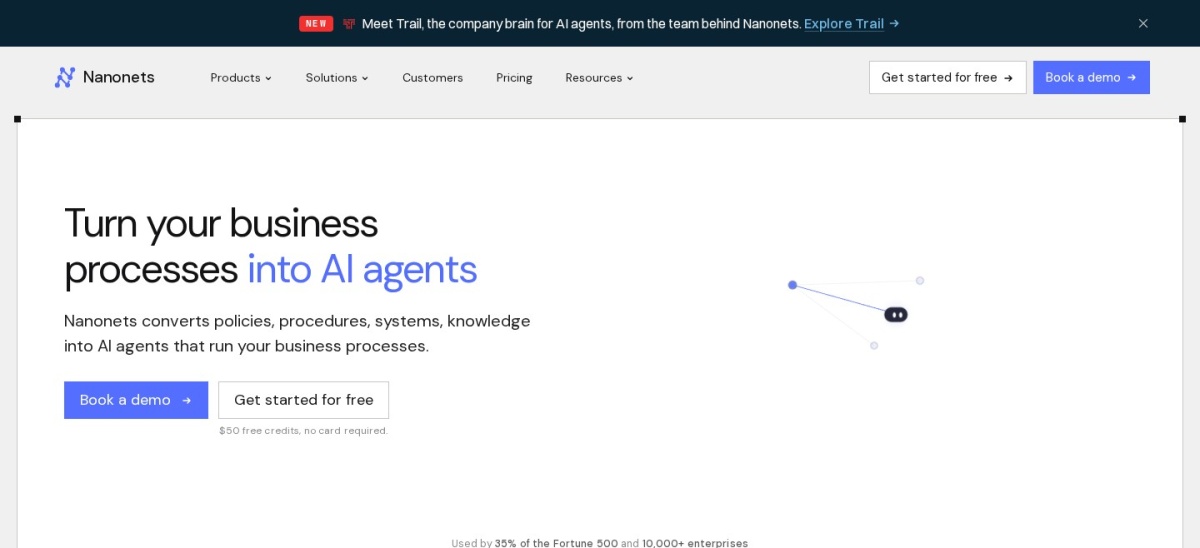
Nanonets is a no-code document AI platform that reads invoices, receipts, purchase orders and other documents, then runs validation, approval and export workflows in one place. Every account starts with $50 in free credits and no card, and the Starter plan adds 100 credits a month for up to 3 users.
The trade off is usage-based billing. Each workflow step is a block run costing $0.02 to $0.30, so a typical invoice passes through 4 to 6 blocks and heavy volumes need tracking. It suits finance and operations teams that want custom extraction without an enterprise contract.
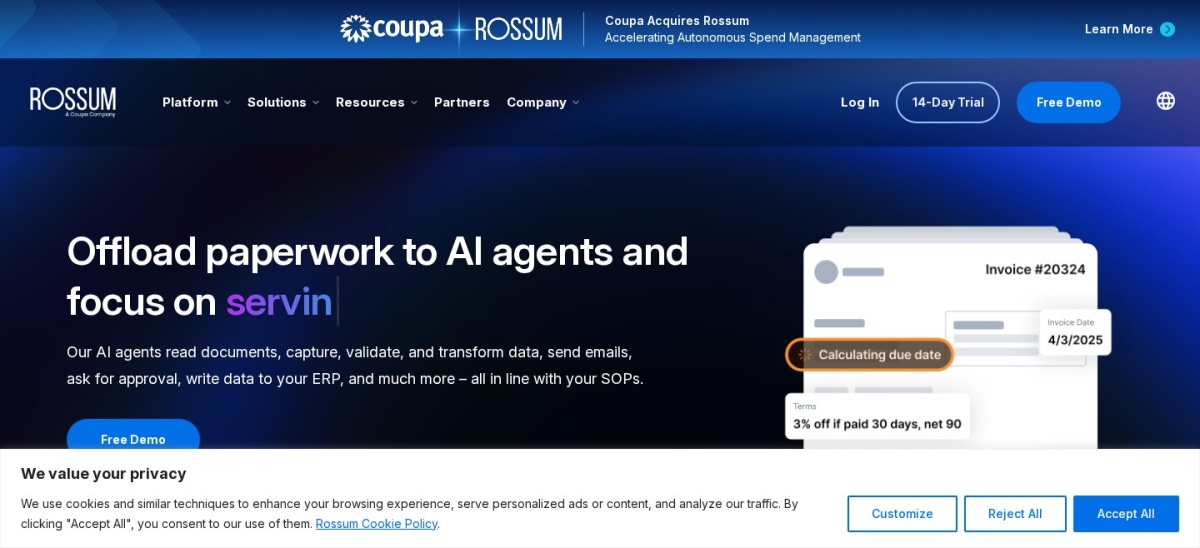
Rossum is an AI document capture platform built for accounts payable teams. It reads invoices, purchase orders and delivery notes without templates, learns each supplier layout from corrections, and validates data against master records before posting to the ERP.
The trade off is the entry price. Starter starts at $18,000 a year on a one-year minimum contract, and Business and Enterprise are quoted, so small teams are priced out. It suits mid-market and enterprise finance teams processing serious invoice volume.
What we like
Template-free extraction that learns supplier layouts
Strong validation screen and ERP posting
Handles 276 languages plus handwriting
Watch out for
Starter price puts it out of reach for small firms
One-year minimum contract
Higher tiers are quote only
Business adds custom workflows and ERP integrationsVisit rossum.ai
03
Hyperscience
4.6/5on G2 (54 reviews, checked Nov 2026)
PricingCustom/yr
Best for high-compliance document work
Free tierNo
Paid planCustom quote
Human reviewBuilt-in correction loop
DeploymentCloud or on-premise
hyperscience.ai
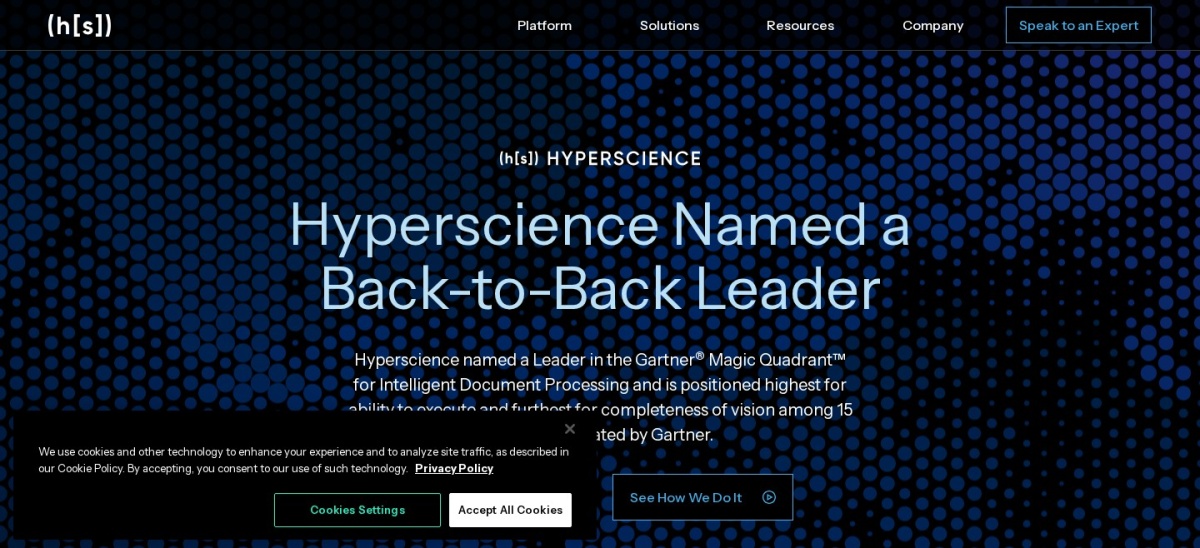
Hyperscience homepage, captured Nov 2026.
Hyperscience is an enterprise document processing platform for government agencies, insurers and large financial firms. It classifies documents, extracts data from structured and semi-structured forms, and routes low-confidence fields to reviewers who teach the system as they work.
The trade off is that pricing is sales-led, with no published list price and no self-serve trial, so budgeting starts with a sales conversation. It suits regulated organisations where a wrong field carries real cost.
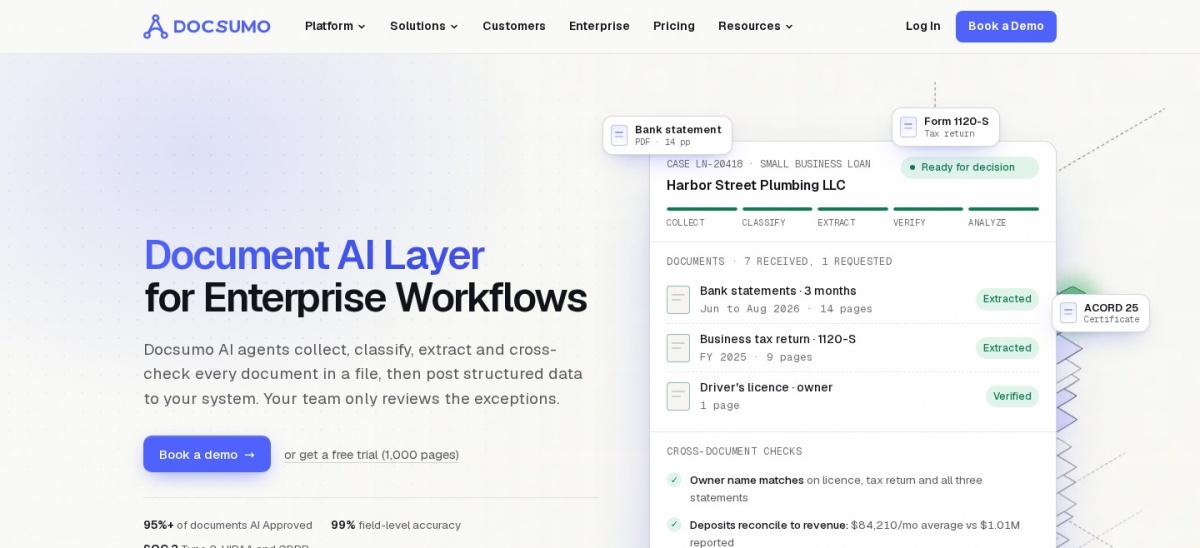
Docsumo is a no-code document AI platform for finance and operations teams. It extracts data from invoices, bank statements and forms with pre-trained models, and adds classification, validation rules and an AI document reviewer on paid plans.
The trade off is pricing. The free trial covers 14 days and up to 1,000 pages, and Business and Enterprise are custom quotes based on page volume, with setup fees on top. It suits small and mid-size teams that want generous free usage before talking to sales.
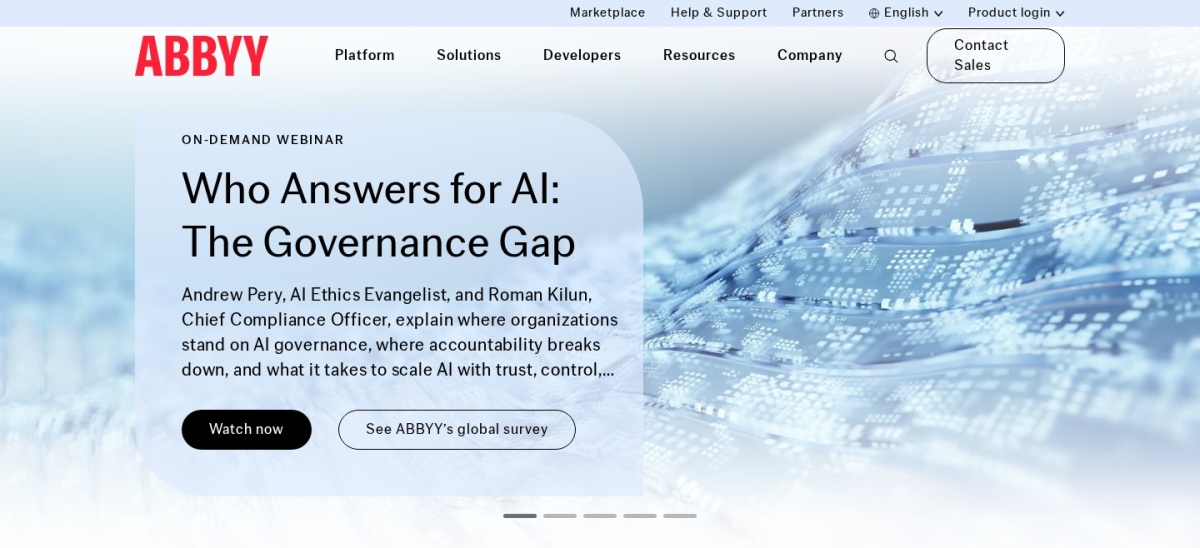
ABBYY Vantage is the low-code document processing platform from ABBYY, a company that has built OCR technology for decades. It packages capture as pre-trained skills for invoices, receipts, purchase orders and identity documents, and teams can build skills for their own forms.
The trade off is that Vantage is sold as an enterprise platform with custom pricing and no public list price. It suits regulated enterprises, banks and insurers processing huge volumes where accuracy and deployment control matter more than a fast setup.
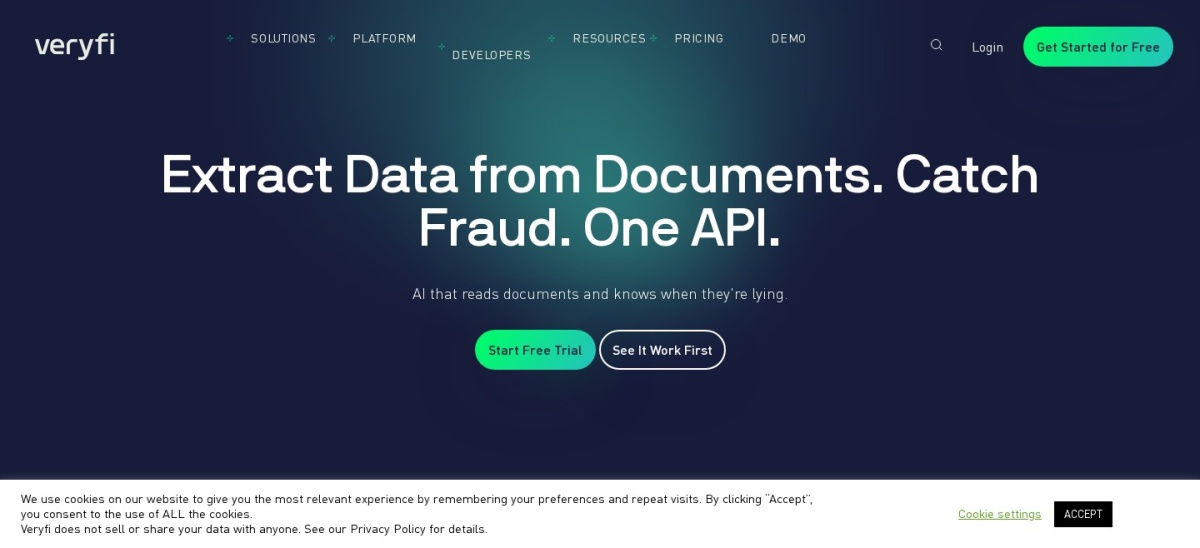
Veryfi is an OCR API for receipts, invoices, bank statements, checks and W-2s. It validates the maths, flags fraud signals and offers a mobile Lens SDK for on-device capture, and the free tier covers 100 documents a month.
The trade off is the paid floor. The Starter plan starts at a $500 monthly minimum, and the API-first design assumes developer resources to integrate it. It suits fintech, expense and AP automation vendors processing real volume.
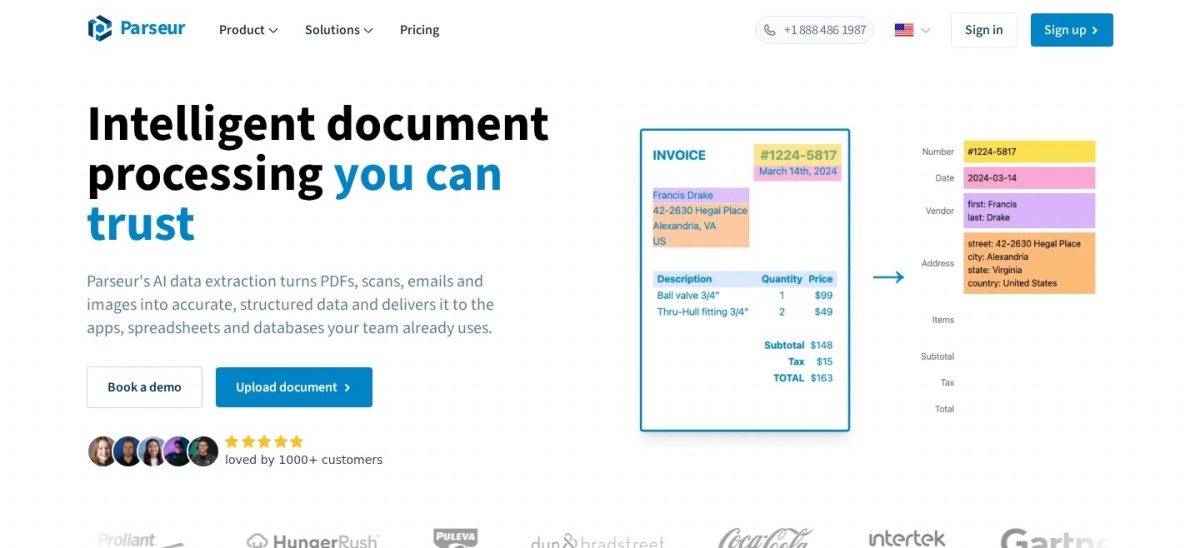
Parseur is a no-code parser that turns documents arriving by email, upload or API into structured data. Its AI extraction needs no training or templates, and results flow to Google Sheets, Excel, a webhook or a CRM through Zapier and Make.
The trade off is volume pricing. The free plan covers 20 pages a month, and paid plans start at $49 a month for 100 pages, so costs climb steeply past a few thousand pages. It suits small teams extracting data from emailed invoices without code.
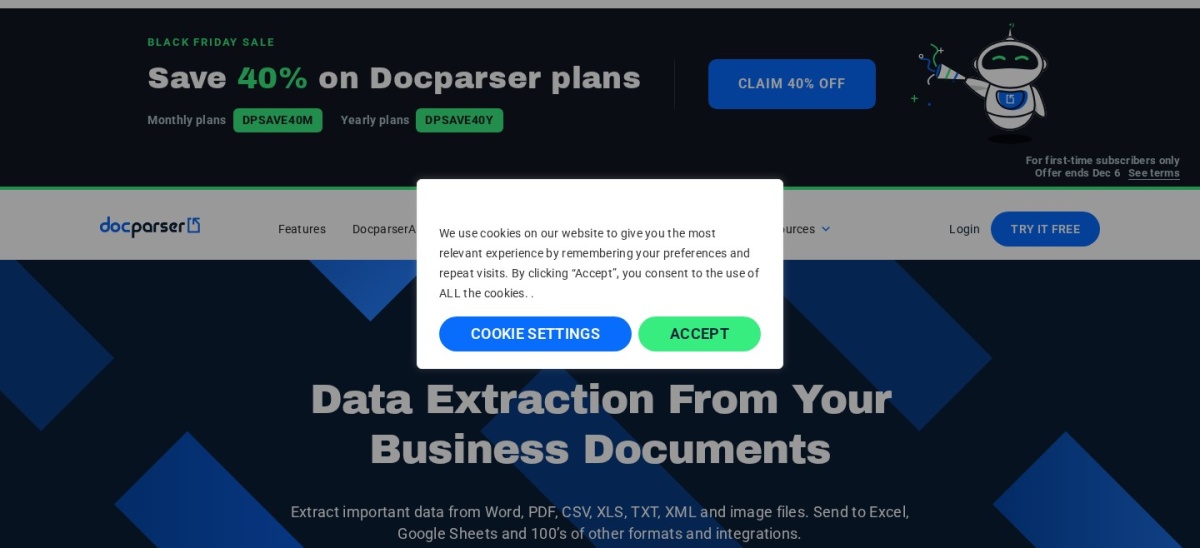
Docparser is a rule-based document parser for small companies with stable, recurring layouts. You build parsing rules on a sample document, such as a zone or a table, and it extracts the same fields from every matching invoice, form or bill.
The trade off is flexibility. Every new layout needs a new rule, and accuracy drops on poor scans, while multi-layout parsers cost extra on lower plans. It suits bookkeeping teams whose supplier layouts rarely change.
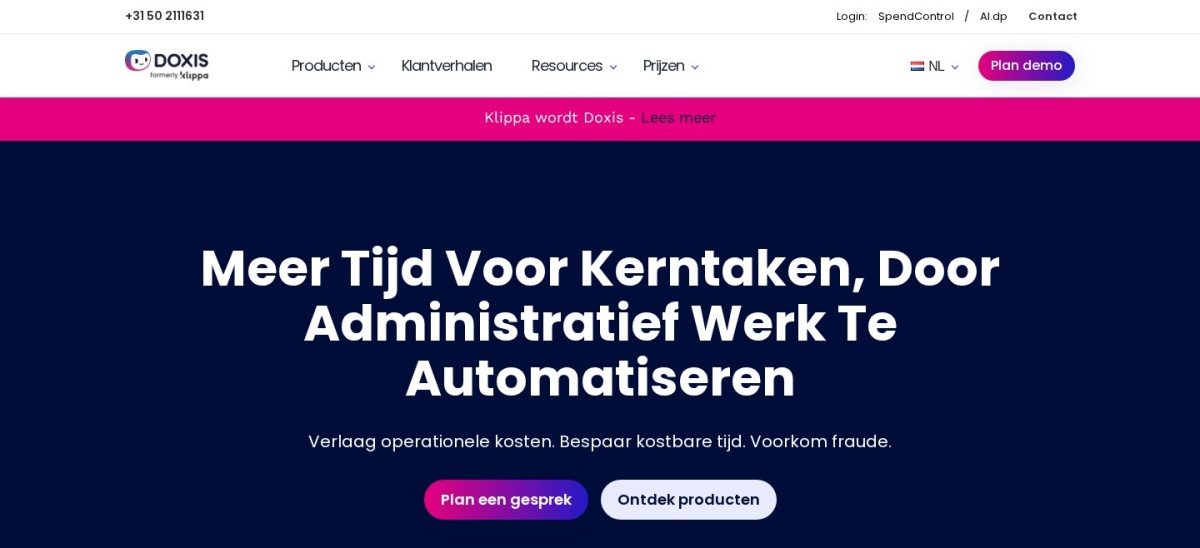
Klippa DocHorizon is an AI document processing platform built for European accounts payable teams. It extracts data from invoices and receipts, checks VAT details, detects fraud signals and is now sold under the Doxis AI.dp name after a rebrand.
The trade off is pricing transparency. Klippa publishes no USD price and sells on custom, volume-based quotes, so a US buyer has to ask sales for a figure. It suits European and multi-language AP teams that need VAT-aware capture.
Free tiers cover small volumes well. Parseur gives 20 pages a month forever, Veryfi gives 100 documents a month and Nanonets gives $50 in credits to start.
Paid plans mostly add volume and workflow depth. You get more pages, classification, ERP exports and audit trails.
Enterprise tools skip free tiers entirely. Rossum, Hyperscience, ABBYY and Klippa all start with a sales conversation, so a small team should start with the self-serve tools above.
How we chose
We started from the established intelligent document processing vendors with a public G2 or Capterra record, then kept those with a real product a team can buy today.
Prices come from each vendor's pricing page, checked on 24 November 2026. Ratings come from G2 or Capterra on the same day. Where a vendor shows no price, the list shows Custom.
We left out tools with no verifiable rating on G2, Capterra or Trustpilot. No vendor paid for a place, and we do not claim hands-on testing for this list.
How to choose an AI document processing tool
Start with your worst documents, then match the tool to the volume and the system the data must reach.
Count your monthly documents. Per-page and per-document pricing punish volume, so work out what 1,000 of your documents would cost on each plan.
Test with your own worst files. Use the free tier or trial on poor scans, handwriting and your most awkward supplier layout before you pay.
Check where the data must go. If results must land in an ERP or accounting system, confirm that export or integration is on the plan you can afford.
Match the buying model to your size. Small teams should start self-serve with Nanonets, Parseur or Docparser, and only take a sales-led platform when volume or compliance demands it.
FAQ
What is the best AI document processing tool?
Nanonets is the best pick for most teams. It starts with $50 in free credits, paid plans run from $100 a month, and it is rated 4.7 out of 5 on G2 from 97 reviews.
How much does AI document processing cost?
Self-serve tools run from $39 to $500 a month. Enterprise platforms such as Rossum start at $18,000 a year, and Hyperscience, ABBYY and Klippa are quoted individually.
Do these tools need templates?
It depends. Rossum, Nanonets and Parseur extract without templates, while Docparser is built around rules you draw on a sample document.
Can AI document processing read handwriting?
Some tools can. Rossum lists handwriting support across 276 languages, and Hyperscience is built for poor scans and varied layouts in regulated work.
Is there a free AI document processing tool?
Yes, for small volumes. Parseur gives 20 pages a month free, Veryfi gives 100 documents a month, and Nanonets gives $50 in free credits.
Which tool is best for invoices?
Rossum is the invoice specialist, with template-free extraction and ERP posting. For smaller volumes, Nanonets and Docparser cover invoices at a much lower entry price.