Best AI Culling Software in 2026: 7 Tools Compared
WLWPLegible EditorsLast verified 22 Nov 2026How we rank13 min read
★ Short answer
Aftershoot is the best AI culling software for most professional photographers, offering unlimited local AI culling for $15 monthly or $120 annually. FilterPixel is better for photographers wanting detailed image scoring and genre-specific profiles, while Imagen combines automated selections with AI editing workflows.
How we make this list: we compare pricing pages, product documentation and public user reviews, then re-check every price before each update. No product paid for a place. Disclosure.
Aftershoot Select costs $15 monthly or $120 annually, with unlimited AI culling and offline processing.
FilterPixel Standard costs $90 annually and includes unlimited basic culling plus 20 DeepCull shoots per year.
Imagen offers two free culling projects, then unlimited AI culling for $18 monthly or $144 annually.
Narrative Select Lite costs $15 monthly, but advanced AI assessments require Standard at $29 monthly.
Adobe Lightroom includes Assisted Culling in its $11.99 monthly annual-billing plan, alongside photo editing and organization.
Evoto Starter costs $89 annually before promotional discounts and includes 800 editing credits, while its AI culling tools can be used without export charges.
What matters when choosing AI photo culling software
Photo culling means reviewing a collection of images and selecting the best frames for editing or delivery. AI culling software speeds up this process by identifying near-duplicates, examining image quality and highlighting promising photographs.
The main distinction is automatic selection versus AI-assisted review. Some programs produce a preliminary selection automatically. Others organize images and display focus, expression or eye-quality indicators while leaving the final decision to the photographer.
Look closely at duplicate grouping, closed-eye detection, sharpness assessments and facial analysis. Wedding and portrait photographers often need reliable expression checks, while sports photographers may prioritize burst grouping and fast navigation.
Processing location also matters. Local software can analyze photos without uploading full-resolution files, while cloud-based products may require an internet connection and file transfer before results become available.
Finally, compare subscription limits and editing integrations. Unlimited basic culling does not always mean unlimited advanced AI analysis. Check whether selections transfer directly into Lightroom Classic, Capture One or your existing post-production workflow.
4.8/5on Trustpilot (1,808 reviews, checked Nov 2026)
Starts at$15/mo
Best overall for professional AI photo culling
Entry planSelect
AI cullingUnlimited
ProcessingOffline
Annual billing$120/yr
aftershoot.com
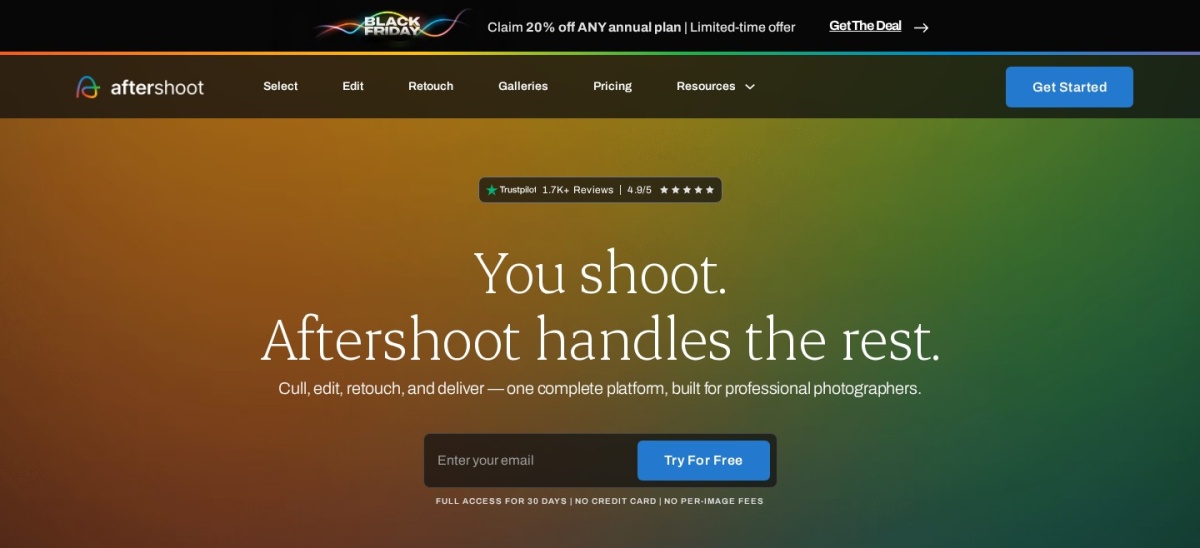
Aftershoot homepage, captured Nov 2026.
Aftershoot is an AI-powered photography application that automatically selects promising images, groups duplicates and identifies problems such as closed eyes and missed focus. Its Select plan includes unlimited automated and assisted culling, comparison views, adjustable selection settings and offline processing without per-photo charges.
The trade off is that Select costs $15 monthly, while the lower $120 annual price requires a yearly commitment. AI editing and retouching are separate paid modules. It suits wedding, portrait and event photographers who regularly process large collections and want predictable culling costs.
What we like
Unlimited AI culling without per-image fees
Local processing works without uploading photographs
Automated and assisted selection modes
Duplicate grouping and facial quality checks
Integrates with established editing applications
Watch out for
AI editing requires another paid module
Local processing performance depends on hardware
Automatic selections still require review
Lowest monthly rate requires annual billing
Select provides paid unlimited culling; Edit and Complete add AI editing and retouching.Visit aftershoot.com
02
FilterPixel
4.8/5on Trustpilot (179 reviews, checked Nov 2026)
Paid from$90/yr
Best value for detailed AI image assessment
Entry planStandard
DeepCull allowance20 shoots/year
EditingUnlimited basic
Extra DeepCull shoot$7.99
filterpixel.com
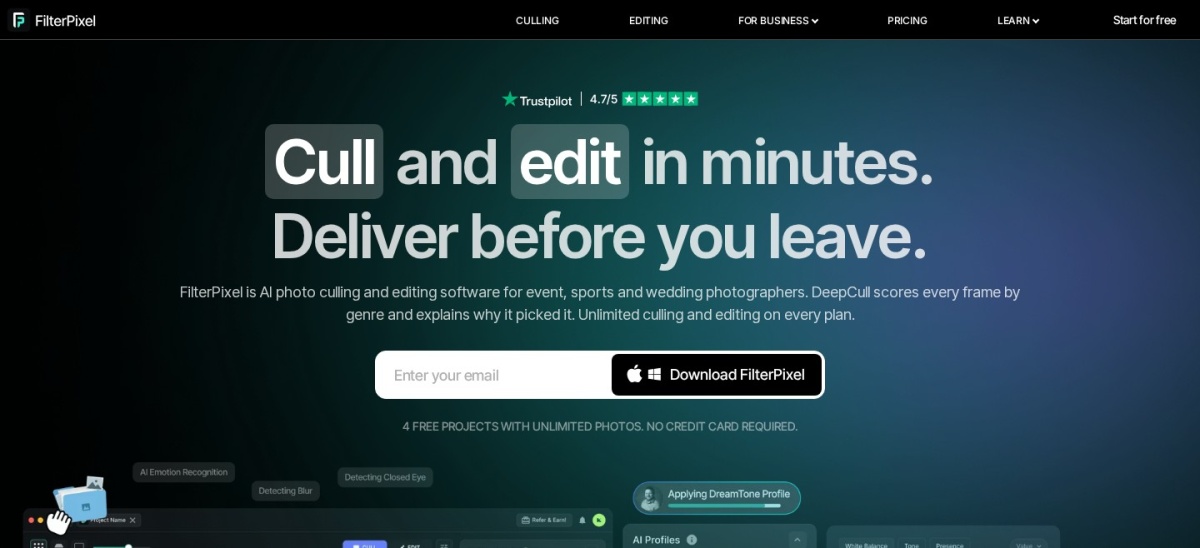
FilterPixel homepage, captured Nov 2026.
FilterPixel is an AI photography workflow application that assesses image quality, groups similar photographs and provides automated culling recommendations. Standard costs $90 annually and includes unlimited basic culling and editing, one Expert Profile, 20 DeepCull shoots, 50 GB of storage and client galleries with search features.
The trade off is that DeepCull has a separate annual shoot allowance, with additional shoots costing $7.99 each. Pro costs $210 annually and increases the allowance to 70 shoots while adding more selection profiles. It suits photographers who value explainable image scores and want both culling and editing in one subscription.
What we like
Low annual entry price
Detailed photo scores and selection explanations
Unlimited basic culling and editing
DeepCull provides advanced automated selection
Free trial includes three DeepCull shoots
Watch out for
DeepCull shoots have annual limits
Additional advanced shoots cost extra
Some personalized features require Pro
Large workloads may need higher plans
Pro adds 70 DeepCull shoots, nine Expert Profiles, personalized editing and crop tools.Visit filterpixel.com
03
Imagen
4.7/5on Trustpilot (1,267 reviews, checked Nov 2026)
Paid from$7/mo
Best for integrating AI culling with photo editing
Entry billing$7/mo editing minimum
AI culling add-on$18/mo
Annual culling$144/yr
Free culling2 projects
imagen-ai.com
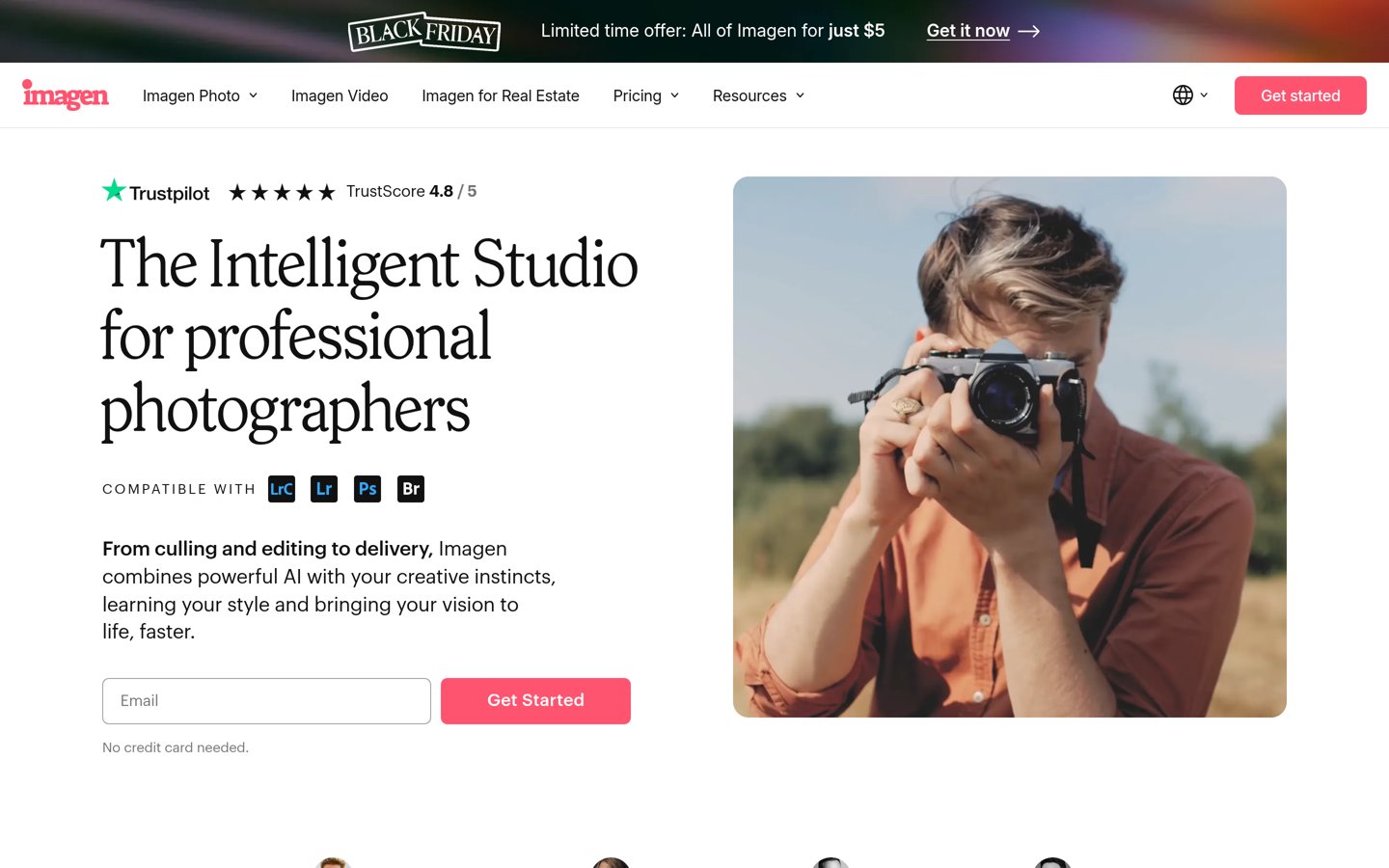
Imagen homepage, captured Nov 2026.
Imagen is a cloud-based photography post-production platform that combines AI image selection, personalized editing and retouching. Its Pay-as-you-go editing plan has a $7 monthly minimum, with editing starting at $0.05 per photo. New accounts receive two free AI culling projects, and unlimited culling is available through a separate subscription.
The trade off is that unlimited culling requires an additional $18 monthly subscription or $144 annually, rather than being included with the basic editing minimum. Full cloud processing also requires uploading projects. It suits photographers who want AI-generated selections connected to editing previews and personalized finishing workflows.
What we like
AI culling and editing work together
Two free AI culling projects
Unlimited culling subscription available
Personalized AI editing profiles
Editing credits can roll forward
Watch out for
Entry editing plan does not include unlimited culling
Cloud processing requires file uploads
Editing costs vary with exported volume
Culling subscription adds recurring expenses
The culling add-on provides unlimited selections; Limitless includes culling and editing for $165/mo.Visit imagen-ai.com
04
Narrative
5/5on G2 (1 reviews, checked Nov 2026)
Starts at$15/mo
Best for photographer-controlled AI-assisted selection
Entry planLite
Images and projectsUnlimited
Advanced AI planStandard
Annual Lite billing$120/yr
narrative.so
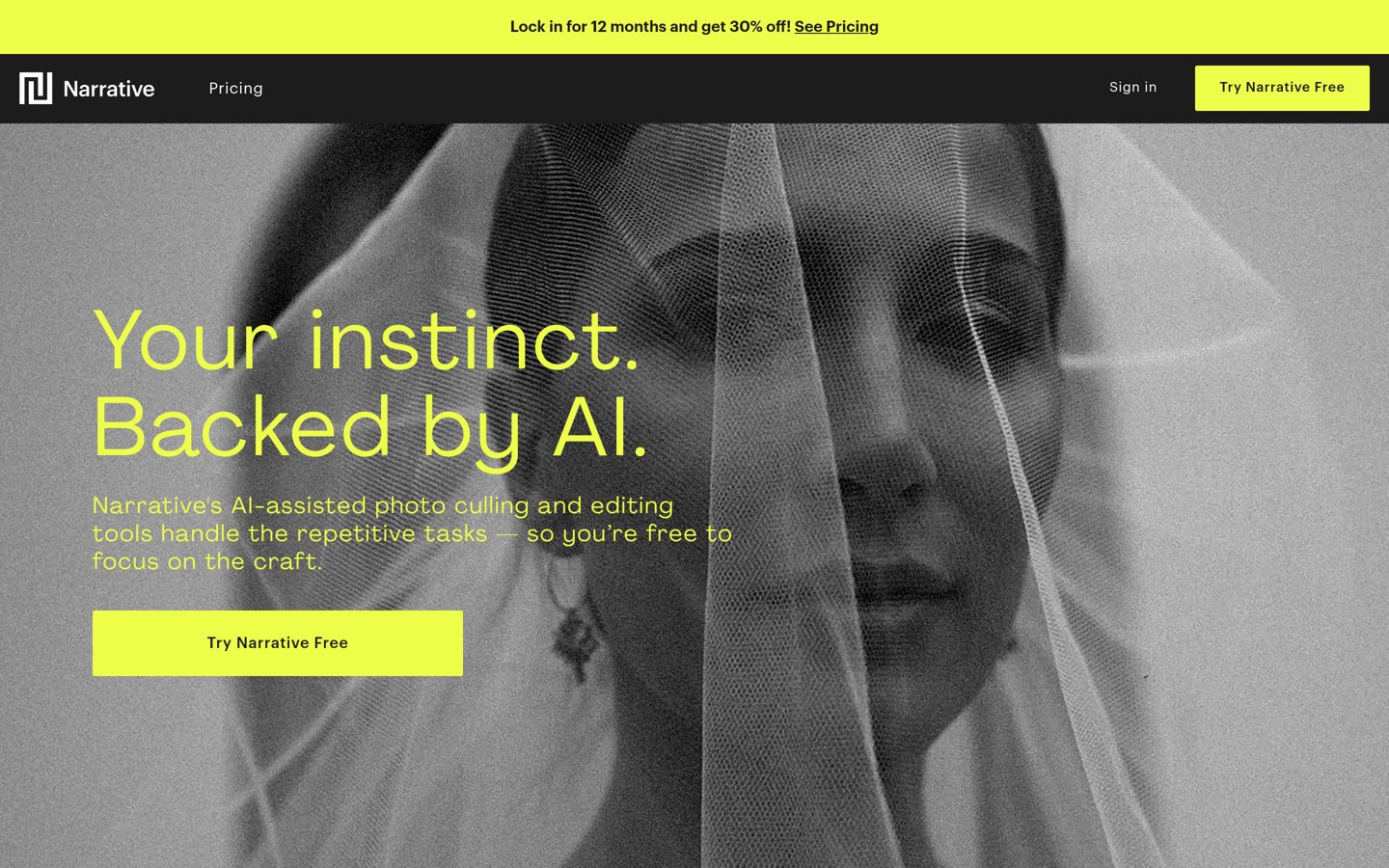
Narrative homepage, captured Nov 2026.
Narrative is an AI-assisted photography culling application designed to organize images and support photographer-led selection. Lite costs $15 monthly and includes unlimited images and projects, fast RAW rendering and transfers to supported editing software. Standard adds eye and focus assessments, AI First Pass indicators, scene grouping and image ranking.
The trade off is that Lite lacks the full advanced AI review toolkit. Standard costs $29 monthly or $240 annually, making its strongest culling features more expensive than its entry subscription. It suits wedding and portrait photographers who prefer making final artistic selections themselves.
What we like
Fast image rendering and navigation
Unlimited images and projects
Advanced eye and focus assessment tools
Supports Lightroom and Capture One workflows
Photographers retain final selection control
Watch out for
Lite excludes advanced AI assessments
Standard costs more than the entry plan
AI-assisted approach requires manual decisions
G2 rating currently comes from only one review
Standard adds AI First Pass, focus assessment, close-up panels and AI preset editing.Visit narrative.so
05
Adobe Lightroom
4.6/5on G2 (3,414 reviews, checked Nov 2026)
Starts at$11.99/mo
Best for photographers already editing in Lightroom
Entry planLightroom
BillingAnnual, paid monthly
Cloud storage1 TB
AI cullingAssisted Culling
adobe.com
Adobe Lightroom homepage, captured Nov 2026.
Adobe Lightroom is a photography editing and organization platform that includes Assisted Culling in Lightroom and Lightroom Classic. The feature assesses subject sharpness, eye focus, open eyes and exposure problems, helping photographers review selected and rejected images. The Lightroom subscription costs $11.99 monthly with an annual commitment and includes 1 TB of storage.
The trade off is that Assisted Culling prioritizes quality-based assessments rather than the broader automated storytelling selections offered by dedicated culling applications. The subscription also requires an annual commitment. It suits photographers already using Lightroom who want AI-assisted selection without adding another specialist subscription.
What we like
AI culling included in existing Lightroom workflows
Checks focus, eye sharpness and closed eyes
Supports manual overrides and image labeling
Includes professional RAW editing
Works with Lightroom and Lightroom Classic
Watch out for
Requires a paid Adobe subscription
Less specialized than dedicated AI culling products
Some image choices still require manual comparison
Annual commitment on the entry subscription
The paid Lightroom plan includes Assisted Culling, RAW editing and 1 TB of storage.Visit adobe.com
06
Evoto
4.1/5on Trustpilot (405 reviews, checked Nov 2026)
Paid from$89/yr
Best for AI portrait culling and retouching
Entry planStarter
Editing credits800
Supported devices2
Trial7 days
evoto.ai
Evoto homepage, captured Nov 2026.
Evoto is an AI photo editing application that combines image organization, automated selection and portrait retouching. Its culling workflow helps photographers identify preferred images before editing, while Starter provides 800 editing credits, access on two devices and unlimited color adjustments for a regular annual price of $89.
The trade off is that exported AI edits consume credits even when photo selection itself is free. The current promotional first-year Starter price is $58, but the regular price remains $89. It suits portrait photographers who want culling, skin retouching and color adjustments within one application.
What we like
Free AI-assisted photo selection
Portrait retouching tools included
Color editing without export credit charges
Published annual plans with credit allowances
Supports a combined culling and editing workflow
Watch out for
AI edited exports consume credits
Credit management adds complexity
Advanced editing may require additional credits
Less focused on dedicated culling than specialist tools
Starter adds 800 export credits and paid AI editing capabilities.Visit evoto.ai
07
Neurapix
4.2/5on Trustpilot (85 reviews, checked Nov 2026)
Paid from$0.04/image
Best free AI culling companion for Lightroom Classic
AI cullingFree beta
Editing entry price$0.04/image
Unlimited editing$599.40/yr
IntegrationLightroom Classic
neurapix.com
Neurapix homepage, captured Nov 2026.
Neurapix is an AI photography plugin for Lightroom Classic that offers image editing and a free culling beta. Its culling tool groups similar photographs, evaluates facial expressions and eye sharpness, and displays focus information. Paid editing starts at $0.04 per image, with 1,000 free edits available when starting.
The trade off is that culling depends on Lightroom Classic, and automated image editing carries separate charges. The Unlimited editing subscription costs $599.40 annually, while the lower pay-per-picture option charges according to actual use. It suits Lightroom photographers who want free AI-assisted sorting and optional personalized editing.
What we like
AI culling beta is free
Works directly inside Lightroom Classic
Analyzes eyes, expressions and focus
Groups burst and similar photographs
Optional pay-per-image AI editing
Watch out for
Requires Lightroom Classic
Culling remains in beta
Editing costs depend on image volume
Annual Unlimited plan is relatively expensive
Paid editing starts at $0.04/image; Unlimited adds unrestricted AI editing.Visit neurapix.com
Automatic AI culling versus AI-assisted photo selection
Automatic culling software analyzes photographs and produces a preliminary shortlist. Aftershoot and Imagen offer this approach, allowing photographers to review the proposed selections rather than deciding on every image individually.
AI-assisted tools concentrate on presenting information. Narrative, Lightroom and Neurapix can highlight focus quality, expressions or similar frames while photographers make the final decisions.
Neither method eliminates creative judgment. An image with imperfect sharpness or an unusual expression may still be valuable because of its timing, emotional significance or composition.
For high-volume work, automatic first-pass selection may be more practical. For portraiture, editorial assignments and carefully composed sessions, assisted review can offer more direct control over the final collection.
How AI photo culling software pricing works
Unlimited subscriptions charge a predictable recurring amount. Aftershoot Select and Narrative Select provide unlimited image processing, although included AI capabilities differ by plan.
Shoot-based allowances limit advanced processing rather than basic photo review. FilterPixel Standard includes 20 annual DeepCull shoots, and additional shoots cost $7.99 each.
Culling add-ons are separate purchases attached to broader editing products. Imagen includes two free projects, then charges for unlimited culling unless the photographer subscribes to Limitless.
Editing credits affect total post-production costs. Evoto charges credits for exported edits, while Neurapix offers both per-image editing and an Unlimited subscription. Their culling features can be used without buying those editing subscriptions.
Compare plans against your expected shooting volume and editing requirements. A photographer processing occasional portrait sessions may benefit from free or low-cost assisted tools, while frequent event work may justify unlimited automatic culling.
How we chose
We selected established photography applications with identifiable AI culling capabilities, published pricing and publicly accessible user feedback. The comparison covers automated image selection, AI-assisted reviewing, duplicate grouping, facial assessments and integrated editing workflows.
Vendor pricing pages, product documentation and G2 or Trustpilot review listings were checked on 24 Nov 2026 for this guide, which carries an editorial reference date of 22 Nov 2026. Regular prices are used instead of Black Friday promotions, and annual-billing discounts are identified separately. For usage-based products, a fixed annual price cannot be inferred without assuming image volume.
We excluded manual-only culling applications, vendors whose published prices could not be confirmed and products without relevant AI selection features. Narrative is included as an established specialist despite its very small G2 review sample, which should not be treated as a reliable comparative rating. No vendor paid for a place, and we do not claim testing for this list.
How to choose the best AI culling software
Review your shooting volume, image-selection preferences and editing workflow before committing to an AI culling subscription.
Choose between automated and assisted selection. Decide whether you want software to generate a shortlist automatically or provide analysis while you select photos manually. Automated tools may be better for large event collections, while assisted culling can give portrait and editorial photographers more direct control.
Check the image assessment features. Look for duplicate grouping, blink detection, eye sharpness, focus checks and customizable selection criteria. Consider your photography specialty and whether the tool can handle the expressions, movements and lighting conditions common in your work.
Calculate the real annual cost. Compare monthly subscriptions with annual discounts, advanced AI processing limits and editing credits. Check whether unlimited culling covers every AI feature or only basic image review. Include additional charges for exports, editing or extra shoots.
Confirm processing and editing compatibility. Check whether the software processes images locally or requires cloud uploads. Verify support for your operating system, RAW formats and preferred editor. Make sure selections, star ratings and color labels can move into your existing editing and delivery workflow.
FAQ
What is the best AI culling software for photographers?
Aftershoot is our top overall recommendation because it provides unlimited automated and assisted AI culling with offline processing. Its Select plan costs $15 monthly or $120 annually. FilterPixel is an alternative for detailed image scoring, while Imagen suits photographers who want culling integrated with AI editing.
Is there free AI photo culling software?
Yes. Neurapix offers a free AI-assisted culling beta inside Lightroom Classic, while Evoto provides AI-assisted selection without separate culling charges. Imagen includes two free culling projects, and FilterPixel offers three trial DeepCull shoots. Some options still require paid editing software or charge for exported edits.
Can AI automatically select the best photos?
AI culling programs can analyze sharpness, expressions, duplicates and other visual characteristics to recommend photographs. Some automatically produce a shortlist, while others support manual review. The software cannot reliably determine every artistic or emotional consideration, so photographers should verify selections before deleting or delivering images.
Which AI culling software is best for wedding photography?
Aftershoot is a strong choice for high-volume wedding photography because it offers unlimited automated culling and local processing. FilterPixel provides detailed image assessments and DeepCull processing, while Narrative supports careful review of facial expressions and focus. The best fit depends on how much control photographers want over selections.
Does Adobe Lightroom have AI culling?
Yes. Lightroom and Lightroom Classic include Assisted Culling, which analyzes subject sharpness, eye focus, closed eyes and exposure issues. Photographers can review the results and override AI decisions. The Lightroom subscription starts at $11.99 monthly with an annual commitment.
Is Aftershoot better than Imagen?
Aftershoot is appealing for photographers who want unlimited culling performed locally without uploading images. Imagen uses a cloud-based workflow and connects selection to personalized AI editing. Both support automated culling, but their processing methods, subscription structures and editing costs differ.
Does AI culling software work without internet access?
Some products support local processing. Aftershoot can perform its culling work offline, while cloud-based services such as Imagen require uploads for AI processing. Other applications may process some tasks locally but still need internet access for account verification, updates or additional services.
How much does AI photo culling software cost?
Dedicated subscriptions vary. Aftershoot Select costs $15 monthly, Narrative Lite costs $15 monthly, and Imagen unlimited culling costs $18 monthly. FilterPixel Standard costs $90 annually. Some applications also offer free culling, but editing subscriptions, export credits or software dependencies may create additional expenses.
Can AI culling software delete important photographs?
AI programs can incorrectly classify an important image as a reject because of motion, closed eyes or unconventional composition. Review rejected images before permanently deleting files. Keep original photographs backed up and treat automatic selections as recommendations rather than irreversible decisions.