Best AI Clipping Software in 2026: 9 Tools Compared
WLWPLegible EditorsLast verified 22 Nov 2026How we rank14 min read
★ Short answer
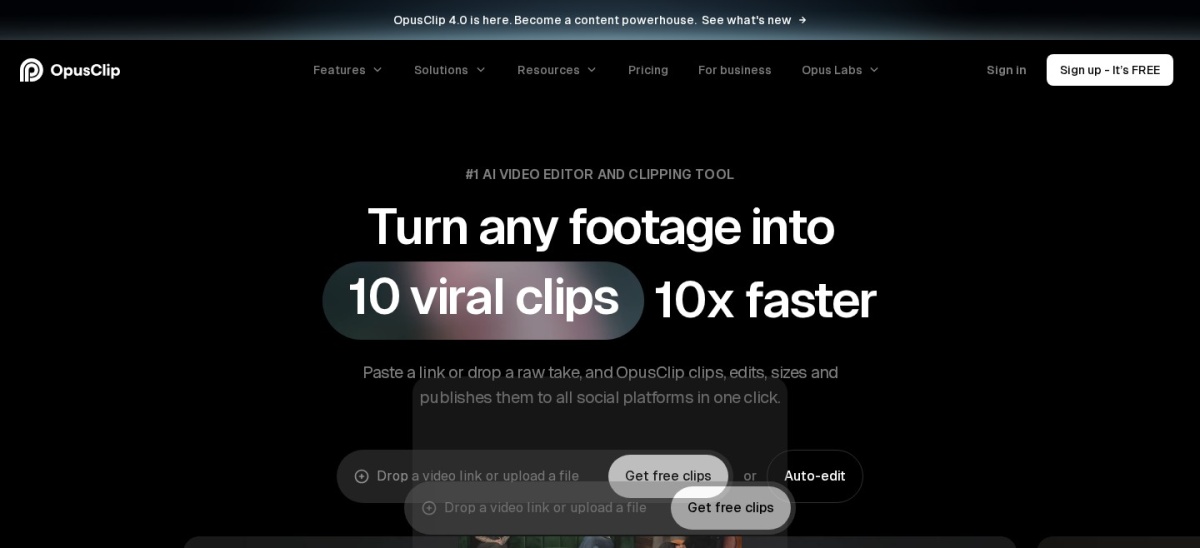
OpusClip is the best AI clipping software for most creators. It scores each clip for viral potential, adds captions and reframes for vertical video, and is rated 4.6 out of 5 on G2 from 124 reviews. Pick Vizard for daily clipping at 600 credits a month, or 2short.ai for the lowest price per hour.
How we make this list: we compare pricing pages, product documentation and public user reviews, then re-check every price before each update. No product paid for a place. Disclosure.
OpusClip leads with a Virality Score that ranks clips before you export, rated 4.6 out of 5 on G2 from 124 reviews.
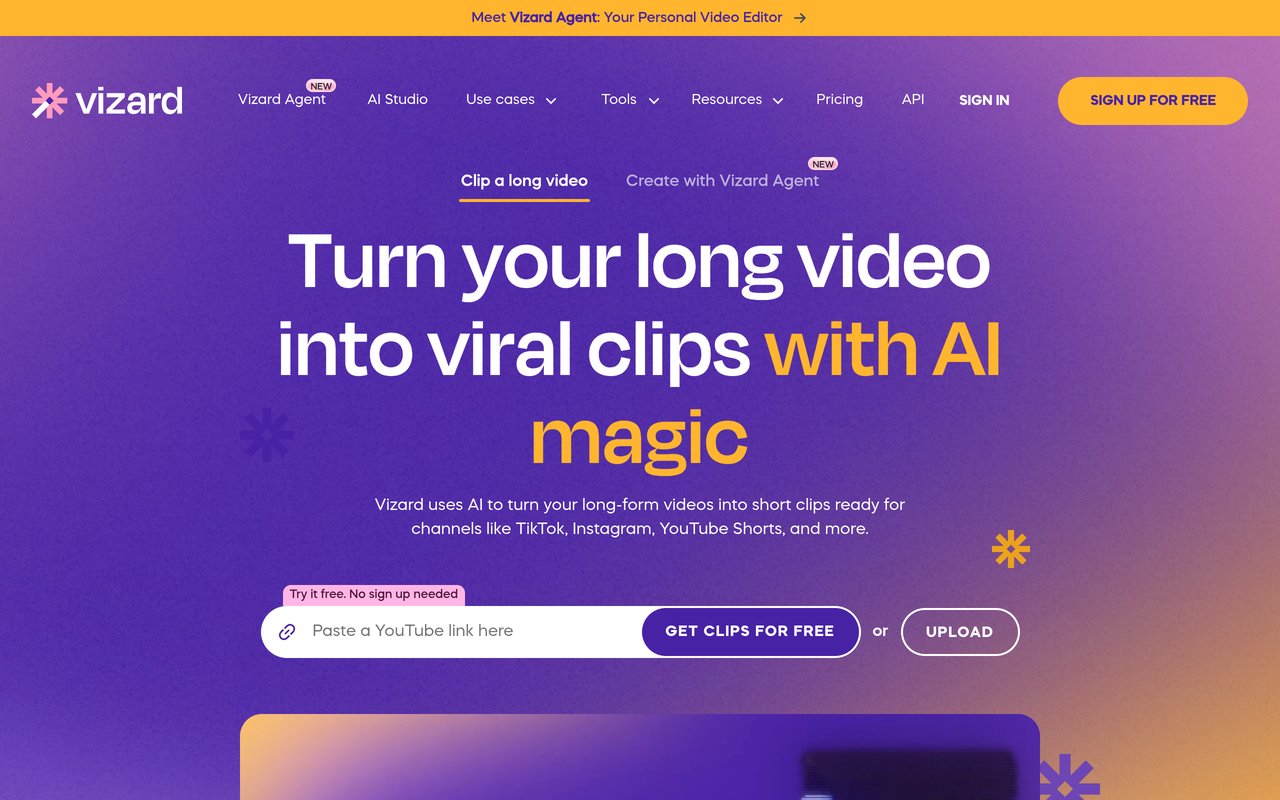
Vizard gives the most credits for daily clipping: 600 a month on Creator at $14.50 a month billed yearly.
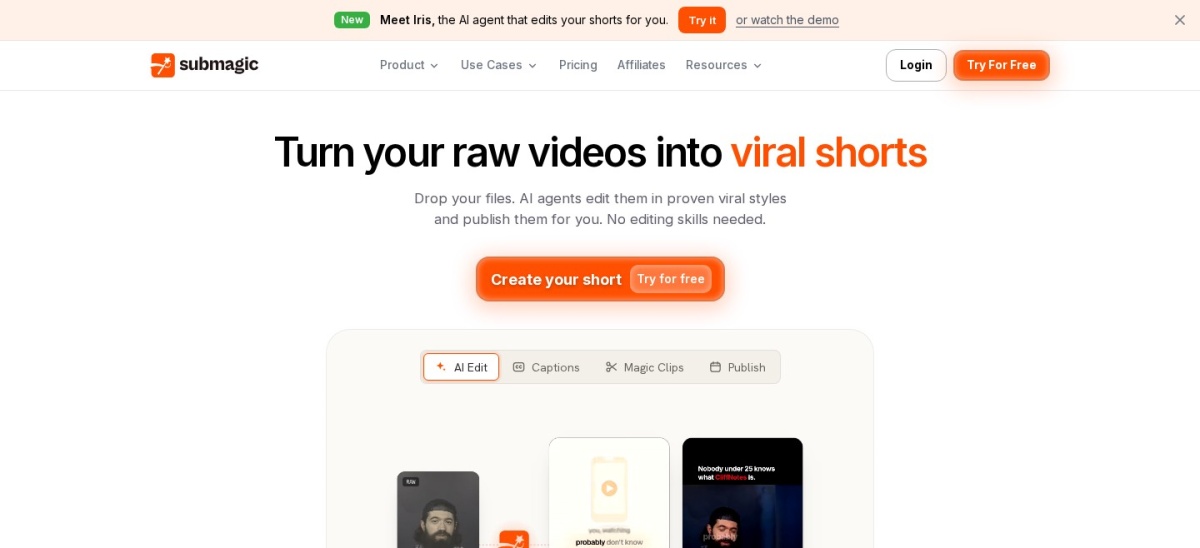
Submagic is the caption specialist, with animated captions in 123 languages and B-roll built in.
2short.ai is the cheapest per hour at $9.90 for 5 hours of analysis, with no watermark on any plan.
Eklipse is the only tool here built for Twitch streamers, but clipping is paid only.
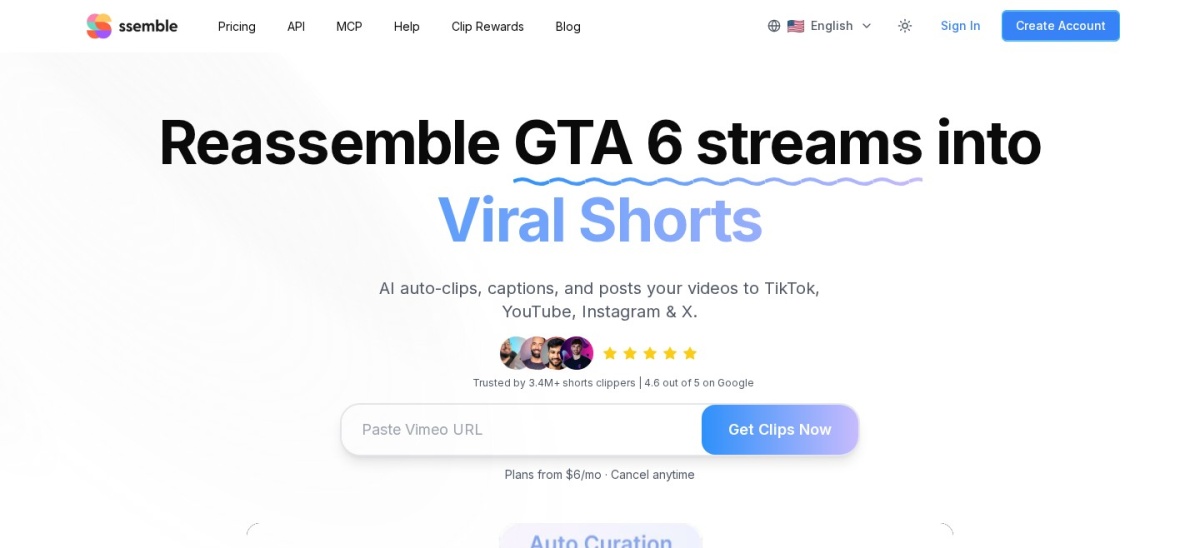
Ssemble is the cheapest paid plan at $6 a month billed yearly, though it has no free plan or trial.
What AI clipping software should do
AI clipping software watches a long video, finds the moments most likely to work as Shorts, Reels or TikToks, and cuts them into vertical clips. The best tools add captions, trim silences and reframe the shot so the speaker stays in frame.
Credits are the main limit to watch. Some tools charge per minute of video processed, others per clip or per video, so two plans at the same price can cover very different amounts of footage.
A free plan is worth testing with your own footage before you pay. If you publish in WordPress, our guide on generating images with AI in WordPress covers a different AI workflow, but the same rule applies: check the output on your own material first.
Publishing matters too. A few tools on this list post clips to social platforms for you, while others only export files you upload yourself.
OpusClip is an AI clipping tool that cuts long videos into short clips and scores each one for viral potential. It adds captions, trims silences and reframes the shot for vertical video, so a podcast or webinar becomes a week of Shorts, Reels and TikToks.
The trade off is credits. The free plan gives 60 credits a month with a watermark and a 3-day export window, and Starter at $15 a month is monthly billing only. Pro costs $29 a month, or $14.50 a month billed yearly, for 300 credits a month.
Vizard is an AI video tool that turns long recordings into short clips, with captions, highlights and social publishing built in. Creator gives 600 credits a month, and one credit covers about one minute of processed video, so it suits creators who clip every day.
The trade off is price transparency. The pricing page shows plan names but loads prices through a script, so the $14.50 a month yearly rate comes from reads of the same page in early November. Free exports are 720p with a watermark, and Business is $19.50 a month billed yearly.
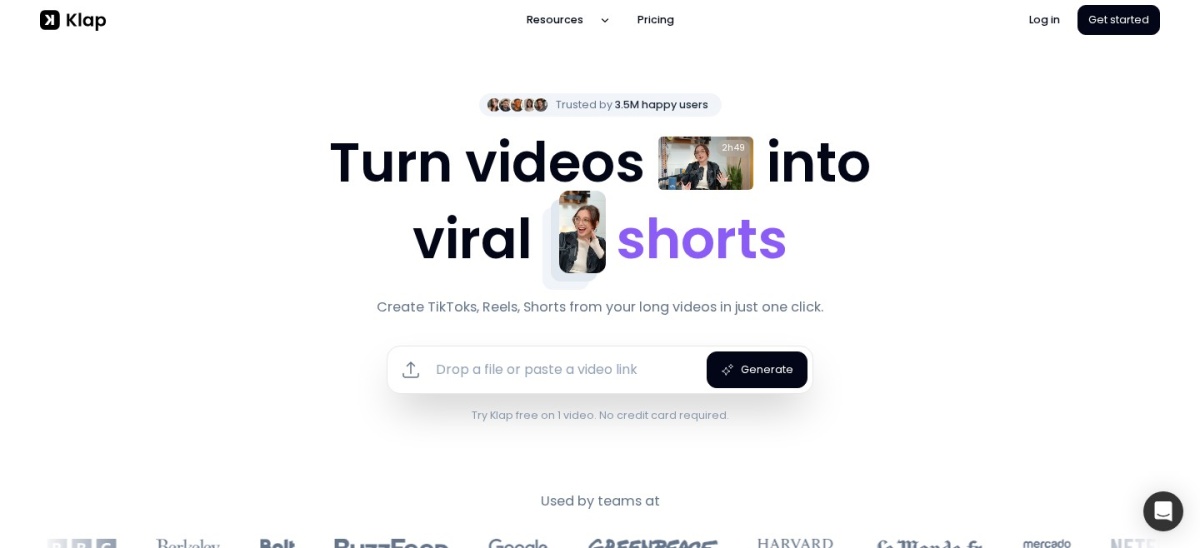
Klap is an AI clipping tool that cuts a long video into many short clips and adds captions in your brand style. Basic includes 100 clips a month, and the vendor says its users have made 8.5 million clips. It suits creators who want a large batch of clips from one recording.
The trade off is the trial. There is no free plan, only a one-video trial that lets you preview and edit but not download. Basic costs $14.50 a month billed yearly, or $29 a month, and Pro at $39.50 a month billed yearly raises the limit to 300 clips.
Submagic is a short-form editor built around captions. It writes animated captions in 123 languages, adds B-roll, auto-zooms and sound effects, and cuts long videos into Magic Clips. Starter covers 15 videos a month up to 2 minutes each, exported in 1080p.
The trade off is that pricing is per video, not per minute. Each plan has a monthly video allowance, and Magic Clips billing is unclear: the help center lists a $19 a month add-on while other tests found a flat credit charge. Starter is $12 a month billed yearly, or $19 monthly.
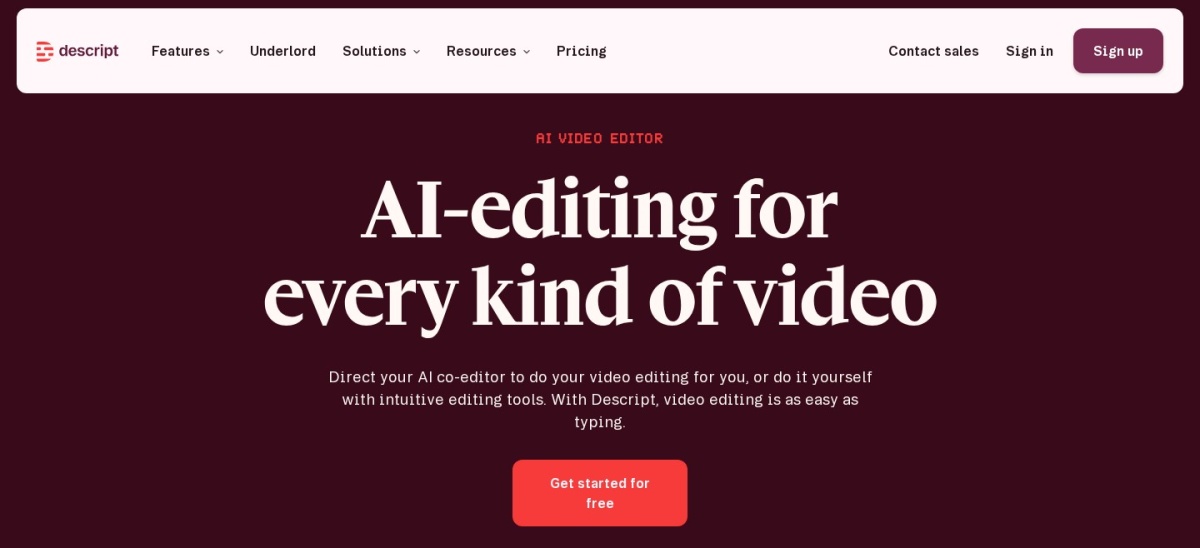
Descript is a full audio and video editor that works like a document: you edit the transcript and the media follows. Its Create Clips feature finds shareable moments in a long recording and turns them into vertical clips with captions. The free plan includes 1 media hour a month.
The trade off is that clipping is one feature inside a bigger editor, so it costs more than a dedicated clipper if that is all you need. Hobbyist costs $16 a month billed yearly, or $24 monthly, with 10 media hours and 400 AI credits a month.
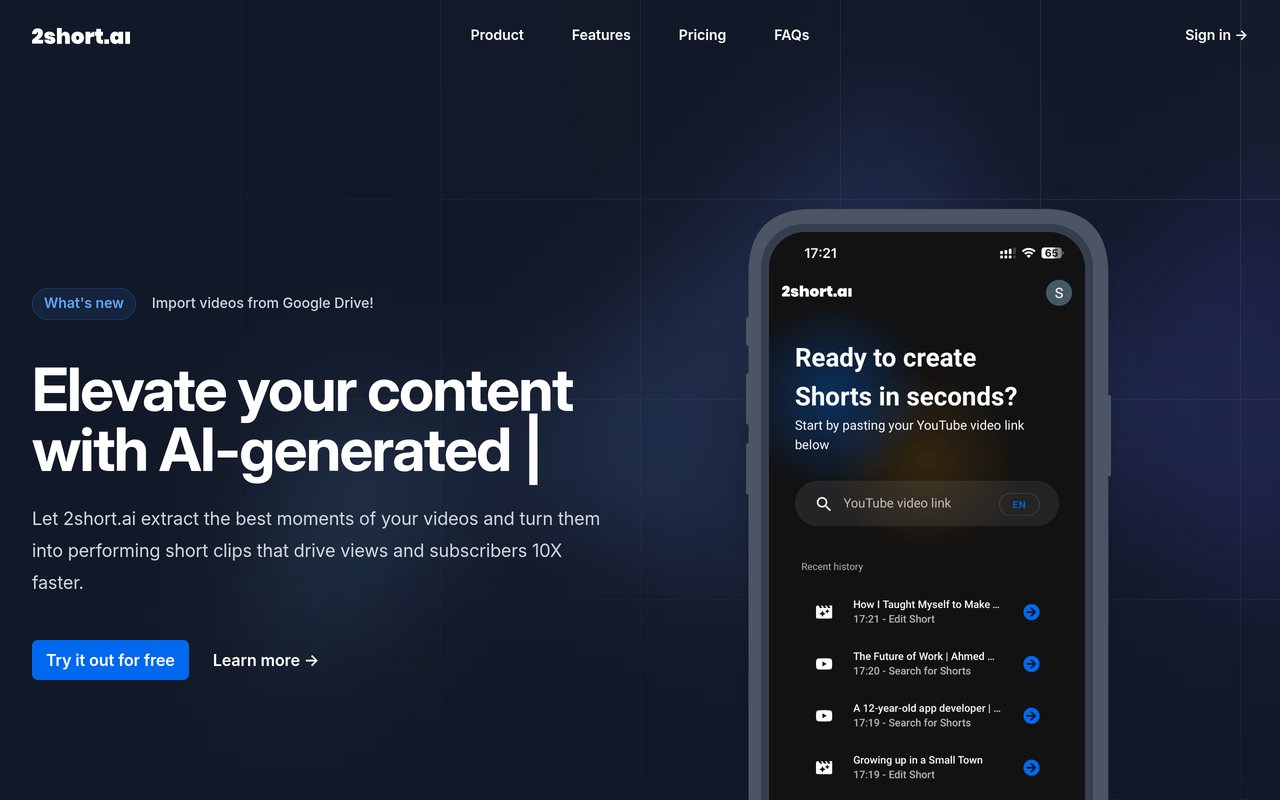
2short.ai is a focused clipping tool for YouTube videos. Paste a link and its AI ranks moments by viral potential, keeps the face centred and adds animated captions in 26 languages. Lite covers 5 hours of analysis a month for $9.90, the lowest price per hour in this list.
The trade off is scope. It only processes videos with captions and takes YouTube links plus Google Drive and public links on paid plans, with no file upload and no Twitch or Kick links. Plans are monthly only, with no yearly discount, and the free plan's allowance is listed as 30 minutes in one place and 15 in another.
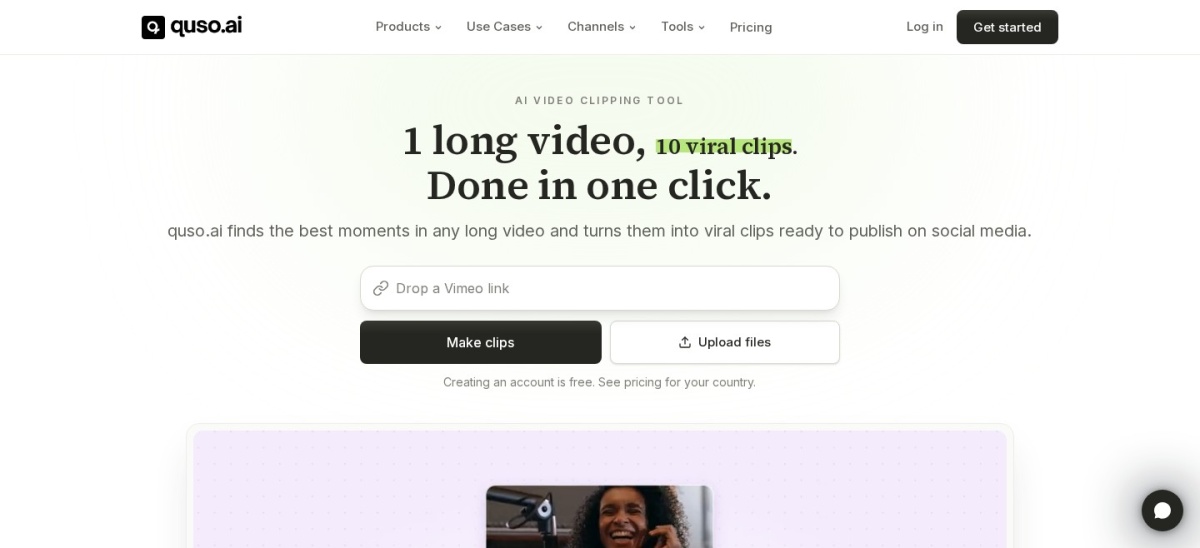
quso.ai is an AI clipping tool, formerly Vidyo.ai, that cuts long videos into clips and publishes them to social platforms from the same dashboard. The free plan includes 75 credits a month with 720p exports, and Lite adds 100 credits a month with scheduling. The vendor says it has more than 4 million creators.
The trade off is a thin rating and a price warning. Its G2 score of 5 out of 5 rests on a single review, and the yearly prices are shown as a 50 percent saving with no end date, so confirm them before paying. Lite costs $174 a year, or $29 a month.
4.1/5on Trustpilot (983 reviews, checked Nov 2026)
Starts at$179.99/yr
Best for streamers clipping Twitch VODs
Twitch VOD clippingYes
AI highlightsUp to 2 streams a day
Free planNo, account is free
Paid planPremium, $179.99/yr
eklipse.gg
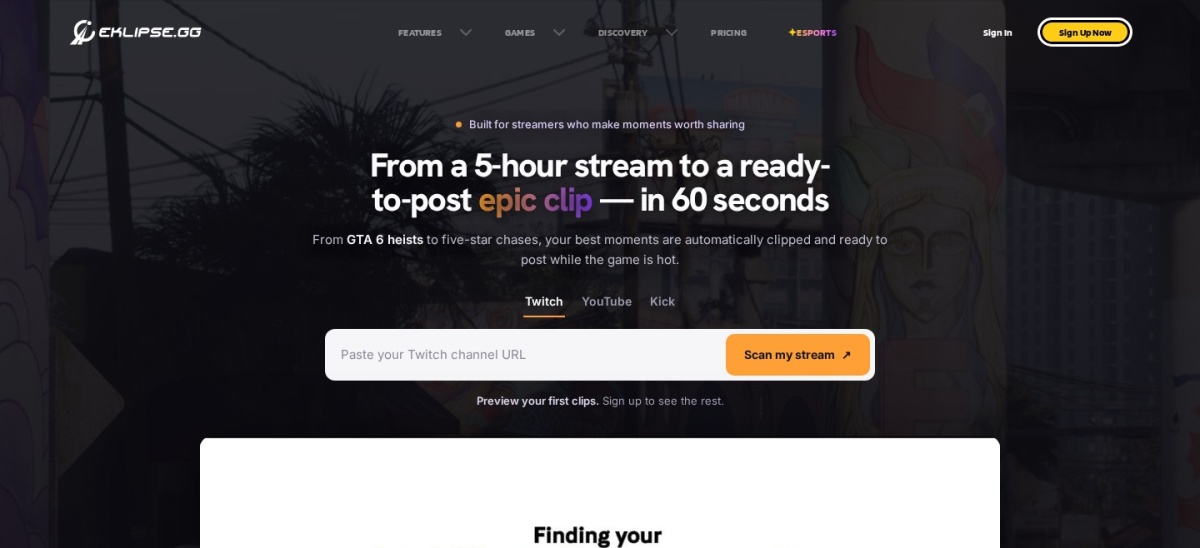
Eklipse homepage, captured Nov 2026.
Eklipse is an AI clipping tool built for streamers. It watches your Twitch VODs, finds the highlights and turns them into vertical clips with captions, ready to post. Premium covers AI highlights from up to 2 streams a day, with 1080p exports and no watermark.
The trade off is that clipping is paid only. Creating an account costs nothing, but AI highlights, editing and posting need Premium at $24.99 a month or $179.99 a year. A newer Premium Pro tier at $39.99 a month adds more, and some streamers have complained about the change.
What we like
Built for Twitch VODs and stream highlights
Unlimited AI clipping on Premium
Trustpilot rating of 4.1 out of 5 from 983 reviews
Ssemble is an AI clipping tool that turns long videos into Shorts and posts them to social platforms on a schedule. Pro costs $6 a month billed yearly and includes 30 credits a month, API access and one social account connection. The vendor says it has more than 3.4 million users.
The trade off is that there is no free plan or trial, and purchases are final, so you pay before you can test your own video. Its Trustpilot rating is 3.3 out of 5 from 35 reviews, the lowest in this list. Pro is $15 a month if you pay monthly instead of yearly.
Tools on this list charge in different units. OpusClip and Vizard sell credits, where one credit is roughly one minute of video. Klap and Submagic sell clips or videos per month.
To compare them, work out what a month of your own footage costs. A weekly one-hour podcast is about 4 hours a month, which fits 2short.ai Lite at $9.90 or Vizard Creator at $14.50 a month billed yearly.
Monthly-only plans look cheap but cost more over a year. OpusClip Starter at $15 a month and 2short.ai Lite at $9.90 a month have no yearly discount, so 12 months cost $180 and $118.80.
How we chose
We started from every AI clipping tool with a public rating on G2 or Trustpilot, then kept those that cut long videos into short vertical clips.
Prices come from each vendor's pricing page, checked on 22 November 2026. Vizard's page loads its prices through a script, so its figures come from reads of the same page in early November. Ratings come from G2 and Trustpilot on the same day. Where a vendor shows a sale, the list shows the regular price.
We left out SendShort, whose Trustpilot score is 2.1 out of 5 from 15 reviews and whose clipping needs a $47 a month Business plan. No vendor paid for a place, and we do not claim hands-on testing for this list.
How to choose AI clipping software
Start with how much footage you clip each month, then pick the pricing unit that fits.
Count your monthly footage. A weekly hour-long video is about 4 hours a month. Match that to a plan's credits or hours before you compare prices.
Test with your own video. Free plans and trials show whether the AI picks good moments from your footage. A tool that works for podcasts may miss the best parts of a stream.
Check the export limits. Free plans often cap resolution or add a watermark. OpusClip's free plan exports with a watermark, while 2short.ai has no watermark on any plan.
Decide if you need publishing. quso.ai and Ssemble post clips to social platforms for you. If you post by hand, a cheaper export-only tool is enough.
FAQ
What is the best AI clipping software?
OpusClip is the best pick for most creators. It scores each clip for viral potential, adds captions and reframes for vertical video, and is rated 4.6 out of 5 on G2 from 124 reviews.
Is there a free AI clipping tool?
Yes. OpusClip, Vizard, Descript, 2short.ai and quso.ai all have free plans, though most add a watermark or cap resolution. Klap, Submagic, Eklipse and Ssemble offer trials or paid plans only.
How much does AI clipping software cost?
Paid plans in this list run from $6 a month for Ssemble Pro to $24.99 a month for Eklipse Premium, billed yearly where a yearly rate exists. OpusClip Starter and 2short.ai Lite are monthly only, at $15 and $9.90 a month.
What is the difference between OpusClip and Vizard?
Both cut long videos into scored clips, but OpusClip's Virality Score ranks clips before you export, while Vizard gives more credits: 600 a month on Creator against 150 on OpusClip Starter. Vizard also publishes clips to social platforms.
Can AI clipping software replace a video editor?
For short clips, often yes. These tools find moments, add captions and export vertical video on their own. For full edits, titles and colour work, a full editor such as Descript is a better fit.
Which AI clipping tool is best for streamers?
Eklipse is built for streamers: it watches Twitch VODs and turns highlights into vertical clips automatically. Clipping is paid only, starting at $24.99 a month or $179.99 a year.