Adobe Photoshop is the best AI app to edit photos overall, combining Generative Fill with professional layer-based editing and earning 4.6/5 on G2 from 13,457 reviews. Choose Adobe Lightroom for RAW photography and Pixlr for affordable browser-based AI editing.
How we make this list: we compare pricing pages, product documentation and public user reviews, then re-check every price before each update. No product paid for a place. Disclosure.
Adobe Photoshop earns 4.6/5 from 13,457 G2 reviews and combines generative editing with manual controls.
Adobe Lightroom offers 1TB of cloud storage and 250 monthly generative credits on its standalone paid plan.
Pixlr starts at $1.99 per month with annual billing, making it an affordable choice for occasional AI edits.
Canva earns 4.7/5 from 7,928 G2 reviews and combines photo editing with graphic design.
Photoroom Pro includes 8,000 monthly AI credits and 1,000 monthly exports for product photography.
What to look for in an AI photo editing app
AI photo editors can remove distractions, replace backgrounds, sharpen images and adjust lighting without requiring detailed manual selections. The best choice depends on whether you edit personal photographs, professional portraits or commercial product images.
Look for generative editing if you regularly remove objects or extend image backgrounds. Traditional AI enhancement tools are more suitable for improving exposure, reducing noise and correcting colors while preserving the original scene.
Photographers should prioritize RAW support, non-destructive editing and selective adjustments. Content creators may benefit more from background removal, design templates and convenient social media export options.
Check AI credit allowances alongside subscription prices. An inexpensive plan may become restrictive if you generate several versions of each image or process photographs in batches.
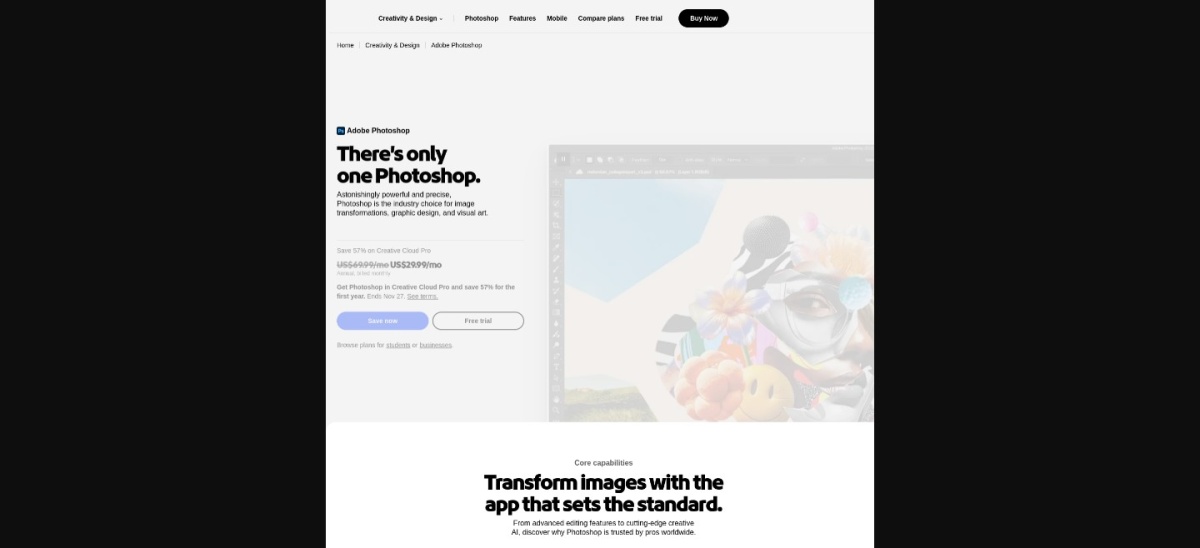
Adobe Photoshop is a professional image editor combining generative AI with detailed retouching, selections and compositing. The Photography plan includes Photoshop, Lightroom, Lightroom Classic, 1TB of storage and 1,000 monthly generative credits.
The trade off is its learning curve and recurring subscription, starting at $19.99 per month with an annual commitment through Photography. It suits designers, photographers and retouchers who need detailed control over AI-generated changes.
What we like
Precise layer-based editing
Generative object and background replacement
Advanced masking and selection tools
Supports detailed professional retouching
Watch out for
Requires time to learn advanced features
Some AI operations consume credits
No permanent free desktop plan
Photography bundles Photoshop with Lightroom and cloud storage.Visit adobe.com
02
Adobe Lightroom
4.6/5on G2 (3,415 reviews, checked Nov 2026)
Paid from$119.88/yr
Best for photographers and RAW editing
AI editingMasking and Generative Remove
RAW editingSupported
Cloud storage1TB
Generative credits250 monthly
adobe.com
Adobe Lightroom homepage, captured Nov 2026.
Adobe Lightroom is a photography editor and image management application with AI-assisted masking, object removal and noise reduction. Its paid plan includes Lightroom Classic, 1TB of cloud storage and 250 monthly generative credits.
The trade off is limited support for complex multilayer compositions compared with Photoshop, while the prepaid annual subscription costs $119.88. It suits portrait, travel and event photographers who need consistent edits across large photo collections.
What we like
Non-destructive photo adjustments
Automatic subject and sky masking
RAW image processing
Photo organization and synchronization
Watch out for
Advanced compositing requires another editor
Premium mobile features require payment
Paid membership adds desktop editing, premium features and cloud storage.Visit adobe.com
03
Pixlr
4.4/5on G2 (750 reviews, checked Nov 2026)
Paid from$1.99/mo
Best for affordable online AI editing
AI editingFill, expand and object removal
PlatformBrowser
Annual AI credits960 with Plus
Entry planPlus, billed yearly
pixlr.com
Pixlr homepage, captured Nov 2026.
Pixlr is a browser-based photo editor offering generative fill, background removal, image expansion and conventional editing controls. Its annual Plus subscription provides 960 AI credits, unlimited saves and editing without advertisements.
The trade off is that frequent generative editing can exhaust the entry-level credit allowance, even at $1.99 per month billed annually. It suits students, bloggers and casual creators who need inexpensive photo editing without installing desktop software.
What we like
Low annual subscription cost
Works directly in a browser
Combines AI tools with manual editing
Free editing options available
Watch out for
Advertisements on the free version
Limited entry-level AI credits
Plus removes advertisements and adds AI credits and unlimited saves.Visit pixlr.com
04
Canva
4.7/5on G2 (7,928 reviews, checked Nov 2026)
Paid from$144/yr
Best for beginners and social media graphics
AI editingMagic Studio
Background removalAvailable with Pro
Brand kits5 with Pro
Entry planPro
canva.com
Canva homepage, captured Nov 2026.
Canva is a visual design platform that combines photo adjustments, AI image editing and ready-made layouts. The free plan offers limited AI access, while Pro provides five brand kits and a larger allowance for AI operations.
The trade off is less control over detailed photographic adjustments, with Pro costing $144 annually. A temporary monthly subscription promotion is also available, but the comparison uses regular annual pricing. It suits beginners, marketers and social media creators.
What we like
Approachable editing interface
Integrated design templates
AI background removal and expansion
Useful brand management features
Watch out for
Limited professional RAW editing controls
Advanced AI features have usage limits
Pro adds premium assets, brand kits and expanded AI access.Visit canva.com
05
Photoroom
4.3/5on G2 (20 reviews, checked Nov 2026)
Paid from$7.50/mo
Best for ecommerce product photos
AI editingProduct staging and retouching
Monthly AI credits8,000 with Pro
Monthly exports1,000 with Pro
Entry planPro, billed yearly
photoroom.com
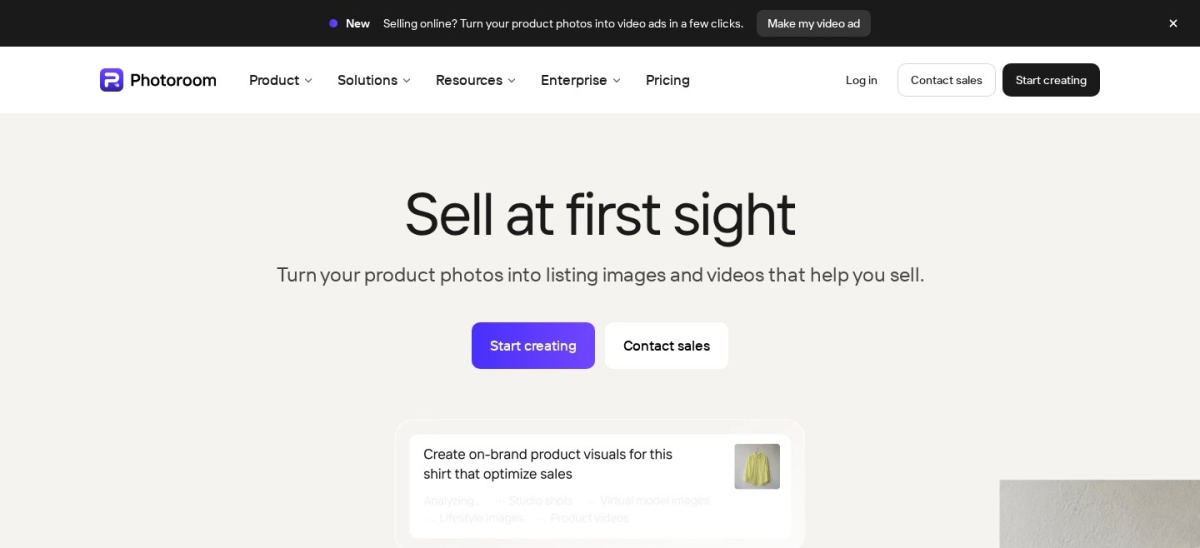
Photoroom homepage, captured Nov 2026.
Photoroom is an AI photo editor designed around commercial product imagery and background replacement. Pro includes AI backgrounds, fashion models, 8,000 monthly AI credits and 1,000 monthly exports.
The trade off is its emphasis on ecommerce rather than detailed general photography, with Pro costing $7.50 per month billed annually. It suits online sellers and small businesses that need consistent product photographs without organizing frequent studio shoots.
What we like
Automatic product background removal
AI-generated product environments
Commercial photography workflow
Supports repeated product image creation
Watch out for
Less suitable for detailed RAW processing
Higher tiers required for certain advanced outputs
Pro adds AI backgrounds, fashion models and higher export allowances.Visit photoroom.com
06
Picsart
4.5/5on G2 (800 reviews, checked Nov 2026)
Paid from$10.50/mo
Best for creative mobile photo editing
AI editingImage enhancement and replacement
Creative toolsFilters and effects
PlatformsMobile and web
Entry planPro, billed yearly
picsart.com
Picsart homepage, captured Nov 2026.
Picsart is a creative editing application for photographs, social graphics and AI-generated visual content. Its Pro subscription provides access to multiple generative models and creative editing features for $126 annually.
The trade off is that advanced AI operations depend on credit allowances, with Pro starting at $10.50 per month billed yearly. It suits mobile-first creators who regularly experiment with artistic effects, backgrounds and social media images.
What we like
Wide selection of creative effects
Mobile and browser editing
Multiple generative AI models
Useful for social media content
Watch out for
AI usage depends on available credits
Less suitable for professional RAW workflows
Pro adds premium creative tools and expanded generative AI access.Visit picsart.com
07
Adobe Express
4.4/5on G2 (1,110 reviews, checked Nov 2026)
Paid from$9.99/mo
Best for quick marketing image edits
AI editingAdobe Firefly
Background removalSupported
Generative credits250 monthly with Premium
Entry planPremium
adobe.com
Adobe Express homepage, captured Nov 2026.
Adobe Express is a browser and mobile design application combining photo editing with AI-assisted content creation. Premium includes 250 monthly generative credits, premium templates and additional creative assets.
The trade off is limited control over complex retouching compared with Photoshop, while Premium costs $9.99 per month. It suits small businesses and marketing teams that frequently prepare photographs for promotional graphics.
What we like
Accessible interface for beginners
Integrated generative AI features
Photo editing and design in one application
Free plan for basic editing
Watch out for
Limited advanced photographic controls
Generative credit allowances apply
Premium adds generative credits, templates and additional design assets.Visit adobe.com
AI photo editing vs. automatic photo enhancement
Generative photo editing creates or replaces image content. It can remove distracting objects, extend backgrounds and change selected elements. Photoshop and Pixlr are suitable options when these changes require manual control.
Automatic enhancement improves existing image characteristics such as exposure, sharpness, noise and color balance. Lightroom is particularly useful for photographers who want natural-looking adjustments while retaining their original files.
How we chose
We shortlisted established photo editing applications with AI-assisted retouching, enhancement or generative editing features. We compared official product documentation, subscription details, editing workflows and public G2 reviews.
Prices and ratings were checked on 25 Nov 2026. The comparison uses regular entry-level pricing, including standard annual billing discounts where available, rather than temporary introductory promotions.
We excluded discontinued applications, image generators without meaningful photo editing features and products without verifiable pricing or sufficient public reviews. No vendor paid for a place, and we do not claim testing for this list.
How to choose the best AI app to edit photos
Compare your editing requirements, preferred devices and monthly image volume before selecting a paid subscription.
**Identify your main editing requirements.** Choose Photoshop for detailed image manipulation, Lightroom for photography adjustments or Photoroom for commercial product backgrounds.
**Calculate the annual subscription cost.** Compare regular annual prices and check whether cheaper monthly rates require an annual payment or contractual commitment.
**Review AI credit and export allowances.** Check how frequently you can generate backgrounds, remove objects and export finished photographs before additional charges or restrictions apply.
**Check output quality and privacy options.** Review supported file formats, image resolution, cloud processing policies and commercial usage terms before uploading important photographs.
FAQ
What is the best AI app to edit photos?
Adobe Photoshop is our top overall choice because it combines generative AI with detailed manual editing controls. Lightroom is preferable for photographic adjustments, while Pixlr offers a more affordable browser-based alternative.
Is there a free AI photo editing app?
Yes. Pixlr, Canva, Picsart and Adobe Express provide free editing options. Their free versions generally have restrictions on advanced AI features, premium assets or generation allowances, so check those limits before starting a large project.
Which AI photo editor is best for beginners?
Canva is a suitable choice for beginners because its visual interface combines straightforward photo adjustments with design templates. Adobe Express is another accessible option, particularly for users creating marketing materials and social media graphics.
Which AI app is best for removing objects from photos?
Adobe Photoshop offers detailed selection controls and generative editing for removing unwanted objects. Pixlr provides a simpler browser-based alternative, while Lightroom supports object removal within a broader non-destructive photography workflow.
What is the cheapest paid AI photo editing app?
Pixlr has the lowest annual subscription cost in this comparison. Its Plus plan costs $1.99 per month when billed annually, equivalent to $23.88 per year, and includes an annual allowance of AI credits.
Can AI photo editors improve blurry photographs?
AI sharpening and enhancement tools can improve perceived clarity and reduce certain types of blur. However, they cannot reliably recover every missing detail, and aggressive enhancements may introduce artificial textures or inaccurate facial features.
Which AI photo editor is best for ecommerce?
Photoroom is particularly suitable for ecommerce because its editing tools focus on product backgrounds, commercial image creation and product staging. Photoshop is preferable when product photographs require detailed manual adjustments or complex image compositions.
SaaS SEO and WordPress specialist with about 8 years of experience. Rakib compares WordPress plugins, themes, hosting and software using public pricing, documentation and user reviews. See how we rank.