Canva is the best AI app for t-shirt design for beginners, with a G2 rating from over 7,600 reviews and a free plan. Pick Kittl for print-ready merch layouts and Ideogram when your design has words in it.
How we make this list: we compare pricing pages, product documentation and public user reviews, then re-check every price before each update. No product paid for a place. Disclosure.
Canva is the best AI app for t-shirt design for beginners: 4.7 on G2 from 7,678 reviews, a free plan and Pro from $12.99 a month.
Kittl is the merch specialist: text-to-vector tools, typography layouts and a commercial licence from $12 a month.
Ideogram is the best generator for slogan shirts because it renders text accurately, while Midjourney wins on pure illustration.
Most tools here have free plans, but free tiers often limit commercial use, so check the licence before you sell a design.
Recraft is the weakest record here at 2.3 on Trustpilot, with 77 percent of its 44 reviews at one star.
How AI t-shirt design apps actually work
AI apps for t-shirt design split into two kinds: image generators that turn a prompt into art, and design editors that let you lay out type, badges and graphics on a shirt. Most sellers need one of each: a generator for the art and an editor for the layout.
The licence matters more than the price. Free tiers often allow personal use only, and Kittl's free plan needs attribution, while Ideogram's free tier includes commercial rights. Check the terms before you list a design for sale.
Text is the hard part. Most image generators misspell words, so slogan shirts need Ideogram or an editor like Kittl or Canva, while Midjourney and Leonardo are better for pure illustration.
Start free and test a few designs before you pay. Our guide on best AI writing tools covers the other half of a print-on-demand workflow, the listing copy.
Canva is the easiest place to start a t-shirt design if you have never used design software. It has shirt templates, AI image generation, background removal and easy text layouts in one familiar editor, with a free plan and Pro from $12.99 a month.
The trade off is originality and print control. Template-based designs can look generic, and Canva is not a vector editor, so print shops may ask for a different file. It suits beginners who want templates, AI tools and easy text layouts in one place.
Leonardo AI is an image generator with consistent characters, game art and fine-tuning for custom styles, now part of Canva. It is rated 4.7 on G2 from 189 reviews, and Apprentice costs $12 a month with a free tier for experimenting.
The trade off is the learning curve and the credits. Tokens drain quickly on premium models, and free images are public and owned by Leonardo, so check the cost per image before you commit. It suits creators who want cheap experimenting with a strong mix of styles.
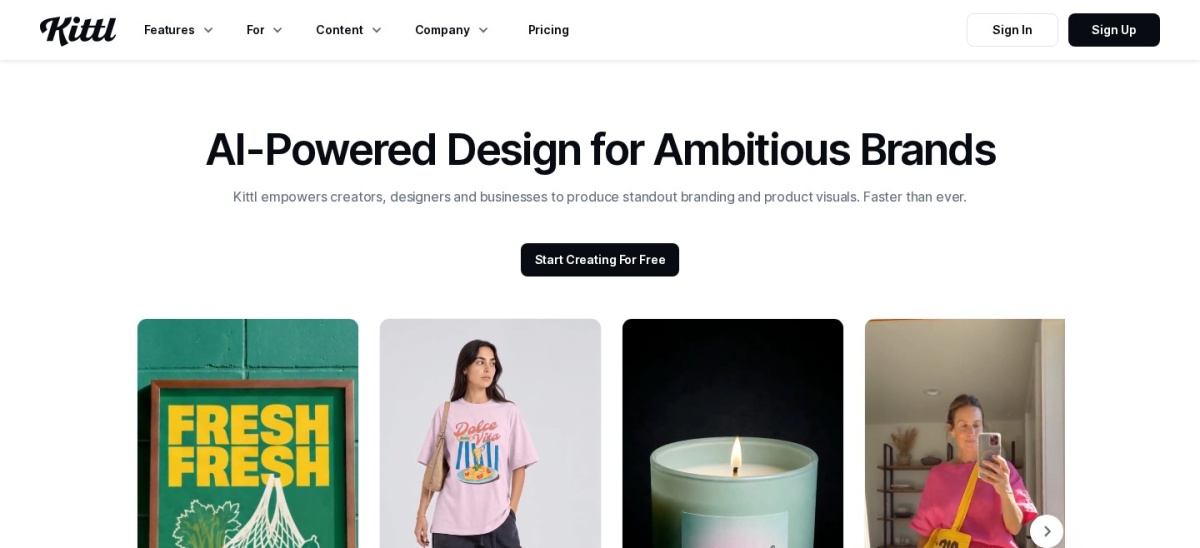
Kittl is the app in this list that feels built for merch. Its templates lean on typography, badges, retro lettering and illustration styles that suit shirts, and its AI tools generate graphics and text effects you can lay out on the same canvas. Pro costs $12 a month billed annually.
The trade off is the free plan and the price steps. The free plan is for personal use only and needs attribution, and Expert at $26 a month adds 200 daily AI tokens. It suits print-on-demand sellers who want typography-heavy shirt designs with a clear commercial licence.
ChatGPT is the quickest way to turn a shirt idea into a picture: describe the graphic in words, refine it in conversation, and get variations in minutes. Plus costs $20 a month with no annual billing option, and image generation is included.
The trade off is the output and the licence. It is a general chatbot, not a design editor, so text in images can still misspell, and there is no vector export or print setup. It suits sellers who want fast idea iteration before finishing a design elsewhere.
Ideogram is an AI image generator known for rendering readable text inside images, with tools for editing, backgrounds and upscaling. It is the best generator when a shirt design includes words, and Plus costs $20 a month, or $15 billed annually.
The trade off is illustration style and the free tier. Illustration trails Midjourney for purely visual art, and the free tier uses a slow queue with limited weekly credits. It suits slogan shirts, quote tees and typography designs where spelling matters.
Adobe Express is strong on the part of t-shirt design that sells most: words. Firefly AI generates images and text effects from a prompt, and Premium includes Adobe Fonts and Adobe Stock photos, so a slogan shirt can use a distinctive typeface. Premium costs $9.99 a month.
The trade off is depth. It is a quick design app, not a full editor, and the free plan covers only basic templates and tools. It suits designers who want Firefly AI text effects and Adobe Fonts for shirt slogans at a low monthly price.
Fotor is a budget photo editor with a multi-model AI generator built in, so you can generate an image and finish it in the same place. It offers a long list of models, strong editing and cheap annual plans, starting at $8.99 a month, and is rated 4.2 on G2 from 342 reviews.
The trade off is credits. Costlier models burn a monthly pool fast, and the free plan gives limited credits with one generation at a time. It suits budget sellers who want cheap AI tools and transparent PNG export for simple shirt designs.
Midjourney is the image generator that makes the most original art in this list, with photorealistic and artistic images from text descriptions. Basic costs $10 a month, and it is rated 4.2 on G2 from 304 reviews.
The trade off is everything around the art. There is no free plan, no editor, and text rendering is weak, so slogan shirts need another tool for lettering. It suits sellers who want high-originality art concepts and finish the layout elsewhere.
Recraft is an AI image generator that can output vector graphics, with tools to vectorize, remove backgrounds and upscale. It starts at $12 a month with a free tier, and it is the only tool here built around scalable vector art.
The trade off is the record. Trustpilot rates it 2.3 from 44 reviews, with 77 percent of them one star, and reviewers report billing and quality problems. It suits sellers who need vector output and are willing to test the free tier first.
Image generators turn a prompt into art. Ideogram, Midjourney, Leonardo, Recraft and ChatGPT all do this, and they differ most on text accuracy: Ideogram renders words reliably, Midjourney makes the best-looking art, and Recraft is the only one that outputs vectors.
Design editors let you lay out type, badges and graphics on a shirt. Canva, Kittl, Adobe Express and Fotor all do this, with templates, fonts and transparent PNG export, and Kittl adds text-to-vector tools that print shops like.
Most sellers need one of each. Generate the art in Ideogram or Midjourney, then finish it in Kittl or Canva with type, badges and a print-ready export.
Common mistakes when designing AI t-shirts
Selling free-tier designs without checking the licence is the most common mistake. Kittl's free plan needs attribution and several free tiers allow personal use only, so confirm the paid plan covers selling before you list.
Trusting a generator with slogan spelling is the second. Most image generators misspell words, so check every letter, or build the slogan in an editor like Kittl or Canva instead.
Using low-resolution raster art for print is the third. Print-on-demand needs a transparent PNG at 300 DPI, and screen printers prefer vector files, so export at print resolution and keep the vector tools close.
How we chose
We started from three 2026 roundups that checked prices on 2 November 2026 and ratings on G2 and Trustpilot in October 2026, then cross-checked ratings against G2's own pages.
Ratings are G2 scores with review counts, except Recraft, which is rated 2.3 on Trustpilot from 44 reviews. Prices are the entry paid plans from the vendors' pricing pages as read by those roundups; the vendors' own pages are JavaScript-rendered and did not confirm prices on 25 November 2026.
We left out YupTees, which has no verifiable rating, and Picsart, whose G2 rating could not be verified. No vendor paid for a place, and we do not claim hands-on testing for this list.
How to choose the best AI app for t-shirt design
Start with whether your design has words, then check the commercial licence and the export options.
Decide whether your design has words. Slogan and quote shirts need Ideogram or an editor, because most generators misspell text, while pure illustration suits Midjourney or Leonardo.
Check the commercial licence first. Free tiers often allow personal use only, so confirm the paid plan covers selling designs before you list anything.
Generate, then lay out. Make the art in a generator, then finish it in Kittl or Canva with type, badges and a transparent PNG export at print resolution.
Test a few designs before you pay. Use the free tiers to test a dozen ideas, and only pay for the tool whose designs actually sell.
FAQ
What is the best AI app for t-shirt design?
Canva is the best for beginners at 4.7 on G2 from 7,678 reviews, with a free plan and Pro from $12.99 a month. Kittl is the best for print-on-demand sellers who need vector layouts and a commercial licence.
Can I sell t-shirts made with AI designs?
Yes, but check the licence. Ideogram's free tier includes commercial rights, Kittl's free plan needs attribution, and most paid plans include a commercial licence. Read the terms before you list.
Which AI app is best for slogan t-shirts?
Ideogram, because it renders text accurately where most generators misspell words. Kittl and Canva also handle type well, since they are editors, not just generators.
How much does an AI t-shirt design app cost?
Entry paid plans run $8.99 to $20 a month: Fotor at $8.99, Midjourney at $10, Kittl and Leonardo at $12, and Ideogram and ChatGPT at $20. Most have free plans.
Do I need a vector file for t-shirt printing?
Screen printers prefer vector files, and Kittl and Recraft export them. For print-on-demand, a transparent PNG at 300 DPI is usually enough, which Canva and Fotor can export.
Is Midjourney good for t-shirt design?
Midjourney makes the most original illustration in this list, but it has no free plan, no editor and weak text rendering, so pair it with Kittl or Canva for layout and lettering.
SaaS SEO and WordPress specialist with about 8 years of experience. Rakib compares WordPress plugins, themes, hosting and software using public pricing, documentation and user reviews. See how we rank.