HomeDesigns AI is the best AI app for exterior home design, restyling a photo of your house front in about 30 seconds while keeping your walls and windows fixed. Planner 5D is the best free planner, while Homestyler is the cheapest paid start.
How we make this list: we compare pricing pages, product documentation and public user reviews, then re-check every price before each update. No product paid for a place. Disclosure.
HomeDesigns AI is the best AI app for exterior home design at $22 a month, with a Structure-Lock feature that keeps your walls and windows fixed.
Planner 5D is the best free planner, with unlimited 2D and 3D projects and AI restyling on Premium at $59.99 a year.
Homestyler is the cheapest paid start at $6.80 a month, with a free 3D planner and unlimited 1K renders.
Trustpilot scores are low across the category, with a median of 3.0 out of 5 and billing complaints the most common theme.
Hover is the best pick for contractors, building a measured 3D model from eight phone photos.
What an exterior home design app has to do
An AI exterior app does one of two jobs: it restyles a photo of your house front in a new style, or it builds a measured 3D model you can change. Photo tools are fast and cheap, while planners and modelers give you something a contractor can work from.
Trust is the weak spot in this category. Seven of the tools in a recent independent comparison score below 3.5 out of 5 on Trustpilot, and several publish higher ratings on their own pages than third-party sites show. This list shows the public score, not the vendor's own number.
Prices are credit-based almost everywhere. A monthly plan buys a set number of designs, and every retry costs another credit, so the cheapest plan is only cheap if the first render is right.
Free tiers matter here because renders are hard to judge before you see one. Five tools in this list let you try before paying, from three free credits a day to a full free planner.
3.3/5on Trustpilot (1386 reviews, checked Nov 2026)
Paid from22/mo
Best AI app for exterior home design
Free credits3 every 24 hours
Cheapest planStandard, $22/mo
Styles200+ styles and spaces
ExteriorsYes, plus gardens
homedesigns.ai
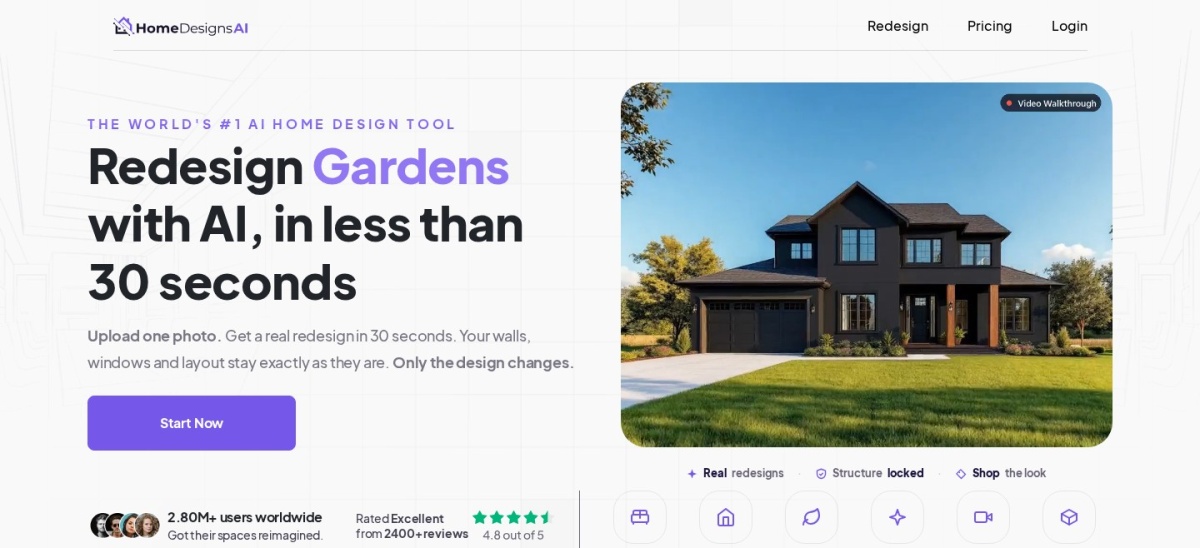
HomeDesigns AI homepage, captured Nov 2026.
HomeDesigns AI is a photo redesign app that restyles interiors, exteriors and gardens from one photo in about 30 seconds, with a Structure-Lock feature that keeps your walls, windows and layout fixed. Standard at $22 a month covers 100 design credits, 80-plus styles and a budget estimator, and 3 free credits refresh every 24 hours.
The trade off is trust. It holds 3.3 out of 5 on Trustpilot from 1,386 reviews, with cancellation complaints the most common theme, while its own site advertises 4.8 from 2,400 reviews. It suits homeowners who want many exterior restyles for little money.
What we like
Keeps your real walls, windows and layout
Covers exteriors, gardens and interiors
3 free credits every 24 hours
Watch out for
Trustpilot reviewers report cancellation trouble
Vendor advertises a higher rating than Trustpilot shows
Planner 5D is a 2D and 3D home design app with an AI Studio that restyles rooms and turns floor plans into 3D projects. The free plan covers unlimited projects with half the furniture catalog, and Premium at $59.99 a year adds the full catalog, AI floor plan recognition and unlimited HD renders.
The trade off is the credit system. AI features run on credits, 100 a month on Premium, and the page today shows a $4.99 promo against a $19.99 monthly rate. It suits homeowners who want a real floor plan with AI restyling on the side.
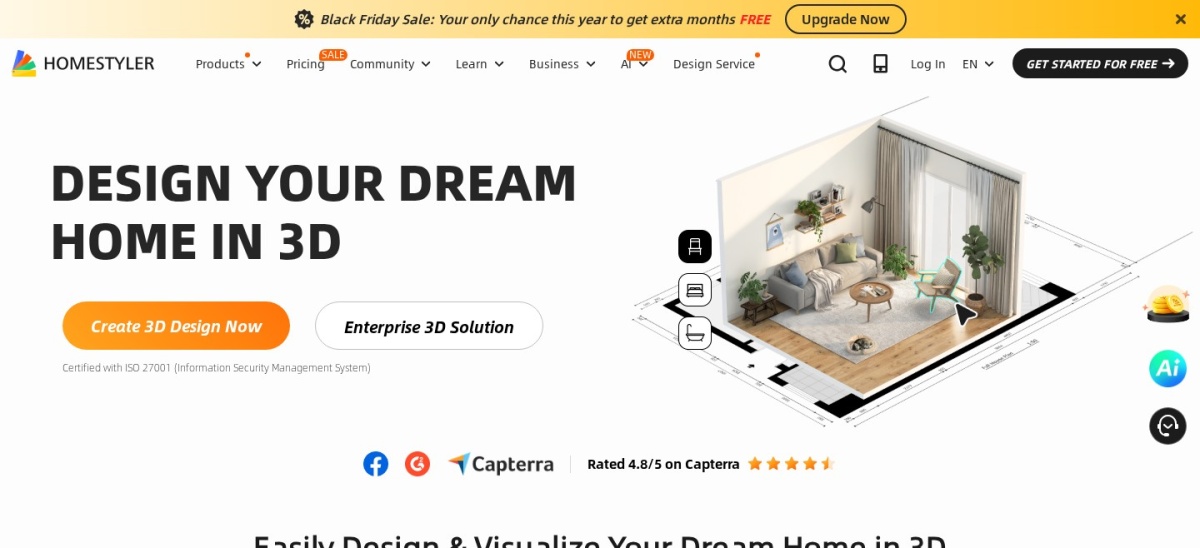
Homestyler is a browser-based 3D floor planner with a large free model library and AI credits on paid plans. The free Basic plan covers unlimited 1K renders and more than 100,000 free 3D models, and Pro+ from $6.80 a month adds 75 2K and 4K renders, watermark removal and 180 AI credits.
The trade off is the rating base and the price page. Its G2 score of 4.7 rests on only 12 reviews, and the pricing page shows no plan prices, so the $6.80 figure is second-hand. It suits homeowners who want a free 3D model of the house first.
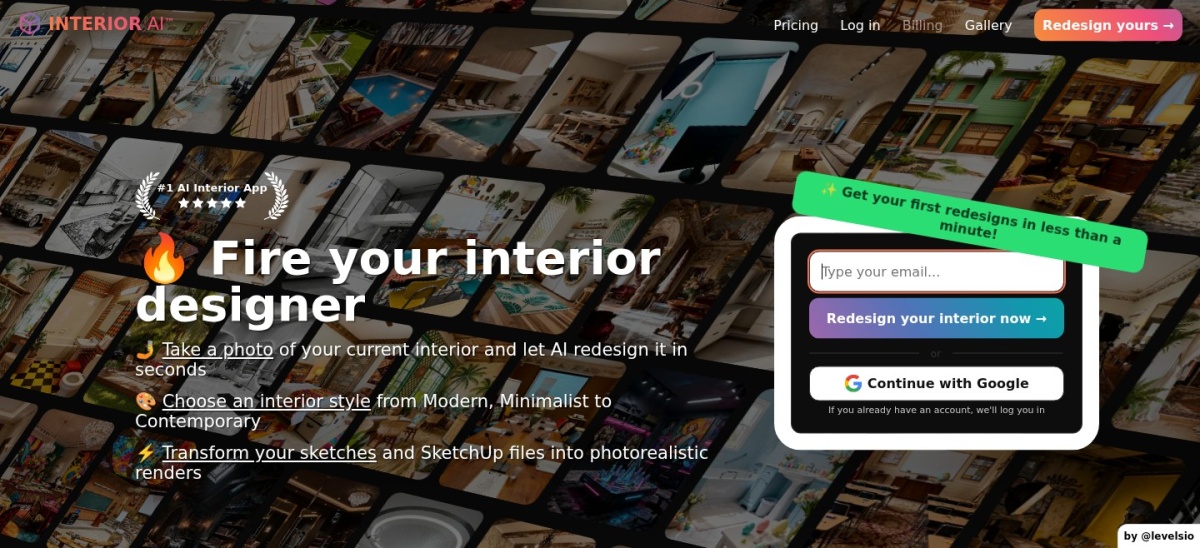
Interior AI is a photo redesign app with 56 styles, virtual staging and a sketch-to-render mode, plus an outdoor design mode for house exteriors, gardens and pool areas. Pro at $29 a month billed yearly covers 1,000 designs a month with a commercial license included.
The trade off is trust and the missing free tier. It holds 2.1 out of 5 on Trustpilot from only 11 reviews, with cancellation complaints, and there is no free plan at all. It suits designers and agents who need high-volume concepts in one style language.
Collov AI is a virtual staging platform for real estate agents and brokerages, with furniture removal, one-click staging and a commercial photo license on every plan. Standard at $19 a month billed yearly covers 60 photo credits, and higher tiers add twilight conversion, lawn replacement and 3D tours.
The trade off is the rating and the audience. It holds 2.5 out of 5 on Trustpilot from 37 reviews, with recent complaints about quality, and it is built for agents rather than homeowners. It suits agents who stage listing photos for a living.
RoomGPT is a no-frills web app that takes one photo of a room or a house front, picks a theme and returns a redesign. It costs $9 for 30 credits with no subscription, and a new account gets one free credit after signing in with Google.
The trade off is control and trust. It holds 2.2 out of 5 on Trustpilot from only eight reviews, all one star, and there is no editing, floor planning or way to fix a render that invents new windows. It suits a one-off look at a new facade style.
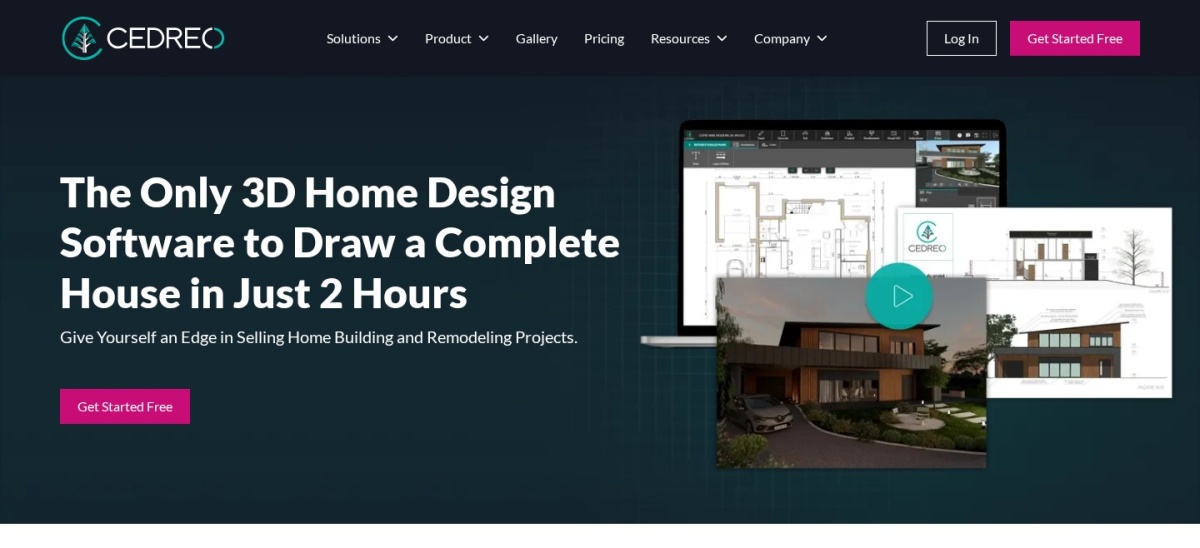
Cedreo is a 3D home design tool for home builders, contractors and remodelers who need exterior elevations, roofs and photorealistic renders for client presentations. It covers terrain modeling, site plans, floor plans and cross sections, then renders the whole project in minutes.
The trade off is the price and the audience. At $79 a month billed yearly it is the most expensive tool here, and it is built for professionals selling homes rather than homeowners testing paint colors. It suits builders who present full projects weekly.
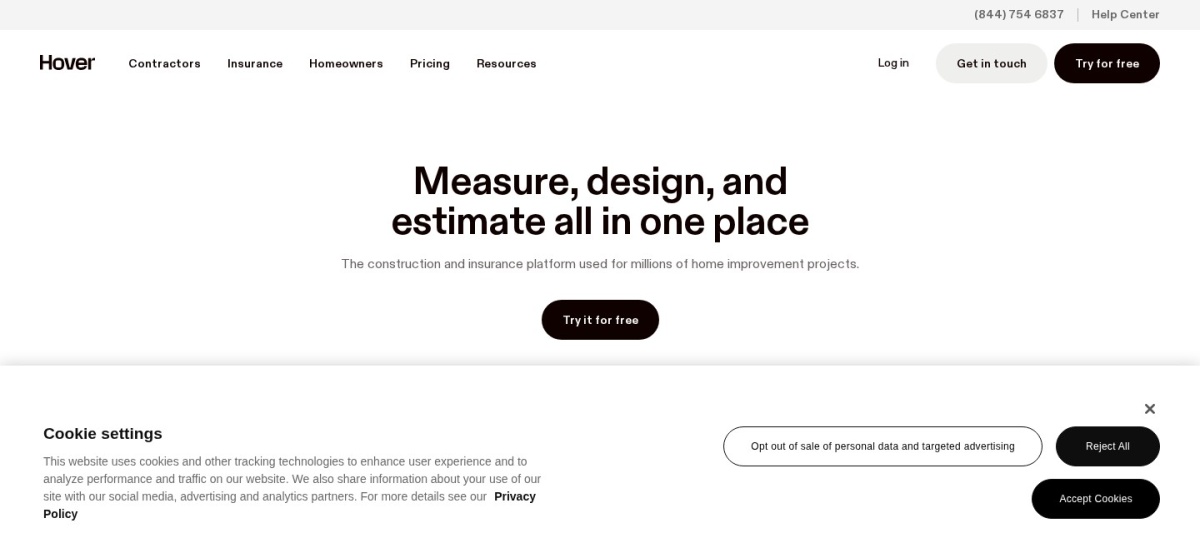
Hover is a 3D measurement platform that turns eight phone photos of a house into a measured 3D model with roof, siding and window dimensions, plus an Instant Design AI that shows new materials on the real house. Starter is free to start with the first three projects free, then full exterior scans cost from $59 each.
The trade off is the per-project bill. There is no unlimited tier at any price, so every scan costs $9 to $299, and the $999 a year Pro plan only takes $20 off each project. It suits contractors who close sales from a measured model of the real house.
SketchUp is the professional 3D modeling tool from Trimble, used by architects and builders to model anything from a room to a whole building, with an extension warehouse and LayOut for construction documents on Pro. Its AI Diffusion feature turns a sketch or photo into a rendered image.
The trade off is the learning curve. SketchUp rewards a week of practice with buildable output, but it is a modeler first and an AI restyler second, so it suits a homeowner briefing a contractor rather than a quick style test.
A photo redesign app shows you what your house could look like in a new style, in seconds, from one photo. A floor planner tells you whether the new porch actually fits, with measurements you can hand to a contractor. Most exterior projects need both, in that order.
Choose HomeDesigns AI, Interior AI or RoomGPT for inspiration, then Planner 5D, Homestyler or SketchUp when you need a plan. Cedreo and Hover sit between the two: Cedreo renders a full project from plans, and Hover builds a measured model from phone photos.
Read the Trustpilot score before you pay
The median third-party review score in this category is 3.0 out of 5, and billing complaints dominate: trials that turn into annual charges, refunds refused, and no way to cancel on the site. Planner 5D, Homestyler and HomeDesigns AI all draw cancellation complaints.
Check how to cancel before you subscribe, and set a reminder before the renewal date. Weekly phone-app plans cost far more over a year than a monthly web plan, so check the billing term at checkout.
How we chose
We picked established apps that actually handle exteriors, from photo restyling to measured 3D models, and every tool has a verifiable rating on G2, Capterra or Trustpilot with a published review count. Two well-known apps were left out because no rating in that trio could be verified.
We ranked exterior coverage first, then the cheapest paid plan, then the rating and its review base. A high score from a tiny review base, like Homestyler at 4.7 from 12 G2 reviews, counts less than a lower score from hundreds of reviews.
No vendor paid for a place, and we do not claim hands-on testing for this list. We compared published plans, ratings and review counts, and noted where a price or a rating rests on a second-hand source.
How to choose an AI app for exterior home design
Start with a photo of your house front, then check whether the result is a picture or a plan.
Photograph your house front first Take a straight, well-lit photo of the front, side or back of the house in daylight, since the AI restyles what it can see and invents what it cannot.
Try the free tier before paying Use the free designs on Planner 5D, Homestyler, RoomGPT or the 3 free daily credits on HomeDesigns AI to see whether the output looks like your house.
Check the Trustpilot score and the cancel page Read the public reviews and find the cancel button before you subscribe, since billing complaints are the most common theme in this category.
Move to a plan only when you need volume Pay for credits when you are redesigning several spaces or need watermark-free images for a contractor, not for a single style test.
FAQ
What is the best AI app for exterior home design?
HomeDesigns AI is the best AI app for exterior home design, restyling a photo of your house front in about 30 seconds while keeping your walls and windows fixed. It costs $22 a month with 100 design credits.
Is there a free AI app for exterior home design?
Planner 5D is the best free option, with unlimited 2D and 3D projects and half the furniture catalog at no cost. Homestyler is also free for 3D planning with unlimited 1K renders, and HomeDesigns AI gives 3 free credits every 24 hours.
How much does HomeDesigns AI cost?
HomeDesigns AI Standard costs $22 a month with 100 design credits, Pro $29 a month with 1,000 credits, and Expert $37 a month with 2,000 credits. Yearly billing saves up to 62% in the first year, then renews at the standard annual price.
Can AI redesign my house exterior from a photo?
Yes. HomeDesigns AI, Interior AI, RoomGPT and Collov AI all restyle a photo of a house front, and Hover builds a measured 3D model from eight phone photos. Treat the output as an idea, not a plan, and measure before you buy materials.
Why are Trustpilot scores so low for AI design apps?
Billing complaints dominate: trials turning into annual charges, refunds refused, and cancellation trouble. HomeDesigns AI holds 3.3 out of 5 from 1,386 reviews, while Interior AI holds 2.1 from only 11 reviews.
Which AI exterior app is best for contractors?
Hover is best for contractors who sell from a measured model, turning eight phone photos into a 3D model with dimensions. Cedreo is best for builders who need full plans, elevations and photorealistic renders for client presentations.
SaaS SEO and WordPress specialist with about 8 years of experience. Rakib compares WordPress plugins, themes, hosting and software using public pricing, documentation and user reviews. See how we rank.