Uizard is the best AI app design generator for most people, turning prompts and sketches into editable app screens with a free plan to start. Pick Figma for team design work, and Lovable when you want a working app instead of screens alone.
How we make this list: we compare pricing pages, product documentation and public user reviews, then re-check every price before each update. No product paid for a place. Disclosure.
Uizard turns prompts, sketches and screenshots into editable multi-screen prototypes from $12 a month.
Figma holds the highest rating here and now bundles AI generation into its paid plans.
Lovable builds a working app with hosting, not just screens, from $25 a month.
Visily and Framer are the cheapest paid routes, at $11 and $10 a month on yearly billing.
Galileo AI is gone: Google folded it into Stitch, a free Labs tool with no paid plan yet.
What an AI app design generator should do
An AI app design generator turns a written prompt, a sketch or a screenshot into editable app screens. The best tools produce real components and layouts you can change, not flat images.
Output quality varies with the prompt, and every screen still needs a designer review before it ships. Treat generation as a fast first draft, not a finished product.
Check the export path before you pay. Figma export matters for design teams, code export matters for developers, and one-click publishing matters if the site itself is the deliverable. Our best website development software guide compares the publishing side.
This market moves fast: Galileo AI was folded into Google Stitch in 2025, and several tools changed prices or plans during 2026, so confirm the current plan before you buy.
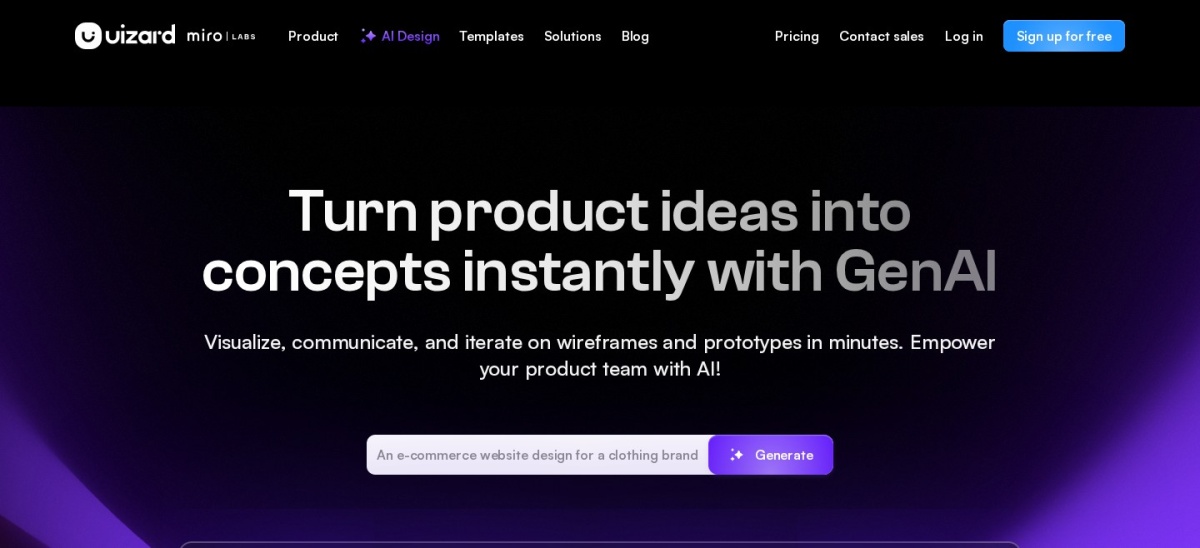
Uizard is an AI design tool that turns text prompts, hand-drawn sketches and screenshots into editable multi-screen prototypes. Its Autodesigner builds a complete flow with navigation and components, and the free plan covers 2 projects with 3 AI generations a month.
The trade off is the free plan's tight limit. Three generations a month runs out fast, and Pro costs $12 a month billed yearly with 500 generations, while Business costs $39 a month. It suits product managers and founders who need a clickable prototype without design skills.
What we like
Fastest prompt-to-prototype flow here
Sketch and screenshot import work well
Figma export for designer handoff
Watch out for
Free plan allows only 3 generations a month
Owned by Miro since 2024, so the roadmap may shift
Figma is the default collaborative design tool for product teams, and its AI features now generate screens, prototypes and sites inside the same files. The free Starter plan includes 150 AI credits a day up to 500 a month, and Professional costs $16 a month per full seat.
The trade off is price and complexity. AI credits are shared across features, seats add up fast on large teams, and the full design system workflow has a real learning curve. It suits teams already working in Figma who want AI inside their existing files.
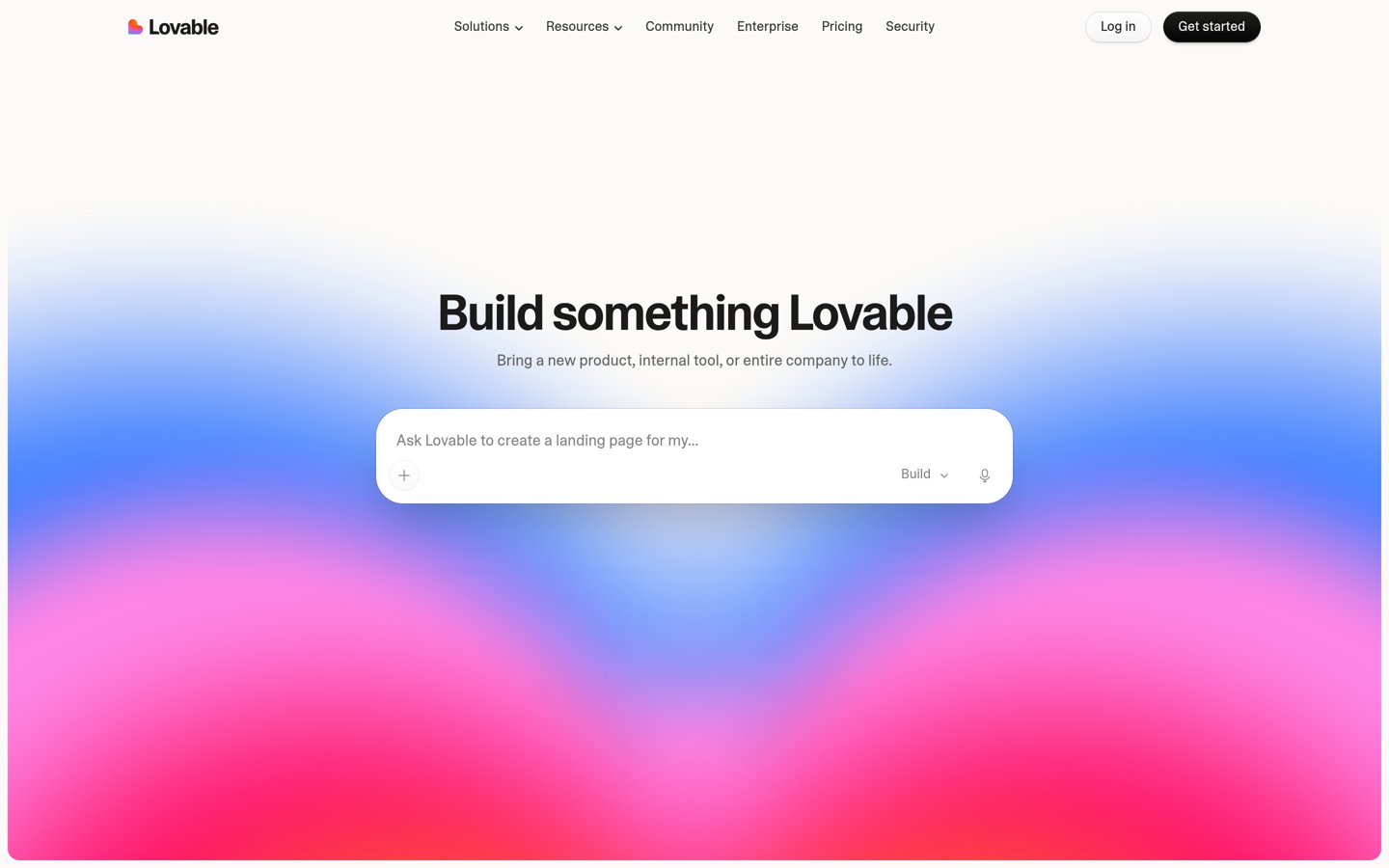
Lovable is an AI app builder that turns a written prompt into a working full-stack web app with hosting, authentication and a database. The free plan gives 5 build credits a day up to 30 a month, and Pro costs $25 a month for 100 monthly credits.
The trade off is credit burn. Complex apps use credits fast, top-ups cost extra, and G2 reviews warn that fixes on a large build can consume the monthly allowance quickly. It suits founders who want a working prototype to show users without writing code.
Visily is an AI wireframing tool that turns text prompts, screenshots and sketches into editable wireframes for web and mobile apps. The free Starter plan covers 2 boards with 300 AI credits a month, and Pro costs $11 per editor a month billed yearly.
The trade off is editing depth. AI edits regenerate whole screens rather than changing one element, and the tool is weaker than Figma for high-fidelity work. It suits product teams that need a clear wireframe fast without a designer.
Framer is a website builder that generates a full site from a prompt and publishes it live with hosting, a CMS and SEO tools included. The free plan covers a Framer subdomain with 500 AI credits to try, and Basic costs $10 a month per site billed yearly.
The trade off is scope. Framer builds marketing sites, not native app flows, and pricing is per site, so several sites add up fast. It suits founders and marketers who need a live site quickly without a developer.
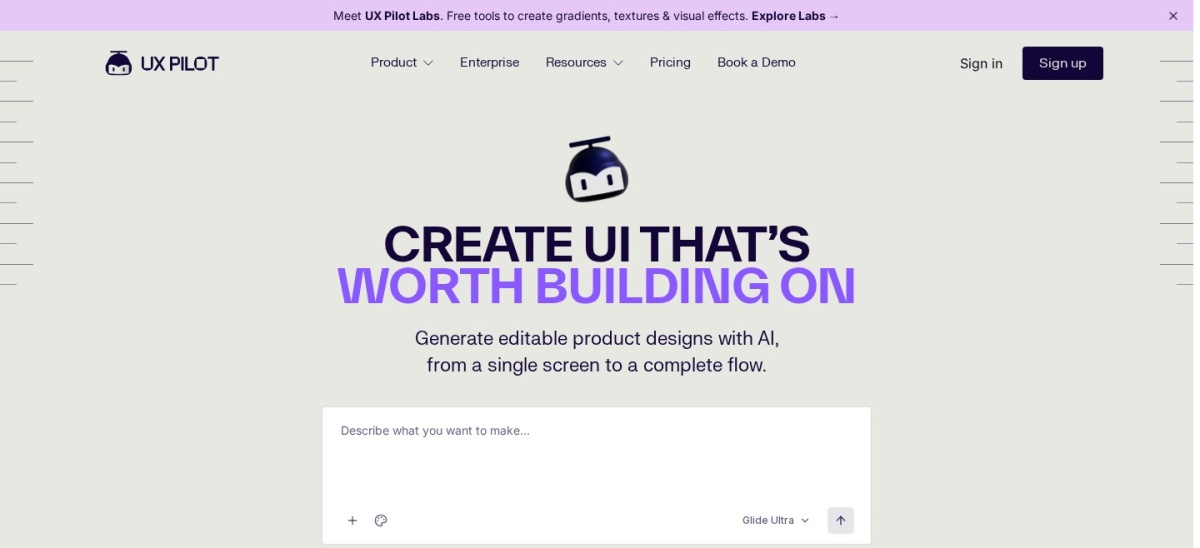
UX Pilot is an AI product design tool that turns a prompt, a product brief or a screenshot into editable UI screens and multi-screen flows. The free plan gives 80 credits a day, and Pro costs $19 a month billed yearly with 750 credits a month and export to Figma and code.
The trade off is fine control. G2 reviewers say detailed edits are limited in the browser and they finish designs in Figma, and navigation can be lost in the export. It suits teams that live in Figma and want fast first drafts.
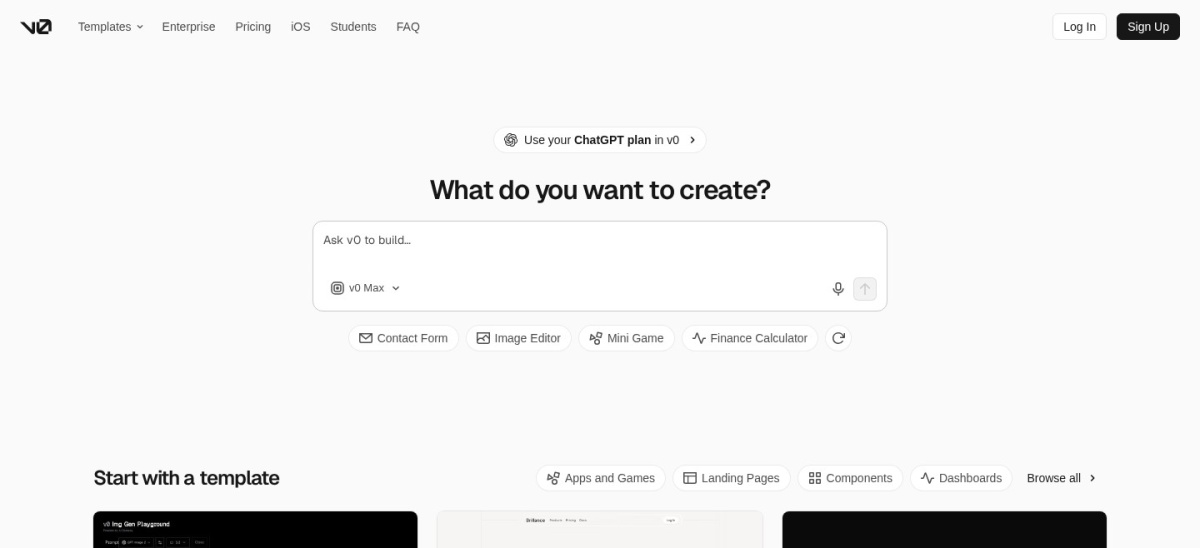
v0 by Vercel is an AI builder that turns prompts, screenshots and Figma frames into working React and Next.js code with Tailwind styling. The free plan allows 7 messages a day, and Plus costs $30 per user a month with $30 of monthly credits included.
The trade off is the meter. Credits are spent on tokens at per-model rates, and heavy months need top-ups on top of the seat price. It suits developers already shipping Next.js who want UI code they can keep and edit.
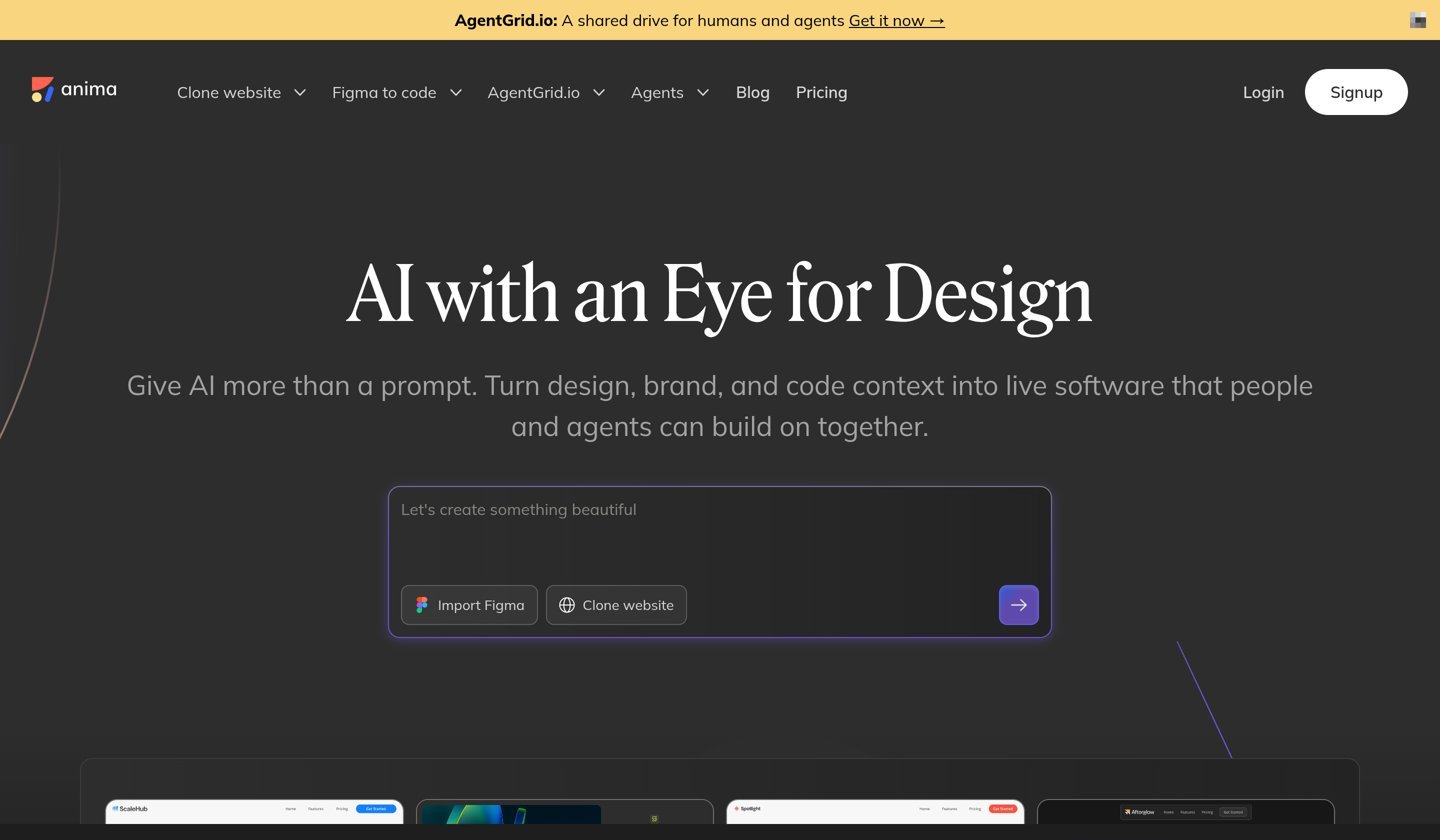
Anima is a design-to-code tool that converts Figma designs into React and HTML code, and its Playground builds editable apps from a prompt. The free plan covers 5 chat messages a month, and Starter costs $20 per seat a month billed yearly.
The trade off is the seat meter. Chat messages and code generations are capped per month, and SSO sits on the $150 a month Business plan. It suits design teams handing Figma files to developers for production code.
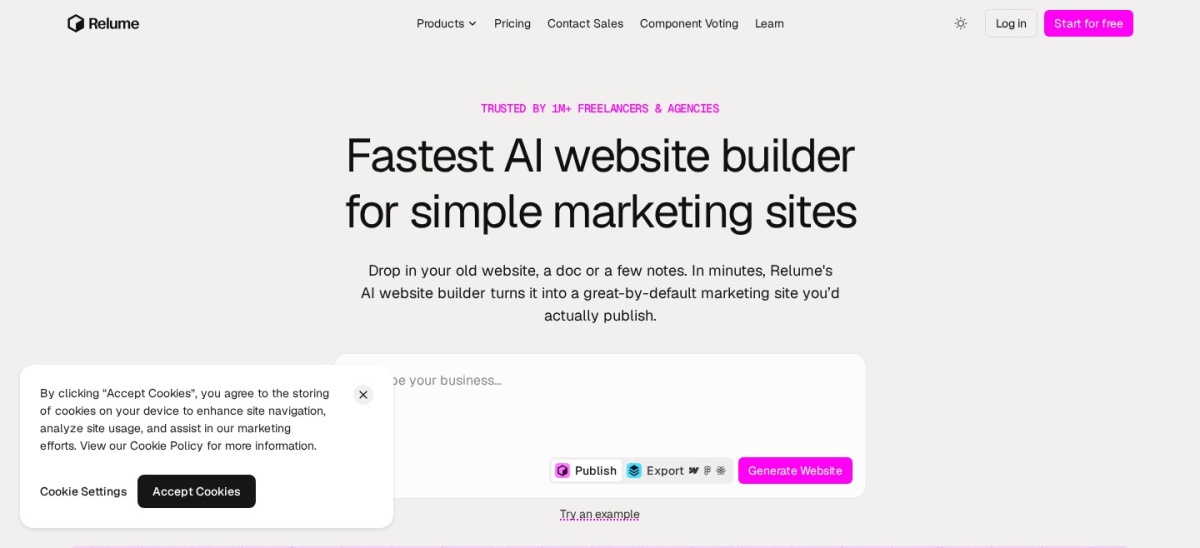
Relume is an AI website builder that turns a brief into a sitemap, wireframes and a style guide assembled from more than 1,000 components. The free plan covers enough AI usage for one full website a month, and the Pro AI workspace costs $24 a month.
The trade off is the split pricing. Hosting costs $12 per site a month billed yearly on top of AI usage, and the Trustpilot rating is only 3.0 from 7 reviews. It suits Webflow agencies that want sitemaps and wireframes fast.
Free plans are real trials here. Uizard gives 3 AI generations a month, Visily gives 300 AI credits a month, and Figma Starter gives 150 AI credits a day up to 500 a month.
Paid plans mostly buy volume and exports. Figma export, code export and watermark-free files usually sit behind the first paid tier.
Credit meters are the hidden cost. A cheap monthly plan can run out fast on a large project, so check how many screens or messages the plan covers before you commit.
How we chose
We started from the AI design tools with a public rating and a live pricing page, then kept those that generate app screens from a prompt, sketch or screenshot. Google Stitch was left out because it has no G2, Capterra or Trustpilot rating as a design tool.
Prices come from each vendor's pricing page, checked on 25 November 2026, with Figma's page read directly that day and the rest confirmed against dated reads of the same pages from November 2026. Ratings come from G2 or Trustpilot on the same day.
We left out tools that shut down or were folded into another product, and tools with no public rating. No vendor paid for a place, and we do not claim hands-on testing for this list.
How to choose an AI app design generator
Start from what you need to deliver, then check the export path and the credit meter.
Decide the deliverable. Screens for a pitch need a wireframe tool, while a working prototype needs a builder with code export or hosting.
Check the export path. Figma export suits design teams, React code suits developers, and one-click publishing suits marketing sites.
Count the credits. Free plans cover a few screens a month, so check how many generations or messages the paid plan includes.
Try the free plan first. Generate the same screen in two tools and compare how much editing each one needs before it looks right.
FAQ
What is the best AI app design generator?
Uizard is the best AI app design generator for most people. Its Autodesigner turns prompts and sketches into editable multi-screen prototypes, and it is rated 4.5 out of 5 on G2 from 45 reviews.
Is there a free AI app design generator?
Yes. Google Stitch is free in Google Labs and generates UI screens from prompts, while Uizard, Visily, Figma and Framer all offer free plans with limited AI generations. Stitch has no paid plan yet, so its future pricing is unknown.
What happened to Galileo AI?
Google acquired Galileo AI in 2025 and folded it into Google Stitch, a free text-to-UI tool in Google Labs. The standalone Galileo product is gone, and its old pricing no longer applies.
Can AI design generators replace a designer?
No. They produce a fast first draft, but generated screens still need review for usability, accessibility, brand fit and edge cases. Designers remain responsible for the final product and the system behind it.
Which tool is best for turning designs into code?
v0 by Vercel is the best pick for React code, since it generates Next.js components with Tailwind and deploys to Vercel in one click. Anima is the better pick for converting existing Figma files into code.
How much does an AI app design generator cost?
Paid plans here start at $10 a month for Framer Basic and $11 a month for Visily Pro on yearly billing, and climb to $30 a month for v0 Plus. Most tools offer a free plan with limited generations.
SaaS SEO and WordPress specialist with about 8 years of experience. Rakib compares WordPress plugins, themes, hosting and software using public pricing, documentation and user reviews. See how we rank.