QuickBooks Online is the best accounting software for home use for most businesses, with a free plan and Simple Start at 38 dollars a month. Pick Xero for unlimited users on every plan and Wave if you want a free ledger with unlimited invoices.
How we make this list: we compare pricing pages, product documentation and public user reviews, then re-check every price before each update. No product paid for a place. Disclosure.
QuickBooks Online is the best overall pick, with a free plan and Simple Start at $38 a month.
Xero gives unlimited users on every US plan from $27 a month on Early.
Wave and Zoho Books both offer genuine free plans, with Wave covering unlimited invoices.
FreshBooks has the highest G2 rating here at 4.5 out of 5, but Lite covers only 5 clients.
Quicken Classic is the only pick that tracks personal and business money in one desktop app.
What home businesses need from accounting software
A home business needs a ledger that handles invoicing, bank feeds and tax reports without a finance team. The tools here all cover those basics, and they differ on price, user limits and free plans.
Bank feeds matter most. Every tool in this list connects to banks, but caps differ: Xero Early allows 20 invoices a month, while Wave Starter allows unlimited invoices for free. Our guide on accounting software for architects shows the same trade-offs at a larger scale.
Free plans are real in this category. Wave Starter and Zoho Books Free both cost $0, and QuickBooks Online now lists a free plan too, so a home business can start without a monthly bill.
Watch the per-user and per-client limits. QuickBooks charges by user tier, FreshBooks by billable client and Kashoo by nothing at all, with one flat $30 a month for unlimited users.
QuickBooks Online is the cloud accounting platform most accountants already know, and its Simple Start plan covers invoicing, income and expense tracking, bank feeds and basic reports for a home-based business. The free plan covers one user with two invoices a month, while paid plans add bill tracking, time tracking and inventory as the business grows.
The trade off is price and user caps. Simple Start allows only one user, and the monthly cost climbs fast through Essentials at $85 and Plus at $140 a month. It suits home businesses that want the widest accountant support and plan to grow into payroll or inventory later.
Xero is a cloud accounting platform whose US plans list at $27 a month for Early, $59 for Growing and $97 for Established. Every plan includes unlimited users with no per-user fee, and Early covers bank reconciliation, invoicing, quotes, bills and a short-term cash flow view.
The trade off is the Early plan caps. It allows only 20 invoices and quotes and 5 bills a month, so a busy home business outgrows it quickly. It suits households and home businesses where two or more people share the books and want bank reconciliation without seat fees.
FreshBooks is an invoicing and accounting tool built around billable clients, with regular monthly pricing of $23 on Lite, $43 on Plus and $70 on Premium. Lite covers 5 billable clients with unlimited time tracking, proposals, expenses and mileage, which fits a home business that bills a small client list.
The trade off is the client cap. Lite stops at 5 billable clients, and each extra team member costs $11 a month. It suits freelancers and home-based service businesses that live on invoicing and time tracking rather than inventory or payroll.
Zoho Books is a cloud accounting tool with a free plan for one user plus one accountant, limited to $50,000 of annual revenue and 1,000 invoices a year. The Standard plan costs $15 a month billed annually for 3 users, and the ladder runs through Professional, Premium, Elite and Ultimate.
The trade off is the free plan ceiling. Once revenue passes $50,000 a year the business must move to a paid plan, and the cheapest paid tier still limits some features. It suits home businesses inside the Zoho ecosystem that want a real free start with room to grow.
Wave is a free accounting and invoicing tool for very small businesses, with Starter at $0 covering unlimited invoices, estimates, bills and double-entry bookkeeping. Pro costs $19 a month and adds automated receipt capture and premium support, while payroll and bookkeeping help are paid add-ons.
The trade off is that Wave earns its money from payments and add-ons. Card payments cost 2.9% plus $0.60 per transaction, and there is no built-in payroll. It suits home businesses that want a $0 ledger and are happy to pay only when they take card payments.
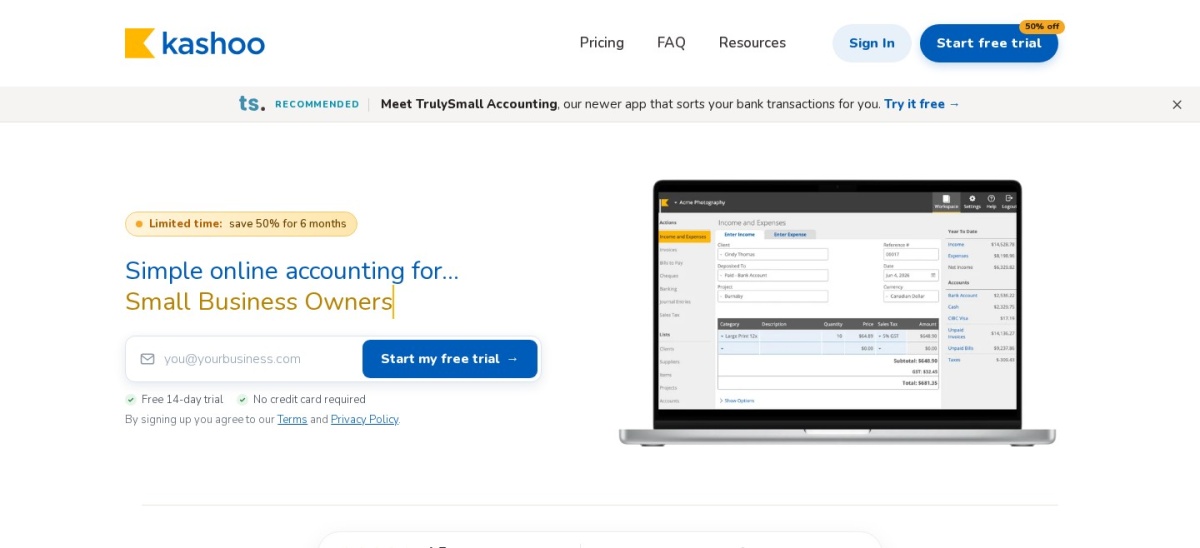
Kashoo is a simple cloud accounting tool sold as one plan at $30 a month, or $324 a year, with every feature included and unlimited users. It covers bank feeds with auto-categorisation, unlimited invoices, online payments, expenses, bills, projects and multi-currency.
The trade off is the single price. There is no cheaper tier for a business that only needs invoicing, and no free plan beyond a 14-day trial. It suits home business owners with no bookkeeping background who want one flat price and no tier decisions.
Entry planClassic Business and Personal, $149.88/yr
Bank connections14,000+ institutions
BusinessesUp to 10 on one subscription
Free planNo, 30-day refund
quicken.com
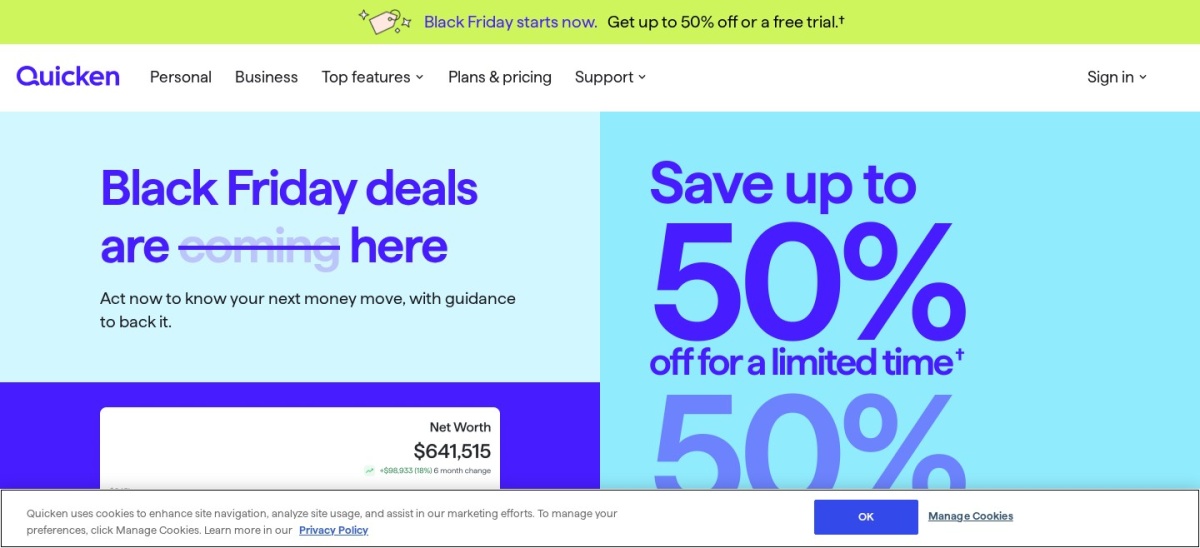
Quicken Classic homepage, captured Nov 2026.
Quicken Classic is a desktop finance tool that tracks business and household money side by side, with invoicing and Schedule C, E and F tax reports. It connects to more than 14,000 financial institutions for automatic transaction downloads and can manage up to 10 businesses on one subscription.
The trade off is that it is desktop software, not a cloud ledger. It fits sole proprietors, not businesses with employees or inventory, and its ledger is less strict than full double-entry tools. It suits home owners who want personal and business accounts in one place.
Free plans cover the basics well. Wave and Zoho Books both let a home business send invoices and reconcile bank feeds for $0.
Paid plans mostly add limits and support. You get more invoices, more users, payroll add-ons and faster help.
If the business earns money every day, the first paid tier often costs less than one missed invoice. Pick the paid plan when a cap starts to bind, not before.
How we chose
We started from the accounting tools with the largest G2 review bases and a published US price, then kept those that fit a home business budget and workload.
Prices come from each vendor's pricing page as quoted in price checks dated November 2026, and ratings come from G2 listings read on 26 November 2026. Where a vendor shows a sale, the list shows the regular price.
We left out tools with no published US price and tools built for mid-market finance teams. No vendor paid for a place, and we do not claim hands-on testing for this list.
How to choose accounting software for home use
Start with your invoice volume and who else touches the books, then match the plan limits to that.
Count your monthly invoices first. If you send more than 20 a month, Xero Early and FreshBooks Lite will bind fast, while Wave Starter and Kashoo have no invoice cap.
Decide who else needs access. Two or more users points to Xero or Kashoo, since QuickBooks Simple Start allows only one user.
Check the free plan ceiling. Zoho Books Free ends above $50,000 of annual revenue, so growing businesses should price the Standard plan too.
Add up the extras before you commit. Card fees, payroll add-ons and extra seats can double the headline price, so read the pricing page for the plan you will actually use.
FAQ
What is the best accounting software for home use?
QuickBooks Online is the best pick for most home businesses, with a free plan and Simple Start at $38 a month. It covers invoicing, bank feeds and reports, and most accountants already know it, which makes year-end work simpler.
Is there really free accounting software for home use?
Yes. Wave Starter is free with unlimited invoices, and Zoho Books Free is free for one user plus one accountant under $50,000 of annual revenue. Both are real ledgers, not trials, though paid add-ons cost extra.
Which accounting software is best for a sole proprietor?
Quicken Classic Business and Personal fits sole proprietors who want business and household money in one desktop app. It tracks invoicing and tax reports for Schedule C, E and F, and connects to more than 14,000 banks.
Does Xero really allow unlimited users?
Yes, on US plans. Every Xero plan includes unlimited users with no per-user fee, which is rare in this category. The Early plan still caps invoices at 20 a month and bills at 5 a month.
Is FreshBooks good for home businesses?
FreshBooks is strong for freelancers who bill clients by the hour, with unlimited time tracking and a 4.5 out of 5 G2 rating. The Lite plan covers only 5 billable clients, so it fits a small client list best.
What does Kashoo cost per year?
Kashoo costs $30 a month, or $324 a year on annual billing, for one plan with every feature included and unlimited users. There are no tiers to choose between, which keeps the decision simple.
SaaS SEO and WordPress specialist with about 8 years of experience. Rakib compares WordPress plugins, themes, hosting and software using public pricing, documentation and user reviews. See how we rank.