Best 3D Model Rendering Software in 2026: 9 Tools Compared
WLWPLegible EditorsLast verified 24 Nov 2026How we rank12 min read
★ Short answer
V-Ray is the best 3D model rendering software for photorealistic stills, running inside nearly every major 3D app at $45 a month billed annually, rated 4.5/5 on G2. Pick KeyShot for product shots from CAD and D5 Render for real-time work on a budget.
How we make this list: we compare pricing pages, product documentation and public user reviews, then re-check every price before each update. No product paid for a place. Disclosure.
V-Ray Solo costs $45 a month billed annually and is the quality benchmark for photoreal stills across many host apps.
KeyShot is the fastest route from CAD to product shots at $1,299 a year, with no monthly billing option.
Corona Solo at $34.50 a month is the cheapest paid route to photorealistic output, rated 4.7/5 on G2.
Twinmotion is free for firms earning under $1 million a year, and D5 Render Pro costs $360 a year.
Blender with Cycles costs nothing and is the best free renderer in this list.
What to look for in 3D model rendering software
Rendering software turns a 3D model into a finished image or animation. The tools split into offline renderers, which take longer but give the most control, and real-time renderers, which show results live as you work.
Offline tools such as V-Ray, Corona and Redshift suit final marketing stills and film frames. Real-time tools such as Enscape, Lumion, Twinmotion and D5 Render suit design reviews and client presentations.
Host support decides the shortlist. V-Ray plugs into 3ds Max, Cinema 4D, Maya, Rhino, SketchUp and more, while KeyShot is a standalone app that imports CAD files directly.
Every paid renderer here is rental-only. You pay every year to keep using it, so the annual price, not the monthly headline, is the real cost.
V-Ray is the production renderer from Chaos, and the reference point for photorealistic stills. It plugs into 3ds Max, Cinema 4D, Houdini, Maya, Nuke, Revit, Rhino, SketchUp and Unreal, so you render inside the tool where the model already lives. Solo costs $45 a month billed annually.
The trade off is the learning curve is the steepest in this list, and there is no free plan, so beginners face both a price and a skill barrier. It suits studios that sell photoreal stills and need top-tier quality across many host applications..
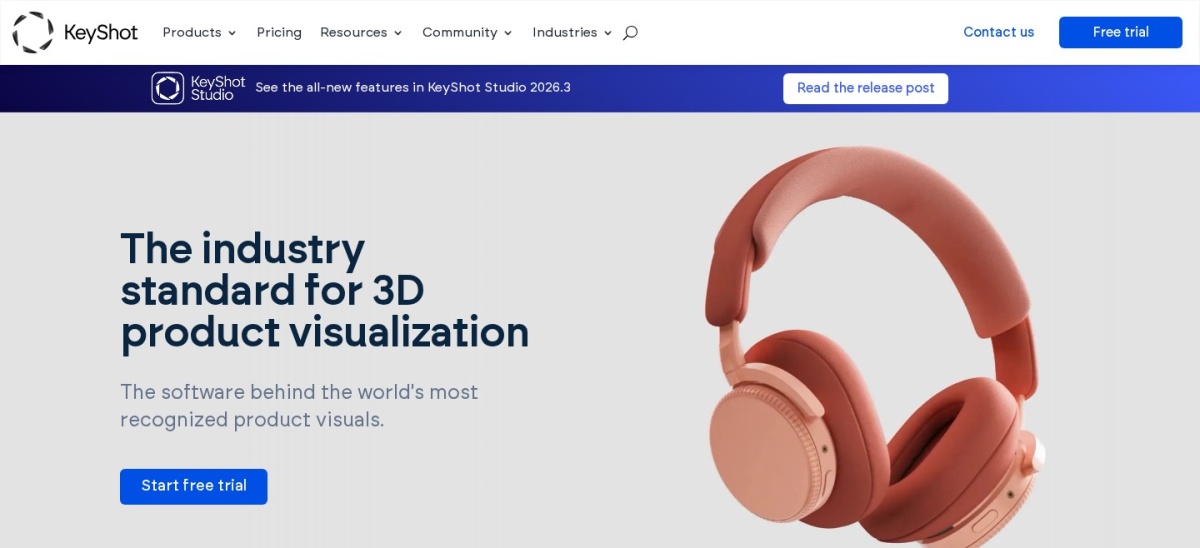
KeyShot is the standalone renderer product designers reach for when the model comes from CAD. You import the file, drag a material onto a part, set up an environment, and the preview updates in real time. Professional costs $1,299 a year per seat.
The trade off is there is no monthly billing and no free plan, so a seat is a $1,299 annual commitment after the 14-day trial, and network rendering needs Business. It suits product design teams that render daily from CAD files and need fast studio shots..
Corona Renderer is Chaos's friendlier photoreal engine for 3ds Max and Cinema 4D. It gives realistic results with far fewer settings than V-Ray, so archviz artists reach good images faster. Solo costs $34.50 a month billed annually, or $414 a year.
The trade off is it runs on the CPU only and supports only two host apps, so GPU owners and users of other hosts should look elsewhere. It suits archviz artists who want photorealism without a steep learning curve or a high price..
Enscape is a real-time renderer that runs inside design software such as Revit, SketchUp and Rhino. You open the Enscape window and the scene renders live while you keep modelling, so every change appears in the rendered view at once. Solo costs $47.90 a month billed annually.
The trade off is it gives less fine control over light and materials than V-Ray, so final marketing stills usually need an offline renderer as well. It suits architecture firms that want live visualization inside Revit, SketchUp or Rhino while they model..
Lumion is a fast real-time renderer best known in architecture. Its asset library covers furniture, people, vegetation and effects, so dressing a scene takes minutes, and LiveSync keeps the render view updated as you edit in SketchUp, Revit or Rhino. Pro costs $1,149 a year.
The trade off is it is the priciest real-time seat here at $1,149 a year, runs on Windows only, and has no free tier for commercial work. It suits architects who want fast, cinematic stills and animations from CAD models for client presentations..
D5 Render is a real-time ray-traced renderer built on NVIDIA RTX technology. It produces high-fidelity images with accurate global illumination and reflections in real time, with live-sync plugins for SketchUp, Revit, Rhino, 3ds Max and Blender. Pro costs $38 a month, or $360 a year.
The trade off is it runs on Windows only and needs a strong NVIDIA GPU, so Mac users and weak laptops cannot use it at all. It suits budget archviz teams who want near-Lumion output at a third of the price..
Twinmotion is the best value in rendering. Epic Games makes the full application free, with no watermark and no feature restrictions, for individuals and companies earning under $1 million a year in gross revenue, including commercial use. Above that, seats cost $445 a year.
The trade off is it is a separate app with a model sync step, so the workflow has one more hop than Enscape, which renders inside your modelling tool. It suits small firms, freelancers and students who want a full real-time renderer for free..
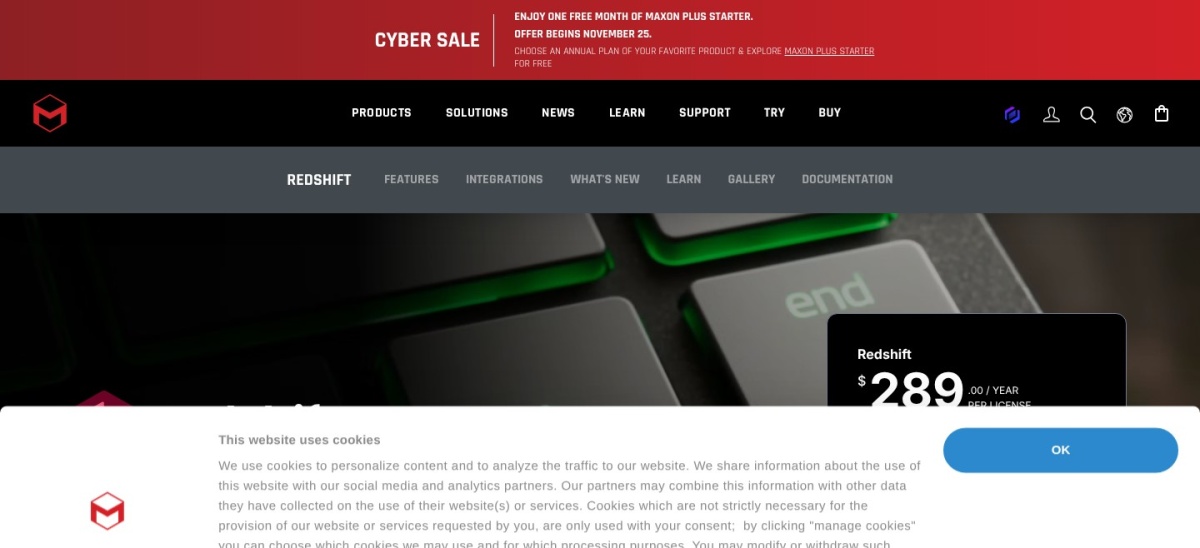
Redshift is a biased GPU renderer from Maxon, built for speed. It trades a little physical accuracy for a lot of speed, and the interactive preview keeps up with fast iteration, which motion designers love. A standalone licence costs $289 a year, or $49 a month billed monthly.
The trade off is the G2 review base is thin at 18 reviews, and it is GPU only, so you need a strong graphics card to use it at all. It suits motion graphics and VFX studios that render on GPUs and need fast final frames..
What we like
Very fast GPU rendering
Cheap for a professional engine
Included with Cinema 4D subscriptions
Watch out for
GPU only, needs strong hardware
Thin G2 review base
Maxon One at $1,449 a year bundles Cinema 4D and moreVisit maxon.net
09
Blender
4.6/5on G2 (319 reviews, checked Nov 2026)
PriceFree
Best free 3D rendering software
PriceFree, open source
EnginesCycles and Eevee
TypeOffline and real-time
WatermarkNone
blender.org
Blender homepage, captured Nov 2026.
Blender is a free and open-source 3D suite with two render engines: Cycles for path-traced photorealism and Eevee for real-time previews. It covers modelling, rigging, animation and rendering in one download, with no paid tier at all.
The trade off is the full suite is large and complex, so learning Cycles settings takes longer than learning a focused renderer such as Corona. It suits anyone who wants a complete free rendering pipeline and is willing to invest time in learning it..
We started from the 3D rendering tools most often named in visualization round-ups, then kept nine established tools with published prices and a current release.
Prices come from each vendor's pricing page, checked on 24 November 2026. Ratings come from G2, Capterra or Trustpilot on the same day, where a rating page was available. Where a vendor shows a sale, the list shows the regular price.
We left out tools with no published price and tools that have not been updated in the last 12 months. No vendor paid for a place, and we do not claim hands-on testing for this list.
How to choose 3D model rendering software
Start with the job the render has to do, then match the engine to that job.
Decide final stills or live review. Final marketing stills need V-Ray or Corona, while live design reviews need Enscape, Lumion or Twinmotion.
Check your host app. V-Ray, Corona and Redshift plug into the app you already model in, while KeyShot imports CAD files directly.
Check your graphics card. GPU renderers such as Redshift and D5 Render need a strong dedicated GPU, while CPU renderers such as Corona do not.
Count the annual price. A $45 monthly plan costs $540 a year, and every paid renderer here charges annually to keep the licence.
FAQ
What is the best 3D model rendering software?
V-Ray is the best 3D model rendering software for photorealistic stills. It runs inside nearly every major 3D app, with deep material and lighting control, at $45 a month billed annually, rated 4.5 out of 5 on G2.
What is the cheapest paid 3D rendering software?
Corona Solo at $34.50 a month billed annually, or $414 a year, is the cheapest paid route to photorealistic output in this list. Blender costs nothing at all.
Is KeyShot worth $1,299 a year?
KeyShot is worth it for product teams that render daily from CAD files. It is the fastest route from a CAD model to a studio product shot, but there is no monthly billing and no free plan.
Is Twinmotion really free?
Yes, for individuals and companies earning under $1 million a year in gross revenue, including commercial use. Above that threshold, seats cost $445 per year.
What is the difference between V-Ray and Corona?
Both come from Chaos. V-Ray gives deeper material and lighting control for studios, while Corona is simpler to learn and cheaper at $34.50 a month against V-Ray at $45 a month.
Do I need a strong GPU for 3D rendering?
It depends on the engine. GPU renderers such as Redshift and D5 Render need a strong dedicated GPU, while CPU renderers such as Corona and KeyShot run on the processor.