WLWPLegible EditorsLast verified 22 Nov 2026How we rank6 min read
★ Short answer
Blender is the top 3D maker tool overall, holding a 4.6 out of 5 rating across 319 G2 reviews with zero licensing cost. For faster concept sketching, SketchUp starts at $129 per year, while Shapr3D fits tablet and desktop CAD workflows from $299 per year.
How we make this list: we compare pricing pages, product documentation and public user reviews, then re-check every price before each update. No product paid for a place. Disclosure.
Blender holds a 4.6/5 rating across 319 G2 reviews with full modeling, sculpting, and rendering at $0.
SketchUp starts at $129/yr on its Go plan and carries a 4.5/5 rating across 1,328 G2 reviews.
Shapr3D is rated 4.8/5 across 173 G2 reviews and starts at $299/yr on Pro for unlimited projects.
Plasticity offers one-time perpetual licensing starting at $175 for Indie with NURBS direct modeling.
ZBrush holds a 4.7/5 rating across 104 G2 reviews and costs $399/yr for high-density sculpting.
What to look for in 3D maker software
3D maker projects span 3D printing, product prototypes, architectural mockups, and character or motion assets. Mesh-based artists often prefer polygon and sculpting workflows, while mechanical makers need watertight solids and CAD exports.
Check export support early if you send files to slicers, CNC shops, or downstream renderers. Some entry or free tiers cap project counts or restrict exports to low-resolution mesh files or non-commercial use.
Compare ongoing subscription costs against free or one-time licenses. A subscription makes sense when you need frequent updates, cloud sync, or team collaboration, while makers on tight budgets often favor free or perpetual tools.
Blender is an open-source 3D creation suite that includes polygon modeling, digital sculpting, rigging, animation, and Cycles or EEVEE rendering with no license fee. It holds a 4.6 out of 5 rating across 319 G2 reviews.
The trade off is a steep learning curve and occasional viewport slowdowns on dense scenes at $0 per year with no paid plan. It suits makers, 3D print hobbyists, and indie creators who want full capabilities without recurring fees.
What we like
Completely free and open source with no per-seat or subscription fees
Covers modeling, sculpting, animation, and rendering in one app
SketchUp is a 3D modeling tool known for its push-pull workflow and 3D Warehouse model library, offering a free web tier for non-commercial use. It holds a 4.5 out of 5 rating across 1,328 G2 reviews.
The trade off is that the entry Go plan costs $129 per year (Trimble also lists a 25% Cyber Week promotion with code CYBERSK26) and omits the desktop app. It suits woodworkers, interior planners, and makers sketching layouts quickly.
What we like
Easy push-pull interface with quick initial setup
Large 3D Warehouse library of ready-made models
Includes a free web version for personal projects
Watch out for
Go plan lacks desktop software and extensions; Pro costs $399/yr
Free web version is restricted from commercial use
Paid Go plan ($129/yr) adds commercial licensing, iPad and web access, and 100 monthly AI credits.Visit sketchup.com
03
Plasticity
4.5/5on Creative Bloq (5 reviews, checked Nov 2026)
Starts at$175 one-time
Best one-time CAD tool for hard-surface makers
Entry licenseIndie at $175 one-time
License typePerpetual (12 mo updates)
PlatformsWindows, macOS, Linux
Key workflowNURBS & Blender Bridge
plasticity.xyz
Plasticity homepage, captured Nov 2026.
Plasticity is a desktop solid and surface modeler built around NURBS curves, fillets, and booleans with a live bridge into Blender. It scores 4.5 out of 5 on Creative Bloq's value review and offers a 30-day free trial.
The trade off is a $175 one-time Indie license with no parametric feature history tree and limited built-in rendering. It suits hard-surface prop makers and 3D printing designers who dislike subscriptions.
What we like
One-time perpetual license rather than a recurring subscription
Clean NURBS fillets, booleans, and STEP/Parasolid exchange
Includes Blender Bridge for downstream scene work
Watch out for
No parametric history tree for step-by-step edits
30-day trial restricts commercial use and export formats
Indie ($175 one-time) unlocks commercial use on up to two machines, STEP/Parasolid export, and 12 months of updates.Visit plasticity.xyz
04
Shapr3D
4.8/5on G2 (173 reviews, checked Nov 2026)
Paid from$299/yr
Best precision CAD across iPad, Mac, and Windows
Entry paid planPro at $299/yr
Free tierBasic (up to 2 projects)
CAD kernelParasolid solid modeling
PlatformsiPadOS, macOS, Windows
shapr3d.com
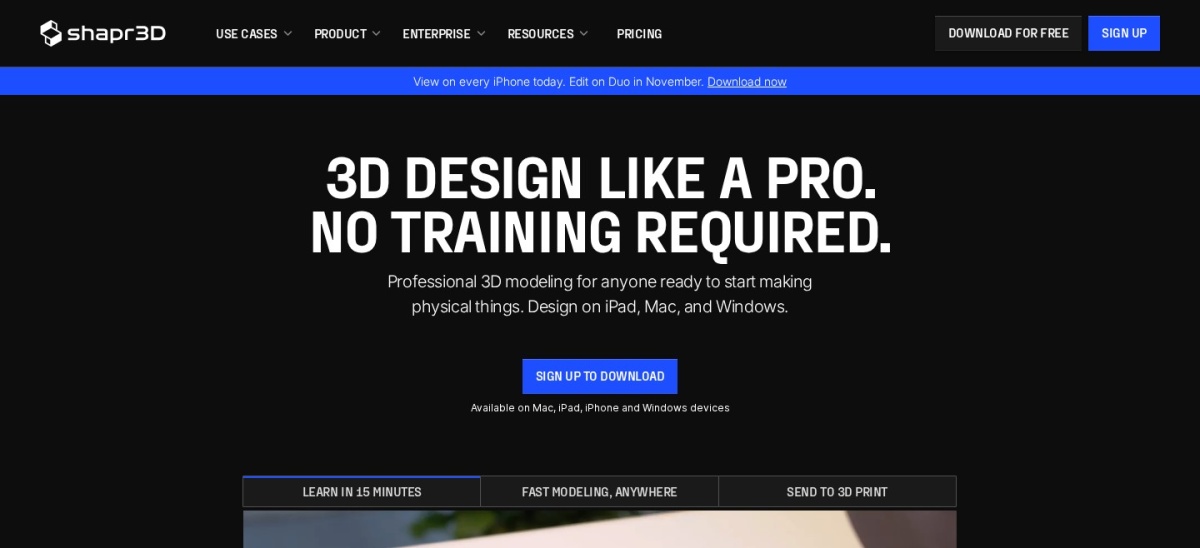
Shapr3D homepage, captured Nov 2026.
Shapr3D is a Parasolid-based 3D CAD app for iPad, Mac, and Windows with a free Basic tier capped at 2 projects and low-resolution STL or 3MF exports. It holds a 4.8 out of 5 rating across 173 G2 reviews.
The trade off is a $299 per year Pro plan (billed annually) with low-resolution mesh exports on the free tier. It suits hardware makers and product designers who sketch with a stylus or move between tablet and desktop.
What we like
High 4.8/5 user rating on G2 for usability and CAD precision
Synced experience across iPad, Mac, and Windows
Free Basic plan lets you test core modeling tools
Watch out for
Free Basic tier limits projects to 2 and restricts export resolution
Annual subscription jumps to $299/yr for full exports
Pro ($299/yr) adds unlimited projects, full-resolution exports including STEP and IGES, technical drawings, and real-time rendering.Visit shapr3d.com
05
ZBrush
4.7/5on G2 (104 reviews, checked Nov 2026)
Paid from$399/yr
Best for high-detail organic and character sculpting
Entry paid planZBrush at $399/yr
Free optionZBrush for iPad free plan
Brush count440+ brushes on desktop
Max mesh scaleUp to 100M polys on desktop
maxon.net
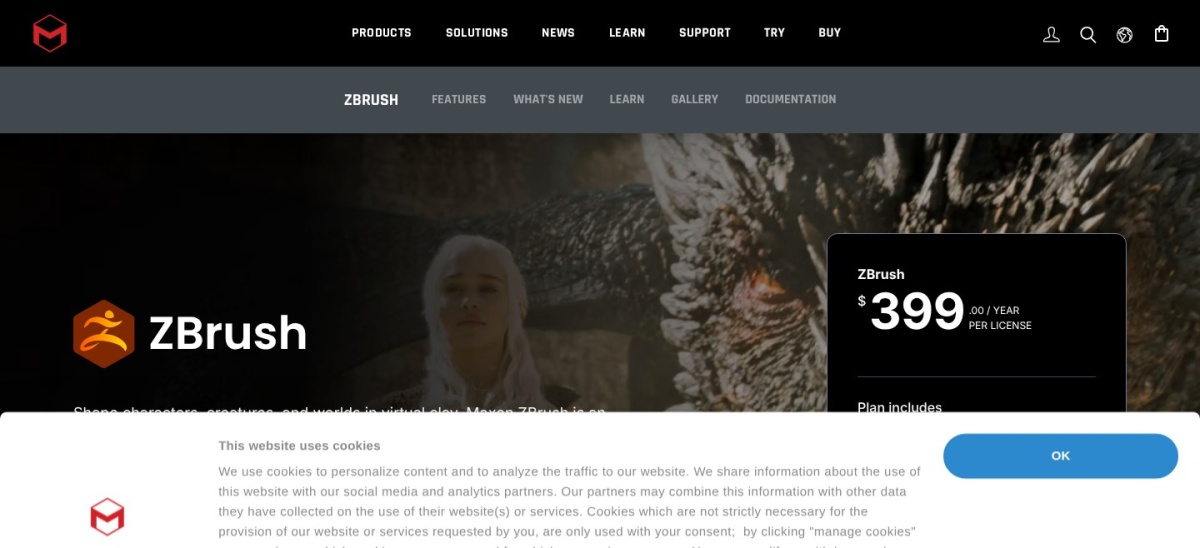
ZBrush homepage, captured Nov 2026.
ZBrush is a digital sculpting tool from Maxon for high-resolution organic meshes, offering a free ZBrush for iPad plan with 28 brushes and a 20-million-polygon cap. It holds a 4.7 out of 5 rating across 104 G2 reviews.
The trade off is a $399 per year subscription ($49 per month monthly) for the full desktop suite and an unconventional interface. It suits figure sculptors, miniature makers, and character artists working on organic forms.
What we like
Handles high-poly organic sculpting up to 100 million polygons on desktop
Includes a free iPad starter plan with 28 brushes
Strong 4.7/5 rating across 104 G2 reviews
Watch out for
Unfamiliar UI and terminology require dedicated practice
Full desktop license costs $399/yr
Paid ZBrush ($399/yr) unlocks desktop and iPad access, 440+ brushes, up to 100M polygons, and OBJ/FBX/STL/3MF exports.Visit maxon.net
06
Autodesk Fusion
4.5/5on G2 (N/A reviews, checked Nov 2026)
Starts at$680/yr
Best for integrated CAD, CAM, and CNC machining
Entry paid planStandard at $680/yr
Higher tiersPro $1,150/yr, Ent $2,250/yr
WorkflowsCAD, CAM, PCB, simulation
VendorAutodesk
autodesk.com
Autodesk Fusion homepage, captured Nov 2026.
Autodesk Fusion combines parametric 3D CAD, CAM toolpaths, and electronics/PCB layout in one platform, with a 4.5 out of 5 rating cited on G2. Its entry Standard plan lists at $680 per year ($57 per month billed annually), with a 2-year launch promotion locking Fusion Professional capabilities at $680 per year instead of $1,150.
The trade off is a $680 per year regular price for Fusion Standard and extra fees for specialized extensions. It suits makers building mechanical enclosures, CNC parts, and electronics assemblies.
What we like
Combines 3D CAD, CAM machining, and PCB layout in one environment
Supports parametric modeling and team collaboration
4.5/5 G2 rating for engineering workflows
Watch out for
Regular entry price of $680/yr is steep for casual hobbyists
Advanced simulation, manufacturing, and design extensions cost extra
Paid Fusion Standard ($680/yr) provides integrated CAD/CAM, PCB design, drawing automation, and team collaboration.Visit autodesk.com
07
Cinema 4D
4.6/5on G2 (136 reviews, checked Nov 2026)
Starts at$839/yr
Best for motion graphics and procedural animation
Entry paid planIndividual at $839/yr
Monthly option$109/mo billed monthly
Bundled rendererRedshift included
Core strengthMoGraph and procedural 3D
maxon.net
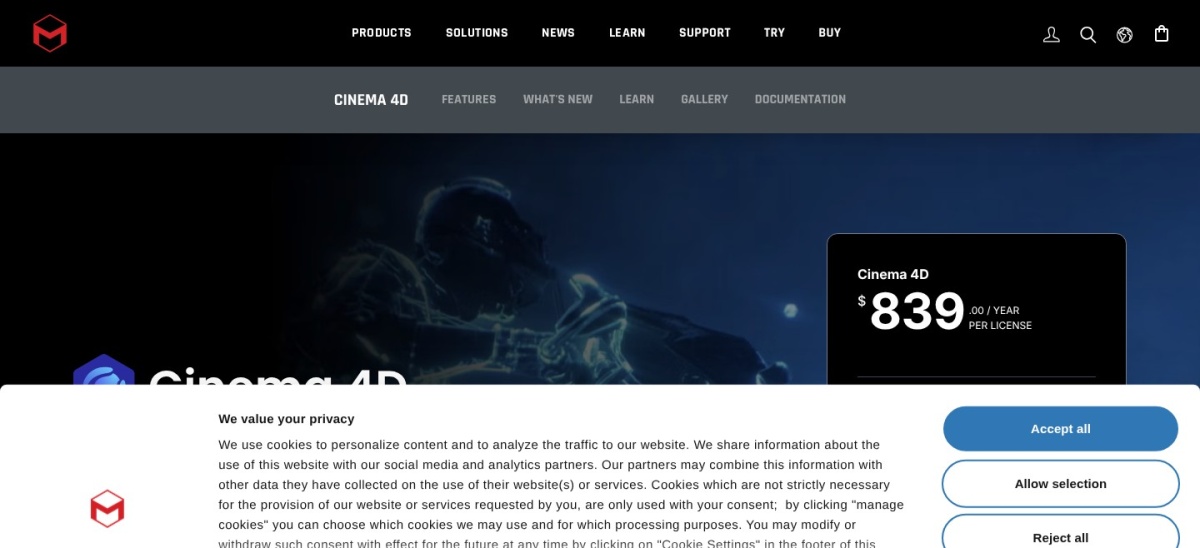
Cinema 4D homepage, captured Nov 2026.
Cinema 4D is a 3D modeling, simulation, and motion graphics application from Maxon that includes the Redshift GPU renderer. It holds a 4.6 out of 5 rating across 136 G2 reviews.
The trade off is a regular individual price of $839 per year ($109 per month billed monthly) and heavy scene slowdowns noted by users. It suits motion designers and visual creators producing animated 3D graphics rather than basic static prints.
What we like
Strong procedural and MoGraph tools for motion design
Includes Redshift rendering on individual subscriptions
4.6/5 rating across 136 G2 reviews
Watch out for
$839/yr individual price is high for solo hobbyists
Reviewers note slowdowns on heavy scenes and limited organic sculpting
Individual subscription ($839/yr) includes 3D modeling, animation, simulation, and the Redshift renderer.Visit maxon.net
Mesh vs. CAD for makers
Polygon and sculpting tools like Blender, ZBrush, and Cinema 4D excel at organic shapes, characters, and motion graphics. However, converting freeform meshes into tight-fitting mechanical assemblies can require extra cleanup.
CAD tools like Shapr3D, Plasticity, and Autodesk Fusion focus on exact dimensions, fillets, and clean solid or NURBS geometry. Many makers pair a CAD tool for parts with Blender for rendering or scene layout.
How we chose
We built this list around active 3D modeling and maker software covering free creation, architectural sketching, CAD, sculpting, and motion graphics.
All prices, ratings, review counts, and plan details were checked on 22 Nov 2026 from vendor pricing pages and third-party review directories.
We excluded discontinued tools such as Foundry Modo and dropped any tool whose regular entry price could not be verified on its pricing page. No vendor paid for a place, and we do not claim testing for this list.
How to choose 3D maker software
Follow four practical checks before committing time or budget to a 3D tool.
Match the modeling kernel to your output. Pick CAD or NURBS tools for exact fits and brackets, and mesh or sculpting tools for characters, art, and animation.
Check file export and licensing limits. Confirm whether free or entry tiers allow commercial work and export the STL, 3MF, STEP, or OBJ formats your workflow needs.
Compare yearly subscription cost against one-time or free options. Calculate your multi-year cost across annual plans, monthly billing, or perpetual licenses before choosing a paid tier.
Verify device and hardware compatibility. Make sure the app runs on your operating system and meets your memory and graphics needs before buying.
FAQ
What is the best free 3D maker software?
Blender is the strongest free option for most makers, offering modeling, sculpting, and rendering at $0 with no paid plan. SketchUp and Shapr3D also offer free tiers, though their free plans have usage or export limits.
Is SketchUp free for commercial 3D work?
No. SketchUp Free runs in a browser and is not for commercial use; client or business work requires a paid plan starting at $129 per year for Go or $399 per year for Pro.
Does Plasticity require a subscription?
No. Plasticity offers a 30-day free trial and sells perpetual licenses starting at $175 one-time for Indie, which includes 12 months of version updates and allows commercial use on up to two machines.
How much does Autodesk Fusion cost per year?
Autodesk Fusion lists its entry Standard plan at $680 per year, with a launch offer locking Fusion Professional capabilities at $680 per year instead of the regular $1,150 price.
Which tool is best for sculpting organic characters and miniatures?
ZBrush is built for high-detail organic sculpting, holding a 4.7 out of 5 rating across 104 G2 reviews. It starts at $399 per year for desktop and offers a free iPad plan with 28 brushes.
Is Cinema 4D good for simple 3D printing?
Cinema 4D is geared more toward motion graphics, simulation, and rendering than basic 3D printing, and its individual subscription costs $839 per year. Makers focused on 3D printing usually start with Blender, Shapr3D, or Plasticity instead.