Visual Studio Code is the best alternative to Vim for most developers: it is free, rated 4.7 out of 5 on G2 from 2,782 reviews, and its Vim extension brings modal editing to a full editor. Pick Neovim if you want to stay in the terminal, or Sublime Text if raw speed matters most.
How we make this list: we compare pricing pages, product documentation and public user reviews, then re-check every price before each update. No product paid for a place. Disclosure.
Visual Studio Code is the only pick that is free, top-rated at 4.7/5 from 2,782 G2 reviews, and has a full Vim mode.
Neovim is the closest match to Vim itself: same modal editing, same keys, free and open source.
Sublime Text is the fastest paid editor here at $99 once, with a free evaluation and a Vim-style Vintage mode.
Six of the nine picks are free to use, and the paid ones run from $59.99 once to $169 a year.
Zed is the fastest-rising pick: a free editor rated 4.7/5 on G2, with Pro at $10 a month for hosted AI.
What should you look for in alternatives to Vim?
Modal editing is the habit most Vim users want to keep. Look for a real Vim mode or a Vim keybinding plugin, not just a few familiar shortcuts.
A terminal editor and a graphical editor solve different problems. Neovim keeps you in the terminal with Lua config and a built-in language server client, while VS Code and Zed add a mouse, a debugger and extensions.
Free does not mean weak here. Six of the nine editors in this list cost nothing to use, and the paid ones start at $59.99 once, so price is rarely the deciding factor.
Check the platform before you fall for an editor. Notepad++ runs on Windows only, while BBEdit and Nova are Mac only; the other six run on Windows, macOS and Linux.
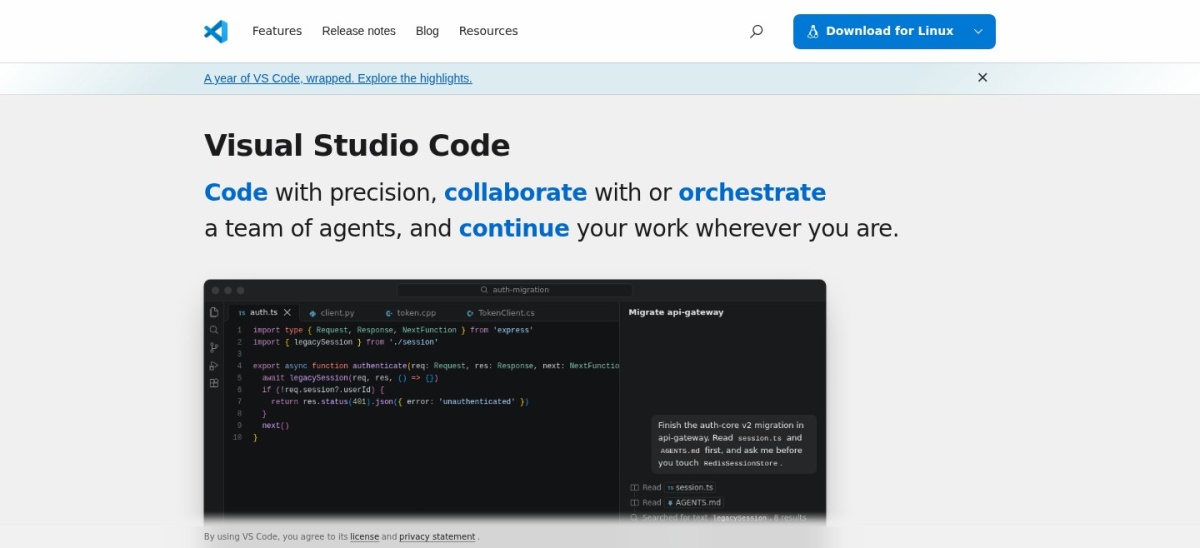
Visual Studio Code is a free, open-source editor from Microsoft with the largest extension marketplace of any editor in this list. It ships with an integrated terminal, Git support and debugging, and the Vim extension adds modal editing, so the keys you already know keep working.
The trade off is weight. VS Code is heavier than Vim and slows down when too many extensions are loaded, and the Vim extension is a close match rather than a perfect copy. It suits developers who want Vim keys inside a full graphical editor.
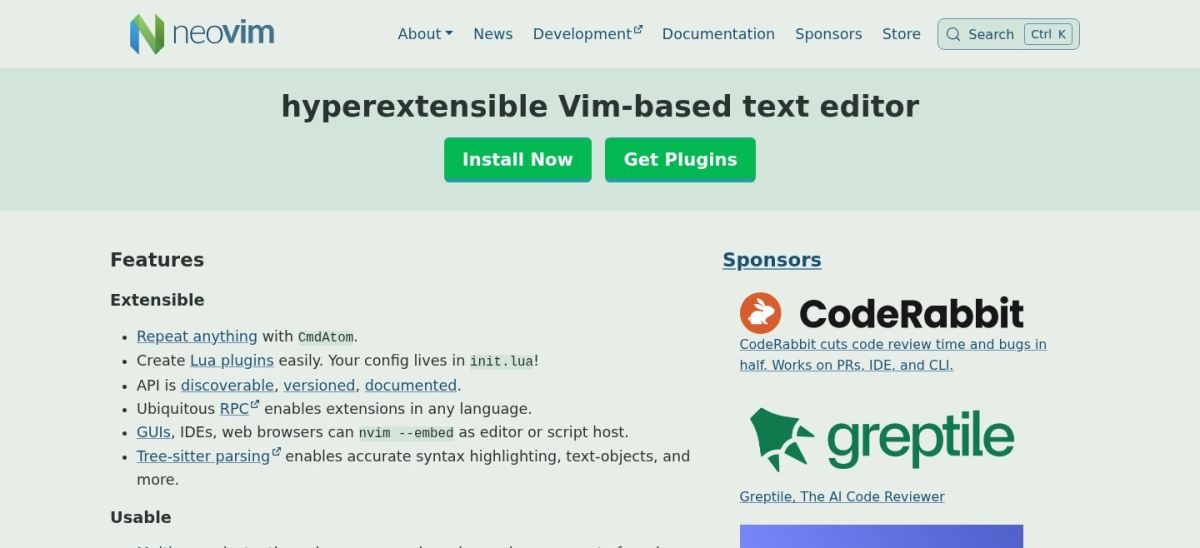
Neovim is a free, open-source fork of Vim built for modern plugins and tooling. It keeps Vim's modal editing and keybindings, adds a built-in language server client and tree-sitter parsing, and config lives in Lua instead of Vimscript.
The trade off is setup time. Neovim ships bare, so reaching IDE-level features means choosing plugins and writing config, and beginners face the same steep learning curve as Vim. It suits developers who want Vim itself, modernised.
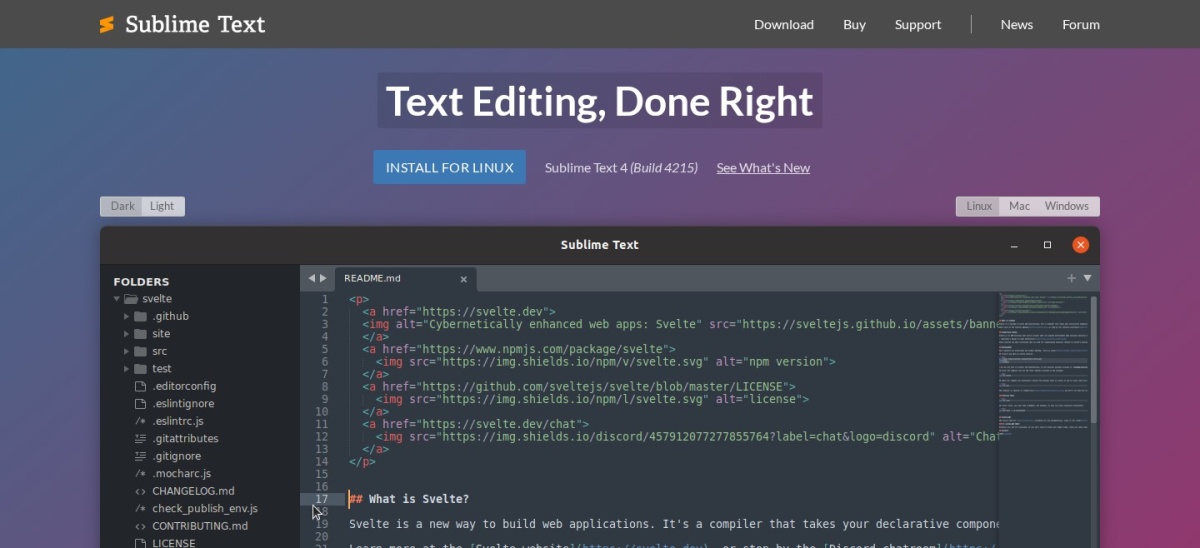
Sublime Text is a fast, lightweight editor for code, markup and prose. It opens large files instantly, offers multi-caret editing and Goto Anything navigation, and its built-in Vintage mode covers Vim's core keys. A personal license costs $99 once and includes 3 years of updates.
The trade off is that the free version never ends but keeps asking you to buy, and debugging and Git integration need packages rather than shipping built in. It suits developers who value raw speed over built-in IDE features.
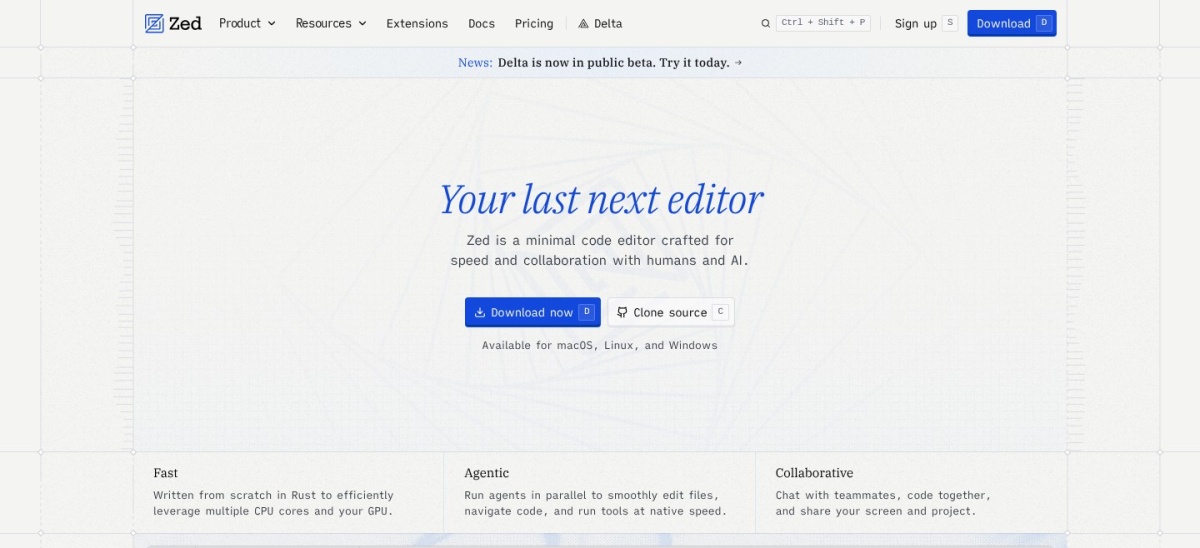
Zed is a free, open-source editor written in Rust with GPU-accelerated rendering, so it starts fast and stays smooth. It has a built-in Vim mode, native multiplayer collaboration and optional AI features, and the Personal plan is free forever with your own API keys.
The trade off is youth. Zed's extension library is far smaller than VS Code's, and Pro's hosted AI bills extra token use at list price plus 10% once the $5 monthly credit runs out. It suits developers who want speed first and AI second.
What we like
Very fast startup and smooth scrolling
Built-in Vim mode and multiplayer editing
Free Personal plan with your own API keys
AI features can be switched off entirely
Watch out for
Small extension library next to VS Code
Only 11 G2 reviews, so the rating is thin
Pro token use bills above the $5 credit
Pro adds unlimited edit predictions and $5 of tokensVisit zed.dev
05
Notepad++
4.6/5on G2 (2,474 reviews, checked Nov 2026)
PriceFree
Best free editor on Windows
PriceFree, open source
Vim modeNo full Vim mode
PlatformsWindows only
G2 rating4.6/5, 2,474 reviews
notepad-plus-plus.org
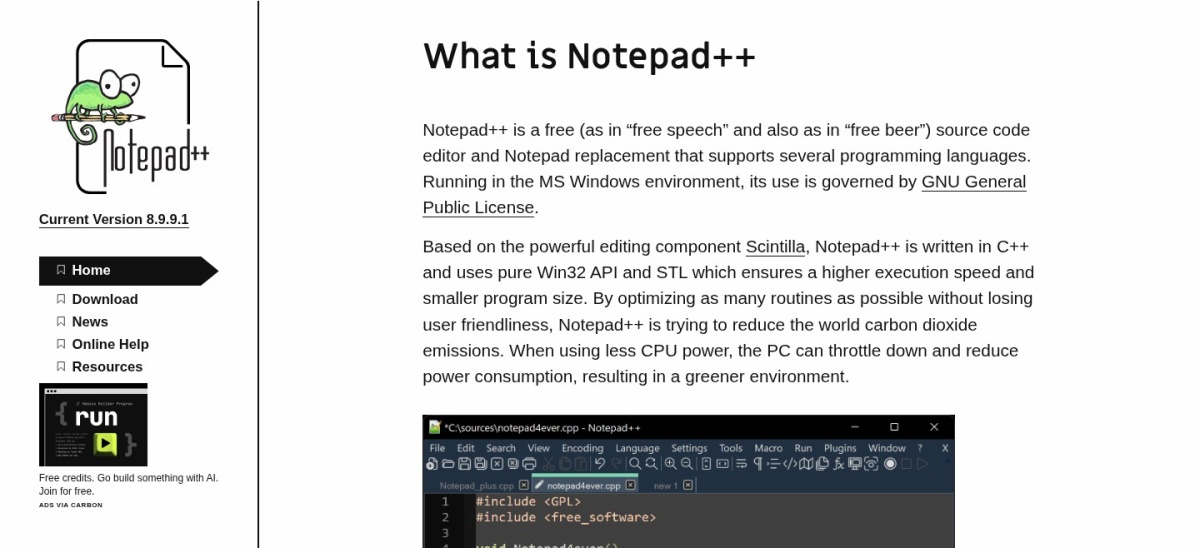
Notepad++ homepage, captured Nov 2026.
Notepad++ is a free, open-source source code editor for Windows, built on the Scintilla editing component. It supports many programming languages, handles large files well, and adds tabbed editing, macros and a plugin manager to the plain Notepad it replaces.
The trade off is scope. Notepad++ runs on Windows only and has no full Vim mode, so Vim users lose modal editing and must rely on plugins. It suits Windows developers who want a fast, free editor for quick edits and scripts.
IntelliJ IDEA is JetBrains' full IDE, strongest for Java and Kotlin but useful across many languages. The free Community edition covers core editing, while the IdeaVim plugin brings Vim keybindings into the IDE, and Ultimate adds frameworks, databases and profiling.
The trade off is price and weight. Ultimate costs $169 a year for the first year, and the IDE uses far more memory than Vim, so small machines feel it. It suits developers who want Vim keys inside a heavyweight Java or Kotlin IDE.
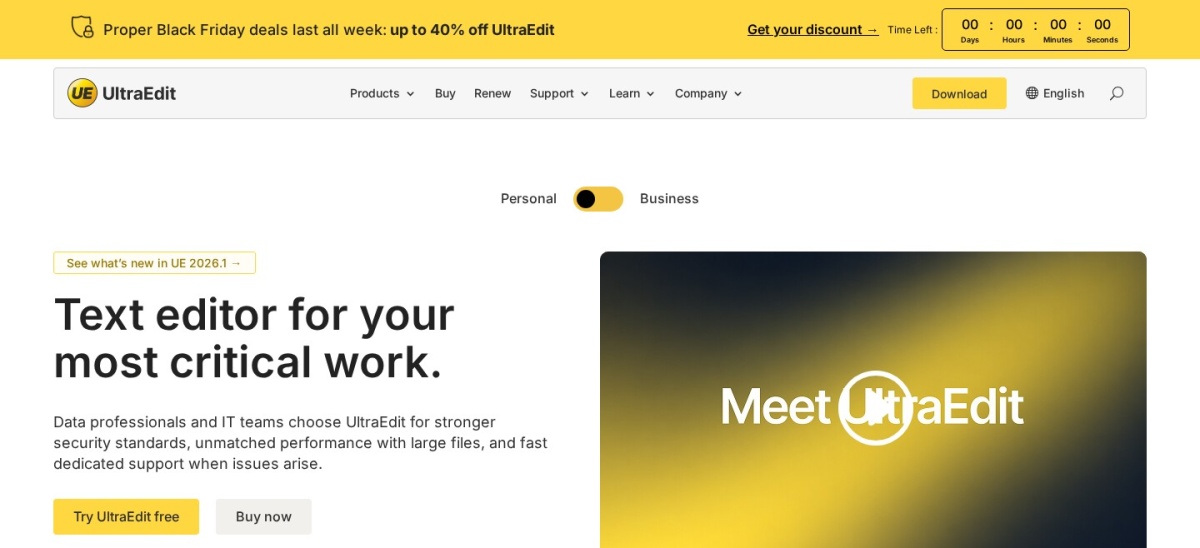
UltraEdit is a long-running text editor built for large files, data work and system administration. It opens very large files, offers column mode editing, macros and FTP, and the Core subscription costs $99.95 a year after a 30-day free trial.
The trade off is that there is no free plan and no full Vim mode, so Vim users pay for an editor that does not copy their keys. It suits developers and data teams who open huge log and data files every day.
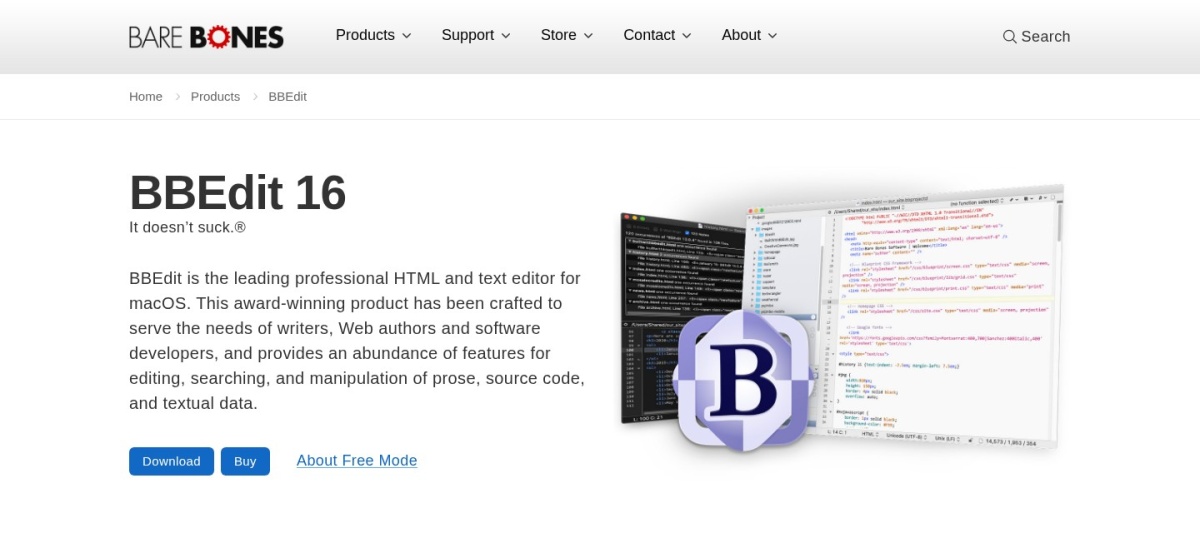
BBEdit is Bare Bones' professional text and HTML editor for the Mac, on the market since 1992. Version 16 adds strong grep search across files, Git and SFTP support, and a free mode that keeps working forever after the 30-day evaluation ends.
The trade off is platform and price. BBEdit runs on macOS only, costs $59.99 for the full feature set, and has no full Vim mode. It suits Mac developers and writers who process lots of text, logs and HTML.
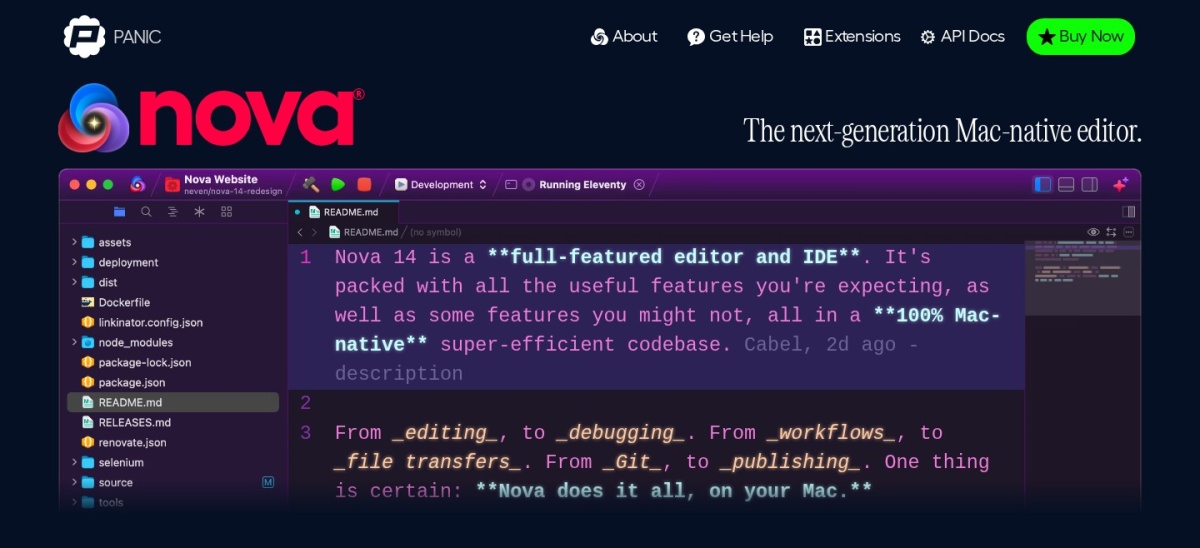
Nova is Panic's native Mac code editor and the successor to Coda. It is built with Mac frameworks for speed and low memory use, and ships with a terminal, Git, debugging and an extension library. A license costs $99 and includes one year of updates.
The trade off is reach. Nova runs on macOS only, updates after the first year cost $49 a year, and there is no full Vim mode. It suits Mac web developers who want a polished native editor instead of an Electron app.
What we like
Native Mac app, fast with low memory use
Terminal, Git and debugging built in
Clean interface with an extension library
One $99 license, no subscription required
Watch out for
Mac only, no Windows or Linux version
Only 6 G2 reviews, so the rating is thin
Updates after year one cost $49 a year
Renewal at $49 a year keeps new versions comingVisit nova.app
Free vs paid: what the money buys
Six of the nine editors are free to use, and three of them are open source. The free picks cover the full range, from a terminal editor to a full IDE.
Paid editors charge for polish, not for editing. Sublime Text sells speed and stability for $99 once, BBEdit sells Mac-native text tools for $59.99 once, and Nova sells a native Mac workspace for $99 once.
Subscriptions buy ongoing work, not the editor itself. UltraEdit Core costs $99.95 a year, Zed Pro costs $10 a month for hosted AI, and IntelliJ IDEA Ultimate costs $169 a year for its full Java and framework tooling.
How we chose
We started from the editors developers actually name as Vim replacements, then kept the nine with a public G2 rating and a published price.
Prices come from each vendor's pricing page, checked on 29 November 2026. Ratings and review counts come from G2 on the same day. Where a vendor shows a sale, the list shows the regular price.
We left out editors with no public rating, including Helix and Kakoune, and Atom, which was discontinued. No vendor paid for a place, and we do not claim to have used these tools ourselves.
How to choose an alternative to Vim
Start with how you edit now, then pick the editor that keeps the most of it.
Decide terminal or graphical. If you live in a terminal, Neovim is the direct move. If you want a mouse, tabs and a debugger, start with VS Code or Zed.
Check the Vim mode first. Install the Vim keybindings on day one. VS Code, Zed, Sublime Text and IntelliJ IDEA all ship one, so the keys you know should work before you judge the editor.
Match the platform. Notepad++ is Windows only, and BBEdit and Nova are Mac only. The other six run on Windows, macOS and Linux, so a switch later costs nothing.
Try the free version for a week. Six editors here are free, and the paid ones offer a trial or a free evaluation. Keep your old editor installed until the new keys feel automatic.
FAQ
What is the best alternative to Vim?
Visual Studio Code is the best alternative to Vim for most developers. It is free, rated 4.7 out of 5 on G2 from 2,782 reviews, and its Vim extension adds modal editing, so you keep the keys and gain a debugger, Git and extensions.
Is there a free alternative to Vim?
Yes. Visual Studio Code, Neovim, Notepad++, Zed and IntelliJ IDEA Community are all free, and BBEdit has a free mode that never expires. Neovim is the closest free match to Vim itself.
Which alternative to Vim is cheapest?
Visual Studio Code, Neovim and Notepad++ cost nothing at all. Among paid editors, BBEdit is cheapest at $59.99 once, while Sublime Text and Nova cost $99 once each.
Which alternative to Vim is best for beginners?
Visual Studio Code is the easiest starting point. It installs in minutes, works the same on Windows, Mac and Linux, and its Vim extension can be turned on gradually while the menus stay available.
Visual Studio Code vs Neovim: which is better?
Visual Studio Code suits most developers, with a graphical interface, extensions and debugging built in. Neovim suits developers who want to stay in the terminal with Lua config and the same modal editing Vim uses.
Do these editors have a Vim mode?
Yes, most do. VS Code, Zed, Sublime Text and IntelliJ IDEA all offer a Vim mode or plugin, and Neovim is built on Vim's editing model. Notepad++ and BBEdit do not offer a full Vim mode.
Which alternative to Vim works on Mac?
Visual Studio Code, Neovim, Sublime Text, Zed, IntelliJ IDEA, UltraEdit, BBEdit and Nova all run on macOS. Notepad++ is the only pick here that is Windows only.
SaaS SEO and WordPress specialist with about 8 years of experience. Rakib compares WordPress plugins, themes, hosting and software using public pricing, documentation and user reviews. See how we rank.