Bootstrap is the best alternative to Tailwind CSS for most teams, because it is free and ships ready-made components, rated 4.5/5 on G2 from 154 reviews. Pick Material UI for React apps and Ant Design for large admin dashboards.
How we make this list: we compare pricing pages, product documentation and public user reviews, then re-check every price before each update. No product paid for a place. Disclosure.
Bootstrap is free, rated 4.5/5 on G2 from 154 reviews, and the closest direct swap for Tailwind CSS.
Six of the 8 tools have a free plan or a free core library, while the paid suites start at $180 a year and reach $1,199 a year.
Material UI is the strongest React pick, with a free core library and MUI X Pro at $15 a month per developer.
Ant Design is free and suits large admin dashboards, but its look is harder to change than Bootstrap.
Syncfusion Essential Studio is the priciest pick at $1,199 a year per developer, with 1,600+ components.
How do you choose the best alternative to Tailwind CSS?
Tailwind CSS asks you to style every element with utility classes. The main reason to switch is that you want ready-made components instead of building buttons, cards and forms from classes.
A component library saves time when the design is standard. If your site needs a common layout, a grid, a navigation bar and forms, Bootstrap or Ant Design gives you those pieces finished.
A utility-first engine still fits teams that want full control over every class. Our guide on adding custom CSS in WordPress shows how much hand-written CSS a custom design can need.
Price is the second split. Six tools in this list have a free plan or a free core library, while the commercial suites charge per developer, so a small team pays far less than a large one for the same code.
Check the framework your project already uses before you switch. React teams get the most from Material UI and Ant Design, while plain HTML sites fit Bootstrap, Semantic UI and Ionic best.
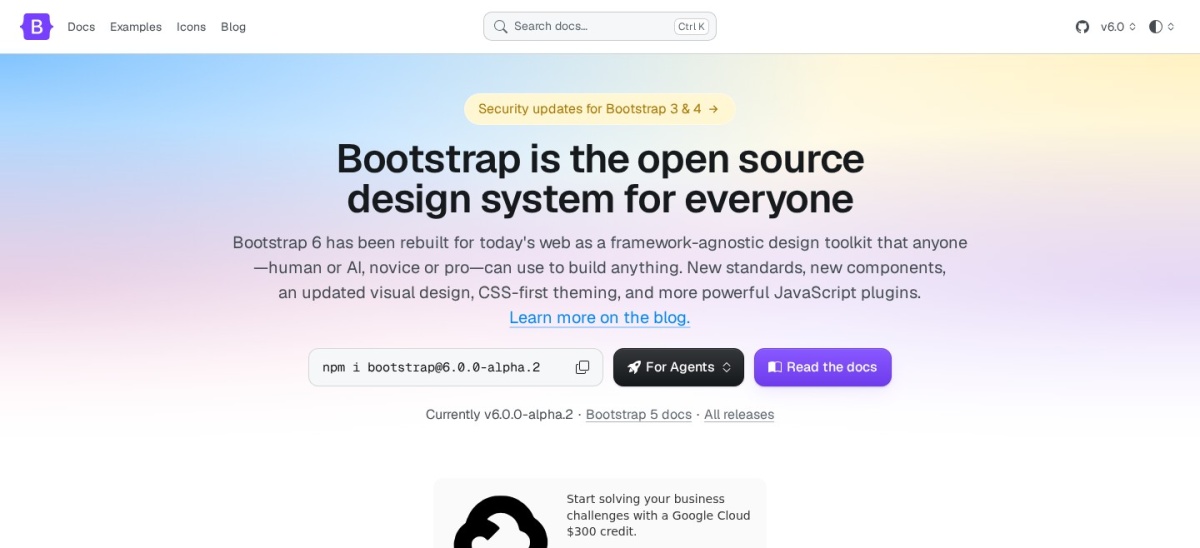
Bootstrap is a free, open-source CSS framework with ready-made components, a responsive grid and utility classes. Version 6 is in alpha, with Bootstrap 5 as the stable line, and it works with plain HTML as well as most JavaScript frameworks.
The trade off is that sites can look alike. The default theme is easy to spot, so teams that want a distinct look need to change the Sass variables or add custom styles. It suits most marketing sites, dashboards and prototypes.
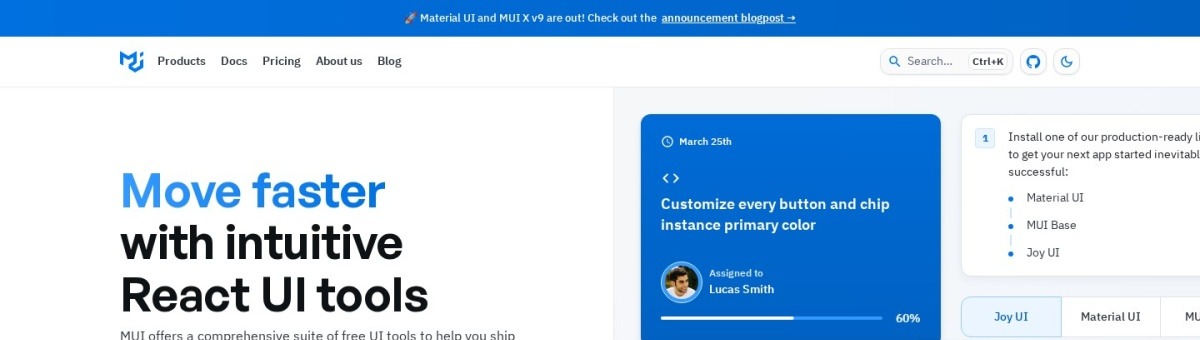
Material UI is a free React component library that follows Google Material Design, with buttons, forms, tables and navigation ready to use. Material UI v9 is out, and the core library is free under the MIT licence.
The trade off is that the advanced pieces cost money. The Data Grid Pro, charts and date pickers need MUI X Pro at $15 a month per developer, billed yearly at $180. It suits React teams building data-rich apps.
What we like
Free core library for React
Large, well-documented component set
Theming system for a custom look
Rated 4.5 out of 5 from 30 G2 reviews
Watch out for
React only, not for plain HTML sites
Advanced data components need a paid plan
MUI X Pro adds the Data Grid, charts and pickersVisit mui.com
03
Ant Design
4.5/5on G2 (13 reviews, checked Nov 2026)
PriceFree
Best free kit for admin dashboards
LicenceMIT, free
FrameworkReact
Version6.0
Paid planNone, free
ant.design
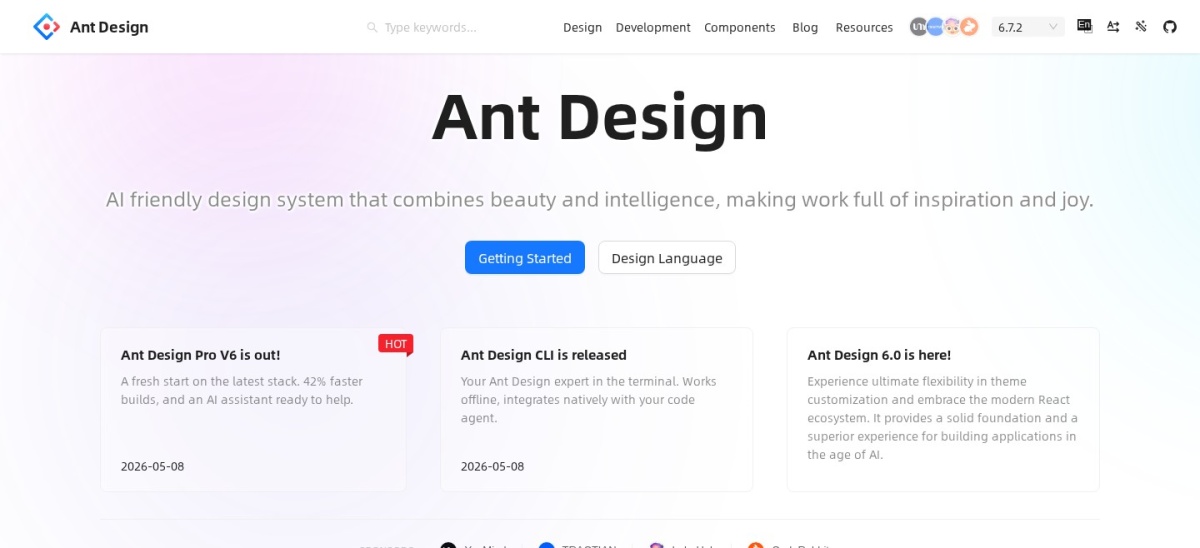
Ant Design homepage, captured Nov 2026.
Ant Design is a free React design system with a large set of components for tables, forms, layouts and data display. Version 6.0 is out, and the library is aimed at enterprise admin panels and dashboards.
The trade off is the look. Ant Design has a strong default style, and changing it takes theme work, so marketing sites often need more effort than dashboards. It suits teams building internal tools and admin panels.
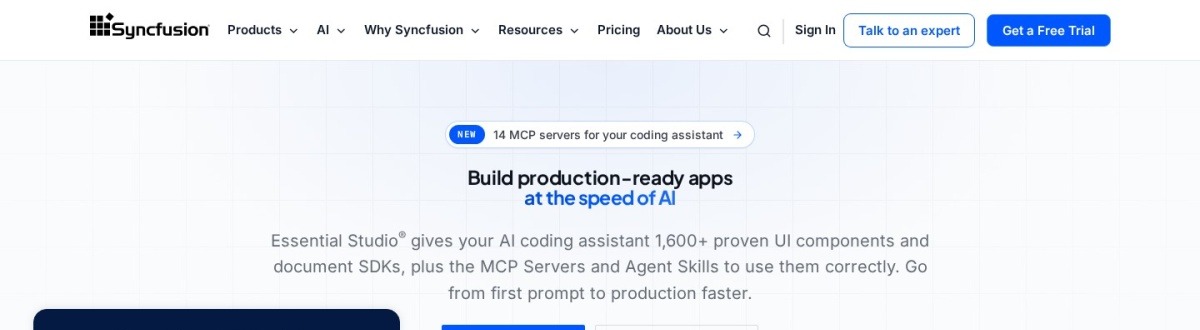
Syncfusion Essential Studio homepage, captured Nov 2026.
Syncfusion Essential Studio is a commercial component suite with 1,600+ components across React, Angular, Vue, Blazor and JavaScript. The UI Component Suite costs $1,199 a year per developer and includes business support.
The trade off is price and scope. A free Community License covers only small companies, and the full suite is far more than a small site needs. It suits large teams that need grids, charts, schedulers and document tools in one licence.
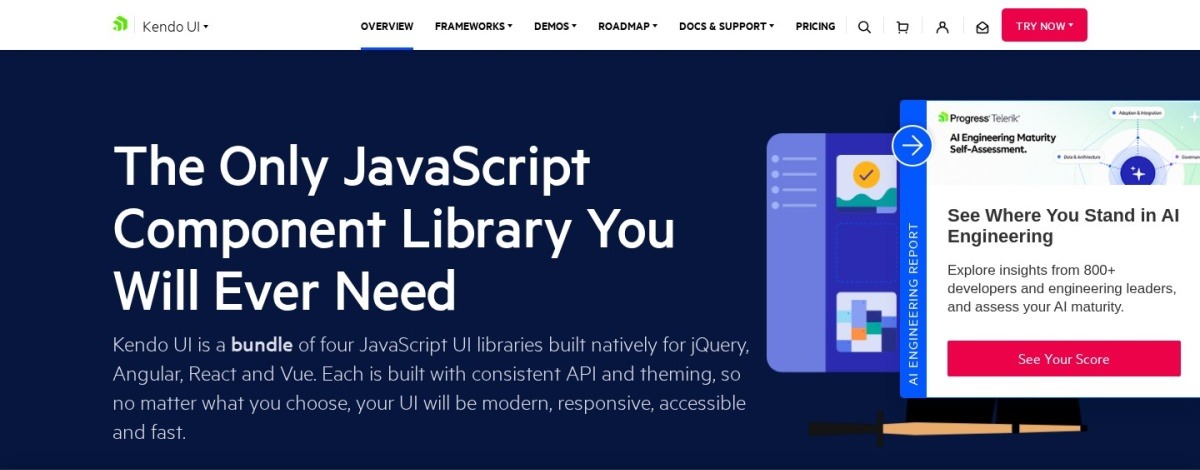
Progress Kendo UI is a paid bundle of four JavaScript UI libraries built for jQuery, Angular, React and Vue. The Lite Support plan starts at $799 a year per developer, and Priority Support costs $899 a year.
The trade off is cost. There is no free tier for the full bundle, only a 30-day trial, so small teams pay from the start. It suits teams that run more than one JavaScript framework and want one vendor for all of them.
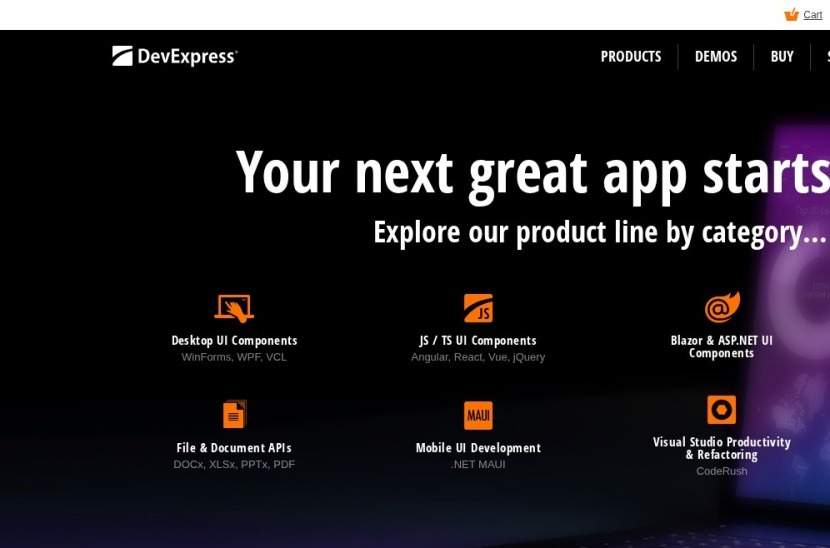
DevExpress DevExtreme homepage, captured Nov 2026.
DevExpress DevExtreme is a commercial JavaScript suite with 80+ components for Angular, React, Vue and jQuery, led by its DataGrid. DevExtreme Complete costs $899.99 a year per developer, with renewal at $449.99.
The trade off is that nothing is free. There is a 30-day trial but no free tier, and the suite is built for business apps rather than marketing sites. It suits teams that need grids, pivot tables, schedulers and charts with support.
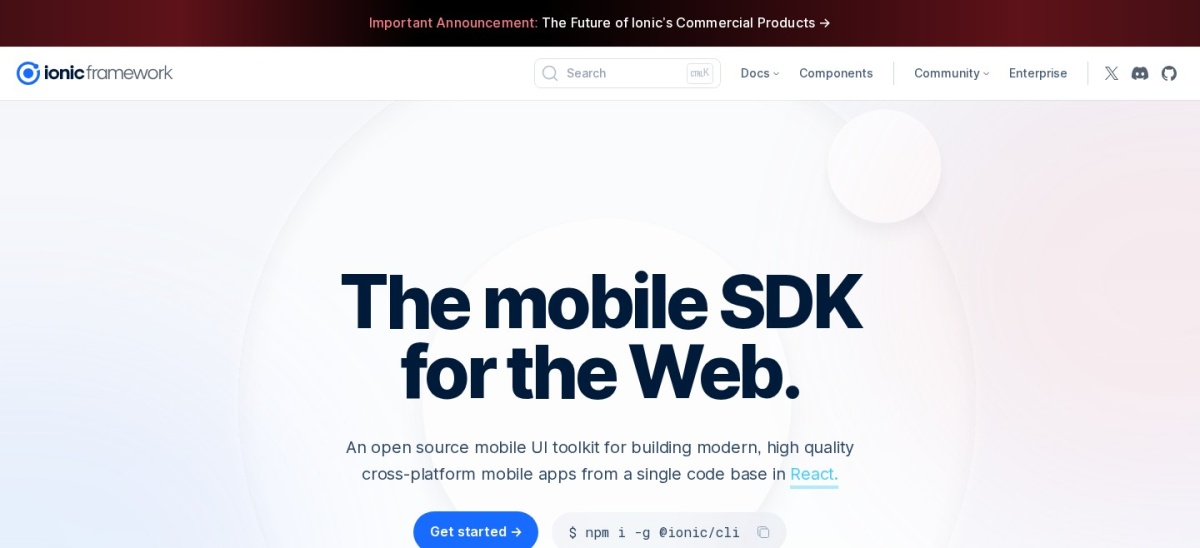
Ionic is a free, open-source mobile UI toolkit that builds apps for iOS, Android, desktop and the web from one codebase. It works with Angular, React or Vue and uses Capacitor to reach native device features.
The trade off is the paid cloud layer. Ionic stopped selling Appflow to new customers in February 2025, so teams must arrange their own builds and live updates. It suits web teams shipping mobile apps from code they already know.
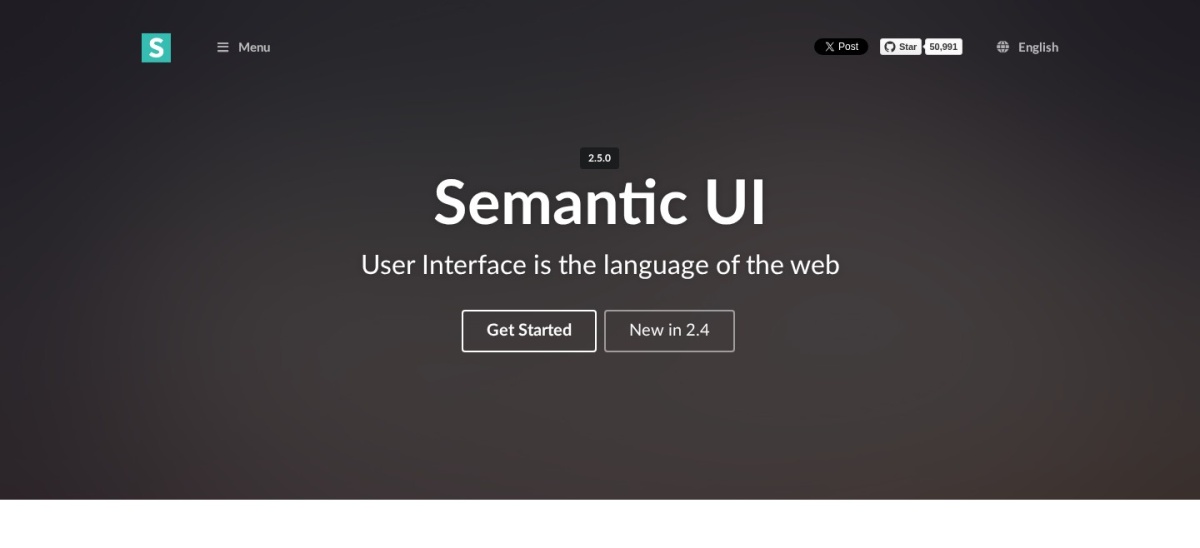
Semantic UI is a free CSS framework with components named in plain English, such as button, card and menu. Version 2.5.0 is the current release, and the project has 50,991 stars on GitHub.
The trade off is pace. Updates are infrequent, and reviewers note that customisation can be tricky, so it fits stable sites better than fast-moving projects. It suits developers who want readable class names and no build step.
Free tools cover the basics well. Bootstrap, Ant Design, Ionic and Semantic UI give you full component sets with no licence fee.
Paid tools mostly add data components and support. You get advanced grids, charts and schedulers, plus a support team to answer questions.
Per-developer pricing is the cost to watch. A $799 or $1,199 licence looks small for one developer, but a team of ten pays ten times that amount each year.
If your project is a marketing site or a small app, start free. Our guide on fixing CSS changes not showing is a useful check when a free framework does not look right after a change.
How we chose
We started from the best-known CSS frameworks and React component libraries that replace Tailwind CSS, then kept only those with a published rating on G2.
Prices come from each vendor's pricing page, checked on 29 November 2026. Ratings and review counts come from G2 on the same day. Where a vendor shows a sale, the list shows the regular price.
We left out popular picks with no public rating, such as Bulma, Chakra UI, Mantine and UnoCSS. No vendor paid for a place, and we do not claim to have used these tools ourselves.
How to choose an alternative to Tailwind CSS
Start with the framework your project already uses, then check price and component range.
Pick components or utilities first. If you want finished buttons, cards and tables, choose a component library. If you want full control over every class, keep a utility-first engine.
Match the framework to your stack. React teams fit Material UI or Ant Design, while plain HTML sites fit Bootstrap or Semantic UI. Do not add React only for a component library.
Count the cost per developer. Free tools cost nothing, while Kendo UI, DevExtreme and Syncfusion charge per developer each year. Multiply the licence by your team size before you commit.
Check the rating and the release pace. A high G2 rating helps, but also check the latest version date. Semantic UI is stable but slow to update, while Bootstrap and Ant Design ship new versions often.
FAQ
What are the best alternatives to Tailwind CSS?
Bootstrap is the best alternative to Tailwind CSS for most teams. It is free, ships ready-made components and is rated 4.5 out of 5 on G2 from 154 reviews. Material UI fits React apps best, and Ant Design fits large admin dashboards.
What is the cheapest alternative to Tailwind CSS?
Bootstrap, Ant Design, Ionic and Semantic UI are free, with no licence fee at all. The cheapest paid pick is Material UI, where the core library is free and MUI X Pro costs $15 a month per developer, or $180 a year.
Is there a free alternative to Tailwind CSS?
Yes. Bootstrap, Ant Design, Ionic and Semantic UI are all free and open source under the MIT licence. They give you ready-made components, so you write less CSS than with a utility-first framework.
Which alternative to Tailwind CSS is best for beginners?
Bootstrap is the best pick for beginners. It works with plain HTML, needs no build step, has clear docs and the largest review base in this list. Semantic UI is also simple, with class names that read like plain English.
Bootstrap vs Material UI: which is better?
Bootstrap is better for most teams because it is free, works with plain HTML and fits any stack. Material UI is better for React teams that want a Material Design look and advanced data components, with MUI X Pro at $15 a month per developer.
Is there a utility-first alternative to Tailwind CSS?
Yes, UnoCSS is the closest utility-first match, but it has no published G2 rating, so it is not in this ranked list. If you want the same class-driven workflow with more control over presets, UnoCSS is worth a look on its own site.
SaaS SEO and WordPress specialist with about 8 years of experience. Rakib compares WordPress plugins, themes, hosting and software using public pricing, documentation and user reviews. See how we rank.