NGINX is the best of the alternatives to Caddy for most sites: it is free and open source, rated 4.6/5 on G2, and proven at very high traffic. Pick Traefik for automatic HTTPS in containers, or Apache if you need .htaccess support.
How we make this list: we compare pricing pages, product documentation and public user reviews, then re-check every price before each update. No product paid for a place. Disclosure.
NGINX is the strongest all-round replacement: free, open source and rated 4.6/5 on G2 from 113 reviews.
Traefik is the only pick here with automatic HTTPS like Caddy, issuing Let's Encrypt certificates on its own.
HAProxy has the highest rating in the list at 4.7/5 from 912 G2 reviews, but it is a load balancer, not a file server.
LiteSpeed is the only pick with a paid entry plan under $150 a year: Site Owner at $10 a month.
Seven of the nine tools are free and open source, and the paid tiers of most others are quote-only.
How do you choose among the alternatives to Caddy?
Caddy's appeal is simple: automatic HTTPS and a short config file. No alternative matches both at once, so start by deciding which of the two matters more to you.
If automatic HTTPS is the priority, Traefik is the closest match. It issues and renews Let's Encrypt certificates on its own, and Kong Gateway also handles certificates through plugins.
If raw serving power matters more, NGINX and Apache are the proven picks. Our guide on NGINX vs Apache vs LiteSpeed for WordPress compares the three on speed and setup for WordPress sites.
Price spreads widely. Most picks here are free, LiteSpeed starts at $10 a month, and NGINX Plus starts at $2,500 a year per instance.
Some picks are specialists, not replacements. HAProxy balances traffic and Varnish caches it, so both work best beside a web server rather than instead of one.
NGINX is a free, open-source web server, reverse proxy and load balancer that powers a large share of the busiest sites. The open-source version is free and covers HTTP serving, TLS, caching and load balancing, while NGINX Plus adds a dashboard, live monitoring and support from $2,500 a year per instance.
The trade off is setup. NGINX has no built-in automatic HTTPS like Caddy, so certificates and renewals need Certbot or a similar tool, and configuration is a text file rather than a short Caddyfile. It suits teams that want proven scale and do not mind extra setup.
What we like
Free and open source, with a huge user base
Proven at very high traffic and concurrency
Strong load balancing, caching and TLS support
Rated 4.6/5 on G2 from 113 reviews
Watch out for
No automatic HTTPS out of the box
Text-file config has a learning curve
NGINX Plus starts at $2,500 a year
NGINX Plus adds monitoring, support and a dashboardVisit nginx.com
02
HAProxy
4.7/5on G2 (912 reviews, checked Nov 2026)
PriceFree
Best for load balancing at scale
Free versionOpen source, free
Automatic HTTPSNo, needs Certbot
Load balancingYes, advanced
Paid planEnterprise, contact sales
haproxy.org
HAProxy homepage, captured Nov 2026.
HAProxy is a free, open-source load balancer and reverse proxy known for handling very high traffic with low resource use. The community edition is free and covers TCP and HTTP load balancing, health checks, TLS termination and rate limiting.
The trade off is that HAProxy is a proxy, not a full file server. It serves static files poorly beside a web server, and it has no automatic HTTPS, so pair it with a web server or Certbot. It suits high-traffic sites that need a dedicated load-balancing layer.
Apache HTTP Server is the free, open-source web server that has served sites since 1995. It is free, runs almost everywhere, and supports .htaccess files, so per-directory rules work without touching the main config.
The trade off is speed under heavy load. Apache uses more memory per connection than NGINX or Caddy, and it has no automatic HTTPS, so certificates need Certbot. It suits shared hosting and sites that rely on .htaccess rules.
Traefik is a free, open-source reverse proxy that finds services on its own in Docker and Kubernetes. It issues and renews Let's Encrypt certificates automatically, so it comes closest to Caddy on hands-free HTTPS.
The trade off is scope. Traefik is a proxy, not a file server, so it needs a back-end app or server behind it, and advanced security features sit in paid tiers with contact-only pricing. It suits container teams that want routing with little manual config.
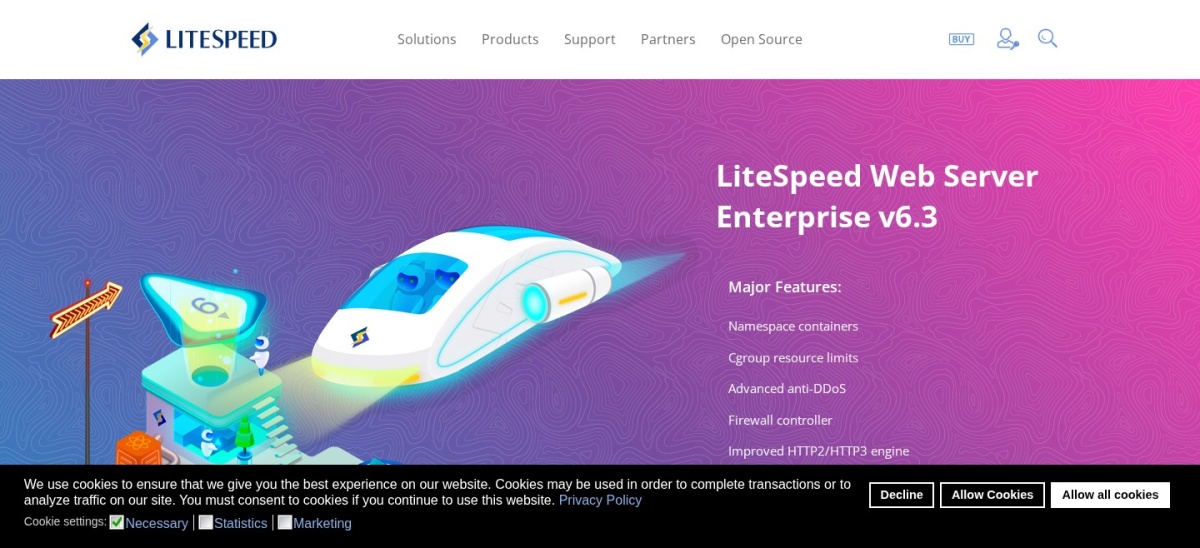
LiteSpeed Web Server is a commercial web server built as a drop-in replacement for Apache, with a free Starter licence for one domain. It reads Apache config and .htaccess files directly, adds HTTP/3 and its own page cache, and paid licences start at $10 a month.
The trade off is cost and limits. The free Starter covers one domain only, and the full feature set needs a paid licence, with yearly billing at $110 a year for Site Owner. It suits hosts and WordPress sites that want Apache behaviour with more speed.
OpenLiteSpeed is the free, open-source edition of LiteSpeed Web Server. It is free, reads Apache config and .htaccess files, and includes the LiteSpeed cache, so it brings LiteSpeed speed to single sites without a licence fee.
The trade off is limits. OpenLiteSpeed caps workers and lacks some enterprise features, such as the full cache extras and priority support. It suits single sites and developers who want LiteSpeed performance for free.
Varnish Cache is a free, open-source HTTP accelerator that sits in front of a web server and serves repeat requests from memory. It is free and can cut load sharply on busy sites, which is why hosts pair it with Apache or NGINX.
The trade off is that Varnish is not a web server on its own. It does not terminate TLS, so it needs a proxy such as Hitch or NGINX for HTTPS, and its config language takes learning. It suits busy sites that need a fast cache layer.
Kong Gateway is a free, open-source API gateway built on NGINX that routes, secures and monitors API traffic. The open-source edition is free and covers routing, rate limiting, authentication plugins and load balancing.
The trade off is focus. Kong is built for APIs and services, not for serving a plain website, and its hosted Konnect platform is priced per gateway with no public rate. It suits teams running many APIs behind one entry point.
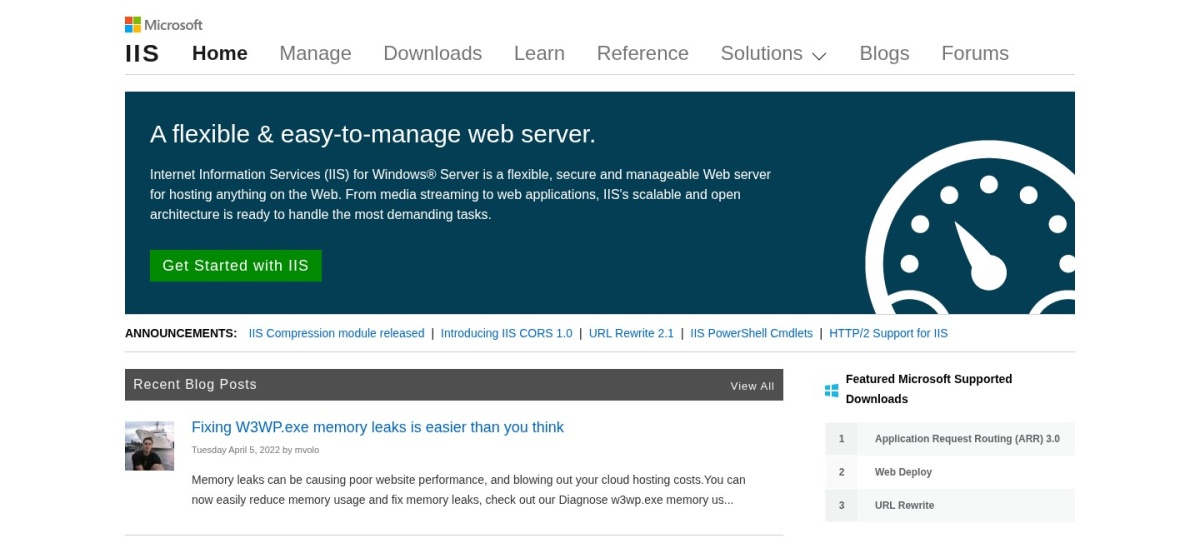
Microsoft IIS is the web server built into Windows Server, so it is the natural pick for .NET and ASP.NET sites. It ships with the server, offers a graphical manager instead of text config, and handles Windows authentication natively.
The trade off is platform. IIS runs on Windows Server only, so it needs a Windows licence and server, and it has no automatic HTTPS like Caddy. It suits teams already running Windows and .NET apps.
What we like
Native .NET and Windows support
Graphical management console
Included with Windows Server
Rated 4.3/5 on G2 from 63 reviews
Watch out for
Windows only, no Linux version
Needs a Windows Server licence
No automatic HTTPS out of the box
Runs on Windows Server; the server licence is separateVisit iis.net
Free vs paid: what you give up
Seven of the nine tools here are free and open source, and their free editions cover serving, proxying and caching for most sites.
Paid plans mostly add support, dashboards and scale. NGINX Plus adds monitoring and support, while LiteSpeed licences add domains and workers.
Most paid tiers in this list are quote-only, so confirm the price with the vendor before planning a budget around it.
If automatic HTTPS is the one feature you cannot lose, pick Traefik. No other free pick here issues certificates on its own.
How we chose
We started from the web servers and proxies most often named as Caddy replacements, then kept nine established tools with a public rating and a free edition.
Prices come from each vendor's pricing page or vendor-supplied pricing on G2, checked on 29 November 2026. Ratings come from G2 on the same day. Where a vendor shows no public price, the list shows $0 for the free edition and notes that paid tiers are quote-only.
We left out tools with no usable public rating, such as Envoy Proxy, which has only one G2 review. No vendor paid for a place, and we do not claim to have used these tools ourselves.
How to choose a Caddy alternative
Start with what Caddy gave you, then match the replacement to that need.
Decide whether you need automatic HTTPS. If free automatic certificates matter most, Traefik is the closest match. Otherwise plan for Certbot with NGINX or Apache.
Match the tool to the job. Use NGINX or Apache to serve sites, HAProxy to balance traffic, and Varnish to cache it. See our NGINX vs Apache vs LiteSpeed guide for the WordPress case.
Check the free edition's limits. LiteSpeed's free Starter covers one domain, and OpenLiteSpeed caps workers. Make sure the free tier fits before you commit.
Count the paid cost before you scale. NGINX Plus starts at $2,500 a year, while most others are free or quote-only. Confirm the paid tier price with the vendor first.
FAQ
What is the best alternative to Caddy in 2026?
NGINX is the best alternative to Caddy for most sites. It is free and open source, rated 4.6/5 on G2 from 113 reviews, and proven at very high traffic. It lacks Caddy's automatic HTTPS, so add Certbot for certificates.
Is there a free alternative to Caddy with automatic HTTPS?
Yes, Traefik is the closest free match. Its open-source edition issues and renews Let's Encrypt certificates automatically, like Caddy does. Kong Gateway also handles certificates through plugins, but it is built for APIs rather than plain sites.
How much does NGINX Plus cost?
NGINX Plus starts at $2,500 a year for a single instance, according to vendor-supplied pricing on G2. The open-source version of NGINX is free. The official pricing page now routes to sales, so confirm the current rate with F5 before buying.
Which Caddy alternative is best for WordPress hosting?
LiteSpeed Web Server is the best pick for WordPress hosting, thanks to its built-in cache and Apache compatibility. OpenLiteSpeed gives the same speed free for a single site. NGINX is the stronger pick if you run many sites on one server.
Which Caddy alternative is easiest for beginners?
None matches Caddy's one-line config, but Microsoft IIS is the easiest to manage thanks to its graphical console. Apache is the next easiest, because it has the most tutorials and runs on almost every shared host.
NGINX or HAProxy: which is better as a Caddy alternative?
NGINX is better if you need a web server, since it serves sites, proxies and balances traffic in one tool. HAProxy is better if you only need load balancing, as it is faster at that one job and rated 4.7/5 from 912 G2 reviews.
SaaS SEO and WordPress specialist with about 8 years of experience. Rakib compares WordPress plugins, themes, hosting and software using public pricing, documentation and user reviews. See how we rank.