Developer · Explainer
What Is z-index in WordPress? Fixing Overlapping Menus, Headers and Pop-ups
Short answer
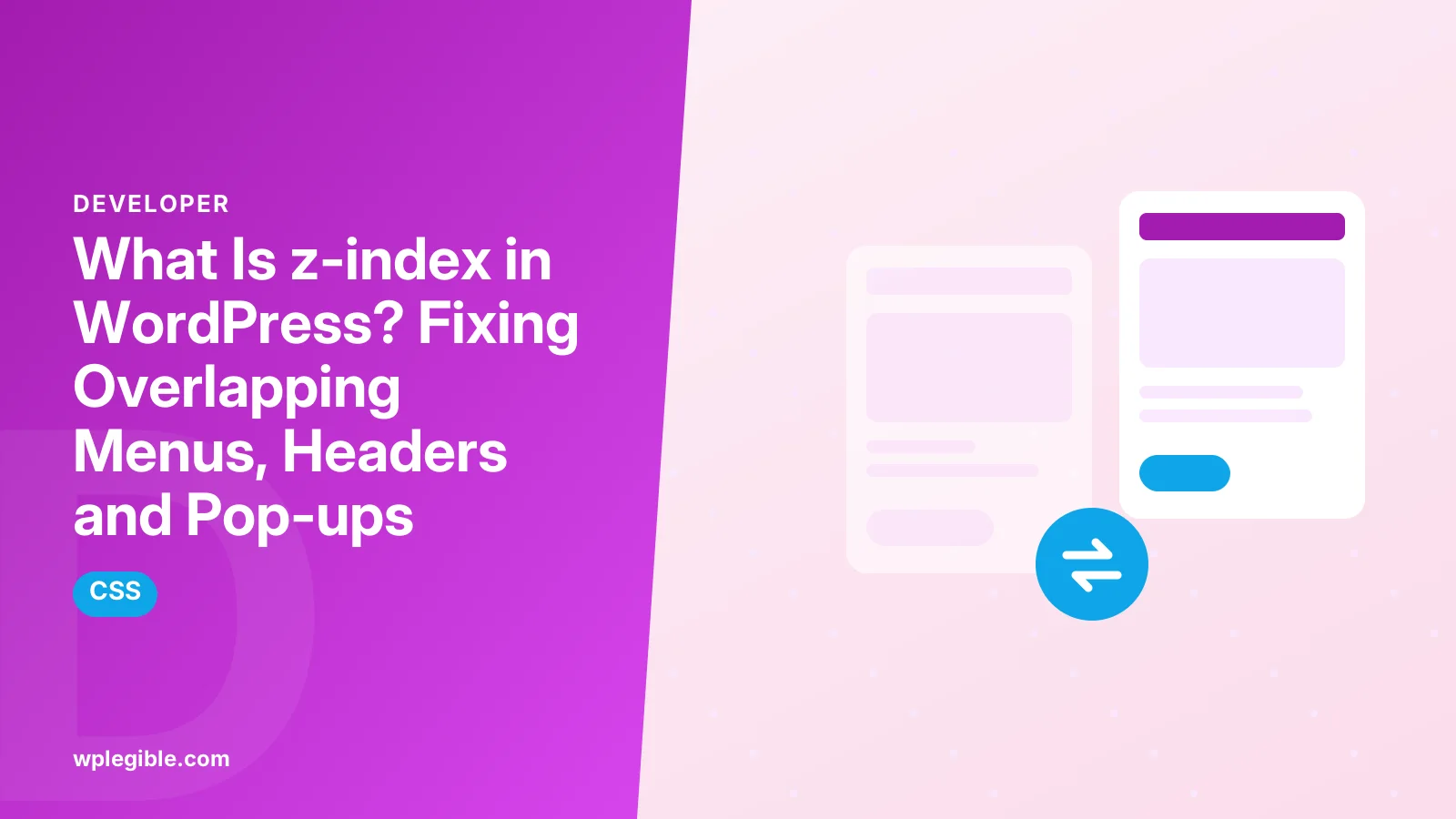
z-index is a CSS property that controls which overlapping elements appear in front of others on a page. In WordPress it decides whether menus, sticky headers, pop-ups and sliders sit on top or get hidden behind other content. It only works on positioned elements, and stacking contexts can limit it, which is why raising the number does not always help.
Key takeaways
- z-index controls the front-to-back order of overlapping elements.
- It only affects positioned elements, such as relative, absolute, fixed or sticky.
- Stacking contexts mean a child can never rise above its parent's layer.
- Hidden menus and covered pop-ups are the most common z-index problems.
- Add fixes as custom CSS in the Site Editor, Customizer or a child theme.
What is z-index?
z-index is a CSS property that sets the stacking order of elements that overlap, so an element with a higher value appears in front of elements with lower values in the same stacking context.
Web pages are flat, but elements can overlap. Drop-down menus, sticky headers, pop-ups and sliders all need to sit above other content.
MDN's reference for z-index explains the values it accepts and how browsers apply them.
WordPress itself does not add a z-index setting. It comes from your theme, plugins and any custom CSS.
How does z-index work?
Browsers paint positioned elements with higher z-index values above those with lower values, but only within the same stacking context, and only when the element has a position other than static.
A value can be positive, negative or zero. The default, auto, keeps the element in normal stacking order.
| Value | Effect |
|---|---|
| auto | Follows the normal order |
| 0 | Same level as other zero elements, creates a stacking context |
| Positive number | Sits above lower values |
| Negative number | Sits behind its parent's content |
Huge numbers such as 999999 work, but they make later fixes harder. Use a small, planned scale instead.
The free Learn CSS course on web.dev has a clear lesson on z-index and stacking with interactive examples.
What is a stacking context?
A stacking context is a group of elements stacked together as one layer; children can be ordered inside it, but they can never appear above an element outside it that sits higher.
MDN's guide to stacking contexts lists the properties that create one.
Common triggers include a z-index on a positioned element, opacity below 1, transforms, filters and position fixed or sticky.
This is why raising a menu's z-index sometimes changes nothing. Its parent header is in a lower stacking context.
Why does a transform break layering?
Any transform, even a tiny one used for animation, creates a new stacking context, which can trap drop-downs or tooltips beneath the next section.
Page builders often add transforms for entrance animations. Turning off the animation on the parent section can fix the overlap.
Where does z-index cause problems in WordPress?
Typical problems are drop-down menus hidden behind sliders, sticky headers covered by content, pop-ups behind the admin bar or chat widgets, and cookie banners blocking buttons.
The WordPress admin bar uses a high z-index so it stays on top for logged-in users. Some fixed headers clash with it.
Check problems logged out as well. Without the admin bar, the layout may already be fine for visitors.
Third-party widgets such as chat buttons, cookie banners and reviews badges add their own high values. They often win against theme elements by default.
If a pop-up never appears, our guide on WordPress pop-ups not working covers z-index together with script and caching causes.
How do you find a z-index problem?
Right-click the hidden element, choose Inspect, and look at its position and z-index in the Styles or Computed panel, then check its parent elements for stacking contexts.
Chrome's DevTools CSS reference shows how to view and edit styles live in the browser.
Try a higher value directly in DevTools first. If it works there, you know the fix before touching any files.
Walk up the parent elements. The one with a transform, opacity or its own z-index is often the real culprit.
How do you fix a menu hidden behind content?
Give the header or navigation container a position and a higher z-index than the content below it, so the whole header layer, including its drop-downs, sits above the page.
Fixing the parent usually works better than raising the drop-down itself.
.site-header {
  position: relative;
  z-index: 100;
}
Replace the selector with your theme's header class, which you can find with DevTools.
Keep the rule as specific as needed but no more. A short, clear selector is easier to maintain after theme updates.
How do you fix a sticky header covered by content?
Sticky and fixed headers need a z-index higher than any section that scrolls under them, and sections with transforms or their own stacking contexts may need lower values.
Page builder sections often set their own z-index. Check the builder's advanced settings for a z-index field.
If the header covers the admin bar for logged-in users, add top spacing equal to the admin bar height only when the admin bar is present.
Test on mobile too. Mobile menus often use different elements from the desktop menu.
Where should you add z-index CSS in WordPress?
Add small fixes in the Site Editor's custom CSS or the Customizer's Additional CSS, and put larger theme changes in a child theme so updates do not erase them.
In block themes, open Appearance > Editor > Styles and use the Additional CSS option.
Our explainer on what a child theme is explains why theme files should not be edited directly.
If your CSS does not apply, our guide on child theme style.css not working covers loading order and specificity.
Do page builders have z-index settings?
Yes. Most page builders include a z-index field in each section or widget's advanced settings, which is easier and safer than writing CSS for builder layouts.
Set values consistently across the site, for example 10 for raised content, 100 for headers and 1000 for pop-ups.
Remember that builder animations and motion effects can create stacking contexts.
After changes, clear caches. Our guide on CSS changes not showing helps if old styles persist.
How do you plan a z-index scale?
Pick a short list of values for each layer type, such as content, dropdowns, sticky header, overlays and pop-ups, document them, and reuse them instead of inventing new numbers.
A simple scale prevents an arms race where each fix uses a bigger number than the last.
CSS custom properties make this easy. Define variables once and use them in every rule.
The CSS specification on layered presentation is the formal source for how stacking works, if you want the full detail.
Is z-index related to SEO or speed?
Not directly; z-index does not affect rankings or load time, but layering bugs that hide menus or cover content hurt usability, and intrusive overlays can hurt the visitor experience.
Pop-ups that cover main content on mobile are frustrating. Make them easy to close.
Test every overlay with a keyboard as well, so visitors can reach and close it without a mouse.
Keep CSS fixes small. Large override files are harder to maintain than one targeted rule.
Our guide on removing unused CSS helps keep stylesheets lean as fixes accumulate.
Frequently asked questions
What does z-index do in WordPress?
It controls which overlapping elements appear on top, such as menus, sticky headers and pop-ups. Higher values sit in front of lower ones in the same stacking context.
Why is my WordPress menu hidden behind the slider?
The header or menu container likely has a lower stacking order than the slider. Give the header a position and a higher z-index than the slider section.
Why does a higher z-index not work?
The element may not be positioned, or its parent creates a lower stacking context through a transform, opacity or its own z-index. Fix the parent instead.
Where do I add z-index CSS in WordPress?
Use the Additional CSS option in the Site Editor or Customizer for small fixes, a page builder's z-index field, or a child theme for larger changes.
Does z-index affect SEO?
No, not directly. But layering bugs that hide navigation or cover content make sites harder to use, which can affect how visitors engage.
Sources
- z-index MDN Web Docs
- Stacking context MDN Web Docs
- CSS features reference Chrome for Developers
- Visual formatting model: layered presentation W3C
Is your product missing, or something out of date?
Tell us what to add or correct. We read every note and reply when we need a source. A message does not buy a ranking.
Thanks — we review requests within 3 business days.
Related guides
About the editors
Researched from the primary sources listed above and checked against our editorial rules before publishing.