Explainers · Explainer
What Is WordPress Taxonomy? Explained
Short answer
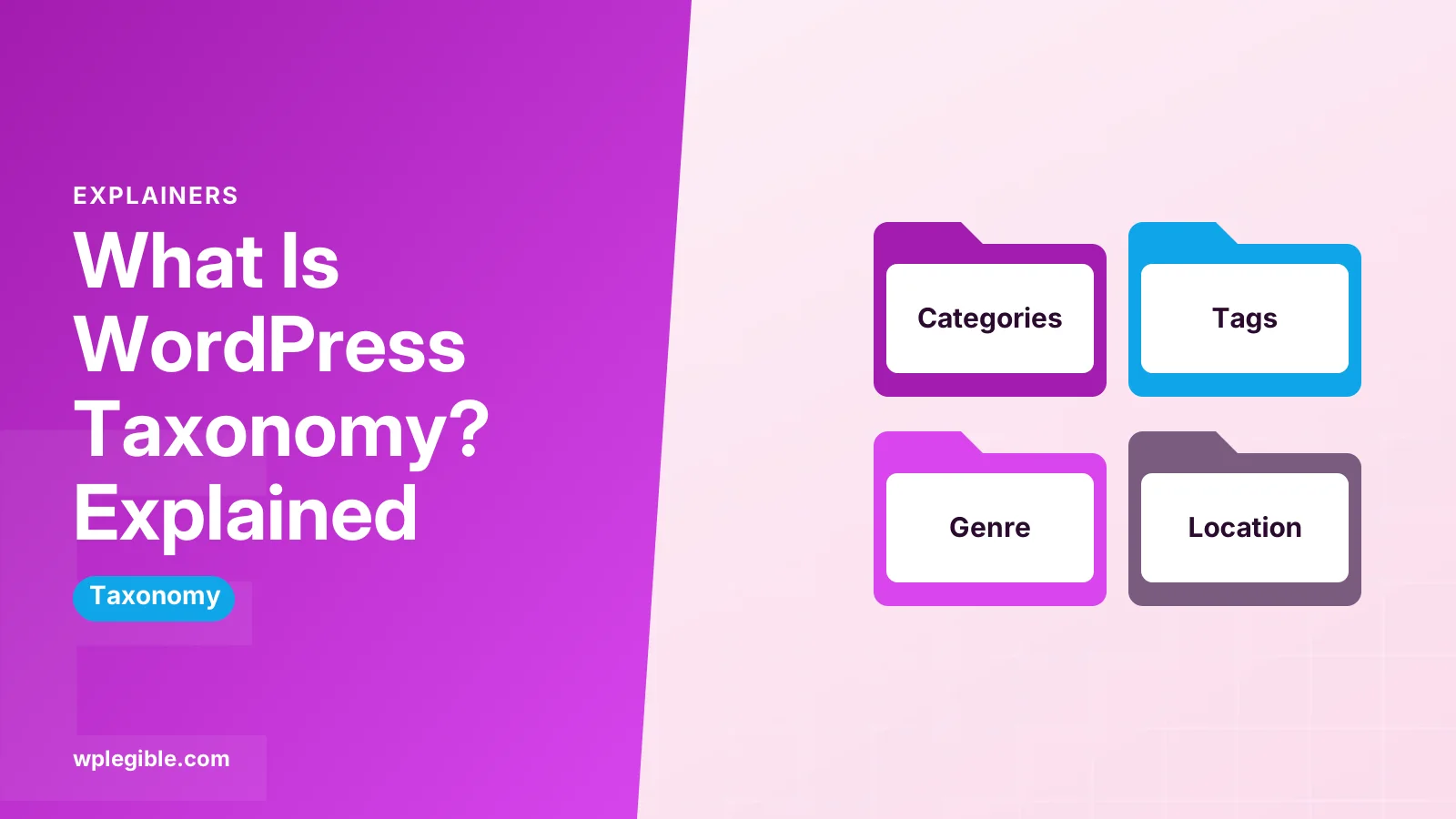
A WordPress taxonomy is a system for grouping content. The two default ones are categories and tags, which sort posts by topic. Each group inside a taxonomy is called a term, and you can create custom taxonomies, such as Genre or Location, for your own content types.
Key takeaways
- A taxonomy is a grouping system; each group inside it is a term.
- Categories are hierarchical, while tags are flat.
- Custom taxonomies suit content like recipes, books or properties.
- WooCommerce uses taxonomies for product categories, tags and attributes.
- Keep taxonomies small and clear to avoid thin archive pages.
What does taxonomy mean in WordPress?
In WordPress, a taxonomy is a way of grouping content, and the two you see by default are categories and tags, which sort your posts into topics readers and search engines can browse.
The word comes from biology, where taxonomy means classifying living things into groups. WordPress borrows the idea for content.
A taxonomy is the grouping system itself. The individual groups inside it are called terms. So Category is a taxonomy, and Recipes or News are terms within it.
Every post can belong to one or more terms. WordPress then creates archive pages that list all posts in a term, such as yoursite.com/category/recipes/.
What are the default taxonomies in WordPress?
WordPress ships with four built-in taxonomies: categories, tags, link categories and post formats, though most site owners only ever work with categories and tags.
- Categories: hierarchical groups for broad topics. A category can have child categories.
- Tags: flat, non-hierarchical labels for specific details.
- Post formats: a hidden taxonomy that stores formats like aside, gallery or quote for themes that support them.
- Link categories: used by the old Links Manager, which is hidden on modern sites.
The developer handbook lists these in its taxonomies chapter, along with how custom ones work.
Categories and tags are the ones that shape your site structure. Our guide on what categories are in WordPress covers categories in more depth.
What is the difference between categories and tags?
Categories are broad, hierarchical groups that every post must belong to, while tags are optional, flat labels for specific details that can cut across categories.
| Categories | Tags | |
|---|---|---|
| Structure | Hierarchical (parent and child) | Flat, no hierarchy |
| Required | Yes, defaults to Uncategorized | No |
| Typical number per post | One or two | A few |
| Purpose | Main topics and site sections | Specific details and keywords |
| Archive URL | /category/name/ | /tag/name/ |
Think of categories as the chapters of a book and tags as the index at the back.
A food blog might use categories like Breakfast, Dinner and Desserts, and tags like gluten-free, vegan or air fryer. Our comparison of categories vs tags has more examples.
What is a term in a WordPress taxonomy?
A term is a single item within a taxonomy, such as the category News or the tag beginner, and each term has a name, a slug, an optional description and, for hierarchical taxonomies, an optional parent.
You manage terms from screens like Posts > Categories and Posts > Tags. Each term has:
- Name: what readers see.
- Slug: the URL-friendly version, used in the archive address.
- Parent: only for hierarchical taxonomies like categories.
- Description: some themes show this on the archive page.
Behind the scenes, WordPress stores terms in the wp_terms table. It links them to taxonomies in wp_term_taxonomy and to posts in wp_term_relationships.
What is a custom taxonomy?
A custom taxonomy is a grouping system you create yourself, such as Genre for books or Location for properties, when categories and tags do not describe your content well.
Examples of custom taxonomies:
- A recipe site with Cuisine and Diet.
- A real estate site with Property Type and City.
- A job board with Job Type and Industry.
- A store with Brand, used alongside product categories.
Custom taxonomies are often paired with custom post types. A Books post type might have Genre and Author taxonomies. Our explainer on custom post types shows how the two fit together.
Like the defaults, a custom taxonomy can be hierarchical like categories or flat like tags.
How do you create a custom taxonomy?
You can create a custom taxonomy with a plugin that offers a settings screen, or in code with the register_taxonomy() function hooked to init.
A minimal code example for a Genre taxonomy on posts:
add_action( 'init', function () {
    register_taxonomy( 'genre', 'post', array(
        'label'        => 'Genres',
        'hierarchical' => true,
        'public'       => true,
        'show_in_rest' => true,
        'rewrite'      => array( 'slug' => 'genre' ),
    ) );
} );
The show_in_rest setting matters. Without it, the taxonomy does not appear in the block editor sidebar.
The full list of arguments is in the register_taxonomy() reference.
Put this code in a small custom plugin or a code snippets plugin rather than your theme's functions.php file. That way the taxonomy survives a theme change.
After adding a new taxonomy, visit Settings > Permalinks and click Save so WordPress refreshes its URL rules.
How does WooCommerce use taxonomies?
WooCommerce relies on taxonomies to organise products, using product categories, product tags, product attributes and brands to sort and filter the catalogue.
- Product categories (product_cat): hierarchical groups such as Clothing > T-shirts.
- Product tags (product_tag): flat labels like summer or gift idea.
- Attributes: global attributes such as Size or Colour are stored as taxonomies with a pa_ prefix.
- Product type and visibility: stored as hidden taxonomies.
WooCommerce explains how to manage these in its guide to product taxonomies.
Because attributes are taxonomies, shoppers can filter by them and each value can have its own archive. Our guide on showing product categories in WooCommerce shows them in action.
How do taxonomies affect SEO?
Taxonomies help SEO by grouping related content and creating archive pages that link posts together, but too many thin tag or category pages can create low-value duplicate pages.
Good practice:
- Keep categories few and meaningful. Each one should describe a real section of your site.
- Use tags sparingly. A tag used on one post creates an archive page with one item.
- Write short descriptions for important category pages so they are more than a list of links.
- Consider setting rarely used tag archives to noindex with your SEO plugin.
Our guide on category and tag pages for SEO covers indexing choices in detail.
Google explains how the noindex rule works in its guide to blocking indexing with noindex.
Taxonomy slugs also show up in URLs. If you use a permalink structure that includes the category, renaming a category later changes post URLs. Plan your main categories before you publish a lot of content.
How do you display taxonomy terms on your site?
Themes show terms automatically on posts and archive pages, and in block themes you can add them anywhere with the Post Terms block or list them with the Categories and Tag Cloud blocks.
In the Site Editor:
- Open the Single Posts template.
- Add a Post Terms block where you want the categories or tags to appear.
- Choose which taxonomy it shows in the block settings.
For lists of all terms, use the Categories List block, or the Terms List block in recent versions. Our guide on displaying all categories in WordPress has step-by-step options.
Developers can output terms in PHP with functions like get_the_terms() and the_terms().
What are common taxonomy mistakes?
The most common mistakes are leaving posts in Uncategorized, creating too many overlapping categories and tags, and using tags as a dumping ground for keywords.
- Rename Uncategorized to something useful, or set a new default under Settings > Writing.
- Avoid categories and tags with the same name. They compete with each other in search.
- Do not add dozens of tags per post. Pick a few that readers would actually browse.
- Merge or remove terms that only hold one post.
A short, clear taxonomy is easier for readers to browse and easier for you to maintain as your site grows.
Frequently asked questions
What is a taxonomy in WordPress in simple terms?
It is a way to group related content. Categories and tags are the two taxonomies most people use. Each group, such as a category named News, is called a term, and WordPress creates archive pages listing the posts in each term.
Are categories and tags both taxonomies?
Yes. Categories and tags are the two main default taxonomies in WordPress. Categories are hierarchical and every post needs at least one, while tags are flat and optional.
What is the difference between a taxonomy and a term?
The taxonomy is the grouping system, such as Category. A term is one group inside it, such as Recipes or Travel. Posts are assigned to terms, and each term usually gets its own archive page.
Do I need a plugin to create a custom taxonomy?
No. You can register one in code with the register_taxonomy function. Plugins make it easier by giving you a settings screen, which suits people who prefer not to write code.
Can a custom taxonomy be used with pages?
Yes. When you register a taxonomy you choose which post types it applies to, including pages or custom post types. Make sure it is set to show in the REST API so it appears in the block editor.
Sources
- Taxonomies WordPress Plugin Handbook
- register_taxonomy() function reference WordPress Developer Resources
- Managing product taxonomies WooCommerce
- Taxonomy Wikipedia
Is your product missing, or something out of date?
Tell us what to add or correct. We read every note and reply when we need a source. A message does not buy a ranking.
Thanks — we review requests within 3 business days.
Related guides


About the editors
Researched from the primary sources listed above and checked against our editorial rules before publishing.