Explainers · Explainer
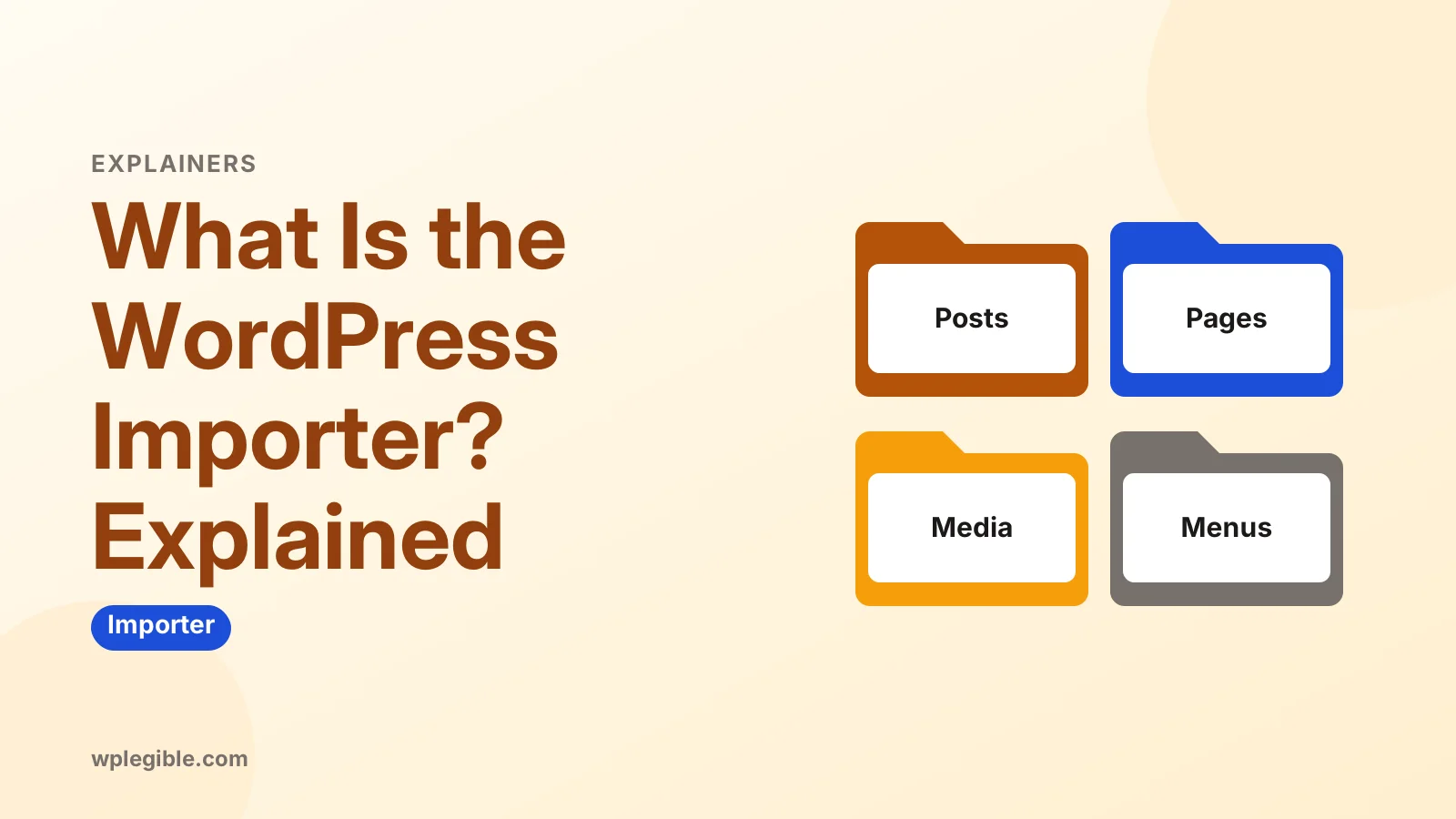
What Is the WordPress Importer? Explained
Short answer
The WordPress Importer is a free official plugin that reads a WordPress XML export file and recreates its posts, pages, comments, custom fields, terms, menus and authors on another site. It can also download media, but it does not move themes, plugins or settings.
Key takeaways
- The WordPress Importer reads WXR export files made under Tools > Export.
- It imports posts, pages, comments, terms, menus, custom fields and authors.
- Media is downloaded from the old site, so that site must still be online.
- It does not move themes, plugins, settings, widgets or passwords.
- Large imports can time out, so split the file or use WP-CLI.
- Use a migration plugin instead when you need a full site copy.
What is the WordPress Importer?
The WordPress Importer is a free official plugin that reads a WordPress export file, known as a WXR file, and brings its posts, pages, comments, custom fields, categories, tags, menus and authors into another WordPress site.
It is the other half of the built-in export tool. You export content from one site under Tools > Export, then import that file on another site with the WordPress Importer.
The plugin is maintained by the WordPress project and listed on WordPress.org as WordPress Importer. It is not bundled with core, so WordPress installs it the first time you click Run Importer.
People use it to:
- Move content from one WordPress site to another.
- Copy blog posts from a test site to a live site.
- Load demo content that came with a theme.
- Merge two small blogs into one.
It moves content, not whole sites. Themes, plugins, settings and most widgets stay behind.
How does the WordPress Importer work?
You upload an XML export file, assign or create authors, choose whether to download attachments, and the plugin creates each item on the new site from the data in the file.
The export file uses a format called WXR, short for WordPress eXtended RSS. It is an XML file based on the RSS 2.0 format with extra WordPress fields added.
When you run an import, the plugin:
- Reads the file and lists the authors it found.
- Asks you to map each author to an existing user or create a new one.
- Creates terms such as categories and tags.
- Creates posts, pages and custom post types with their content and meta.
- Adds comments to the right posts.
- Optionally downloads images and files from the old site.
You start it from Tools > Import. The official Tools Import screen documentation shows the list of importers available there.
If you still need the export file, our guide on getting a WordPress XML file explains how to create one.
What does the WordPress Importer bring across?
It imports posts, pages, custom post types, comments, custom fields, categories, tags, custom taxonomy terms, navigation menus, authors and, optionally, media attachments.
Here is what it does and does not handle:
| Content | Imported? | Notes |
|---|---|---|
| Posts and pages | Yes | Including drafts and private items |
| Custom post types | Yes | The post type must be registered on the new site |
| Comments | Yes | Attached to their posts |
| Categories, tags, custom terms | Yes | Taxonomy must exist on the new site |
| Custom fields (post meta) | Yes | Stored as-is |
| Navigation menus | Yes | Menu locations need reassigning |
| Authors | Mapped or created | You choose during import |
| Media files | Optional | Downloaded from the old site's URLs |
| Theme and plugins | No | Install them separately |
| Site settings and options | No | Set them again by hand |
| Widgets and Customizer settings | No | Use a separate tool |
| Users' passwords | No | New users get new accounts |
That last part surprises people. If you need a full copy, including settings and design, use a migration plugin instead.
Where do WordPress export files come from?
Export files come from the Tools > Export screen on any self-hosted WordPress site or WordPress.com site, and many theme demos ship with one too.
On the export screen you can choose All content or a single type such as posts or pages. For posts, you can filter by category, author, date range and status.
The Tools Export screen documentation covers each option.
Other sources of WXR files:
- WordPress.com. Its export tool produces the same format.
- Theme demo content. Many themes include a sample XML file.
- Converters. Some tools convert content from other platforms into WXR.
Moving from another platform? We have guides for Blogger to WordPress and other common moves.
How do you use the WordPress Importer?
Go to Tools > Import, install and run the WordPress importer, upload your XML file, map the authors, tick the attachments box if you want media, then submit.
Step by step:
- Go to Tools > Import.
- Under WordPress, click Install Now, then Run Importer.
- Click Choose File, select your XML file, and click Upload file and import.
- For each author, pick an existing user or enter a new username.
- Tick Download and import file attachments if you want media copied.
- Click Submit and wait for the confirmation.
On large files, keep the browser tab open until you see All done. Closing it can stop the import partway.
For bigger jobs, the WP-CLI package offers a wp import command. It runs from the server, so browser timeouts are not a problem.
What are the limits of the WordPress Importer?
It struggles with large files, it depends on the old site being online to fetch images, it skips settings and design, and running it twice can create duplicates.
File size. Uploads are capped by your host's PHP upload limit. Large exports can time out. Split the export by date or post type, or use WP-CLI.
Attachments. The importer downloads media from the old site's URLs. If the old site is offline or blocks requests, images fail. Copy the uploads folder over FTP instead.
Duplicates. The importer checks for existing posts with the same title and date and skips them. Items that differ slightly can still be duplicated.
Old URLs in content. Links and image paths inside post content still point to the old domain. Run a search-and-replace afterwards.
Page builder content. Builder layouts stored in post meta usually import, but the builder plugin must be installed. Builder CSS may need regenerating.
Is the WordPress Importer the same as a migration plugin?
No. The importer moves content between sites, while a migration plugin copies the entire site, including the database, theme, plugins, settings and media files.
| Feature | WordPress Importer | Migration plugin |
|---|---|---|
| Posts, pages, comments | Yes | Yes |
| Media files | Downloads from old site | Copies directly |
| Theme and plugins | No | Yes |
| Settings and widgets | No | Yes |
| User passwords | No | Yes |
| Merge into existing site | Yes | No, it overwrites |
| Best for | Moving or merging content | Moving a whole site |
Choose the importer when you want to add content to a site that already has its own design and settings. Choose a migration tool when you are moving the whole site to a new host. Our guide to migrating a site with UpdraftPlus is a good place to start.
What are common WordPress Importer problems?
The most common problems are upload size errors, timeouts, failed image downloads and missing custom post types, and each has a simple workaround.
- The uploaded file exceeds the upload_max_filesize directive. Raise the limit or split the export. The PHP manual documents the upload settings.
- Import stops partway. Usually a timeout. Run it again, since already imported items are skipped, or use WP-CLI.
- Failed to import media. The old site is unreachable. Copy the uploads folder manually.
- Invalid post type. Install and activate the plugin that registers that type before importing.
- This does not appear to be a WXR file. The file is damaged, or it is not a WordPress export.
Always back up the destination site before importing. Our guide to backing up a WordPress site covers the options.
Who should use the WordPress Importer?
It suits bloggers and site owners moving or merging content, developers loading test content, and anyone setting up theme demo data, but not people moving a whole site.
Use it when:
- You are combining two blogs into one.
- You are moving posts into a site that already has its design set up.
- You want to load sample content on a development site.
Skip it when you need an exact clone of a site. A migration plugin or a manual database copy suits that better.
For WooCommerce stores, product data can be moved this way, but a dedicated CSV tool is usually easier. See our guide to importing WooCommerce products with images.
Frequently asked questions
Is the WordPress Importer built into WordPress?
Not quite. It is an official plugin maintained by the WordPress project, but it is not part of core. WordPress offers to install it the first time you click Run Importer under Tools, Import. After that it appears in your plugins list like any other plugin.
Does the WordPress Importer move images?
It can. Tick the option to download and import file attachments, and the plugin fetches each file from the old site's URL. If the old site is offline or blocks requests, images will fail, so copying the uploads folder by FTP is the backup plan.
Can I import the same file twice?
Yes, and the importer skips posts that already exist with the same title and date. That makes it safe to rerun after a timeout. Items that changed slightly between runs may still create duplicates, so check afterwards.
Does the WordPress Importer keep my SEO settings?
SEO plugin data stored as post meta, such as custom titles and descriptions, usually comes across because the importer copies custom fields. Global SEO plugin settings do not, since they live in options. Install the same SEO plugin on the new site first.
What is a WXR file?
WXR stands for WordPress eXtended RSS. It is an XML file based on the RSS format with extra fields for WordPress data like post meta, terms, comments and authors. It is the format created by the WordPress export tool.
Sources
- WordPress Importer WordPress.org Plugins
- Tools Import Screen WordPress.org Documentation
- Tools Export Screen WordPress.org Documentation
- wp import WP-CLI Command Reference
- Core php.ini directives PHP Manual
Is your product missing, or something out of date?
Tell us what to add or correct. We read every note and reply when we need a source. A message does not buy a ranking.
Thanks — we review requests within 3 business days.
Related guides

About the editors
Researched from the primary sources listed above and checked against our editorial rules before publishing.