Hosting · Explainer
What Is Managed WordPress GoDaddy? Explained
Short answer
GoDaddy Managed WordPress is WordPress-only hosting where GoDaddy installs WordPress and handles the server, core updates, backups and SSL. You manage content, themes and plugins through wp-admin and a GoDaddy dashboard instead of cPanel, with some plugin and server limits.
Key takeaways
- It is WordPress-only hosting with no cPanel.
- GoDaddy handles server, core updates, backups and SSL.
- Plugins, themes and content remain your job.
- Some plugins are blocked, mainly caching and backup tools.
- It suits beginners and small sites more than busy stores.
What is GoDaddy Managed WordPress?
GoDaddy Managed WordPress is a hosting product where GoDaddy installs WordPress for you and handles server setup, core updates, backups and SSL, so you mainly manage content, themes and plugins.
GoDaddy sells several kinds of hosting. Managed WordPress is the one built only for WordPress.
You do not get a general cPanel account. Instead, you get a WordPress site plus a GoDaddy dashboard with WordPress-specific tools.
In plain terms, managed means GoDaddy takes on routine server and WordPress maintenance. You still own the site, choose the theme, add plugins and write the content.
This is general information. Plan names, features and prices change, so check the GoDaddy WordPress hosting page for current details before you buy.
What does GoDaddy manage for you?
GoDaddy manages the server, WordPress installation, core updates, regular backups, SSL certificates and basic security, and adds tools like staging and malware scanning on some plans.
Typical managed features:
| Feature | What it means for you |
|---|---|
| WordPress preinstalled | No manual install or database setup |
| Automatic core updates | WordPress itself stays current |
| Backups | Regular backups you can restore from the dashboard |
| SSL | Certificate included, so your site runs on https |
| Caching and CDN | Built-in speed features, so you need fewer plugins |
| Security | Firewall and malware scanning on some plans |
| Staging | A test copy on some plans |
What GoDaddy does not fully manage: your plugins, your theme, and your content. Plugin and theme updates are your job unless you turn on auto-updates in WordPress.
The general idea behind managed hosting is explained in our guide on whether managed WordPress hosting is worth it.
How is it different from GoDaddy's regular web hosting?
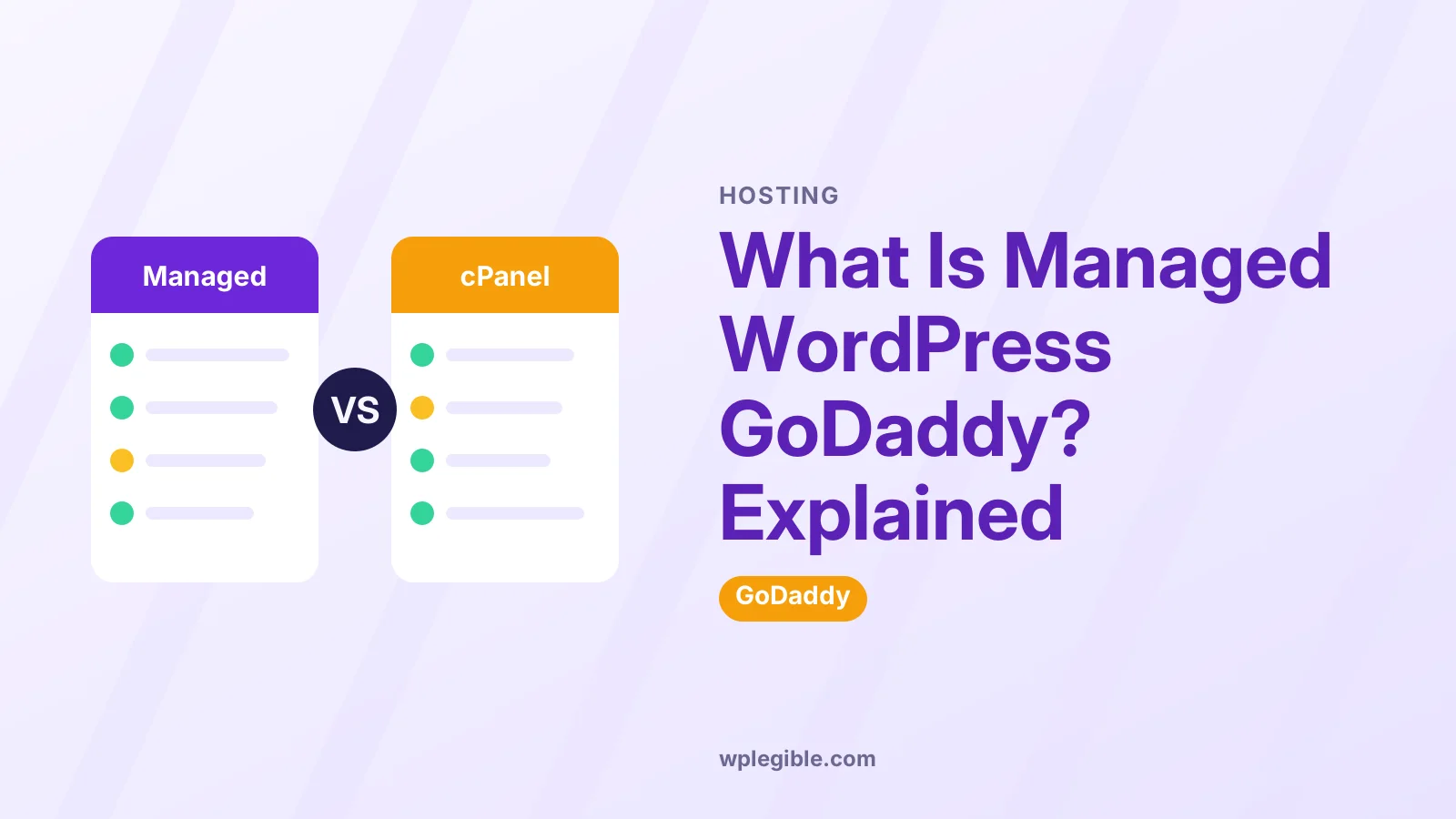
Regular GoDaddy web hosting gives you cPanel and lets you run any PHP app, while Managed WordPress runs only WordPress and replaces cPanel with a simpler WordPress dashboard.
| Point | Web hosting (cPanel) | Managed WordPress |
|---|---|---|
| Apps | Any PHP app, including WordPress | WordPress only |
| Control panel | cPanel | GoDaddy WordPress dashboard |
| WordPress updates | You handle them | Core updates handled |
| Backups | Depends on plan or add-ons | Included |
| Server access | Broader | More limited |
| Best for | Mixed projects, multiple apps | One or more WordPress sites |
If you want email accounts, other scripts or many small sites in one place, cPanel hosting can be more flexible. If you only run WordPress and want less maintenance, Managed WordPress is simpler.
Our comparison of shared, VPS and managed WordPress hosting explains where each type fits.
Is GoDaddy Managed WordPress the same as WordPress.com?
No, GoDaddy Managed WordPress runs the self-hosted WordPress software from WordPress.org on GoDaddy servers, while WordPress.com is a separate hosted service run by Automattic.
On GoDaddy Managed WordPress you get a normal wp-admin, can install plugins and themes from the WordPress plugin directory, and can move the site to another host later.
GoDaddy is not WordPress, and WordPress is not GoDaddy. GoDaddy is one of many companies that host it. Our explainer on whether WordPress is the same as GoDaddy clears up the naming.
What are the limits of GoDaddy Managed WordPress?
Managed WordPress limits some server access and may block certain plugins, especially caching and backup plugins that duplicate GoDaddy's own tools or strain shared servers.
Common limits:
- Disallowed plugins. GoDaddy keeps a list of plugins it does not allow on Managed WordPress. Many are caching, backup or heavy plugins. Check GoDaddy's help center for the current list.
- No cPanel. You use GoDaddy's dashboard, SFTP and phpMyAdmin instead.
- Resource limits. Lower plans cap storage, visitors or sites.
- Server settings. You cannot change everything, such as certain PHP or web server settings.
Some page builders and plugins report problems on GoDaddy setups. If you run into this, our guide on Elementor not working on GoDaddy covers common fixes.
Which PHP version does it use?
GoDaddy Managed WordPress lets you choose the PHP version in your site settings, and you should pick a version that WordPress, your theme and your plugins support.
WordPress publishes its recommended server requirements, and PHP lists which versions are still supported on its supported versions page.
Older PHP versions stop getting security fixes. Upgrade on a staging copy first if your plan has staging, then switch the live site.
How do you access a GoDaddy Managed WordPress site?
Log in to your GoDaddy account, open My Products, find your Managed WordPress plan, and use the WordPress dashboard or Manage button to reach wp-admin and hosting settings.
From the GoDaddy side you can usually:
- Open wp-admin with one click
- Set up SFTP users
- Open phpMyAdmin for the database
- Run or restore backups
- Change the domain or add SSL
- Manage staging on supported plans
You can also log in directly at your domain followed by /wp-admin. Our guide on how to access a GoDaddy hosted WordPress site shows each route.
Who is GoDaddy Managed WordPress good for?
It suits beginners and small businesses who already use GoDaddy for their domain and want simple WordPress hosting with updates and backups handled.
Good fits:
- First-time site owners who want one company for domain and hosting
- Small business sites with modest traffic
- Blogs and brochure sites with standard plugins
Less good fits:
- Busy WooCommerce stores that need dedicated resources
- Developers who want full server control
- Sites that rely on plugins GoDaddy blocks
- Owners who mostly care about the lowest renewal price
As with most hosts, intro prices are often lower than renewal prices. Read the renewal terms before choosing a long plan.
What problems come up on GoDaddy Managed WordPress?
Common issues are blocked plugins, caching that hides recent changes, white screens after updates, and SSL or domain setup confusion.
| Problem | Likely cause | Where to look |
|---|---|---|
| Plugin will not install | Plugin on GoDaddy's disallowed list | GoDaddy help center |
| Changes not showing | GoDaddy cache | Flush cache from the dashboard or wp-admin bar |
| White screen | Plugin or theme error | Debug log, disable plugins |
| Not secure warning | SSL not set or mixed content | SSL settings, site URLs |
For blank pages, see white screen of death on GoDaddy WordPress.
For SSL, see our guide on installing an SSL certificate in GoDaddy WordPress hosting.
When a problem is hard to trace, turn on WordPress debugging. The WordPress debugging documentation explains how.
How do you set up GoDaddy Managed WordPress?
Buy a Managed WordPress plan, connect your domain, run GoDaddy's setup to create the WordPress site, then log in and choose a theme.
The general steps:
- Buy a Managed WordPress plan
- Choose the domain for the site
- Follow the setup flow to create your WordPress admin login
- Pick a starter theme or start blank
- Log in to wp-admin and add your content
Our guide on how to set up WordPress hosting on GoDaddy walks through the screens in detail.
Frequently asked questions
Is GoDaddy Managed WordPress good for beginners?
Yes, for most beginners. WordPress comes preinstalled, core updates and backups are handled, and you can manage the domain and hosting in one account. Busy stores and developers may want more control or resources.
Does GoDaddy Managed WordPress include cPanel?
No. Managed WordPress uses GoDaddy's own WordPress dashboard. You still get SFTP and phpMyAdmin access for files and the database, but not the full cPanel toolset of regular web hosting.
Can I install any plugin on GoDaddy Managed WordPress?
Most plugins work, but GoDaddy blocks some, often caching and backup plugins that clash with its built-in tools. Check GoDaddy's help center for the current list before you rely on a plugin.
Does GoDaddy Managed WordPress update plugins?
GoDaddy handles WordPress core updates. Plugin and theme updates are usually your job, though you can turn on auto-updates in wp-admin for plugins you trust.
Can I move my site away from GoDaddy Managed WordPress?
Yes. It runs standard self-hosted WordPress, so you can migrate files and the database to another host with a migration plugin or manually, then point your domain to the new host.
Sources
- WordPress hosting GoDaddy
- Requirements WordPress.org
- Supported versions PHP.net
- Debugging in WordPress WordPress Developer Resources
Is your product missing, or something out of date?
Tell us what to add or correct. We read every note and reply when we need a source. A message does not buy a ranking.
Thanks — we review requests within 3 business days.
Related guides

About the editors
Researched from the primary sources listed above and checked against our editorial rules before publishing.