WooCommerce · Info
Is WordPress and WooCommerce the Same? The Short Answer
Short answer
No. WordPress is the content management system that runs your whole website, while WooCommerce is a free plugin that adds an online store to WordPress. WooCommerce cannot work without WordPress, but WordPress works fine without WooCommerce if you do not need to sell.
Key takeaways
- WordPress runs the whole website; WooCommerce adds store features on top.
- WooCommerce is a plugin and cannot run without WordPress.
- Both are free software, but stores add costs like payment fees and extensions.
- WooCommerce products, customers and pages all use WordPress's built-in systems.
- Automattic owns WooCommerce, which adds to the confusion between the two.
Are WordPress and WooCommerce the same thing?
No, WordPress is the content management system that runs your whole website, while WooCommerce is a free plugin that adds an online store to a WordPress site.
You cannot use WooCommerce without WordPress. But you can use WordPress without WooCommerce, and most WordPress sites do.
A simple way to picture it: WordPress is the house, and WooCommerce is a shop you build inside it.
What is WordPress?
WordPress is free, open-source software for building and managing websites, used for blogs, business sites, portfolios and much more.
It handles pages, posts, media, users, menus, themes and plugins. The project describes itself on the WordPress.org about page as open-source software anyone can use, study and change.
There are two common ways to use it. Self-hosted WordPress from WordPress.org runs on your own hosting. WordPress.com is a hosted service built on the same software.
For a plain-English overview, see our guide on what WordPress is in simple words.
What is WooCommerce?
WooCommerce is a free, open-source eCommerce plugin for WordPress that adds products, a cart, checkout, payments, shipping, tax and order management.
You install it from the WooCommerce plugin page on WordPress.org like any other plugin. Once active, it adds a Products menu and a WooCommerce menu to your dashboard.
WooCommerce started in 2011 as a project of the theme company WooThemes. Automattic, the company behind WordPress.com, bought it in 2015.
Our explainer on what WooCommerce does covers its features in more detail.
What is the difference between WordPress and WooCommerce?
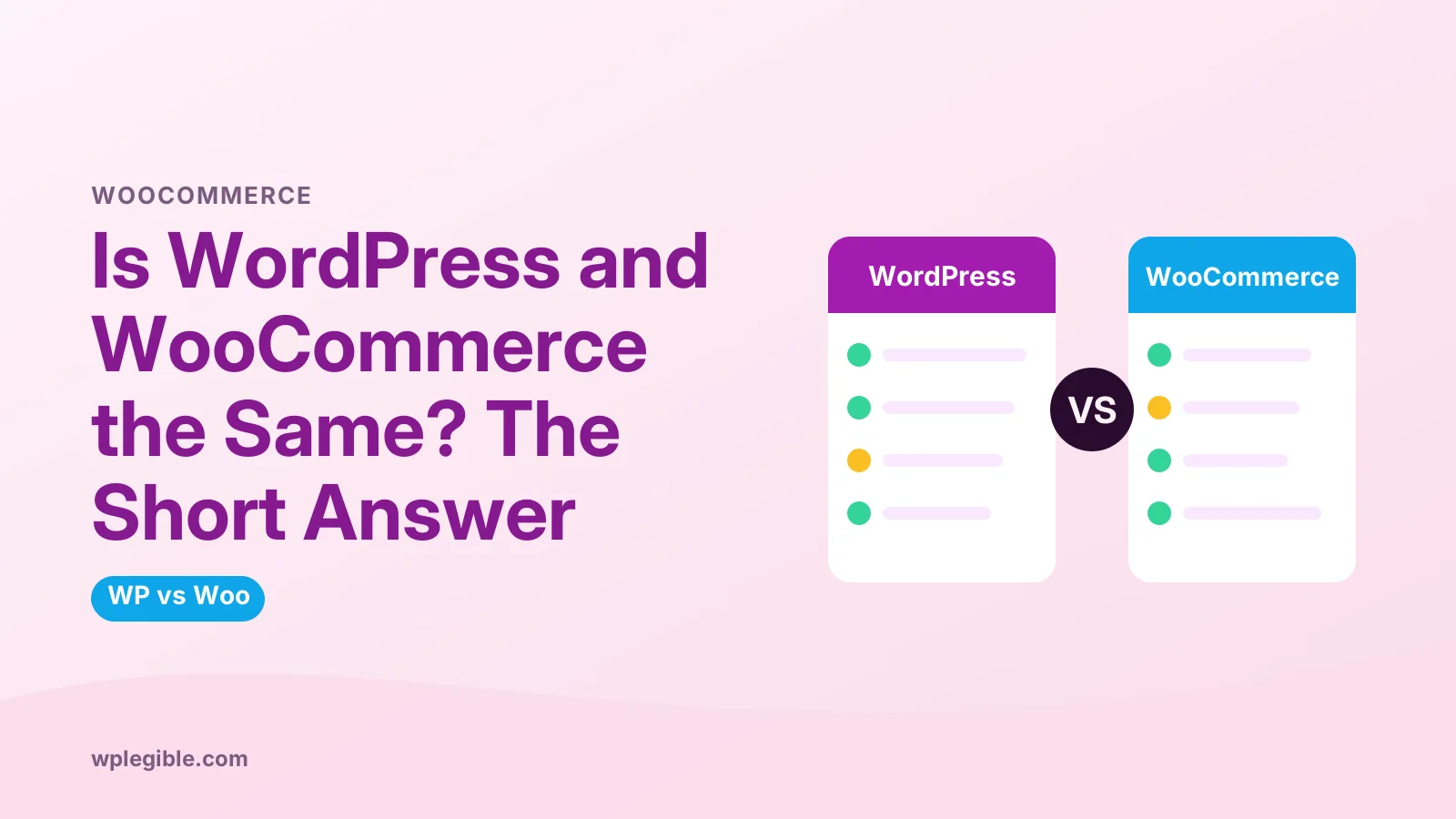
The difference is scope: WordPress manages your whole website and its content, while WooCommerce only handles the store parts, such as products, carts, payments and orders.
| WordPress | WooCommerce | |
|---|---|---|
| What it is | Content management system | Plugin for WordPress |
| Main job | Pages, posts, media, users, design | Products, cart, checkout, orders |
| Works alone? | Yes | No, needs WordPress |
| Cost | Free software | Free plugin |
| Extra costs | Hosting, domain, premium themes or plugins | Payment fees, paid extensions, more hosting power |
| Who uses it | Most kinds of websites | Sites that sell products or services |
Everything WooCommerce adds sits on top of WordPress. Your store pages are WordPress pages, your products are a special post type, and your customers are WordPress users.
How do WordPress and WooCommerce work together?
WooCommerce plugs into WordPress's systems for content, users, themes and plugins, so your blog, pages and store share one dashboard, one design and one login system.
A few examples of how they connect:
- Products are stored much like posts, with extra store data attached
- Customer accounts are WordPress user accounts with a Customer role
- Your WordPress theme controls the look of shop and product pages
- Other plugins, such as SEO or caching plugins, can work on store pages too
This shared setup is the main reason people choose WooCommerce. You can run a blog and a shop on the same site without stitching two systems together.
Developers can extend both with the same tools. WooCommerce uses WordPress hooks, and its developer documentation builds on the same plugin and theme APIs that WordPress uses.
That also means updates matter for both. A WordPress core update can affect WooCommerce, and a WooCommerce update can affect your theme, so test both together.
Our guide on themes vs plugins explains how these two kinds of add-ons divide the work.
Do you need WordPress to use WooCommerce?
Yes, WooCommerce only runs inside WordPress, so you must install WordPress first on hosting that meets WooCommerce's server requirements.
WooCommerce lists its recommended PHP version, memory limit and other needs in its server requirements document. Stores need a bit more power than a simple blog.
On WordPress.com, WooCommerce is available on plans that allow plugins. Check the WordPress.com pricing page for which tiers include it.
Do you need WooCommerce to use WordPress?
No, WordPress works perfectly without WooCommerce, and you only need the plugin if you want to sell products, services or downloads with a cart and checkout.
If you only want to take a simple payment or donation, a lighter payment plugin or a form with payments may be enough.
If you want a real store with a catalog, stock and orders, WooCommerce is the most common choice on WordPress.
Is WooCommerce free like WordPress?
Yes, the WooCommerce plugin itself is free, but running a store adds costs such as hosting, payment processing fees and any paid extensions for shipping, subscriptions or bookings.
WordPress is free software too. In both cases, you pay for things around the software, not the software.
| Cost item | WordPress site | WooCommerce store |
|---|---|---|
| Core software | Free | Free |
| Hosting | Needed | Needed, often a bigger plan |
| Domain | Needed | Needed |
| Payment fees | Not usually | Charged per sale by your gateway |
| Extensions | Optional | Often needed for advanced features |
Our guide on whether WooCommerce is free explains what the free plugin includes.
For real budgets, see how much a WooCommerce store costs, which adds up hosting, fees and extensions.
Why do people confuse WordPress and WooCommerce?
People confuse them because WooCommerce lives inside the WordPress dashboard, both are owned or backed by Automattic, and both have similar names and branding in many tutorials.
The admin areas look alike because WooCommerce follows WordPress's design. Many hosts also sell WooCommerce hosting, which is simply WordPress hosting with WooCommerce pre-installed.
Search results add to the mix-up. A search for a store problem often returns WordPress answers, and the other way round, because the two share so much.
The fastest way to tell them apart on your own site is the dashboard menu. Items such as Posts, Pages, Appearance and Plugins belong to WordPress. Items such as Products and the WooCommerce menu, where you find Orders, belong to the plugin.
The WordPress.org and WordPress.com split adds more confusion. Our guide on whether WordPress is the same as GoDaddy clears up a similar mix-up with hosts.
Is WooCommerce the only way to sell with WordPress?
No, you can also sell with plugins such as Easy Digital Downloads for digital products, membership plugins for subscriptions, or simple payment buttons, but WooCommerce is the most widely used.
Pick based on what you sell:
The right tool depends on your catalog size, how you deliver products and how much control you want over checkout.
- Physical products with shipping: WooCommerce
- Digital downloads or software licenses: a digital-focused plugin may be simpler
- Memberships or courses: a membership or LMS plugin, sometimes alongside WooCommerce
- One or two items: a payment button or form may be enough
If you are weighing WordPress against hosted platforms, see our verdict on whether WordPress is good for eCommerce.
How do you add WooCommerce to a WordPress site?
Go to Plugins > Add New Plugin in your WordPress dashboard, search for WooCommerce, click Install, then Activate, and follow the setup wizard.
The wizard asks for your store address, what you sell and which features you want. You can skip optional extensions and add them later.
For a full walkthrough from hosting to first sale, follow our guide on how to build a WooCommerce website.
Frequently asked questions
Is WooCommerce part of WordPress?
Not by default. WooCommerce is a separate plugin that you install on a WordPress site. It is free and made by Automattic, but WordPress does not include it out of the box. Only sites that want a store need to install it.
Can I use WooCommerce without WordPress?
No. WooCommerce is built as a WordPress plugin and depends on WordPress for content, users, themes and the admin dashboard. If you do not want WordPress, you would need a different eCommerce platform, such as a hosted store builder.
Is WooCommerce owned by WordPress?
WordPress itself is an open-source project, not a company. WooCommerce is owned by Automattic, the company founded by WordPress co-founder Matt Mullenweg, which also runs WordPress.com and Jetpack. That close link is why the two are often mixed up.
Does WooCommerce slow down WordPress?
WooCommerce adds features and database work, so a store needs more server resources than a simple blog. On good hosting with page caching for non-cart pages, a WooCommerce site can still be fast. Cart, checkout and account pages cannot be fully cached, so hosting quality matters.
Can a WordPress site have a blog and a WooCommerce store?
Yes. That is one of the main reasons people choose WooCommerce. Your blog posts, pages and store all live on the same WordPress site, share one theme and one dashboard, and can link to each other easily.
Sources
- About WordPress WordPress.org
- WooCommerce plugin WordPress.org Plugin Directory
- Server Recommendations for Hosting WooCommerce WooCommerce
- WooCommerce Developer Docs WooCommerce
Is your product missing, or something out of date?
Tell us what to add or correct. We read every note and reply when we need a source. A message does not buy a ranking.
Thanks — we review requests within 3 business days.
Related guides
About the editors
Researched from the primary sources listed above and checked against our editorial rules before publishing.