Plugin how-tos · Guide
How to Install Kadence Theme in WordPress (Step by Step)
Short answer
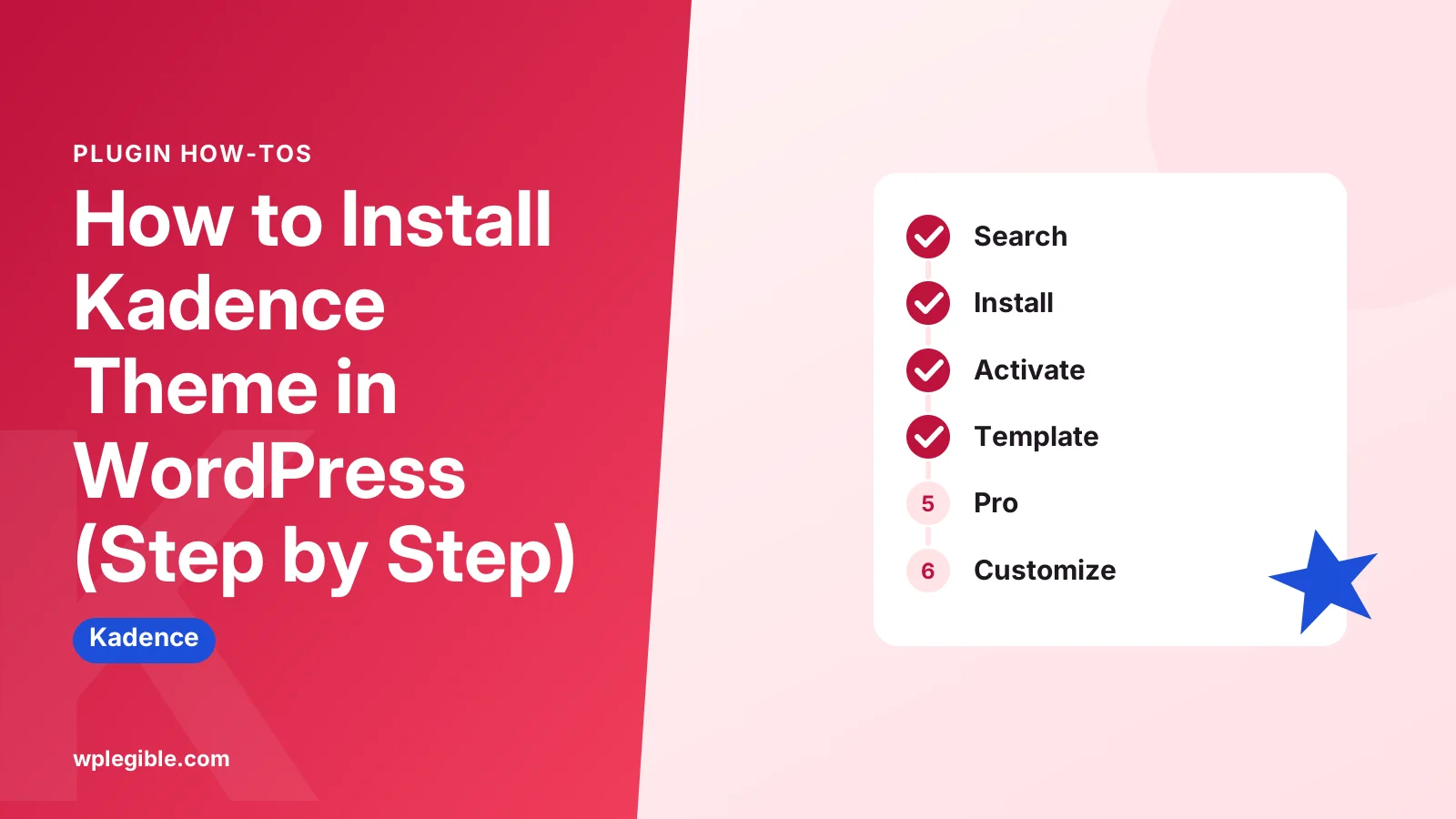
In WordPress, go to Appearance, Themes, Add New Theme and search for Kadence. Click Install, then Activate. You can then add the free Starter Templates plugin for a ready design, and upload Kadence Pro as a plugin if you bought a premium plan.
Key takeaways
- The free Kadence theme installs from Appearance > Themes > Add New Theme.
- Use Upload Theme with the ZIP if the theme directory is blocked.
- Starter Templates by Kadence WP imports full demo designs.
- Kadence Pro is a plugin uploaded on the Plugins screen, not a theme.
- Set up a child theme early only if you plan to edit code.
How do you install the Kadence theme in WordPress?
Go to Appearance > Themes > Add New Theme, search for Kadence, click Install, then click Activate; the free theme comes straight from the WordPress.org directory.
That is the whole core install. It takes under a minute on most hosts.
After that, you can add the free Kadence Starter Templates plugin to import a ready-made design, and the Kadence Pro add-on if you bought a premium plan.
The free theme is listed on the Kadence page in the WordPress.org theme directory, which is the same source your dashboard installs from.
What do you need before installing Kadence?
You need a self-hosted WordPress site, an administrator login, a recent WordPress and PHP version, and a backup if the site already has content.
Short checklist:
- Admin access. Only administrators can install and switch themes.
- Current WordPress. Update WordPress first so the theme installs without compatibility warnings.
- A backup. Switching themes changes the design right away, and some widgets or menus may need reassigning.
- A plan for page building. Kadence works with the block editor and with page builders, so decide which you will use.
If you are still deciding, our explainer on what Kadence does covers the theme's main features.
Our guide on is Kadence free explains what the paid plans add.
WordPress hosted on WordPress.com free plans cannot install custom themes from this screen. Kadence needs a plan or host that allows theme installs.
How do you install Kadence from the dashboard?
Open Appearance > Themes, click Add New Theme, type Kadence in the search box, click Install on the theme by Kadence WP, then click Activate.
Steps:
- Log in to your WordPress dashboard.
- Go to Appearance > Themes.
- Click Add New Theme at the top of the screen.
- Type Kadence into the search field.
- Hover over the Kadence theme and click Install.
- When the button changes, click Activate.
Your site now uses Kadence. The front end will look plain until you add a starter template or customize it.
That plain look is on purpose. Kadence ships with a light default style so it loads fast and gets out of your way while you design.
WordPress documents the themes screen and its buttons in its Work with themes guide.
Use Live Preview before Activate if you want to look first on a live site. The preview does not change what visitors see.
How do you install Kadence by uploading a ZIP file?
Download the theme ZIP, go to Appearance > Themes > Add New Theme > Upload Theme, choose the file, click Install Now, then Activate.
This route is useful when your host blocks the theme directory or when you want a specific version.
Steps:
- Download the Kadence ZIP from the WordPress.org theme page.
- Go to Appearance > Themes > Add New Theme.
- Click Upload Theme.
- Choose the ZIP file and click Install Now.
- Click Activate.
Do not unzip the file first. WordPress expects the ZIP as it was downloaded.
If the upload fails with a size error, your server's upload limit may be too low. Our guide to fixing the HTTP error when uploading explains the common server limits.
You can also upload the unzipped folder to wp-content/themes over FTP or your host's file manager, then activate it from the Themes screen.
Should you install the Kadence Starter Templates plugin?
Install Kadence Starter Templates if you want a complete demo design to start from; skip it if you prefer to build your own layout from a blank theme.
After you activate Kadence, the dashboard usually shows a notice offering starter templates. You can also install the plugin from Plugins > Add New Plugin.
The Kadence Starter Templates plugin lets you browse full site designs and import them with one click.
Steps:
- Install and activate Starter Templates by Kadence WP.
- Go to Appearance > Kadence (or the Starter Templates screen the plugin adds).
- Pick a builder: the block editor or a page builder such as Elementor.
- Choose a design and preview it.
- Choose whether to import the full site or single pages, then start the import.
The importer may install extra plugins, such as Kadence Blocks, that the design needs. Our guide on using Kadence Blocks explains that plugin.
On a site with existing content, import single pages rather than the full site. A full import adds demo pages, menus and settings.
How do you install Kadence Pro?
Kadence Pro is a plugin, not a separate theme, so you upload its ZIP under Plugins > Add New Plugin > Upload Plugin and then add your license key.
This is where people often go wrong. Uploading the Pro file on the Themes screen will fail because it is not a theme.
General steps:
- Keep the free Kadence theme installed and active.
- Download the Kadence Pro ZIP from your Kadence account.
- Go to Plugins > Add New Plugin > Upload Plugin.
- Upload the ZIP and click Activate.
- Enter your license key in the Kadence dashboard screen when prompted.
- Turn on the Pro modules you want to use.
Exact screen names can change between versions, so check the Kadence Help Center if a menu looks different.
For the current price of each plan, see our breakdown of what Kadence costs.
Do you need a Kadence child theme?
You only need a child theme if you plan to edit theme files or add custom PHP; Customizer changes, global colors and block designs are saved safely without one.
Kadence stores most design choices in the database. Those survive theme updates.
A child theme protects code changes, such as custom template files or functions. Without one, a theme update overwrites your edits.
Our guide on what a child theme is explains how they work. WordPress also covers the structure in its child themes handbook.
If you do need one, set it up before you start customizing. Switching to a child theme later can reset some theme settings.
What should you set up right after installing Kadence?
Set your global colors and fonts, build the header and footer, reassign menus and widgets, then check the site on mobile.
A short first-hour list:
| Task | Where to find it |
|---|---|
| Global colors and fonts | Appearance > Customize > Colors and Typography |
| Header layout and logo | Appearance > Customize > Header |
| Footer layout | Appearance > Customize > Footer |
| Menus | Appearance > Menus or the header builder |
| Post and page layouts | Appearance > Customize > Posts/Pages Layout |
| Starter design | Starter Templates screen |
The Customizer previews every change before you publish it. Changes are not live until you click Publish.
You can also save a draft or schedule changes from the Publish button menu. That is handy if you want to finish the header and footer before visitors see the new look.
If you are switching from another theme, check your old widget areas under Appearance > Widgets. Widgets placed in areas that Kadence does not have move to the inactive list, and you can drag them back into Kadence's sidebar or footer areas.
For fonts, our guide on changing the theme font in Kadence goes step by step.
For everything else, see our full guide on how to use the Kadence theme.
Why won't Kadence install or activate?
Install problems usually come from a blocked connection to WordPress.org, a low upload limit, an outdated PHP or WordPress version, or uploading the wrong ZIP file.
Check these causes:
- Search shows nothing. Your host may block the theme directory. Use the ZIP upload method instead.
- The package could not be installed. You may have uploaded the Pro plugin ZIP on the Themes screen, or a ZIP inside a ZIP. Use the correct file.
- Requires a newer version. Update WordPress and ask your host to move to a supported PHP version. The PHP supported versions page shows which branches still get security fixes.
- Upload size errors. Raise the upload limit or install over FTP.
- The site looks broken after activating. Clear your cache plugin and CDN, then reload.
If you see a white screen, turn on logging with our guide to enabling debug mode and read the first error.
Frequently asked questions
Is the Kadence theme free to install?
Yes. The core Kadence theme is free in the WordPress.org theme directory, and so is the Starter Templates plugin. Paid plans add the Kadence Pro plugin with extra header elements, hooks and other features.
Will installing Kadence delete my content?
No. Switching themes does not delete posts, pages or media. Your design, widget areas and menu locations may change, so check menus and widgets after activating and take a backup first.
Can I install Kadence on WordPress.com?
Only on WordPress.com plans that allow third-party themes. Free and lower plans limit you to the themes WordPress.com provides. Self-hosted WordPress sites can install Kadence on any plan.
Do I need Kadence Blocks to use the theme?
No. The theme works on its own with the block editor or a page builder. Kadence Blocks is a separate free plugin that adds layout blocks, and many starter templates install it automatically.
Where do I enter my Kadence Pro license key?
After you upload and activate the Kadence Pro plugin, the Kadence dashboard screen in your admin area asks for the license key. Paste the key from your Kadence account and activate it to get updates.
Sources
- Kadence theme WordPress.org
- Starter Templates by Kadence WP WordPress.org
- Kadence Help Center Kadence WP
- Work with themes WordPress.org
- Child themes WordPress Developer Resources
Is your product missing, or something out of date?
Tell us what to add or correct. We read every note and reply when we need a source. A message does not buy a ranking.
Thanks — we review requests within 3 business days.
Related guides

About the editors
Researched from the primary sources listed above and checked against our editorial rules before publishing.